On this page
Designers spend more time picking fonts than most people realise, and the wrong licence can cost more. The best font tools for designers pair big libraries with honest licences, so a typeface works in client work. Font Awesome Solo is our first pick — the best-known icon library, with more than 65,000 icons in 36 styles. The seven tools below range from a $3 font manager to an enterprise library, with every price checked on the vendor site on November 25, 2026. Most offer a free plan or trial, so test each one on a real project first.
How we researched this
We started with the font tools designers actually buy for icons, libraries and management, then read each price on the vendor pricing page on November 25, 2026 and noted the licence terms and free plans each tier carries. We judged them for a working designer who picks fonts every week and needs licences that hold up in client work. We kept the list to tools with a published price, and we dropped any tool whose price we could not verify on its own site.
Compare the tools
| Name | Best for | Starting price | Free plan | |
|---|---|---|---|---|
 Font Awesome Solo | Designers who need a huge icon library in many styles | $96/year | Free plan | Visit |
 FontBase Awesome | Solo designers who want fast font management on any system | $3/month | Free plan | Visit |
 RightFont | Mac designers who want a one-time font manager licence | $59 one-time | 15-day free trial | Visit |
 Envato Elements Core | Designers who need fonts plus stock assets in one plan | $16.50/month | No free plan | Visit |
 Adobe Fonts | Designers already paying for Creative Cloud | $69.99/month | Free plan | Visit |
 IcoMoon Ultimate | Designers who build custom icon fonts | $59 one-time | Free plan | Visit |
 Monotype Fonts | Larger teams that need licensed fonts at scale | See website | Free trial | Visit |
The font tools, compared
1. Font Awesome Solo
Best for: Designers who need a huge icon library in many styles
Paid tool Starting price: $96/year · Solo plan, per year; Starter is $48 a year (CDN only) and Team is $192 a year for 3 seats
Free plan: Free plan
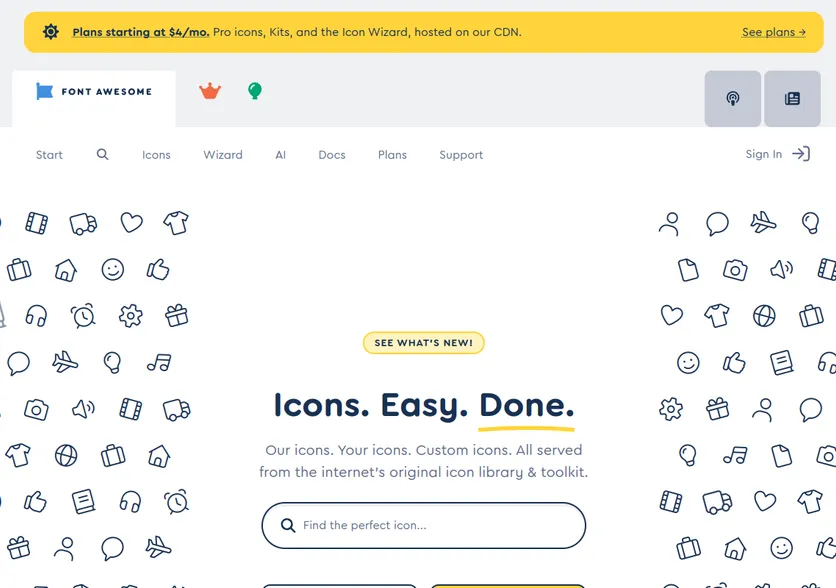
Font Awesome Solo is the icon library most designers reach for first, because its icons already appear on millions of sites. This Font Awesome Solo plan unlocks more than 65,000 icons in 36 styles, plus downloads, npm access and a Figma plugin. It is the safest default for a designer who needs icons that match any project.
What we like
- More than 65,000 icons in 36 styles
- Downloads, npm and Figma plugin included
- Perpetual licence keeps icons from your subscription
Watch out for
- Cheapest plan is CDN only, no downloads
- Monthly plans stop working when you cancel
How to try it
- Open the Font Awesome plans page and pick the Solo plan
- Search the library for the icon your design needs
- Download the SVG or add it through the Figma plugin
2. FontBase Awesome
Best for: Solo designers who want fast font management on any system
Paid tool Starting price: $3/month · Awesome plan, per user per month; $29 a year on annual billing; $180 lifetime licence also sold
Free plan: Free plan
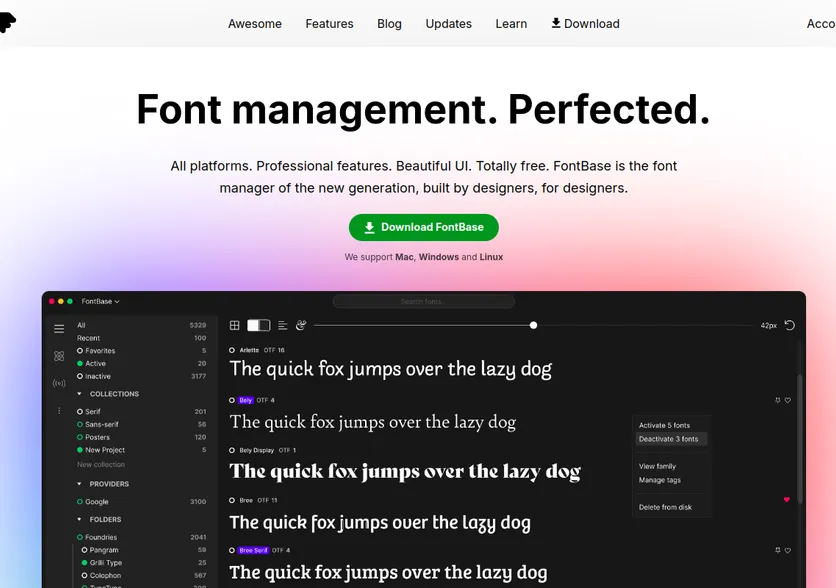
FontBase Awesome is the cheapest font manager here, and it runs on Mac, Windows and Linux. This FontBase Awesome plan adds auto-activation in design apps, full glyph access and font licence tracking to the free manager. It is the best pick for a solo designer who wants fast font previews without a big bill.
What we like
- Cheapest font manager on this list
- Runs on Mac, Windows and Linux
- Fast previews with collections and folders
Watch out for
- Aimed at solo use, not large teams
- Fewer business controls than enterprise tools
How to try it
- Open the FontBase pricing page and start the Awesome trial
- Add a watched folder with your font collection
- Turn on auto-activation for Photoshop and Illustrator
3. RightFont
Best for: Mac designers who want a one-time font manager licence
Paid tool Starting price: $59 one-time · Single-device licence, one-time purchase with one year of updates and support
Free plan: 15-day free trial
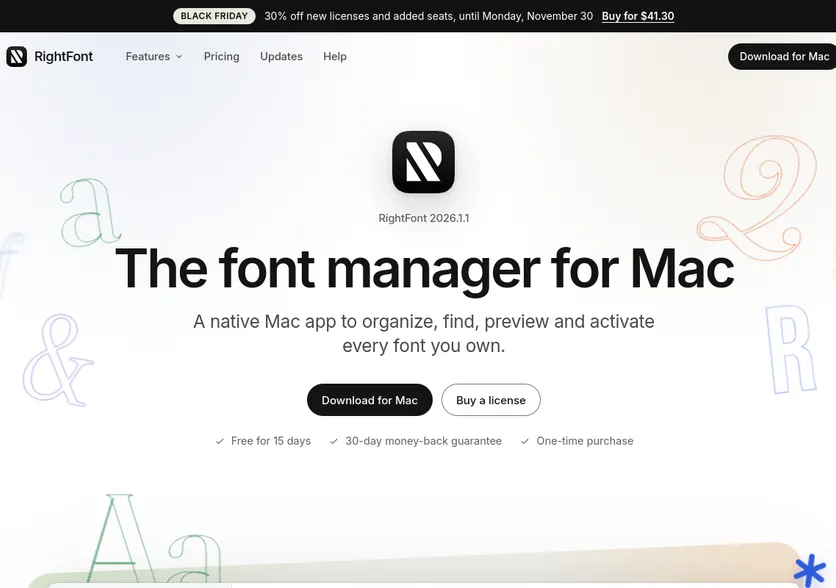
RightFont is the Mac font manager for designers who want a one-time licence and no subscription. This RightFont plan organises fonts into libraries, auto-activates missing fonts in more than 25 apps and syncs through cloud drives. It is the best fit for a Mac-based designer who wants to own the tool outright.
What we like
- One-time purchase, no subscription to track
- Auto-activation in more than 25 design apps
- Libraries sync through iCloud or Dropbox
Watch out for
- Mac only, so mixed teams cannot standardise on it
- No free plan, only a short trial
How to try it
- Open the RightFont site and start the 15-day trial
- Import your fonts and sort them into libraries
- Open a design app and let it auto-activate the missing font
4. Envato Elements Core
Best for: Designers who need fonts plus stock assets in one plan
Paid tool Starting price: $16.50/month · Core plan, per month on annual billing ($198 a year); $39 a month month-to-month
Free plan: No free plan
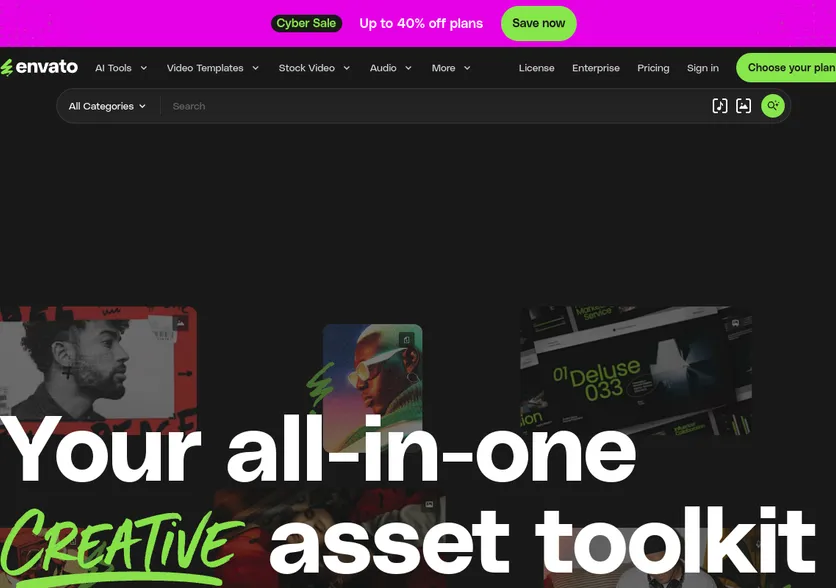
Envato Elements Core is the subscription library for designers who need fonts plus stock assets in one plan. This Envato Elements Core plan covers unlimited font downloads alongside millions of stock photos, templates and graphics. It is the best value for a designer who uses stock assets every week as well as fonts.
What we like
- Unlimited font downloads on the Core plan
- Millions of stock assets in the same subscription
- Commercial licence covers client work
Watch out for
- Monthly billing costs more than double the annual rate
- Font library is thinner than a specialist foundry
How to try it
- Open the Envato Elements pricing page and pick the Core plan
- Search the font library for the style your project needs
- Download the font and the stock photos for the same design
5. Adobe Fonts
Best for: Designers already paying for Creative Cloud
Paid tool Starting price: $69.99/month · Creative Cloud Pro, per month on annual billing; includes Adobe Fonts plus Photoshop, Illustrator and more
Free plan: Free plan
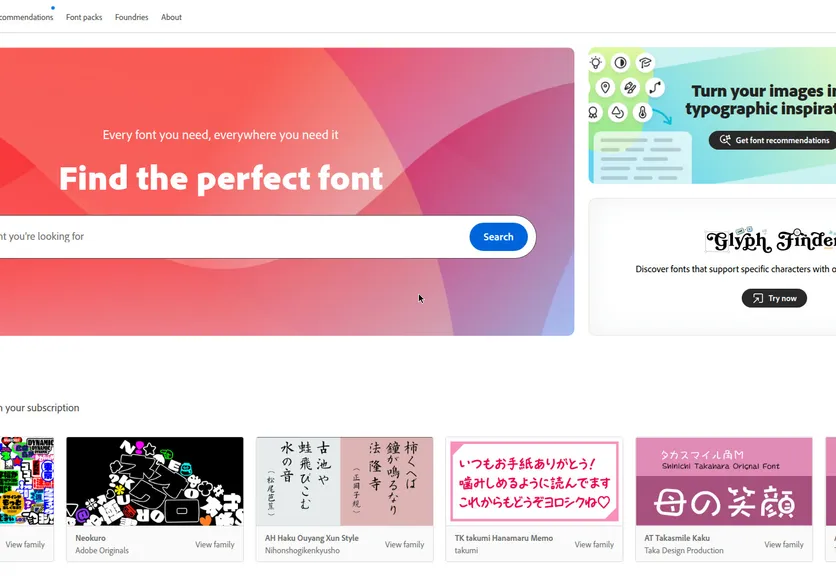
Adobe Fonts is the font library bundled with Creative Cloud, and it is the highest-leverage path for designers already in Adobe apps. This Adobe Fonts library covers thousands of fonts for commercial use while the subscription is active. It is the best pick for a designer who already pays for Creative Cloud and wants fonts at no extra cost.
What we like
- Included with every Creative Cloud subscription
- Thousands of fonts from premium foundries
- Commercial use covered while subscribed
Watch out for
- No standalone price, it needs a Creative Cloud plan
- Fonts stop working if the subscription lapses
How to try it
- Open the Adobe Fonts library and sign in with your Adobe account
- Browse the library and activate the fonts you need
- Open Photoshop or Illustrator and the fonts are ready to use
6. IcoMoon Ultimate
Best for: Designers who build custom icon fonts
Paid tool Starting price: $59 one-time · Ultimate pack, one-time purchase
Free plan: Free plan
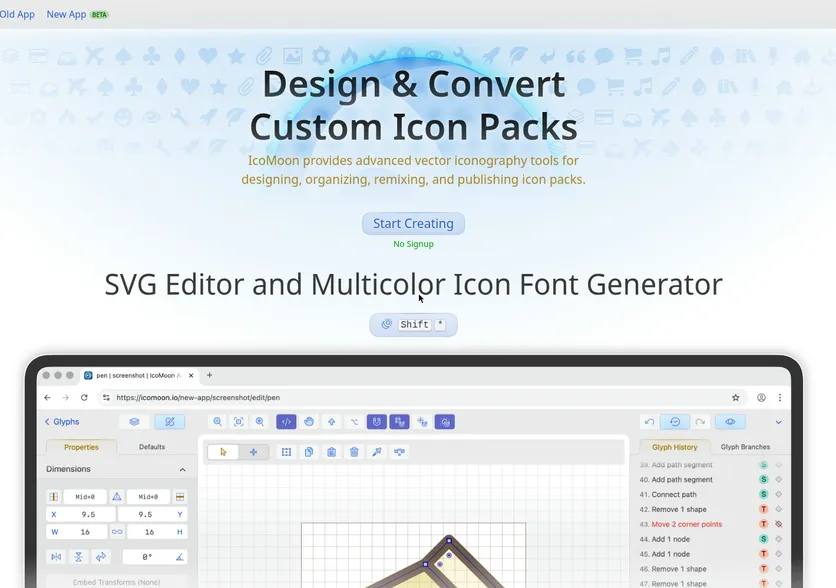
IcoMoon is the icon font builder for designers who want a custom icon set, not a stock library. This IcoMoon Ultimate pack turns SVGs into icon fonts with the exact glyphs a project needs. It is the best fit for a designer who builds icon sets for apps and sites and wants a one-time purchase.
What we like
- Builds a custom icon font from your own SVGs
- One-time purchase, no subscription
- Free plan covers small icon sets
Watch out for
- Built for icon fonts, not full font libraries
- Learning curve for a first-time font build
How to try it
- Open the IcoMoon app and start with the free plan
- Upload your SVGs or pick icons from the free library
- Generate the font and download it for your project
7. Monotype Fonts
Best for: Larger teams that need licensed fonts at scale
Paid tool Starting price: See website · Enterprise pricing quoted by sales; no published plan price
Free plan: Free trial
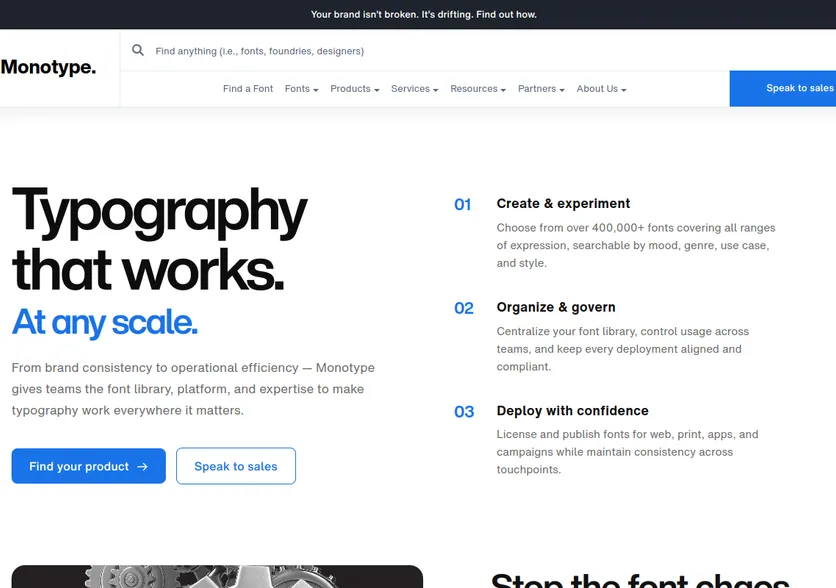
Monotype Fonts is the enterprise font library for teams that need licensed fonts at scale. This Monotype Fonts plan gives access to a huge catalogue with licence tracking and team controls. It is the best pick for a larger team that needs font licensing handled properly.
What we like
- Huge catalogue from major foundries
- Licence tracking built for teams
- Team controls for large organisations
Watch out for
- No published price, so budgeting needs a sales call
- Overkill for a solo designer
How to try it
- Open the Monotype Fonts page and request a quote
- List the fonts your team uses most and their licence needs
- Set up team access and licence tracking with the sales team
Prices above were checked on each vendor’s own website on Nov 14, 2026 and can change — the vendor’s page is the final word. Vendor links are editorial: nobody paid to be listed or ranked here. Vendors who want a featured listing can see how it works on our Get listed page.
What font tools cost in 2026
Price is the first filter, and the range on this list runs from about $3 a month to about $70 a month. The cheapest plans are not always the cheapest deal, because one-time licences, per-seat pricing and monthly billing change what a designer really pays. The table below uses the headline plan each vendor shows on its own pricing page, checked on November 25, 2026.
Before you buy
- Read the licence before you buy: Envato Elements Core covers commercial use in client work, while Kittl's free plan is personal use only.
- Compare one-time and subscription costs over three years: RightFont and IcoMoon Ultimate both cost $59 once, while FontBase Awesome is $3 a month.
- Check the platform: RightFont is Mac only, so a mixed team cannot standardise on it, while FontBase runs on Mac, Windows and Linux.
- Check what the cheapest tier leaves out: Font Awesome Starter is CDN only with no downloads, and Adobe Fonts stops working if the Creative Cloud subscription lapses.
- Ask about the price before you budget: Monotype Fonts publishes no plan price, so its cost needs a sales call, while every other tool here lists a price.
Official websites
Official websites of the products reviewed above. Features and prices were checked against these sites when this guide was written, and they can change, so confirm on the vendor site before you buy.
Frequently asked questions
Which font tool is best for designers in 2026?
Font Awesome Solo, at about $96 a year, is the safest default because its icon library is the largest here and works everywhere. FontBase Awesome is the cheapest manager at about $3 a month, and RightFont is the best one-time buy at $59. Pick the one that matches whether you need icons, management or both.
What is the cheapest font tool for designers?
FontBase Awesome, at about $3 a month, is the cheapest paid plan here and runs on Mac, Windows and Linux. RightFont is a $59 one-time purchase that costs less than two years of most subscriptions. Both have free options, so start free and pay only when the paid features start to matter.
Can I try font tools before paying?
Yes, most of them do. Font Awesome, FontBase, Adobe Fonts and IcoMoon all have free plans with limits, while RightFont offers a 15-day free trial and Monotype Fonts offers a trial through sales. Test each one on a real project before you pay.
Which font tool is best for managing fonts?
FontBase Awesome is the best pick for most designers, since it is fast, cheap and cross-platform. RightFont is the better choice for a Mac-only designer who wants a one-time licence and auto-activation in more than 25 apps. Both beat digging through system font folders by hand.
Do I need to pay extra for fonts if I use Adobe apps?
No, Adobe Fonts is included with every active Creative Cloud subscription at no extra cost. If you already pay for Creative Cloud Pro at about $69.99 a month, the font library is already yours. A free Adobe Fonts tier also exists with more than 5,000 fonts.
See every font tool on Toolsvine.
Browse Font Tools tools