On this page
Your app has to work on every phone, browser and screen size your users own. They cover real devices in the cloud, live browser testing and hardware diagnostics on your own machine. Prices run from fifteen dollars a month to sixty-six dollars once, and most offer a free plan or a free trial. We compared seven device testing tools on price, real devices, browsers and free access, with every price checked on the vendor's own site on November 25, 2026. LambdaTest Virtual Live is our first pick, the cheapest cloud testing here at fifteen dollars a month per session.
How we researched this
We started with the device testing tools developers and QA teams actually pay for, then read each price on the vendor's own site on November 25, 2026 and noted the free plan or trial each one offers. We judged them for a team that ships to real phones and browsers every week, and we kept the list to tools with a published price and a free way to start.
Compare the tools
| Name | Best for | Starting price | Free plan | |
|---|---|---|---|---|
 BrowserStack Live Desktop | Teams that want the biggest real-device cloud | $29/month | Free trial | Visit |
 LambdaTest Virtual Live | Teams that want cloud testing for about half the price | $15/month | Free plan | Visit |
 Sauce Labs Live Testing | Enterprise teams that automate tests and want live sessions too | $39/month | 28-day free trial | Visit |
 Kobiton Startup | Mobile teams that want scriptless automation on real devices | $83/month | 15-day free trial | Visit |
 TestGrid Manual Testing | Small teams that want manual and automated testing together | $25/month | Free plan | Visit |
 PassMark PerformanceTest | Anyone who wants to benchmark their own PC's hardware | $39 one-time | Free plan | Visit |
 AIDA64 Extreme | Anyone diagnosing a slow PC before buying new hardware | $65.95 one-time | 30-day free trial | Visit |
The device testing tools, compared
1. BrowserStack Live Desktop
Best for: Teams that want the biggest real-device cloud
Paid tool Starting price: $29/month · Live Desktop, $29/month per user billed annually ($39 month-to-month); Live Desktop & Mobile $39/month; Freelancer $12.50/month annual ($19 monthly, 100 minutes, 1 user)
Free plan: Free trial
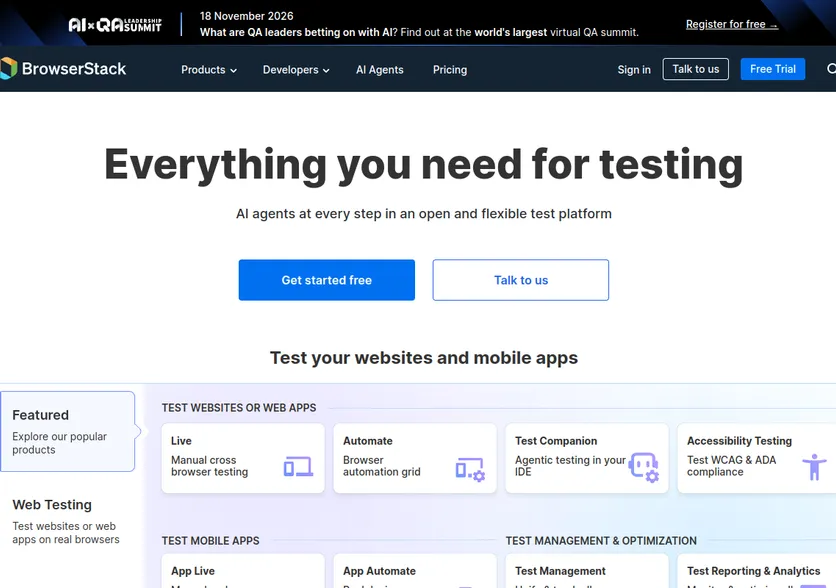
BrowserStack is the biggest real-device cloud, with thousands of phones, tablets and browsers you can test on from your own desk. This BrowserStack Live Desktop plan adds live interactive testing on real devices and desktops, with screenshots and debugging built in. It is the standard most teams compare against, and the Freelancer plan covers solo developers for about thirteen dollars a month.
What we like
- The biggest real-device cloud here
- Live testing with screenshots and debugging
- Freelancer plan for solo developers
Watch out for
- Per-user pricing adds up fast for a team
- Monthly billing costs more than the annual rate
How to try it
- Open browserstack.com and start a free trial
- Pick a real device and open your site on it
- Upgrade to Live Desktop for live testing and debugging
2. LambdaTest Virtual Live
Best for: Teams that want cloud testing for about half the price
Paid tool Starting price: $15/month · Virtual Live, $15/month per parallel session billed annually ($19 month-to-month); ChromeOS Live $29/month; Real Device Plus Live $39/month; free plan exists (5 real-device sessions a month, 2-minute sessions)
Free plan: Free plan
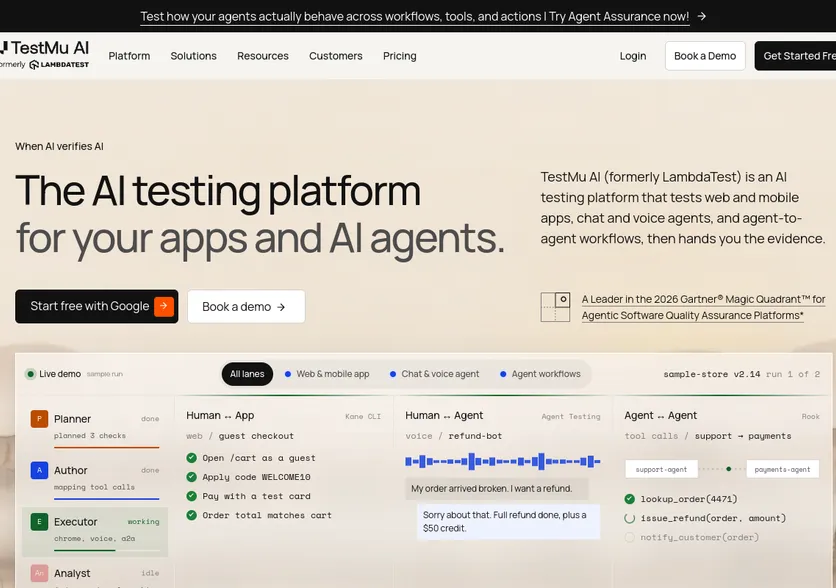
LambdaTest is the cheaper cloud testing platform, with live sessions on real devices and browsers at about half the price of the bigger clouds. This LambdaTest Virtual Live plan adds live testing on virtual devices, with screenshots and video recordings of every session. The company rebranded to TestMu AI in 2026, but the testing platform and prices are the same.
What we like
- The cheapest cloud testing here
- Live sessions with screenshots and video
- Free plan with real-device sessions
Watch out for
- Rebranded to TestMu AI, the old name is going away
- Free sessions are capped at two minutes
How to try it
- Open lambdatest.com and start the free plan
- Run a live session on a virtual device
- Upgrade to Virtual Live for more parallel sessions
3. Sauce Labs Live Testing
Best for: Enterprise teams that automate tests and want live sessions too
Paid tool Starting price: $39/month · Live Testing, $39/month billed annually ($49 month-to-month); Virtual Device Cloud $149/month; Real Device Cloud $199/month; 28-day trial, no credit card
Free plan: 28-day free trial
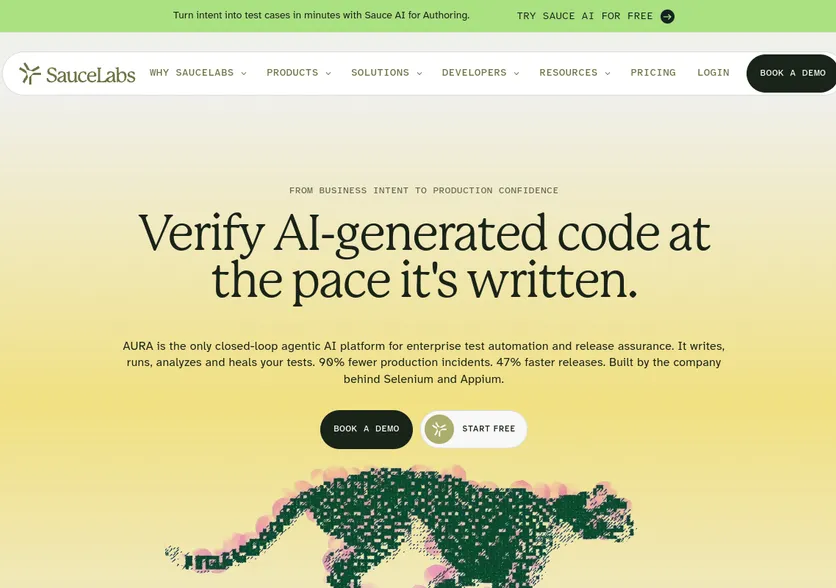
Sauce Labs is the enterprise testing cloud, with live and automated testing on real devices, emulators and browsers. This Sauce Labs Live Testing plan adds live interactive sessions with debugging, plus a 28-day trial that needs no credit card. It suits teams that already automate tests and want live sessions on the same platform.
What we like
- Live and automated testing on one platform
- 28-day trial with no credit card
- Real devices, emulators and browsers
Watch out for
- Built for teams, overkill for solo developers
- Real device cloud costs far more than live testing
How to try it
- Open saucelabs.com and start the 28-day free trial
- Run a live session on a real device
- Upgrade to Live Testing for ongoing access
4. Kobiton Startup
Best for: Mobile teams that want scriptless automation on real devices
Paid tool Starting price: $83/month · Startup, $83/month (500 testing minutes a month); Accelerate $399/month (3,000 minutes); Scale $9,000/year (7,500 minutes a month); Enterprise quoted; 15-day free trial
Free plan: 15-day free trial
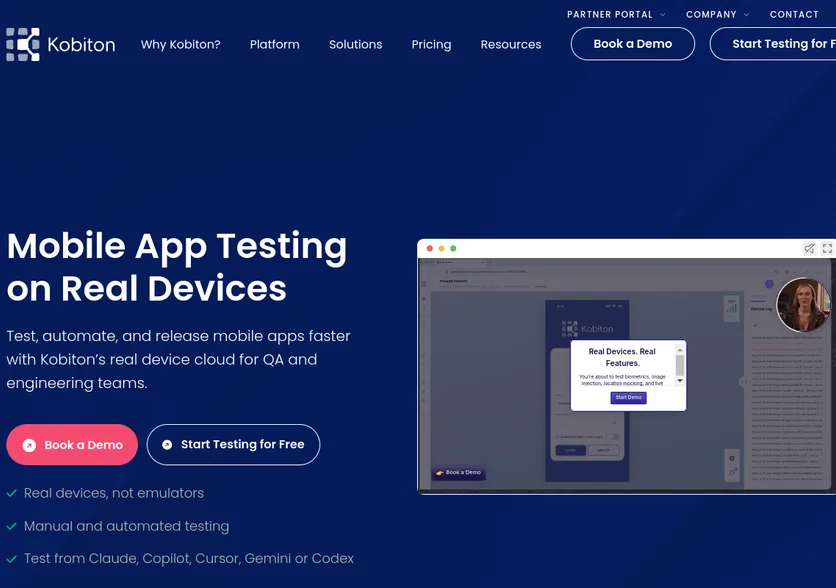
Kobiton is the real-device cloud built for mobile teams, with scriptless automation and AI that writes test scripts from your taps. This Kobiton Startup plan adds 500 testing minutes a month on real devices, with manual and automated testing in one place. It is the most expensive starter plan here, but it is the only one with scriptless mobile automation.
What we like
- Scriptless automation for mobile apps
- Real devices, not emulators
- AI writes test scripts from your taps
Watch out for
- The most expensive starter plan here
- Minutes run out fast on heavy testing
How to try it
- Open kobiton.com and start the 15-day free trial
- Tap through your app on a real device
- Upgrade to Startup for 500 testing minutes a month
5. TestGrid Manual Testing
Best for: Small teams that want manual and automated testing together
Paid tool Starting price: $25/month · Manual Testing, $25/month (5 users, 1 parallel test); End-to-End Automation $99/month; Private Dedicated from $30/month; Freemium plan free (200 minutes a month)
Free plan: Free plan
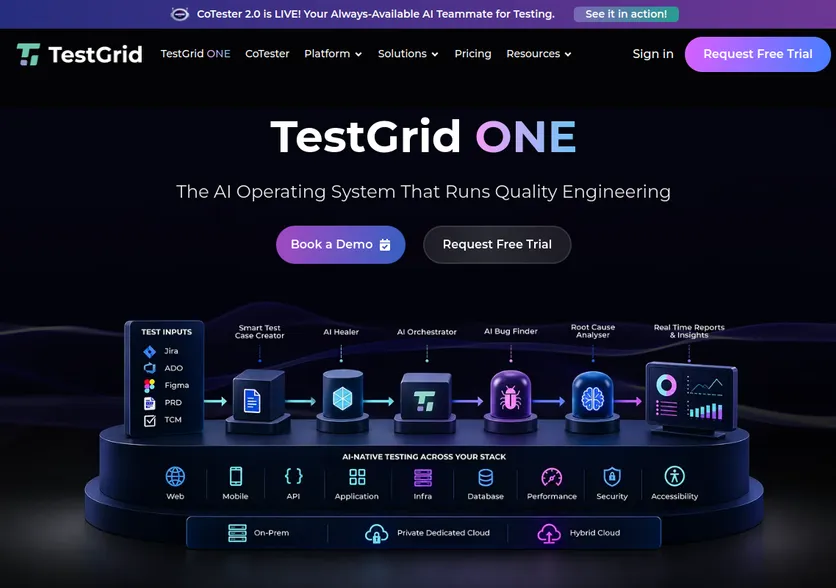
TestGrid is the all-in-one testing platform, with manual testing, automation and performance testing under one roof. This TestGrid Manual Testing plan adds five users and one parallel test, with a free tier that covers 200 minutes a month. It is the best pick here for a small team that wants manual and automated testing together.
What we like
- Manual, automated and performance testing in one place
- Free tier with 200 minutes a month
- Five users on the starter plan
Watch out for
- Newer AI packages cost far more than the manual plan
- Verify the manual plan on the vendor site before buying
How to try it
- Open testgrid.io and start the free tier
- Run a manual test on a real device
- Upgrade to Manual Testing for five users and parallel tests
6. PassMark PerformanceTest
Best for: Anyone who wants to benchmark their own PC's hardware
Paid tool Starting price: $39 one-time · Advanced license, $39 one-time (single user, 12 months of support and updates); standard tests free; upgrades $23
Free plan: Free plan
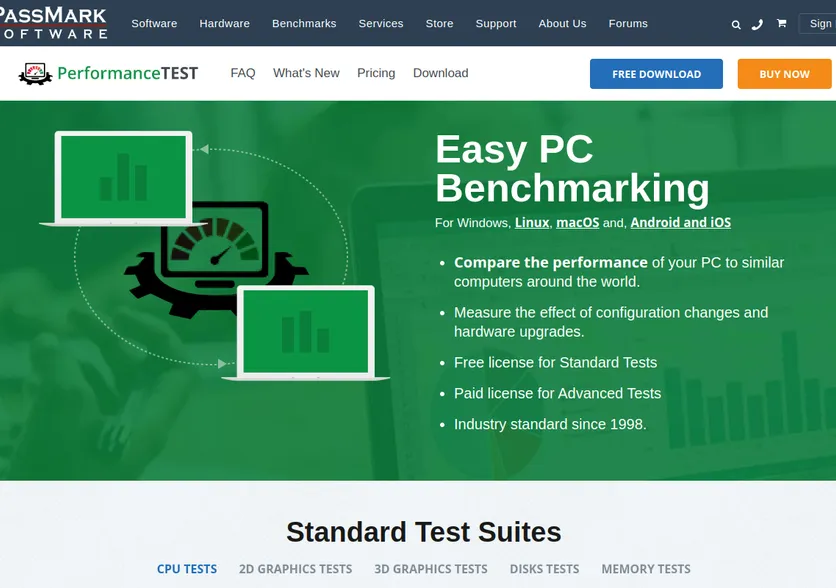
PassMark PerformanceTest benchmarks your own PC, measuring the CPU, graphics, memory and disks against millions of other machines. This PassMark PerformanceTest Advanced licence costs thirty-nine dollars once and includes a year of support and updates. It is the best pick here for testing hardware you own, not apps in the cloud.
What we like
- Benchmarks your PC against millions of others
- One-time price, no subscription
- Standard tests are free
Watch out for
- Windows only, no Mac version
- The old $29 price is stale, it now costs $39
How to try it
- Download PerformanceTest from passmark.com
- Run the standard tests for free
- Buy the Advanced licence for the full test suite
7. AIDA64 Extreme
Best for: Anyone diagnosing a slow PC before buying new hardware
Paid tool Starting price: $65.95 one-time · Extreme, $65.95 one-time (US store total for up to 3 home PCs, 1 year of updates); 30-day free trial
Free plan: 30-day free trial
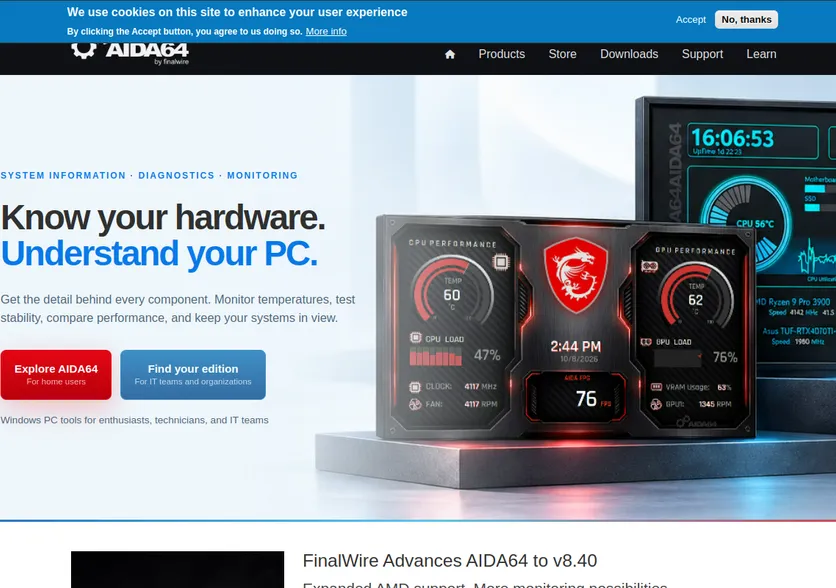
AIDA64 is the system information and diagnostics tool that tells you everything about your PC, from temperatures to memory timings. This AIDA64 Extreme licence covers up to three home PCs for a one-time price, with a year of updates and a 30-day free trial. It is the best pick here for diagnosing a slow machine before you buy new hardware.
What we like
- Everything about your PC in one place
- Covers up to three home PCs
- 30-day free trial
Watch out for
- US and EU store prices differ, check the US store
- One year of updates only, then you pay again
How to try it
- Download AIDA64 Extreme from aida64.com
- Run the 30-day free trial and check your system
- Buy the licence to cover up to three home PCs
Prices above were checked on each vendor’s own website on Nov 14, 2026 and can change — the vendor’s page is the final word. Vendor links are editorial: nobody paid to be listed or ranked here. Vendors who want a featured listing can see how it works on our Get listed page.
What device testing software costs in 2026
Price is the first filter, and the range is wide. The cheapest cloud plan here costs fifteen dollars a month, the most expensive starter plan costs eighty-three dollars a month, and two tools sell one-time licences instead. The table below uses the headline price each vendor shows on its own pricing page, checked on November 25, 2026. Cloud plans bill per user or per session, so the real cost depends on your team size. LambdaTest Virtual Live costs $15 a month per parallel session billed annually, while BrowserStack Live Desktop costs $29 a month per user.
Before you buy
- Count the seats before you buy, because BrowserStack bills per user and a five-person team pays five times the headline price.
- Check the minutes, because Kobiton Startup covers 500 testing minutes a month and heavy use costs more.
- Start on the free tier, because LambdaTest and TestGrid both offer free plans that already cover real devices.
- Match the tool to the job, because PassMark PerformanceTest benchmarks your own PC while cloud tools test apps.
- Note the rebrand, because LambdaTest is now TestMu AI, though the platform, plans and prices stay the same.
Official websites
Official websites of the products reviewed above. Features and prices were checked against these sites when this guide was written, and they can change, so confirm on the vendor site before you buy.
Frequently asked questions
Which device testing software is best in 2026?
LambdaTest Virtual Live, at $15 a month per parallel session billed annually, is the cheapest cloud testing here, and it has a free plan with real-device sessions. BrowserStack is the biggest cloud and the standard most teams compare against. PassMark PerformanceTest costs $39 once and is the best pick when you want to test your own PC, not an app in the cloud.
What is the cheapest device testing software?
LambdaTest Virtual Live, at $15 a month billed annually, is the cheapest cloud plan here. TestGrid Manual Testing costs $25 a month and covers five users. PassMark PerformanceTest costs $39 once and AIDA64 Extreme costs $65.95 once, so the one-time tools are cheaper than a single month of the cloud platforms after a few months.
What happened to LambdaTest?
LambdaTest rebranded to TestMu AI in January 2026, and lambdatest.com now redirects to the new brand. The testing platform, plans and prices are the same, and the homepage now says TestMu AI, formerly LambdaTest. The old links still work, but the brand is changing, so expect the LambdaTest name to fade.
Can I try device testing tools for free?
Yes, most of them. LambdaTest and TestGrid both offer free plans, BrowserStack and Sauce Labs offer free trials, and PassMark lets you run the standard tests free. Kobiton offers a 15-day free trial and AIDA64 offers a 30-day free trial. Start free and pay only when the limits get in your way.
Should I test on real devices or emulators?
Real devices, because emulators cannot catch every bug. A real phone shows the true touch behavior, battery drain and camera quirks that an emulator hides. BrowserStack, LambdaTest, Sauce Labs and Kobiton all run real devices in the cloud, and the price difference over emulators is worth it for any app that ships to real users.
Know before the meeting does — browse all the free device tests for keyboard, mouse, camera, and screen.
Browse Device & Browser Tests tools