On this page
API work is a loop: design the endpoint, test the request, fix the error, ship the docs. The eight tools below range from about $9 to about $75 a month, each covering a different step of that loop, from visual design to error tracking to security scanning. Postman is our first pick — the standard API workspace, the tool every API developer already knows. Every price was checked on the vendor site on November 25, 2026, and most tools offer a free plan or a free trial so you can test them on your own API before you pay.
How we researched this
We started with the developer tools API teams actually buy, then read each price on the vendor pricing page on November 25, 2026 and noted the seat limits, usage limits and free plans each one carries. We judged them for a small team that designs, tests and ships APIs, without an enterprise budget. We kept the list to tools with a published price, and we dropped any tool whose price we could not verify.
Compare the tools
| Name | Best for | Starting price | Free plan | |
|---|---|---|---|---|
 Postman | Teams that design, test and document APIs every day | $19/user/month | Free plan | Visit |
 SwaggerHub | Teams that design APIs from a shared specification first | $75/month | Free plan | Visit |
 Apidog | Small teams that want design, testing and docs in one cheap tool | $9/month | Free plan | Visit |
 Docker | Developers who ship apps in containers | $11/month | Free plan | Visit |
 IntelliJ IDEA Ultimate | Java and Kotlin developers who want the strongest IDE | $19.90/month | Free plan | Visit |
 Sentry | Teams that want to know the moment their app breaks | $26/month | Free plan | Visit |
 Snyk | Teams that scan code and dependencies for known vulnerabilities | $25/month | Free plan | Visit |
 Stoplight | Teams that design APIs visually and publish beautiful docs | $56/month | No free plan | Visit |
The developer tools, compared
1. Postman
Best for: Teams that design, test and document APIs every day
Paid tool Starting price: $19/user/month · Team plan, $19 per user a month billed annually ($23 billed monthly); Solo $9 a month for one user; Basic $14 was retired March 1, 2026; Enterprise by quote
Free plan: Free plan
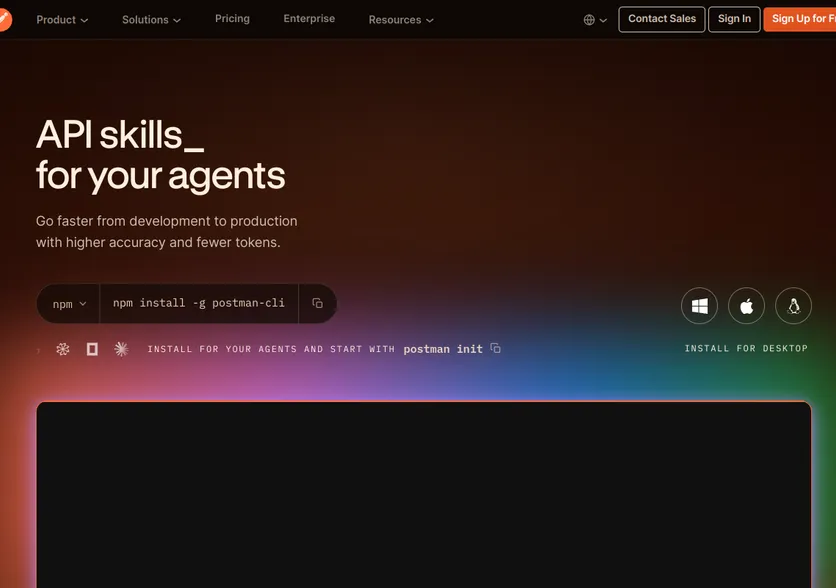
Postman is the standard workspace for working with APIs: build requests, save them in collections, write tests and share the whole setup with a team. This Postman Team plan costs $19 a month per user on annual billing and adds more collection runs and team features to a strong free plan. It is the pick when APIs are the product, because the whole team can test against the same requests.
What we like
- Standard tool every API developer knows
- Collections make teamwork easy
- Free plan covers solo use well
Watch out for
- Paid features need a team to matter
- Can feel heavy for one-off requests
How to try it
- Open the Postman pricing page and pick Basic
- Import an API collection and send your first request
- Write a test for the response and share the collection with a teammate
2. SwaggerHub
Best for: Teams that design APIs from a shared specification first
Paid tool Starting price: $75/month · Team plan, per month on annual billing for up to 5 users; some sources list $90 a month
Free plan: Free plan
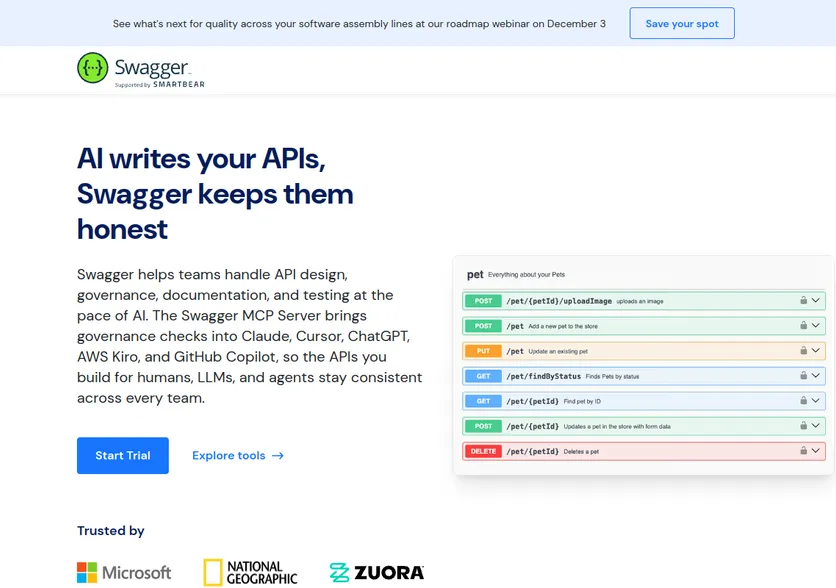
SwaggerHub is where teams design APIs together, writing one OpenAPI specification that turns into docs, mock servers and client code. This SwaggerHub Team plan costs $75 a month on annual billing for up to five users, with shared projects and version control built in. It suits a team that treats the API spec as the contract, because everyone designs against the same source of truth.
What we like
- Spec-first design keeps teams aligned
- Docs and mocks come from one file
- Good version control for APIs
Watch out for
- Some listings show $90 a month instead of $75
- Overkill for testing one small API
How to try it
- Open the SwaggerHub pricing page and pick Team
- Create a project and write your first OpenAPI spec
- Generate the docs and share the mock server with the team
3. Apidog
Best for: Small teams that want design, testing and docs in one cheap tool
Paid tool Starting price: $9/month · Basic plan, per user per month
Free plan: Free plan
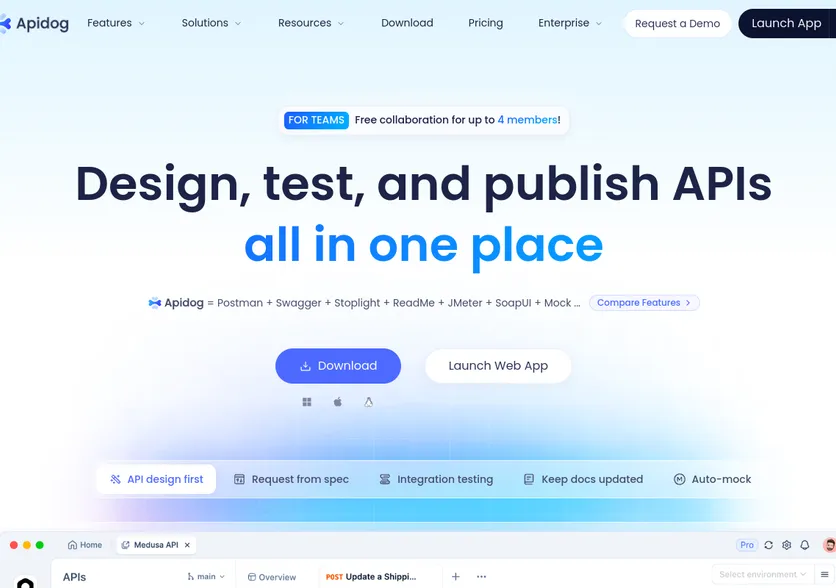
Apidog combines API design, testing, mocking and documentation in one workspace, at a price that undercuts Postman and SwaggerHub. This Apidog Basic plan costs $9 a month per user and covers the design and testing workflow a small team needs. It is the pick when the budget is tight but the team still wants one tool for the whole API lifecycle.
What we like
- Cheapest full API workspace here
- Design, test and docs in one place
- Fast setup for small teams
Watch out for
- Smaller community than Postman
- Fewer third-party integrations
How to try it
- Open the Apidog pricing page and pick Basic
- Import a spec or design an endpoint from scratch
- Run a test suite and publish the docs link
4. Docker
Best for: Developers who ship apps in containers
Paid tool Starting price: $11/month · Pro plan, per user per month on monthly billing; about $9 a month on annual billing
Free plan: Free plan
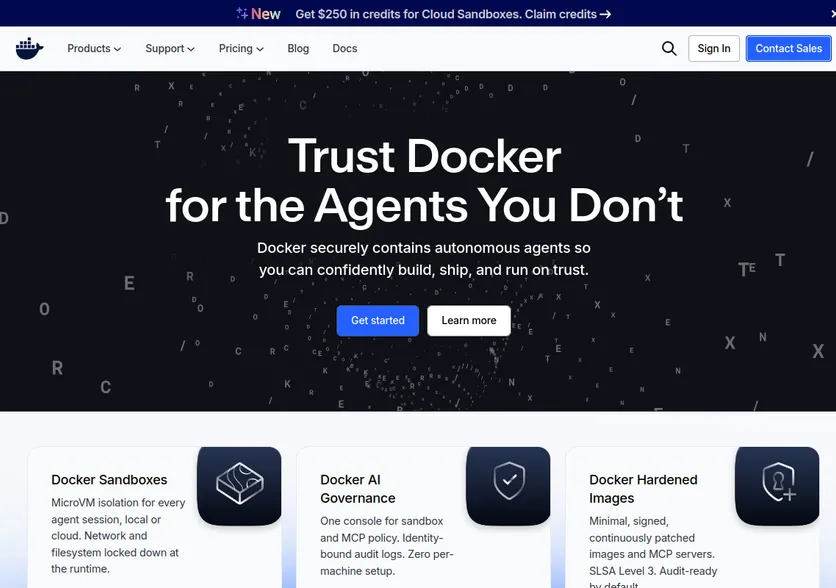
Docker packages an app with everything it needs to run, so the same container works on a laptop, a test server and production. This Docker Pro plan costs $11 a month per user on monthly billing, or about $9 a month on annual billing, and adds unlimited private repositories and more pulls. It is the pick when a team ships containers daily, because the free plan's pull limits start to bite.
What we like
- Standard way to ship containers
- Huge library of ready images
- Works the same everywhere
Watch out for
- Price rose from $5 to $11 a month
- Free plan limits pulls per day
How to try it
- Open the Docker pricing page and pick Pro
- Pull your app image and run it locally
- Push the image to Docker Hub and share it with the team
5. IntelliJ IDEA Ultimate
Best for: Java and Kotlin developers who want the strongest IDE
Paid tool Starting price: $19.90/month · Ultimate plan, per month for an individual; organization pricing is listed separately
Free plan: Free plan
IntelliJ IDEA Ultimate is the IDE Java and Kotlin developers reach for when the project is large and the framework support has to just work. This IntelliJ IDEA Ultimate plan costs $19.90 a month for an individual, with Spring, Jakarta EE and database tools built in. It is the pick when the free Community Edition runs out of framework support and the team wants one IDE for the whole stack.

What we like
- Best Java and Kotlin support available
- Smart code completion saves hours
- Database tools built in
Watch out for
- Organization pricing is shown separately and can confuse
- Heavier than a light editor
How to try it
- Open the JetBrains pricing page and start the Ultimate trial
- Open a project and let it index the code
- Run the app with the built-in debugger and profiler
6. Sentry
Best for: Teams that want to know the moment their app breaks
Paid tool Starting price: $26/month · Team plan, per month; one source lists $29 a month at 50,000 errors
Free plan: Free plan
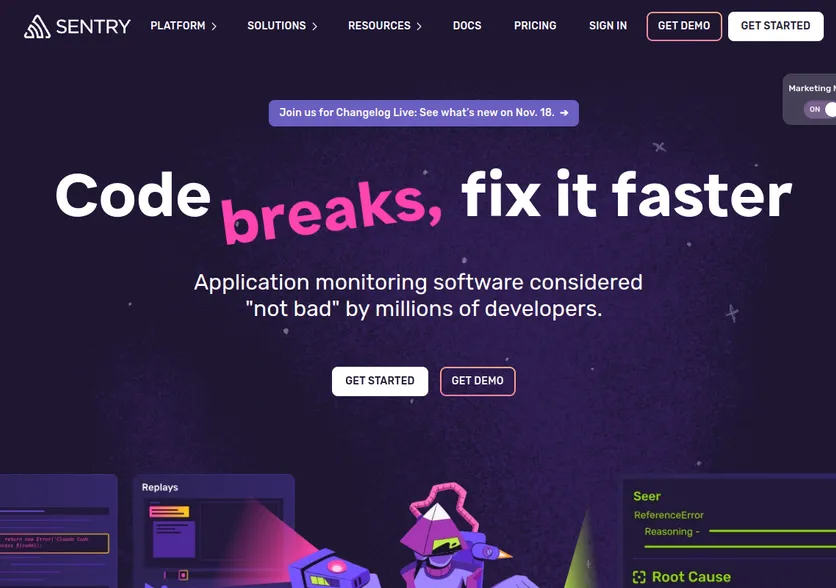
Sentry watches a live app and reports every error with the stack trace, the user affected and the release that introduced it. This Sentry Team plan costs $26 a month and covers the error volume a small production app produces. It is the pick when guessing about crashes costs more than the subscription, because the alert usually arrives before the first user complaint.
What we like
- Errors arrive with full context
- Fast alerts before users complain
- Covers web, mobile and backend
Watch out for
- Some listings show $29 a month for the same tier
- Event limits can spike after a bad release
How to try it
- Open the Sentry pricing page and pick Team
- Add the Sentry SDK to your app
- Trigger a test error and watch it appear in the dashboard
7. Snyk
Best for: Teams that scan code and dependencies for known vulnerabilities
Paid tool Starting price: $25/month · Team plan, per developer per month
Free plan: Free plan
Snyk scans code, open-source dependencies and containers for known vulnerabilities, then suggests the fix, often as a one-click upgrade. This Snyk Team plan costs $25 a month per developer and adds the reporting and integrations a working team needs. It is the pick when the app depends on dozens of open-source packages, because manual checking cannot keep up with new disclosures.
What we like
- Finds vulnerabilities with fixes attached
- Scans code, dependencies and containers
- Good GitHub and GitLab integration
Watch out for
- Per-developer pricing adds up on big teams
- False positives need triage time
How to try it
- Open the Snyk pricing page and pick Team
- Connect a repository and run the first scan
- Fix the high-severity issues it flags and set up weekly scans
8. Stoplight
Best for: Teams that design APIs visually and publish beautiful docs
Paid tool Starting price: $56/month · Basic plan, per organization per month on monthly billing; about $44 a month on annual billing
Free plan: No free plan
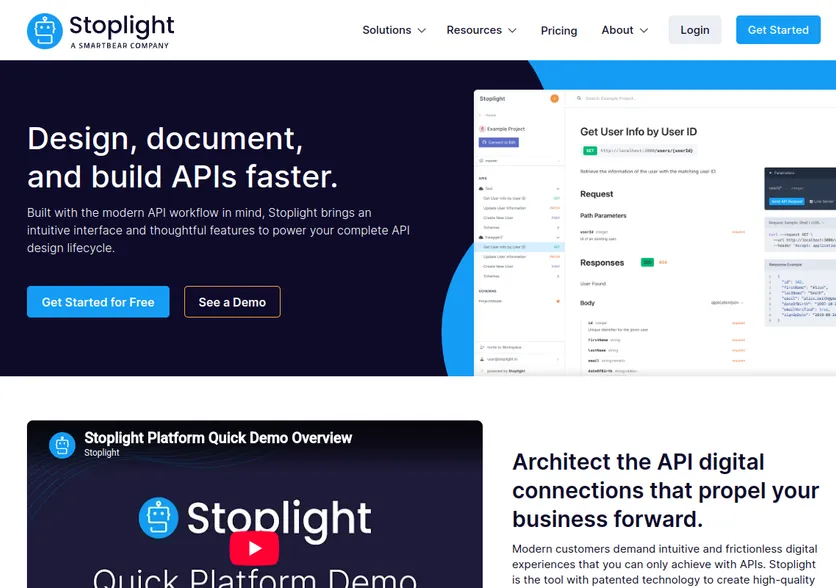
Stoplight is a visual API design studio: model an API on a canvas, generate the OpenAPI spec and publish docs that look good enough to share with customers. This Stoplight Basic plan costs $56 a month per organization on monthly billing, or about $44 a month on annual billing. It suits a team that sells an API, because the published docs are the product's front door.
What we like
- Visual design is faster than writing YAML
- Published docs look polished
- Good mock servers for testing
Watch out for
- No free plan, only a trial
- Per-organization pricing is unusual
How to try it
- Open the Stoplight pricing page and pick Basic
- Model an endpoint on the design canvas
- Publish the docs and share the link with your API users
Prices above were checked on each vendor’s own website on Nov 14, 2026 and can change — the vendor’s page is the final word. Vendor links are editorial: nobody paid to be listed or ranked here. Vendors who want a featured listing can see how it works on our Get listed page.
What developer tools for APIs cost in 2026
The range on this list runs from $9 a month to $75 a month, and the price follows the billing unit: per-user tools like Postman and Snyk stay cheap for a solo developer, while per-organization tools like Stoplight and SwaggerHub cost the same whether two people or five use them. The prices in this guide use the headline plan each vendor shows on its own pricing page, checked on November 25, 2026.
Before you buy
- Check whether the price is per user or per organization, because a $75 team plan can be cheaper than a $25 per-developer plan once the team grows.
- Watch usage limits, since Sentry event caps and Docker pull limits are what usually force an upgrade.
- Start on a free plan with your own API, and pay only when a limit gets in your way.
- Compare annual billing against monthly billing, since Docker Pro is about $9 a month yearly but $11 month to month.
- Note the team size on flat plans, because SwaggerHub Team covers up to 5 users for $75 a month.
Official websites
Official websites of the products reviewed above. Features and prices were checked against these sites when this guide was written, and they can change, so confirm on the vendor site before you buy.
Frequently asked questions
Which developer tool is best for APIs in 2026?
Postman Team, at $19 a month per user, is the safest default because every API developer already knows it. Apidog Basic, at $9 a month per user, is the cheapest full workspace. SwaggerHub Team, at $75 a month for up to five users, is the best pick when the API spec itself is the contract.
What is the cheapest developer tool for APIs?
Apidog Basic, at $9 a month per user, is the cheapest paid API workspace here. Postman, SwaggerHub, Docker, IntelliJ IDEA, Sentry and Snyk all have free plans, so a solo developer can often work free and pay only when the team or the volume grows. Stoplight is the only tool here with no free plan.
Should I use Postman or SwaggerHub for my API?
Use Postman or Apidog when the daily work is testing requests and sharing collections, because both are built for that loop. Use SwaggerHub or Stoplight when the design comes first, because both turn a spec into docs and mocks. Many teams run both: SwaggerHub for design and Postman for testing.
Can I try developer tools for APIs before paying?
Yes. Postman, SwaggerHub, Apidog, Docker, IntelliJ IDEA, Sentry and Snyk all offer free plans with real limits. Stoplight offers a free trial instead of a free plan. Start free with your own API and upgrade when a limit, like collection runs or error volume, gets in your way.
What makes the price of a developer tool grow?
Start with the error volume and the seat count. Sentry Team covers a set number of errors a month, and a bad release can push you over it. Postman, Snyk and JetBrains all charge per user, so the bill grows with the team. Docker Pro charges per user too, and its pull limits on the free plan are what usually force the upgrade.
Browse all the free developer tools
Browse Developer Tools tools