On this page
AI code tools split into two kinds: completions that finish your lines as you type, and agents that plan and edit whole features. The eight tools below range from about $9 to about $20 a month and cover both kinds across every major editor. GitHub Copilot is our first pick — the safest default, at $10 a month, working in almost every editor with the best language coverage. Every price was checked on the vendor site on November 25, 2026, and every tool offers a free plan so you can test it on your own code before you pay.
How we researched this
We started with the AI code tools developers actually buy, then read each price on the vendor pricing page on November 25, 2026 and noted the request limits, editor support and free plans each one carries. We judged them for a working developer who wants faster code without giving up review control. We kept the list to tools with a published price, and we dropped any tool whose price we could not verify.
Compare the tools
| Name | Best for | Starting price | Free plan | |
|---|---|---|---|---|
 GitHub Copilot | Developers who want AI completions inside their editor | $10/month | Free plan | Visit |
 Cursor | Developers who want an AI-first editor, not just completions | $20/month | Free plan | Visit |
 Amazon Q Developer | AWS teams that want AI help across the console and the IDE | $19/month | Free plan | Visit |
 Sourcegraph Cody | Teams with large codebases that need AI search and chat | $9/month | Free plan | Visit |
 Replit | Builders who want to code, run and deploy from the browser | $20/month | Free plan | Visit |
 Supermaven | Developers who want the fastest completions at a low price | $10/month | Free plan | Visit |
 JetBrains AI | JetBrains IDE users who want AI inside the editor they already use | $10/month | Free plan | Visit |
 Claude Code | Developers who want a terminal agent that plans and edits code | $20/month | Free plan | Visit |
The AI code tools, compared
1. GitHub Copilot
Best for: Developers who want AI completions inside their editor
Paid tool Starting price: $10/month · Pro plan, per month; $100 a year on annual billing
Free plan: Free plan
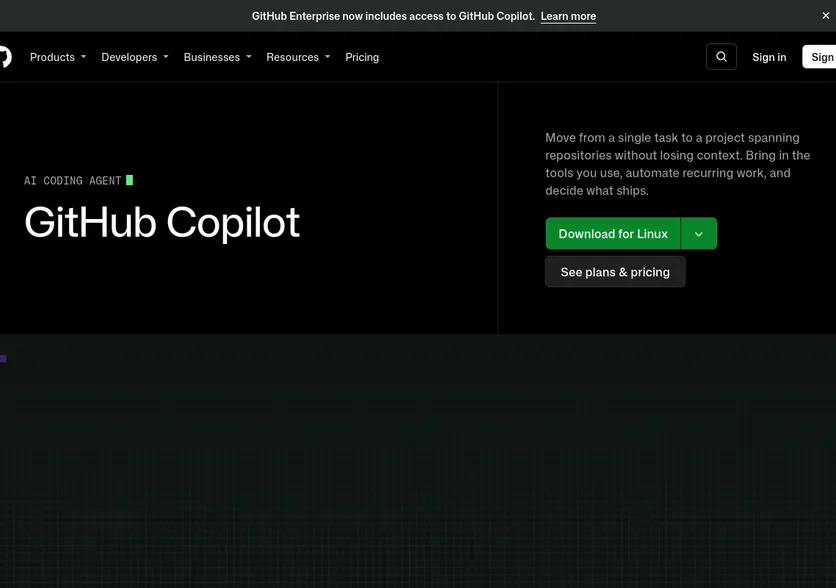
GitHub Copilot suggests whole lines and functions as you type, trained on public code and tuned to the file you are editing. This GitHub Copilot Pro plan costs $10 a month, or $100 a year, and works in VS Code, JetBrains IDEs and Neovim. It is the pick for a developer who wants AI help everywhere they code, because it supports the most editors and languages here.
What we like
- Works in almost every editor
- Best language coverage here
- Cheap at $10 a month
Watch out for
- Suggestions need review before you trust them
- Copilot Business costs more per seat
How to try it
- Open the GitHub Copilot page and pick Pro
- Install the Copilot extension in your editor
- Write a comment describing a function and accept the suggestion
2. Cursor
Best for: Developers who want an AI-first editor, not just completions
Paid tool Starting price: $20/month · Pro plan, per month
Free plan: Free plan
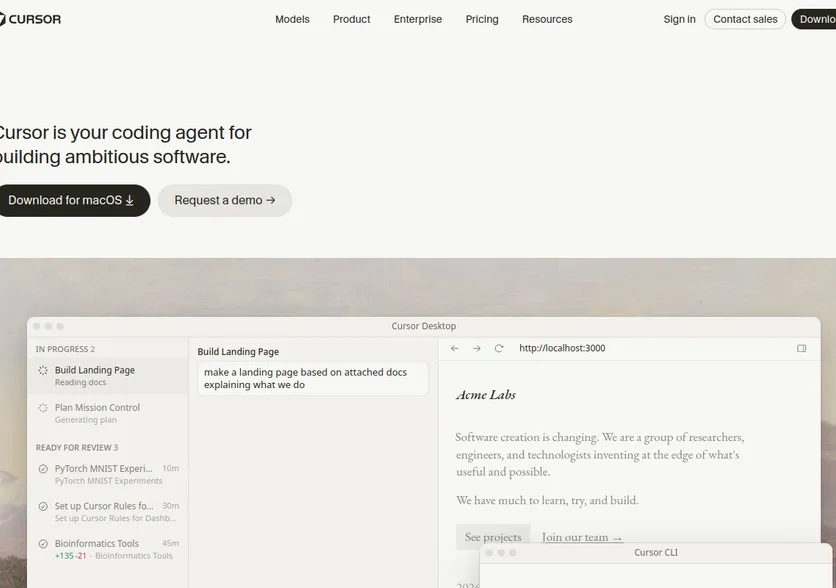
Cursor is a code editor with AI built into every step: chat with your codebase, edit whole files from a prompt and let the agent run tests. This Cursor Pro plan costs $20 a month and adds more fast model requests to the free Hobby tier. It is the pick when the editor itself should understand the project, because its codebase chat beats a completion plugin.
What we like
- Codebase chat understands the whole project
- Agent mode edits and tests for you
- Fast model responses on Pro
Watch out for
- $20 a month is double Copilot Pro
- Agent edits still need checking
How to try it
- Open the Cursor pricing page and pick Pro
- Open your project and ask the chat where a bug lives
- Accept an edit, run the tests and commit the change
3. Amazon Q Developer
Best for: AWS teams that want AI help across the console and the IDE
Paid tool Starting price: $19/month · Pro plan, per user per month
Free plan: Free plan
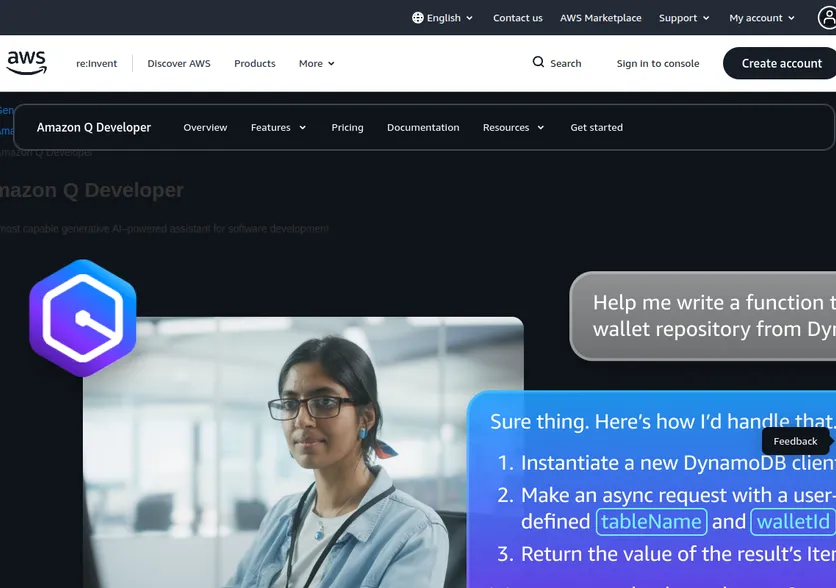
Amazon Q Developer brings AI assistance into the AWS console, the IDE and the command line, with code suggestions, troubleshooting and help for AWS services. This Amazon Q Developer Pro plan costs $19 a month per user and adds higher limits and admin controls to the free tier. It suits a team that builds on AWS, because the assistant knows the services and can even transform old Java code.
What we like
- Knows AWS services deeply
- Works in the console and the IDE
- Can transform legacy Java code
Watch out for
- AWS ends IDE plugin support in April 2027
- Best value only for AWS teams
How to try it
- Open the Amazon Q pricing page and pick Pro
- Install the extension in your IDE
- Ask Q to explain an AWS error and apply the fix
4. Sourcegraph Cody
Best for: Teams with large codebases that need AI search and chat
Paid tool Starting price: $9/month · Cody Pro plan, per user per month
Free plan: Free plan
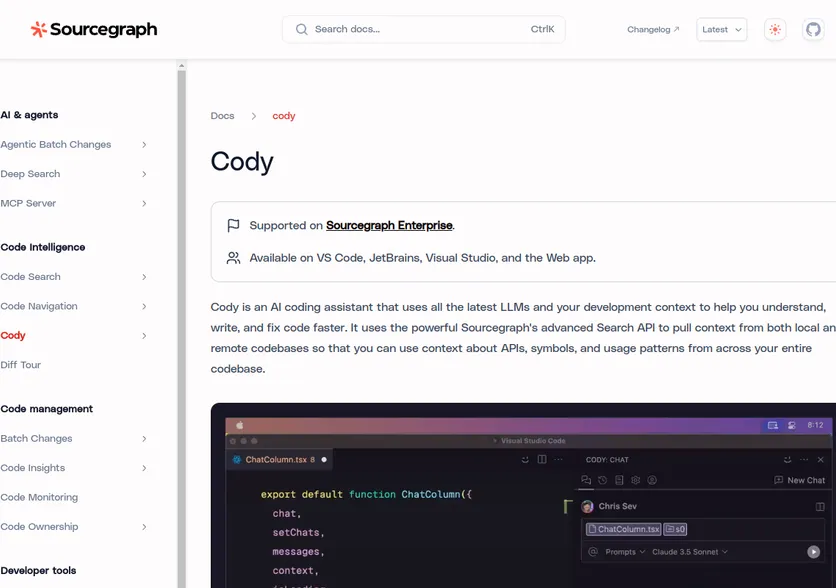
Cody is Sourcegraph's AI coding assistant, and it stands out by searching the whole codebase before it answers, so suggestions fit the project's own patterns. This Cody Pro plan costs $9 a month per user and adds more messages and the latest models. It is the cheapest paid AI coding assistant here, and the pick when the codebase is large and context matters more than raw speed.
What we like
- Cheapest paid plan on this list
- Searches the whole codebase first
- Works across many editors
Watch out for
- Smaller brand than GitHub or Cursor
- Setup takes longer on big repos
How to try it
- Open the Sourcegraph pricing page and pick Cody Pro
- Connect a repository and index the code
- Ask Cody to write a function that follows your existing patterns
5. Replit
Best for: Builders who want to code, run and deploy from the browser
Paid tool Starting price: $20/month · Core plan, per month; about $18 a month on annual billing
Free plan: Free plan
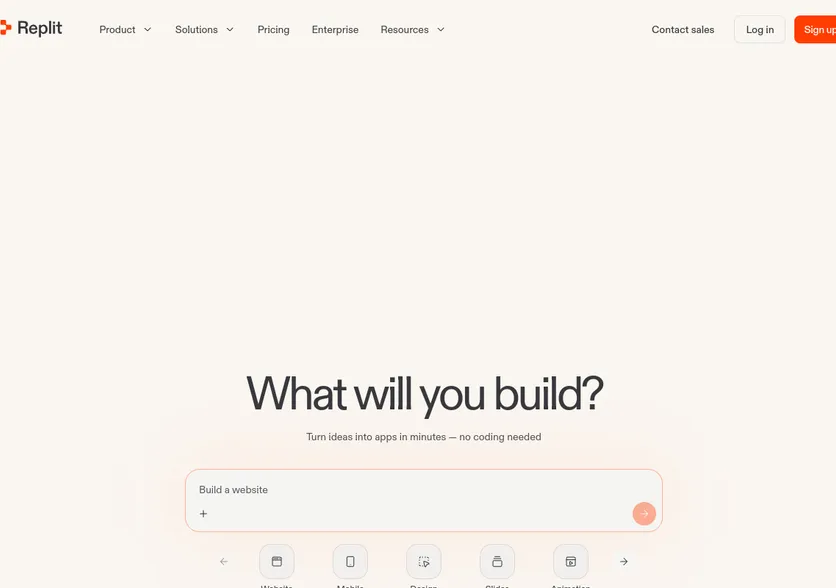
Replit is a browser-based workspace where you write, run and deploy an app without installing anything, and its AI agent can build a working prototype from a prompt. This Replit Core plan costs $20 a month, or about $18 a month on annual billing, and adds more agent credits and private projects. It suits a solo builder or a small team that wants to ship a demo fast, because there is no local setup at all.
What we like
- No local setup at all
- Agent builds working prototypes fast
- Deploy is one click
Watch out for
- Monthly billing costs more than annual
- Agent credits run out on big builds
How to try it
- Open the Replit pricing page and pick Core
- Describe the app you want to the Replit agent
- Test the preview, fix what breaks and deploy it
6. Supermaven
Best for: Developers who want the fastest completions at a low price
Paid tool Starting price: $10/month · Pro plan, per month
Free plan: Free plan
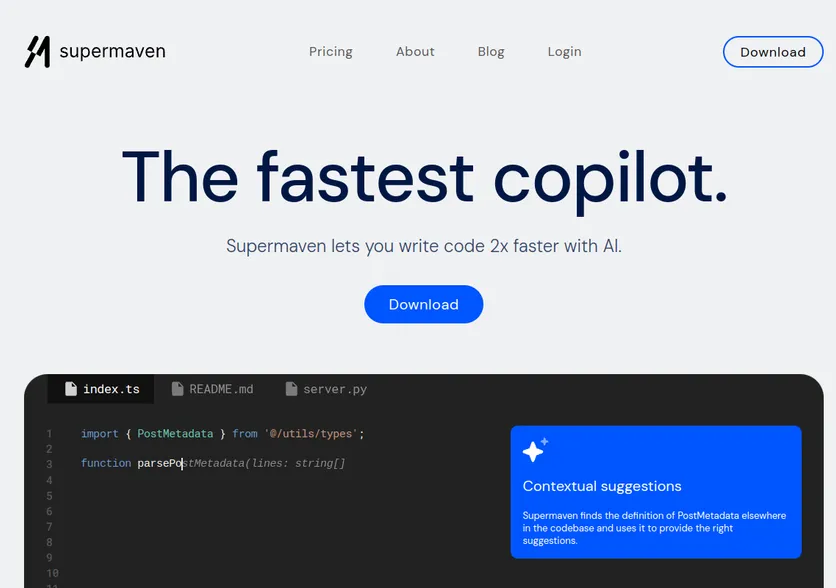
Supermaven focuses on one job, fast inline completions, and it does it with a one-million-token context window that reads the whole project. This Supermaven Pro plan costs $10 a month and unlocks unlimited completions and the full context window. It is the pick when speed matters most, because its suggestions arrive faster than any rival here.
What we like
- Fastest completions here
- Huge one-million-token context
- Same $10 price as Copilot Pro
Watch out for
- No agent or chat features
- Smaller company than the rivals
How to try it
- Open the Supermaven pricing page and pick Pro
- Install the extension in your editor
- Write code and watch the long suggestions appear
7. JetBrains AI
Best for: JetBrains IDE users who want AI inside the editor they already use
Paid tool Starting price: $10/month · AI Pro plan, per month
Free plan: Free plan
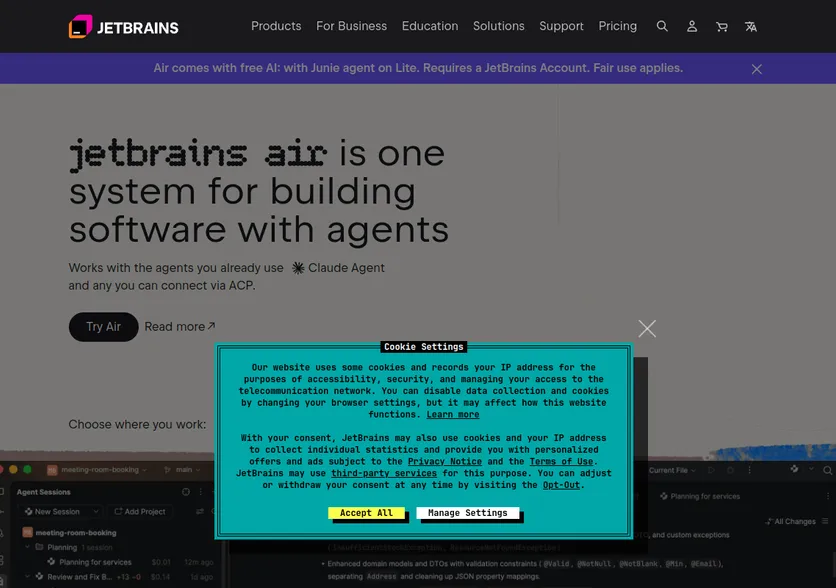
JetBrains AI adds code completion, chat and commit message generation to IntelliJ IDEA, PyCharm and the other JetBrains IDEs, without leaving the editor. This JetBrains AI Pro plan costs $10 a month and adds higher limits and more models to the free tier. It is the pick for a team already on JetBrains IDEs, because the AI works with the IDE's own understanding of the code.
What we like
- Built into the IDEs developers already use
- Understands the project like the IDE does
- Same $10 price as Copilot
Watch out for
- Only useful inside JetBrains IDEs
- Newer than Copilot and Cursor
How to try it
- Open the JetBrains AI pricing page and pick Pro
- Enable AI in your JetBrains IDE
- Ask the chat to explain a function, then generate a test for it
8. Claude Code
Best for: Developers who want a terminal agent that plans and edits code
Paid tool Starting price: $20/month · Pro plan, per month; about $17 a month on annual billing
Free plan: Free plan
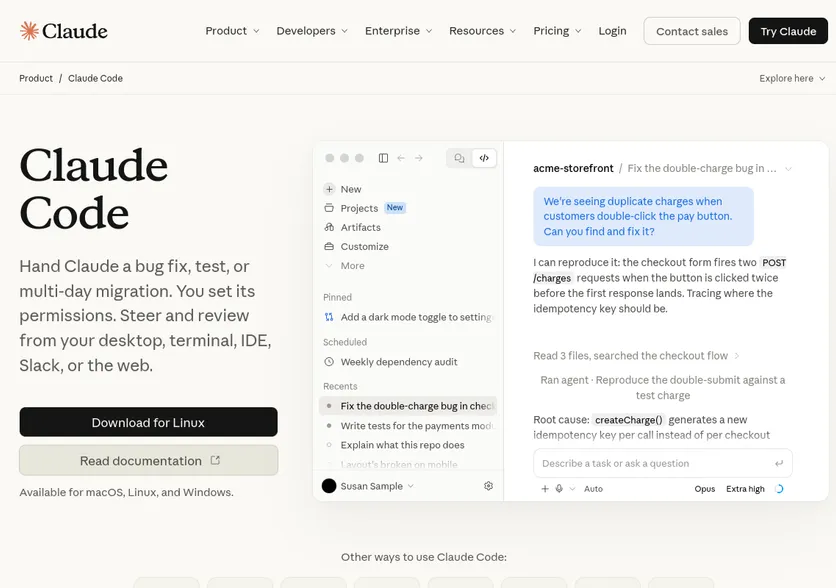
Claude Code is a terminal agent that reads your project, plans a change, edits the files and runs the tests, all from a command line conversation. This Claude Pro plan costs $20 a month, or about $17 a month on annual billing, and covers Claude Code plus the Claude chatbot. It is the pick when the work is a multi-file change, because the agent handles the planning while you review the diff.
What we like
- Agent plans multi-file changes well
- Strong at explaining existing code
- Same subscription covers the chatbot
Watch out for
- Terminal only, no editor plugin needed
- Usage limits apply on busy days
How to try it
- Open the Claude pricing page and pick Pro
- Install Claude Code and open your project folder
- Describe the change you want and review the plan before it edits
Prices above were checked on each vendor’s own website on Nov 14, 2026 and can change — the vendor’s page is the final word. Vendor links are editorial: nobody paid to be listed or ranked here. Vendors who want a featured listing can see how it works on our Get listed page.
What AI code generators cost in 2026
AI coding tools are cheap by developer-tool standards: five of the eight here cost $10 a month or less, and the most expensive are $20 a month. The price usually follows the model behind the tool, because agent features and fast models cost more to run than simple completions. The prices in this guide use the headline plan each vendor shows on its own pricing page, checked on November 25, 2026.
Before you buy
- Pick the tool that fits your editor first, because a $10 tool you never open is worse than a $20 tool you use daily.
- Check the request limits, since agent plans meter how many edits or chats you get each month.
- Start on a free plan with your own project, and pay only when a limit gets in your way.
- Compare annual billing where it exists, since Copilot Pro is $100 a year and Replit Core about $18 a month yearly.
- Weigh the cheapest paid start, because Sourcegraph Cody is $9 a month per user with whole-codebase search built in.
Official websites
Official websites of the products reviewed above. Features and prices were checked against these sites when this guide was written, and they can change, so confirm on the vendor site before you buy.
Frequently asked questions
Which AI code generator is best for developers in 2026?
GitHub Copilot Pro, at $10 a month, is the safest default because it works in almost every editor and covers the most languages. Cursor Pro, at $20 a month, is the best pick when the editor itself should understand the codebase. Cody Pro, at $9 a month, is the cheapest paid assistant here.
What is the cheapest AI code generator?
Cody Pro, at $9 a month per user, is the cheapest paid plan here. GitHub Copilot Pro, Supermaven Pro and JetBrains AI Pro all cost $10 a month. Every tool here has a free plan, so try the free tier in your own editor before paying for any of them.
Should I use a completion tool or an AI agent?
Use a completion tool like Copilot or Supermaven when the job is writing code faster line by line, because the suggestions appear as you type. Use an agent like Cursor or Claude Code when the job is a bigger change, because the agent plans the edit, changes several files and runs the tests. Many developers run both.
Can I try AI code generators before paying?
Yes. Every tool here offers a free plan with real limits, including Copilot, Cursor, Amazon Q, Cody, Replit, Supermaven, JetBrains AI and Claude Code. The free tiers usually cap how many completions or agent requests you get, so try one on a real project for a week before paying.
Is AI-generated code safe to ship?
Review every suggestion before you commit it, because AI code can look right and still carry a bug or a security flaw. Keep tests running on every change, and never paste secrets or private code into a tool whose data handling you have not checked. The assistant writes the draft; you stay responsible for the code.
Browse all the free code generators and converters
Browse Code Generators tools