On this page
Choosing CAD software is a ten-year decision, because the files, habits and team all grow around the tool you pick. The best CAD software for engineers handles the drawings your clients expect, models the parts you make, and charges a price the team can sustain. The eight tools below run from $299 a year to $260 a month, every price was checked November 25, 2026, and every tool offers a free plan or a free trial. Autodesk Fusion is our first pick — the best value CAD, with design, simulation and manufacturing in one tool for $85 a month.
How we researched this
We started with the CAD tools engineers actually use, then read each price on the vendor site on November 25, 2026 and noted the free plan or trial each one carries. We judged them for an engineer who needs 2D drafting, 3D modeling and a file format the rest of the industry can open. We kept the list to tools with a published price, and we dropped any tool whose price we could not verify.
Compare the tools
| Name | Best for | Starting price | Free plan | |
|---|---|---|---|---|
 AutoCAD | Engineers and drafters who need the industry-standard 2D drafting tool | $260/month | Free trial | Visit |
 SketchUp Pro | Designers who want the easiest 3D modeling tool to learn | $399/year | Free plan (web) | Visit |
 Autodesk Fusion | Product designers who need CAD, CAM and simulation in one cloud tool | $85/month | Free plan (personal, non-commercial) | Visit |
 Rhino | Designers who need freeform 3D modeling without a subscription | $995 one-time | 90-day free trial | Visit |
 BricsCAD Pro | Teams that want AutoCAD-compatible DWG drafting at a lower price | $780/year | 30-day free trial | Visit |
 Onshape Standard | Engineering teams that want cloud CAD with built-in version control | $1,500/year | Free plan (non-commercial) | Visit |
 Shapr3D Pro | Designers who model on iPad with a pencil | $299/year | Free Basic plan (2 projects) | Visit |
| DraftSight Professional | Teams that need professional 2D drafting on a smaller budget | $299/year | 30-day free trial | Visit |
The CAD tools, compared
1. AutoCAD
Best for: Engineers and drafters who need the industry-standard 2D drafting tool
Paid tool Starting price: $260/month · Monthly subscription; $2,095 a year billed annually
Free plan: Free trial
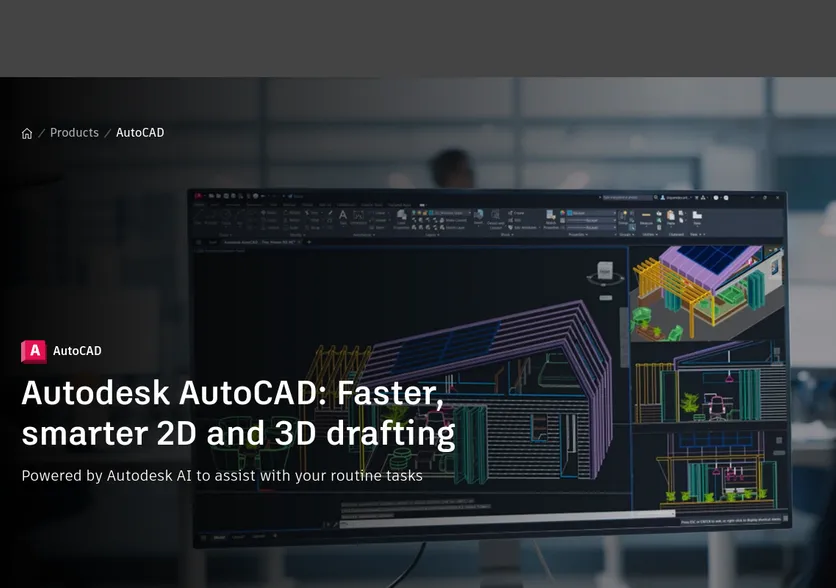
AutoCAD is the drafting tool every engineering office already knows, and its DWG format is the standard the industry shares. This AutoCAD subscription covers 2D and 3D drafting, industry toolsets, automation with AutoLISP and web and mobile access. It is the best pick when the job needs to open, edit and share drawings with anyone in the industry, without a conversion step.
What we like
- Industry-standard DWG format
- Toolsets for every discipline
- Web and mobile access included
Watch out for
- Most expensive monthly plan here
- Steep learning curve for beginners
How to try it
- Open the AutoCAD page and start the trial
- Create a drawing from a template
- Draft in 2D and share the DWG file
2. SketchUp Pro
Best for: Designers who want the easiest 3D modeling tool to learn
Paid tool Starting price: $399/year · Pro plan, $33.25 a month billed annually; $99.99 a month billed monthly; Go is $129 a year
Free plan: Free plan (web)
SketchUp Pro is the 3D modeler that beginners actually finish learning, because the push-pull tools make a box into a building in minutes. This SketchUp Pro plan adds desktop modeling, LayOut for documents, Style Builder and unlimited cloud storage. It suits an architect or designer who needs a quick 3D concept without the complexity of a full engineering CAD package.

What we like
- Easiest 3D modeling to learn
- LayOut turns models into documents
- Huge library of free components
Watch out for
- Not a full engineering CAD tool
- Monthly billing costs $99.99 a month
How to try it
- Open the SketchUp pricing page and pick the Pro plan
- Draw a shape and push it into 3D
- Export the model and build a LayOut document
3. Autodesk Fusion
Best for: Product designers who need CAD, CAM and simulation in one cloud tool
Paid tool Starting price: $85/month · Monthly subscription; $680 a year billed annually
Free plan: Free plan (personal, non-commercial)
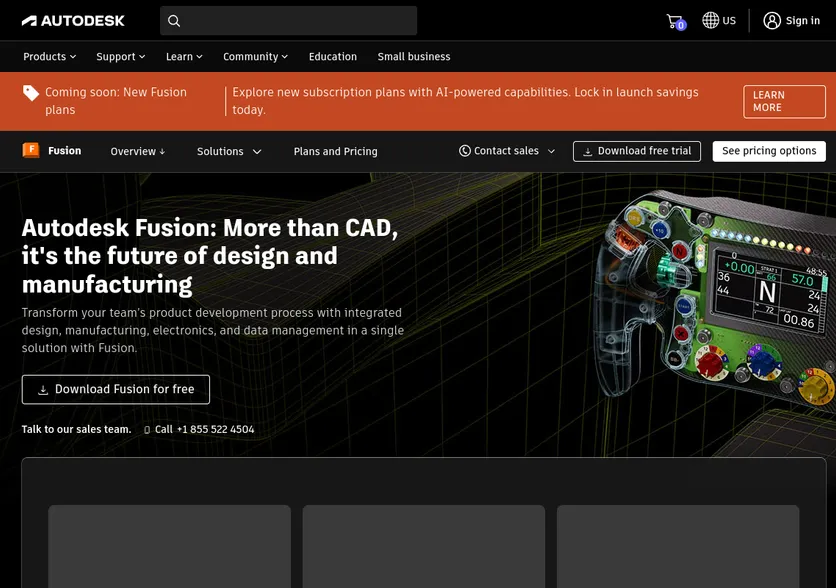
Autodesk Fusion combines CAD, CAM and simulation in one cloud tool, so a design can go from sketch to machined part without changing apps. This Autodesk Fusion subscription covers parametric modeling, generative design, electronics and manufacturing toolpaths. It is the best pick for a product designer or maker who needs the whole workflow in one place, at a price a small team can afford.
What we like
- CAD, CAM and simulation in one app
- Generative design included
- Cloud collaboration built in
Watch out for
- Cloud-based, needs a connection
- Some features need paid extensions
How to try it
- Open the Fusion page and start the trial
- Sketch a profile and extrude it into 3D
- Generate toolpaths and simulate the cut
4. Rhino
Best for: Designers who need freeform 3D modeling without a subscription
Paid tool Starting price: $995 one-time · Perpetual commercial licence, one-time payment; student licence is $195; upgrade is $595
Free plan: 90-day free trial
Rhino is the modeler for shapes that do not fit a box, with NURBS curves and surfaces that handle freeform design better than any parametric tool. This Rhino licence is a one-time payment with no subscription, and it includes Grasshopper for parametric design and a huge plugin library. It suits a designer who wants to own the software outright and model anything from jewelry to architecture.
What we like
- One-time payment, no subscription
- Best freeform NURBS modeling
- Grasshopper parametric design included
Watch out for
- No subscription means upgrades cost extra
- Parametric design needs Grasshopper
How to try it
- Open the Rhino buy page and download the trial
- Draw a curve and loft it into a surface
- Export the model for printing or rendering
5. BricsCAD Pro
Best for: Teams that want AutoCAD-compatible DWG drafting at a lower price
Paid tool Starting price: $780/year · Pro plan, per year; Lite is $345 a year and Mechanical is $1,100 a year
Free plan: 30-day free trial
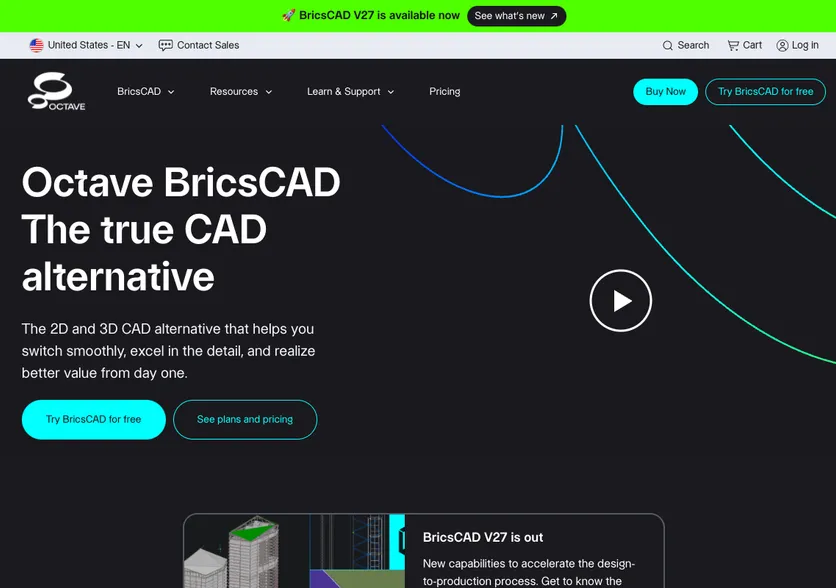
BricsCAD Pro reads and writes DWG files natively, which means it opens AutoCAD drawings without conversion and costs far less. This BricsCAD Pro plan adds 3D modeling, rendering, sheet metal and a LISP engine that runs most AutoCAD routines. It suits a team that works in DWG every day and wants the same file format at a smaller bill, with the option to add mechanical or BIM tools later.
What we like
- Full DWG compatibility, no conversion
- Much cheaper than AutoCAD
- Runs most AutoCAD LISP routines
Watch out for
- Vendor now sells under the Octave name
- Smaller community than Autodesk
How to try it
- Open the Bricsys site and start the trial
- Open a DWG file and edit it
- Save the drawing and share it with the team
6. Onshape Standard
Best for: Engineering teams that want cloud CAD with built-in version control
Paid tool Starting price: $1,500/year · Standard plan, per user per year; Professional is $2,500 a year; free non-commercial plan available
Free plan: Free plan (non-commercial)
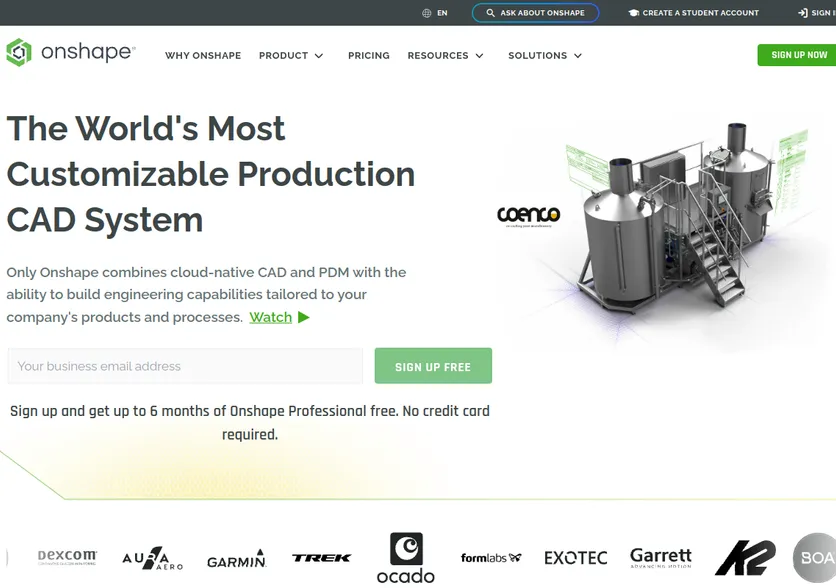
Onshape runs CAD entirely in the browser, which means no installs, no lost files and a version history that works like Git for parts. This Onshape Standard plan adds unlimited private documents, release management and built-in data management for one user. It suits an engineering team that collaborates on the same design at the same time and wants every change tracked.
What we like
- Runs entirely in the browser
- Version control built into every part
- Real-time collaboration that works
Watch out for
- Most expensive yearly plan here
- Needs a fast internet connection
How to try it
- Open the Onshape pricing page and pick the Standard plan
- Create a document and sketch a part
- Share the link and design together in real time
7. Shapr3D Pro
Best for: Designers who model on iPad with a pencil
Paid tool Starting price: $299/year · Pro plan, per editor seat per year; $37.99 a month via the App Store
Free plan: Free Basic plan (2 projects)
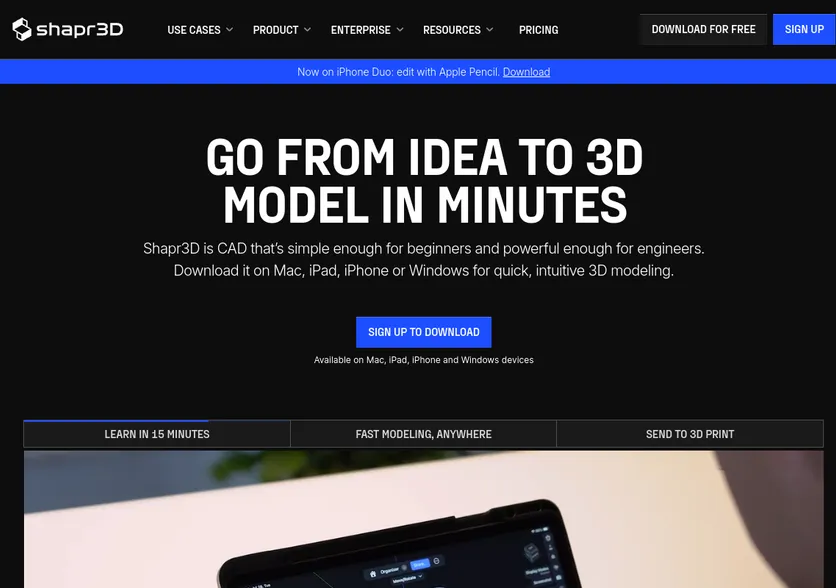
Shapr3D is the CAD tool built for touch, and modeling with an Apple Pencil on iPad feels closer to sketching than to drafting. This Shapr3D Pro plan adds unlimited projects, 2D drawings, import and export in every major format and rendering. It suits a designer who works away from a desk and wants a real CAD model from a tablet, synced to desktop when they get back.
What we like
- Best CAD experience on iPad
- Syncs between iPad and desktop
- 2D drawings included on Pro
Watch out for
- Best features need an iPad Pro
- App Store billing costs more per month
How to try it
- Open the Shapr3D pricing page and pick the Pro plan
- Sketch with the pencil and extrude the shape
- Export the model or a 2D drawing
8. DraftSight Professional
Best for: Teams that need professional 2D drafting on a smaller budget
Paid tool Starting price: $299/year · Professional plan, per year; Premium is $599 a year
Free plan: 30-day free trial
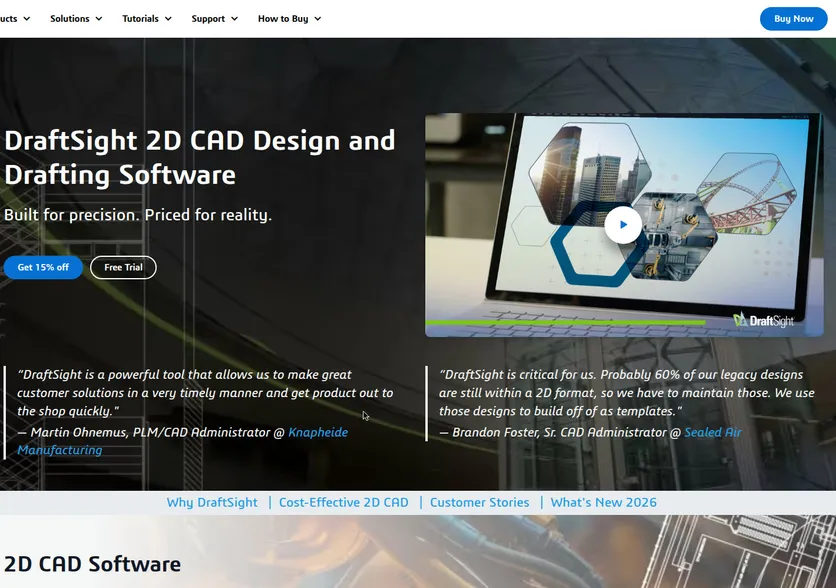
DraftSight Professional is the 2D drafting tool for teams that live in DWG files but do not need the full AutoCAD price tag. This DraftSight Professional plan adds 2D drafting, PDF underlay, batch plotting and a toolbox of productivity features. It suits a team that drafts in 2D every day and wants a professional tool with a familiar interface, at a fraction of the industry-standard price.
What we like
- Professional 2D drafting for less
- Familiar interface for AutoCAD users
- Batch plotting included
Watch out for
- 2D only, no 3D modeling
- Older listings show a lower price, verify at checkout
How to try it
- Open the DraftSight site and start the trial
- Open a DWG file and draft in 2D
- Batch plot the sheets and share the PDF
Prices above were checked on each vendor’s own website on Nov 14, 2026 and can change — the vendor’s page is the final word. Vendor links are editorial: nobody paid to be listed or ranked here. Vendors who want a featured listing can see how it works on our Get listed page.
What CAD software costs in 2026
Price is the first filter, and the range on this list runs from $299 a year to $260 a month. One tool charges once and never again, while the rest charge yearly or monthly, which changes the total cost over five years. The prices in the comparison above use the headline plan each vendor shows on its own site, checked on November 25, 2026. Rhino is the only one-time licence at $995, while AutoCAD is the most expensive monthly plan at $260 a month and Shapr3D and DraftSight are the cheapest yearly plans at $299 a year.
Before you buy
- Count the five-year cost before comparing prices, because a one-time licence like Rhino at $995 and a subscription like AutoCAD at $260 a month look very different over time.
- Check the file format your clients need, because AutoCAD's DWG format is the industry standard and BricsCAD and DraftSight open DWG files without conversion.
- Test the modeling workflow on a real project during the trial, because the interface you enjoy is the one you will actually use, and trials run 30 to 90 days.
- Start with the free plan where one exists, since SketchUp, Fusion, Onshape and Shapr3D all have free plans while AutoCAD, Rhino, BricsCAD and DraftSight offer trials only.
- Decide whether you need cloud or offline work, because Onshape runs entirely in the browser while SketchUp and Shapr3D run on the device and suit a designer who works offline.
Official websites
Official websites of the products reviewed above. Features and prices were checked against these sites when this guide was written, and they can change, so confirm on the vendor site before you buy.
Frequently asked questions
What is the best value CAD software for engineers?
Fusion is the best value for most engineers, at $85 a month or $680 a year, because it covers CAD, CAM and simulation in one tool. BricsCAD Pro at $780 a year is the best value for pure 2D DWG drafting. SketchUp Pro at $399 a year is the cheapest 3D modeler here, but it is not a full engineering CAD package.
Which CAD tools can I buy once instead of subscribing?
Rhino at $995 once is the only perpetual licence here, with no subscription and no yearly bill. The rest charge monthly or yearly, which means the total cost grows every year you use them. If you plan to use the tool for five years or more, the one-time licence usually wins.
Can I try CAD software for free?
Yes, every tool here offers a free plan or a free trial. SketchUp, Fusion, Onshape and Shapr3D all have free plans, while AutoCAD, Rhino, BricsCAD and DraftSight offer trials from 30 to 90 days. Start with the free plan for a month, because the modeling workflow you actually use is the real test.
Which CAD tool is best for 2D drafting versus 3D modeling?
AutoCAD is the best pick for 2D drafting, because its DWG format is the industry standard and every engineering office already uses it. Fusion is the best pick for 3D product design, because it covers modeling, simulation and manufacturing in one app. SketchUp is the best pick for quick 3D concepts and architecture.
Which CAD software works best in the cloud?
Onshape is the best pick for cloud CAD, because it runs entirely in the browser with version control built into every part. Fusion is also cloud-based and adds CAM and simulation. SketchUp and Shapr3D sync to the cloud but still run on the device, which suits a designer who works offline.
Do CAD tools charge per user or per licence?
It depends on the work. AutoCAD and BricsCAD charge per user, so the bill grows with every drafter. Onshape charges per user too, at $1,500 a year, while Fusion charges $85 a month per user. Rhino charges once per licence, so adding users costs the same one-time fee each time.
Measure once, cut once — browse all the free geometry calculators for area, volume, and perimeter.
Browse Geometry Calculators tools