On this page
Math homework goes faster when the solver shows its work, and the difference between a good math app and a great one is whether the steps make sense to the student. The best math software for students solves the problem, explains each line, and offers practice that sticks. The eight tools below run from $9.95 a month to $305 a year, every price was checked November 25, 2026, and every tool offers a free plan or a free trial. Photomath Plus is our first pick — the best scanner: point the camera at a problem and the steps appear.
How we researched this
We started with the math software students actually use, then read each price on the vendor site on November 25, 2026 and noted the free plan or trial each one carries. We judged them for a student who needs step-by-step solutions, practice problems and a solver that works on homework night. We kept the list to tools with a published price, and we dropped any tool whose price we could not verify.
Compare the tools
| Name | Best for | Starting price | Free plan | |
|---|---|---|---|---|
 WolframAlpha Pro | Students who want step-by-step solutions across every math topic | $9.99/month | Free plan | Visit |
 Symbolab Pro | Students who need step-by-step algebra and calculus solutions | $9.95/month | Free plan | Visit |
 Photomath Plus | Students who want to scan a problem and see the steps | $9.99/month | Free plan | Visit |
 Mathway Premium | Students who want instant answers with steps across subjects | $9.99/month | Free plan | Visit |
 Maple | Students and engineers who need serious symbolic math and plotting | $305/year | Free trial | Visit |
 MathPapa Premium | Middle and high school students learning algebra step by step | $9.99/month | Free plan | Visit |
 Chegg Math Solver | Students who want homework help with textbook solutions included | $9.95/month | Free trial | Visit |
 Gauth | Students who want AI solving plus live tutor help | $11.99/month | Free plan | Visit |
The math tools, compared
1. WolframAlpha Pro
Best for: Students who want step-by-step solutions across every math topic
Paid tool Starting price: $9.99/month · Pro plan, per month; $5 a month billed $60 a year annually; Pro Premium is $12 a month
Free plan: Free plan
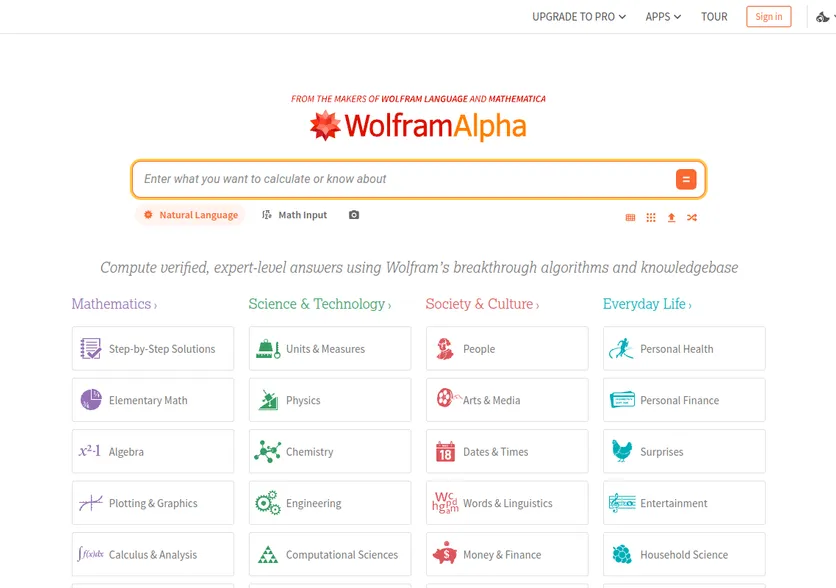
WolframAlpha Pro is the solver that covers the most ground, from basic algebra to differential equations and statistics. This WolframAlpha Pro plan adds step-by-step solutions, extended computation time, file uploads and the ability to save your work. It is the best pick when the homework spans several subjects and one tool needs to handle all of them.
What we like
- Covers more topics than any rival
- Step-by-step solutions on Pro
- Plots and graphs built in
Watch out for
- Interface feels technical for beginners
- Some steps need the Premium tier
How to try it
- Open the WolframAlpha Pro pricing page and start the trial
- Type or paste a problem into the input bar
- Open the step-by-step solution and follow each line
2. Symbolab Pro
Best for: Students who need step-by-step algebra and calculus solutions
Paid tool Starting price: $9.95/month · Pro plan, per month; $39.95 a year billed annually
Free plan: Free plan
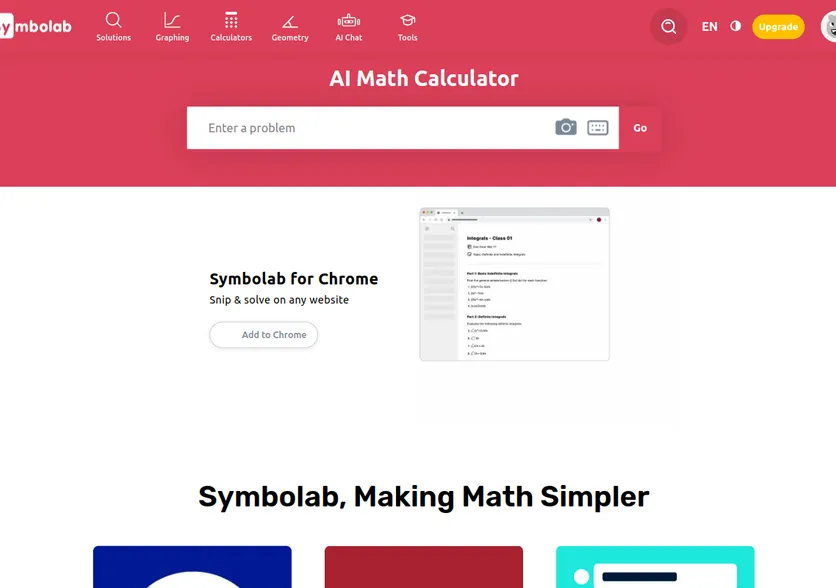
Symbolab is the solver that shows its work most clearly, breaking each problem into small steps a student can actually follow. This Symbolab Pro plan adds full step-by-step solutions, practice problems, quizzes and the ability to save notes. It suits a student who is stuck on algebra or calculus and wants to see exactly where each line comes from.
What we like
- Clearest step-by-step working
- Practice problems and quizzes included
- Equation editor is easy to use
Watch out for
- Price listings differ across sources, verify at checkout
- Ads on the free plan interrupt practice
How to try it
- Open the Symbolab site and start the Pro trial
- Type a problem or use the equation editor
- Read the step-by-step solution line by line
3. Photomath Plus
Best for: Students who want to scan a problem and see the steps
Paid tool Starting price: $9.99/month · Plus plan, per month; $69.99 a year billed annually, about $5.83 a month
Free plan: Free plan
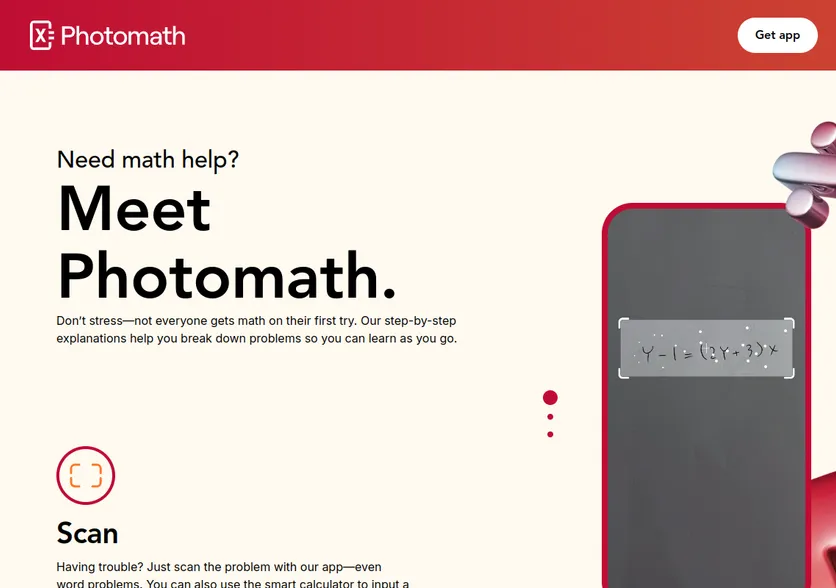
Photomath is the solver students reach for first, because the camera does the typing: point it at a problem and the steps appear. This Photomath Plus plan adds step-by-step explanations, animated tutorials and textbook solutions for common titles. It is the best pick for homework help at the kitchen table, where the problem is on paper and the phone is already in hand.
What we like
- Camera scanning is fast and accurate
- Animated steps are easy to follow
- Textbook solutions for common titles
Watch out for
- Handwriting recognition can misread problems
- Deep explanations need the Plus plan
How to try it
- Open the Photomath site and start the Plus trial
- Point the camera at a printed problem
- Follow the animated step-by-step explanation
4. Mathway Premium
Best for: Students who want instant answers with steps across subjects
Paid tool Starting price: $9.99/month · Premium plan, per month; $39.99 a year billed annually
Free plan: Free plan
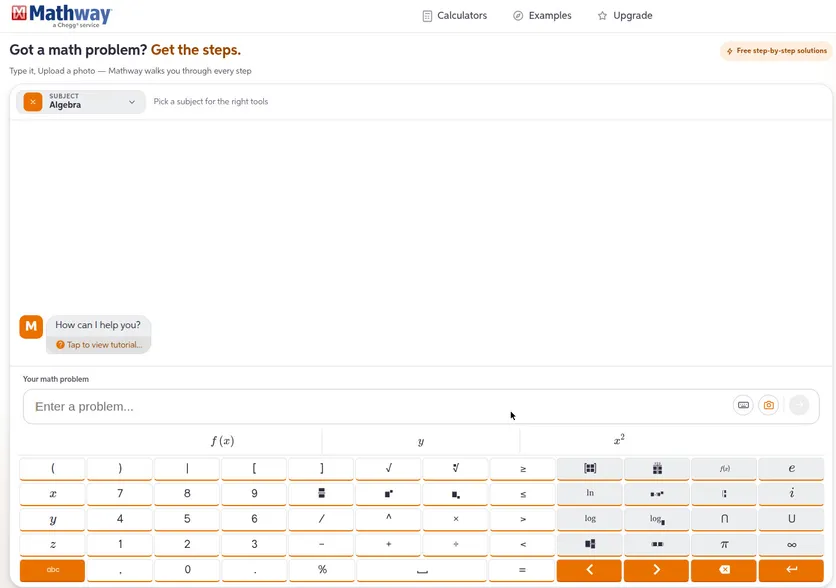
Mathway is the solver that answers fastest, with a clean input bar that handles algebra, calculus, chemistry and more. This Mathway Premium plan adds step-by-step solutions, graphing and the ability to save problems for later. It suits a student who wants the answer now and the working shown underneath, across several subjects in one place.
What we like
- Fastest answers on this list
- Covers chemistry as well as math
- Graphing built into the solver
Watch out for
- Free plan shows answers without steps
- Step quality varies by topic
How to try it
- Open the Mathway site and start the Premium trial
- Type a problem into the solver
- Open the steps and check each line
5. Maple
Best for: Students and engineers who need serious symbolic math and plotting
Paid tool Starting price: $305/year · Personal Edition, per year; Student Edition pricing varies by store
Free plan: Free trial
Maple is the heavyweight on this list, built for symbolic math, plotting and engineering work that goes far beyond homework. This Maple Personal Edition covers the full math engine, 2D and 3D plotting and the document interface that mixes text, math and graphs. It suits a student in engineering or advanced math who has outgrown the simple solvers and needs a real computer algebra system.

What we like
- Full computer algebra system
- Best plotting on this list
- Documents mix text, math and graphs
Watch out for
- Most expensive on this list by far
- Overkill for basic homework
How to try it
- Open the Maplesoft site and start the trial
- Open a worksheet and type an equation
- Plot the result and save the document
6. MathPapa Premium
Best for: Middle and high school students learning algebra step by step
Paid tool Starting price: $9.99/month · Premium plan, per month for US customers
Free plan: Free plan
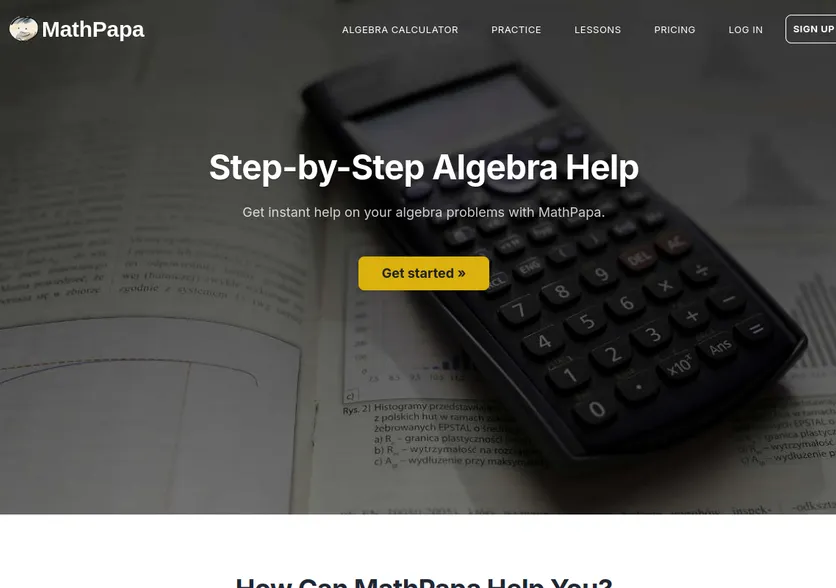
MathPapa is the solver built for algebra class, with lessons and practice that match what a middle or high school student actually studies. This MathPapa Premium plan adds step-by-step solutions, practice problems, video lessons and the ability to track progress. It suits a student who needs algebra explained slowly, with the same problem type practiced until it clicks.
What we like
- Built for school algebra specifically
- Video lessons match the practice
- Progress tracking for parents and teachers
Watch out for
- Algebra only, no calculus or statistics
- Some listings show a cheaper annual rate, verify at checkout
How to try it
- Open the MathPapa site and start the Premium trial
- Pick an algebra topic from the lessons
- Work the practice problems with steps shown
7. Chegg Math Solver
Best for: Students who want homework help with textbook solutions included
Paid tool Starting price: $9.95/month · Standalone plan, per month; Study Pack is $19.95 a month and includes it
Free plan: Free trial
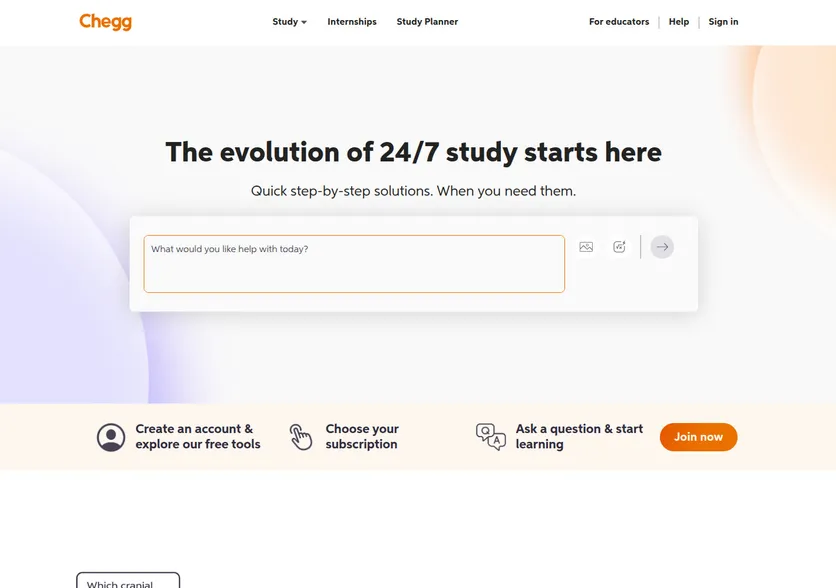
Chegg Math Solver sits inside the Chegg homework ecosystem, which means textbook solutions and expert answers are one click away from the solver. This Chegg Math Solver plan adds step-by-step solutions, graphing and access to solved textbook problems. It suits a student who already uses Chegg for homework and wants the math solver in the same subscription.
What we like
- Textbook solutions included
- Expert answers on harder problems
- Works with the wider Chegg platform
Watch out for
- No free plan, only a trial
- Best value only inside the Study Pack
How to try it
- Open the Chegg site and start the trial
- Type a problem into the math solver
- Open the steps and check the textbook solution
8. Gauth
Best for: Students who want AI solving plus live tutor help
Paid tool Starting price: $11.99/month · Monthly plan; $99.99 a year billed annually
Free plan: Free plan
Gauth pairs an AI solver with live tutors, so a student can get the steps instantly and ask a human when the steps do not make sense. This Gauth plan adds unlimited AI solutions, step-by-step explanations and tutor help on harder problems. It suits a student who studies late at night and wants an answer now, with a person to ask when the answer is not enough.

What we like
- AI solver plus live tutors
- Works late at night when help is scarce
- Covers math and science problems
Watch out for
- Most expensive monthly plan here
- Tutor response times vary by hour
How to try it
- Open the Gauth site and start the trial
- Scan or type a problem into the solver
- Ask a tutor when the steps need explaining
Prices above were checked on each vendor’s own website on Nov 14, 2026 and can change — the vendor’s page is the final word. Vendor links are editorial: nobody paid to be listed or ranked here. Vendors who want a featured listing can see how it works on our Get listed page.
What math software costs in 2026
Price is the first filter, and the range on this list runs from $9.95 a month to $305 a year. Most solvers cost about $10 a month, so the annual price and the step quality matter more than the headline rate. The prices in the comparison above use the headline plan each vendor shows on its own site, checked on November 25, 2026. Maple is the outlier at $305 a year, while Symbolab Pro is the cheapest yearly plan at $39.95 a year and WolframAlpha Pro falls to $5 a month on annual billing.
Before you buy
- Check whether steps are included, because several apps show answers free and charge for the working, and Mathway's free plan shows answers without steps.
- Compare the annual price, because most solvers drop by about half on yearly billing, and WolframAlpha Pro falls to $5 a month on annual billing.
- Match the tool to your subject, because MathPapa covers algebra only, Maple is a full computer algebra system for engineering, and WolframAlpha covers the most topics.
- Start on the free plan where one exists, since WolframAlpha, Symbolab, Photomath, Mathway, MathPapa and Gauth all have free plans while Maple and Chegg offer trials only.
- Test the scanner on your own homework, because Photomath's camera reads printed problems fast while handwriting recognition can misread problems.
Official websites
Official websites of the products reviewed above. Features and prices were checked against these sites when this guide was written, and they can change, so confirm on the vendor site before you buy.
Frequently asked questions
What is the cheapest math software for students?
Most solvers here cost about $10 a month, so the price is not the deciding factor. WolframAlpha Pro at $9.99 a month is the cheapest on annual billing at $5 a month, and Symbolab Pro at $39.95 a year is the cheapest yearly plan. Pick by the subject you study, because step quality varies more than price.
Which math app is best for scanning homework problems?
Photomath Plus is the best pick for scanning, because the camera reads printed problems and the animated steps are easy to follow. Gauth also scans problems and adds live tutors when the steps do not make sense. For typed problems, Symbolab and WolframAlpha show the clearest working.
Can I try math software for free?
Yes, every tool here offers a free plan or a free trial. WolframAlpha, Symbolab, Photomath, Mathway, MathPapa and Gauth all have free plans, while Maple and Chegg offer free trials. The free plans usually show answers without full steps, so start the trial when you need the working shown.
Which math software is best for college or engineering students?
Maple is the best pick for advanced work, because it is a full computer algebra system with serious plotting and symbolic math. WolframAlpha Pro is the best pick for breadth, covering statistics and science as well as math. The simple solvers are better for homework, but Maple is better for a degree.
Which math app is best for learning algebra?
Symbolab is the best pick for algebra, because its step-by-step working is the clearest and its practice problems match school topics. MathPapa is the best pick for younger students, with video lessons and progress tracking. WolframAlpha covers more topics, but its steps assume more background knowledge.
Should I use a solver that shows steps or just answers?
Yes, and it matters: a solver that only gives the answer teaches nothing, while one that shows the steps teaches the method. Use the steps to check your own working first, then read the solution when you are stuck. The best solvers here, Symbolab and WolframAlpha, show every line so you can find where you went wrong.
Keep the whole math set close — browse all the free math calculators, each one showing its steps.
Browse Math Calculators tools