
On this page
Half your laptops now work from home, so an inventory that only sees the office network is an inventory of half your estate. The eight tools below run from about twenty dollars a month to about three hundred dollars a month, and every price was checked on the vendor site on November 26, 2026. Several offer free tiers, so a small team can start tracking for nothing. Lansweeper is our first pick — the discovery tool that finds what the office network cannot see.
How we researched this
We started with the inventory tools remote IT teams actually buy, then read each price on the vendor pricing page on November 26, 2026 and noted the billing unit and free tier each plan carries. We judged them for a team whose laptops work from home and need to be found, tracked and licensed without an office network. We kept only tools with a published dollar price, and we dropped ServiceNow, Ivanti and Flexera because all three sell by quote only, plus NinjaOne and Asset Panda for the same reason.
Compare the tools
| Name | Best for | Starting price | Free plan | |
|---|---|---|---|---|
 Lansweeper | IT teams that need to find every device on the network | $299/month | Free tier for up to 100 assets after a 14-day trial | Visit |
 Snipe-IT | IT teams that want a free open-source register with paid hosting | $39.99/month | Free self-hosted edition with unlimited users and assets | Visit |
 ManageEngine AssetExplorer | Multi-site IT teams that want discovery plus licence compliance | $115/month | Free edition up to 50 nodes in the cloud or 25 on-premises | Visit |
 Freshservice | Internal IT that wants service desk and asset inventory together | $49/agent/month | No free plan; 14-day free trial | Visit |
 AssetTiger | Small teams that want a low flat price for a hosted asset list | $20/month | No free plan; 30-day free trial for 250 assets | Visit |
 InvGate Asset Management | IT teams that want enterprise discovery without enterprise pricing | $1,499/year | No free plan; free trial available | Visit |
 Reftab | Teams on Intune or Jamf that want MDM sync for their register | $125/month | Free tier for up to 50 assets | Visit |
 Atera | MSPs and IT departments that want RMM plus inventory per technician | $149/technician/month | No free plan; 30-day free trial | Visit |
The remote software inventory tools, compared
1. Lansweeper
Best for: IT teams that need to find every device on the network
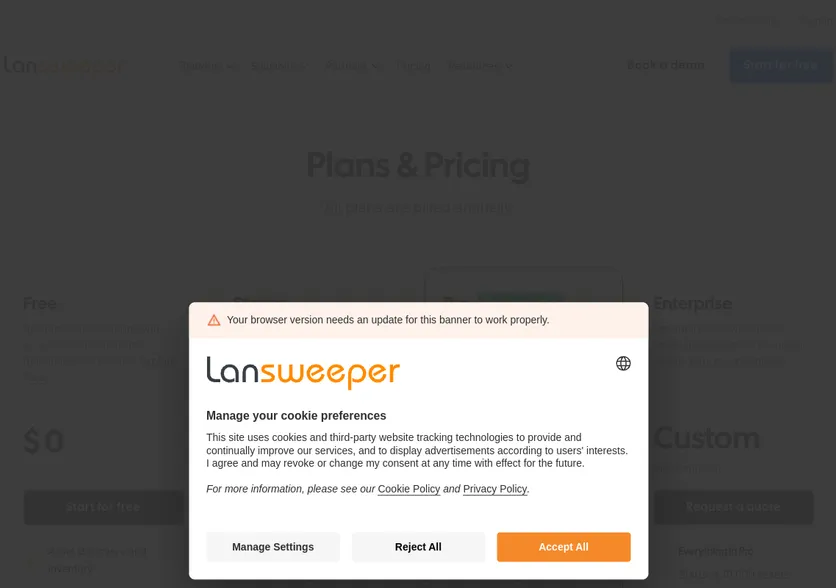
Paid tool Starting price: $299/month · Starter plan, from $299 a month billed annually for 2,000 assets; free tier covers 100 assets
Free plan: Free tier for up to 100 assets after a 14-day trial
Lansweeper is the network discovery leader, finding IT, OT and cloud assets without installing agents everywhere. This Lansweeper Starter plan covers two thousand assets with agentless scanning, an optional agent for remote workers and service desk integrations. An IT team can see every printer, switch, laptop and cloud resource in one inventory instead of guessing what is actually connected.
What we like
- Agentless discovery across IT, OT and cloud
- Unlimited user seats on every plan
- Vulnerability and lifecycle insights on Pro
Watch out for
- Starter costs two hundred and ninety-nine dollars a month
- Monitors count as assets in the bands
How to try it
- Open the Lansweeper pricing page and pick the Starter plan
- Run the first agentless network scan
- Review the discovered assets and set up the integrations
2. Snipe-IT
Best for: IT teams that want a free open-source register with paid hosting
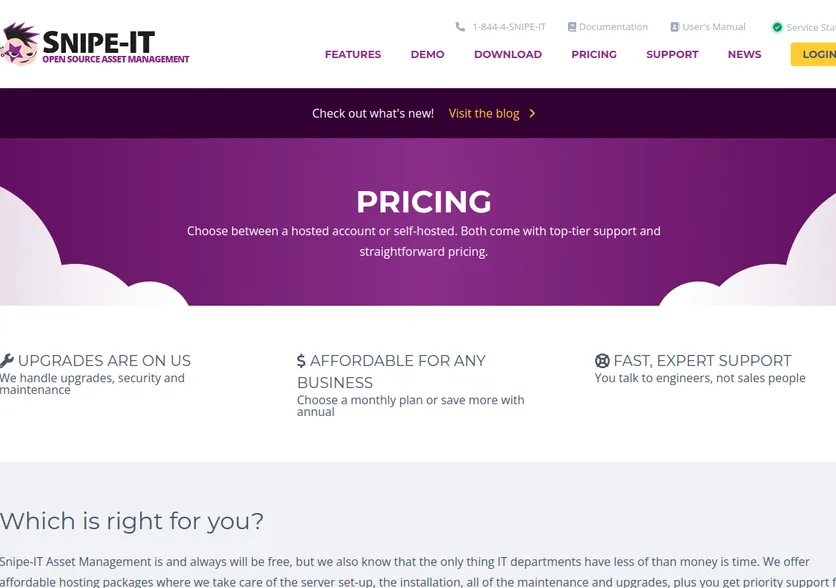
Paid tool Starting price: $39.99/month · Basic Hosting, $39.99 a month billed monthly, or $399.99 a year; self-hosted is free
Free plan: Free self-hosted edition with unlimited users and assets
Snipe-IT is the open-source asset register, tracking laptops, licences and accessories with unlimited users and assets on every plan. This Snipe-IT Basic Hosting plan covers email support, automated upgrades and server maintenance, with check-in and check-out, depreciation and licence tracking included. A team that can host a web app gets a full register for the price of hosting, with no per-user fees at all.
What we like
- Free to self-host with no asset or user caps
- Unlimited users on every hosted plan
- Check-in, depreciation and licence tracking included
Watch out for
- No network scanner of its own, imports only
- You host, patch and back it up yourself
How to try it
- Open the Snipe-IT pricing page and pick Basic Hosting
- Import your asset list from a spreadsheet
- Assign laptops to staff and track the check-outs
3. ManageEngine AssetExplorer
Best for: Multi-site IT teams that want discovery plus licence compliance
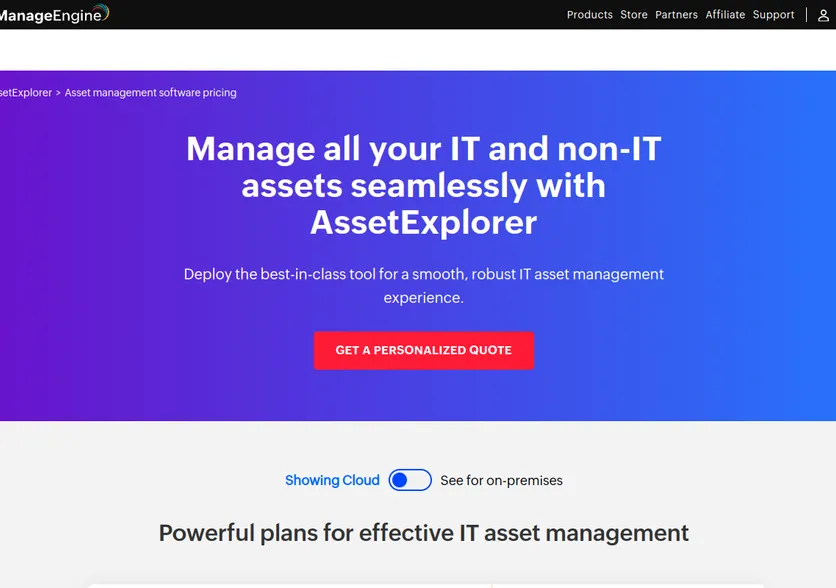
Paid tool Starting price: $115/month · Cloud plan, $115 a month for 250 IT assets, or $1,245 a year
Free plan: Free edition up to 50 nodes in the cloud or 25 on-premises
ManageEngine AssetExplorer is the mid-market asset manager, pairing network discovery with software licence compliance and a configuration database. This ManageEngine AssetExplorer Cloud plan covers two hundred and fifty IT assets, with agent and agentless discovery, purchase and contract records and four depreciation methods. A multi-site team can track what it owns, what it is licensed for, and what is due for replacement from one console.
What we like
- Discovery plus licence compliance in one tool
- Published price bands from 250 to 10,000 assets
- Purchase and contract records included
Watch out for
- Cloud plan starts at two hundred and fifty assets
- On-premises edition is priced separately
How to try it
- Open the AssetExplorer pricing page and pick the Cloud plan
- Run the first discovery scan across your sites
- Review the licence compliance report and fix the gaps
4. Freshservice
Best for: Internal IT that wants service desk and asset inventory together
Paid tool Starting price: $49/agent/month · Growth plan, $49 an agent a month billed annually with asset management; Starter is $19 an agent a month
Free plan: No free plan; 14-day free trial
Freshservice is the service desk with asset management built in, tying every laptop to the tickets raised about it. This Freshservice Growth plan adds asset management with a hundred managed asset units, plus automated discovery across on-premises, cloud and hybrid environments. An IT team can see the loan history of a laptop, the ticket it was raised for, and its depreciation in the same record.

What we like
- Assets and tickets in the same platform
- Automated discovery across hybrid environments
- Depreciation rules built into the record
Watch out for
- Growth costs forty-nine dollars an agent a month
- Asset units count servers as four units each
How to try it
- Open the Freshservice pricing page and pick the Growth plan
- Run automated discovery across your environments
- Link assets to tickets and set the depreciation rules
5. AssetTiger
Best for: Small teams that want a low flat price for a hosted asset list
Paid tool Starting price: $20/month · Basic plan, $20 a month for 500 assets, or $220 a year
Free plan: No free plan; 30-day free trial for 250 assets
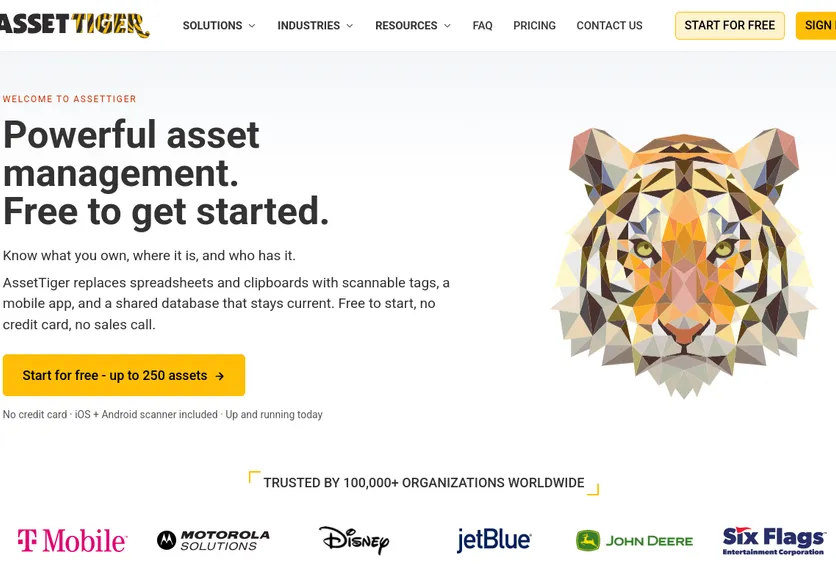
AssetTiger is the budget hosted asset tracker, offering barcode and QR scanning for a flat monthly price with no per-user fees. This AssetTiger Basic plan covers five hundred assets, with check-in and check-out, maintenance reminders and mobile scanning included. A small team can label every laptop, scan it out to a member of staff, and know where it is without a spreadsheet.
What we like
- Cheapest hosted plan here at twenty dollars a month
- Barcode and QR scanning included
- Flat price with no per-user fees
Watch out for
- No network discovery, scanning only
- Basic covers only five hundred assets
How to try it
- Open the AssetTiger pricing page and pick the Basic plan
- Print barcode labels and tag your assets
- Scan assets out to staff from the mobile app
6. InvGate Asset Management
Best for: IT teams that want enterprise discovery without enterprise pricing
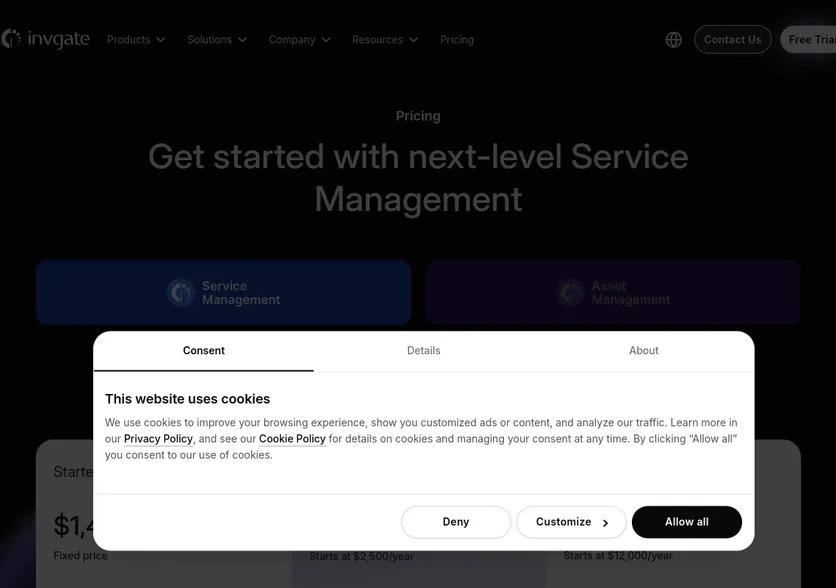
Paid tool Starting price: $1,499/year · Starter plan, $1,499 a year for 500 IP devices, billed annually
Free plan: No free plan; free trial available
InvGate Asset Management is the discovery-led inventory tool, combining agent, agentless and cloud integrations with physical audits by QR code and RFID. This InvGate Starter plan covers five hundred IP devices, with network discovery, integrations and manual or spreadsheet import included. An IT team can find every connected device, then walk the office with a phone to confirm the assets the network cannot see.
What we like
- Agent plus agentless plus cloud discovery
- Physical audits with QR codes and RFID
- Enterprise feel without enterprise pricing
Watch out for
- Starter costs a thousand four hundred and ninety-nine dollars a year
- Priced by IP devices, so printers count too
How to try it
- Open the InvGate pricing page and pick the Starter plan
- Run agent and agentless discovery together
- Walk the office with QR codes to audit the physical assets
7. Reftab
Best for: Teams on Intune or Jamf that want MDM sync for their register
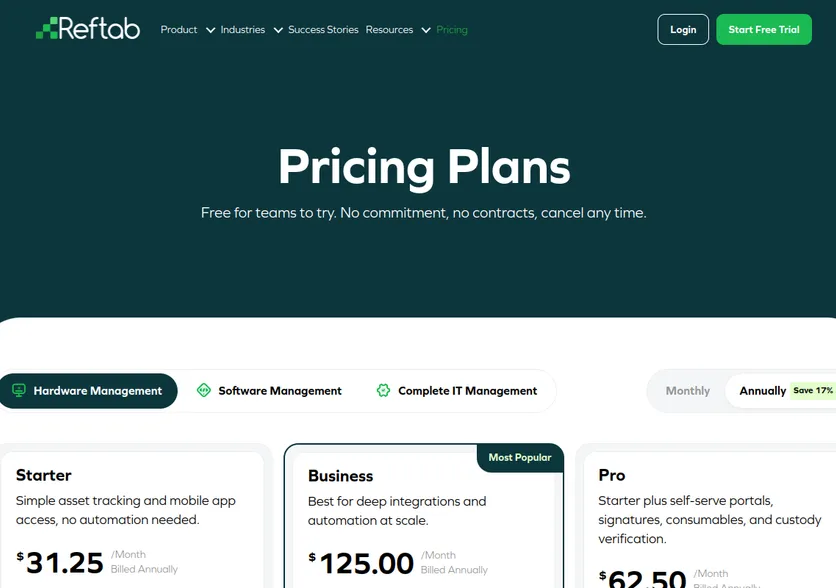
Paid tool Starting price: $125/month · Hardware Asset Management plan, $125 a month; free tier covers 50 assets
Free plan: Free tier for up to 50 assets
Reftab is the asset register built around MDM sync, pulling device records from Intune, Jamf and thirty other integrations automatically. This Reftab Hardware Asset Management plan covers check-in and check-out, work orders and Jira integration, with a free tier for fifty assets. A team whose laptops are already managed by an MDM gets a register that fills itself, instead of a spreadsheet someone must maintain by hand.
What we like
- Syncs from Intune, Jamf and thirty more tools
- Free tier for fifty assets
- Work orders and Jira integration included
Watch out for
- Billing term and asset allowance not published
- No network discovery of its own
How to try it
- Open the Reftab pricing page and pick the Hardware plan
- Connect your MDM and let the devices sync in
- Assign assets to staff and open the first work order
8. Atera
Best for: MSPs and IT departments that want RMM plus inventory per technician
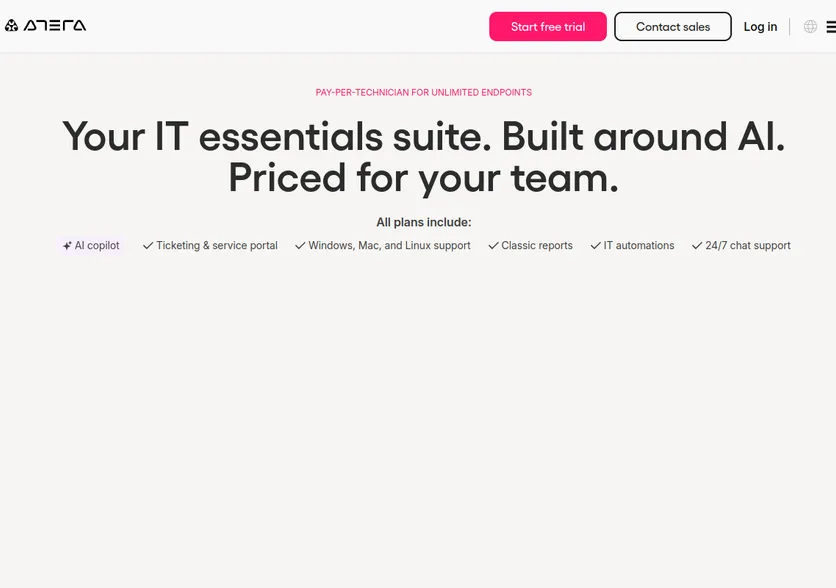
Paid tool Starting price: $149/technician/month · Professional plan, $149 a technician a month billed annually with unlimited devices
Free plan: No free plan; 30-day free trial
Atera is the all-in-one remote monitoring platform, bundling IT inventory, patch management, remote access and a help desk into one per-technician price. This Atera Professional plan covers unlimited devices per technician, with network discovery, patching and alerting included. An MSP can manage every client device from one console and never pay per device as the client base grows.
What we like
- Per-technician pricing with unlimited devices
- RMM, patching and help desk in one tool
- Bill does not grow as devices are added
Watch out for
- Professional costs a hundred and forty-nine dollars a technician a month
- Asset management depth is lighter than dedicated tools
How to try it
- Open the Atera pricing page and pick the Professional plan
- Install the agent on client devices
- Run the first network discovery and set up patching
Prices above were checked on each vendor’s own website on Nov 26, 2026 and can change — the vendor’s page is the final word. Vendor links are editorial: nobody paid to be listed or ranked here. Vendors who want a featured listing can see how it works on our Get listed page.
What remote software inventory costs in 2026
The price of an inventory tool depends on what it counts, and every vendor counts something different. Lansweeper charges by asset band, Freshservice charges per agent, Snipe-IT charges a flat hosting fee with unlimited assets, and InvGate charges per IP device per year. A team with two hundred and fifty assets can pay twenty dollars a month on AssetTiger, forty dollars a month on Snipe-IT hosted, or three hundred dollars a month on Lansweeper Starter, so the billing unit matters more than the headline price. The headline plan each vendor shows on its own pricing page is the number in the table above, checked on November 26, 2026.
Start with the free tier on two tools and run them against your real estate for a month. Compare how many devices each one finds, how many licences it flags, and how often the register goes stale, then keep the tool your team actually updates. An inventory earns its price when an audit finds everything, not when the dashboard looks tidy.
Before you buy
- Count your assets first, because Lansweeper charges by asset band, Freshservice by agent and Snipe-IT by hosting plan.
- Check how the tool discovers devices, because a scanner finds laptops that never join the office network.
- Confirm the software licence tracking, because hardware lists alone do not catch an expired licence.
- Test the check-in and check-out flow, because a register nobody updates is worse than no register.
- Compare the remote-work story, because an agent-based tool sees home laptops that agentless scans miss.
Official websites
Official websites of the products reviewed above. Features and prices were checked against these sites when this guide was written, and they can change, so confirm on the vendor site before you buy.
Frequently asked questions
Which tool is best for remote software inventory in 2026?
Lansweeper Starter, at about three hundred dollars a month billed annually, is the best pick for discovery because it finds IT, OT and cloud assets without agents. Snipe-IT hosted at about forty dollars a month is the best value for a simple register, and Freshservice Growth at forty-nine dollars an agent a month is the best pick when tickets and assets must live in one platform.
What is the cheapest remote software inventory tool?
AssetTiger Basic, at twenty dollars a month for five hundred assets, is the cheapest hosted plan here. Snipe-IT hosted follows at about forty dollars a month, and Snipe-IT self-hosted costs nothing at all beyond the server you run it on. Lansweeper also offers a free tier for a hundred assets, which suits a very small estate.
Can I track software inventory for free?
Yes, two of them. Snipe-IT is free to self-host with unlimited users and assets, and Lansweeper is free for up to a hundred assets after a trial. Reftab also offers a free tier for fifty assets, and ManageEngine AssetExplorer has a free edition for fifty nodes in the cloud. A small team can run a real inventory for nothing and pay only when the estate grows.
What is the difference between discovery and an asset register?
A discovery tool scans the network and finds devices by itself, while a register waits for someone to enter the data. Lansweeper, InvGate and ManageEngine AssetExplorer discover devices, while Snipe-IT and AssetTiger are registers that rely on imports, barcode scans and MDM sync. For a remote team, discovery matters most, because home laptops never join the office network to be found.
How much does software inventory cost a small team?
It depends on the unit each vendor counts. Lansweeper charges by asset band, Freshservice charges per agent, Snipe-IT charges by hosting plan with unlimited assets, and InvGate charges per IP device per year. A team with two hundred and fifty assets pays about a hundred and fifteen dollars a month on AssetExplorer, about forty dollars a month on Snipe-IT hosted, or nothing on Snipe-IT self-hosted.
Managing remote software and devices? Try Toolsvine's free business tools for inventory, planning and tracking right in your browser.
Browse Business Tools tools


