
On this page
A tradeshow booth is a building that lives for three days, and its design has to sell the brand from twenty feet away. The right 3D software draws the booth, tests the sightlines and produces the drawings a builder needs, before a single panel is cut. The seven tools below range from a fast modeller for a small booth to full building platforms for a two-storey exhibit. SketchUp Pro is our first pick for an exhibit designer who wants speed and a fair price.
How we researched this
We started with the 3D design tools exhibit builders actually use, then read each price on the vendor site on November 27, 2026 and noted the trial each one carries. We judged them for a booth designer who needs a clean model, a client render and a builder drawing without a film-studio budget. We dropped Allplan because its published yearly price conflicts across vendor pages, and Maya because it is built for film animation rather than exhibit floors.
Compare the tools
| Name | Best for | Starting price | Free plan | |
|---|---|---|---|---|
 SketchUp Pro | Exhibit designers who want fast booth models at a fair price | $399/year | No free plan; free trial | Visit |
 Vectorworks Architect | Exhibit designers who need building drawings and booth models in one tool | $1,530/year | No free plan; free trial | Visit |
| Cinema 4D | Exhibit designers who want the best renders for client presentations | $839/year | No free plan; fourteen-day trial | Visit |
 AutoCAD | Exhibit designers who need precise two-dimensional drawings for builders | $2,095/year | No free plan; free trial | Visit |
| 3ds Max | Exhibit designers who want detailed three-dimensional models and renders | $2,010/year | No free plan; free trial | Visit |
 Revit | Exhibit designers who build large stands with structure and services | $3,005/year | No free plan; free trial | Visit |
 Chief Architect Premier | Exhibit designers who want quick renders with building data | $1,995/year | No free plan; free trial | Visit |
The 3d design software for tradeshow booths, compared
1. SketchUp Pro
Best for: Exhibit designers who want fast booth models at a fair price
Paid tool Starting price: $399/year · Pro plan, three hundred ninety-nine dollars a year; Go plan costs one hundred twenty-nine dollars a year and Studio costs eight hundred fifty-nine dollars a year
Free plan: No free plan; free trial
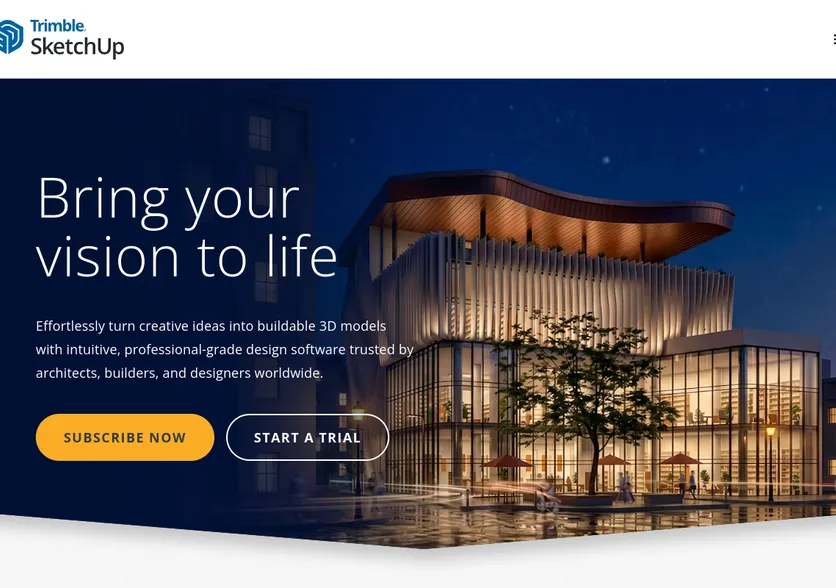
SketchUp Pro draws booths fast, with a simple push-and-pull modeller that turns a floor plan into a three-dimensional stand in an afternoon. This SketchUp Pro subscription costs three hundred ninety-nine dollars a year, with a cheaper Go plan for simpler work and a Studio plan for advanced rendering. A small exhibit team gets a quick model and a clean render without a big budget, though the tool is lighter than a full building platform.
What we like
- Fastest modelling in this comparison
- Lowest price for a full design tool
- Huge library of booth components
Watch out for
- Lighter than a full building platform
- Advanced rendering needs the Studio plan
How to try it
- Open the SketchUp plans page and start the trial
- Draw the booth footprint and pull up the walls
- Render the stand and export the drawings for the builder
2. Vectorworks Architect
Best for: Exhibit designers who need building drawings and booth models in one tool
Paid tool Starting price: $1,530/year · Architect plan, one thousand five hundred thirty dollars a year; monthly price is not published clearly on the vendor site
Free plan: No free plan; free trial
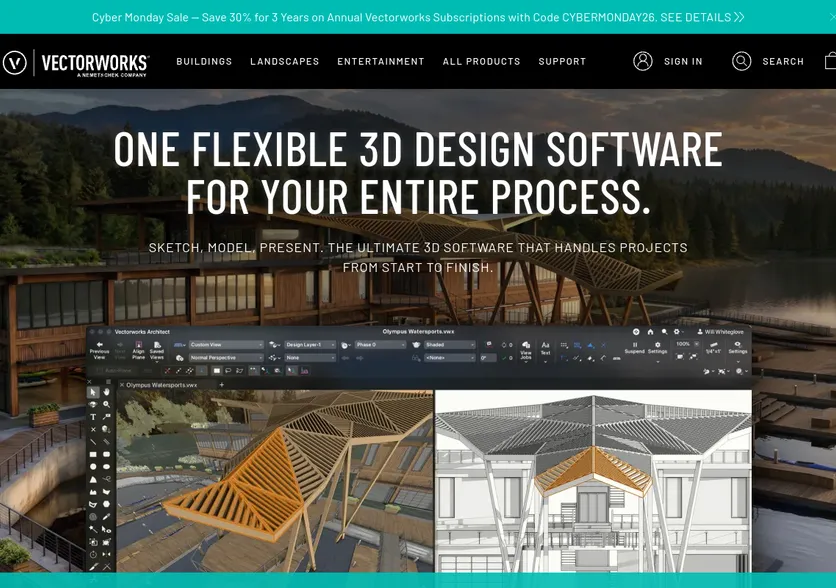
Vectorworks Architect draws booths with real building data, so the same model produces the render for the client and the drawings for the builder. This Vectorworks Architect subscription costs one thousand five hundred thirty dollars a year, which puts it in the middle of this list. A designer who builds large stands gets a professional tool that handles structure as well as style, though the price is far above SketchUp Pro.
What we like
- One model for renders and builder drawings
- Strong tools for large and two-storey stands
- Good fit for exhibit and event design
Watch out for
- Monthly price is not published clearly
- Steeper learning curve than SketchUp Pro
How to try it
- Open the Vectorworks site and start the trial
- Build the booth model with real dimensions
- Export the drawings and the client render
3. Cinema 4D
Best for: Exhibit designers who want the best renders for client presentations
Paid tool Starting price: $839/year · Eight hundred thirty-nine dollars a year, or one hundred nine dollars a month, or sixty-nine dollars and ninety-two cents a month billed annually; includes Redshift
Free plan: No free plan; fourteen-day trial
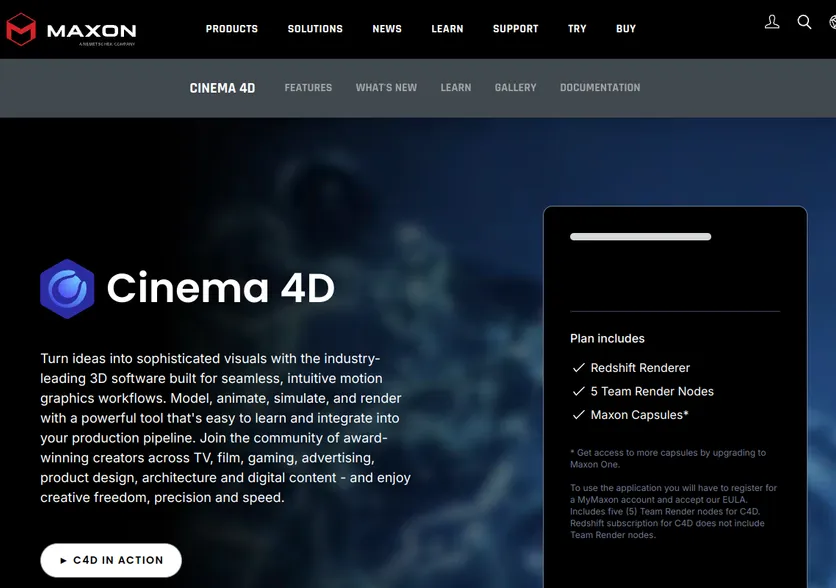
Cinema 4D renders booths beautifully, with lighting and materials that make a client presentation look like a finished stand. This Cinema 4D subscription costs eight hundred thirty-nine dollars a year and includes Redshift for fast rendering, with a fourteen-day trial to test it. A designer who sells the booth with the render gets the best-looking images here, though the tool is weaker for builder drawings.
What we like
- Best renders in this comparison
- Redshift included for fast rendering
- Maxon One bundle adds more tools
Watch out for
- Weaker for builder drawings than Vectorworks
- Monthly price is higher without the annual plan
How to try it
- Open the Maxon buy page and start the trial
- Model the booth and set the lighting
- Render the stand and share the images with the client
4. AutoCAD
Best for: Exhibit designers who need precise two-dimensional drawings for builders
Paid tool Starting price: $2,095/year · Two thousand ninety-five dollars a year, or two hundred sixty dollars a month
Free plan: No free plan; free trial
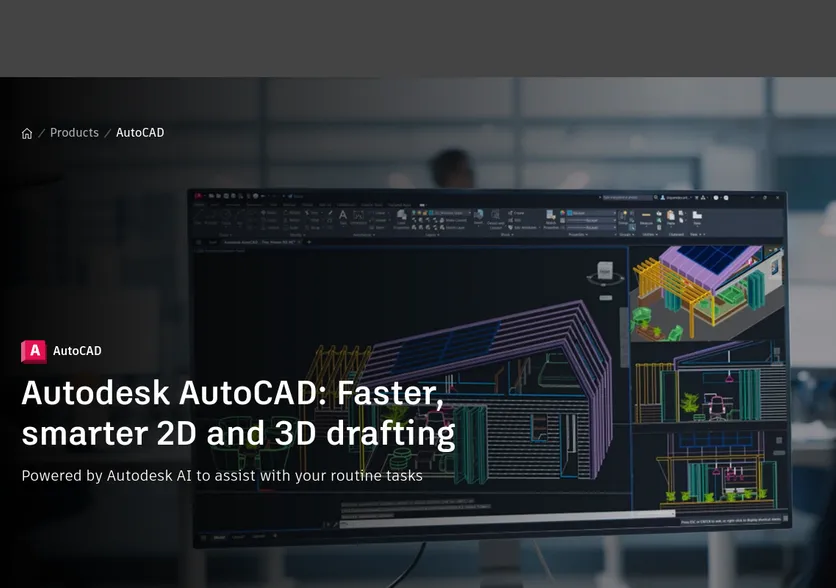
AutoCAD draws booths with millimetre precision, so the builder gets exact dimensions for every panel, wall and cable run. This AutoCAD subscription costs two thousand ninety-five dollars a year, which is the second highest price here. A designer who hands drawings to a builder gets the industry standard for precision, though the tool is slower for three-dimensional modelling than SketchUp Pro.
What we like
- Industry standard for precise drawings
- Exact dimensions for every panel
- Huge library of blocks and symbols
Watch out for
- Second highest price in this comparison
- Slower for three-dimensional modelling
How to try it
- Open the AutoCAD page and start the trial
- Draw the booth plan with exact dimensions
- Export the drawings for the builder
5. 3ds Max
Best for: Exhibit designers who want detailed three-dimensional models and renders
Paid tool Starting price: $2,010/year · Two thousand ten dollars a year, or two hundred fifty-five dollars a month, or one hundred sixty-eight dollars a month billed annually
Free plan: No free plan; free trial
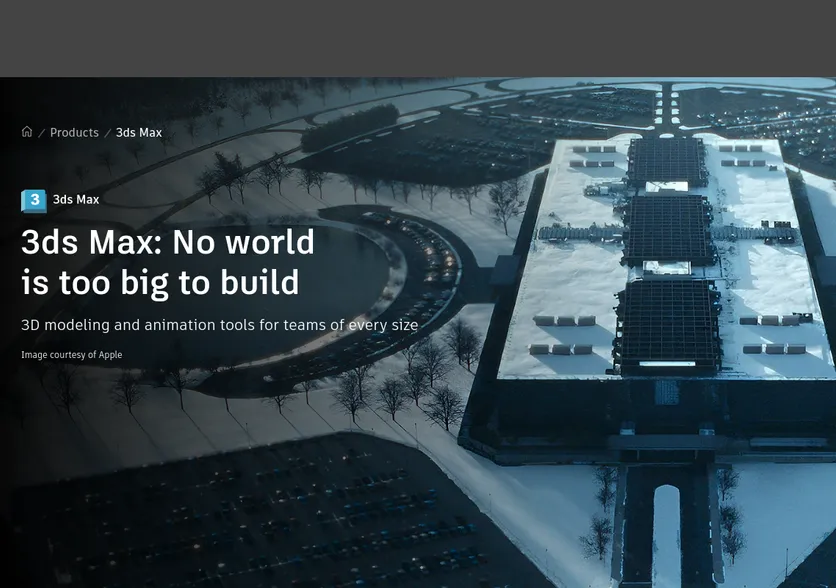
3ds Max models booths in full detail, with lighting and materials that show a client exactly how the stand will look on the show floor. This 3ds Max subscription costs two thousand ten dollars a year, which puts it near the top of this list. A designer who builds complex stands gets a powerful modeller and renderer, though the price is high for a small exhibit team.
What we like
- Powerful modelling for complex stands
- Strong rendering for client presentations
- Huge library of materials and models
Watch out for
- High price for a small exhibit team
- Steep learning curve for beginners
How to try it
- Open the 3ds Max page and start the trial
- Model the booth in full detail
- Render the stand and share the images with the client
6. Revit
Best for: Exhibit designers who build large stands with structure and services
Paid tool Starting price: $3,005/year · Three thousand five dollars a year, or three hundred eighty dollars a month; Revit LT costs five hundred sixty dollars a year
Free plan: No free plan; free trial
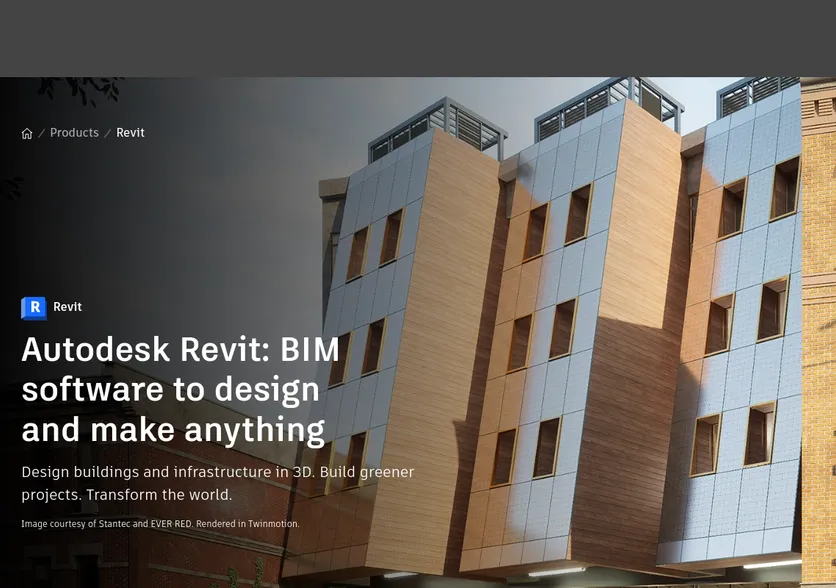
Revit models booths as buildings, with structure, services and schedules in one model that the whole team can share. This Revit subscription costs three thousand five dollars a year, which is the highest price in this list. A designer who builds two-storey stands gets a full building platform, though the price and complexity are far beyond a simple booth.
What we like
- Full building model with structure and services
- Team sharing for large exhibit projects
- Schedules and quantities built in
Watch out for
- Highest price in this comparison
- Far more complex than a simple booth needs
How to try it
- Open the Revit page and start the trial
- Model the booth with structure and services
- Export the drawings and schedules for the builder
7. Chief Architect Premier
Best for: Exhibit designers who want quick renders with building data
Paid tool Starting price: $1,995/year · Premier plan, one thousand nine hundred ninety-five dollars a year, or two hundred twenty-nine dollars a month, or one hundred sixty-six dollars and twenty-five cents a month billed annually
Free plan: No free plan; free trial
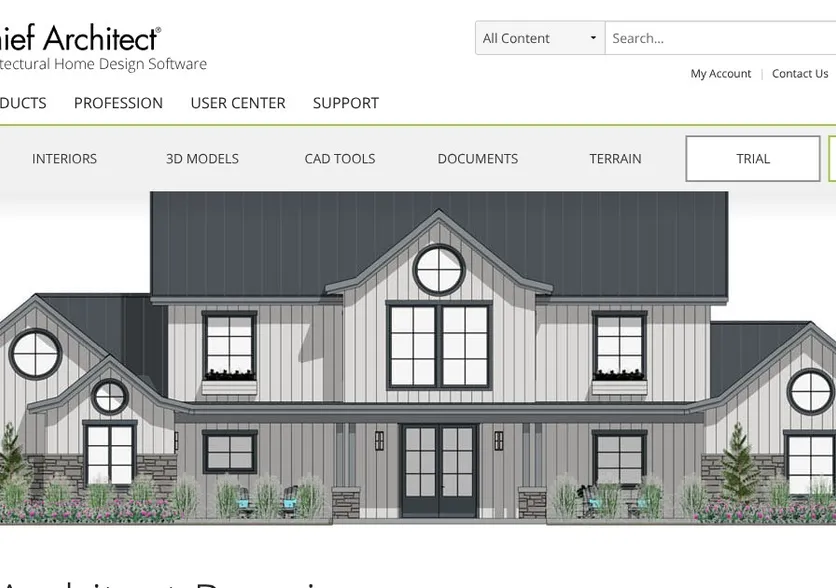
Chief Architect Premier draws booths with building tools that render fast, so a designer can show a client a finished stand in a day. This Chief Architect Premier subscription costs one thousand nine hundred ninety-five dollars a year, with a monthly option for short projects. A designer who wants a quick render with real dimensions gets a fair middle price, though the tool is built for homes rather than exhibits.
What we like
- Fast renders with building data
- Monthly option for short projects
- Simple tools that a designer learns fast
Watch out for
- Built for homes rather than exhibits
- High price for a tool outside its home market
How to try it
- Open the Chief Architect offers page and start the trial
- Draw the booth with building tools
- Render the stand and share it with the client
Prices above were checked on each vendor’s own website on Nov 27, 2026 and can change — the vendor’s page is the final word. Vendor links are editorial: nobody paid to be listed or ranked here. Vendors who want a featured listing can see how it works on our Get listed page.
What booth design software costs in 2026
Booth design software costs from three hundred ninety-nine dollars a year on SketchUp Pro to three thousand five dollars a year on Revit, with most tools sitting between eight hundred and two thousand dollars. The price follows the depth of the tool, so a fast modeller costs far less than a full building platform. A small exhibit team should start with SketchUp Pro and add a renderer only when the client work demands it.
Model one real booth on the trial before you pay, and check whether the render sells the stand, whether the drawings are clear enough for the builder and whether the tool feels fast enough to use daily. Pick the tool that fits the biggest booth you build, not the smallest, because a model that cannot handle a two-storey stand costs more than the upgrade. Budget the annual price, which is lower on every plan here.
Before you buy
- Compare the yearly price first, because SketchUp Pro costs three hundred ninety-nine dollars while Revit costs three thousand five.
- Decide what you need most, because Cinema 4D renders beautifully while AutoCAD draws precisely.
- Check the trial before paying, because every tool here offers a free trial.
- Match the tool to the booth size, because Revit suits a two-storey stand while SketchUp Pro suits a small booth.
- Budget the annual price, because monthly billing costs more on every plan here.
Official websites
Official websites of the products reviewed above. Features and prices were checked against these sites when this guide was written, and they can change, so confirm on the vendor site before you buy.
Frequently asked questions
Which 3D design software is best for tradeshow booths in 2026?
SketchUp Pro is the best overall pick for an exhibit designer who wants fast booth models at a fair price, at three hundred ninety-nine dollars a year. Cinema 4D is the best for renders, at eight hundred thirty-nine dollars a year, and Vectorworks Architect is the best all-rounder at one thousand five hundred thirty dollars a year. Choose SketchUp Pro for speed, Cinema 4D for client presentations and Vectorworks for builder drawings.
How much does booth design software cost?
Paid plans in this list run from three hundred ninety-nine dollars a year on SketchUp Pro to three thousand five dollars a year on Revit. Cinema 4D costs eight hundred thirty-nine dollars a year, while AutoCAD costs two thousand ninety-five dollars a year. A small exhibit team should budget four hundred to eight hundred dollars a year, while a large stand builder should budget two thousand or more.
Is SketchUp Pro good enough for a tradeshow booth?
Yes for most booths, because SketchUp Pro draws a stand fast and renders it well enough for a client presentation. A small or medium booth needs nothing more, and the huge component library covers walls, counters and lighting. Choose Vectorworks or Revit only when the booth is two storeys or needs full building drawings for the builder.
Do these tools offer a free trial?
Yes, because every tool in this list offers a free trial, so an exhibit designer can model a real booth before paying. Cinema 4D offers a fourteen-day trial, while the other tools offer a trial of similar length. Use the trial to model one booth end to end and check whether the render and the drawings meet the client and the builder.
What is the cheapest booth design software?
SketchUp Pro is the cheapest full design tool here at three hundred ninety-nine dollars a year, with a cheaper Go plan at one hundred twenty-nine dollars a year for simpler work. Cinema 4D costs eight hundred thirty-nine dollars a year, while Vectorworks Architect costs one thousand five hundred thirty dollars a year. A designer on a tight budget should start with SketchUp Pro Go and upgrade to Pro when the work demands it.
Need everyday image help too? Try Toolsvine's free image tools right in your browser.
Browse Image Tools tools


