
On this page
A beginner opens a 3D modeller for the first time and faces a screen full of buttons that mean nothing yet. The right software teaches as it goes, with simple tools that turn a sketch into a model in an afternoon instead of a month. The seven tools below range from a free plan for a first try to full studios that a beginner can grow into. SketchUp Pro is our first pick for a beginner who wants to model something real on day one.
How we researched this
We started with the 3D modelling tools beginners actually use, then read each price on the vendor site on November 27, 2026 and noted the free plan or trial each one carries. We judged them for a beginner who needs simple tools, a short learning curve and a first model that feels like a win. We dropped Blender because it is free with no paid plan to compare, and Modo because its vendor page no longer lists a clear standalone price.
Compare the tools
| Name | Best for | Starting price | Free plan | |
|---|---|---|---|---|
 SketchUp Pro | Beginners who want to model something real on day one | $399/year | No free plan; free trial | Visit |
 Fusion 360 | Beginners who want to learn design and 3D printing together | $680/year | Free trial and free personal-use edition | Visit |
 Shapr3D | Beginners who want to model on an iPad with a pen | $299/year | Free Basic plan with two projects | Visit |
 ZBrush | Beginners who want to sculpt figures and creatures | $399/year | No free plan; free trial | Visit |
| Cinema 4D | Beginners who want beautiful renders of their first models | $839/year | No free plan; fourteen-day trial | Visit |
| 3ds Max | Beginners who want to grow into a professional studio tool | $2,010/year | No free plan; free trial | Visit |
| Houdini | Beginners who want to learn procedural modelling on a budget | $299/year | Free Apprentice edition | Visit |
The 3d modeling software for beginners, compared
1. SketchUp Pro
Best for: Beginners who want to model something real on day one
Paid tool Starting price: $399/year · Pro plan, three hundred ninety-nine dollars a year; Go plan costs one hundred twenty-nine dollars a year
Free plan: No free plan; free trial
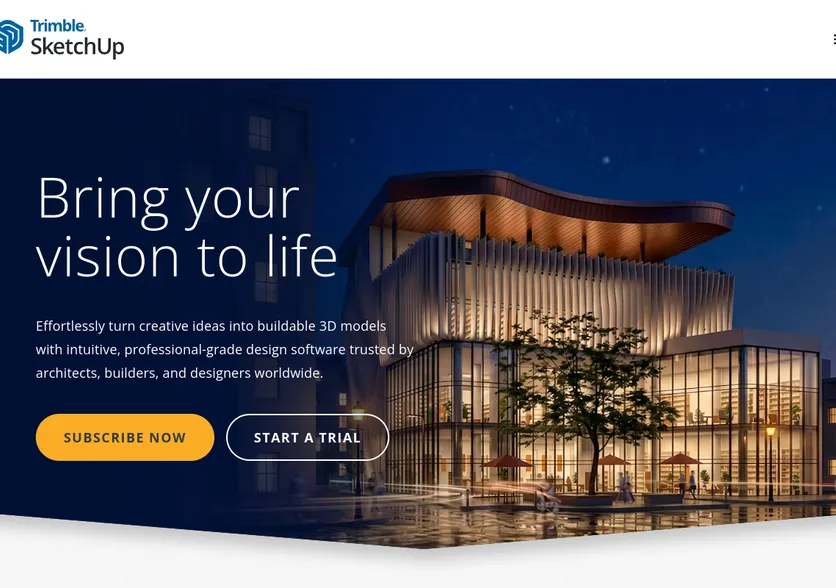
SketchUp Pro teaches itself as you draw, with a push-and-pull modeller that turns a sketch into a three-dimensional model in an afternoon. This SketchUp Pro subscription costs three hundred ninety-nine dollars a year, with a cheaper Go plan for simpler work. A beginner gets a first model fast and a huge library of ready-made parts, though the tool is lighter than a full design platform.
What we like
- Easiest modeller in this comparison
- Lowest price for a full design tool
- Huge library of ready-made parts
Watch out for
- Lighter than a full design platform
- Advanced rendering needs the Studio plan
How to try it
- Open the SketchUp plans page and start the trial
- Draw a simple box and pull it into a shape
- Add a ready-made part and render your first model
2. Fusion 360
Best for: Beginners who want to learn design and 3D printing together
Paid tool Starting price: $680/year · Six hundred eighty dollars a year, or eighty-five dollars a month; free trial and free personal-use edition
Free plan: Free trial and free personal-use edition
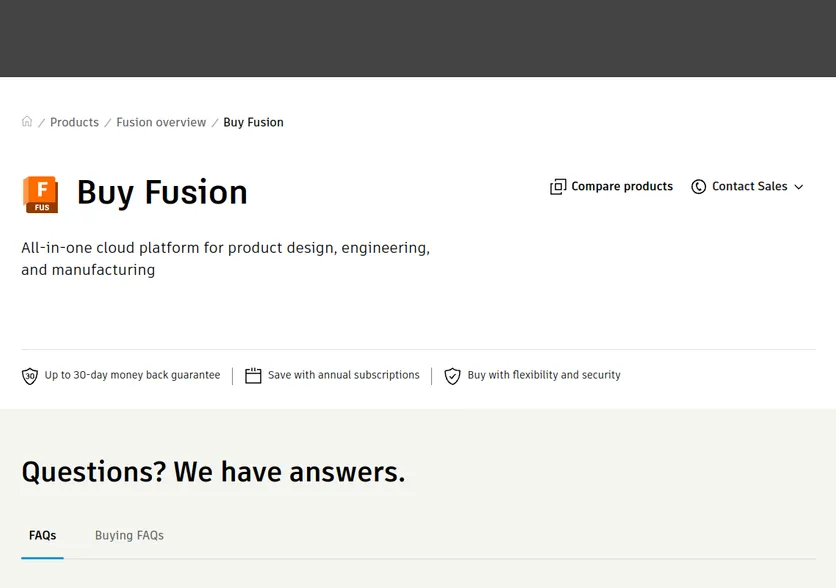
Fusion 360 guides a beginner from a sketch to a finished part, with parametric tools that let a design change without starting over. This Fusion 360 subscription costs six hundred eighty dollars a year, with a free trial and a free personal-use edition for hobbyists. A beginner who wants to print what they model gets the full pipeline for a fair price, though the tool takes weeks to learn well.
What we like
- Free personal-use edition for hobbyists
- Parametric design that is easy to change
- Design and 3D printing in one tool
Watch out for
- Takes weeks to learn well
- Subscription only, no one-time purchase
How to try it
- Open the Fusion 360 page and start the free personal edition
- Follow a beginner tutorial to model a simple part
- Export the file and print it on a 3D printer
3. Shapr3D
Best for: Beginners who want to model on an iPad with a pen
Paid tool Starting price: $299/year · Pro plan, two hundred ninety-nine dollars a year per editor seat; free Basic plan with two projects, fourteen-day trial
Free plan: Free Basic plan with two projects
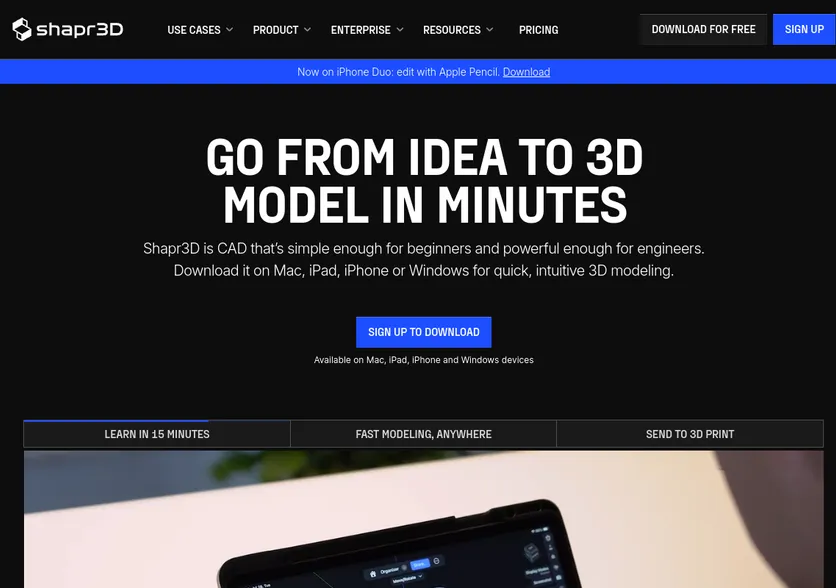
Shapr3D runs on an iPad with a pen, so a beginner can sketch a model by hand and watch it become a three-dimensional object. This Shapr3D Pro plan costs two hundred ninety-nine dollars a year per editor seat, with a free Basic plan for two projects and a fourteen-day trial. A beginner who loves to draw gets the most natural way to start modelling, though the Pro price is per seat and adds up across a team.
What we like
- Most natural way to start modelling
- Cheapest paid plan in this comparison
- Free Basic plan for two projects
Watch out for
- Pro price is per editor seat
- Works best on an iPad with a pen
How to try it
- Open the Shapr3D pricing page and start the free Basic plan
- Sketch a model with a pen on the iPad
- Upgrade to Pro when you need more than two projects
4. ZBrush
Best for: Beginners who want to sculpt figures and creatures
Paid tool Starting price: $399/year · Three hundred ninety-nine dollars a year, or forty-nine dollars a month, or thirty-three dollars and twenty-five cents a month billed annually
Free plan: No free plan; free trial
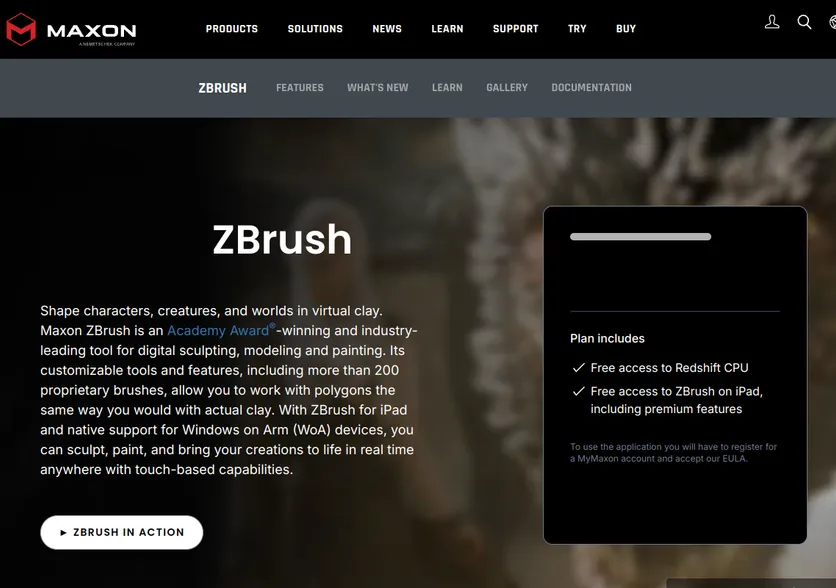
ZBrush turns a beginner into a sculptor, with digital clay that responds to a pen like real clay responds to hands. This ZBrush subscription costs three hundred ninety-nine dollars a year, with a monthly option for short projects. A beginner who dreams of figures and creatures gets the best sculpting tool here, though the interface takes time to learn.
What we like
- Best sculpting in this comparison
- Huge brush library for organic detail
- Monthly option for short projects
Watch out for
- Interface takes time to learn
- Models need cleanup before they print
How to try it
- Open the Maxon buy page and start the trial
- Sculpt a simple figure with digital clay
- Save the model and share it with a friend
5. Cinema 4D
Best for: Beginners who want beautiful renders of their first models
Paid tool Starting price: $839/year · Eight hundred thirty-nine dollars a year, or one hundred nine dollars a month, or sixty-nine dollars and ninety-two cents a month billed annually; includes Redshift
Free plan: No free plan; fourteen-day trial
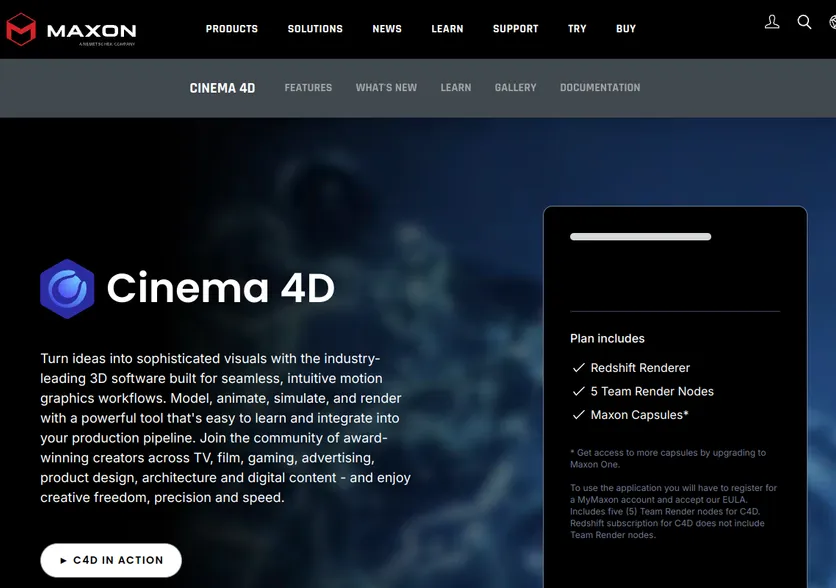
Cinema 4D helps a beginner make models that look finished, with lighting and materials that turn a simple shape into a product shot. This Cinema 4D subscription costs eight hundred thirty-nine dollars a year and includes Redshift for fast rendering, with a fourteen-day trial to test it. A beginner who wants to show off their work gets the best-looking renders here, though the price is high for a first tool.
What we like
- Best renders in this comparison
- Redshift included for fast rendering
- Maxon One bundle adds more tools
Watch out for
- High price for a first tool
- Monthly price is higher without the annual plan
How to try it
- Open the Maxon buy page and start the trial
- Model a simple object and set the lighting
- Render the image and share it with a friend
6. 3ds Max
Best for: Beginners who want to grow into a professional studio tool
Paid tool Starting price: $2,010/year · Two thousand ten dollars a year, or two hundred fifty-five dollars a month, or one hundred sixty-eight dollars a month billed annually
Free plan: No free plan; free trial
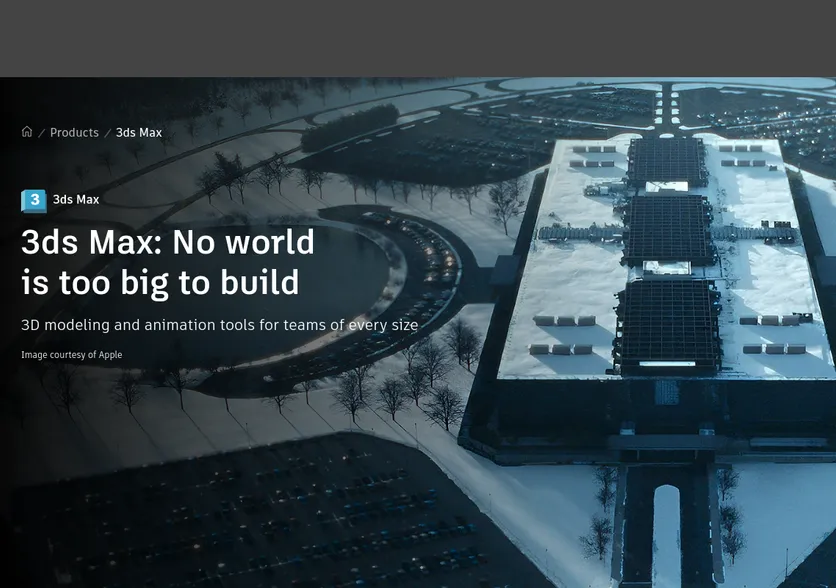
3ds Max is the studio tool that many beginners grow into, with modelling and rendering that power films and games. This 3ds Max subscription costs two thousand ten dollars a year, which puts it near the top of this list. A beginner who plans a career in 3D gets the industry standard to learn on, though the price and complexity are far beyond a first tool.
What we like
- Industry standard for films and games
- Powerful modelling for complex objects
- Huge library of materials and models
Watch out for
- High price for a first tool
- Steep learning curve for beginners
How to try it
- Open the 3ds Max page and start the trial
- Follow a beginner tutorial to model a simple object
- Render the model and share it with a friend
7. Houdini
Best for: Beginners who want to learn procedural modelling on a budget
Paid tool Starting price: $299/year · Indie plan, two hundred ninety-nine dollars a year, with a one-hundred-thousand-dollar revenue cap and a maximum of three licences
Free plan: Free Apprentice edition
Houdini Indie teaches a beginner procedural modelling, where a design is built from rules that can change the whole model with one slider. This Houdini Indie plan costs two hundred ninety-nine dollars a year, with a free Apprentice edition to learn on and a revenue cap for commercial use. A beginner who loves systems and rules gets a powerful tool for a low price, though the interface is the hardest here to learn.
What we like
- Cheapest paid plan in this comparison
- Free Apprentice edition to learn on
- Procedural modelling that changes fast
Watch out for
- Hardest interface here to learn
- Revenue cap limits commercial use
How to try it
- Open the SideFX site and start the free Apprentice edition
- Follow a beginner tutorial to build a procedural model
- Upgrade to Indie when you want to sell your work
Prices above were checked on each vendor’s own website on Nov 27, 2026 and can change — the vendor’s page is the final word. Vendor links are editorial: nobody paid to be listed or ranked here. Vendors who want a featured listing can see how it works on our Get listed page.
What beginner 3D software costs in 2026
Beginner 3D software costs from two hundred ninety-nine dollars a year on Shapr3D Pro and Houdini Indie to two thousand ten dollars a year on 3ds Max, with SketchUp Pro and ZBrush at three hundred ninety-nine dollars a year. Free editions cover the first steps, with Fusion 360 offering a free personal edition and Houdini offering a free Apprentice edition. A beginner should start free and pay only when the work outgrows the free plan.
Model one simple object on the free plan or trial before you pay, and check whether the tools feel natural, whether a tutorial makes sense and whether the result looks like what you imagined. Finish that first model before you buy anything, because a beginner who finishes is more likely to keep going. Pick the tool whose first model you are proud to share, not the one with the longest feature list.
Before you buy
- Compare the yearly price first, because Shapr3D Pro costs two hundred ninety-nine dollars a year while 3ds Max costs two thousand ten.
- Check the free plan before paying, because Fusion 360 and Houdini both offer a free edition for beginners.
- Match the tool to your goal, because ZBrush sculpts figures while SketchUp Pro models simple objects.
- Use the trial before you buy, because every tool here offers a free trial or a free edition.
- Pick the easiest tool first, because a beginner who finishes a first model is more likely to keep going.
Official websites
Official websites of the products reviewed above. Features and prices were checked against these sites when this guide was written, and they can change, so confirm on the vendor site before you buy.
Frequently asked questions
Which 3D modeling software is best for beginners in 2026?
SketchUp Pro is the best overall pick for a beginner who wants to model something real on day one, at three hundred ninety-nine dollars a year. Shapr3D is the easiest to start at two hundred ninety-nine dollars a year, and Fusion 360 is the best free start with a free personal edition. Choose SketchUp Pro for speed, Shapr3D for a pen and Fusion 360 for a free start.
Is there free 3D modeling software for beginners?
Yes, because Fusion 360 offers a free personal-use edition for hobbyists and Houdini offers a free Apprentice edition to learn on. Shapr3D also offers a free Basic plan for two projects, while Blender is free with no paid plan at all. A beginner can start free on any of these and pay only when the work outgrows the free plan.
How much does 3D modeling software for beginners cost?
Paid plans in this list run from two hundred ninety-nine dollars a year on Shapr3D Pro and Houdini Indie to two thousand ten dollars a year on 3ds Max. SketchUp Pro and ZBrush cost three hundred ninety-nine dollars a year, while Fusion 360 costs six hundred eighty dollars a year. A beginner should budget nothing to four hundred dollars for the first year, while a student of 3D should budget more.
Is SketchUp Pro easy to learn?
Yes, because SketchUp Pro uses a push-and-pull modeller that a beginner can learn in an afternoon, with a huge library of ready-made parts to practice with. A first model takes hours rather than weeks, and the tool teaches itself as you draw. Use the free trial to model one simple object and see whether the tools feel natural before you pay.
Should a beginner start with a free tool?
Yes, because a free edition lets a beginner learn the basics without spending money, and the skills carry over to a paid tool later. Fusion 360 personal, Houdini Apprentice and Shapr3D Basic all cover a first model for free, while Blender is free with no paid plan at all. Start free, finish a first model and pay only when the work outgrows the free plan.
Need everyday image help too? Try Toolsvine's free image tools right in your browser.
Browse Image Tools tools


