
On this page
Dental offices store patient records, insurance details and payment information, so a stolen password is more than an inconvenience. The eight tools below cover single sign-on, multi-factor sign-in and shared vaults, with prices from three dollars to eleven dollars per user a month, all checked on the vendor site on November 27, 2026. Some fit a practice already on Microsoft 365, while others suit a single office with a handful of staff and no IT person. Duo is our first pick for dental practices.
How we researched this
We started with the access tools dental practices actually buy, then read each price on the vendor site on November 27, 2026 and noted the free trial or free tier each plan carries. We judged them for offices that protect patient records and share logins across scheduling, imaging and insurance portals, and we kept only tools with a published dollar price. We dropped CyberArk and BeyondTrust because they are quote-only, Rippling because its published eight-dollar figure covers payroll rather than access, and Keycloak because it has no published paid price.
Compare the tools
| Name | Best for | Starting price | Free plan | |
|---|---|---|---|---|
 Okta | Dental practices with several locations and a rotating team of hygienists | $6/user/month | No free plan; 30-day free trial | Visit |
 Entra ID | Dental offices already on Microsoft 365 for email and scheduling | $7/user/month | Free tier included with a Microsoft cloud subscription | Visit |
 Duo | Small dental offices that want multi-factor security at the lowest price | $3/user/month | Free edition for up to 10 users | Visit |
 JumpCloud | Dental practices running a mix of Windows and Mac machines | $11/user/month | No free plan for new accounts; 30-day free trial | Visit |
 Keeper | Dental practices that share logins for scheduling, imaging and insurance portals | $4/user/month | No free plan; 14-day free trial | Visit |
 LastPass | Dental practices that want single sign-on for a handful of apps plus a staff family benefit | $7/user/month | No free plan; 14-day free trial | Visit |
 NordPass | Small dental practices that want the cheapest vault with single sign-on | $3.99/user/month | No free plan; 14-day free trial | Visit |
 Bitwarden | Budget-conscious dental practices that want open-source password management with single sign-on | $4/user/month | Free plan for basic personal use | Visit |
The access management software for dental practices, compared
1. Okta
Best for: Dental practices with several locations and a rotating team of hygienists
Paid tool Starting price: $6/user/month · Workforce Identity Starter, six dollars per user a month billed annually, with a one thousand five hundred dollar annual contract minimum
Free plan: No free plan; 30-day free trial
A dental practice with several locations and a rotating team of hygienists needs one login system that follows every employee from chair to chair. This Okta Workforce Identity Starter plan costs six dollars per user a month billed annually, which covers single sign-on, multi-factor sign-in and directory integrations. A practice that onboards new staff often will like the lifecycle controls, though the one thousand five hundred dollar annual contract minimum is high for a single-office practice.
What we like
- Full identity platform for multi-location practices
- More than seven thousand pre-built app integrations
- Fast onboarding and offboarding for rotating staff
Watch out for
- Annual minimum is too high for a single-office practice
- Advanced identity features need the higher tiers
How to try it
- Open the Okta pricing page and start the 30-day free trial
- Connect your directory and add scheduling and imaging apps
- Roll out multi-factor sign-in to every workstation
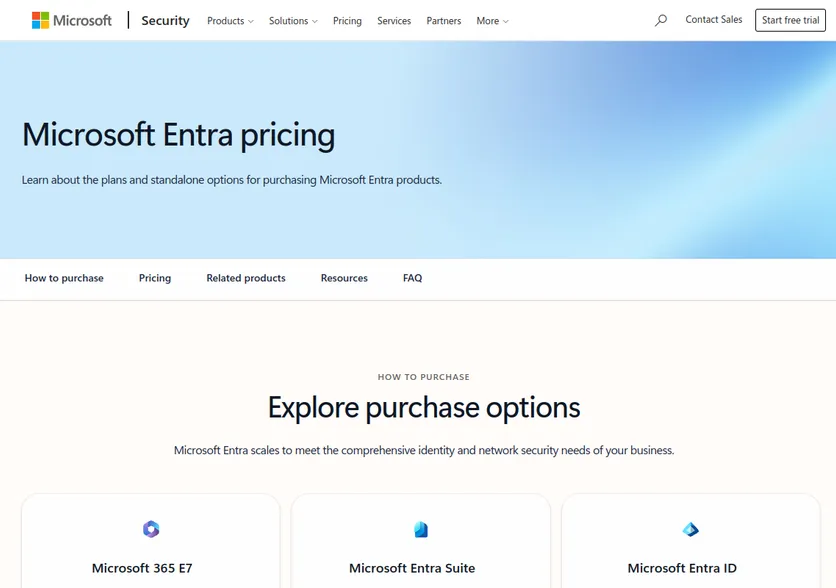
2. Entra ID
Best for: Dental offices already on Microsoft 365 for email and scheduling
Paid tool Starting price: $7/user/month · Entra ID P1, seven dollars per user a month billed annually; P2 costs ten dollars per user a month
Free plan: Free tier included with a Microsoft cloud subscription
Dental offices that already run Microsoft 365 for email and scheduling can add Entra ID P1 without learning a new platform. This Entra ID P1 plan costs seven dollars per user a month billed annually, which adds conditional access and single sign-on for cloud apps. A practice on Microsoft 365 E3 or Business Premium already has P1 included, so check the existing license before buying anything.
What we like
- Included free with Microsoft 365 E3 and Business Premium
- Conditional access blocks risky sign-ins automatically
- Deep integration with Outlook, Teams and OneDrive
Watch out for
- Best value only inside a Microsoft 365 subscription
- P2 governance features cost extra per user
How to try it
- Check whether your Microsoft 365 plan already includes Entra ID P1
- Open the Microsoft Entra pricing page and confirm the P1 rate
- Turn on conditional access for practice accounts
3. Duo
Best for: Small dental offices that want multi-factor security at the lowest price
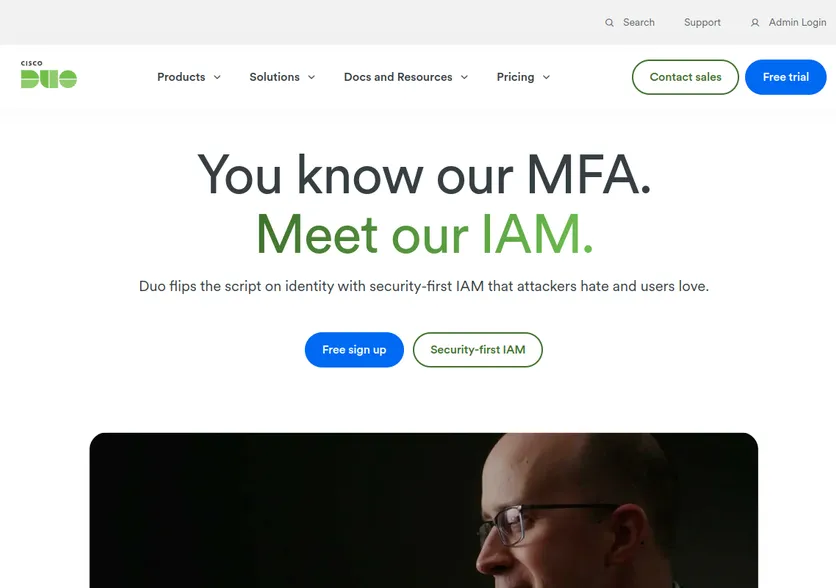
Paid tool Starting price: $3/user/month · Duo Essentials, three dollars per user a month; Advantage costs six dollars and Premier costs nine dollars
Free plan: Free edition for up to 10 users
A small dental office can protect patient records with multi-factor sign-in for three dollars per user a month using Duo, which adds push approvals to the logins the office already has. This Duo Essentials plan costs three dollars per user a month, which covers single sign-on and push notifications for multi-factor sign-in. A single-office practice will like the price and the simple setup, though the Essentials tier does not include the deeper access policies of the higher plans.
What we like
- Lowest per-user price in this comparison
- Push approvals are easy for non-technical staff
- Free edition for up to ten users
Watch out for
- Essentials lacks the advanced access policies
- Licenses are sold in blocks of ten
How to try it
- Open the Duo site and start the 30-day free trial
- Connect the scheduling and imaging apps
- Ask staff to approve sign-ins on their phones
4. JumpCloud
Best for: Dental practices running a mix of Windows and Mac machines
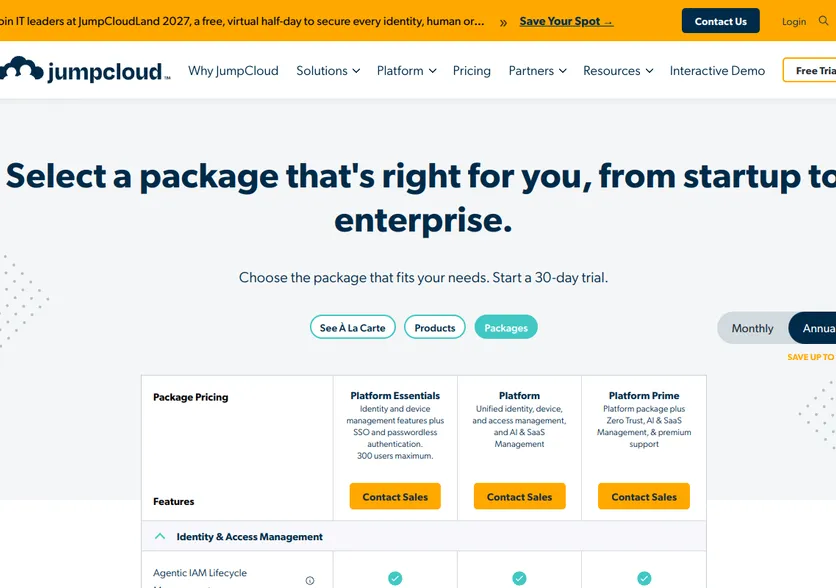
Paid tool Starting price: $11/user/month · JumpCloud SSO package, eleven dollars per user a month billed annually, or thirteen dollars month to month
Free plan: No free plan for new accounts; 30-day free trial
Dental practices that mix front-desk Windows machines with Mac laptops in the operatories can manage both from JumpCloud, which runs one directory for every device. This JumpCloud SSO package costs eleven dollars per user a month billed annually, which covers single sign-on, multi-factor sign-in and directory sync. A practice without a dedicated IT person will like the device management options, though the per-user price climbs once devices and features are added.
What we like
- One directory for Windows, Mac and Linux machines
- Device management available in the same platform
- No on-site server hardware needed
Watch out for
- The SSO package alone does not include device management
- Per-user price climbs with add-on features
How to try it
- Open the JumpCloud pricing page and start the 30-day free trial
- Pick the SSO package and connect your directory
- Add practice apps and turn on multi-factor sign-in
5. Keeper
Best for: Dental practices that share logins for scheduling, imaging and insurance portals
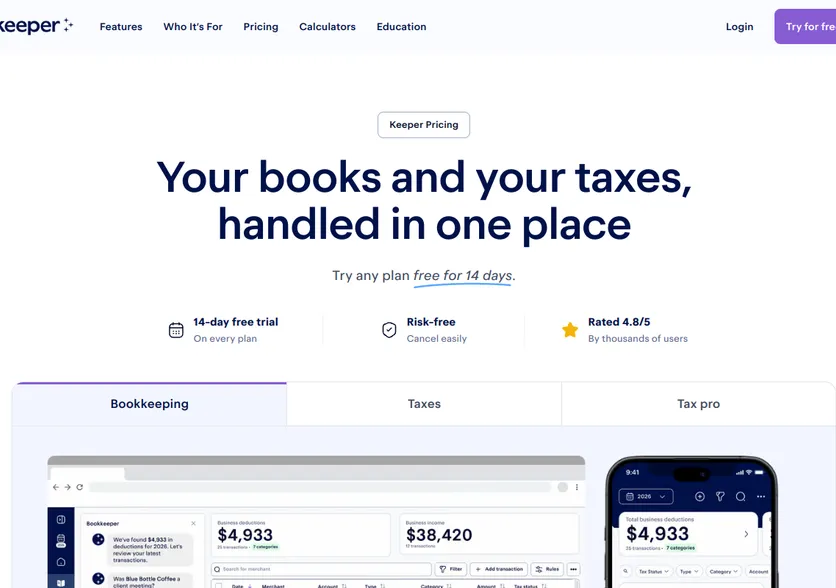
Paid tool Starting price: $4/user/month · Keeper Business, four dollars per user a month billed annually; Business Starter costs two dollars for teams of five to ten users
Free plan: No free plan; 14-day free trial
Dental staff share logins for scheduling, imaging and insurance portals, and Keeper gives the practice one vault where those logins live under admin control. This Keeper Business plan costs four dollars per user a month billed annually, which covers shared folders, admin controls and breach monitoring. A practice of five to ten people will like the Starter price of two dollars, though single sign-on waits for the Enterprise tier.
What we like
- Starter tier at two dollars for teams of five to ten
- Shared folders with admin controls
- Breach monitoring included on the Business plan
Watch out for
- Single sign-on needs the Enterprise tier
- The Starter tier caps at ten users
How to try it
- Open the Keeper site and start the 14-day free trial
- Create shared folders for scheduling and insurance portals
- Set admin policies and turn on breach monitoring
6. LastPass
Best for: Dental practices that want single sign-on for a handful of apps plus a staff family benefit
Paid tool Starting price: $7/user/month · LastPass Business, seven dollars per user a month billed annually; Teams costs four dollars and twenty-five cents for up to fifty users
Free plan: No free plan; 14-day free trial
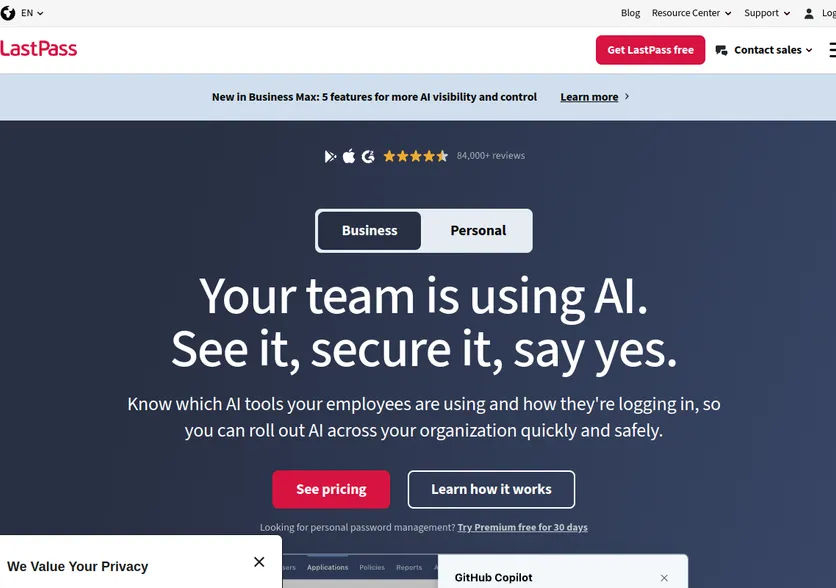
LastPass Business suits a dental practice that wants single sign-on for a handful of apps plus a family vault benefit for staff. This LastPass Business plan costs seven dollars per user a month billed annually, which covers single sign-on for three apps, directory integrations and a family plan for every employee. A practice with a few core apps will like the price, though unlimited single sign-on needs the more expensive Business Max tier.
What we like
- Single sign-on for three apps on the Business plan
- Family plan included for every employee
- Directory integrations for easy onboarding
Watch out for
- Single sign-on is limited to three apps
- Unlimited single sign-on needs Business Max
How to try it
- Open the LastPass pricing page and start the 14-day free trial
- Connect the directory and add the three main apps
- Give each employee the included family plan
7. NordPass
Best for: Small dental practices that want the cheapest vault with single sign-on
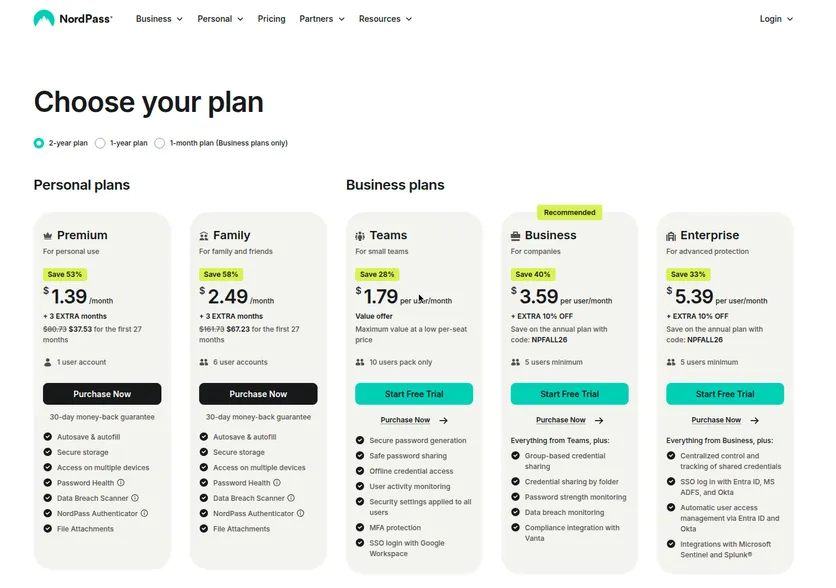
Paid tool Starting price: $3.99/user/month · NordPass Business, three dollars and ninety-nine cents per user a month on the one-year plan billed annually; the two-year plan costs less per month
Free plan: No free plan; 14-day free trial
NordPass Business is the cheapest vault with single sign-on here at three dollars and ninety-nine cents per user a month, which suits a small dental practice watching every dollar. This NordPass Business plan costs three dollars and ninety-nine cents per user a month on the one-year plan billed annually, which covers the vault, single sign-on and admin controls. A practice with five or more staff will like the price, though the five-user minimum rules out the tiniest offices.
What we like
- Cheapest vault here with single sign-on included
- Simple interface that front-desk staff learn fast
- Two-year plan costs even less per month
Watch out for
- Five-user minimum on the Business plan
- Smaller admin feature set than Okta or Entra ID
How to try it
- Open the NordPass business plans page and start the 14-day trial
- Create vaults for scheduling, imaging and insurance
- Turn on single sign-on for the practice apps
8. Bitwarden
Best for: Budget-conscious dental practices that want open-source password management with single sign-on
Paid tool Starting price: $4/user/month · Bitwarden Teams, four dollars per user a month billed annually; Enterprise costs six dollars per user a month
Free plan: Free plan for basic personal use
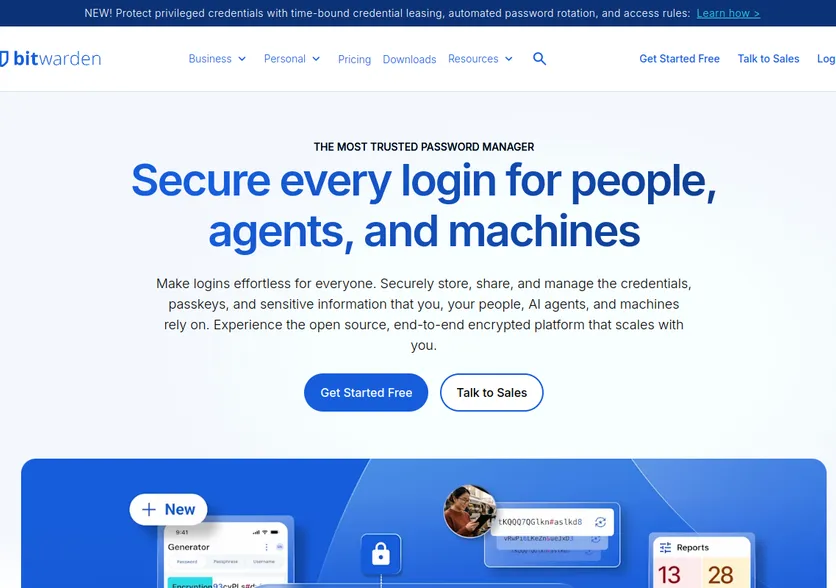
A dental practice that wants open-source security at a low price can run Bitwarden Teams for four dollars a user a month, which pairs a shared vault with single sign-on. This Bitwarden Teams plan costs four dollars per user a month billed annually, which covers shared collections, admin controls and single sign-on. A small practice will like the price and the self-hosting option, though the interface feels more technical than the polished vaults here.
What we like
- Low price with single sign-on included
- Open-source code that anyone can audit
- Self-hosting option for practices that want full control
Watch out for
- The interface feels more technical than rivals
- Advanced policies need the Enterprise tier
How to try it
- Open the Bitwarden business pricing page and start the trial
- Create collections for scheduling and insurance portals
- Turn on single sign-on and set the admin policies
Prices above were checked on each vendor’s own website on Nov 27, 2026 and can change — the vendor’s page is the final word. Vendor links are editorial: nobody paid to be listed or ranked here. Vendors who want a featured listing can see how it works on our Get listed page.
What access management costs a dental practice
Access management for a ten-person practice costs less than a single filling a month. Duo Essentials at three dollars per user a month comes to thirty dollars a month, while Bitwarden Teams at four dollars comes to forty dollars a month with single sign-on included. Okta Starter at six dollars a user a month costs sixty dollars a month before the one thousand five hundred dollar annual minimum, which makes it a poor fit for one office.
Start with the free tier or trial on two tools and connect the scheduling and imaging apps first. Ask each vendor for a business associate agreement before any patient data flows through the tool, and test sign-in on the front-desk computer and the operatory laptop. Pick the tool the front desk actually uses, because the cheapest plan is no saving if staff work around it.
Before you buy
- Count every person who needs a login, including hygienists and front-desk staff, because most access tools bill per user per month.
- Ask each vendor for a signed business associate agreement before storing patient data behind the tool.
- Check how many apps the plan covers with single sign-on, because the cheapest tiers cap the number of connected apps.
- Confirm the plan includes multi-factor sign-in, because a password vault alone does not protect patient records.
- Test the tool on the front-desk computer and the operatory laptop, because a tool that only works on one device will be ignored.
Official websites
Official websites of the products reviewed above. Features and prices were checked against these sites when this guide was written, and they can change, so confirm on the vendor site before you buy.
Frequently asked questions
Do dental practices need access management software?
Yes, and the reason is patient data. A dental practice stores health records, insurance details and payment information, and a stolen password can expose all of it. Access management adds multi-factor sign-in and single sign-on, so every account has its own login and the practice can revoke access the day someone leaves.
What is the cheapest access management tool for a dental practice?
Duo Essentials costs three dollars per user a month and covers single sign-on plus multi-factor sign-in, with a free edition for up to ten users. Keeper Starter costs two dollars per user a month for teams of five to ten, though single sign-on needs the Enterprise tier. NordPass Business costs three dollars and ninety-nine cents with single sign-on included.
Can I use these tools for patient data?
Ask the vendor for a signed business associate agreement before the practice stores any patient data behind the tool. Most of the tools here will sign one for business plans, but the agreement is a contract step, not an automatic feature. Check the vendor site for the agreement terms and confirm which plan it applies to.
How do we stop sharing logins at the front desk?
Stop sharing one login for the scheduling and imaging systems, because a shared password means the practice cannot tell who opened a record. Give every employee a named account inside the access tool, and use a shared vault so staff can open a portal without ever seeing the password. Revoke the account on the day someone leaves.
We already pay for Microsoft 365 — do we need another tool?
Possibly not. Microsoft 365 E3 and Business Premium already include Entra ID P1, which covers single sign-on and conditional access, so check the existing license first. A practice on a cheaper Microsoft 365 plan still needs to buy P1 or pick another tool from this list.
Need everyday security help too? Try Toolsvine's free security tools right in your browser.
Browse Security & Privacy tools


