
On this page
A freelancer who reuses one password across client accounts risks every client at once. The eight tools below keep logins safe and shared without sending passwords by email, with prices from about $2 a user a month to about $9 a user a month, and every price was checked on the vendor site on November 26, 2026. Most offer a free plan or a free trial, so a freelancer can test the vault before paying. Keeper is our first pick — team password management for about $2 a user a month.
How we researched this
We started with the access management tools freelancers actually buy, then read each price on the vendor pricing page on November 26, 2026 and noted the free plan or trial each one carries. We judged them for a solo freelancer who shares logins with clients and teams without risking security. We kept only tools with a published price, and we dropped any tool whose price we could not verify.
Compare the tools
| Name | Best for | Starting price | Free plan | |
|---|---|---|---|---|
 1Password | Freelancers who want the most trusted password manager | $8.99/user/month | 14-day free trial; no free plan | Visit |
 Bitwarden | Freelancers who want open-source password management | $4/user/month | Free plan (individual, basic vault) | Visit |
 Dashlane | Freelancers who want breach monitoring with their vault | $8/user/month | 30-day free trial; no free plan | Visit |
 NordPass | Freelancers who want a clean vault from the Nord team | $3.99/user/month | Free plan (individual, basic vault) | Visit |
 LastPass | Freelancers who want a familiar password manager | $4.25/user/month | Free plan (individual, 1 device type) | Visit |
 Keeper | Freelancers who want the cheapest team password plan | $2/user/month | 30-day free trial; no free plan | Visit |
 RoboForm | Freelancers who want form filling with their vault | $3.33/user/month | Free plan (individual, basic vault) | Visit |
 Proton Pass | Freelancers who already use Proton Mail | $1.99/user/month | Free plan (individual, basic vault) | Visit |
The access management tools, compared
1. 1Password
Best for: Freelancers who want the most trusted password manager
Paid tool Starting price: $8.99/user/month · Business plan, per user per month billed annually; month-to-month billing is $10.99 a user
Free plan: 14-day free trial; no free plan
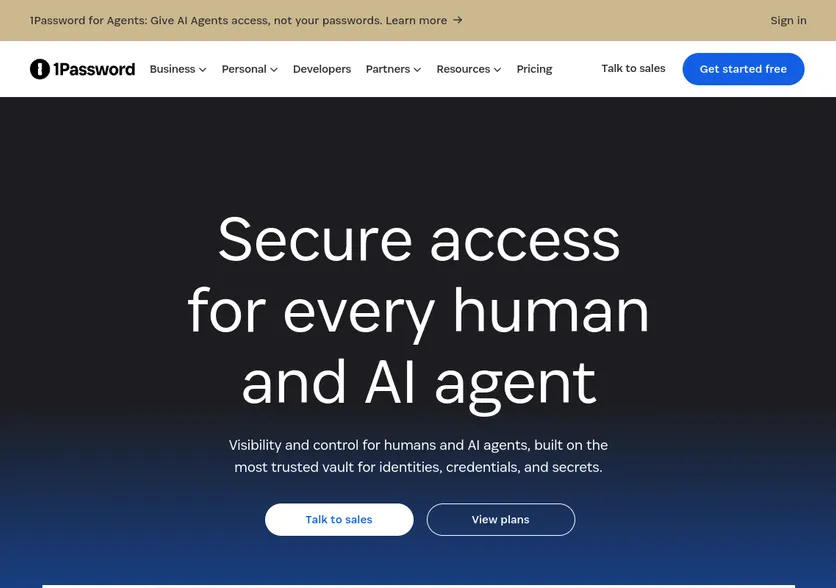
1Password is the password manager a freelancer trusts with every client login. This 1Password Business plan costs about $9 a user a month and covers shared vaults, admin controls and breach alerts, so a freelancer can share logins with a team without sending passwords by email. The price rose in mid-2026, but the security features still justify the cost.
What we like
- Most trusted brand here
- Shared vaults with admin controls
- Breach alerts included
Watch out for
- Business costs about $8.99 a user a month
- No free plan, trial only
How to try it
- Open the 1Password Business pricing page and start the trial
- Create a vault for each client
- Invite the team and share vaults securely
2. Bitwarden
Best for: Freelancers who want open-source password management
Paid tool Starting price: $4/user/month · Teams plan, per user per month billed annually; Enterprise is $6 a user a month
Free plan: Free plan (individual, basic vault)
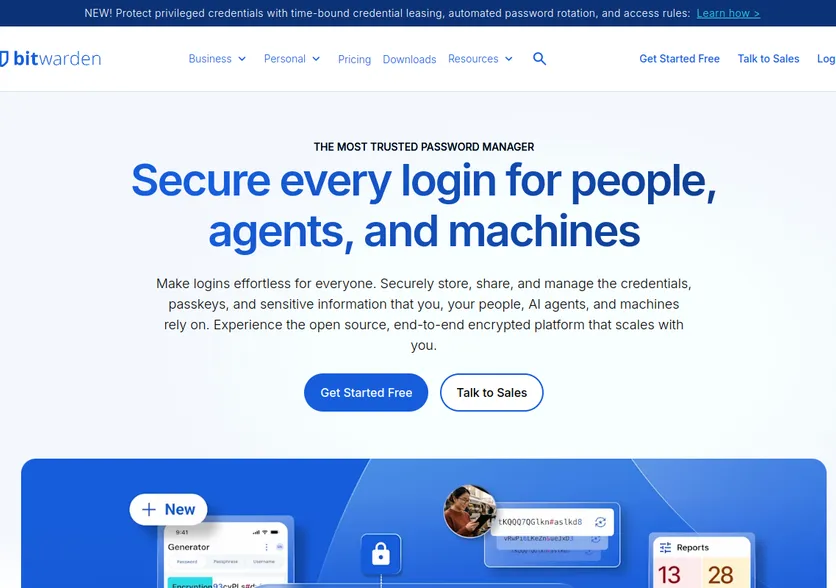
Bitwarden is the open-source password manager a freelancer picks when the budget is tight and trust matters. This Bitwarden Teams plan costs about $4 a user a month and covers shared vaults, secure sharing and admin controls, so a small team can share logins safely. The free plan covers the basics for one user, which is enough for a solo freelancer to start.
What we like
- Open-source, audited code
- Teams plan from $4 a user
- Free plan for solo use
Watch out for
- Teams costs $4 a user a month
- Some features need Enterprise
How to try it
- Open the Bitwarden pricing page and start the free plan
- Create a vault for your logins
- Upgrade to Teams to share vaults
3. Dashlane
Best for: Freelancers who want breach monitoring with their vault
Paid tool Starting price: $8/user/month · Omnix Password Management plan, per user per month billed annually; Credential Protection is $4 a user a month
Free plan: 30-day free trial; no free plan
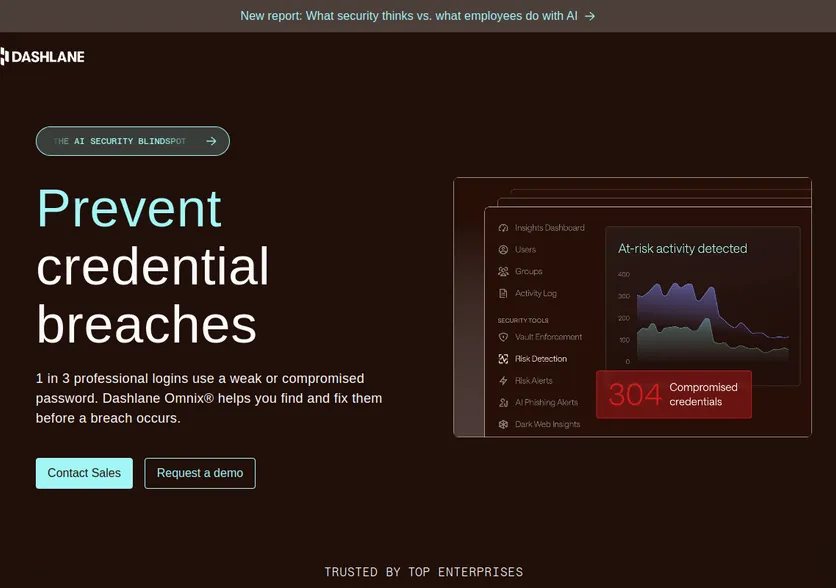
Dashlane is the password manager a freelancer picks when the tool must also watch for breaches. This Dashlane Omnix Password Management plan costs about $8 a user a month and covers shared vaults, dark web monitoring and a VPN, so a freelancer gets security beyond passwords. The free plan ended in 2025, so a trial is the way to test it now.
What we like
- Dark web monitoring included
- VPN bundled on the plan
- Shared vaults for teams
Watch out for
- Omnix costs about $8 a user a month
- No free plan since 2025
How to try it
- Open the Dashlane pricing page and start the trial
- Import your logins
- Turn on dark web monitoring
4. NordPass
Best for: Freelancers who want a clean vault from the Nord team
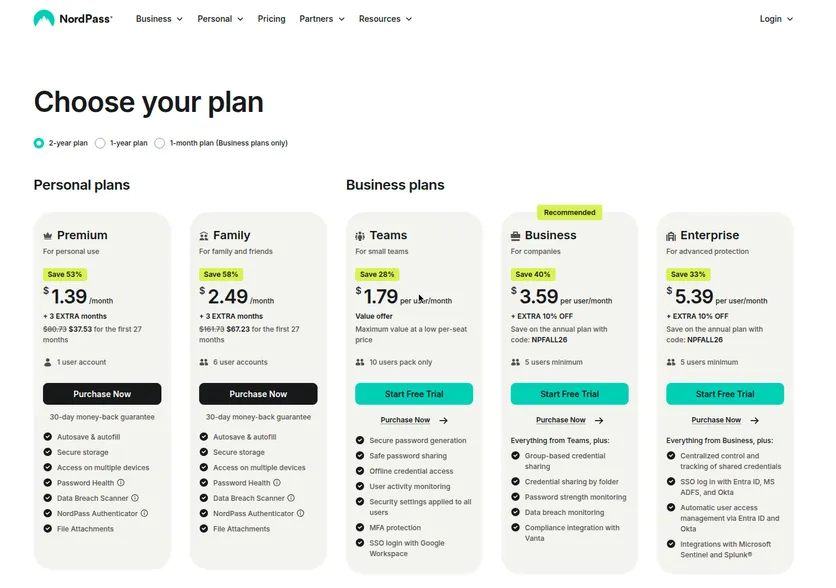
Paid tool Starting price: $3.99/user/month · Business plan, per user per month on a 1-year term with a 5-user minimum; 2-year term is $3.59 and month-to-month is $5.99
Free plan: Free plan (individual, basic vault)
NordPass is the password manager from the Nord team, with a clean app a freelancer learns in minutes. This NordPass Business plan costs about $4 a user a month on a one-year term and covers shared vaults, secure sharing and breach alerts, so a small team can share logins safely. The five-user minimum suits a freelancer who works with a small team.
What we like
- Clean app, fast to learn
- Breach alerts included
- Two-year term costs less
Watch out for
- Business costs about $3.99 a user a month
- Five-user minimum on Business
How to try it
- Open the NordPass Business plans page and start the free plan
- Create a vault for your logins
- Upgrade to Business to share vaults
5. LastPass
Best for: Freelancers who want a familiar password manager
Paid tool Starting price: $4.25/user/month · Teams plan, per user per month billed annually for up to 50 users; Business is $7 and Business Max is $11
Free plan: Free plan (individual, 1 device type)
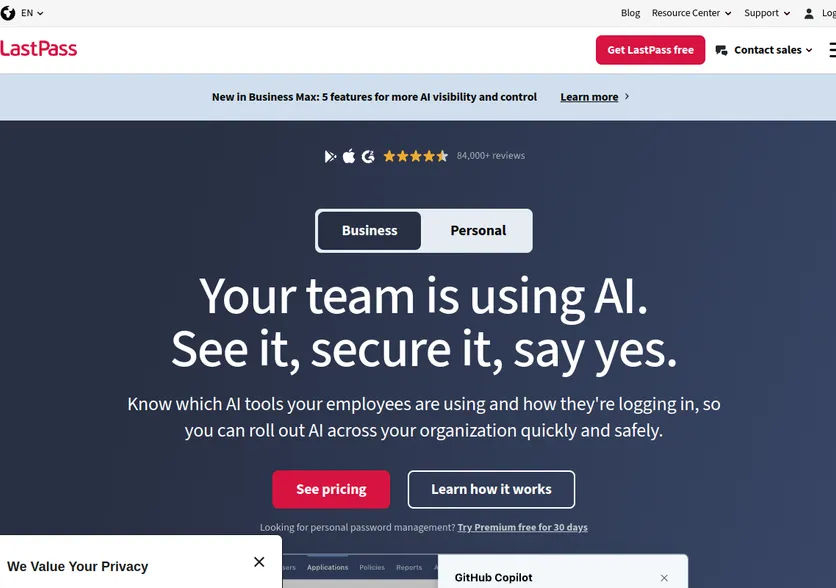
LastPass is the password manager many freelancers already know, with a simple app that works everywhere. This LastPass Teams plan costs about $4 a user a month for up to 50 users and covers shared vaults, admin controls and dark web monitoring, so a small team can manage logins centrally. The price rose slightly in 2026, but it stays one of the cheapest team plans here.
What we like
- Familiar app, works everywhere
- Teams plan covers up to 50 users
- Dark web monitoring included
Watch out for
- Teams costs about $4.25 a user a month
- Free plan covers one device type
How to try it
- Open the LastPass pricing page and start the free plan
- Import your logins
- Upgrade to Teams to share vaults
6. Keeper
Best for: Freelancers who want the cheapest team password plan
Paid tool Starting price: $2/user/month · Business Starter plan, per user per month billed annually for 5 to 10 users; Business is $4 and Enterprise is $6
Free plan: 30-day free trial; no free plan
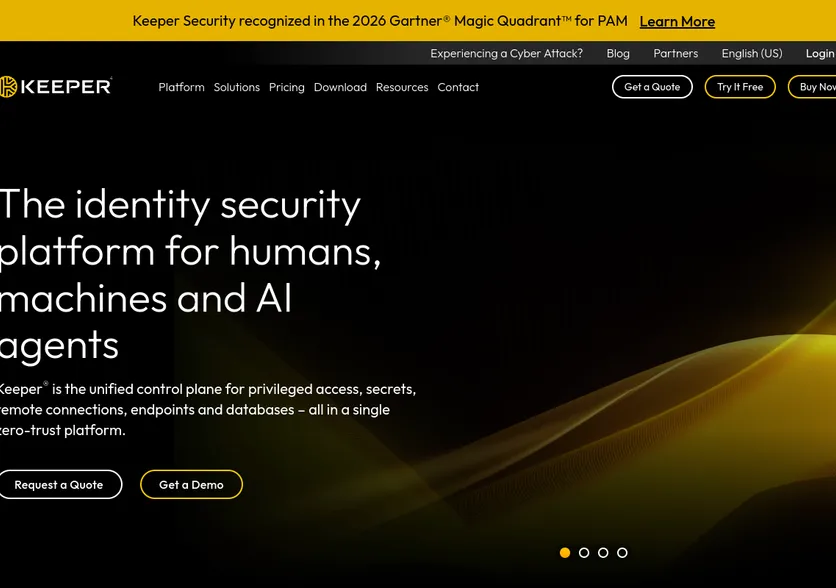
Keeper is the password manager a freelancer picks when the budget matters most. This Keeper Business Starter plan costs about $2 a user a month for five to ten users and covers shared vaults, secure sharing and admin controls, so a tiny team can share logins safely. The low price makes it the cheapest team plan on this list.
What we like
- Cheapest team plan here
- Shared vaults and admin controls
- Suits teams of 5 to 10 users
Watch out for
- Business Starter costs $2 a user a month
- Five-user minimum on the plan
How to try it
- Open the Keeper pricing page and start the trial
- Create a vault for each client
- Share vaults with the team
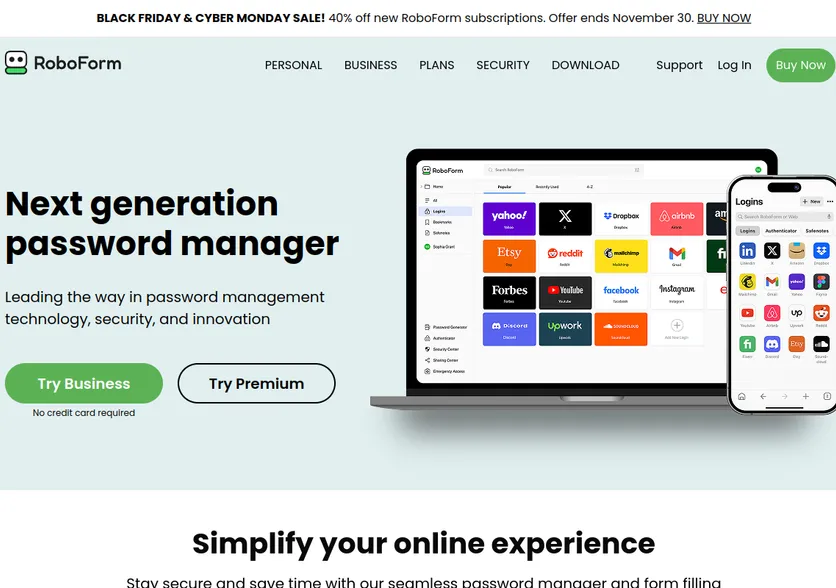
7. RoboForm
Best for: Freelancers who want form filling with their vault
Paid tool Starting price: $3.33/user/month · Business plan, $39.95 a user a year on renewal, about $3.33 a month; first-year promo may differ
Free plan: Free plan (individual, basic vault)
RoboForm is the password manager a freelancer picks for form filling as well as passwords. This RoboForm Business plan costs about $3 a user a month and covers shared vaults, secure sharing and admin controls, so a small team can share logins and fill forms fast. The renewal price is what matters, because first-year promos run lower.
What we like
- Form filling built in
- Business plan from $3 a user
- Free plan for solo use
Watch out for
- Business costs about $3.33 a user a month
- Renewal price is higher than promos
How to try it
- Open the RoboForm Business pricing page and start the free plan
- Import your logins
- Upgrade to Business to share vaults
8. Proton Pass
Best for: Freelancers who already use Proton Mail
Paid tool Starting price: $1.99/user/month · Pass Essentials plan, per user per month billed annually with a 3-user minimum; Professional is $4.99
Free plan: Free plan (individual, basic vault)
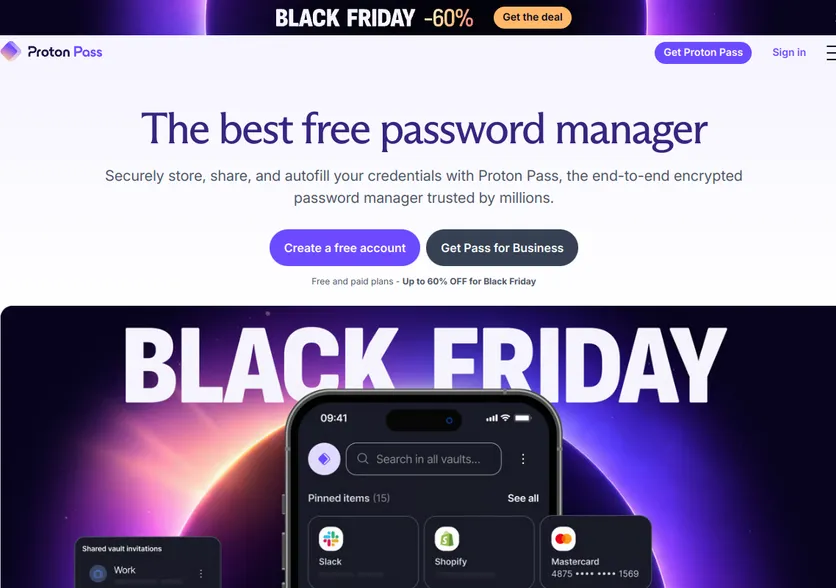
Proton Pass is the password manager from the Proton privacy team, with a clean app and strong encryption. This Proton Pass Essentials plan costs about $2 a user a month with a three-user minimum and covers shared vaults, secure sharing and breach alerts, so a small team can share logins safely. The Proton ecosystem suits a freelancer who already uses Proton Mail.
What we like
- Strong encryption, privacy-first
- Cheapest per-user price here
- Fits the Proton ecosystem
Watch out for
- Essentials costs about $1.99 a user a month
- Three-user minimum on Essentials
How to try it
- Open the Proton Pass business page and start the free plan
- Create a vault for your logins
- Upgrade to Essentials to share vaults
Prices above were checked on each vendor’s own website on Nov 26, 2026 and can change — the vendor’s page is the final word. Vendor links are editorial: nobody paid to be listed or ranked here. Vendors who want a featured listing can see how it works on our Get listed page.
What access management software costs in 2026
Password managers charge per user per month, and the range here runs from about $2 a user a month to about $9 a user a month. A solo freelancer pays only one seat, so the yearly bill stays under $110 even on the dearest plan, which is small next to one breached client account. Team plans add shared vaults and admin controls, which matter when logins must be shared and revoked.
Start with the free plan on two tools and move your own logins into both. Compare how fast you log in and how easy it is to share a vault, then pick the tool you will actually use every day.
Before you buy
- Check whether the plan covers shared vaults, because a freelancer who shares logins by email risks every client account.
- Count the users you will cover, because some plans need a five-user minimum while others charge per single user.
- Test the mobile app and browser extension, because a password manager only works if it fills logins everywhere you work.
- Ask whether breach alerts are included, because a warning about a leaked password is what stops the next breach.
- Add up the yearly cost, because annual billing saves money on most tools here, while monthly billing stays flexible.
Official websites
Official websites of the products reviewed above. Features and prices were checked against these sites when this guide was written, and they can change, so confirm on the vendor site before you buy.
Frequently asked questions
What is the best access management software for freelancers in 2026?
Keeper, at $2 a user a month on Business Starter, is the safest default because it covers shared vaults and admin controls at the lowest team price here. Bitwarden is better when open-source code matters, since the Teams plan costs $4 a user a month with a strong free plan. 1Password wins when the brand and security features matter most, at about $9 a user a month.
What is the cheapest access management software?
Proton Pass, at about $1.99 a user a month on Essentials, is the cheapest per-user price here, though it needs a three-user minimum. Keeper is close behind at $2 a user a month for five to ten users. RoboForm costs about $3.33 a user a month on renewal, which suits a freelancer who also wants form filling.
Can I manage passwords for free?
Yes, most of them do. Bitwarden, NordPass, LastPass, RoboForm and Proton Pass all offer free plans for individual use with real limits, from device types to feature caps. 1Password, Dashlane and Keeper offer free trials instead, 14 to 30 days. Move your own logins into the free plan first, then pay when you need shared vaults.
Which password manager is best for sharing logins with a team?
1Password and Bitwarden, because both cover shared vaults, admin controls and secure sharing on their team plans. 1Password Business costs about $9 a user a month with the strongest brand trust, while Bitwarden Teams costs $4 a user a month with open-source code. Keeper Business Starter is the cheapest team option at $2 a user a month for five to ten users.
Do password managers work across devices?
Yes, every tool here has apps for desktop and mobile plus browser extensions, and the extensions are what make a password manager useful day to day. Bitwarden, 1Password and Dashlane all autofill on every major browser and phone. Test the extension on the free plan before paying, because slow autofill is what makes people give up.
Want more security help? Try Toolsvine's free security tools for passwords, privacy and safety right in your browser.
Browse Security & Privacy tools


