
On this page
Schools store student records, grades and parent details, so a stolen teacher password is more than an inconvenience. The eight tools below cover single sign-on, multi-factor sign-in and shared vaults, with prices from three dollars to eleven dollars per user a month, all checked on the vendor site on November 27, 2026. Some fit a school already on Google Workspace, while others suit a district with many buildings and no IT team. Google Cloud Identity is our first pick for schools.
How we researched this
We started with the access tools schools actually buy, then read each price on the vendor site on November 27, 2026 and noted the free trial or free tier each plan carries. We judged them for schools that protect student records and share logins across grading, attendance and parent portals, and we kept only tools with a published dollar price. We dropped CyberArk and BeyondTrust because they are quote-only, Ping Identity because its plans are quote-only, and Keycloak because it has no published paid price.
Compare the tools
| Name | Best for | Starting price | Free plan | |
|---|---|---|---|---|
| Google Cloud Identity | Schools that run Google Workspace for Education and need identity in the same console | $6/user/month | Free edition for up to 50 users | Visit |
 Entra ID | Schools already on Microsoft 365 for Education who want identity built in | $7/user/month | Free tier included with a Microsoft cloud subscription | Visit |
 Okta | School districts with many buildings and a rotating roster of teachers | $6/user/month | No free plan; 30-day free trial | Visit |
 Duo | Small schools that want multi-factor security at the lowest price | $3/user/month | Free edition for up to 10 users | Visit |
 JumpCloud | Schools running a mix of Windows classroom machines and Mac laptops | $11/user/month | No free plan for new accounts; 30-day free trial | Visit |
 Bitwarden | Schools on a tight budget that want open-source password management with single sign-on | $4/user/month | Free plan for basic personal use | Visit |
 Keeper | Schools that share logins for grading, attendance and parent portals | $4/user/month | No free plan; 14-day free trial | Visit |
 OneLogin | Small schools that want cheap single sign-on for staff accounts | $3/user/month | No free plan; free trial available | Visit |
The access management software for schools, compared
1. Google Cloud Identity
Best for: Schools that run Google Workspace for Education and need identity in the same console
Paid tool Starting price: $6/user/month · Cloud Identity Premium, six dollars per user a month on the annual plan; the flexible plan costs seven dollars and twenty cents
Free plan: Free edition for up to 50 users
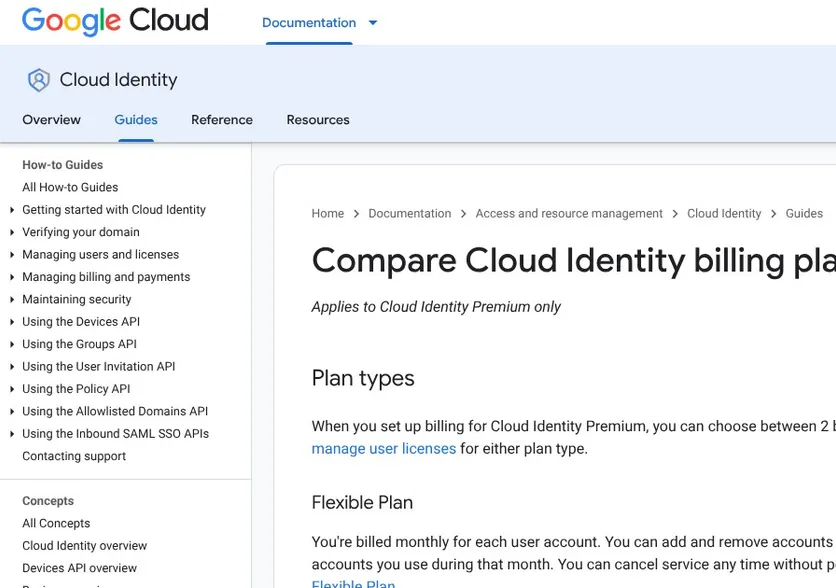
Schools that run Google Workspace for Education can add Cloud Identity Premium for six dollars per user a month on the annual plan, which keeps identity in the same console as Gmail and Drive. This Google Cloud Identity Premium plan costs six dollars per user a month on the annual plan, which covers single sign-on, multi-factor sign-in and device management. A school with Google-first classrooms will like the simple billing, though the flexible plan costs seven dollars and twenty cents per user a month.
What we like
- Same console as Google Workspace for school admins
- Device management included on Premium
- Free edition for up to fifty users
Watch out for
- Best value only for Google Workspace schools
- The flexible plan costs more per user
How to try it
- Open the Google Cloud Identity pricing page and pick the annual plan
- Add the school domain and turn on single sign-on
- Enforce multi-factor sign-in for teacher accounts
2. Entra ID
Best for: Schools already on Microsoft 365 for Education who want identity built in
Paid tool Starting price: $7/user/month · Entra ID P1, seven dollars per user a month billed annually; P2 costs ten dollars per user a month
Free plan: Free tier included with a Microsoft cloud subscription
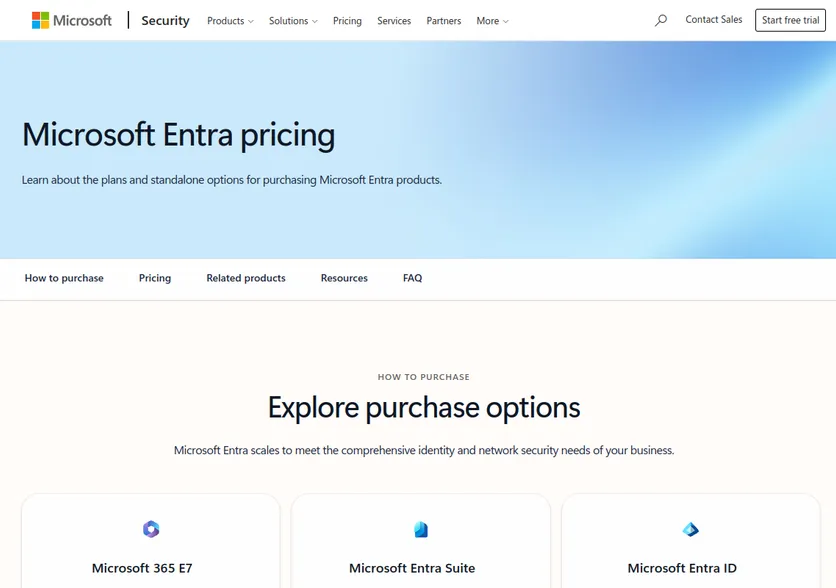
Schools already on Microsoft 365 for Education get identity controls built in, and Entra ID turns that subscription into a full access management system. This Entra ID P1 plan costs seven dollars per user a month billed annually, which adds conditional access and single sign-on for cloud apps. A school on Microsoft 365 E3 or Business Premium already has P1 included, so check the existing license before buying anything.
What we like
- Included free with Microsoft 365 E3 and Business Premium
- Conditional access blocks risky sign-ins automatically
- Deep integration with Outlook, Teams and OneDrive
Watch out for
- Best value only inside a Microsoft 365 subscription
- P2 governance features cost extra per user
How to try it
- Check whether your Microsoft 365 plan already includes Entra ID P1
- Open the Microsoft Entra pricing page and confirm the P1 rate
- Turn on conditional access for school accounts
3. Okta
Best for: School districts with many buildings and a rotating roster of teachers
Paid tool Starting price: $6/user/month · Workforce Identity Starter, six dollars per user a month billed annually, with a one thousand five hundred dollar annual contract minimum
Free plan: No free plan; 30-day free trial
A school district with many buildings and a rotating roster of teachers needs one login system that follows every staff member from school to school. This Okta Workforce Identity Starter plan costs six dollars per user a month billed annually, which covers single sign-on, multi-factor sign-in and directory integrations. A district that onboards new teachers every year will like the lifecycle controls, though the one thousand five hundred dollar annual contract minimum is high for a single school.
What we like
- Full identity platform for multi-school districts
- More than seven thousand pre-built app integrations
- Fast onboarding and offboarding for rotating staff
Watch out for
- Annual minimum is too high for a single school
- Advanced identity features need the higher tiers
How to try it
- Open the Okta pricing page and start the 30-day free trial
- Connect your directory and add grading and attendance apps
- Roll out multi-factor sign-in to teachers and staff
4. Duo
Best for: Small schools that want multi-factor security at the lowest price
Paid tool Starting price: $3/user/month · Duo Essentials, three dollars per user a month; Advantage costs six dollars and Premier costs nine dollars
Free plan: Free edition for up to 10 users
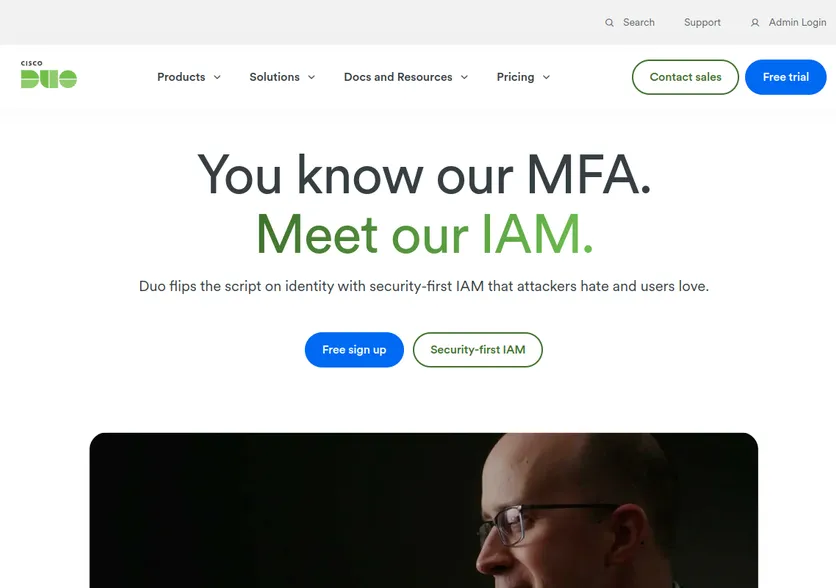
A small school can protect student records with multi-factor sign-in for three dollars per user a month using Duo, which adds push approvals to the logins the school already has. This Duo Essentials plan costs three dollars per user a month, which covers single sign-on and push notifications for multi-factor sign-in. A single school will like the price and the simple setup, though the Essentials tier does not include the deeper access policies of the higher plans.
What we like
- Lowest per-user price in this comparison
- Push approvals are easy for non-technical teachers
- Free edition for up to ten users
Watch out for
- Essentials lacks the advanced access policies
- Licenses are sold in blocks of ten
How to try it
- Open the Duo site and start the 30-day free trial
- Connect the grading and attendance apps
- Ask teachers to approve sign-ins on their phones
5. JumpCloud
Best for: Schools running a mix of Windows classroom machines and Mac laptops
Paid tool Starting price: $11/user/month · JumpCloud SSO package, eleven dollars per user a month billed annually, or thirteen dollars month to month
Free plan: No free plan for new accounts; 30-day free trial
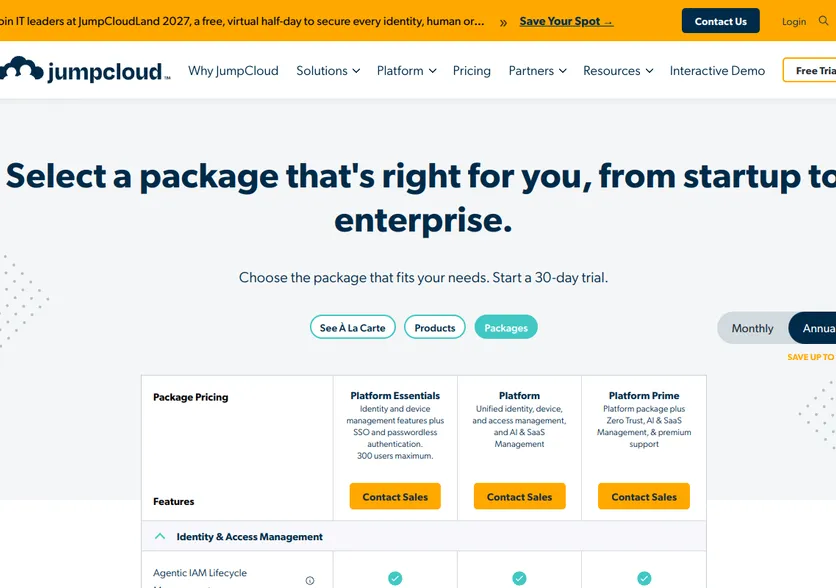
Schools that mix classroom Windows machines with Mac laptops in the library can manage both from JumpCloud, which runs one directory for every device. This JumpCloud SSO package costs eleven dollars per user a month billed annually, which covers single sign-on, multi-factor sign-in and directory sync. A school without a dedicated IT person will like the device management options, though the per-user price climbs once devices and features are added.
What we like
- One directory for Windows, Mac and Linux machines
- Device management available in the same platform
- No on-site server hardware needed
Watch out for
- The SSO package alone does not include device management
- Per-user price climbs with add-on features
How to try it
- Open the JumpCloud pricing page and start the 30-day free trial
- Pick the SSO package and connect your directory
- Add school apps and turn on multi-factor sign-in
6. Bitwarden
Best for: Schools on a tight budget that want open-source password management with single sign-on
Paid tool Starting price: $4/user/month · Bitwarden Teams, four dollars per user a month billed annually; Enterprise costs six dollars per user a month
Free plan: Free plan for basic personal use
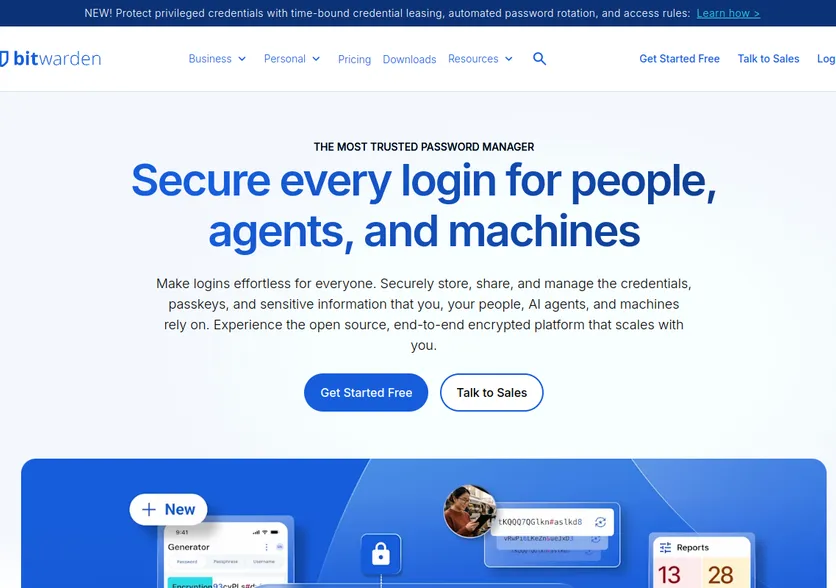
A school on a tight budget can give every teacher a vault and single sign-on for four dollars a user a month with Bitwarden, which pairs an open-source vault with single sign-on on the Teams plan. This Bitwarden Teams plan costs four dollars per user a month billed annually, which covers shared collections, admin controls and single sign-on. A small school will like the price and the self-hosting option, though the interface feels more technical than the polished vaults here.
What we like
- Low price with single sign-on included
- Open-source code that anyone can audit
- Self-hosting option for schools that want full control
Watch out for
- The interface feels more technical than rivals
- Advanced policies need the Enterprise tier
How to try it
- Open the Bitwarden business pricing page and start the trial
- Create collections for grading and attendance systems
- Turn on single sign-on and set the admin policies
7. Keeper
Best for: Schools that share logins for grading, attendance and parent portals
Paid tool Starting price: $4/user/month · Keeper Business, four dollars per user a month billed annually; Business Starter costs two dollars for teams of five to ten users
Free plan: No free plan; 14-day free trial
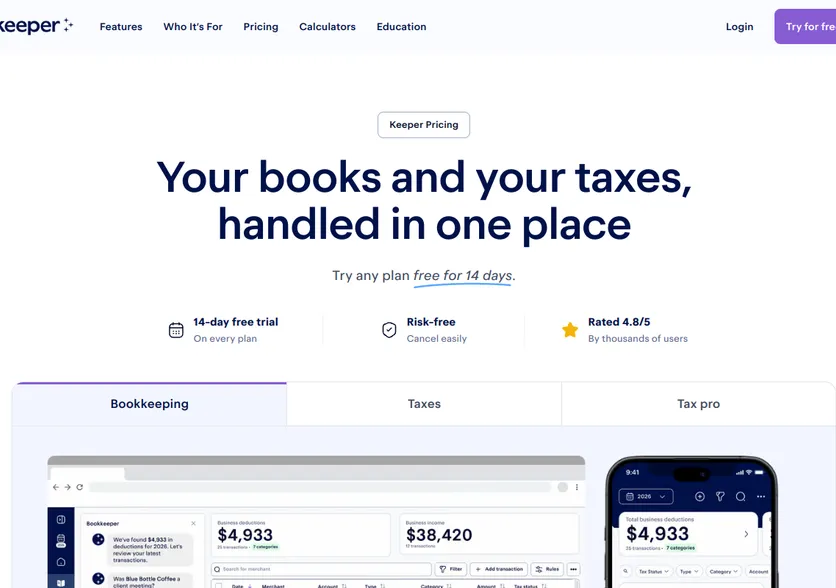
School staff share logins for grading, attendance and parent portals, and Keeper gives the school one vault where those logins live under admin control. This Keeper Business plan costs four dollars per user a month billed annually, which covers shared folders, admin controls and breach monitoring. A school with five to ten staff will like the Starter price of two dollars, though single sign-on waits for the Enterprise tier.
What we like
- Starter tier at two dollars for teams of five to ten
- Shared folders with admin controls
- Breach monitoring included on the Business plan
Watch out for
- Single sign-on needs the Enterprise tier
- The Starter tier caps at ten users
How to try it
- Open the Keeper site and start the 14-day free trial
- Create shared folders for grading and parent portals
- Set admin policies and turn on breach monitoring
8. OneLogin
Best for: Small schools that want cheap single sign-on for staff accounts
Paid tool Starting price: $3/user/month · OneLogin Basic, three dollars per user a month; Essentials costs six dollars and Business costs ten dollars per user a month
Free plan: No free plan; free trial available
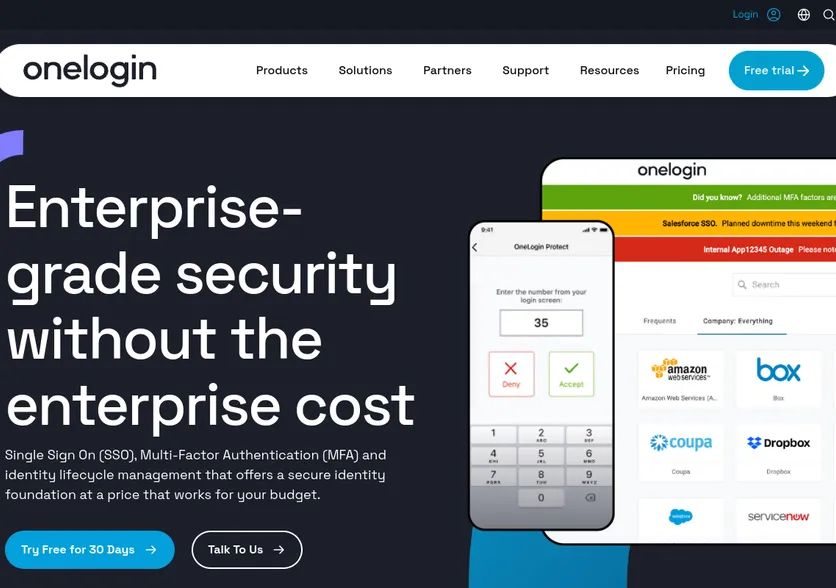
OneLogin Basic at three dollars per user a month gives small schools single sign-on and multi-factor sign-in for staff accounts without an enterprise budget. This OneLogin Basic plan costs three dollars per user a month, which covers single sign-on, multi-factor sign-in and directory integrations. A small school will like the price and the simple setup, though the Basic tier lacks the advanced policies of the Business plan.
What we like
- Low per-user price with single sign-on included
- Simple setup for small schools
- Directory integrations for easy onboarding
Watch out for
- Advanced policies need the Business plan
- No free plan, only a trial
How to try it
- Open the OneLogin site and start the free trial
- Connect the directory and add the grading and attendance apps
- Turn on multi-factor sign-in for every staff account
Prices above were checked on each vendor’s own website on Nov 27, 2026 and can change — the vendor’s page is the final word. Vendor links are editorial: nobody paid to be listed or ranked here. Vendors who want a featured listing can see how it works on our Get listed page.
What access management costs a school
Access management for a fifty-teacher school costs less than a single classroom laptop a month. Duo Essentials at three dollars per user a month comes to one hundred fifty dollars a month, while Bitwarden Teams at four dollars comes to two hundred dollars a month with single sign-on included. Google Cloud Identity Premium at six dollars a user a month costs three hundred dollars a month on the annual plan, so ask Google for education pricing before signing.
Start with the free tier or trial on two tools and connect the grading and attendance systems first. Test sign-in on a classroom computer and a teacher laptop, and time how long it takes to add a new teacher and remove one who leaves. Pick the tool the office staff can actually run, because the cheapest plan is no saving if nobody maintains it.
Before you buy
- Count staff separately from students, because most access tools bill per user and student pricing differs by vendor.
- Check whether the tool supports education discounts, because Google and Microsoft both price education licenses differently.
- Confirm the plan includes multi-factor sign-in, because a teacher account with grade access is a target for misuse.
- Check how the tool handles staff turnover, because a school onboards new teachers every year and must revoke access fast.
- Test the tool on a classroom computer and a teacher laptop, because a tool that only works on one device will be ignored.
Official websites
Official websites of the products reviewed above. Features and prices were checked against these sites when this guide was written, and they can change, so confirm on the vendor site before you buy.
Frequently asked questions
Can schools use these tools for student accounts too?
Most of the tools here are built for staff accounts, and student pricing differs by vendor. Google Cloud Identity has a free edition for up to fifty users, and Microsoft 365 for Education bundles Entra ID for students at education pricing. Ask each vendor for education pricing before counting students, because the list prices here are the standard business rates.
What is the cheapest access management tool for schools?
Duo Essentials and OneLogin Basic both cost three dollars per user a month, and both cover single sign-on plus multi-factor sign-in. Keeper Starter costs two dollars per user a month for teams of five to ten, though single sign-on needs the Enterprise tier. Bitwarden Teams costs four dollars per user a month with single sign-on included.
Should a school pick Google or Microsoft for access management?
A school on Google Workspace should start with Cloud Identity Premium, because it lives in the same console as Gmail and Drive and costs six dollars per user a month on the annual plan. A school on Microsoft 365 should check Entra ID P1 first, because it is already included in E3 and Business Premium licenses. Pick the tool that matches the platform the school already runs.
How do we stop sharing logins in the classroom?
Stop sharing one login for the grading and attendance systems, because a shared password means the school cannot tell who changed a grade. Give every teacher a named account inside the access tool, and use a shared vault so staff can open a portal without ever seeing the password. Revoke the account on the day a teacher leaves.
What happens when a teacher leaves mid-year?
Use the access tool lifecycle controls to disable the account on the last day of employment, because a former teacher with grade access is a real risk. Okta and JumpCloud handle joiners and leavers well, and a shared vault lets the school rotate every password the teacher knew. Check the audit log after the departure to confirm the account is closed.
Need everyday security help too? Try Toolsvine's free security tools right in your browser.
Browse Security & Privacy tools


