
On this page
Wholesale distributors run warehouses, delivery fleets and supplier portals on the same accounts, so one weak password can open every door. The eight tools below cover single sign-on, multi-factor authentication and lifecycle management, with prices from three dollars a user a month to eight dollars and ninety-nine cents. Every price was checked on the vendor site on November 27, 2026, and the list favours tools a distributor can roll out to drivers, warehouse staff and office teams without a long project. Okta is our first pick — the strongest identity platform for a distributor with many apps and many users.
How we researched this
We started with the access tools distributors actually buy, then read each price on the vendor pricing page on November 27, 2026 and noted the free plan or trial each one carries. We judged them for a wholesale distributor with warehouse staff, drivers and office teams that needs single sign-on and multi-factor authentication without a long rollout. We dropped OneLogin because its pricing page could not be verified, and we dropped Ping Identity and CyberArk because neither publishes a list price on its own site.
Compare the tools
| Name | Best for | Starting price | Free plan | |
|---|---|---|---|---|
 Okta | Wholesale distributors that run many supplier, warehouse and delivery apps and need one identity platform for every worker | $6/user/month | No free plan; 30-day free trial | Visit |
 Microsoft Entra ID | Distributors already on Microsoft 365 that want conditional access without a second identity vendor | $7/user/month | Free tier included with Azure and Microsoft 365 | Visit |
 JumpCloud | Distributors that manage devices as well as identities and want directory, single sign-on and multi-factor authentication in one place | $11/user/month | No free plan for new accounts; 30-day free trial | Visit |
 Cisco Duo | Distributors that need strong multi-factor authentication on a tight budget | $3/user/month | Free plan for up to 10 users | Visit |
 LastPass | Distributors that want a password vault plus single sign-on for shared supplier and carrier accounts | $7/user/month | No free plan; 14-day free trial | Visit |
 Keeper | Small distributors that want a secure vault and admin controls at a low per-user price | $4/user/month | No free plan; 14-day free trial | Visit |
 Bitwarden | Distributors that want an open-source password manager with strong sharing and a free plan for tiny teams | $4/user/month | Free plan for up to 2 users | Visit |
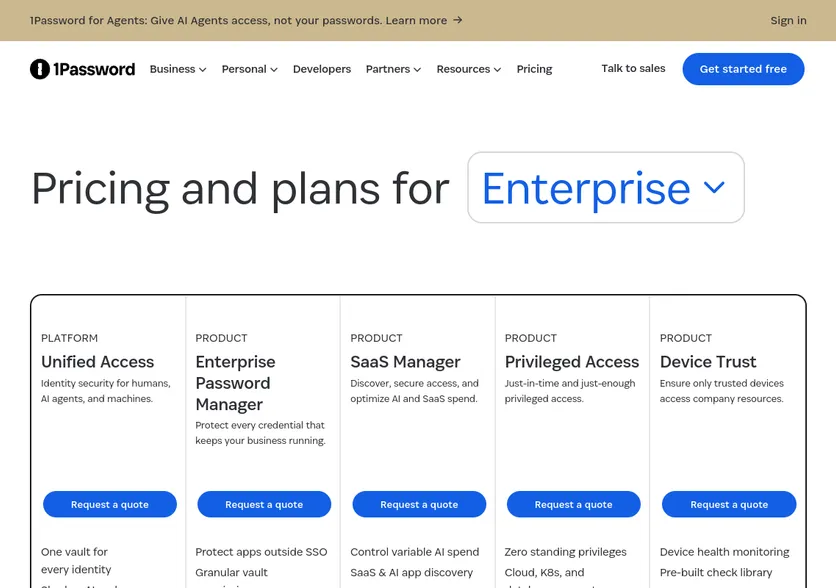
 1Password | Distributors that want the most polished password manager with travel mode and item sharing for field staff | $8.99/user/month | No free plan; 14-day free trial | Visit |
The access management software for wholesale distributors, compared
1. Okta
Best for: Wholesale distributors that run many supplier, warehouse and delivery apps and need one identity platform for every worker
Paid tool Starting price: $6/user/month · Workforce Identity Starter, six dollars a user a month billed annually, with a one thousand five hundred dollar annual contract minimum
Free plan: No free plan; 30-day free trial
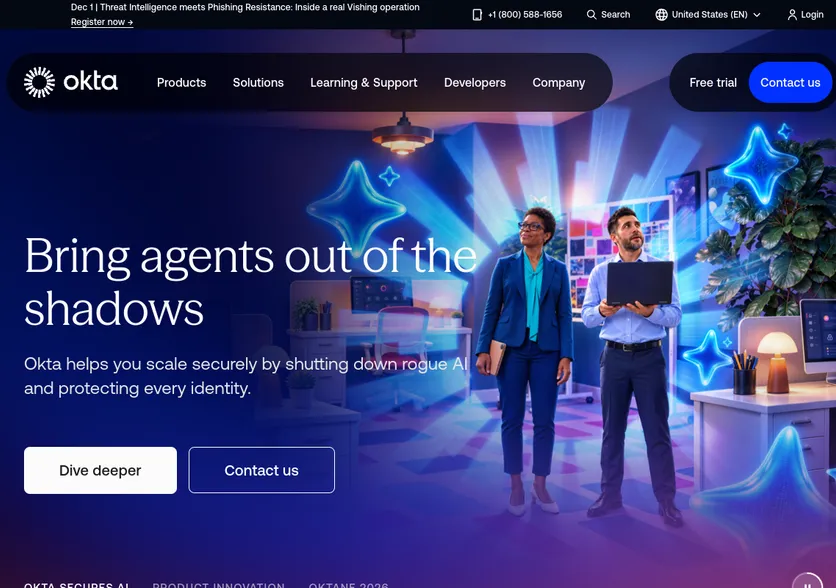
Okta Workforce Identity brings single sign-on, multi-factor authentication and lifecycle management to every app a distributor uses, from the warehouse system to the supplier portal. This Okta Starter plan costs six dollars a user a month billed annually, which is the entry point to the strongest identity feature set in this list. A distributor can onboard seasonal warehouse staff in minutes and switch off access the day they leave, while admins watch sign-in activity from one dashboard.
What we like
- Single sign-on for thousands of apps from one console
- Lifecycle management that adds and removes users automatically
- Strong reporting on sign-ins and risky logins
Watch out for
- Annual contract minimum of one thousand five hundred dollars
- Higher tiers jump to fourteen dollars a user a month and more
How to try it
- Open the Okta pricing page and start the thirty-day trial
- Connect your warehouse and supplier apps through single sign-on
- Turn on multi-factor authentication for every user before rollout
2. Microsoft Entra ID
Best for: Distributors already on Microsoft 365 that want conditional access without a second identity vendor
Paid tool Starting price: $7/user/month · Entra ID P1, seven dollars a user a month paid yearly, with a free tier included in Microsoft cloud subscriptions
Free plan: Free tier included with Azure and Microsoft 365
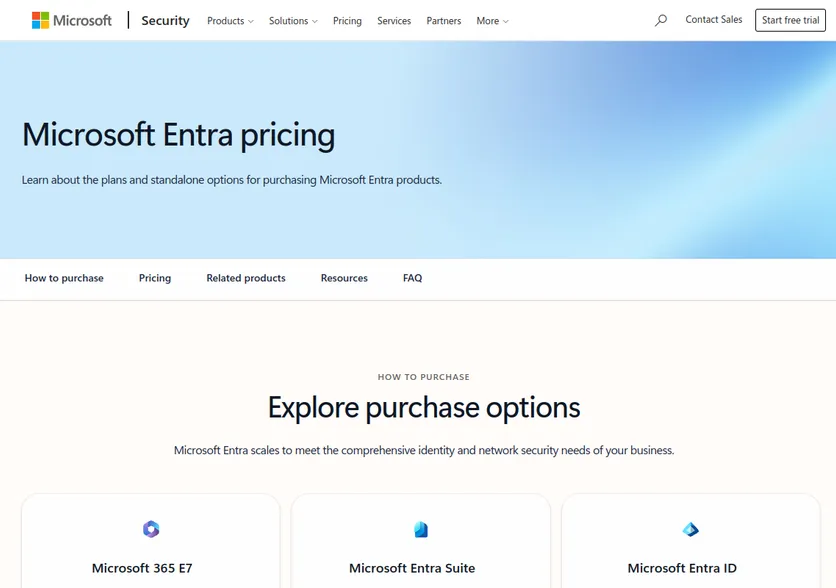
Microsoft Entra ID is the identity layer behind Microsoft 365, so a distributor already running Outlook and Teams gets single sign-on and conditional access in the same tenant. This Microsoft Entra ID P1 plan costs seven dollars a user a month paid yearly and adds conditional access, passwordless sign-in and hybrid identity for on-premises systems. A team that already pays for Microsoft 365 Business Premium or E3 may already own P1, so check the current licence before buying it twice.
What we like
- Conditional access included on the P1 plan
- Already bundled in Microsoft 365 E3 and Business Premium
- Passwordless and phishing-resistant sign-in options
Watch out for
- P1 rose from six dollars to seven in July 2026
- Full governance needs the twelve-dollar Suite or a seven-dollar add-on
How to try it
- Check whether your Microsoft 365 plan already includes P1
- Turn on conditional access for warehouse and office sign-ins
- Set up self-service password reset for drivers and staff
3. JumpCloud
Best for: Distributors that manage devices as well as identities and want directory, single sign-on and multi-factor authentication in one place
Paid tool Starting price: $11/user/month · SSO package, eleven dollars a user a month billed annually, or thirteen dollars billed monthly
Free plan: No free plan for new accounts; 30-day free trial
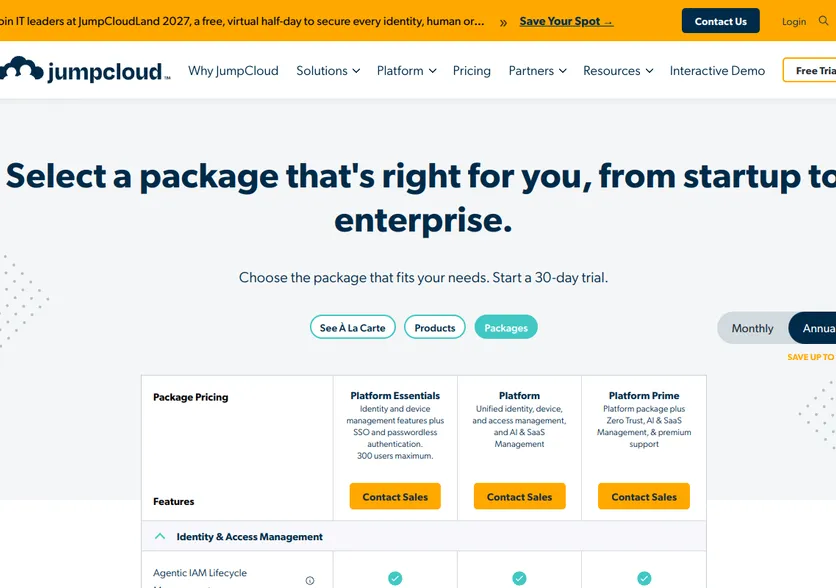
JumpCloud combines a cloud directory with single sign-on and device management, which suits a distributor whose staff work on shared warehouse computers and delivery tablets. This JumpCloud SSO package costs eleven dollars a user a month billed annually and covers the directory, multi-factor authentication and user lifecycle. A small IT team can manage Windows, Mac and Linux devices from the same console that handles sign-ins.
What we like
- Directory, single sign-on and device management in one console
- Covers Windows, Mac and Linux devices
- Per-user pricing with no seat minimum on self-serve plans
Watch out for
- LDAP and RADIUS need the quote-only Platform tier
- Device management and single sign-on bought together cost twenty dollars a user a month
How to try it
- Open the JumpCloud pricing page and start the thirty-day trial
- Import your users into the cloud directory
- Connect your apps with single sign-on and switch on multi-factor authentication
4. Cisco Duo
Best for: Distributors that need strong multi-factor authentication on a tight budget
Paid tool Starting price: $3/user/month · Essentials plan, three dollars a user a month, with Advantage at six dollars and Premier at nine dollars
Free plan: Free plan for up to 10 users
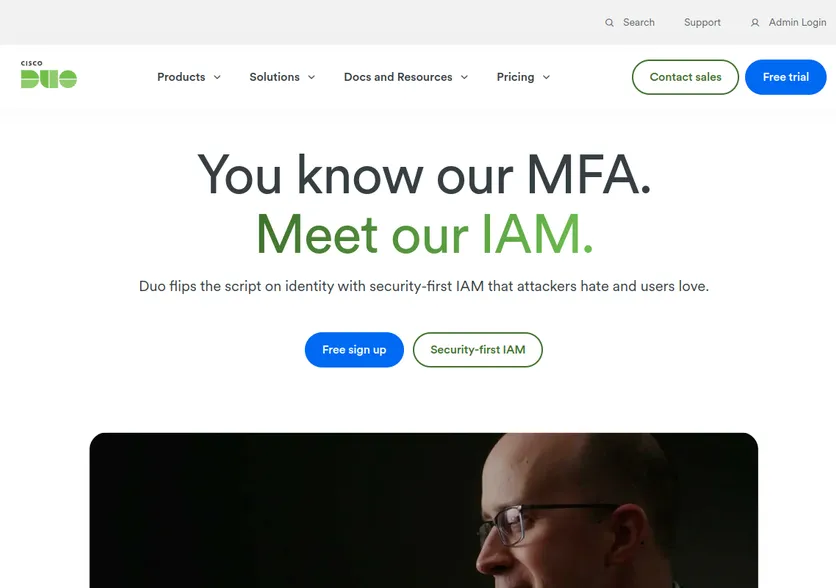
Cisco Duo is the cheapest paid access tool in this list, focused on doing multi-factor authentication well rather than bundling a full identity suite. This Cisco Duo Essentials plan costs three dollars a user a month and adds push approvals, device checks and single sign-on for common apps. A distributor can protect its warehouse system and email with Duo alone, then add the higher tiers later if it needs deeper device trust.
What we like
- Lowest paid price in this comparison at three dollars a user
- Push approvals that warehouse staff learn in minutes
- Free plan covers up to ten users
Watch out for
- Essentials lacks the device trust checks of the higher tiers
- No full lifecycle management like Okta or Entra ID
How to try it
- Open the Duo pricing page and start with the free plan
- Add your warehouse system and email to Duo
- Ask every user to approve sign-ins with the Duo mobile app
5. LastPass
Best for: Distributors that want a password vault plus single sign-on for shared supplier and carrier accounts
Paid tool Starting price: $7/user/month · Business plan, seven dollars a user a month billed annually, with Teams at four dollars and twenty-five cents
Free plan: No free plan; 14-day free trial
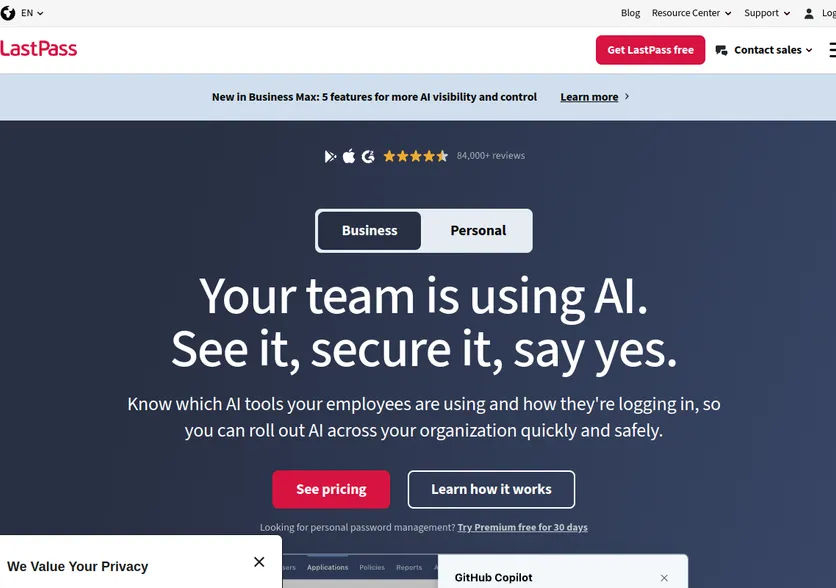
LastPass Business pairs a team password vault with single sign-on, which fits a distributor whose staff share logins for carrier portals and supplier sites. This LastPass Business plan costs seven dollars a user a month billed annually and adds admin controls, shared folders and security reporting. A team can stop passing passwords around on paper and in chat, and revoke access to a shared account in one click when someone leaves.
What we like
- Password vault plus single sign-on in one plan
- Shared folders for carrier and supplier logins
- Admin reporting on weak and reused passwords
Watch out for
- Business Max costs eleven dollars a user a month
- Password sharing needs strict folder rules or it gets messy
How to try it
- Open the LastPass pricing page and start the fourteen-day trial
- Import your shared carrier and supplier passwords into folders
- Switch on single sign-on for the apps your team uses daily
6. Keeper
Best for: Small distributors that want a secure vault and admin controls at a low per-user price
Paid tool Starting price: $4/user/month · Business plan, four dollars a user a month billed annually, with Business Starter at two dollars and Enterprise at six dollars
Free plan: No free plan; 14-day free trial
Keeper Business is a password vault with team controls, built for small businesses that need shared credentials without enterprise complexity. This Keeper Business plan costs four dollars a user a month billed annually and adds shared folders, admin policies and breach monitoring. A distributor with a handful of office staff and a warehouse office can secure every shared login for less than a coffee a day.
What we like
- Four dollars a user a month undercuts most rivals
- Breach monitoring warns about exposed passwords
- Simple admin controls for small teams
Watch out for
- No built-in single sign-on on the Business plan
- Enterprise features need the six-dollar tier
How to try it
- Open the Keeper pricing page and start the fourteen-day trial
- Create shared folders for each supplier and carrier
- Turn on breach monitoring and fix every flagged password
7. Bitwarden
Best for: Distributors that want an open-source password manager with strong sharing and a free plan for tiny teams
Paid tool Starting price: $4/user/month · Teams plan, four dollars a user a month billed annually, with Enterprise at six dollars
Free plan: Free plan for up to 2 users
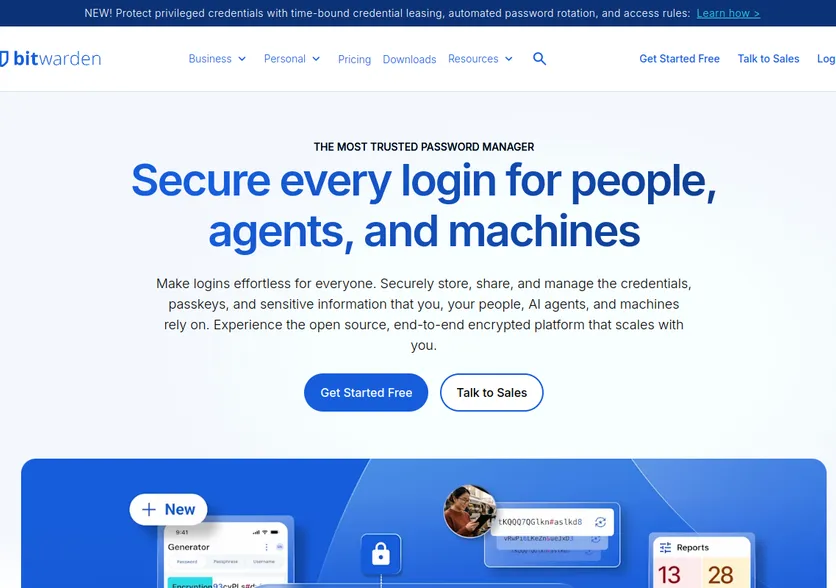
Bitwarden Teams is an open-source password manager that stores shared logins in encrypted collections a distributor can audit. This Bitwarden Teams plan costs four dollars a user a month billed annually and adds shared collections, admin controls and event logs. A cost-conscious distributor gets enterprise-grade encryption and self-hosting options at the same price as a basic vault.
What we like
- Open-source code that anyone can audit
- Self-hosting option for distributors with strict data rules
- Free plan for two users to test with
Watch out for
- No single sign-on on the Teams plan
- Self-hosting adds server work your team must own
How to try it
- Open the Bitwarden pricing page and claim the free plan
- Create a collection for each warehouse and office team
- Move shared supplier passwords into Bitwarden and delete the old copies
8. 1Password
Best for: Distributors that want the most polished password manager with travel mode and item sharing for field staff
Paid tool Starting price: $8.99/user/month · Business plan, eight dollars and ninety-nine cents a user a month billed annually, with a Teams Starter Pack at twenty-four dollars and ninety-five cents a month for ten members
Free plan: No free plan; 14-day free trial
1Password Business is the most polished password manager in this list, with shared vaults, travel mode and guest sharing for contractors. This 1Password Business plan costs eight dollars and ninety-nine cents a user a month billed annually and adds admin controls, reporting and five gigabytes of document storage per user. A distributor with drivers and field staff will like travel mode, which hides sensitive vaults when crossing borders.
What we like
- Most polished apps on desktop and mobile
- Travel mode protects vaults at border crossings
- Guest sharing for contractors without a paid seat
Watch out for
- Highest per-user price in this comparison
- No free plan, only a fourteen-day trial
How to try it
- Open the 1Password pricing page and start the fourteen-day trial
- Create a vault for each team and move shared logins in
- Turn on travel mode for staff who cross borders
Prices above were checked on each vendor’s own website on Nov 27, 2026 and can change — the vendor’s page is the final word. Vendor links are editorial: nobody paid to be listed or ranked here. Vendors who want a featured listing can see how it works on our Get listed page.
What access management costs for a distributor in 2026
Access management for a distributor is mostly per-user pricing, so the bill follows headcount. The cheapest paid plan here is three dollars a user a month, and the dearest is eight dollars and ninety-nine cents, which means a fifty-person team pays between one hundred fifty and about four hundred fifty dollars a month before any contract minimum. Okta adds a one thousand five hundred dollar annual minimum on top of its six-dollar rate, so a very small team pays more there than the headline suggests.
Start with the free plan or the trial on two tools and test them with real staff, not just the IT team. Ask a warehouse worker to sign in with a push approval, ask an office user to open the supplier portal through single sign-on, and check how fast you can remove access when someone leaves. Pick the tool your least technical employee can use without calling for help, because adoption decides whether the system protects anything.
Before you buy
- Check whether your Microsoft 365 plan already includes Entra ID P1 before you pay seven dollars a user for it.
- Count every user who needs a seat, because per-user pricing multiplies fast across drivers and warehouse staff.
- Test the free plan or trial first, because Duo covers ten users free and most rivals offer fourteen to thirty days.
- Compare the annual contract minimum, because Okta needs one thousand five hundred dollars a year before per-user pricing starts.
- Decide whether you need single sign-on or just a vault, because Duo at three dollars and a vault at four dollars cost far less than a full identity suite.
Official websites
Official websites of the products reviewed above. Features and prices were checked against these sites when this guide was written, and they can change, so confirm on the vendor site before you buy.
Frequently asked questions
What is the best access management software for wholesale distributors in 2026?
Okta is the best overall pick, with single sign-on, lifecycle management and reporting for every app a distributor runs. Duo is the cheapest paid option at three dollars a user a month for teams that mainly need multi-factor authentication. Bitwarden Teams is the best value vault at four dollars a user a month, with open-source code and a free plan for two users.
How much does access management software cost?
Paid plans in this list run from three dollars a user a month for Duo Essentials to eight dollars and ninety-nine cents for 1Password Business, with most tools between four and seven dollars. A fifty-person team pays roughly one hundred fifty to four hundred fifty dollars a month, plus any contract minimum such as Okta's one thousand five hundred dollars a year. Free plans exist at Duo, Bitwarden and Microsoft Entra ID.
Do I need single sign-on or just a password manager?
Single sign-on suits a distributor whose staff open many apps a day, because one login covers the warehouse system, email and supplier portals. A password vault suits a small team that mainly shares logins for carrier and supplier sites. Okta and Entra ID cover both jobs, while Keeper and Bitwarden focus on the vault. Start with the job your team does most.
Is there a free access management tool?
Yes, Duo has a free plan for up to ten users with multi-factor authentication, Bitwarden is free for up to two users, and Microsoft Entra ID has a free tier inside Azure and Microsoft 365 subscriptions. JumpCloud no longer offers a free plan to new accounts, so new buyers start with its thirty-day trial instead.
What should a distributor check before buying?
Count every user who needs a seat, including drivers and seasonal warehouse staff, because per-user pricing multiplies fast. Check whether your Microsoft 365 plan already includes Entra ID P1, and read the contract minimum on Okta. Test sign-in with your least technical employee, and confirm the tool covers the apps your warehouse actually runs.
Need everyday security help too? Try Toolsvine's free security tools right in your browser.
Browse Security & Privacy tools


