On this page
Project-based businesses live and die by the hour, and the accounting software has to connect time tracking to invoices and profit without manual retyping. The best tools for tracking projects combine time logs, expenses, and client billing, so you can see which projects make money and which ones do not. Prices run from about four dollars a user a month for simple tracking to one hundred forty dollars a month for a full ledger. Harvest is our first pick for teams that want clean time tracking tied straight to invoices.
How we researched this
We checked the vendor pricing pages for eight tools that track projects and bill for them, and we kept only tools with a published list price in dollars. We compared each one for time tracking quality, project profit reporting, invoicing, and how cleanly hours turn into bills, then ranked them for teams that sell their time.
Compare the tools
| Name | Best for | Starting price | Free plan | |
|---|---|---|---|---|
 Harvest | Teams that bill clients by the hour | $9/user/month | Free plan for 1 seat and 2 projects | Visit |
 Toggl Track | Teams that want fast, simple time tracking | $9/user/month | Free plan for teams of up to 3 users | Visit |
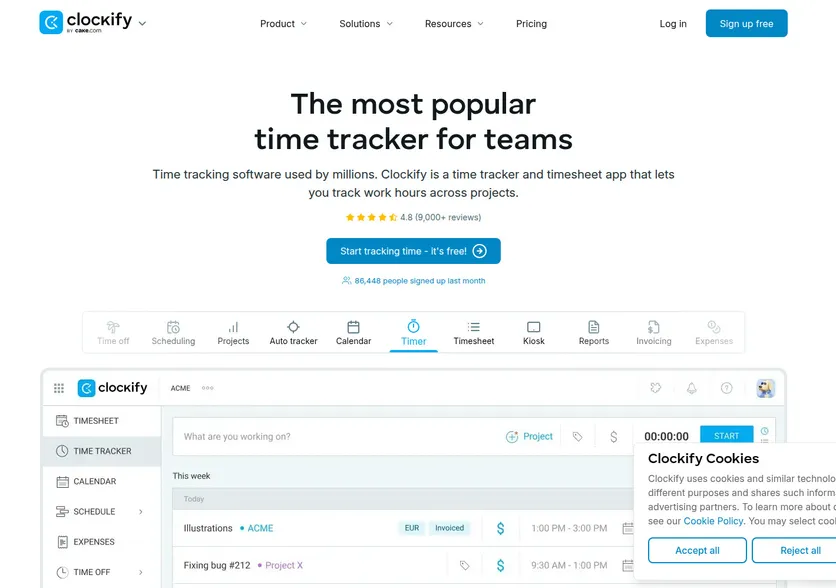
 Clockify | Teams that want free time tracking with paid upgrades | $3.99/user/month | Free plan for unlimited tracking | Visit |
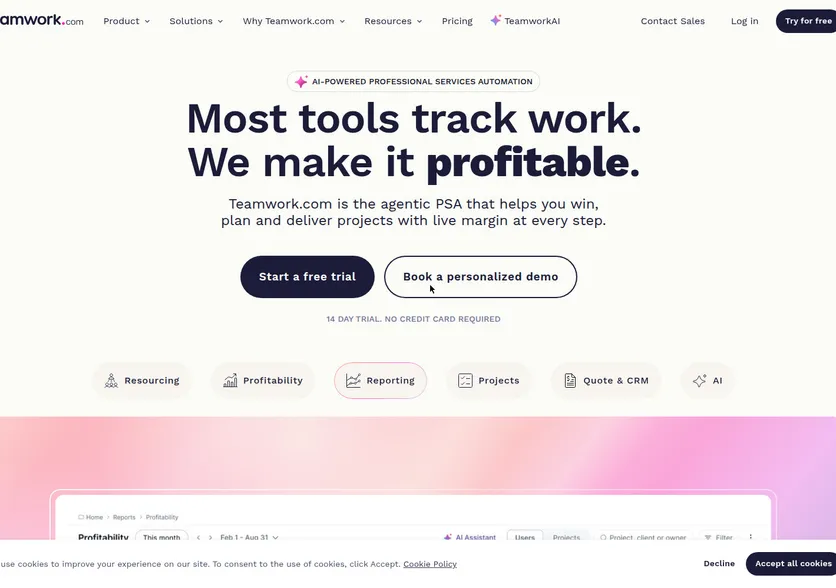
 Teamwork | Service teams that manage projects end to end | $9.99/user/month | Free plan for up to 5 users and 5 projects | Visit |
 FreshBooks | Project teams that live on client billing | $43/month | No free plan; a 30-day trial is listed | Visit |
 Xero | Project teams that want a full ledger with project tracking | $97/month | No free plan; a 30-day trial is listed | Visit |
 Zoho Books | Project teams on a budget that need time tracking | $40/month | Free plan for businesses under fifty thousand dollars of yearly revenue | Visit |
 QuickBooks Online | Project teams that need a full ledger with project tracking | $140/month | Free plan at no monthly cost with 1 user; 30-day trial on paid plans | Visit |
The accounting software for tracking projects, compared
1. Harvest
Best for: Teams that bill clients by the hour
Paid tool Starting price: $9/user/month · Teams plan billed annually; monthly billing is eleven dollars a user a month; free plan covers 1 seat and 2 projects
Free plan: Free plan for 1 seat and 2 projects
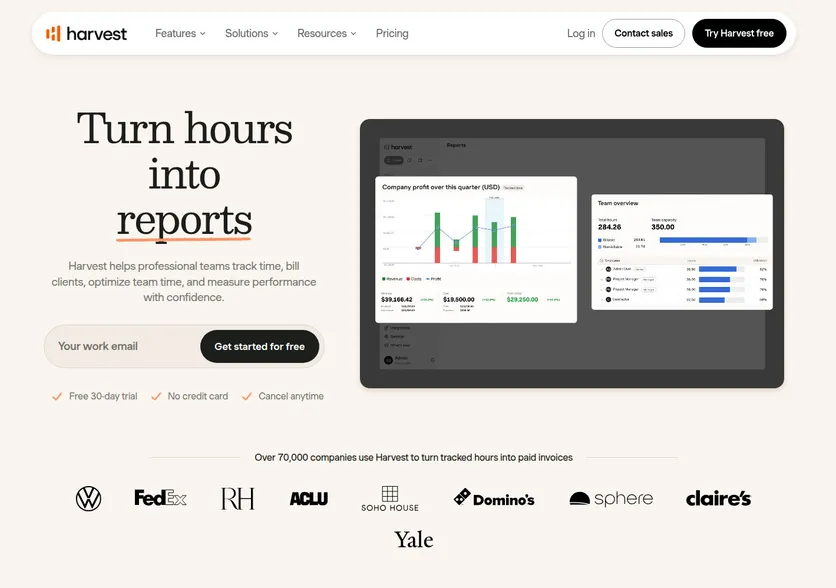
Harvest is the time tracking tool that project teams use when hours turn into invoices, and its Teams plan costs about nine dollars a user a month on annual billing. It tracks time, expenses, and project budgets in one place, with invoicing that bills clients straight from the hours logged. It is a tracking tool first, so it pairs with a ledger for full accounting rather than replacing one.
What we like
- Clean time tracking tied to invoices
- Project budget tracking built in
- Simple setup for the whole team
Watch out for
- Tracking tool only, not a full ledger
- Reporting is lighter than dedicated tools
How to try it
- Create your projects and set hourly rates per person
- Track time from the timer or the timesheet each day
- Invoice clients straight from the tracked hours
2. Toggl Track
Best for: Teams that want fast, simple time tracking
Paid tool Starting price: $9/user/month · Starter plan billed annually; monthly billing is twelve dollars a user a month; free plan covers teams of up to 3 users
Free plan: Free plan for teams of up to 3 users
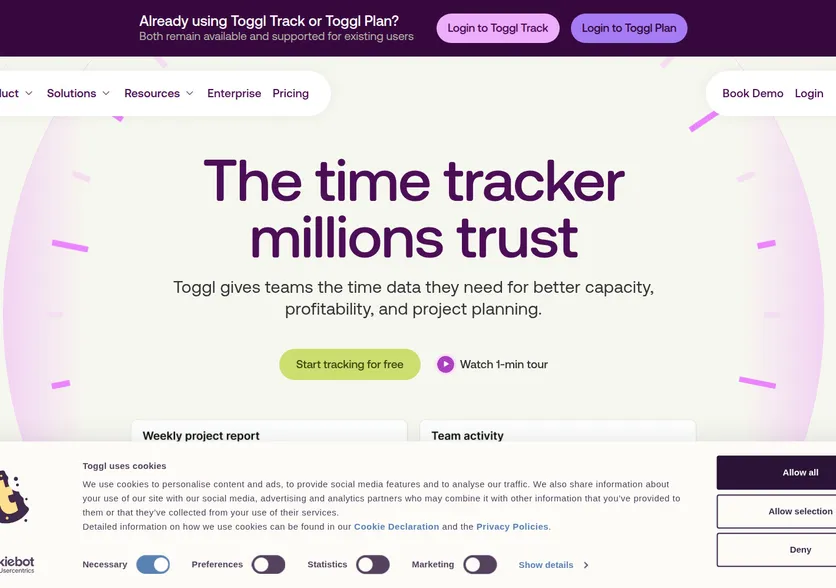
Toggl Track is the time tracker that project teams love for its one-click timer and clean reports, and its Starter plan costs about nine dollars a user a month on annual billing. It tracks hours by project and client, with billable rates and team dashboards that show who is working on what. It is a tracking tool rather than a full accounting system, so it pairs with a ledger for invoicing and books.
What we like
- Fastest one-click timer here
- Clean reports by project and client
- Free plan for tiny teams
Watch out for
- Tracking only, not invoicing or accounting
- Project budgets need a higher tier
How to try it
- Create your projects and clients, then set billable rates
- Start the timer when you work and stop it when you finish
- Review the team dashboard and export hours for invoicing
3. Clockify
Best for: Teams that want free time tracking with paid upgrades
Paid tool Starting price: $3.99/user/month · Basic plan billed annually; monthly billing is four dollars and ninety nine cents a user a month; free plan covers unlimited tracking
Free plan: Free plan for unlimited tracking
Clockify is the free time tracker that project teams start with, and its Basic plan costs about four dollars a user a month on annual billing. It tracks hours by project, with billable rates, team dashboards, and reports that export cleanly for invoicing. It is a tracking tool rather than an accounting system, so it pairs with a ledger for full books.
What we like
- Free plan covers unlimited tracking
- Lowest paid price in this list
- Simple reports that export cleanly
Watch out for
- Tracking only, not invoicing or accounting
- Some features need a higher tier
How to try it
- Create your projects and invite your team
- Track time with the timer or the timesheet
- Export the hours by project for invoicing
4. Teamwork
Best for: Service teams that manage projects end to end
Paid tool Starting price: $9.99/user/month · Basics plan billed annually with a 3-user minimum; Accelerate plan is twenty four dollars and ninety nine cents a user a month
Free plan: Free plan for up to 5 users and 5 projects
Teamwork is the project management platform that service teams use when projects need tasks, time, and billing in one place, and its Basics plan costs about ten dollars a user a month on annual billing. It tracks time against tasks, manages workloads, and connects hours to invoices through its billing tools. It is a project platform first, so it pairs with a ledger for full accounting rather than replacing one.
What we like
- Tasks, time, and billing in one place
- Good workload management
- Strong project templates
Watch out for
- Project platform only, not a full ledger
- Three-user minimum on the paid plan
How to try it
- Create your projects and break them into tasks
- Assign tasks and track time against each one
- Review project profitability and invoice clients
5. FreshBooks
Best for: Project teams that live on client billing
Paid tool Starting price: $43/month · Plus plan billed annually; Lite is twenty three dollars a month and Premium is seventy
Free plan: No free plan; a 30-day trial is listed
FreshBooks is the invoicing tool that project teams use when client billing drives the books, and the Plus plan adds double-entry accounting and more clients. It tracks time and expenses by project, then turns them into invoices with a few clicks. It is not a full enterprise ledger, so teams with complex inventory or manufacturing will outgrow it.
What we like
- Best invoicing for project teams
- Time and expenses tied to projects
- Easy to learn for the whole team
Watch out for
- Not a full enterprise ledger
- Weak inventory for product teams
How to try it
- Create your projects and set hourly rates
- Track time and expenses against each project
- Invoice clients from the tracked hours and expenses
6. Xero
Best for: Project teams that want a full ledger with project tracking
Paid tool Starting price: $97/month · Established plan; Early is twenty seven dollars a month and Growing is fifty nine
Free plan: No free plan; a 30-day trial is listed
Xero is the cloud ledger that project teams pick for clean books and easy collaboration, and the Established plan adds project tracking, expenses, and multi-currency support. It tracks project costs and profitability in one place, with an open API that connects time tracking apps. Its native time tracking is lighter than the dedicated tools, so teams often pair it with a specialist tracker.
What we like
- Full ledger with project tracking built in
- Strong multi-currency support
- Open API with time tracking apps
Watch out for
- Native time tracking is lighter than rivals
- Per-entity pricing adds up
How to try it
- Set up your projects and connect your bank feeds
- Track costs and expenses against each project
- Review project profitability and invoice clients
7. Zoho Books
Best for: Project teams on a budget that need time tracking
Paid tool Starting price: $40/month · Professional plan per organization, billed annually; Standard is fifteen dollars a month and Premium is sixty
Free plan: Free plan for businesses under fifty thousand dollars of yearly revenue
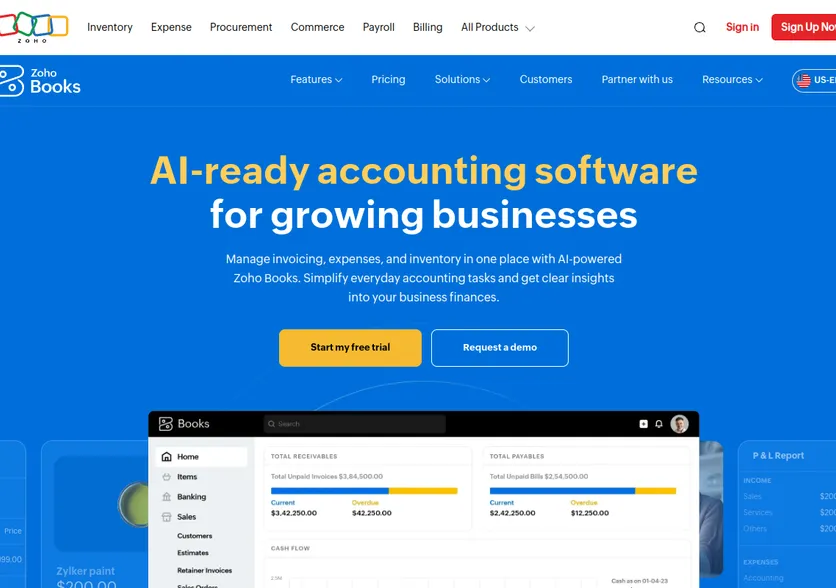
Zoho Books is the budget ledger for project teams, and the Professional plan adds inventory and multi-currency support at about forty dollars a month. It tracks time and expenses by project, with native connections to Zoho Projects and CRM. The interface is denser than the leaders, and some advanced project reporting needs a higher tier.
What we like
- Time tracking at a low price
- Native Zoho Projects connection
- Lowest cost for a capable ledger
Watch out for
- Denser interface than the leaders
- Advanced reporting needs a higher tier
How to try it
- Connect your bank and set up your projects
- Track time and expenses against each project
- Connect Zoho Projects and review profitability
8. QuickBooks Online
Best for: Project teams that need a full ledger with project tracking
Paid tool Starting price: $140/month · Plus plan per user; Simple Start is thirty eight dollars a month and Advanced is three hundred forty
Free plan: Free plan at no monthly cost with 1 user; 30-day trial on paid plans
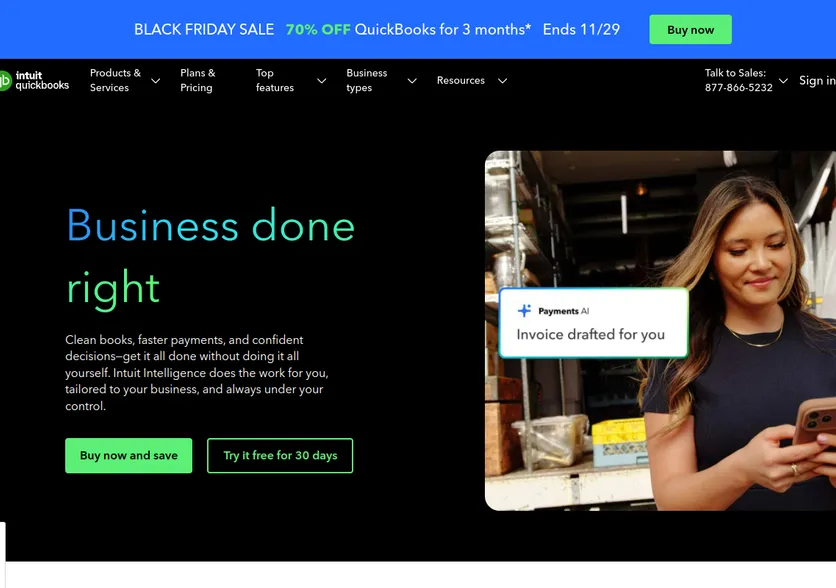
QuickBooks Online is the full ledger that project teams grow into, and the Plus plan adds inventory, multi-user access, and project tracking that smaller tiers lack. It tracks costs and profitability per project, with a marketplace that covers time tracking and payroll. The monthly price is the highest here, so it fits teams with the volume to justify it.
What we like
- Full ledger with project tracking
- Deep app marketplace
- Scales from small to mid-size teams
Watch out for
- Highest monthly price in this list
- Can feel complex for small teams
How to try it
- Set up your projects and connect your bank feeds
- Track costs and time against each project
- Review project profitability and invoice clients
Prices above were checked on each vendor’s own website on Nov 26, 2026 and can change — the vendor’s page is the final word. Vendor links are editorial: nobody paid to be listed or ranked here. Vendors who want a featured listing can see how it works on our Get listed page.
What accounting software for tracking projects actually costs
Project tracking starts free with tools like Clockify and Toggl Track, and paid time tracking runs from about four to ten dollars a user a month. A full ledger with project tracking costs forty to one hundred forty dollars a month, so most teams spend twenty to sixty dollars a user a month in total when they combine a tracker with a ledger. A team of five can run project tracking and accounting for under two hundred dollars a month, which is far cheaper than the unbilled hours a weak system loses.
Before you buy, check whether the tracker connects to your ledger, since a tool that cannot export hours cleanly will cost more in manual work than it saves. Pick a tracker your team will actually use every day, because the best reports are worthless when half the hours never get logged.
Before you buy
- Check the tracker connects to your ledger, so hours flow into invoices
- Confirm project profit reports show costs and revenue together
- Test the timer, since a slow timer means hours never get logged
- Make sure billable rates work per project and per person
- Count the combined cost of tracker plus ledger, not just one tool
Official websites
Official websites of the products reviewed above. Features and prices were checked against these sites when this guide was written, and they can change, so confirm on the vendor site before you buy.
Frequently asked questions
What is the best accounting software for tracking projects?
Harvest leads for project teams, with clean time tracking tied straight to invoices and project budget tracking built in. Clockify is the best free tracker, while Toggl Track has the fastest timer for teams that log every hour. If you need a full ledger too, QuickBooks Online Plus or Xero Established add project tracking to complete books.
How much does project tracking software cost?
Time tracking starts free with Clockify and Toggl Track, and paid plans run from about four to ten dollars a user a month. A full ledger with project tracking costs forty to one hundred forty dollars a month, so most teams spend twenty to sixty dollars a user a month in total. A team of five can run tracking and accounting for under two hundred dollars a month.
Do I need Harvest if I use QuickBooks Online?
QuickBooks Online Plus tracks project costs and profitability, but its time tracking is lighter than a dedicated tool like Harvest. Teams that bill by the hour usually pair Harvest with QuickBooks Online, so hours flow into invoices cleanly. If your team only tracks a few hours a week, the ledger alone may be enough.
What is the difference between Toggl Track and Clockify?
Toggl Track has the fastest one-click timer and the cleanest interface, which suits teams that value speed. Clockify is free for unlimited tracking and costs less on paid plans, which suits budget-conscious teams. Both export hours for invoicing, so the choice comes down to whether you value speed or price more.
Can I track project profitability in accounting software?
Yes, QuickBooks Online Plus, Xero Established, and Zoho Books Professional all track costs and revenue per project and report profitability. Dedicated trackers like Harvest and Teamwork also show project budgets and margins. Pick a tool that shows costs and revenue together, since a report that only shows hours cannot tell you whether a project made money.
Need free money help too? Try Toolsvine's free finance calculators for quick answers right in your browser.
Browse Finance Calculators tools