
On this page
Affinity Photo is now free under Canva, but it is not the only serious photo editor, and for some jobs it is not the best one. Photoshop has deeper tools, Capture One has better color, DxO PhotoLab has better lens corrections, and several editors sell as a one-time purchase instead of a subscription. Below are the seven Affinity Photo alternatives photographers actually buy, compared on price, RAW quality and license, with every price checked on the vendor site on November 26, 2026. Adobe Photoshop is our first pick, the industry standard every other editor is measured against.
How we researched this
We started with the photo editors photographers actually buy instead of Affinity Photo, then read each price on the vendor site on November 26, 2026 and noted the free plan or trial each one carries. We kept only tools with a published price, dropped the free editor with no price to verify, and judged each one for a photographer who wants real RAW editing, layers and masks without a subscription trap.
Compare the tools
| Name | Best for | Starting price | Free plan | |
|---|---|---|---|---|
 Adobe Photoshop | Photographers and designers who want the industry standard | $22.99/month | Free trial | Visit |
 Pixelmator Pro | Mac users who want a fast one-time photo editor | $49.99 one-time | Free trial | Visit |
 Luminar | Photographers who want AI sky and portrait tools | $417 one-time | Free trial | Visit |
 Capture One Pro | Professional photographers who shoot RAW and tether | $18/month | Free trial | Visit |
 DxO PhotoLab 10 | Photographers who want the best RAW quality and lens corrections | $249.99 one-time | Free trial | Visit |
 ON1 Photo RAW 2026 | Photographers who want a full editor with no subscription | $99.99 one-time | Free trial | Visit |
 Photopea | Anyone who wants a free browser editor with a cheap premium tier | $5/month | Free plan | Visit |
The Affinity Photo alternatives, compared
1. Adobe Photoshop
Best for: Photographers and designers who want the industry standard
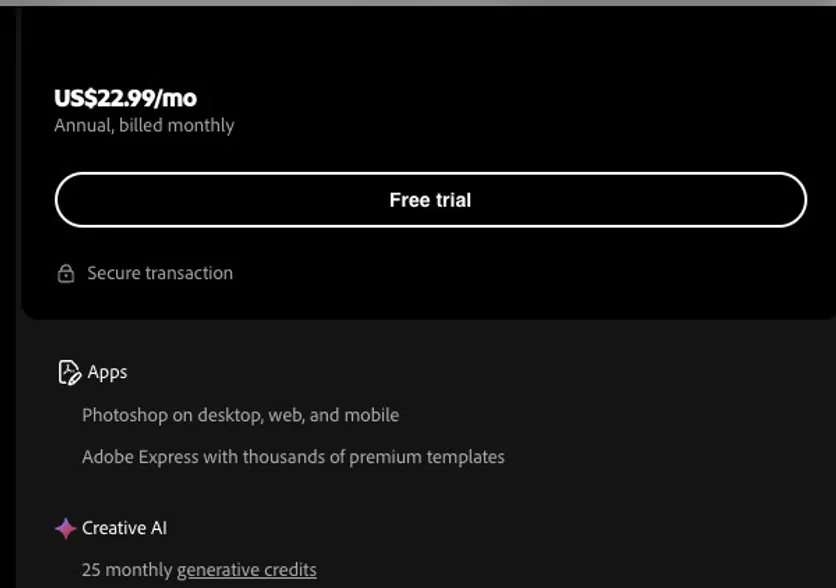
Paid tool Starting price: $22.99/month · Single-app plan, annual billed monthly; $34.49 month-to-month
Free plan: Free trial
Photoshop is the photo editor every other tool is measured against, with the deepest layer, mask and retouching tools and the largest plugin library. It suits professionals who need the full workflow, from RAW processing to print-ready output, and it works with every other Adobe tool. The Photoshop single-app plan bills monthly on annual billing, with a month-to-month rate above it and the Creative Cloud bundle for teams that need more apps.
What we like
- The deepest retouching and masking tools anywhere
- Largest plugin library and tutorial library
- Works with every other Adobe app
Watch out for
- A subscription — the cost never stops
- Overkill for a casual editor
How to try it
- Open the Adobe Photoshop plans page and start the free trial
- Open a photo and try the layers and masks
- Export the file and check the quality against your old editor
2. Pixelmator Pro
Best for: Mac users who want a fast one-time photo editor
Paid tool Starting price: $49.99 one-time · One-time purchase for Mac; also in Apple Creator Studio $12.99 a month
Free plan: Free trial
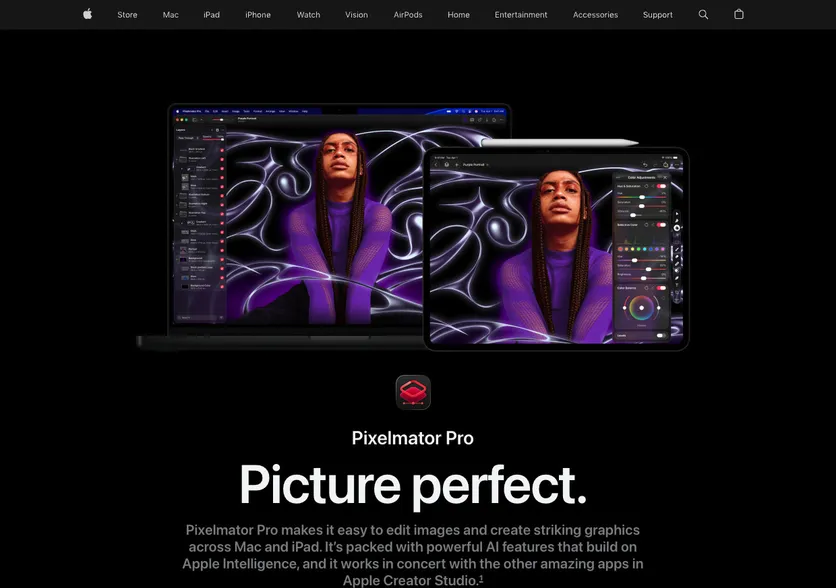
Pixelmator Pro is the fast, beautiful photo editor for Mac, with machine-learning tools, full RAW support and a one-time price instead of a subscription. It suits Mac owners who want pro-level editing without a monthly bill, and it runs natively on Apple silicon. The Pixelmator Pro plan is a single one-time purchase for Mac, and it is also included in the Apple Creator Studio subscription for owners who want the whole bundle.
What we like
- One-time purchase — no monthly bill
- Fast on Apple silicon with full RAW support
- Clean interface that stays out of the way
Watch out for
- Mac only — no Windows version
- Smaller plugin library than Photoshop
How to try it
- Open pixelmator.com/pro and download the free trial
- Open a RAW photo and try the ML tools
- Buy the one-time license when the trial ends
3. Luminar
Best for: Photographers who want AI sky and portrait tools
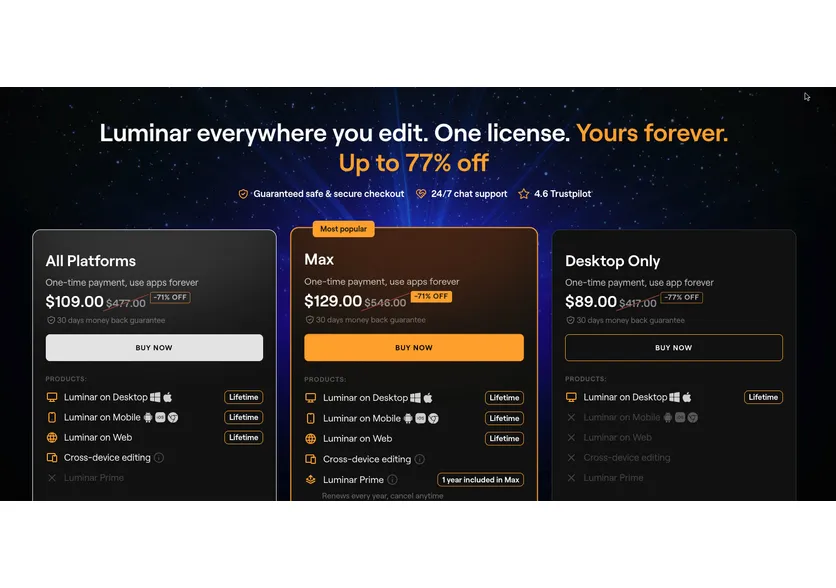
Paid tool Starting price: $417 one-time · Desktop Only lifetime plan list price; seasonal discounts run on the same page
Free plan: Free trial
Luminar is the AI photo editor that automates sky replacement, portrait retouching and relighting, so it fits photographers who want dramatic results with a few clicks. The catalog tools keep a library organized, and the extensions add features for specific jobs. The Luminar Desktop Only lifetime plan is a one-time purchase at its list price, with higher plans above it for photographers who want the full bundle.
What we like
- AI sky and portrait tools that save hours
- Lifetime purchase option with no subscription
- Catalog tools keep a library organized
Watch out for
- List price is much higher than the promo shown
- AI tools can look over-processed
How to try it
- Open skylum.com/luminar/pricing and start the free trial
- Open a photo and try the sky replacement
- Buy the lifetime plan when the trial ends
4. Capture One Pro
Best for: Professional photographers who shoot RAW and tether
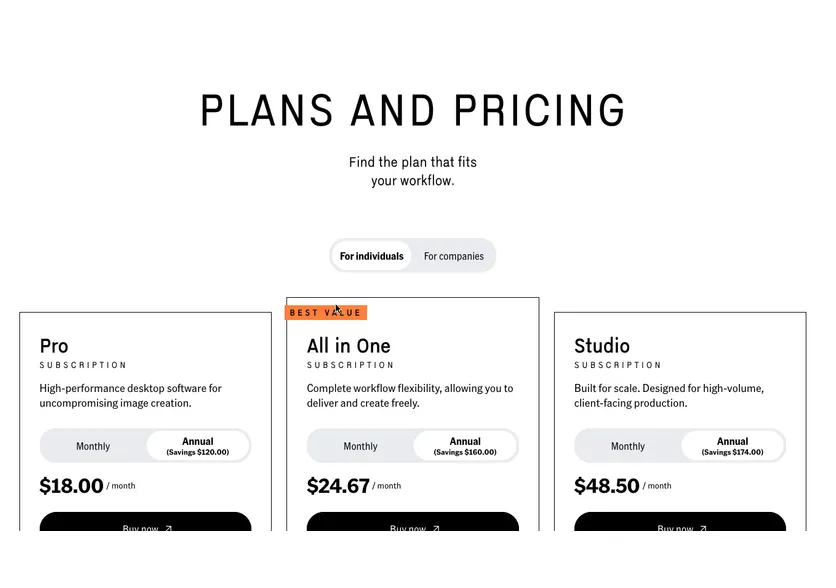
Paid tool Starting price: $18/month · Pro plan, $18 a month billed annually; $28 billed monthly; perpetual license $349
Free plan: Free trial
Capture One is the RAW editor for studio and tethered photographers, with the best color tools, tethered shooting and session workflows in the business. It suits professionals who need precise color and a fast culling workflow for hundreds of files. The Capture One Pro plan bills monthly on annual billing, with a month-to-month rate above it and a perpetual license for owners who prefer to buy once.
What we like
- Best color tools and tethered shooting
- Fast culling for hundreds of RAW files
- Session workflows built for studio work
Watch out for
- Steep learning curve for a first-time user
- Monthly cost adds up over years
How to try it
- Open captureone.com/en/pricing and start the free trial
- Import a RAW shoot and try the color tools
- Tether the camera and test the studio workflow
5. DxO PhotoLab 10
Best for: Photographers who want the best RAW quality and lens corrections
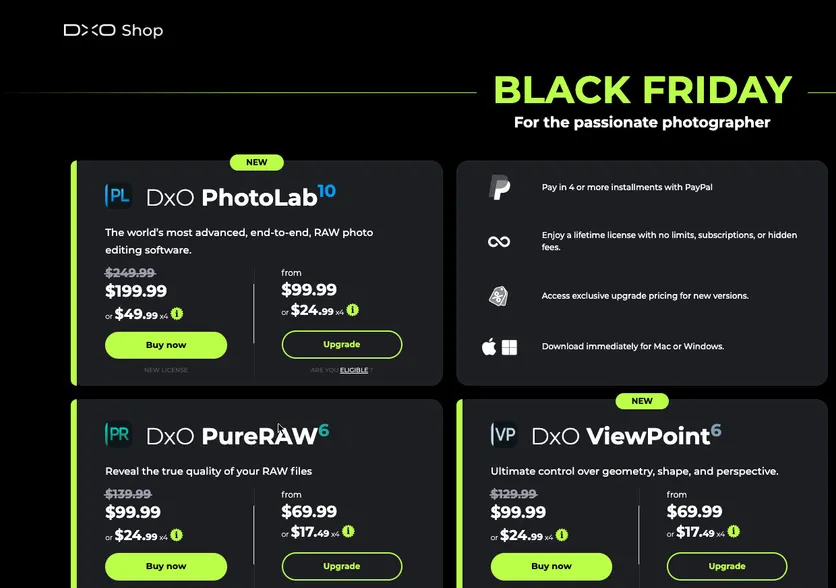
Paid tool Starting price: $249.99 one-time · ELITE edition list price, version 10; seasonal discounts run on the same page
Free plan: Free trial
DxO PhotoLab is the RAW editor famous for its lens corrections and noise reduction, with the best optical modules for real camera and lens combinations. It suits photographers who want the cleanest possible file from a RAW image before they start editing. The DxO PhotoLab ELITE plan is a one-time purchase at its list price, with a lower edition below it for owners who need fewer features.
What we like
- Best lens corrections and noise reduction
- Cleanest RAW files on this list
- One-time purchase with no subscription
Watch out for
- List price is higher than the promo shown
- Interface is dense for a casual user
How to try it
- Open dxo.com/dxo-photolab and download the free trial
- Open a RAW file and let the lens module correct it
- Compare the noise reduction against your old editor
6. ON1 Photo RAW 2026
Best for: Photographers who want a full editor with no subscription
Paid tool Starting price: $99.99 one-time · One-time purchase; MAX bundle $169.99; subscription $7.99 a month
Free plan: Free trial
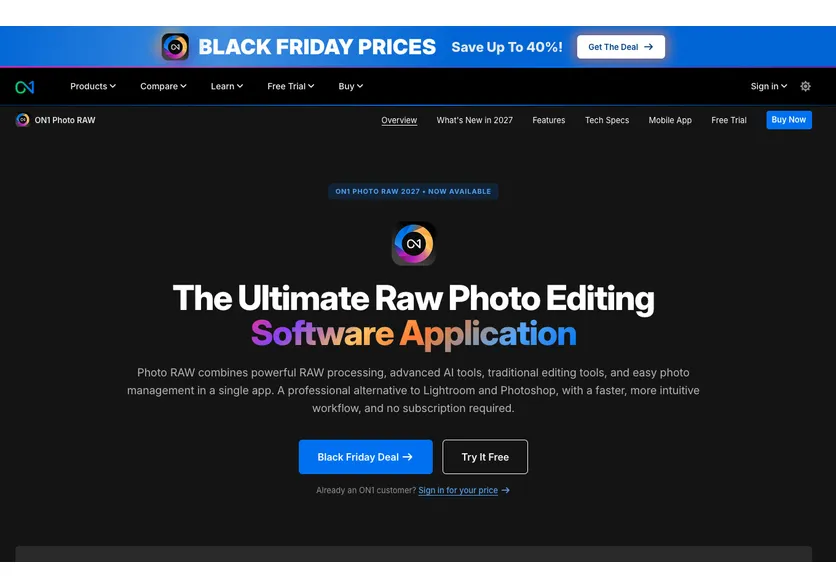
ON1 Photo RAW is the full photo editor with browsing, RAW processing, layers, effects and resizing in one app, and it sells as a one-time purchase. It suits photographers who want everything in one place without a monthly bill, with a subscription option for owners who prefer it. The ON1 Photo RAW plan is a one-time purchase, with a MAX bundle above it for owners who want the plugins too.
What we like
- Full editor with browsing, layers and effects
- One-time purchase with no subscription
- Good value for the feature count
Watch out for
- Smaller community than Photoshop or Lightroom
- Some features need the MAX bundle
How to try it
- Open on1.com/products/photo-raw and start the free trial
- Browse a folder and edit a RAW photo end to end
- Buy the one-time license when the trial ends
7. Photopea
Best for: Anyone who wants a free browser editor with a cheap premium tier
Paid tool Starting price: $5/month · Premium plan, billed monthly; $50 a year billed annually
Free plan: Free plan
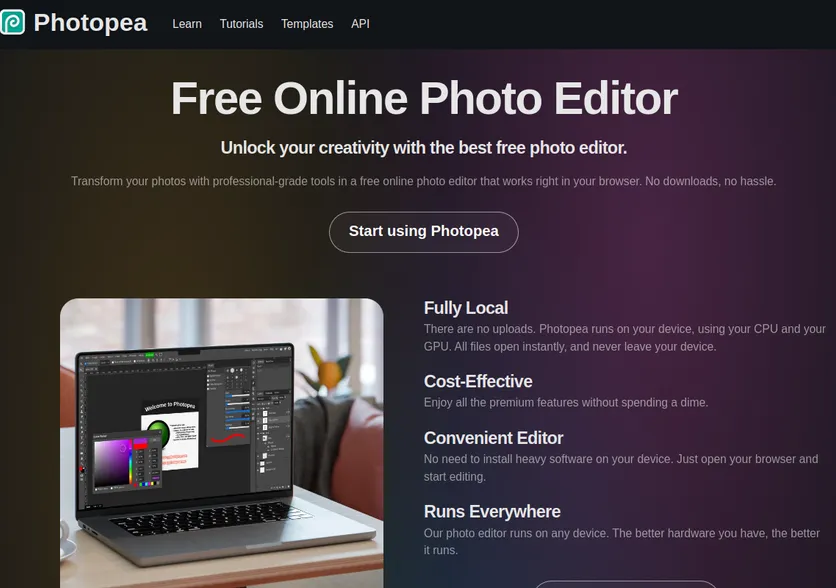
Photopea is the browser photo editor that opens PSD, XCF and RAW files with no install, and its Premium plan removes the ads and unlocks more steps and storage. It suits anyone who needs a quick edit on a borrowed computer or a Chromebook. The Photopea Premium plan bills monthly, or yearly for a lower monthly rate, and the free version is genuinely usable for most quick edits.
What we like
- Opens PSD, XCF and RAW files in the browser
- No install — works on any computer
- Cheapest paid plan on this list
Watch out for
- Browser-based — large files can feel slow
- Free version shows ads and caps history steps
How to try it
- Open photopea.com and open a PSD file
- Edit the layers and export the file
- Upgrade to Premium to remove ads and unlock more steps
Prices above were checked on each vendor’s own website on Nov 26, 2026 and can change — the vendor’s page is the final word. Vendor links are editorial: nobody paid to be listed or ranked here. Vendors who want a featured listing can see how it works on our Get listed page.
What the photo editors cost in 2026
Price is the first filter, and the range is wide. The cheapest plan here costs five dollars a month, the subscriptions run up to about twenty-three, and the one-time purchases run from fifty to about four hundred and seventeen dollars. Every price on this page was read on the vendor site on November 26, 2026, and the list prices are the ones to budget for, not the seasonal discounts some pages show.
Two things to check before you pay. First, compare the three-year cost, because a twenty-three dollar subscription costs more than a four hundred dollar lifetime license after eighteen months. Second, open a real RAW file from your camera in the trial, because a demo image hides slow processing and weak noise reduction.
Before you buy
- Check whether the price is a subscription or a one-time buy, because the total cost differs a lot.
- Open a real RAW file, because a demo image hides slow processing.
- Test the layers and masks, because a photo editor lives or dies on them.
- Check the export formats, because a tool that cannot save a PSD limits your workflow.
- Try the trial on your own photos, because sample images flatter every editor.
Official websites
Official websites of the products reviewed above. Features and prices were checked against these sites when this guide was written, and they can change, so confirm on the vendor site before you buy.
Frequently asked questions
Which Affinity Photo alternative is best overall?
Photoshop is the best pick for most people, because it has the deepest tools, the largest plugin library and the most tutorials, and the single-app plan costs about twenty-three dollars a month. Pixelmator Pro is the better pick for Mac owners, because it costs fifty dollars once and never bills again. Capture One is the better pick for studio photographers, because its color tools and tethered shooting are unmatched.
Is Affinity Photo still worth using now that it is free?
Yes, Affinity Photo is now free under Canva, which makes it a great deal for owners who already have it. These paid alternatives earn their price in other ways: Photoshop has the deepest tools, Capture One has the best color and tethering, and DxO PhotoLab has the best lens corrections. If Affinity does the job, keep it; if it does not, these are the upgrades.
Should I buy a one-time license or a subscription?
It depends on the tool. Photoshop, Capture One and Luminar are subscriptions or lifetime purchases that you pay for outright, while Pixelmator Pro, DxO PhotoLab and ON1 Photo RAW sell as one-time purchases with no monthly bill. A one-time buy is cheaper over three years, but a subscription includes updates, so compare the three-year cost before you decide.
Can these editors open my Photoshop files?
Yes for most of them. Photoshop opens PSD files natively, Photopea opens PSD and XCF files in the browser, and Pixelmator Pro, ON1 Photo RAW and DxO PhotoLab all import common formats. The safe test is to open your most complex PSD file in the trial and check that the layers, masks and adjustment layers survive the import.
What should I check before buying a photo editor?
Open a real RAW file from your camera first, because a demo image hides slow processing and weak noise reduction. Then test the layers and masks on a real retouch, check the export formats, and compare the three-year cost of the subscription against the one-time buy. The editor that feels fast on your files is the right one.
Need free image work too? Try Toolsvine's free image tools — convert, resize and compress photos on your device, no uploads, no sign-up.
Browse Image Tools tools


