
On this page
AppSec assistants scan code, dependencies and secrets as developers write, then explain each finding and suggest the fix. The seven tools below cover every layer, from Snyk dependency scanning to Semgrep static analysis and Socket supply chain checks. Snyk is our first pick, the most complete developer security platform at 25 dollars a developer a month. Every price was checked on the vendor site on November 26, 2026, and every tool offers a free plan or a free trial.
How we researched this
We started with the AI AppSec assistants development teams actually buy in 2026, then read each price on the vendor site on November 26, 2026 and noted the free plan or trial each one carries. We judged them for a team that ships code daily and needs findings triaged, explained and fixed inside the pull request. We kept only tools with a published price and dropped Aikido, because its published prices conflict across sources, and dropped the quote-only enterprise scanners entirely.
Compare the tools
| Name | Best for | Starting price | Free plan | |
|---|---|---|---|---|
 Snyk | Teams that want code, dependencies and containers in one place | $25/contributing developer/mo | Free plan (5 projects, 100 code tests a month) | Visit |
 GitHub Advanced Security | Teams already shipping on GitHub | $49/active committer/mo | Free for public repositories | Visit |
 Semgrep | Teams that want transparent, readable security rules | $30/contributor/mo | Free plan (up to 10 contributors) | Visit |
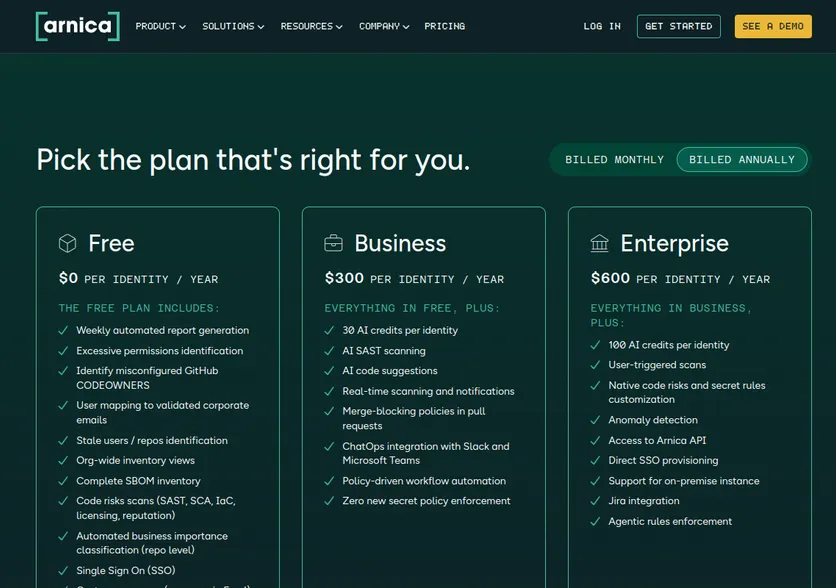
 Arnica | Teams that need pipeline and cloud risk in one view | $300/identity/yr | Free trial available | Visit |
 DeepSource | Small teams that want cheap, reliable code review | $12/user/mo | Free plan for individuals | Visit |
 SonarQube Cloud | Teams that want quality gates plus security in one scan | $34/mo | Free plan (up to 50,000 lines of code) | Visit |
 Socket | Teams worried about malicious open source packages | $25/dev/mo | Free plan (1,000 scans a month) | Visit |
The AI AppSec assistants, compared
1. Snyk
Best for: Teams that want code, dependencies and containers in one place
Paid tool Starting price: $25/contributing developer/mo · Team, minimum 5 and maximum 10 developers; Ignite about $105 a month
Free plan: Free plan (5 projects, 100 code tests a month)
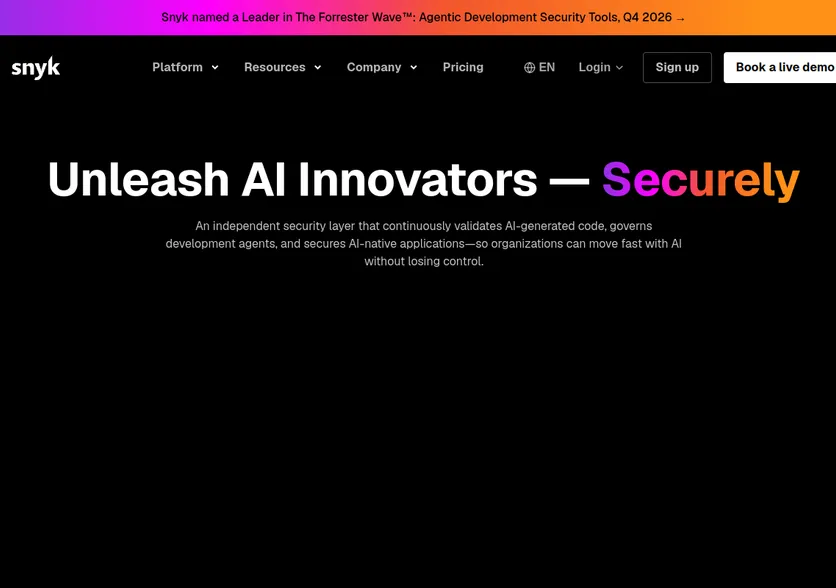
Snyk scans code, open source dependencies, containers and infrastructure as code, then explains each finding with a suggested fix. This Snyk plan adds AI triage that sorts real risks from noise, so developers fix the five findings that matter instead of five hundred. It is the most complete platform on this list, though the per-developer price adds up fast and the team plan caps at ten developers.
What we like
- Code, dependencies and containers together
- AI triage cuts the noise
- Fix suggestions with every finding
Watch out for
- Per-developer price adds up fast
- Team plan caps at ten developers
How to try it
- Connect your repositories to Snyk
- Review the AI-triaged findings in the dashboard
- Fix the top risks first and set a policy gate
2. GitHub Advanced Security
Best for: Teams already shipping on GitHub
Paid tool Starting price: $49/active committer/mo · Code Security $30 plus Secret Protection $19; sits on top of Team $4 or Enterprise $21 seats
Free plan: Free for public repositories
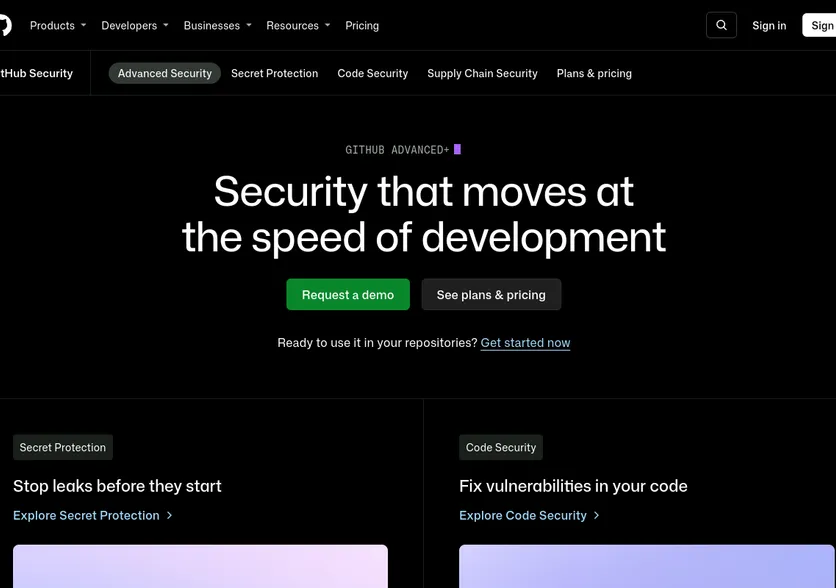
GitHub Advanced Security adds code scanning, secret scanning and dependency review directly into the pull request workflow. This GitHub Advanced Security plan uses CodeQL and AI autofix to explain vulnerabilities and open a suggested patch. It is the best pick for teams already on GitHub, though it sits on top of a paid GitHub seat and the price is per active committer.
What we like
- Lives inside the pull request
- CodeQL plus AI autofix
- Secret scanning included
Watch out for
- Sits on top of a paid GitHub seat
- Priced per active committer
How to try it
- Enable Advanced Security on your repositories
- Review code scanning alerts in pull requests
- Apply AI autofix suggestions and merge the patch
3. Semgrep
Best for: Teams that want transparent, readable security rules
Paid tool Starting price: $30/contributor/mo · Teams, Code or Supply Chain ($15 for Secrets); free up to 10 contributors
Free plan: Free plan (up to 10 contributors)
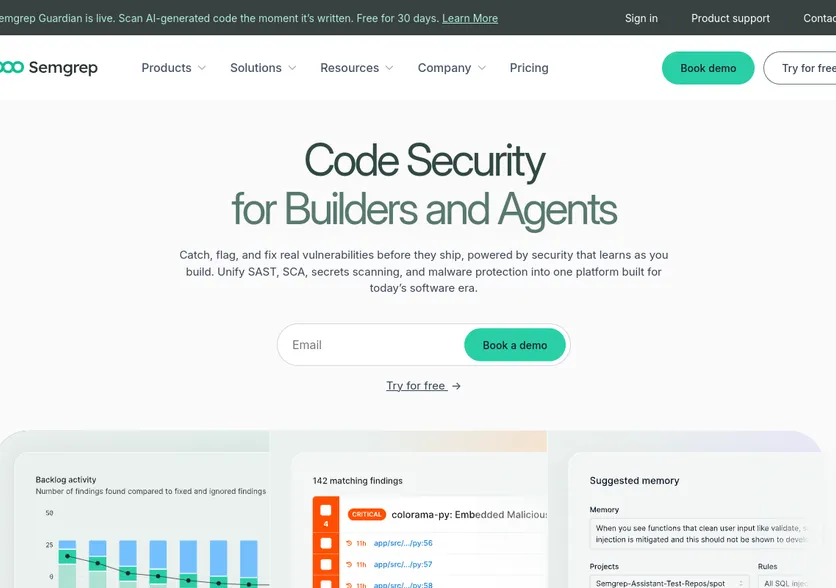
Semgrep is a fast static analysis engine with readable rules, so teams can see exactly why a finding fired and adjust it. This Semgrep plan adds AI triage, cross-file analysis and supply chain reachability to the open source core. It is the most transparent scanner here, though each product is priced separately and the full set costs more than the headline.
What we like
- Readable rules you can audit
- Fast scans on every commit
- AI triage cuts false positives
Watch out for
- Each product is priced separately
- Full set costs more than the headline
How to try it
- Connect a repository and run the first scan
- Tune the rules to cut false positives
- Add AI triage and supply chain checks
4. Arnica
Best for: Teams that need pipeline and cloud risk in one view
Paid tool Starting price: $300/identity/yr · Business, per identity per year
Free plan: Free trial available
Arnica watches code, pipelines and cloud configuration for risks, then traces each one back to the developer who can fix it. This Arnica plan adds AI remediation guidance and risk scoring, so security teams chase the few issues that actually matter. It is the best pick for pipeline security, though the per-identity yearly price is unusual and the platform is newer than Snyk.
What we like
- Code, pipeline and cloud in one view
- Risks traced to an owner
- AI remediation guidance included
Watch out for
- Per-identity yearly price is unusual
- Newer platform than Snyk
How to try it
- Connect your code, pipelines and cloud accounts
- Review the risk-scored findings
- Assign each risk to the right developer
5. DeepSource
Best for: Small teams that want cheap, reliable code review
Paid tool Starting price: $12/user/mo · Pro, billed annually; Team $24
Free plan: Free plan for individuals
DeepSource analyzes code on every pull request and opens autofix pull requests for the issues it finds. This DeepSource plan adds security scanning, code health dashboards and AI code review on the higher tier. It is the cheapest real scanner here, though the lower tier skips the full AI review and the language coverage is narrower than Snyk.
What we like
- Cheapest real scanner here
- Autofix pull requests included
- Clean code health dashboards
Watch out for
- Lower tier skips full AI review
- Narrower language coverage than Snyk
How to try it
- Connect a repository to DeepSource
- Review the autofix pull requests it opens
- Watch the code health dashboard each week
6. SonarQube Cloud
Best for: Teams that want quality gates plus security in one scan
Paid tool Starting price: $34/mo · Team, up to 100,000 lines of code; free up to 50,000 lines
Free plan: Free plan (up to 50,000 lines of code)
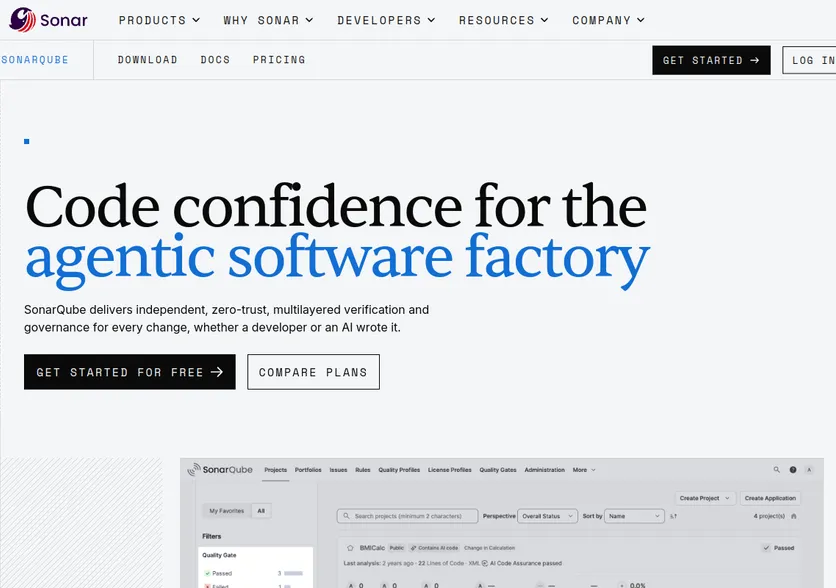
SonarQube Cloud scans code for bugs, vulnerabilities and security hotspots, then blocks merges that fail your quality gate. This SonarQube Cloud plan prices by lines of code instead of seats, so adding reviewers costs nothing. It is the best pick for quality plus security in one gate, though the bill follows codebase size and composition analysis is a paid add-on.
What we like
- Quality and security in one gate
- Priced by code, not seats
- Free up to 50,000 lines
Watch out for
- Bill follows codebase size
- Composition analysis is a paid add-on
How to try it
- Connect a repository to SonarQube Cloud
- Set a quality gate for new code
- Block merges that fail the gate
7. Socket
Best for: Teams worried about malicious open source packages
Paid tool Starting price: $25/dev/mo · Team, from 5 dev seats; Business $50, yearly billing saves 20%
Free plan: Free plan (1,000 scans a month)
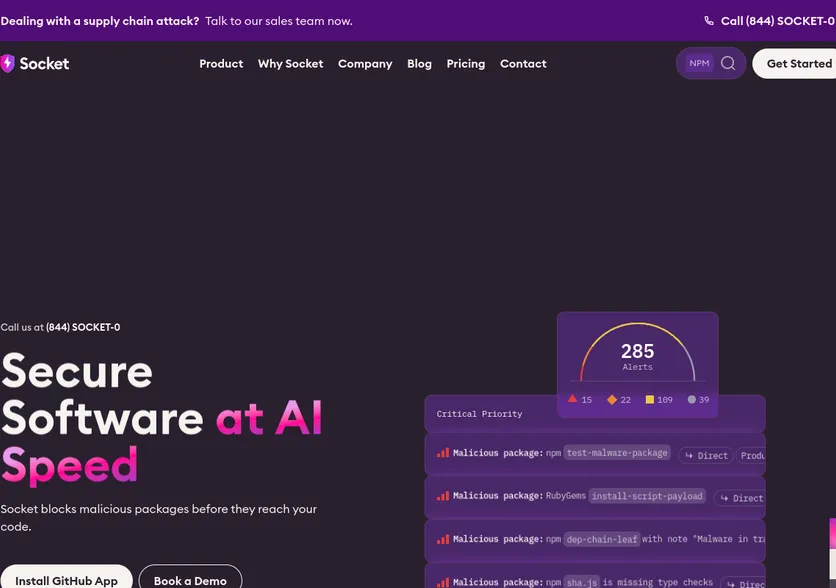
Socket guards the software supply chain by analyzing every dependency for malware, typosquats and risky behavior before it installs. This Socket plan adds reachability analysis that cuts most false positives, so teams stop chasing vulnerabilities their code never calls. It is the best supply chain guard here, though it covers dependencies only and the team plan needs five seats minimum.
What we like
- Blocks malicious packages early
- Reachability cuts false positives
- Free tier for solo developers
Watch out for
- Covers dependencies only
- Team plan needs five seats minimum
How to try it
- Install Socket on your repositories
- Review the dependency risk alerts
- Block malicious packages before they install
Prices above were checked on each vendor’s own website on Nov 26, 2026 and can change — the vendor’s page is the final word. Vendor links are editorial: nobody paid to be listed or ranked here. Vendors who want a featured listing can see how it works on our Get listed page.
How to choose an AI AppSec assistant
Start with the risk you actually face, because code bugs, bad dependencies and leaked secrets are three different jobs. Semgrep and SonarQube Cloud find code issues, Socket and Snyk watch dependencies, and GitHub Advanced Security covers all three inside the pull request. If your team already lives on GitHub, its security add-on is the easiest buy; if you run many repositories, a per-contributor price beats a per-seat one.
Run a trial on your busiest repository and count the findings that matter, not the total count. A scanner that reports five hundred issues nobody fixes is worse than one that reports five your team actually patches.
Before you buy
- Match the tool to the risk, because Semgrep finds code bugs while Socket guards dependencies.
- Check the billing meter, because per-contributor and per-seat prices scale very differently.
- Test on your busiest repository, because finding counts mean nothing without fixes.
- Check the free tier limits, because Snyk and Semgrep cap free use at small teams.
- Ask who fixes the findings, because a scanner without owners is just a report.
Official websites
Official websites of the products reviewed above. Features and prices were checked against these sites when this guide was written, and they can change, so confirm on the vendor site before you buy.
Frequently asked questions
Which AI AppSec assistant is best for 2026?
Snyk is the best overall pick at $25 a developer a month, because it covers code, dependencies, containers and infrastructure in one platform. Semgrep is better for transparent static analysis at $30 a contributor a month, and Socket wins for supply chain safety at $25 a developer a month. Pick Snyk for breadth, Semgrep for rule transparency and Socket when malicious packages are the fear.
Is GitHub Advanced Security worth $49 a committer?
It is worth it for teams already on GitHub, because code scanning, secret scanning and AI autofix live inside the pull request with no extra tooling. It is less worth it for teams on other hosts, where Snyk at $25 a developer a month or Semgrep at $30 a contributor a month covers the same ground. Remember the price sits on top of a paid GitHub seat, so add both together before you compare.
What is the cheapest AppSec tool?
DeepSource is the cheapest paid plan on this list at $12 a user a month, and it still covers static analysis, security scanning and autofix. SonarQube Cloud at $34 a month is the cheapest flat price for a small codebase, since it bills by lines of code rather than seats. Compare the meter that fits your team, because per-user pricing punishes big teams and per-code pricing punishes big codebases.
Do these tools fix vulnerabilities automatically?
Some do, within limits. DeepSource and GitHub Advanced Security open autofix pull requests for common issues, and Snyk suggests patches that a developer approves. Semgrep and SonarQube Cloud mostly flag and explain, leaving the fix to a human. Treat autofix as a head start, not a replacement, because a bad automatic patch can break the build.
Do these tools offer free plans?
Yes, most of them do. Snyk, Semgrep, DeepSource, SonarQube Cloud and Socket all offer free plans with caps on projects, contributors or scans, and GitHub Advanced Security is free for public repositories. Arnica offers a trial instead of a free plan. Check the cap first, because free tiers suit small teams and the bill starts when the team grows.
Lock down the rest of your stack — browse the full set of security and privacy tools, free and running on your device.
Browse Security & Privacy tools


