
On this page
Enterprise codebases carry thousands of dependencies and real risk when a vulnerability ships to production. The best AI AppSec assistants software for enterprise uses AI to find vulnerabilities, suggest fixes and block risky merges, so a large team ships secure code without slowing down. The seven tools below run from $21 a user a month to $300 a year per identity, and every price was checked on the vendor site on November 26, 2026. Snyk is our first pick — the scanner most large teams already trust, with AI fixes from $25 a month per developer.
How we researched this
We started with the AI AppSec assistants enterprise teams actually buy, then read each price on the vendor pricing page on November 26, 2026 and noted the billing unit and free plan each plan carries. We judged them for a large team that needs vulnerability scanning, AI fixes and merge protection across many repositories. We kept the list to tools with a published price, and we dropped any tool whose price we could not verify on its own site.
Compare the tools
| Name | Best for | Starting price | Free plan | |
|---|---|---|---|---|
 Snyk | Enterprise teams that need one scanner for code, dependencies and containers | $25/month | Free plan | Visit |
 Semgrep | Enterprise teams that want fast, rule-based scanning they can customize | $30/month | Free Edition (up to 10 contributors) | Visit |
 GitHub Advanced Security | Large teams that already live on GitHub and want security in the workflow | $21/user/month | Free plan | Visit |
 Socket | Enterprise teams that need to stop supply-chain attacks at the dependency | $25/month | Free plan | Visit |
 SonarQube Cloud | Enterprise teams that need a quality gate on every pull request | $34/month | Free tier (up to 50,000 lines of code) | Visit |
 Arnica | Enterprise teams that want AI to triage findings instead of drowning in them | $300/identity/year | Free plan | Visit |
 Corgea | Enterprise teams that want AI to fix vulnerabilities, not just report them | $39/month | Free plan | Visit |
The AI AppSec assistants, compared
1. Snyk
Best for: Enterprise teams that need one scanner for code, dependencies and containers
Paid tool Starting price: $25/month · Team plan starts from $25 a month per developer; Enterprise is credit-based and quoted
Free plan: Free plan
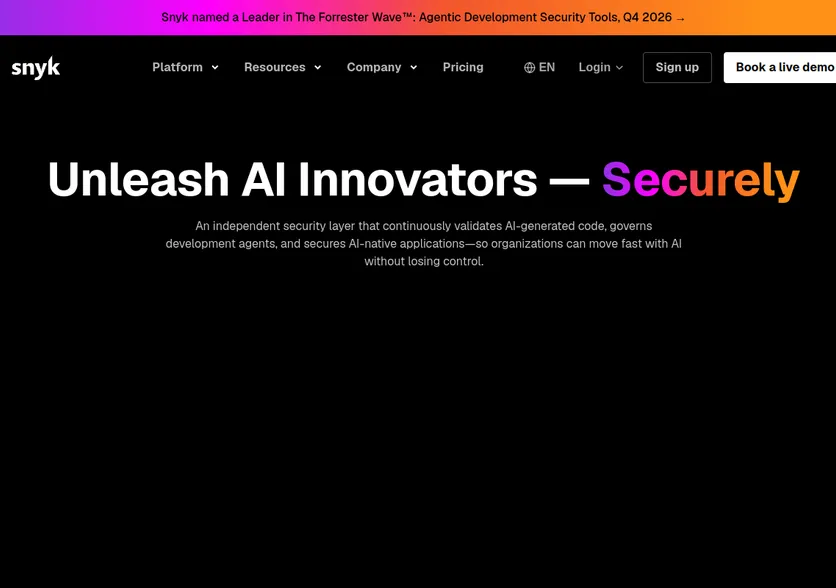
Enterprise codebases carry thousands of dependencies, and Snyk is the scanner most large teams already trust. It finds vulnerabilities in code, dependencies and containers, then uses AI to suggest and apply fixes, and the Team plan starts from $25 a month per developer. This Snyk plan covers the developer workflow, with a free plan to start and Enterprise on credit-based pricing for large orgs.
What we like
- Finds issues in code, dependencies and containers
- AI suggests and applies fixes in pull requests
- Free plan to start, with a clear Team tier
Watch out for
- Team starts from $25 a month per developer
- Enterprise pricing is credit-based and quoted
How to try it
- Open the Snyk plans page and start with the free plan
- Connect a repository and run the first vulnerability scan
- Review the AI fix suggestions and apply them in a pull request
2. Semgrep
Best for: Enterprise teams that want fast, rule-based scanning they can customize
Paid tool Starting price: $30/month · Teams plan, $30 a month per contributor for Code and Supply Chain; Secrets is $15; Free Edition covers up to 10 contributors
Free plan: Free Edition (up to 10 contributors)
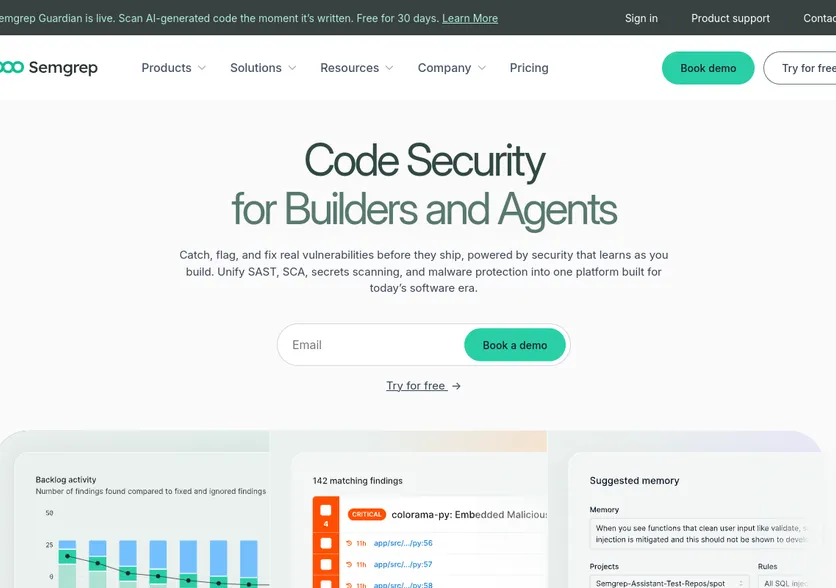
Semgrep suits an enterprise that wants fast, rule-based scanning its security team can customize. Its Teams plan costs $30 a month per contributor and covers Code, Supply Chain and Secrets scanning, with a free edition for up to 10 contributors. This Semgrep plan lets a large team write custom rules, scan every pull request and block risky merges before they land.
What we like
- Fast scans with custom rules the team controls
- Covers code, supply chain and secrets in one plan
- Free edition for up to 10 contributors
Watch out for
- Teams plan is $30 a month per contributor
- Enterprise features need a custom quote
How to try it
- Open the Semgrep pricing page and start the free edition
- Connect a repository and enable scanning on pull requests
- Add a custom rule for the codebase and enforce it in CI
3. GitHub Advanced Security
Best for: Large teams that already live on GitHub and want security in the workflow
Paid tool Starting price: $21/user/month · GitHub Enterprise plan, $21 a user a month, includes Advanced Security with Copilot Autofix and CodeQL; Team is $4 a user a month
Free plan: Free plan
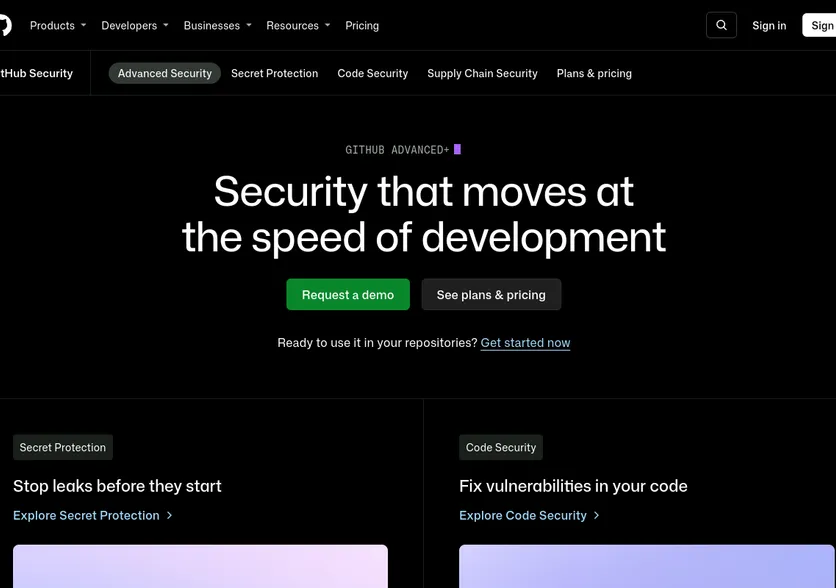
Large teams that already live on GitHub get the most from GitHub Advanced Security, because it adds CodeQL, secret scanning and Copilot Autofix to the platform they already use. The Enterprise plan costs $21 a user a month and includes the full security suite, while Team is $4 a user a month. This GitHub Advanced Security plan suits an enterprise that wants security inside its existing GitHub workflow.
What we like
- Security built into the GitHub workflow
- Copilot Autofix suggests code fixes automatically
- CodeQL and secret scanning included
Watch out for
- Full suite needs the $21-a-month Enterprise plan
- Teams outside GitHub get less value
How to try it
- Open the GitHub pricing page and pick the Enterprise plan
- Enable Advanced Security and secret scanning on a repository
- Review Copilot Autofix suggestions on the next pull request
4. Socket
Best for: Enterprise teams that need to stop supply-chain attacks at the dependency
Paid tool Starting price: $25/month · Team plan, $25 a month per dev seat; Free is $0 and Business is $50 a dev seat a month
Free plan: Free plan
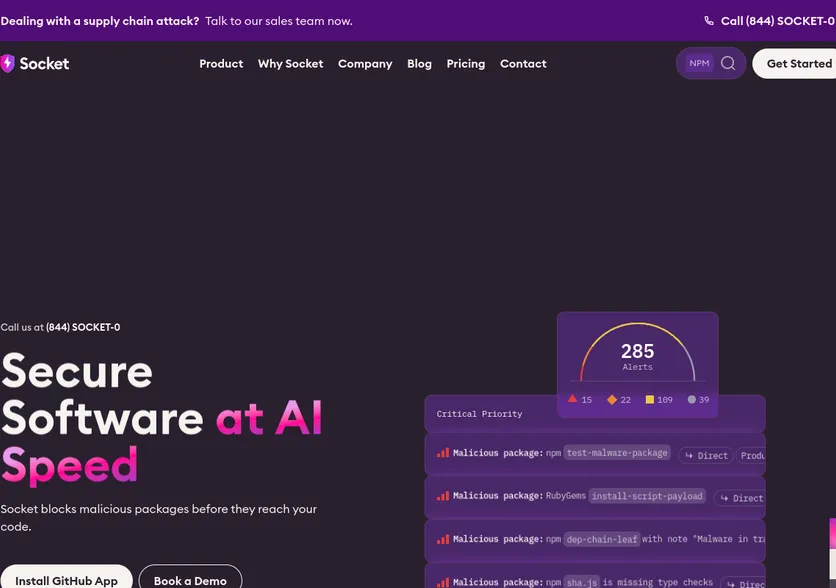
Socket is the enterprise pick for supply-chain attacks, because it watches dependencies for malicious behavior instead of only known vulnerabilities. The Team plan costs $25 a month per dev seat, with a free plan to start and Business at $50 a dev seat a month. This Socket plan flags suspicious packages before they reach production, which matters when a single bad dependency can compromise the whole app.
What we like
- Catches malicious packages, not just known CVEs
- Free plan to start with real scanning
- Clear per-seat pricing from $25 a month
Watch out for
- Team plan is $25 a month per dev seat
- Focused on dependencies, so pair it with a code scanner
How to try it
- Open the Socket pricing page and start with the free plan
- Connect a repository and scan its dependencies
- Block flagged packages and review the alerts in the dashboard
5. SonarQube Cloud
Best for: Enterprise teams that need a quality gate on every pull request
Paid tool Starting price: $34/month · Team plan, from $34 a month for up to 100,000 lines of code; a free tier covers up to 50,000 lines
Free plan: Free tier (up to 50,000 lines of code)
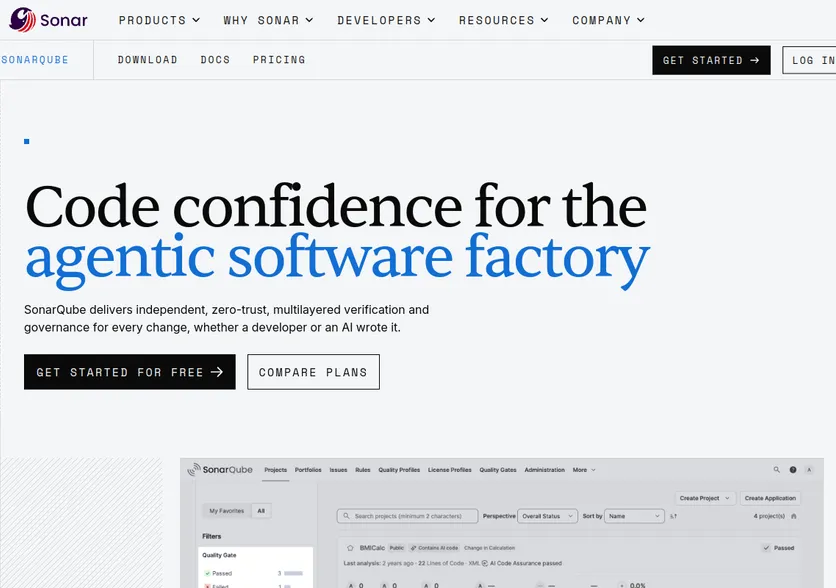
SonarQube Cloud is the quality gate most enterprises already run, and it now adds AI-assisted fixes to its code analysis. The Team plan starts at $34 a month for up to 100,000 lines of code, with a free tier covering up to 50,000 lines. This SonarQube Cloud plan checks code quality, security and maintainability on every pull request, so bad code never merges.
What we like
- Quality gate blocks bad code from merging
- Free tier covers up to 50,000 lines of code
- Covers quality, security and maintainability together
Watch out for
- Team starts at $34 a month for 100,000 lines
- Pricing by lines of code needs counting first
How to try it
- Open the SonarSource plans page and start with the free tier
- Connect a repository and set the quality gate
- Review the flagged issues on the next pull request
6. Arnica
Best for: Enterprise teams that want AI to triage findings instead of drowning in them
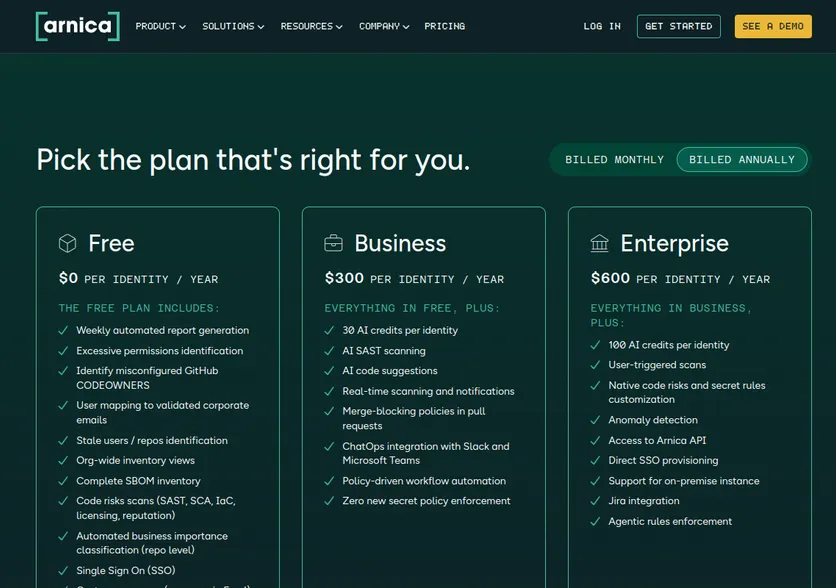
Paid tool Starting price: $300/identity/year · Business plan, $300 a year per identity; Free is $0 and Enterprise is $600 a year per identity
Free plan: Free plan
Arnica is the enterprise pick for teams that want AI to triage security findings instead of drowning in them. Its Business plan costs $300 a year per identity and covers AI-assisted remediation, while Enterprise at $600 a year per identity adds more controls. This Arnica plan connects to the tools a team already uses and turns raw findings into prioritized fixes, with a free plan to start.
What we like
- AI triages findings so the team fixes what matters
- Connects to the tools a team already uses
- Free plan to start
Watch out for
- Business is $300 a year per identity
- Per-identity pricing needs counting first
How to try it
- Open the Arnica pricing page and start with the free plan
- Connect the code and security tools the team already uses
- Review the AI-prioritized findings and assign the fixes
7. Corgea
Best for: Enterprise teams that want AI to fix vulnerabilities, not just report them
Paid tool Starting price: $39/month · Growth plan, $39 a month per dev with a five-seat minimum; Scale is $49 a dev a month; a free plan is available
Free plan: Free plan
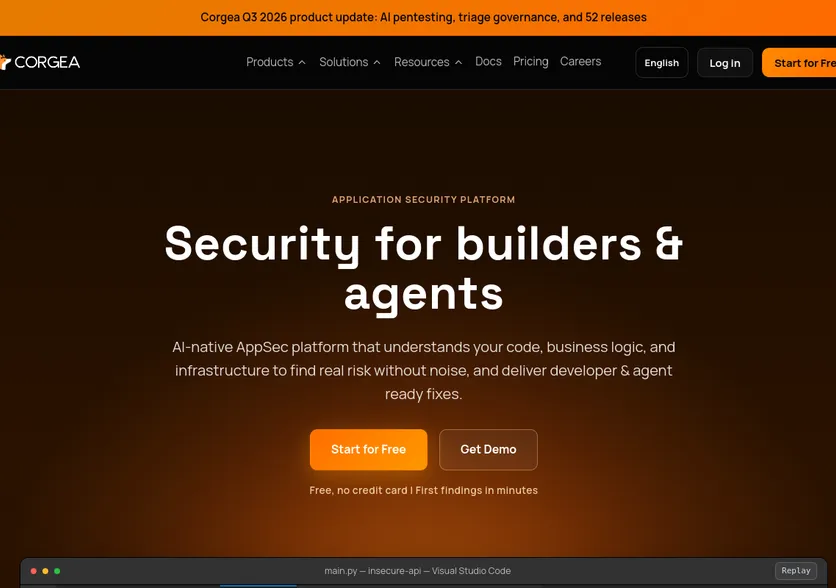
Corgea suits an enterprise that wants AI to fix vulnerabilities, not just report them. The Growth plan costs $39 a month per dev with a five-seat minimum and covers AI-powered remediation, while Scale at $49 a dev a month adds more. This Corgea plan includes a free plan to start, so a team can test the AI fixes on a real repository before paying.
What we like
- AI generates fixes, not just findings
- Free plan to start on a real repository
- Clear per-dev pricing from $39 a month
Watch out for
- Growth needs a five-seat minimum
- AI fixes need test coverage to trust
How to try it
- Open the Corgea pricing page and start with the free plan
- Connect a repository and run the first AI scan
- Review the AI-generated fixes and merge the ones that pass tests
Prices above were checked on each vendor’s own website on Nov 26, 2026 and can change — the vendor’s page is the final word. Vendor links are editorial: nobody paid to be listed or ranked here. Vendors who want a featured listing can see how it works on our Get listed page.
What AI AppSec software costs in 2026
Price is the first filter, and the range on this list runs from about $21 a user a month to about $300 a year per identity for a starting plan. The cheapest plans are not always the cheapest deal, because per-seat, per-contributor and per-identity billing change what a team really pays. The figures above use the headline plan each vendor shows on its own pricing page, checked on November 26, 2026.
Per-seat tools like Snyk and Socket grow with headcount, so count developers before you compare. Per-identity tools like Arnica and per-line tools like SonarQube need a different count first. Match the billing model to the size of the team and the codebase, and the cheapest headline price usually wins on the real bill too.
Before you buy
- Count how many developers will use the tool, then check the per-seat price on the plan you like.
- Ask what the AI actually fixes: some tools suggest fixes, while others apply them in pull requests.
- Test the scanner on a real repository during the free trial, because a demo repo hides the real findings.
- Check the exact limit before you buy: Semgrep Teams is $30 a month per contributor, and SonarQube Team starts at $34 a month.
- Try it on a real codebase first: every tool here offers a free trial or free plan, and Snyk has a free plan to start.
Official websites
Official websites of the products reviewed above. Features and prices were checked against these sites when this guide was written, and they can change, so confirm on the vendor site before you buy.
Frequently asked questions
Which AI AppSec assistant is best for an enterprise team in 2026?
Snyk is our first pick for enterprise teams, because it covers code, dependencies and containers with AI fixes from $25 a month per developer. Semgrep is better when the team wants custom rules, since its Teams plan lets security engineers write and enforce their own checks. GitHub Advanced Security wins when the team already lives on GitHub, because it adds CodeQL and Copilot Autofix inside the existing workflow.
What is the cheapest AI AppSec software for an enterprise team?
GitHub Advanced Security, at $21 a user a month on the Enterprise plan, is the cheapest full suite here, and it includes CodeQL, secret scanning and Copilot Autofix. Snyk Team and Socket Team are next at $25 a month per developer or dev seat. Watch the billing unit, because per-identity and per-line pricing change the total fast.
Do I pay per developer or per identity for AI AppSec software?
It depends on the tool. Snyk, Socket, Corgea and GitHub charge per developer or per user, while Semgrep charges per contributor and Arnica charges per identity. SonarQube Cloud charges by lines of code, starting at $34 a month for 100,000 lines. Count your developers and your codebase first, then compare both models on your real numbers.
Can I try AI AppSec software before paying?
Yes, every tool here offers a free trial or a free plan. Snyk, Socket, Arnica and Corgea have free plans, Semgrep has a free edition for up to 10 contributors, and GitHub has a free plan. SonarQube Cloud has a free tier for up to 50,000 lines of code. Start a trial on a real repository to see the findings it will actually catch.
What limit should an enterprise team watch before buying?
Check the contributor count first, because per-seat pricing decides the real cost. Semgrep Teams is $30 a month per contributor and Socket Team is $25 a month per dev seat, so large teams pay more. Also watch the lines-of-code limit on SonarQube Cloud, which starts at $34 a month for 100,000 lines, and the five-seat minimum on Corgea Growth.
Need the everyday security math too? Run free password-strength, hash and encryption calculators on Toolsvine right in your browser.
Browse Security & Privacy tools


