On this page
A deposition transcript is only useful if every name, date and objection lands exactly right, so accuracy matters more than speed when the record goes on file. The eight tools below run from about eight dollars a month to seventy-nine dollars a seat a month, and every price was checked on the vendor site on November 27, 2026. Some pair AI drafts with human review and some are pure per-minute services, so match the tool to how your firm files. Rev is our first pick — AI drafts plus human transcriptionists who know legal vocabulary.
How we researched this
We started with the transcription tools law firms actually use for depositions, then read each price on the vendor pricing page on November 27, 2026 and noted the free plan or trial each one carries. We kept only tools with a published list price and a plan that fits deposition work. We dropped Verbit and Steno because neither publishes a list price, and we left out general meeting recorders that do not export a transcript a firm can file.
Compare the tools
| Name | Best for | Starting price | Free plan | |
|---|---|---|---|---|
 Rev | Law firms that need certified human transcripts of depositions with legal formatting | $25.49/seat/month | Free plan with forty-five AI minutes a month | Visit |
 Otter | Legal teams that want live meeting notes plus searchable deposition transcripts in one tool | $8.33/user/month | Free Basic plan with three hundred minutes a month | Visit |
 Trint | Firms that need fast AI transcripts with a built-in editor for cleaning up testimony | $79/seat/month | No free plan; seven-day free trial | Visit |
 Sonix | Solo practitioners who want pay-as-you-go transcription with generous included hours | $25/month | No free plan; free trial available | Visit |
 Descript | Firms that want transcription plus text-based editing of the deposition video itself | $24/person/month | Free plan available | Visit |
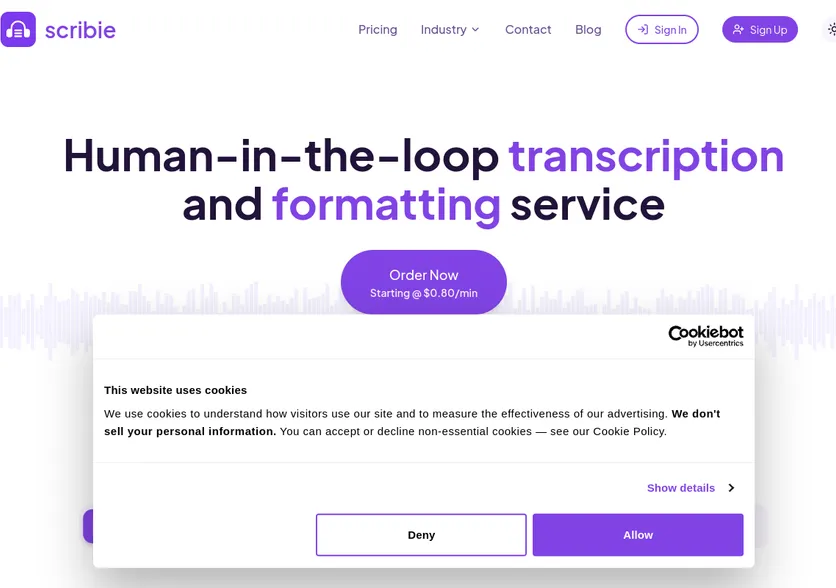
 Scribie | Firms that need human transcription of depositions at a lower per-minute rate than the big names | $1.30/minute | Free trial available; no free plan listed | Visit |
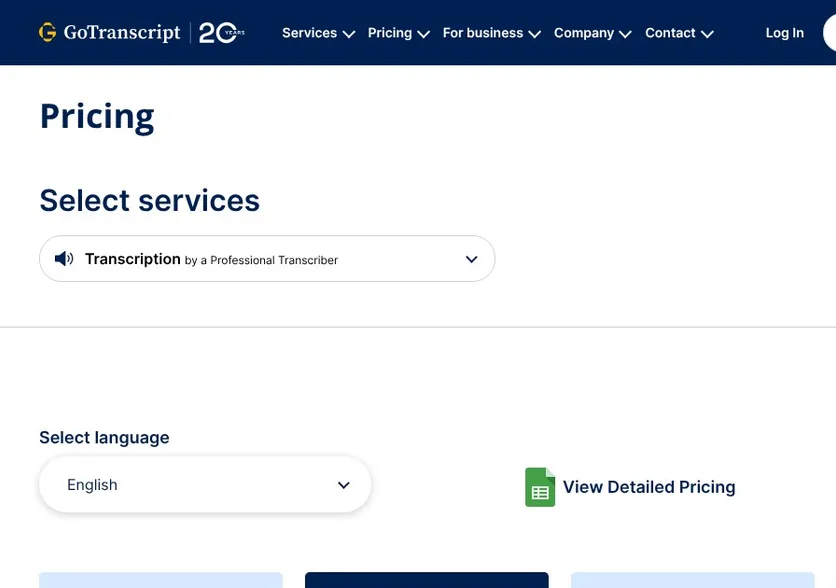
 GoTranscript | Firms that want human transcription with a choice of turnaround speed | $1.20/minute | No free plan; pay as you go | Visit |
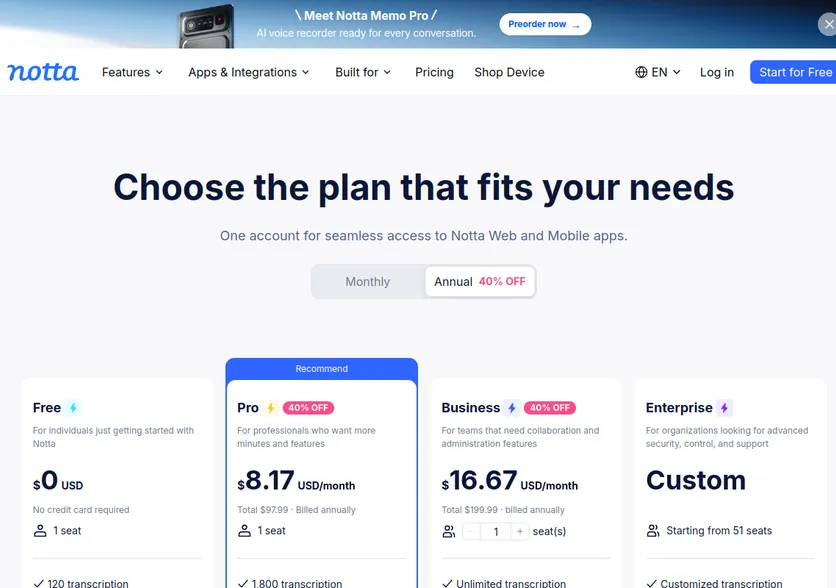
 Notta | Small firms that want a low subscription with a large monthly minute allowance | $8.17/month | Free plan with one hundred twenty minutes a month | Visit |
The AI transcription software for legal depositions, compared
1. Rev
Best for: Law firms that need certified human transcripts of depositions with legal formatting
Paid tool Starting price: $25.49/seat/month · Essentials plan, twenty-five dollars and forty-nine cents a seat a month billed yearly; monthly billing costs twenty-nine dollars and ninety-nine cents a seat a month; human transcription costs one dollar ninety-nine a minute
Free plan: Free plan with forty-five AI minutes a month
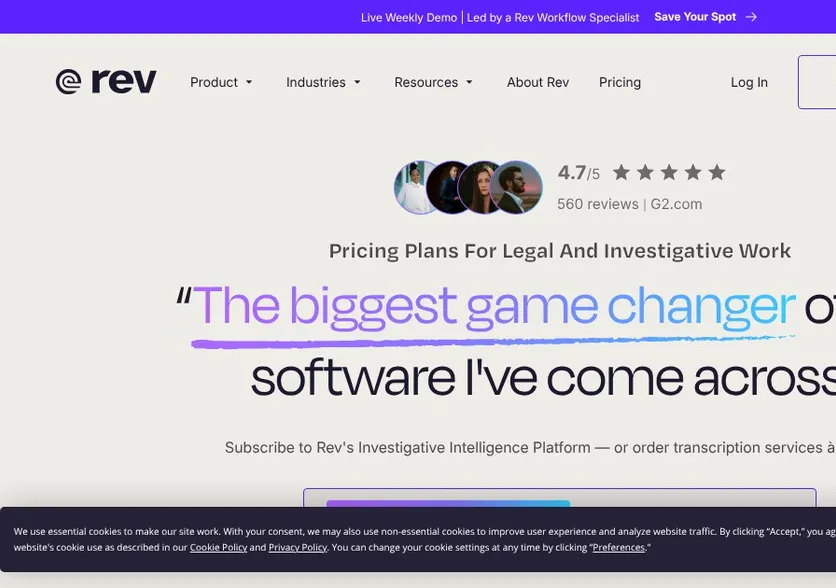
Rev pairs fast AI transcription with human transcriptionists who understand legal vocabulary, formatting and speaker attribution for depositions. This Rev Essentials plan costs twenty-five dollars and forty-nine cents a seat a month billed yearly, with monthly billing at twenty-nine dollars and ninety-nine cents a seat a month. A firm that files transcripts gets human transcription at one dollar ninety-nine a minute alongside AI drafts at twenty-five cents a minute, though the human rate is the highest per-minute price in this list.
What we like
- Human transcriptionists who know legal vocabulary and formatting
- AI drafts at twenty-five cents a minute for fast review
- Forty-five free AI minutes a month to test with
Watch out for
- Human transcription at one dollar ninety-nine a minute adds up on long depositions
- The Essentials seat price does not include transcription minutes
How to try it
- Open the Rev pricing page and claim the free AI minutes
- Upload one deposition recording and order the AI transcript first
- Order human transcription for the same recording and compare accuracy
2. Otter
Best for: Legal teams that want live meeting notes plus searchable deposition transcripts in one tool
Paid tool Starting price: $8.33/user/month · Pro plan, eight dollars and thirty-three cents a user a month billed yearly; monthly billing costs sixteen dollars and ninety-nine cents a user a month; includes twelve hundred minutes a month
Free plan: Free Basic plan with three hundred minutes a month
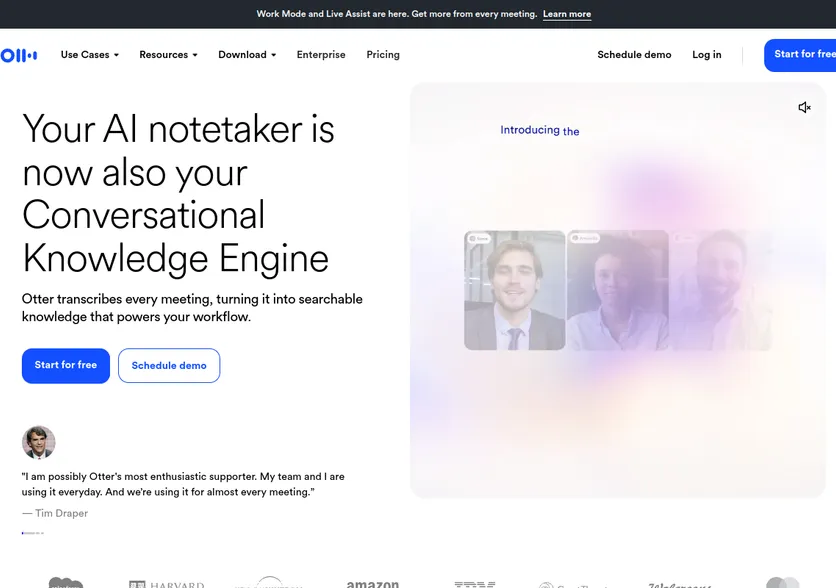
Otter records meetings and depositions live, transcribes them with speaker labels and turns the transcript into a searchable record the whole team can annotate. This Otter Pro plan costs eight dollars and thirty-three cents a user a month billed yearly, with monthly billing at sixteen dollars and ninety-nine cents a user a month. A legal team that meets clients by video gets live notes and a transcript in one pass, though Otter is built for meetings rather than certified legal filings.
What we like
- Live transcription with speaker labels during the meeting itself
- Searchable transcripts the whole team can annotate
- Cheapest subscription in this comparison after Notta
Watch out for
- Built for meetings, so it lacks legal certification and formatting
- Monthly billing nearly doubles the annual rate
How to try it
- Open the Otter pricing page and claim the free Basic plan
- Record one client meeting and check the live transcript
- Search the transcript for a key term and export it for the file
3. Trint
Best for: Firms that need fast AI transcripts with a built-in editor for cleaning up testimony
Paid tool Starting price: $79/seat/month · Pro plan, seventy-nine dollars a seat a month billed yearly at nine hundred forty-eight dollars a year; monthly billing costs one hundred dollars a seat a month
Free plan: No free plan; seven-day free trial
Trint turns deposition audio into an editable transcript where a paralegal can search, highlight and correct testimony like editing a document. This Trint Pro plan costs seventy-nine dollars a seat a month billed yearly, with monthly billing at one hundred dollars a seat a month. A firm that edits transcripts in-house gets a real editor rather than a plain text dump, though the seat price is the highest subscription in this list.
What we like
- Transcript editor that works like editing a document
- Fast AI transcription with search across every file
- Speaker labels and highlights built for long recordings
Watch out for
- Highest subscription price in this comparison
- No human transcription option for filings that need it
How to try it
- Open the Trint plans page and start the seven-day trial
- Upload one deposition recording and let Trint transcribe it
- Edit one passage in the transcript editor and export it
4. Sonix
Best for: Solo practitioners who want pay-as-you-go transcription with generous included hours
Paid tool Starting price: $25/month · Core plan, twenty-five dollars a month with five hours included; Advanced costs fifty dollars a month with twenty hours
Free plan: No free plan; free trial available
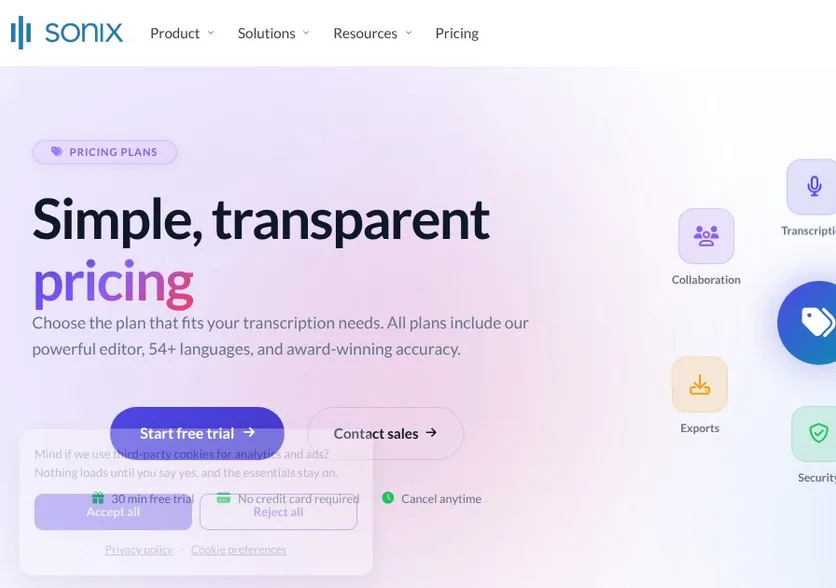
Sonix transcribes deposition audio and video in the browser with speaker labels, timestamps and a searchable archive, and its plans include hours rather than minutes. This Sonix Core plan costs twenty-five dollars a month and includes five hours of transcription. A solo practitioner with a steady caseload gets predictable monthly hours without a per-seat charge, though the per-hour rate rises once the included hours run out.
What we like
- Plans include whole hours, not minutes, so budgeting is simple
- In-browser editor with speaker labels and timestamps
- Pay-as-you-go option at ten dollars an hour for light months
Watch out for
- Older per-user pricing still appears in third-party listings and no longer applies
- Hours beyond the plan cost extra, so heavy months jump a tier
How to try it
- Open the Sonix pricing page and start the free trial
- Upload one deposition recording and check the speaker labels
- Download the transcript with timestamps for the case file
5. Descript
Best for: Firms that want transcription plus text-based editing of the deposition video itself
Paid tool Starting price: $24/person/month · Creator plan, twenty-four dollars a person a month billed yearly; monthly billing costs thirty-five dollars a person a month
Free plan: Free plan available
Descript transcribes deposition recordings and lets a paralegal edit the audio and video by editing the words on screen, which makes cutting irrelevant passages fast. This Descript Creator plan costs twenty-four dollars a person a month billed yearly, with monthly billing at thirty-five dollars a person a month. A firm that works with deposition video as well as transcripts gets editing and transcription in one tool, though Descript is built for creators rather than court filings.

What we like
- Edit audio and video by editing the transcript text
- Fast AI transcription with speaker detection built in
- Studio-quality export for deposition video clips
Watch out for
- Built for creators, so it lacks legal certification and templates
- Transcription hours are capped per plan, so long depositions use the allowance fast
How to try it
- Open the Descript pricing page and claim the free plan
- Upload one deposition recording and review the transcript
- Delete one irrelevant passage by deleting its words and export the clip
6. Scribie
Best for: Firms that need human transcription of depositions at a lower per-minute rate than the big names
Paid tool Starting price: $1.30/minute · Legal transcription, one dollar thirty a minute with custom formatting; automated transcription costs ten cents a minute and manual transcription costs eighty cents a minute
Free plan: Free trial available; no free plan listed
Scribie offers both automated transcription and human transcription with legal formatting, so a firm can draft with AI and order a human pass only for the filings that need it. This Scribie legal transcription service costs one dollar thirty a minute with custom formatting. A firm on a tight budget gets human accuracy below the Rev rate, though turnaround is slower than the automated options here.
What we like
- Human legal transcription below the big-name per-minute rate
- Automated drafts at ten cents a minute for quick review
- Custom formatting included in the legal transcription price
Watch out for
- The standalone pricing page no longer loads, so rates come from the homepage
- Human turnaround is slower than AI transcription by days, not minutes
How to try it
- Open the Scribie homepage and check the legal transcription rate
- Upload one short deposition excerpt for automated transcription
- Order the human legal transcript for the same excerpt and compare
7. GoTranscript
Best for: Firms that want human transcription with a choice of turnaround speed
Paid tool Starting price: $1.20/minute · Human transcription, one dollar twenty a minute for five-day service under twenty-five hundred minutes; AI transcription costs twenty cents a minute pay as you go
Free plan: No free plan; pay as you go
GoTranscript uses human transcriptionists for deposition audio and lets the firm choose turnaround speed, with a cheaper AI option for drafts that do not need filing. This GoTranscript human transcription service costs one dollar twenty a minute for five-day service. A firm that plans ahead gets human accuracy at a mid-range rate, though rush service costs more and the AI draft is a separate product.
What we like
- Human transcriptionists with a choice of turnaround speed
- Cheaper AI option at twenty cents a minute for drafts
- No subscription needed, so light months cost nothing
Watch out for
- Rush turnaround costs more than the headline five-day rate
- No subscription, so heavy months have no volume discount
How to try it
- Open the GoTranscript rates page and compare turnaround options
- Upload one deposition recording and pick the five-day service
- Review the returned transcript against the AI draft
8. Notta
Best for: Small firms that want a low subscription with a large monthly minute allowance
Paid tool Starting price: $8.17/month · Pro plan, eight dollars and seventeen cents a month billed yearly at ninety-seven dollars and ninety-nine cents a year; monthly billing costs thirteen dollars and forty-nine cents a month
Free plan: Free plan with one hundred twenty minutes a month
Notta records and transcribes depositions and meetings with speaker labels, summaries and a searchable archive, and its Pro plan includes far more minutes than rivals at the price. This Notta Pro plan costs eight dollars and seventeen cents a month billed yearly, with monthly billing at thirteen dollars and forty-nine cents a month. A small firm gets eighteen hundred minutes a month for less than nine dollars, though Notta is built for meetings rather than certified legal work.
What we like
- Eighteen hundred minutes a month on the Pro plan
- Lowest subscription price in this comparison
- Automatic summaries plus a searchable transcript archive
Watch out for
- Built for meetings, so it lacks legal certification and formatting
- The monthly rate in some listings differs, so check the vendor page at checkout
How to try it
- Open the Notta pricing page and claim the free plan
- Record one deposition and check the speaker labels and summary
- Export the transcript and search it for a key phrase
Prices above were checked on each vendor’s own website on Nov 27, 2026 and can change — the vendor’s page is the final word. Vendor links are editorial: nobody paid to be listed or ranked here. Vendors who want a featured listing can see how it works on our Get listed page.
What legal deposition transcription costs in 2026
Most firms here pay one of two ways: a monthly subscription for AI transcription, or a per-minute rate for human transcription. A subscription like eight dollars a month looks cheap until the minute allowance runs out, while a human rate like one dollar ninety-nine a minute looks steep until you count the hours a paralegal spends fixing an AI draft. The cheapest bill is usually AI for the working draft plus a human pass only for the version that goes on record.
Start with the free plan or trial on two tools and transcribe one real deposition on each. Compare accuracy on names and legal terms, check the export format against your case software, and time the cleanup. Pick the tool whose transcript needs the least fixing, because cleanup time is the real cost of cheap transcription.
Before you buy
- Check whether the plan includes speaker labels, because a deposition transcript without speakers is hard to use in court.
- Confirm the accuracy guarantee for legal vocabulary, because generic transcription mangles names, statutes and case terms.
- Count your monthly minutes first, because per-minute plans beat subscriptions only below a certain volume.
- Test the export format during the trial, because a transcript that cannot open in your case software is wasted work.
- Compare human and AI options, because AI is fast and cheap while human review is what a filing needs.
Official websites
Official websites of the products reviewed above. Features and prices were checked against these sites when this guide was written, and they can change, so confirm on the vendor site before you buy.
Frequently asked questions
Which AI transcription software is best for legal depositions in 2026?
Rev is the best overall pick because it pairs fast AI drafts with human transcriptionists who know legal vocabulary and formatting. Otter is the cheapest subscription for live meeting notes, and Notta gives the most minutes per dollar. For a transcript that will be filed, order the human pass rather than relying on any AI draft alone.
How much does legal deposition transcription cost?
Subscriptions in this list run from about eight dollars a month for Notta and Otter to seventy-nine dollars a seat a month for Trint. Human transcription costs from one dollar twenty to one dollar ninety-nine a minute, while AI transcription costs from ten cents to twenty-five cents a minute. A firm doing ten hours of depositions a month pays far less on a subscription than per minute.
Is AI transcription accurate enough for legal depositions?
AI transcription is fast and cheap, but it still mishears names, statutes and overlapping speech, so it suits drafts and internal review. Human transcription costs more and takes days, but it delivers the accuracy and formatting a filing needs. Most firms in this list use AI for the working draft and humans for the version that goes on record.
Do these tools label who is speaking?
Yes, most tools here label speakers automatically, including Otter, Trint, Sonix and Notta. Speaker labels work best when each person speaks clearly and the recording is clean. For depositions with many speakers or crosstalk, a human pass is still the safest way to keep attribution correct.
How should a law firm choose between these tools?
Start with the free plan or trial on two tools and transcribe one real deposition on each. Compare accuracy on names and legal terms, check whether the export opens in your case software, and time how long cleanup takes. Pick the tool whose transcript needs the least fixing, because cleanup time is the real cost of cheap transcription.
Need everyday text help too? Try Toolsvine's free text tools right in your browser.
Browse Text Tools tools