
On this page
Enterprise teams need animation for training, marketing and product videos, and the right tool turns a script into motion without hiring a studio for every project. The eight tools below run from ten dollars a month to two hundred thirty-five dollars a month, and every price was checked on the vendor site on November 27, 2026. Some make business video for anyone, while others need trained animators, so the best choice depends on who will use the tool. Adobe After Effects is our first pick for enterprise animation.
How we researched this
We started with the animation tools enterprise teams actually buy, then read each price on the vendor pricing page on November 27, 2026 and noted the free trial each plan carries. We judged them for an enterprise team that needs professional animation and motion design, and we kept only tools with a published price. We left out Blender, OpenToonz, Pencil2D, Synfig and Krita because they are free, not paid tools for a paid comparison.
Compare the tools
| Name | Best for | Starting price | Free plan | |
|---|---|---|---|---|
 Adobe Animate | Enterprise teams that want vector animation for web and apps | $22.99/month | No free plan; 7-day free trial | Visit |
 Adobe After Effects | Enterprise teams that want motion graphics and visual effects | $22.99/month | No free plan; 7-day free trial | Visit |
 Animaker | Enterprise teams that want simple animation on a small budget | $10/month | Free plan available | Visit |
| Autodesk Maya | Enterprise teams that want 3D animation and visual effects | $235/month | No free plan; free trial available | Visit |
| Cinema 4D | Enterprise teams that want 3D motion design and rendering | $839/year | No free plan; 14-day free trial | Visit |
 Powtoon | Enterprise teams that want quick explainer videos | $15/month | Free plan available, watermarked | Visit |
 Toon Boom Harmony | Studios that want professional 2D animation and rigging | $31/month | No free plan; 14-day free trial | Visit |
 Vyond | Enterprise teams that want business animation without animators | $58/month | No free plan; 14-day free trial | Visit |
The animation software for enterprise, compared
1. Adobe Animate
Best for: Enterprise teams that want vector animation for web and apps
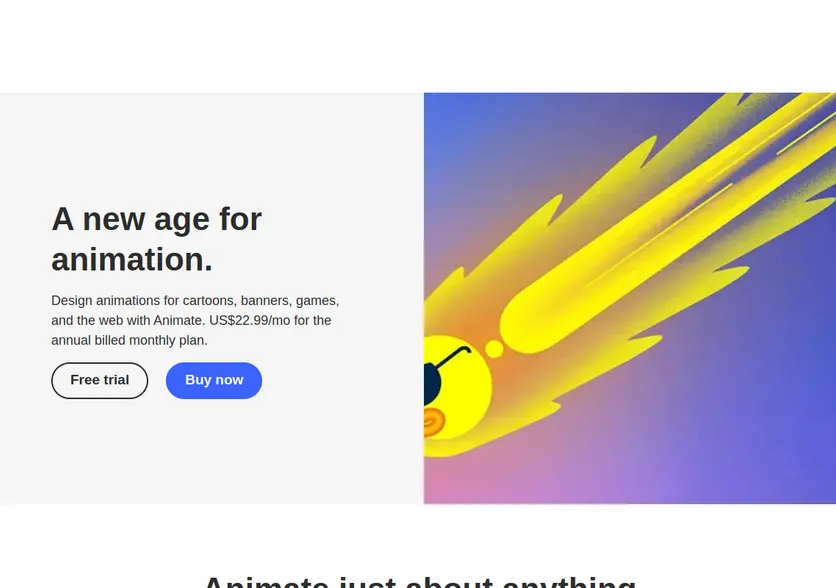
Paid tool Starting price: $22.99/month · Annual plan billed monthly, twenty-two dollars and ninety-nine cents a month; seven-day trial
Free plan: No free plan; 7-day free trial
Adobe Animate builds vector animation, interactive content and web-ready motion with a timeline animators already know. This Adobe Animate single-app plan costs twenty-two dollars and ninety-nine cents a month on an annual plan billed monthly. An enterprise team that wants web animation will like the familiar tools, though Adobe now ships security and bug fixes only, with no new features.
What we like
- Vector animation with a timeline animators already know
- Exports for web, apps and video from one project
- Part of the Creative Cloud workflow your team may already use
Watch out for
- Adobe now ships security and bug fixes only, with no new features
- The seven-day trial is the shortest in this list
How to try it
- Open the Adobe Animate page and start the 7-day trial
- Build one vector animation with a timeline and symbols
- Export the animation for the web and check the file size
2. Adobe After Effects
Best for: Enterprise teams that want motion graphics and visual effects
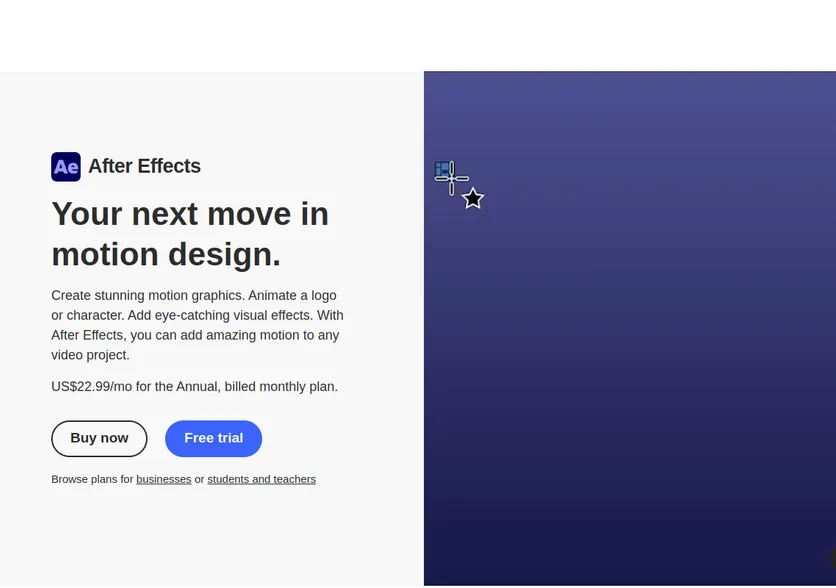
Paid tool Starting price: $22.99/month · Annual plan billed monthly, twenty-two dollars and ninety-nine cents a month
Free plan: No free plan; 7-day free trial
Adobe After Effects creates motion graphics, visual effects and compositing for video teams that need professional output. This Adobe After Effects single-app plan costs twenty-two dollars and ninety-nine cents a month on an annual plan billed monthly. An enterprise team that wants polished motion design will like the depth, though the learning curve is steep and the price adds up per seat.
What we like
- Best motion graphics and compositing tool in this list
- Huge library of templates, plugins and tutorials
- Part of the Creative Cloud workflow your team may already use
Watch out for
- The learning curve is steep for beginners
- The seven-day trial is the shortest in this list
How to try it
- Open the Adobe After Effects page and start the 7-day trial
- Build one motion graphics title with keyframes
- Render the project and check the export time
3. Animaker
Best for: Enterprise teams that want simple animation on a small budget
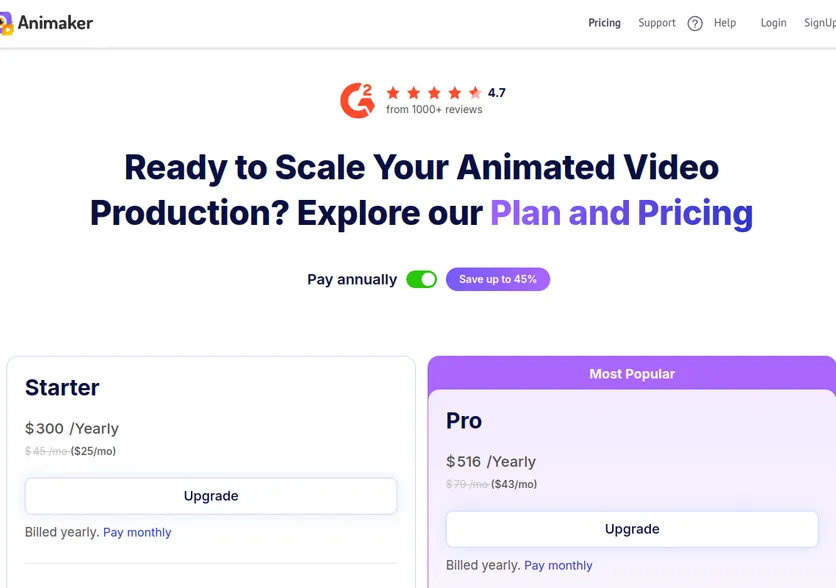
Paid tool Starting price: $10/month · Basic plan, ten dollars a month
Free plan: Free plan available
Animaker builds animated videos with drag-and-drop characters, templates and a simple timeline that non-animators can use. This Animaker Basic plan costs ten dollars a month, the lowest price in this list. An enterprise team that wants quick videos without hiring animators will like the low price, though the output stays simpler than the professional tools here.
What we like
- Lowest price in this comparison
- Simple timeline that non-animators can use
- Free plan for testing before you pay
Watch out for
- The output stays simpler than the professional tools here
- Older reads show conflicting prices, so confirm at checkout
How to try it
- Open the Animaker pricing page and claim the free plan
- Build one short video from a template
- Export the video and check the watermark on the free plan
4. Autodesk Maya
Best for: Enterprise teams that want 3D animation and visual effects
Paid tool Starting price: $235/month · Two hundred thirty-five dollars a month, or one thousand eight hundred seventy-five dollars a year
Free plan: No free plan; free trial available
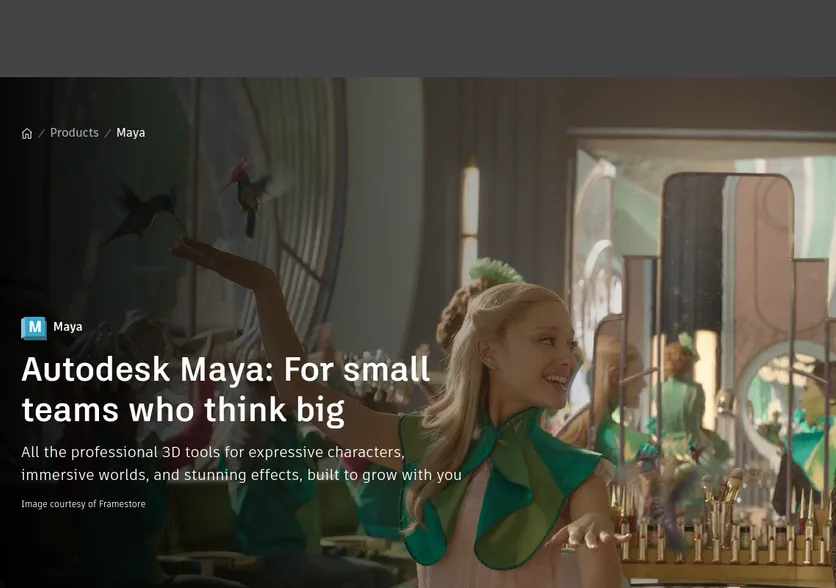
Autodesk Maya is the industry standard for 3D animation, modeling and visual effects, used on films, games and advertising. This Autodesk Maya plan costs two hundred thirty-five dollars a month, or one thousand eight hundred seventy-five dollars a year. An enterprise team that wants feature-level 3D will like the depth, though the price and the learning curve are both the steepest in this list.
What we like
- Industry standard for 3D animation and visual effects
- Deep toolset for modeling, rigging and rendering
- Used on films and games your team already admires
Watch out for
- The price and the learning curve are both the steepest here
- The Indie plan caps revenue, so larger teams pay the full rate
How to try it
- Open the Autodesk Maya buy page and start the free trial
- Build one simple 3D scene with a character
- Render the scene and check the export time
5. Cinema 4D
Best for: Enterprise teams that want 3D motion design and rendering
Paid tool Starting price: $839/year · Individual plan, eight hundred thirty-nine dollars a year billed annually, or one hundred nine dollars a month billed monthly
Free plan: No free plan; 14-day free trial
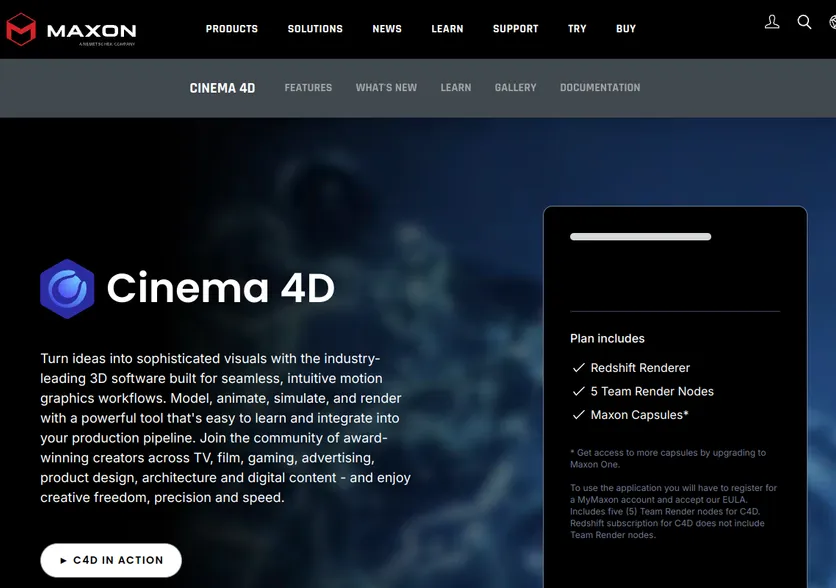
Cinema 4D builds 3D motion design, animation and rendering with a workflow that designers pick up faster than most 3D tools. This Cinema 4D Individual plan costs eight hundred thirty-nine dollars a year billed annually, or one hundred nine dollars a month billed monthly. An enterprise team that wants polished 3D motion will like the approachable interface, though the subscription-only model means you never own the tool.
What we like
- Most approachable 3D tool in this list for designers
- Strong rendering with a fast workflow
- Works well with After Effects in a motion pipeline
Watch out for
- Subscription only, so you never own the tool
- Team pricing runs higher at one hundred fifty-six dollars a month
How to try it
- Open the Maxon Cinema 4D page and start the 14-day trial
- Build one 3D motion scene with a simple model
- Render the scene and check the export time
6. Powtoon
Best for: Enterprise teams that want quick explainer videos
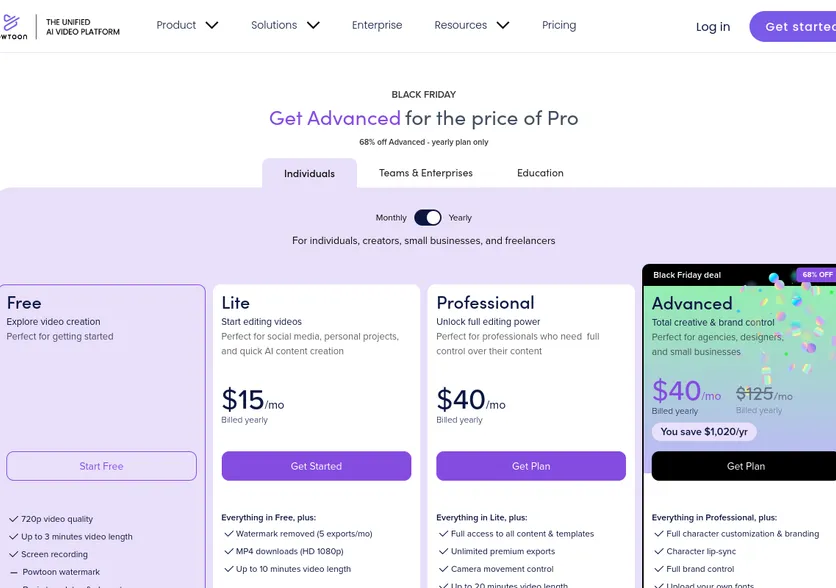
Paid tool Starting price: $15/month · Lite plan, fifteen dollars a month billed annually, or one hundred eighty dollars a year
Free plan: Free plan available, watermarked
Powtoon builds explainer videos with drag-and-drop characters, templates and a simple editor that anyone on the team can use. This Powtoon Lite plan costs fifteen dollars a month billed annually, or one hundred eighty dollars a year. An enterprise team that wants quick videos without hiring animators will like the low price, though the free plan is watermarked and the output stays simple.
What we like
- Simple editor that anyone on the team can use
- Low price for quick explainer videos
- Good template library for business topics
Watch out for
- The free plan is watermarked, so it is not for client work
- The output stays simpler than the professional tools here
How to try it
- Open the Powtoon pricing page and claim the free plan
- Build one explainer video from a template
- Export the video and check the watermark on the free plan
7. Toon Boom Harmony
Best for: Studios that want professional 2D animation and rigging
Paid tool Starting price: $31/month · Essentials plan, thirty-one dollars a month billed monthly, or two hundred fifty-nine dollars a year
Free plan: No free plan; 14-day free trial
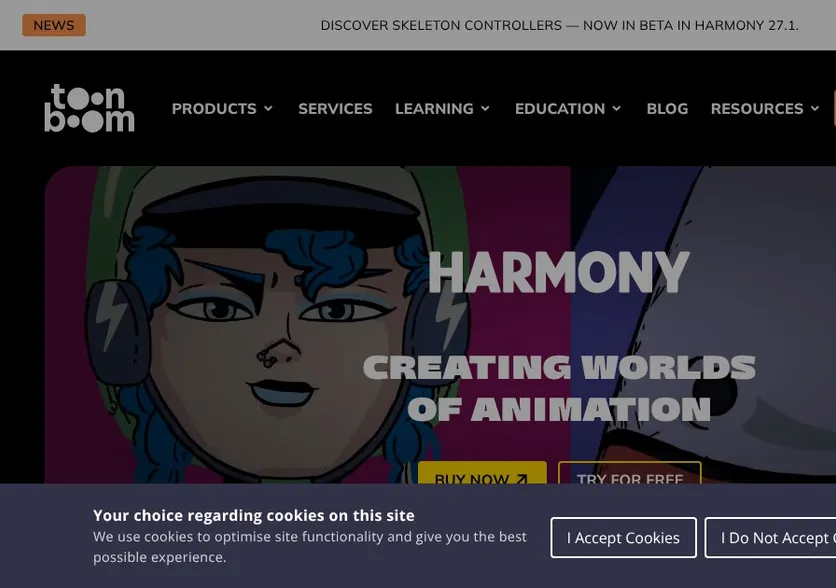
Toon Boom Harmony is the professional standard for 2D animation, with rigging, drawing and compositing tools used on television and film. This Toon Boom Harmony Essentials plan costs thirty-one dollars a month billed monthly, or two hundred fifty-nine dollars a year. A studio that wants serious 2D animation will like the rigging tools, though the vendor product page renders prices as placeholders and the learning curve is steep.
What we like
- Professional standard for 2D animation and rigging
- Strong drawing and compositing tools in one app
- Used on television and film your team already knows
Watch out for
- The vendor product page renders prices as placeholders, so confirm at checkout
- The learning curve is steep for beginners
How to try it
- Open the Toon Boom Harmony page and start the 14-day trial
- Rig one character and animate a short walk cycle
- Export the scene and check the frame rate
8. Vyond
Best for: Enterprise teams that want business animation without animators
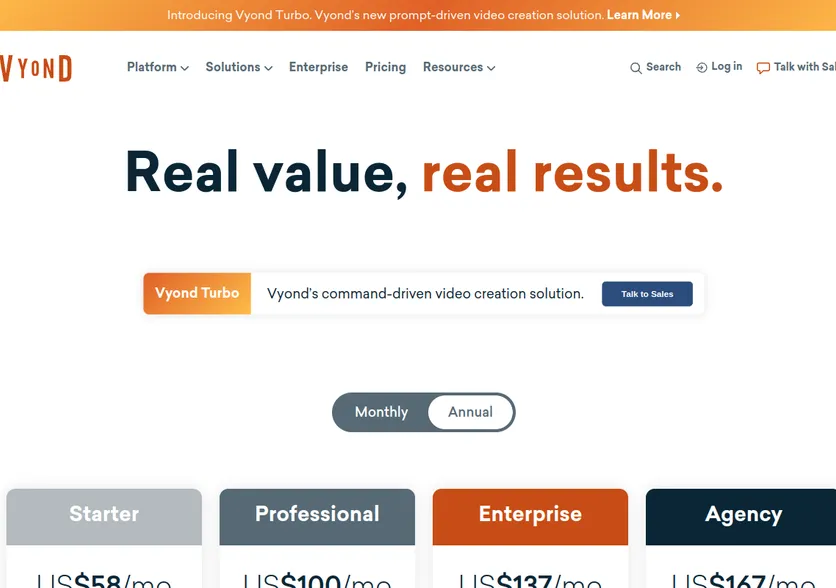
Paid tool Starting price: $58/month · Starter plan, fifty-eight dollars a month billed annually, or ninety-nine dollars month to month
Free plan: No free plan; 14-day free trial
Vyond builds animated business videos with characters, templates and a simple editor that anyone on the team can use. This Vyond Starter plan costs fifty-eight dollars a month billed annually, or ninety-nine dollars month to month. An enterprise team that wants training and marketing videos fast will like the template library, though the old forty-nine-dollar figure is outdated and the output is clearly animated, not filmed.
What we like
- Best template library here for business video
- Simple editor that anyone on the team can use
- Good for training and marketing videos at scale
Watch out for
- The old forty-nine-dollar figure is outdated, so use fifty-eight dollars
- The output is clearly animated, not filmed, so it fits some messages better than others
How to try it
- Open the Vyond plans page and start the 14-day trial
- Build one training video from a template
- Export the video and share it with one colleague
Prices above were checked on each vendor’s own website on Nov 27, 2026 and can change — the vendor’s page is the final word. Vendor links are editorial: nobody paid to be listed or ranked here. Vendors who want a featured listing can see how it works on our Get listed page.
What enterprise animation costs in 2026
Most tools in this list charge per user a month, so the bill grows with every animator who needs a login. The business video tools run from ten to fifty-eight dollars a month, while the professional tools cost twenty-two dollars and ninety-nine cents a month for the Adobe single apps, thirty-one dollars a month for Toon Boom Harmony, and two hundred thirty-five dollars a month for Autodesk Maya. Cinema 4D costs eight hundred thirty-nine dollars a year billed annually, which works out cheaper than the monthly rate.
Start with the output your team actually makes, whether it is training videos, marketing clips or 3D motion design. Pick the tool that fits the skill of the people who will use it, then run the trial with a real project and check the render time and the export quality. The best animation tool for an enterprise team is the one whose videos get finished and shipped, not the one with the deepest feature list.
Before you buy
- Count your seats first, because per-user pricing multiplies with every animator who needs a login.
- Check whether the tool fits the work, because Vyond and Powtoon make business video, not feature animation.
- Confirm the trial length, because trials run from seven to fourteen days across this list.
- Test rendering with a real project during the trial, because sample files hide slow exports.
- Compare annual and monthly billing, because the yearly rate saves real money on every plan in this list.
Official websites
Official websites of the products reviewed above. Features and prices were checked against these sites when this guide was written, and they can change, so confirm on the vendor site before you buy.
Frequently asked questions
Which animation software is best for enterprise in 2026?
Adobe After Effects is the best overall pick for enterprise animation, with motion graphics and compositing at twenty-two dollars and ninety-nine cents a month on an annual plan billed monthly. Vyond is the best choice for business video at fifty-eight dollars a month billed annually. Toon Boom Harmony is the best pick for professional 2D animation at thirty-one dollars a month.
How much does animation software for enterprise cost?
Plans in this list run from ten dollars a month for Animaker to two hundred thirty-five dollars a month for Autodesk Maya. The Adobe single-app plans cost twenty-two dollars and ninety-nine cents a month each, Cinema 4D costs eight hundred thirty-nine dollars a year, and Vyond costs fifty-eight dollars a month billed annually. A five-person team should expect roughly fifty to three hundred dollars a month for business video tools, or far more for professional 3D.
Is there a free animation tool for enterprise?
Yes, with limits. Animaker has a free plan and Powtoon has a free plan, though both are watermarked and not for client work. Adobe Animate and After Effects offer seven-day trials, while Toon Boom, Cinema 4D and Vyond offer fourteen-day trials. A team can test two tools on a real project during the trials and keep the free plan for drafts.
Is Adobe Animate still being developed?
Adobe Animate is in maintenance mode, meaning Adobe ships security and bug fixes only, with no new features. It still works for vector animation and web content, and teams that already use it can keep using it. A team starting fresh should look at After Effects for motion graphics or Toon Boom Harmony for 2D animation instead, since both are actively developed.
What should an enterprise team look for in animation software?
Look for the output your team actually makes, because Vyond and Powtoon make business video while Maya and Cinema 4D make 3D motion design. Check the learning curve, since Maya and Toon Boom need trained animators while Vyond and Animaker work for anyone. Test rendering with a real project during the trial, and confirm the price covers every animator who needs a login.
Need everyday video help too? Try Toolsvine's free video tools right in your browser.
Browse Video Tools tools


