On this page
A startup sales team cannot afford to spend its day dialing numbers by hand, listening to rings and leaving the same voicemail again and again. A power dialer does the dialing, drops voicemails automatically and keeps reps talking instead of waiting. We compared eight auto dialers on live 2026 prices and checked which plans actually include a power dialer, because several vendors charge extra for it. JustCall came out on top for most startups: it is the cheapest way into a real power dialer, and it includes SMS and a full phone system in the same seat.
How we researched this
We started from every auto dialer with a published price on its own website and kept only the ones that include a power dialer on a named plan. Kixie was dropped because it does not publish prices, and CloudTalk was dropped because its pricing pages do not say clearly which plan carries a power dialer. Every price below is the vendor list price checked on November 27, 2026, with the annual-billed figure as the headline and the monthly-billed figure in the note.
Compare the tools
| Name | Best for | Starting price | Free plan | |
|---|---|---|---|---|
 PhoneBurner | High-volume power dialing teams | $140/user/month | No free plan; free trial available | Visit |
 JustCall | Startups that want a power dialer on day one | $49/user/month | No free plan; free trial available | Visit |
 Aircall | Startups that need voice plus dialer in one system | $50/license/month | No free plan; free trial available | Visit |
 Aloware | Startups that want AI calling features built in | $60/user/month | No free plan; free trial available | Visit |
 Ringover | Budget-conscious startups that still need a power dialer | $49/user/month | No free plan; free trial available | Visit |
 Dialpad | Startups that run support and sales calls together | $89/user/month | No free plan; free trial available | Visit |
 Close | Startups that want CRM and dialer in one tool | $99/user/month | No free plan; free trial available | Visit |
 Salesmate | Startups that want a CRM with a built-in power dialer | $63/user/month | No free plan; free trial available | Visit |
The auto dialer software, compared
1. PhoneBurner
Best for: High-volume power dialing teams
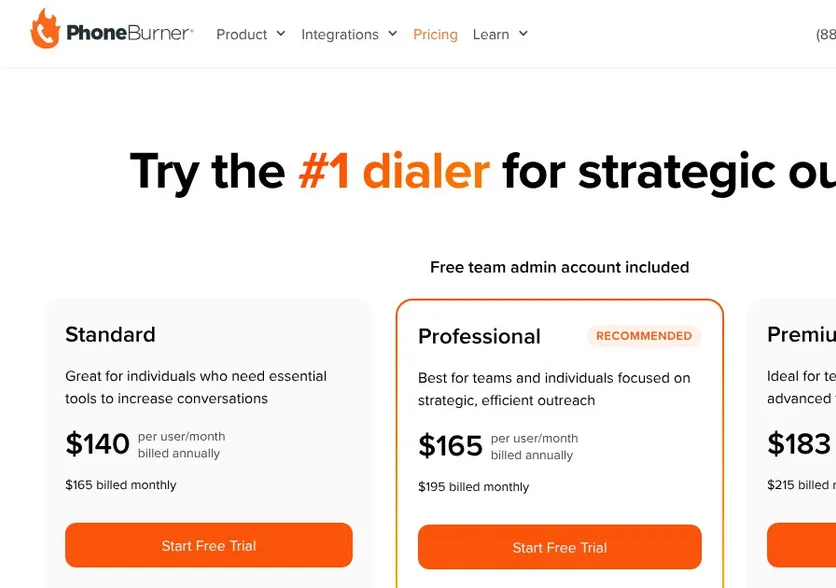
Paid tool Starting price: $140/user/month · Standard plan, billed annually; one hundred sixty-five dollars per user per month billed monthly; Professional one hundred sixty-five dollars and Premium one hundred eighty-three dollars billed annually
Free plan: No free plan; free trial available
PhoneBurner is built for one job and it does that job relentlessly: it dials through a list, drops a pre-recorded voicemail when nobody answers, and moves the rep to the next call in seconds. The PhoneBurner Standard plan is the entry point for a small team, and its pacing controls keep reps from burning through a list too fast. It costs more than any other tool here, but for a startup that lives on the phone, the time it saves can pay for the seat.
What we like
- True power dialing with voicemail drop built in
- Pacing controls that keep lists from burning out
- Call recording and reporting included on every plan
Watch out for
- The most expensive seat on this list
- No free plan, only a free trial
How to try it
- Import a call list and set the pacing so reps get a short pause between calls.
- Record one voicemail drop and let the dialer leave it automatically on unanswered calls.
- Review the call log at the end of the day and move connected leads into your CRM.
2. JustCall
Best for: Startups that want a power dialer on day one
Paid tool Starting price: $49/user/month · Pro plan, billed annually; carries the power dialer; Team twenty-nine dollars and Pro Plus eighty-nine dollars billed annually
Free plan: No free plan; free trial available
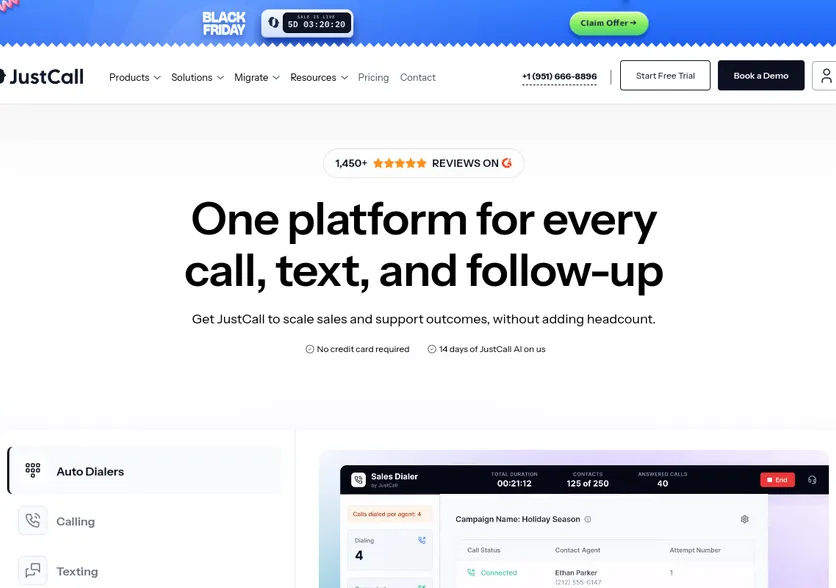
JustCall is the cheapest way onto this list to get a real power dialer, and it does not feel like a stripped-down starter tool. The JustCall Pro plan bundles the dialer with SMS, a team inbox and call recording, so a small team can run outreach from one place. It also plugs into the CRMs a startup is most likely to already use, which means less setup and fewer tools to pay for.
What we like
- Power dialer included on the mid-tier Pro plan
- SMS and team inbox in the same seat
- Strong CRM integrations for a startup stack
Watch out for
- The cheapest Team plan has no power dialer
- Some advanced features need the Pro Plus tier
How to try it
- Connect your CRM and import the contact list you want to dial.
- Turn on the power dialer in the Pro plan and set your voicemail drop.
- Send a follow-up SMS from the same number right after each call.
3. Aircall
Best for: Startups that need voice plus dialer in one system
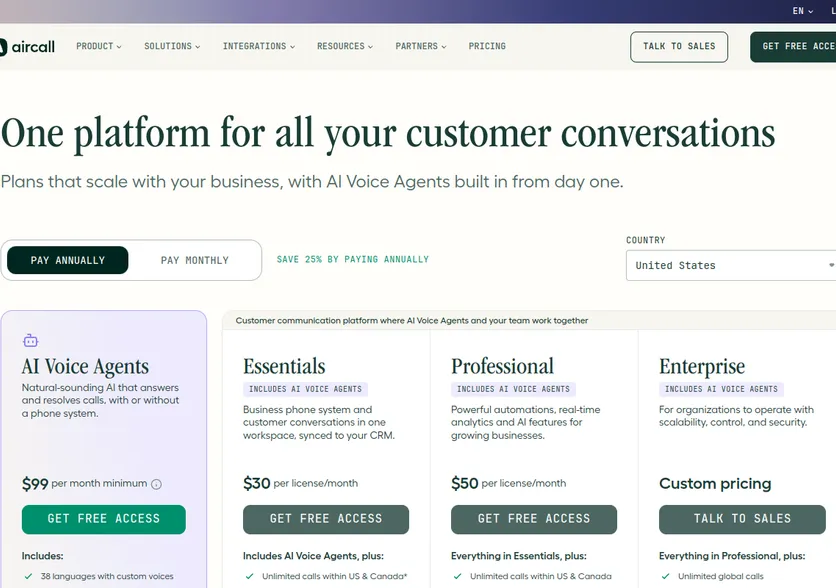
Paid tool Starting price: $50/license/month · Professional plan, billed annually; carries the Power Dialer; Essentials thirty dollars per license; three-license minimum
Free plan: No free plan; free trial available
Aircall is a cloud phone system first and a dialer second, which suits a startup that wants one tool for inbound calls, outbound calls and team collaboration. The Aircall Professional plan adds the Power Dialer, so reps can work a list without switching apps. It is a little pricier than the cheapest options here, but the phone system itself is solid and the integrations are deep.
What we like
- Full cloud phone system, not just a dialer
- Power Dialer on the Professional plan
- Deep integrations with popular CRMs and helpdesks
Watch out for
- Three-license minimum raises the starting cost
- Power Dialer is not on the cheapest Essentials plan
How to try it
- Set up your team numbers and connect your CRM in the Aircall dashboard.
- Enable the Power Dialer on the Professional plan and load a call list.
- Use call tagging and notes so the next rep sees the full history.
4. Aloware
Best for: Startups that want AI calling features built in
Paid tool Starting price: $60/user/month · uPro plus AI plan, billed quarterly; carries the Power Dialer; iPro thirty dollars and xPro eighty-five dollars; five-user minimum
Free plan: No free plan; free trial available
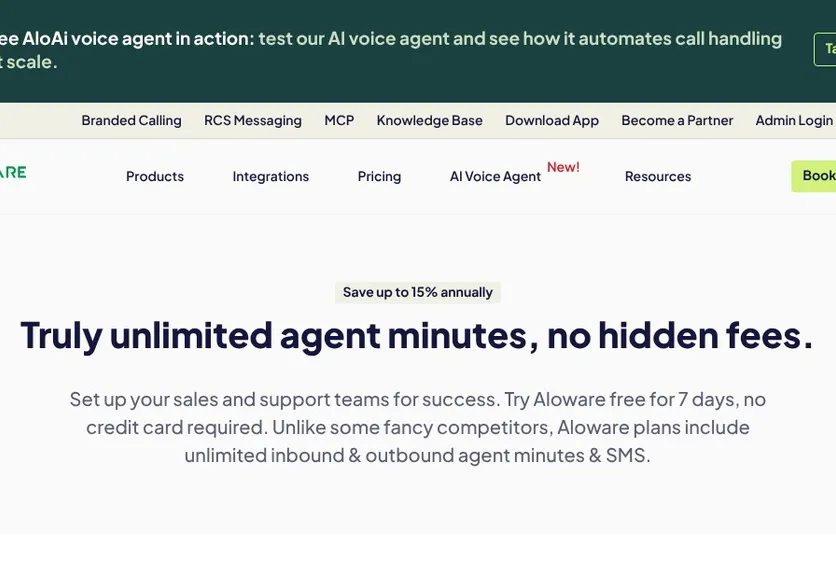
Aloware pairs a power dialer with AI features such as call summaries and sentiment, which helps a small team learn from every conversation without hiring a coach. The Aloware uPro plus AI plan is where the dialer lives, and it sits in the middle of the price range on this list. The five-user minimum is the main catch, so it fits a startup with a real team rather than a solo founder.
What we like
- AI call summaries and sentiment built in
- Power dialer on the mid-tier plan
- Local presence dialing included
Watch out for
- Five-user minimum blocks very small teams
- Billing is quarterly, not monthly or annual
How to try it
- Buy at least five seats and connect Aloware to your CRM.
- Turn on the Power Dialer and record your voicemail drop.
- Read the AI call summaries after each session to spot coaching moments.
5. Ringover
Best for: Budget-conscious startups that still need a power dialer
Paid tool Starting price: $49/user/month · Business plan, billed annually; carries the Power Dialer; entry plan from nineteen dollars per user per month
Free plan: No free plan; free trial available
Ringover is a European cloud phone system that quietly includes a power dialer on its Business plan, which makes it one of the cheapest routes to automated dialing on this list. The Ringover interface is clean and easy to learn, so a new rep can start dialing on day one without a training session. It is less well known in the US than the bigger names here, but the feature set holds up for a small team.

What we like
- Power dialer on a forty-nine dollar Business plan
- Clean interface that new reps learn fast
- Unlimited calls to many destinations
Watch out for
- Smaller US presence than the bigger rivals
- Entry plan has no power dialer
How to try it
- Sign up for the Business plan and claim your team numbers.
- Import your call list and switch on the Power Dialer.
- Track call outcomes in the dashboard and coach from the recordings.
6. Dialpad
Best for: Startups that run support and sales calls together
Paid tool Starting price: $89/user/month · Support Essentials plan, billed annually; the Power Dialer sits on Support plans, not Sell plans; Sell Essentials is thirty-nine dollars and does not include it
Free plan: No free plan; free trial available
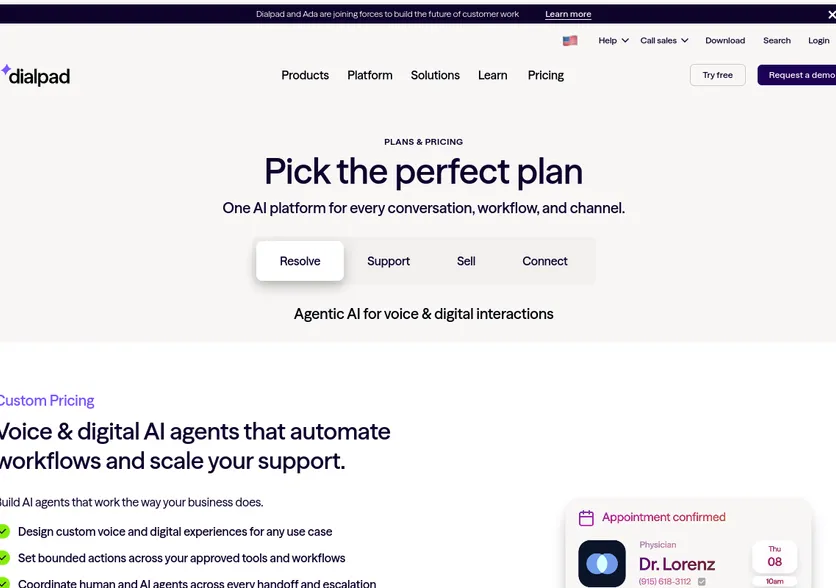
Dialpad is a strong AI phone system, but its pricing has a trap that matters for this list: the power dialer lives on the Support plans, not on the Sell plans that most sales teams would pick first. The Dialpad Support Essentials plan is the cheapest way in, and it brings AI call summaries and real-time coaching with it. It is a good fit if your team handles support and sales from the same queue, and a confusing one if it does not.
What we like
- AI call summaries and real-time coaching
- One system for support and sales calls
- Reliable call quality and mobile apps
Watch out for
- Power dialer is not on the Sell plans
- Eighty-nine dollars a seat is steep for a startup
How to try it
- Choose a Support plan, not a Sell plan, if you need the power dialer.
- Connect your CRM and load the list you want to work through.
- Use the AI summaries after each call to update the contact record.
7. Close
Best for: Startups that want CRM and dialer in one tool
Paid tool Starting price: $99/user/month · Growth plan, billed annually; carries the Power Dialer; Solo plan from nine dollars per user per month
Free plan: No free plan; free trial available
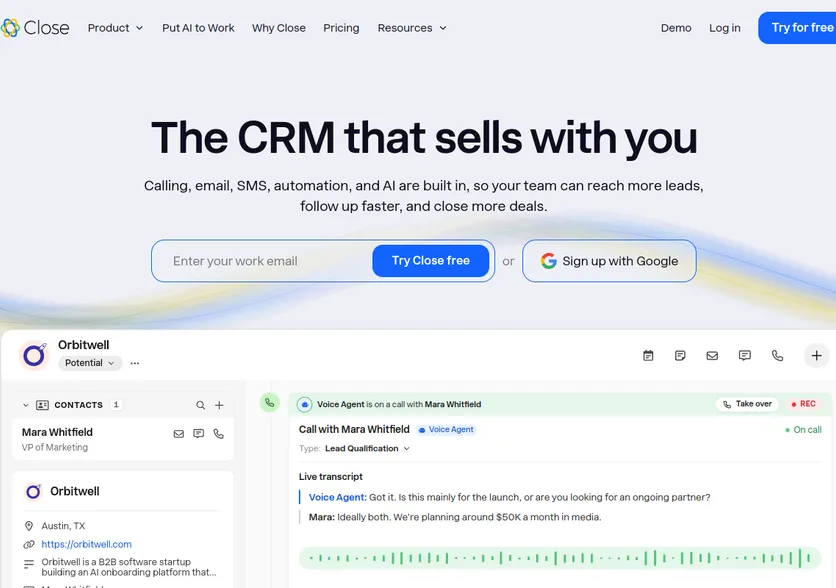
Close is a CRM with a dialer built into its core, so a rep never leaves the contact record to make a call. The Close Growth plan includes the power dialer, and the calling, email and SMS history all live on the same timeline. It costs more than a standalone dialer, but a startup that would otherwise pay for a CRM and a dialer separately can come out ahead.
What we like
- CRM and power dialer in a single tool
- Calling, email and SMS on one timeline
- Fast setup with no separate phone system
Watch out for
- Ninety-nine dollars a seat is a big commitment
- Solo plan is cheap but lacks the power dialer
How to try it
- Import your leads into Close and build a call list from a smart view.
- Start the power dialer from the list and work through it in one session.
- Log the outcome on each call so the pipeline stays honest.
8. Salesmate
Best for: Startups that want a CRM with a built-in power dialer
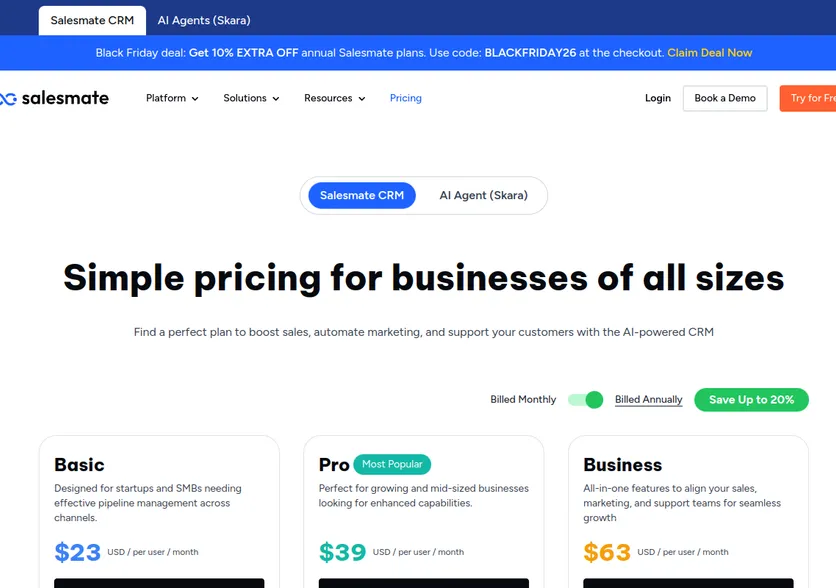
Paid tool Starting price: $63/user/month · Business plan, billed annually; carries the power dialer and voicemail drop; Basic twenty-three dollars and Pro thirty-nine dollars billed annually
Free plan: No free plan; free trial available
Salesmate is another CRM-first option, and its Business plan adds a power dialer with voicemail drop for a mid-range price. The Salesmate interface is straightforward, and the built-in sequences mean a small team can run calls and follow-up emails from one login. It is a sensible pick for a startup that wants one system for the whole sales process rather than a dialer bolted onto something else.
What we like
- Power dialer and voicemail drop on Business
- Built-in sequences for calls and email
- Simple interface that small teams pick up fast
Watch out for
- Power dialer needs the top Business plan
- Smaller integration library than the big CRMs
How to try it
- Import your contacts and set up a pipeline that matches your sales stages.
- Enable the power dialer on the Business plan and load a call list.
- Build a sequence that follows each call with an automatic email.
Prices above were checked on each vendor’s own website on Nov 27, 2026 and can change — the vendor’s page is the final word. Vendor links are editorial: nobody paid to be listed or ranked here. Vendors who want a featured listing can see how it works on our Get listed page.
How to pick an auto dialer when every seat counts
For a startup, the mistake is not picking the wrong dialer. It is picking the right dialer on the wrong plan. Several vendors on this list put the power dialer on a mid or top tier, and the cheapest plan on the pricing page often does not include it at all. Dialpad is the clearest example: the dialer sits on Support plans, not Sell plans, so a sales team that buys the obvious plan gets no dialer. Read the feature table line by line before you pay.
Aloware needs five users and Aircall needs three licenses, and those minimums matter more than the per-seat price when you are a team of two. Then check what else the seat replaces. JustCall and Close both fold other tools into the same price, which is why they score well here even though neither is the cheapest per seat. Finally, run a real trial, because call quality, pacing and voicemail drop are things you can only judge by dialing.
Before you buy
- Confirm the power dialer is on the exact plan you will buy, not just on the vendor site somewhere.
- Check the seat minimum, because a five-user minimum doubles the bill for a two-person team.
- Ask whether voicemail drop and call recording are included or charged as add-ons.
- Make sure the dialer connects to your CRM so call outcomes land on the contact record.
- Test call quality on a trial before you commit to an annual contract.
Official websites
Official websites of the products reviewed above. Features and prices were checked against these sites when this guide was written, and they can change, so confirm on the vendor site before you buy.
Frequently asked questions
What is a power dialer, and how is it different from an auto dialer?
A power dialer calls one number at a time from a list and moves to the next call as soon as the current one ends, with no manual dialing in between. An auto dialer is a broader term that can also mean predictive dialing, where several numbers are dialed at once. For a startup, a power dialer is usually the right choice because it keeps the rep in control.
Do I need a separate CRM if I buy an auto dialer?
Not always. Close and Salesmate are CRMs with a dialer built in, so they replace both tools. JustCall, Aircall, Ringover and Aloware are phone systems that connect to a CRM you already use. If you have no CRM yet, a CRM-first tool is usually cheaper overall. If you already live in a CRM, pick a dialer with a solid integration for it.
How much should a startup pay per user for an auto dialer?
Expect roughly forty-nine to sixty dollars per user per month on an annual plan for a power dialer with voicemail drop. JustCall, Ringover and Aloware all sit in that band. PhoneBurner at one hundred forty dollars is the premium end, and it only makes sense if your team spends most of the day on the phone. Always compare the plan that actually includes the dialer, not the headline price.
Is voicemail drop included in these prices?
It is included on the plans listed here for PhoneBurner, JustCall, Aircall, Aloware, Ringover, Close and Salesmate. Dialpad includes it on its Support plans. Voicemail drop matters because a rep who leaves the same message twenty times a day wastes hours, and the feature is often the first thing a vendor moves to a higher tier, so confirm it before you buy.
Can a solo founder use these auto dialers?
Yes, with one exception. Aloware needs five seats and Aircall needs three licenses, so a solo founder would pay for empty seats. JustCall, Ringover, PhoneBurner, Close and Salesmate all work for a single user. Close even has a nine-dollar Solo plan, although the power dialer needs the Growth plan.
Start with JustCall if you want the cheapest real power dialer, or compare the full list above before you commit to an annual plan.
Browse Business Tools tools