On this page
A dental practice cannot work without its charts, X-rays and schedules, and one failed server can cancel a full day of patients. The eight tools below run from about forty dollars a year to about one hundred dollars a year, and every price was checked on the vendor site on November 27, 2026. Some cover every computer on one bill, others protect the cloud accounts where email and documents live, and most practices need one of each. IDrive is our first pick — one storage pool for the whole office at a flat yearly price.
How we researched this
We started with the backup tools dental practices actually buy, then read each price on the vendor pricing page on November 27, 2026 and noted the trial each plan carries. We judged them for a practice that stores patient charts and imaging files across several computers and needs a restore to work the first time. We dropped Druva, Datto and Rubrik because they publish no list price, and Veeam Data Platform because its editions are quote-only.
Compare the tools
| Name | Best for | Starting price | Free plan | |
|---|---|---|---|---|
 IDrive | Dental practices that want one storage pool for every operatory computer, the server and the front desk | $99.50/year | Free 10 GB Basic plan included | Visit |
 Carbonite Safe | Dental offices that want automatic backup that runs itself once it is switched on | $95.99/year | No free plan; 15-day free trial | Visit |
 CrashPlan | Dental practices that need unlimited versions and central control across every computer in the office | $88/user/year | No free plan; 14-day free trial | Visit |
 Backblaze Computer Backup | Dental practices that want one flat price per computer with unlimited storage and no thinking about it | $99/year | No free plan; 15-day free trial | Visit |
 Acronis True Image | Dental practices that want full disk images of the server so a dead drive does not close the office | $49.99/year | No free plan; 30-day free trial | Visit |
 EaseUS Todo Backup | Small dental offices that want friendly disk imaging on a budget with a free edition to start | $39.95/year | Free edition with system, file and disk backup | Visit |
| Spanning Backup | Dental practices that run on Google Workspace or Microsoft 365 and want email and Drive backed up daily | $48/user/year | No free plan; 14-day free trial | Visit |
| CloudAlly | Dental practices that want cheap cloud-to-cloud backup for Microsoft 365, Google Workspace or Salesforce | $3/user/month | No free plan; free trial available | Visit |
The backup software for dental practices, compared
1. IDrive
Best for: Dental practices that want one storage pool for every operatory computer, the server and the front desk
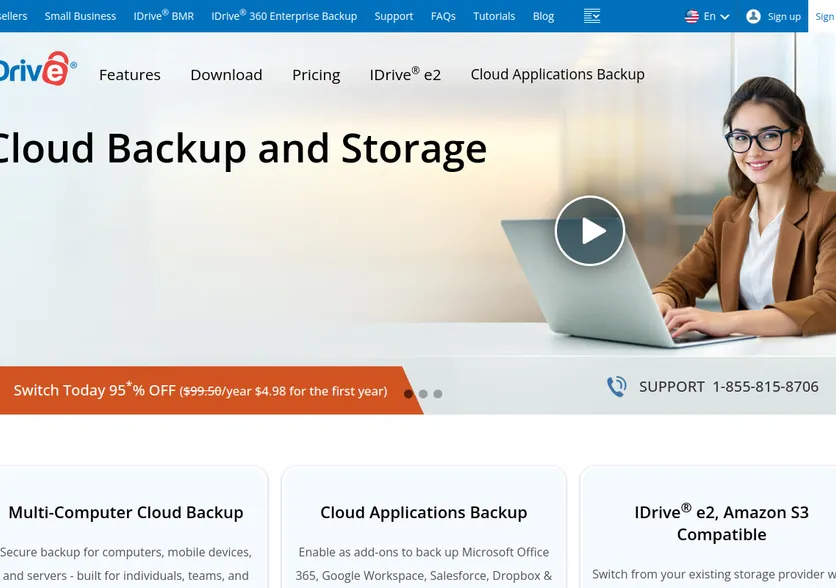
Paid tool Starting price: $99.50/year · Personal plan, five terabytes for ninety-nine dollars and fifty cents a year on renewal; the first year is often discounted for new accounts, so budget the renewal rate
Free plan: Free 10 GB Basic plan included
A dental practice runs on more than one computer, and IDrive protects them all under a single account with five terabytes of pooled storage. The front desk, the operatories and the server feed the same pool, so there is no per-machine bill multiplying across the office. Disk images, version history and a private encryption key come with the plan, and a signed business associate agreement is available for practices that store patient data.
What we like
- One 5 TB pool covers unlimited devices on a single bill
- Disk imaging protects the whole server, not just loose files
- Private key option keeps patient data unreadable to the vendor
Watch out for
- Storage is capped at five terabytes, so large imaging archives need a bigger tier
- First-year promotions end at renewal, so check the renewal price first
How to try it
- Open the IDrive site and create the practice account
- Add each operatory computer and the server to the same pool
- Ask for the business associate agreement and turn on the private key
2. Carbonite Safe
Best for: Dental offices that want automatic backup that runs itself once it is switched on
Paid tool Starting price: $95.99/year · Basic plan list price, ninety-five dollars and ninety-nine cents a year for one computer; first-year promotions run lower and do not carry into renewal
Free plan: No free plan; 15-day free trial
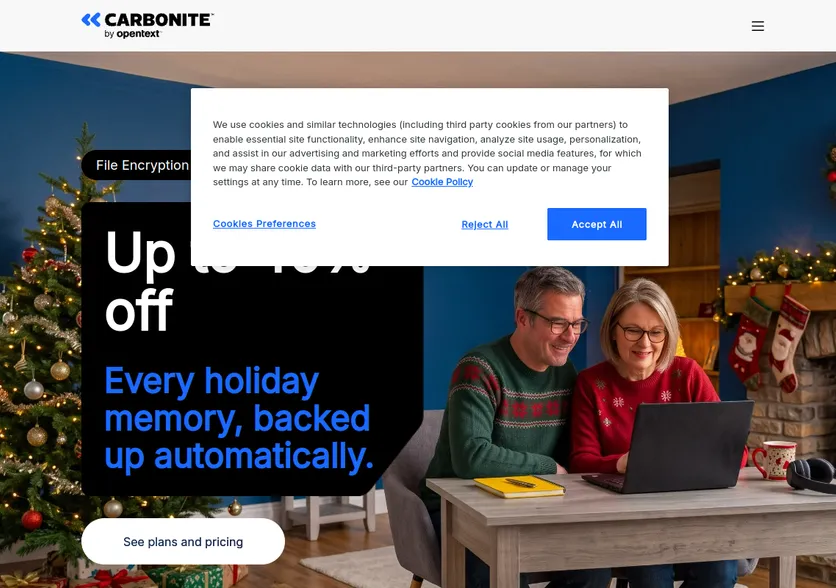
A busy dental office has no time to manage backup software, and Carbonite Safe copies files automatically in the background with unlimited storage for one computer. There are no backup sets to build and no storage tiers to watch, so the front desk never has to think about it. The Basic plan covers documents, photos and music, while Plus adds an external drive and automatic video backup for the machines that store imaging files.
What we like
- Unlimited storage for one computer at a flat yearly price
- Fully automatic backup with no backup sets to manage
- Remote file access from any browser when the office is closed
Watch out for
- Basic skips external drives and automatic video backup
- One computer per plan, so every operatory machine needs its own subscription
How to try it
- Open the Carbonite Safe page and start the 15-day trial
- Install the app on the front-desk computer first
- Check the dashboard after a week to confirm new charts are covered
3. CrashPlan
Best for: Dental practices that need unlimited versions and central control across every computer in the office
Paid tool Starting price: $88/user/year · Endpoints plan, eighty-eight dollars per user a year on yearly billing; a two-year term lists at one hundred fifty-eight dollars; a server plan is priced separately
Free plan: No free plan; 14-day free trial
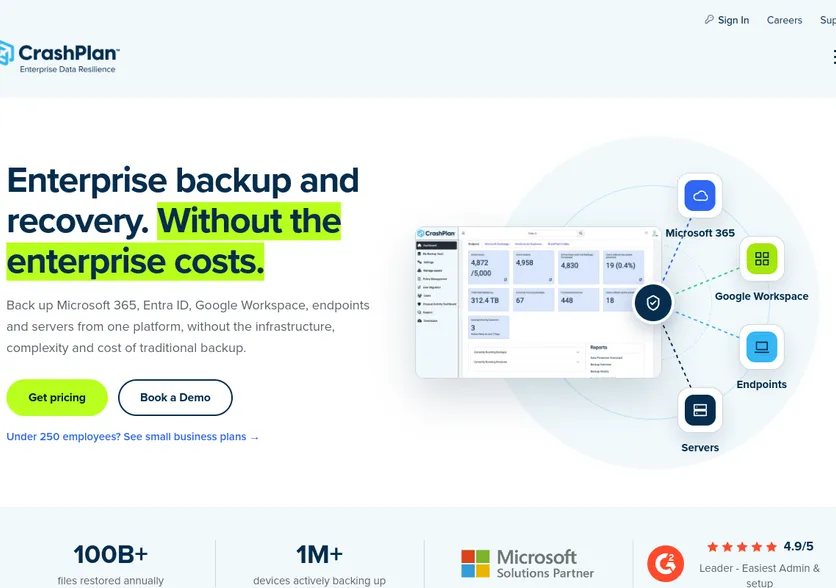
Patient charts get edited every day, and CrashPlan keeps every version of every file forever, so a chart overwritten by mistake can be pulled back from any point in time. The admin console lets the practice manager see every machine's backup status in one place instead of walking the office checking each computer. Windows, Mac and Linux machines sit under one bill, and a signed business associate agreement is available for regulated practices.
What we like
- Unlimited storage and unlimited version history per user
- Admin console shows every machine's backup status at a glance
- Covers Windows, Mac and Linux from one subscription
Watch out for
- No personal plan, so a single-dentist office pays a business price
- No disk imaging, so a dead drive needs a reinstall plus a file restore
How to try it
- Open the CrashPlan site and start the 14-day trial
- Add the office computers and set retention rules in the console
- Restore an old version of a test file to confirm history works
4. Backblaze Computer Backup
Best for: Dental practices that want one flat price per computer with unlimited storage and no thinking about it
Paid tool Starting price: $99/year · Ninety-nine dollars a year per computer on yearly billing, or nine dollars a month billed monthly; a two-year term lists at one hundred eighty-nine dollars
Free plan: No free plan; 15-day free trial
Dental imaging files grow fast, and Backblaze Computer Backup removes the storage math entirely with unlimited backup for one computer at a flat yearly price. The client copies every user file, including files on connected external drives, without asking which folders matter. Restores work from any browser, so a chart lost during a busy clinic day can be pulled back before the next patient sits down.

What we like
- Unlimited storage per computer at one flat price
- Covers connected external drives, where imaging files often live
- Browser restores and mailed-drive restores for big recoveries
Watch out for
- One license covers one computer, so each operatory machine costs extra
- No Linux client, so a Linux server needs a different tool
How to try it
- Open the Backblaze site and start the 15-day trial
- Install the client on the machine that holds the imaging files
- Test a file restore from the web dashboard before clinic hours
5. Acronis True Image
Best for: Dental practices that want full disk images of the server so a dead drive does not close the office
Paid tool Starting price: $49.99/year · Essentials plan, forty-nine dollars and ninety-nine cents a year for one computer; the product was formerly sold as Acronis Cyber Protect Home Office
Free plan: No free plan; 30-day free trial
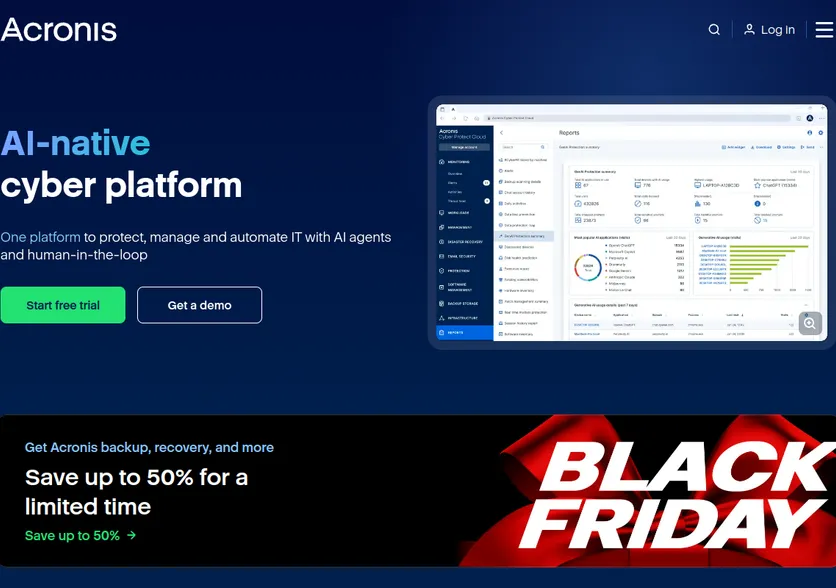
When the practice server dies, the whole office stops, and Acronis True Image protects the entire machine with full disk imaging, cloning and universal restore. A failed drive can be rebuilt on different hardware without reinstalling the practice software and every application around it. The Essentials plan covers one computer for a year, with higher tiers adding cloud storage and malware protection.
What we like
- Full disk imaging with restore to different hardware
- Active disk cloning for fast drive upgrades
- Anti-ransomware protection guards the backup files themselves
Watch out for
- Essentials has no cloud storage, so offsite copies need a higher tier
- Essentials has no malware protection, which starts at Advanced
How to try it
- Open the Acronis True Image page and start the 30-day trial
- Create a full image of the practice server
- Test a restore to a spare machine before you rely on it
6. EaseUS Todo Backup
Best for: Small dental offices that want friendly disk imaging on a budget with a free edition to start
Paid tool Starting price: $39.95/year · Home plan, thirty-nine dollars and ninety-five cents a year for one computer; a perpetual license lists at fifty-nine dollars and ninety-five cents
Free plan: Free edition with system, file and disk backup
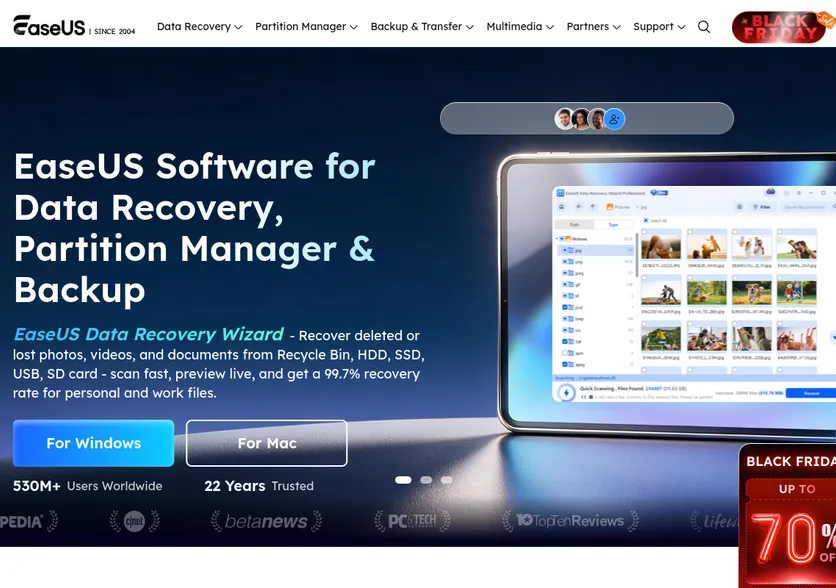
A small dental office does not need enterprise software, and EaseUS Todo Backup covers system images, disk images, file backup and cloning in one friendly program. The free edition already handles basic imaging, and the Home plan adds Outlook backup, event-based schedules and a protected Security Zone partition. A bootable rescue disk means a machine that will not start can still be recovered.
What we like
- Free edition covers basic imaging with no payment
- Friendly interface that a non-technical office manager can run
- Bootable rescue media recovers a machine that will not start
Watch out for
- Windows only, so Mac machines in the office need another tool
- Cloud storage is limited, so offsite copies need a separate plan
How to try it
- Open the EaseUS site and install the free edition
- Create a system image of the front-desk computer
- Upgrade to Home if you need Outlook backup and scheduled images
7. Spanning Backup
Best for: Dental practices that run on Google Workspace or Microsoft 365 and want email and Drive backed up daily
Paid tool Starting price: $48/user/year · Forty-eight dollars per user a year, annual billing only; covers Microsoft 365, Google Workspace and Salesforce from one console
Free plan: No free plan; 14-day free trial
Patient emails, referrals and shared documents live in the cloud, not on office computers, and Spanning Backup copies them every day automatically. Gmail, Drive, Calendar and Contacts on Google Workspace, or Exchange, OneDrive, SharePoint and Teams on Microsoft 365, are all covered from one console. Restores are granular down to a single email or file, and staff can restore their own files without calling IT.
What we like
- Daily automatic backup of email, Drive and calendars
- Granular restore down to a single email or file
- One vendor covers Google Workspace, Microsoft 365 and Salesforce
Watch out for
- SaaS data only, so office computers still need a separate backup
- Annual billing only, so the first invoice is the full year
How to try it
- Open the Spanning site and start the 14-day trial
- Connect the practice Google Workspace or Microsoft 365 tenant
- Restore a single test email to confirm granular recovery works
8. CloudAlly
Best for: Dental practices that want cheap cloud-to-cloud backup for Microsoft 365, Google Workspace or Salesforce
Paid tool Starting price: $3/user/month · Three dollars per user a month, or thirty dollars per user a year billed yearly; storage is metered per five-gigabyte block on cloud storage plans
Free plan: No free plan; free trial available
A dental practice that lives in cloud apps needs a second copy of that cloud data, and CloudAlly backs up Microsoft 365, Google Workspace and Salesforce for three dollars per user a month. Daily automated backups run without attention, and restores go down to a single file. The price is the lowest per-user rate in this list, though storage is metered in five-gigabyte blocks on the cloud storage plans.
What we like
- Lowest per-user price in this list for SaaS backup
- Daily automated backups with item-level restore
- Covers Microsoft 365, Google Workspace, Salesforce, Box and Dropbox
Watch out for
- Storage metering means a large mailbox costs more than the headline rate
- No free tier, so the trial is the only way to test it
How to try it
- Open the CloudAlly site and start the free trial
- Connect the practice Microsoft 365 or Google Workspace account
- Restore one file from a backup to confirm the workflow
Prices above were checked on each vendor’s own website on Nov 27, 2026 and can change — the vendor’s page is the final word. Vendor links are editorial: nobody paid to be listed or ranked here. Vendors who want a featured listing can see how it works on our Get listed page.
What backup costs a dental practice in 2026
A dental practice pays for two kinds of backup, and the bill is easy to misread if you price only one of them. The computers hold the practice software, the imaging files and the charts, while the cloud accounts hold email, referrals and shared documents, so most practices need a computer backup and a cloud backup side by side. Per-computer plans look cheap until every operatory machine joins the count, and per-user cloud plans look cheap until every staff mailbox is added.
Start with the trial on two tools and back up a real working week, not a test folder. Restore one patient schedule and one imaging file on purpose, then check that an older version is still there. Pick the tool whose restore feels boring and reliable, because the day you actually need it will already be stressful enough.
Before you buy
- Ask every vendor for a signed business associate agreement before any patient data leaves the office, because a backup without one can breach compliance.
- Count the front-desk computers, the operatory machines and the server, because most plans charge per computer and the total adds up fast.
- Check whether the plan backs up the imaging software database, because X-ray images and charts live in files a simple document backup can miss.
- Confirm the retention window covers your records policy, because a version that ages out after ninety days cannot help with a chart from last year.
- Test a restore of a real patient schedule and one imaging file before you trust the plan, because a backup you have never restored is only a promise.
Official websites
Official websites of the products reviewed above. Features and prices were checked against these sites when this guide was written, and they can change, so confirm on the vendor site before you buy.
Frequently asked questions
What is the best backup software for dental practices in 2026?
IDrive is the best overall pick for a dental practice at ninety-nine dollars and fifty cents a year, because one five-terabyte pool covers every operatory computer. CrashPlan is the best pick for version history, keeping every version of every chart forever. Spanning Backup is the best pick for the cloud side, backing up Gmail or Microsoft 365 mail and Drive every day.
How much does backup software for a dental practice cost?
Prices in this list run from thirty-nine dollars and ninety-five cents a year for EaseUS Todo Backup to ninety-nine dollars and fifty cents a year for IDrive, with per-user plans from three dollars a month at CloudAlly and forty-eight dollars a year at Spanning Backup. A small practice with three computers and cloud mail can be covered for roughly three hundred dollars a year. Always check the renewal price, since first-year discounts end after year one.
Does a dental practice need a business associate agreement for backup?
Yes, patient records are regulated health data, so the backup vendor must sign a business associate agreement before any patient data leaves the office. IDrive, CrashPlan and Carbonite all offer agreements for regulated practices, and encryption adds a second layer of protection. Ask for the agreement during the trial, and do not back up patient data until it is signed.
What should a dental practice back up first?
Back up the practice management database, the imaging files and the front-desk computers first, because those hold the charts, X-rays and schedules the office cannot work without. Then add the cloud accounts, since email, referrals and shared documents live in Gmail or Microsoft 365. A backup that covers only documents on one computer leaves the most valuable data unprotected.
How often should a dental practice test a restore?
Test a restore at least once a quarter, because a backup you have never restored is only a promise. Pick one real patient schedule and one imaging file, restore them and check that they open correctly. A full test once a year, restoring the practice database to a spare machine, is the check that catches silent problems before a real disaster closes the office.
Need everyday security help too? Try Toolsvine's free security tools right in your browser.
Browse Security & Privacy tools