On this page
An online store takes orders around the clock, and one bad update or hacked theme can wipe out products, customers and sales in minutes. The eight tools below run from seventy dollars a year to about nineteen dollars a month, and every price was checked on the vendor site on November 27, 2026. Some back up the store itself in real time, others protect the office computers behind it. Jetpack Backup is our first pick — real-time backup for WooCommerce stores.
How we researched this
We started with the backup tools ecommerce brands actually buy, then read each price on the vendor pricing page on November 27, 2026 and noted the trial each plan carries. We judged them for a brand that sells online, takes orders every day and needs a restore to work the first time. We dropped Druva, Datto and Rubrik because they publish no list price, and Veeam Data Platform because its editions are quote-only.
Compare the tools
| Name | Best for | Starting price | Free plan | |
|---|---|---|---|---|
| Jetpack Backup | WooCommerce stores that need every order saved in real time as it happens | $9.95/month | No free plan; 14-day money-back guarantee on yearly plans | Visit |
| UpdraftPlus | WordPress stores that want scheduled backups to their own cloud storage at a low yearly price | $70/year | Free version with scheduled backups to remote storage | Visit |
| BlogVault | WordPress stores that want hands-off daily backups with staging and restore from the vendor dashboard | $99/year | No free plan; first backup free; 7-day trial | Visit |
 Rewind Backups | Shopify stores that need full-store backup with live change tracking and single-item restore | $19/month | No free plan; 7-day free trial | Visit |
 Backblaze Computer Backup | Ecommerce brands that want unlimited backup for the office computers behind the store | $99/year | No free plan; 15-day free trial | Visit |
 IDrive | Ecommerce teams with several devices who want one storage pool for every computer, phone and drive | $99.50/year | Free 10 GB Basic plan included | Visit |
 CrashPlan | Ecommerce teams that need admin control, unlimited versions and Linux support across many machines | $88/user/year | No free plan; 14-day free trial | Visit |
 Dropbox Plus | Ecommerce brands that want two terabytes of cloud storage with file backup and versioning built in | $9.99/month | Free Basic plan with 2 GB | Visit |
The backup software for ecommerce brands, compared
1. Jetpack Backup
Best for: WooCommerce stores that need every order saved in real time as it happens
Paid tool Starting price: $9.95/month · Nine dollars and ninety-five cents a month billed yearly, or one hundred nineteen dollars and forty cents a year; first-year promotions run lower and do not carry into renewal
Free plan: No free plan; 14-day money-back guarantee on yearly plans
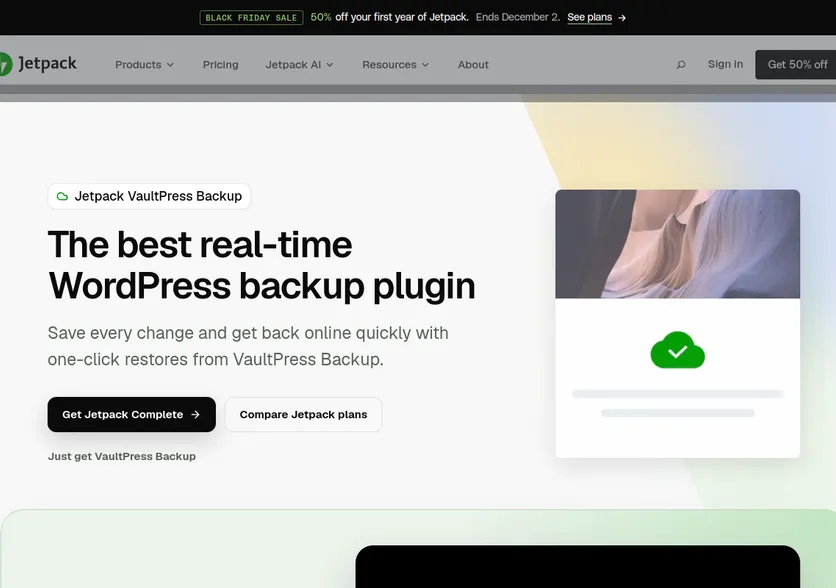
A WooCommerce store takes orders all day, and Jetpack Backup saves every change in real time to Automattic cloud storage, so an order placed a minute ago is already protected. The plugin watches the site continuously, keeps a thirty-day activity log and restores with one click, even when the store itself is down. Ten gigabytes of storage come with the plan, which suits a small to mid-size shop that cannot afford to lose a day of sales.
What we like
- Real-time backup captures every order as it happens
- One-click restore works even when the site is down
- Thirty-day activity log shows exactly what changed and when
Watch out for
- No free plan, so the money-back window is the only safety net
- Ten gigabytes of storage fills fast on a media-heavy store
How to try it
- Open the Jetpack Backup page and start the yearly plan
- Install the plugin and connect it to your WooCommerce store
- Place a test order and confirm it appears in the activity log
2. UpdraftPlus
Best for: WordPress stores that want scheduled backups to their own cloud storage at a low yearly price
Paid tool Starting price: $70/year · Premium Personal plan, seventy dollars a year for up to two sites; the free version covers scheduled backups to your own cloud storage
Free plan: Free version with scheduled backups to remote storage
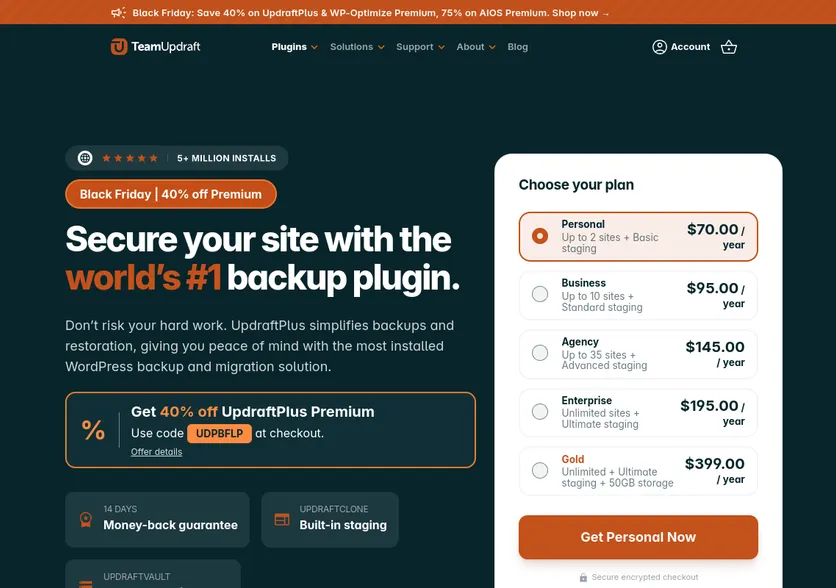
Most WordPress stores start with the same plugin, and UpdraftPlus schedules file and database backups and sends them to cloud storage you already own, like Google Drive, Dropbox or Amazon S3. The free version already covers the core job, and Premium adds incremental backups, automatic backups before updates, migration and staging. The Personal plan covers two sites for seventy dollars a year, which makes it the cheapest paid start in this list.
What we like
- Free version covers scheduled backups to your own storage
- Premium adds incremental backups and one-click migration
- Works with Google Drive, Dropbox, S3 and more destinations
Watch out for
- Restores need WordPress working, so a crashed site takes manual work
- No real-time backup, so orders between scheduled runs can be lost
How to try it
- Open the UpdraftPlus site and install the free version
- Connect your Google Drive or Dropbox account as the destination
- Upgrade to Premium if you need incremental backups and migration
3. BlogVault
Best for: WordPress stores that want hands-off daily backups with staging and restore from the vendor dashboard
Paid tool Starting price: $99/year · Personal plan, ninety-nine dollars a year for one site; the first year is often discounted to forty-nine dollars and fifty cents, which does not carry into renewal
Free plan: No free plan; first backup free; 7-day trial
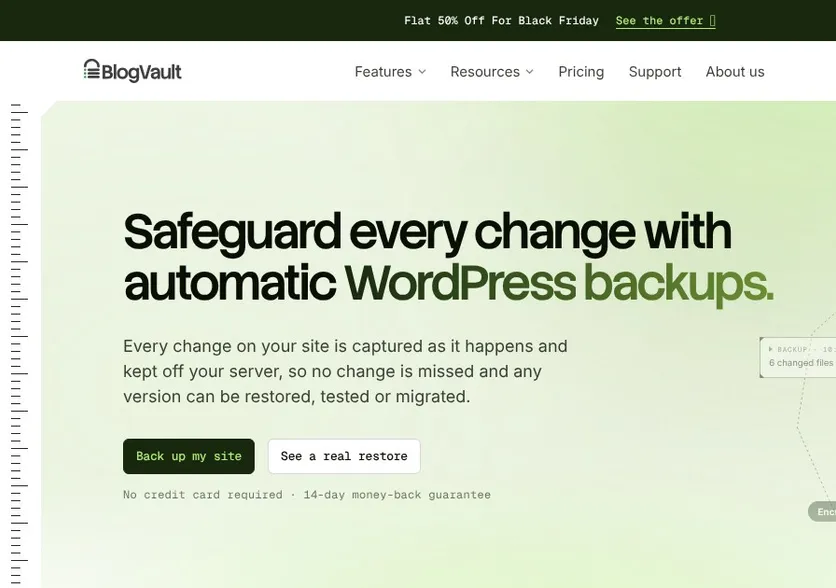
A store owner who would rather sell than manage backups will like BlogVault, because its own servers run the backups and the restores, so a backup never slows the store and a restore works even when the site is down. Daily backups, one-click restore, one-click migration and a free staging area come with the Personal plan. The first backup is free without a card, which lets a shop test the service on its real site before paying.
What we like
- Backups run on BlogVault servers, so the store never slows down
- Restore works from the dashboard even when the site is down
- Free staging area for testing changes safely
Watch out for
- First-year discount ends at renewal, so budget the full rate
- Real-time backups need the WooCommerce plan, which costs more
How to try it
- Open the BlogVault site and run the first free backup
- Check the dashboard to confirm the backup completed off-site
- Test a restore to the free staging area before you pay
4. Rewind Backups
Best for: Shopify stores that need full-store backup with live change tracking and single-item restore
Paid tool Starting price: $19/month · Backup and Restore plan from nineteen dollars a month for up to three hundred orders a month; the Protection Suite starts at ninety-nine dollars a month
Free plan: No free plan; 7-day free trial
Shopify keeps no automatic full-store backup of its own, and Rewind Backups fills that gap with automated daily backups plus live backup of products, themes, collections, orders, customers and metafields. A single item can be restored on its own, so one deleted product does not force a whole-store rollback. The entry plan covers up to three hundred orders a month with a year of history, and the Protection Suite adds monitoring and alerts.

What we like
- Full-store backup including orders, customers and metafields
- Single-item restore without a whole-store rollback
- Live backup plus daily backups with a year of history
Watch out for
- Price scales with order volume, so a busy store outgrows the entry tier
- Shopify only for the store plan, so a WordPress site needs a second tool
How to try it
- Open the Rewind site and install the app from the Shopify App Store
- Run the first backup and check that products and orders are covered
- Test a single-item restore of one product before you rely on it
5. Backblaze Computer Backup
Best for: Ecommerce brands that want unlimited backup for the office computers behind the store
Paid tool Starting price: $99/year · Ninety-nine dollars a year per computer on yearly billing, or nine dollars a month billed monthly; a two-year term lists at one hundred eighty-nine dollars
Free plan: No free plan; 15-day free trial
The store is not the only thing worth protecting, and Backblaze Computer Backup covers the office laptops that hold product photos, spreadsheets and supplier contracts with unlimited storage at a flat yearly price. The client copies every user file, including files on connected external drives, without asking which folders matter. Restores work from any browser, so a product photo lost on a shoot day can be pulled back before the listing goes live.

What we like
- Unlimited storage per computer at one flat price
- Covers connected external drives, where product photos often live
- Browser restores and mailed-drive restores for big recoveries
Watch out for
- One license covers one computer, so each office machine costs extra
- It backs up computers, not the store itself, so pair it with a store backup
How to try it
- Open the Backblaze site and start the 15-day trial
- Install the client on the computer that holds product photos
- Test a file restore from the web dashboard before your next launch
6. IDrive
Best for: Ecommerce teams with several devices who want one storage pool for every computer, phone and drive
Paid tool Starting price: $99.50/year · Personal plan, five terabytes for ninety-nine dollars and fifty cents a year on renewal; the first year is often discounted for new accounts, so budget the renewal rate
Free plan: Free 10 GB Basic plan included
An ecommerce brand works from many machines, and IDrive covers them all under a single account with five terabytes of pooled storage. Laptops, desktops, phones and network drives feed the same pool, so there is no per-computer bill multiplying as the team grows. Disk images, version history and a private encryption key come with the plan, which matters when supplier contracts and customer lists must stay private.
What we like
- One 5 TB pool covers unlimited devices on a single bill
- Disk imaging plus file backup in the same plan
- Optional private key keeps business files unreadable to the vendor
Watch out for
- Storage is capped at five terabytes, so huge photo libraries need a bigger tier
- First-year promotions end at renewal, so check the renewal price first
How to try it
- Open the IDrive site and create the brand account
- Add each team computer and phone to the same storage pool
- Turn on the private key and schedule nightly backups
7. CrashPlan
Best for: Ecommerce teams that need admin control, unlimited versions and Linux support across many machines
Paid tool Starting price: $88/user/year · Endpoints plan, eighty-eight dollars per user a year on yearly billing; a two-year term lists at one hundred fifty-eight dollars; a server plan is priced separately
Free plan: No free plan; 14-day free trial
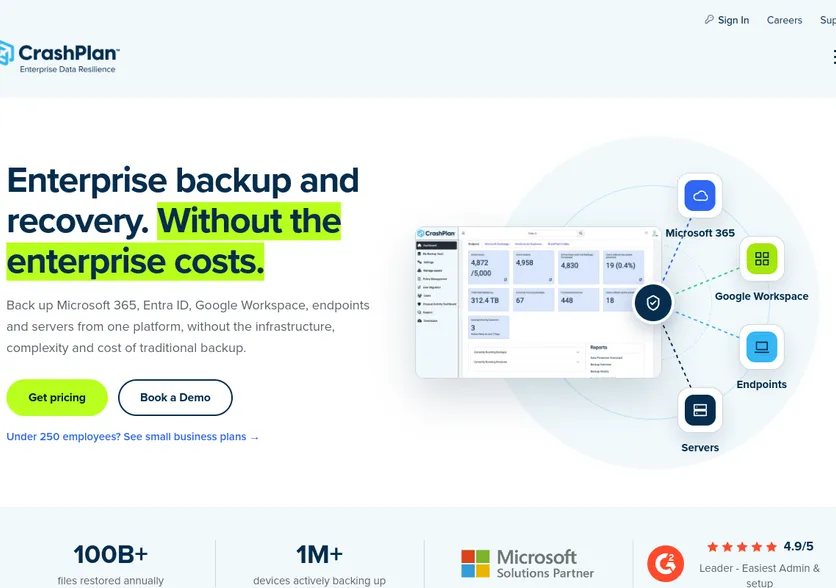
A growing brand needs more than a personal backup app, and CrashPlan brings an admin console, unlimited storage and unlimited version history to every endpoint it protects. Each user keeps every version of every file forever, which is the safety net that matters when a product spreadsheet is overwritten by mistake. Windows, Mac and Linux machines sit under one bill, and a server plan covers the office file server too.
What we like
- Unlimited storage and unlimited version history per user
- Admin console with centralized control for the whole team
- Covers Windows, Mac and Linux from one subscription
Watch out for
- No personal plan, so a solo seller pays a business price
- No disk imaging, so a dead drive needs a reinstall plus a file restore
How to try it
- Open the CrashPlan site and start the 14-day trial
- Add your team and set retention rules in the admin console
- Run a test restore of an old file version before rollout
8. Dropbox Plus
Best for: Ecommerce brands that want two terabytes of cloud storage with file backup and versioning built in
Paid tool Starting price: $9.99/month · Plus plan, nine dollars and ninety-nine cents a month billed yearly, or eleven dollars and ninety-nine cents billed monthly; two terabytes for one person
Free plan: Free Basic plan with 2 GB
Product photos, supplier files and marketing assets need a home that syncs everywhere, and Dropbox Plus gives one person two terabytes with thirty days of file recovery and version history. Files sync across every device, transfers up to fifty gigabytes can be sent to suppliers, and deleted files can be pulled back within the recovery window. It is storage first and backup second, so pair it with a real store backup for orders and customers.
What we like
- Two terabytes for one person with sync on every device
- Thirty-day recovery for deleted files and older versions
- Large file transfers up to fifty gigabytes for suppliers
Watch out for
- Thirty-day history only, so older versions age out fast
- It stores files, it does not back up the store platform itself
How to try it
- Open the Dropbox site and start the Plus plan
- Move product photos and supplier files into Dropbox
- Test recovering a deleted file within the thirty-day window
Prices above were checked on each vendor’s own website on Nov 27, 2026 and can change — the vendor’s page is the final word. Vendor links are editorial: nobody paid to be listed or ranked here. Vendors who want a featured listing can see how it works on our Get listed page.
What backup costs an ecommerce brand in 2026
An ecommerce brand pays for two kinds of backup, and the bill is easy to misread if you price only one of them. The store backup protects products, orders and customers on the platform itself, while the computer backup protects the photos, spreadsheets and contracts on the office machines. Real-time store backup costs more than scheduled backup, but a daily backup can lose a full day of orders, which dwarfs the price gap.
Start with the trial on two tools and back up the real store, not a test site. Delete one product on purpose and restore it, then check that the order history still looks right. Pick the tool whose restore feels boring and reliable, because the day you actually need it will already be stressful enough.
Before you buy
- Match the backup to your platform, because a WordPress plugin cannot back up a Shopify store and a Shopify app cannot back up WooCommerce.
- Check whether backups run in real time, because a daily backup can lose a full day of orders on a busy store.
- Confirm the restore works while the site is down, because a plugin that needs WordPress running cannot rescue a crashed store.
- Count the sites and the order volume, because several tools price by site or by monthly orders and a growing store outgrows the entry tier fast.
- Test a restore to a staging copy before you trust the plan, because a backup you have never restored is only a promise.
Official websites
Official websites of the products reviewed above. Features and prices were checked against these sites when this guide was written, and they can change, so confirm on the vendor site before you buy.
Frequently asked questions
What is the best backup software for ecommerce brands in 2026?
Jetpack Backup is the best pick for a WooCommerce store at nine dollars and ninety-five cents a month billed yearly, because it saves every order in real time. Rewind Backups is the best pick for a Shopify store from nineteen dollars a month, with full-store backup. UpdraftPlus is the best budget pick at seventy dollars a year for WordPress stores that are happy with scheduled backups.
How much does backup software for an ecommerce brand cost?
Store backup prices run from seventy dollars a year for UpdraftPlus Premium to ninety-nine dollars a year for BlogVault Personal, with Jetpack Backup at one hundred nineteen dollars and forty cents a year and Rewind Backups from nineteen dollars a month. A small store can be fully covered for roughly two hundred dollars a year.
Does an online store need its own backup if the host already backs up?
Yes, because neither Shopify nor WooCommerce keeps a full automatic backup of your store for you, and your host's backup may only run weekly or may not cover orders at all. A deleted product or a hacked theme can take the store down in minutes. A dedicated store backup with a tested restore is the only way to get back online the same day.
What is the difference between real-time and scheduled store backup?
Real-time backup saves every change as it happens, so no order is lost between backups. Scheduled backup runs once or twice a day, so orders placed after the last run are gone if the store fails. Jetpack Backup and Rewind Backups offer real-time cover, while UpdraftPlus and BlogVault Personal run on a schedule.
How often should an ecommerce brand test a store restore?
Test a restore at least once a quarter, because a backup you have never restored is only a promise. Restore a copy of the store to a staging site, place a test order and check the products and prices. A full test once a year, rebuilding the store after a simulated failure, is the check that catches silent problems before a real outage costs sales.
Need everyday security help too? Try Toolsvine's free security tools right in your browser.
Browse Security & Privacy tools