
On this page
Printing a first part should start with a model, not a manual, and the seven tools below run from two dollars a month to fifteen hundred dollars a year. Every price was checked on the vendor site on November 26, 2026, and six of the seven tools offer a free plan or trial, so a beginner can test before paying. Some teach with tutorials, some run in a browser, and one sells a one-time license with no subscription. SelfCAD is our first pick — the cheapest real step up from free tools, with modeling and slicing in one place.
How we researched this
We started with the CAD tools beginners actually use for 3D printing, then read each price on the vendor pricing page on November 26, 2026 and noted the free plan or trial each one carries. We judged them for a beginner printing a first part, weighing ease of learning, STL export and price, and we kept only tools with a published price. We left out free-only tools like Tinkercad and FreeCAD because this comparison covers paid plans, and we left out BricsCAD Lite because it has no 3D modeling.
Compare the tools
| Name | Best for | Starting price | Free plan | |
|---|---|---|---|---|
 SelfCAD | Beginners who want modeling, sculpting and slicing in one app | $139.99/year | Free plan for students and hobbyists; 10-day free trial | Visit |
 Autodesk Fusion | Hobbyists who want professional-grade parametric CAD with CAM and simulation | $680/user/year | Free personal-use license for qualifying hobbyists; 30-day free trial | Visit |
 Plasticity | Buyers who want professional CAD without a subscription | $175 one-time | No free plan; 30-day free trial | Visit |
 SketchUp | Quick visual modeling of straightforward parts and enclosures | $129/year | Free web version for personal projects | Visit |
 3D Slash | Kids and total beginners who think in blocks | $2/month | Free plan with queued exports | Visit |
 Shapr3D | Designing on iPad or tablet with a pencil | $299/year | Free Basic plan, 2 projects | Visit |
 Onshape | Beginners who want browser CAD with built-in version control and team editing | $1,500/user/year | Free plan for public, non-commercial projects | Visit |
The beginner CAD software for 3D printing, compared
1. SelfCAD
Best for: Beginners who want modeling, sculpting and slicing in one app
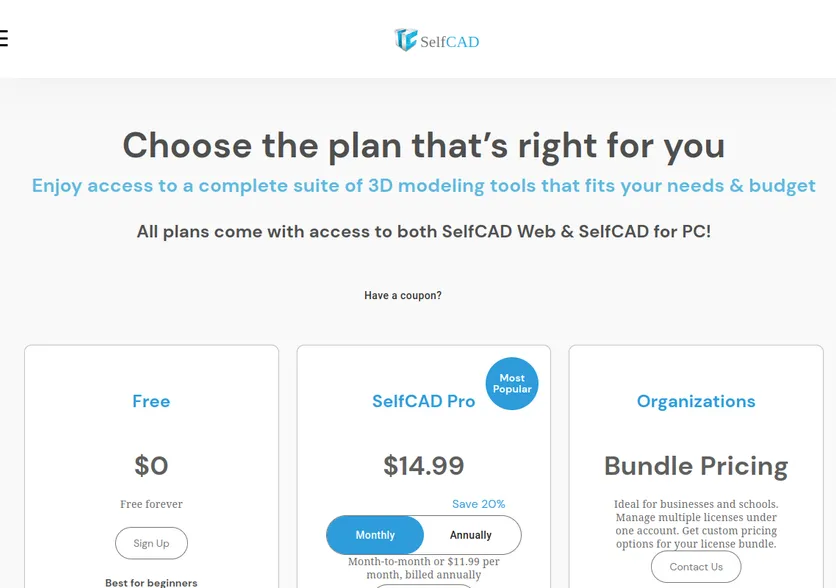
Paid tool Starting price: $139.99/year · Pro Yearly, one hundred thirty-nine dollars and ninety-nine cents a year; monthly billing costs fourteen dollars and ninety-nine cents a month
Free plan: Free plan for students and hobbyists; 10-day free trial
SelfCAD is the only tool here that bundles a slicer with the modeler, so a beginner designs a part and prepares it for printing without leaving the same window. This SelfCAD Pro plan costs one hundred thirty-nine dollars and ninety-nine cents a year, and interactive tutorials walk a new user through each tool. A hobbyist printing a first bracket or phone stand gets guided lessons, mesh modeling, sculpting and rendering in one subscription.
What we like
- Modeling, sculpting and slicing in one app
- Interactive tutorials that teach as you design
- Runs in the browser with no install needed
Watch out for
- Precision modeling trails Fusion and FreeCAD
- Smaller community means fewer outside tutorials
How to try it
- Open the SelfCAD pricing page and start the free plan
- Follow an interactive tutorial to model a simple bracket
- Slice the model in the app and send it to your printer
2. Autodesk Fusion
Best for: Hobbyists who want professional-grade parametric CAD with CAM and simulation
Paid tool Starting price: $680/user/year · Standard subscription, six hundred eighty dollars per user a year or eighty-five dollars a month on monthly billing; Manufacturing and Design bundles cost more
Free plan: Free personal-use license for qualifying hobbyists; 30-day free trial
Autodesk Fusion is the professional pick in this list, combining parametric CAD, basic CAM, basic simulation and PCB design in one subscription. This Autodesk Fusion subscription costs six hundred eighty dollars per user a year, or eighty-five dollars a month on monthly billing. A maker who outgrows simple modelers gets assemblies, drawings and cloud data management, though the first week feels deep for a total beginner.
What we like
- Parametric modeling with assemblies, drawings and CAM
- Huge tutorial community for every workflow
- Free personal-use license for qualifying hobbyists
Watch out for
- Steep learning curve in the first week
- Advanced CAM and simulation need paid extensions
How to try it
- Open the Autodesk Fusion pricing page and start the trial
- Model a simple part with a parametric sketch
- Export the part as an STL file for your slicer
3. Plasticity
Best for: Buyers who want professional CAD without a subscription
Paid tool Starting price: $175 one-time · Indie license, one hundred seventy-five dollars paid once; a Studio tier costs more for commercial teams
Free plan: No free plan; 30-day free trial
Plasticity is the anti-subscription pick here, a direct modeler that sells a one-time Indie license instead of a monthly bill. This Plasticity Indie license costs one hundred seventy-five dollars paid once, and its fillets and surfacing feel fast and fluid for organic shapes. An artist coming from Blender adapts quickly, though the lack of parametric history makes late design changes harder.
What we like
- One-time purchase with no subscription
- Excellent fillets and surfacing for the price
- Fast direct modeling that artists pick up quickly
Watch out for
- Not parametric, so design history editing is restricted
- Smaller community and fewer learning resources
How to try it
- Open the Plasticity pricing page and start the 30-day trial
- Model an organic shape with push, pull and blend tools
- Export the model as an STL file and slice it for printing
4. SketchUp
Best for: Quick visual modeling of straightforward parts and enclosures
Paid tool Starting price: $129/year · Go plan, one hundred twenty-nine dollars per user a year; Pro costs more and adds the desktop modeler with LayOut
Free plan: Free web version for personal projects
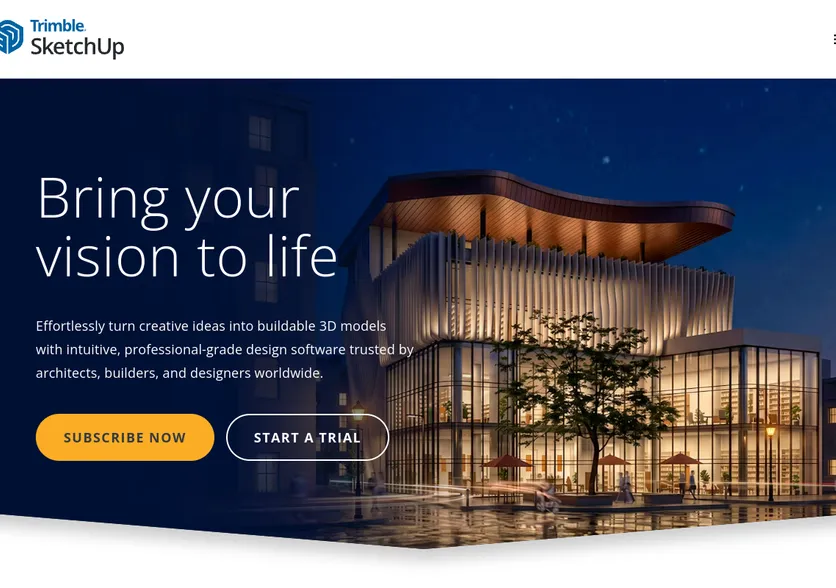
SketchUp Go is the fastest way to model a simple enclosure or bracket, with push-pull modeling that a beginner learns in an afternoon. This SketchUp Go plan costs one hundred twenty-nine dollars per user a year and runs on the web and iPad with no desktop app. A maker printing boxes, stands and simple parts will move fast, though precise mechanical design needs a parametric tool instead.
What we like
- Famously simple push-pull modeling
- Runs on the web and iPad with no install
- Huge 3D Warehouse library of ready models
Watch out for
- No desktop app or LayOut on the Go plan
- Not parametric, so precise mechanical design is awkward
How to try it
- Open the SketchUp pricing page and start with the free web version
- Model a simple enclosure with push-pull tools
- Export the model and send it to your slicer
5. 3D Slash
Best for: Kids and total beginners who think in blocks
Paid tool Starting price: $2/month · Premium plan, two dollars a month billed yearly; Schools and Professional plans cost more
Free plan: Free plan with queued exports
3D Slash works like a block-building game, letting a child or total beginner add and carve away cubes to shape a part. This 3D Slash Premium plan costs two dollars a month billed yearly and adds high-resolution exports, full colors and the offline app. A teacher or parent gets classroom tools and instant downloads, though smooth curves and organic shapes stay out of reach.
What we like
- Cheapest paid plan in this comparison
- Block workflow kids learn in minutes
- Classroom and education features included
Watch out for
- Blocky workflow limits smooth or organic shapes
- Free exports make you wait in a queue
How to try it
- Open the 3D Slash pricing page and try the free plan
- Build a simple part by adding and carving blocks
- Upgrade to Premium for instant high-resolution exports
6. Shapr3D
Best for: Designing on iPad or tablet with a pencil
Paid tool Starting price: $299/year · Pro plan, two hundred ninety-nine dollars per editor a year; monthly billing through app stores costs more
Free plan: Free Basic plan, 2 projects
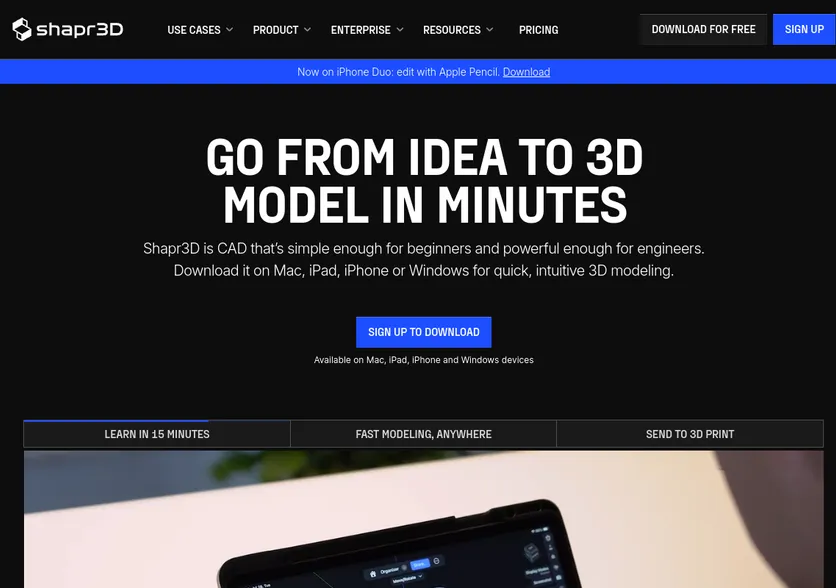
Shapr3D is the rare CAD tool that feels built for a tablet, with Apple Pencil modeling that turns sketching into solid parts. This Shapr3D Pro plan costs two hundred ninety-nine dollars per editor a year and adds unlimited projects, technical drawings and full-resolution exports. A designer who works on the couch or at the workbench gets professional exports anywhere, though the subscription is pricey for casual hobbyists.
What we like
- Best-in-class touch and Apple Pencil modeling
- Unlimited projects with technical drawings on Pro
- Runs on iPad, Mac and Windows
Watch out for
- Free plan caps you at two projects
- Subscription is pricey for casual hobbyists
How to try it
- Open the Shapr3D pricing page and claim the free Basic plan
- Sketch a part with Apple Pencil on your iPad
- Export a high-resolution STL file from the Pro trial
7. Onshape
Best for: Beginners who want browser CAD with built-in version control and team editing
Paid tool Starting price: $1,500/user/year · Standard plan, one thousand five hundred dollars per user a year; Professional costs more and adds release management and simulation
Free plan: Free plan for public, non-commercial projects
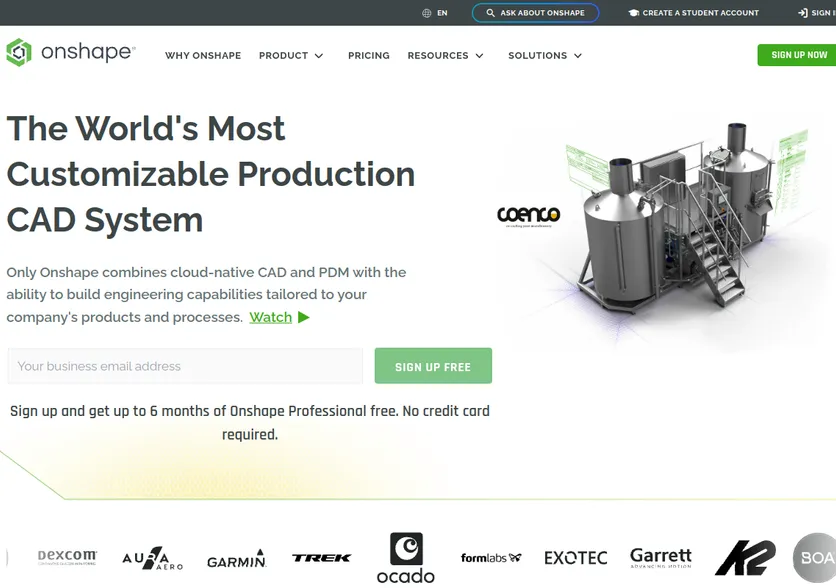
Onshape runs entirely in a browser, so a beginner needs no install and no powerful computer to model real parts. This Onshape Standard plan costs one thousand five hundred dollars per user a year and adds private documents, commercial use and direct support. A team can edit the same assembly at once with every change tracked, though the price is steep for a solo hobbyist.
What we like
- Runs in any browser with nothing to install
- Built-in version control on every document
- Two people can edit the same assembly at once
Watch out for
- Steepest price in this comparison for a solo user
- Free plan keeps all documents public
How to try it
- Open the Onshape pricing page and start with the free plan
- Model a part in the browser and share it with a friend
- Test real-time editing on one assembly before you buy
Prices above were checked on each vendor’s own website on Nov 26, 2026 and can change — the vendor’s page is the final word. Vendor links are editorial: nobody paid to be listed or ranked here. Vendors who want a featured listing can see how it works on our Get listed page.
What beginner CAD for 3D printing costs in 2026
Most beginners pay little or nothing to start, because six of the seven tools here offer a free plan or trial, and the cheapest paid plan costs two dollars a month. The jump to professional tools is real, with Fusion at six hundred eighty dollars a year and Onshape at one thousand five hundred dollars a year, so a hobbyist should test the free plan before paying for depth it may not need. A one-time license like Plasticity at one hundred seventy-five dollars can cost less over three years than a yearly subscription.
Start with the free plan on two tools and model the same simple part in each, then export it and print it. Compare how fast the first model comes together, how the export looks in your slicer, and whether the tool teaches you as you go. Pick the tool whose workflow feels natural, because a CAD app you enjoy is the one you will keep using.
Before you buy
- Test the free plan first, because six of the seven tools here let you model and export before you pay.
- Check STL export on your plan, because some tools gate high-resolution exports behind the paid tier.
- Count the projects the free plan allows, because Shapr3D caps free users at two projects.
- Compare one-time and subscription pricing, because Plasticity costs once while the rest bill every year.
- Match the tool to the part, because block builders suit simple shapes and parametric tools suit precise parts.
Official websites
Official websites of the products reviewed above. Features and prices were checked against these sites when this guide was written, and they can change, so confirm on the vendor site before you buy.
Frequently asked questions
Which CAD software is best for beginners in 3D printing?
SelfCAD is the best first buy at one hundred thirty-nine dollars and ninety-nine cents a year, with modeling, sculpting and a built-in slicer in one app. 3D Slash is the cheapest start at two dollars a month for kids and total beginners who think in blocks. Shapr3D is the best tablet pick at two hundred ninety-nine dollars a year for Apple Pencil modeling with professional exports.
How much does beginner CAD software for 3D printing cost?
Paid plans in this list run from two dollars a month to one thousand five hundred dollars a year, and six of the seven tools offer a free plan or trial. Most beginners spend nothing at first, then pay between one hundred twenty-nine and two hundred ninety-nine dollars a year for a real upgrade. A one-time license like Plasticity at one hundred seventy-five dollars can cost less over three years than a subscription.
Can I use free CAD software for 3D printing?
Yes, and most beginners should start free, because six of the seven tools here offer a free plan or trial. SketchUp and Fusion both have capable free tiers for personal projects, and SelfCAD offers a free plan for students and hobbyists. A free plan is enough to model and print a first part, and the paid tier only matters once you need unlimited projects or high-resolution exports.
What file format does my 3D printer need?
Your slicer takes STL or 3MF files and turns them into printer instructions, so every tool here must export one of those formats. Check that your plan includes the export you need, because Shapr3D limits free users to low-resolution STL exports. SelfCAD goes further with a built-in slicer, so you can design a part and prepare it for printing without leaving the app.
What should I look for in beginner CAD software?
Look for a short learning curve, interactive tutorials and an STL export that works on your plan. Check the free plan limits before you rely on them, and test the tool on a real part you want to print. The best beginner CAD tool is the one that gets your first part printed in an hour, not the one with the longest feature list.
Need everyday engineering help too? Try Toolsvine's free science and engineering tools right in your browser.
Browse Science & Engineering tools


