
On this page
Remote teams work from home networks, coffee shops and airports, and a business VPN is what keeps company traffic private on all of them. The eight tools below run from five dollars to eight dollars a user a month, and every price was checked on the vendor site on November 27, 2026. Seat minimums, SSO and dedicated IPs matter more than the headline rate, because a five-user minimum rules out a two-person team. NordLayer is our first pick — managed access with SSO and MFA on every plan.
How we researched this
We started with the business VPN and zero trust tools remote teams actually buy, then read each price on the vendor pricing page on November 27, 2026 and noted the free tier or trial each plan carries. We judged them for a remote team that needs secure access to company apps, central admin and a bill that scales with headcount. We dropped Perimeter 81 because it is now Check Point SASE and sells by quote with no published price, and ExpressVPN stayed out because it has no team admin console.
Compare the tools
| Name | Best for | Starting price | Free plan | |
|---|---|---|---|---|
 NordLayer | Remote teams of five or more that need managed access | $8/user/month | No free plan; 14-day money-back guarantee | Visit |
 Proton VPN for Business | Small remote teams that value privacy | $6.99/user/month | No free plan; 14-day free trial | Visit |
 Twingate | Remote teams that want zero trust access to named apps | $5/user/month | Free Starter plan for up to 5 users | Visit |
 Cloudflare Zero Trust | Remote teams under fifty people that want a free start | $7/user/month | Free plan for up to 50 users | Visit |
 Tailscale | Remote developer teams that need mesh access to servers | $8/user/month | Free Personal plan for up to 6 users | Visit |
 Surfshark Teams | Remote teams on a tight budget | $5.90/user/month | No free plan; 30-day money-back guarantee | Visit |
 GoodAccess | Small remote teams that want fast setup | $7/user/month | No free plan; 14-day free trial, no card required | Visit |
 OpenVPN CloudConnexa | Remote teams that trust OpenVPN and want hosted access | $7/user/month | Free Starter tier with 5 seats | Visit |
The business vpn software for remote teams, compared
1. NordLayer
Best for: Remote teams of five or more that need managed access
Paid tool Starting price: $8/user/month · Lite lists at eight dollars per user a month on annual billing with a five-user minimum; Core lists at eleven dollars and Premium at fourteen dollars, and Core and Premium need a dedicated IP server at forty dollars a month
Free plan: No free plan; 14-day money-back guarantee
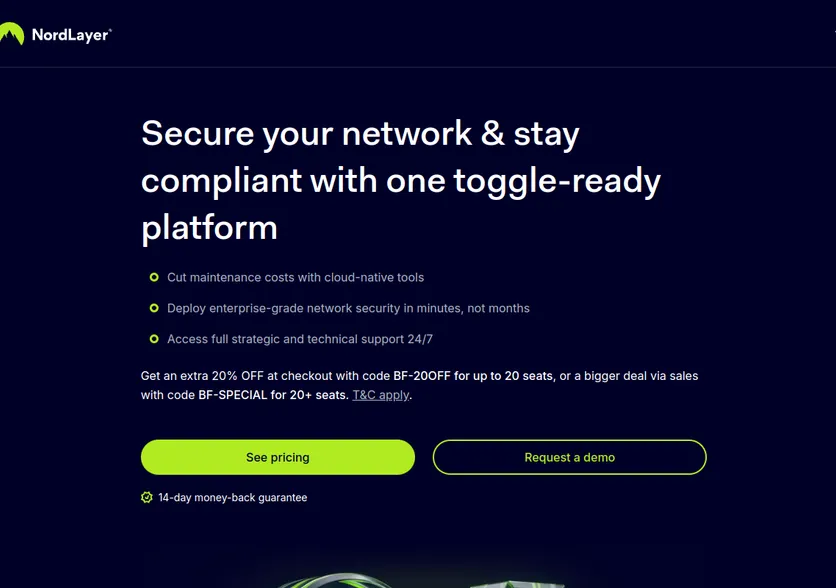
Remote teams need every laptop on the same secure network, and NordLayer manages that from one admin panel. This NordLayer Lite plan lists at eight dollars per user a month on annual billing with a five-user minimum, while Core lists at eleven dollars and Premium at fourteen dollars. SSO and MFA on every plan mean new hires get secure access on day one.
What we like
- SSO and MFA on every plan, even the cheapest
- Central admin panel that a non-specialist can run
- Dedicated IP servers for allowlisting company tools
Watch out for
- A five-user minimum rules out solo owners and tiny teams
- Core and Premium add a forty dollar a month server charge
How to try it
- Open the NordLayer pricing page and compare Lite, Core and Premium
- Count your users against the five-user minimum
- Set up SSO and MFA before you invite the team
2. Proton VPN for Business
Best for: Small remote teams that value privacy
Paid tool Starting price: $6.99/user/month · VPN Essentials lists at six dollars and ninety-nine cents per user a month on annual billing with a two-user minimum; VPN Professional lists at nine dollars and ninety-nine cents and needs a dedicated server at about thirty-nine dollars and ninety-nine cents a month
Free plan: No free plan; 14-day free trial
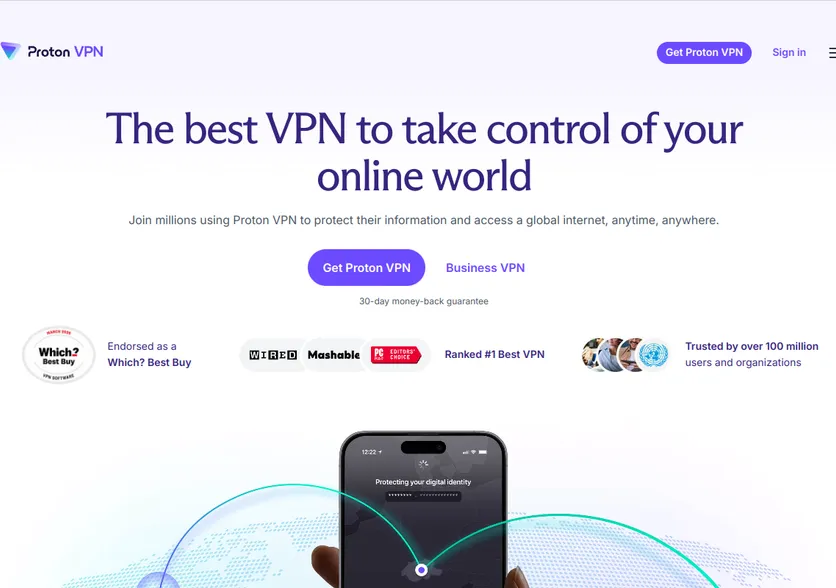
A small remote team that values privacy needs a business VPN with a low seat minimum, and Proton starts at two users. This Proton VPN for Business Essentials plan lists at six dollars and ninety-nine cents per user a month on annual billing with a two-user minimum, while Professional lists at nine dollars and ninety-nine cents. Swiss jurisdiction and open source apps suit teams whose clients ask hard privacy questions.
What we like
- The lowest seat minimum here at just two users
- Swiss company with open source apps and audits
- Central billing and shared-server access policies
Watch out for
- SSO needs the Professional plan at nine dollars and ninety-nine cents
- Professional also needs a dedicated server at about forty dollars a month
How to try it
- Open the Proton VPN for Business page and compare Essentials and Professional
- Check whether your team needs SSO before you pick a plan
- Start the fourteen day trial with two users
3. Twingate
Best for: Remote teams that want zero trust access to named apps
Paid tool Starting price: $5/user/month · Teams lists at five dollars per user a month on annual billing, or twelve dollars billed month to month; Business lists at ten dollars, and Starter is free for up to five users
Free plan: Free Starter plan for up to 5 users
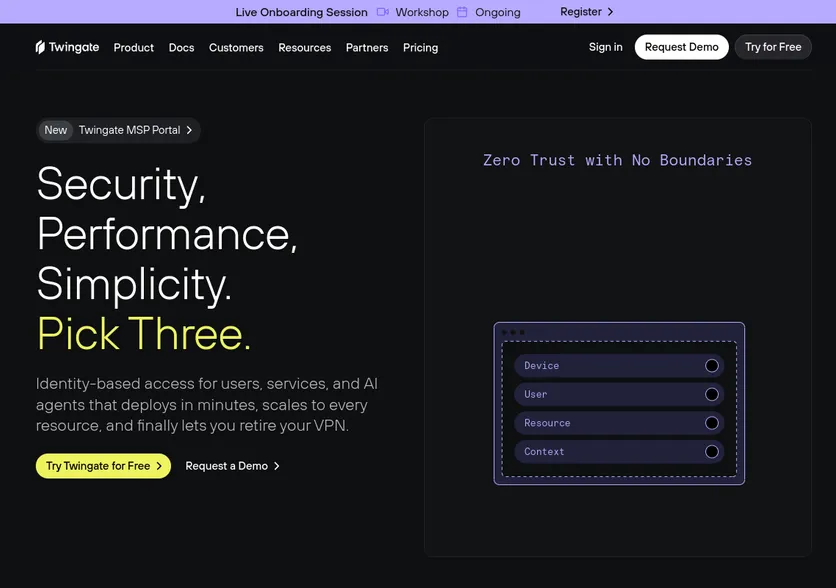
Remote teams that only need access to a few internal apps should not join a whole network, and Twingate grants access per resource. This Twingate Teams plan lists at five dollars per user a month on annual billing, while Business lists at ten dollars and Starter is free for up to five users. Zero trust access keeps every app invisible except to the people who need it.
What we like
- Zero trust access to named apps only, never the whole network
- Free Starter plan covers up to five users
- The lowest paid per-user price in this list
Watch out for
- Sign-in through Okta and Entra ID needs the Business plan
- You host the Connectors, so one failure can cut access
How to try it
- Open the Twingate pricing page and try the free Starter plan
- Place a Connector beside each private network
- Give each user access to named resources only
4. Cloudflare Zero Trust
Best for: Remote teams under fifty people that want a free start
Paid tool Starting price: $7/user/month · Pay-as-you-go lists at seven dollars per user a month paid annually with no user limit, and the Free plan covers up to fifty users; contract plans are quoted per account
Free plan: Free plan for up to 50 users
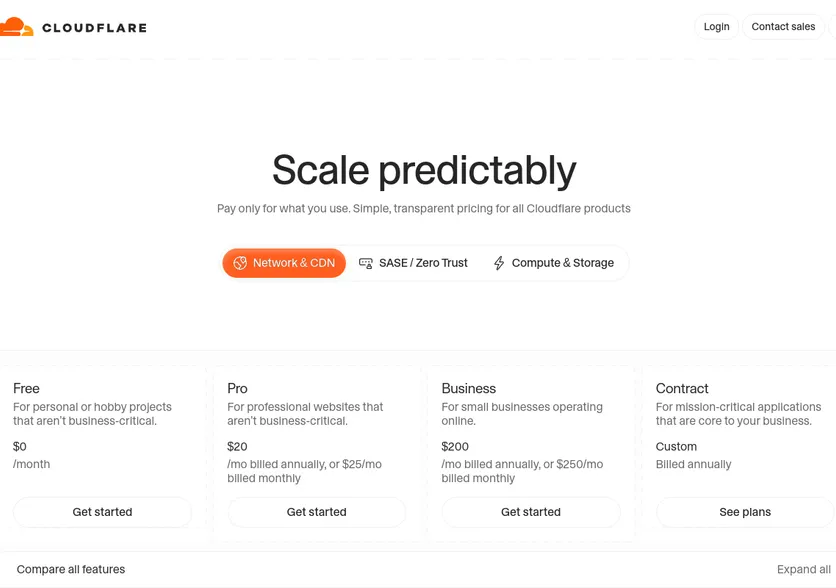
A remote team under fifty people can start on zero trust for free, and Cloudflare Zero Trust makes that possible. This Cloudflare Zero Trust Pay-as-you-go plan lists at seven dollars per user a month with no user limit, while the Free plan covers up to fifty users. Free access for up to fifty users covers most small remote teams without a bill.
What we like
- Free for teams under fifty users, which no rival matches
- Identity-aware access plus web filtering in one console
- Runs on Cloudflare's network in more than three hundred cities
Watch out for
- Remote browser isolation and full DLP cost extra
- Contract plans are quote-only, so large teams need a sales call
How to try it
- Open the Cloudflare Zero Trust plans page and pick Free or Pay-as-you-go
- Connect your identity provider and set access policies
- Test one private app before you roll out to the team
5. Tailscale
Best for: Remote developer teams that need mesh access to servers
Paid tool Starting price: $8/user/month · Standard lists at eight dollars per user a month with unlimited user devices; Premium lists at eighteen dollars, and the Personal plan is free for non-commercial use up to six users
Free plan: Free Personal plan for up to 6 users
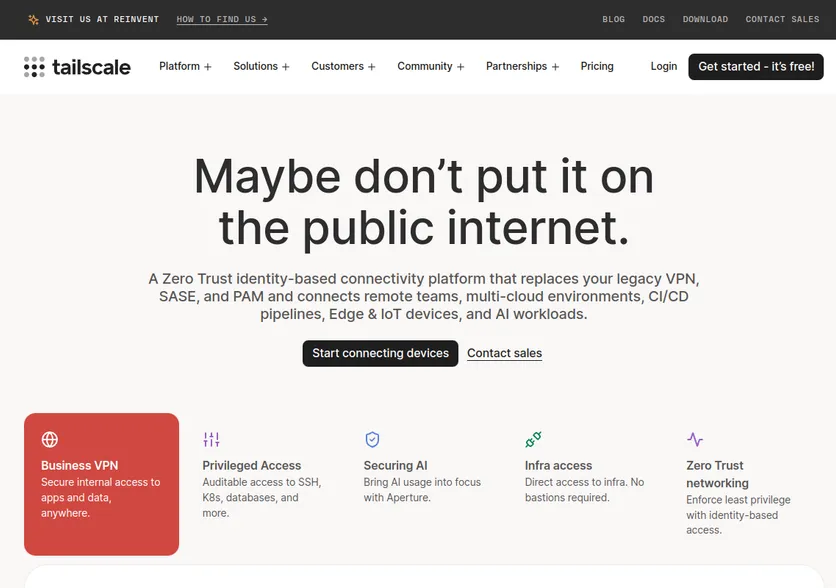
Developers on remote teams need to reach servers and office machines, and Tailscale connects them in a mesh. This Tailscale Standard plan lists at eight dollars per user a month with unlimited user devices, while Premium lists at eighteen dollars. Unlimited devices per seat mean every laptop, server and phone joins the same network.
What we like
- Mesh networking built on WireGuard, with no open ports
- Unlimited devices on every paid seat
- Tailscale SSH removes shared keys for servers
Watch out for
- It routes traffic but does not inspect it like a gateway
- SSH session recording needs the Enterprise plan
How to try it
- Open the Tailscale pricing page and compare Standard and Premium
- Install Tailscale on each device and join the tailnet
- Set access rules so each user reaches only named machines
6. Surfshark Teams
Best for: Remote teams on a tight budget
Paid tool Starting price: $5.90/user/month · Starter lists from five dollars and ninety cents per user a month on a one-year plan with a five-license minimum; One lists from six dollars and ninety cents and One Plus from nine dollars and forty cents, and the price varies by user count
Free plan: No free plan; 30-day money-back guarantee
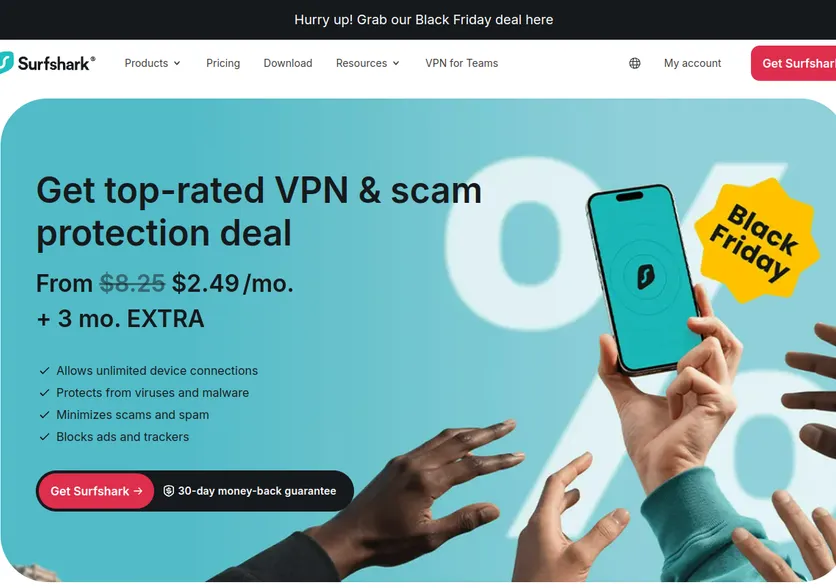
A remote team on a tight budget needs the cheapest per-seat VPN, and Surfshark Teams starts at five dollars and ninety cents. This Surfshark Teams Starter plan lists from five dollars and ninety cents per user a month on a one-year plan with a five-license minimum, while One lists from six dollars and ninety cents. Unlimited devices on every account cover teams with many phones and laptops.
What we like
- The cheapest per-seat VPN bundle in this list
- Unlimited devices on every team account
- VPN plus identity tools in the One bundles
Watch out for
- Team pricing is by quote, so the rate varies by user count
- No SSO listed on the team plans
How to try it
- Open the Surfshark Teams page and request a team offer
- Count your licenses against the five-license minimum
- Roll out the apps and check unlimited device logins
7. GoodAccess
Best for: Small remote teams that want fast setup
Paid tool Starting price: $7/user/month · GoodAccess lists at seven dollars per user a month on annual billing, with a fourteen day trial and no card needed; monthly billing costs more
Free plan: No free plan; 14-day free trial, no card required
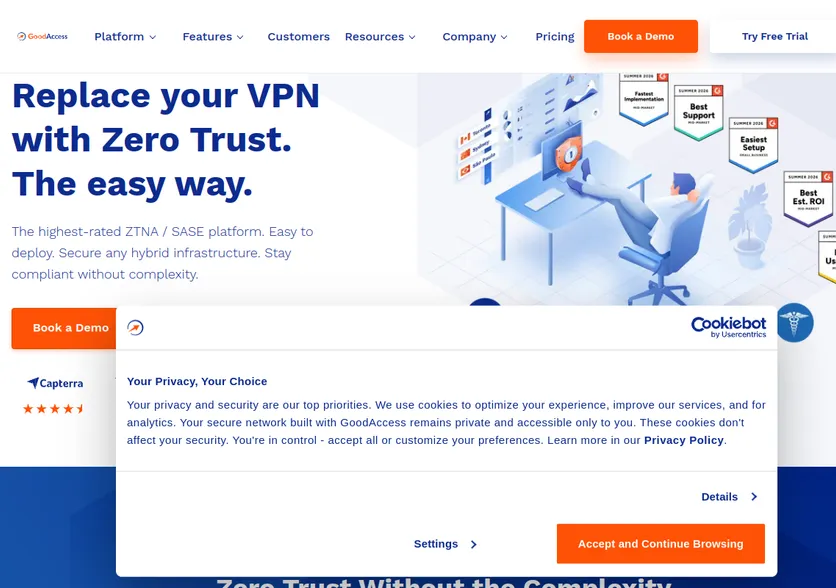
A small remote team wants a VPN running in an afternoon, and GoodAccess sets up fast with a trial that needs no card. This GoodAccess plan lists at seven dollars per user a month on annual billing, with a fourteen day trial that needs no card. A dedicated IP is included, so the team can allowlist company tools without extra charges.
What we like
- Fourteen day trial with no card required
- Dedicated IP included for allowlisting company tools
- Simple setup that a small team can finish in an afternoon
Watch out for
- A smaller vendor than NordLayer or Cloudflare
- Advanced reporting and SSO need higher tiers
How to try it
- Open the GoodAccess pricing page and start the trial
- Set up your dedicated IP and access rules
- Invite the team and check each device connects
8. OpenVPN CloudConnexa
Best for: Remote teams that trust OpenVPN and want hosted access
Paid tool Starting price: $7/user/month · CloudConnexa lists at seven dollars per seat a month, with a free Starter tier that includes five seats; Premium lists at nine dollars and fifty cents a seat a month, and annual billing saves up to twenty percent
Free plan: Free Starter tier with 5 seats
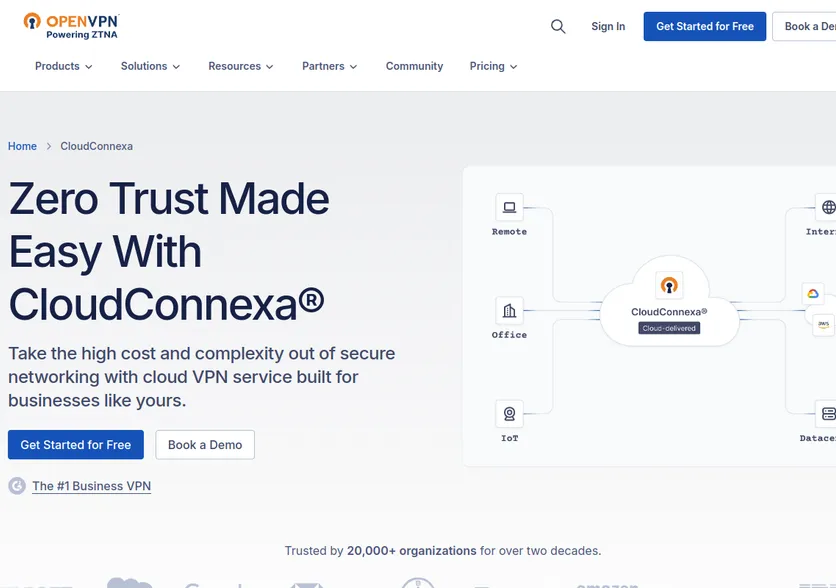
Teams that trust OpenVPN can run it hosted without managing a server, and CloudConnexa does exactly that. This OpenVPN CloudConnexa plan lists at seven dollars per seat a month, with a free Starter tier that includes five seats. The free Starter tier covers five seats, so a tiny team can start without paying.
What we like
- Hosted OpenVPN access with no server to run
- Free Starter tier includes five seats
- Per-connection billing means idle seats cost nothing
Watch out for
- Admin tools are thinner than NordLayer or Twingate
- The seven dollar rate is per seat, so heavy teams should model the bill
How to try it
- Open the OpenVPN CloudConnexa page and start the free tier
- Create a network and invite your first five users
- Add paid seats only for people who connect regularly
Prices above were checked on each vendor’s own website on Nov 27, 2026 and can change — the vendor’s page is the final word. Vendor links are editorial: nobody paid to be listed or ranked here. Vendors who want a featured listing can see how it works on our Get listed page.
What remote teams should check before they buy
A business VPN gets judged by the new hire on day one, so test the onboarding flow. Invite a test user, watch how long it takes them to connect and check the admin panel shows their device and access level. A system that needs an IT engineer for every new laptop will slow hiring. Check the seat minimum too, because NordLayer and Surfshark need five users while Proton starts at two and Cloudflare is free under fifty.
Watch the add-ons, because the headline rate rarely covers the full bill. NordLayer Core and Premium need a dedicated IP server at forty dollars a month, and Proton Professional needs a dedicated server at about forty dollars a month too. Pick the tool whose seat minimum, SSO and dedicated IP needs fit your team size, because a VPN that only works for five or more people is no help to a team of three.
Before you buy
- Check the seat minimum, because a five-user minimum rules out a team of two or three.
- Test new-hire onboarding, because a VPN that needs IT for every laptop slows hiring.
- Confirm SSO is included on your tier, because it sits on higher plans at Proton and Twingate.
- Add the dedicated IP server to the bill, because NordLayer and Proton charge about forty dollars a month.
- Check whether a free tier covers your team, because Cloudflare is free under fifty users.
Official websites
Official websites of the products reviewed above. Features and prices were checked against these sites when this guide was written, and they can change, so confirm on the vendor site before you buy.
Frequently asked questions
Which business VPN is best for remote teams in 2026?
NordLayer is the best overall pick at eight dollars per user a month, with SSO and MFA on every plan and a central admin panel a non-specialist can run. Cloudflare Zero Trust is the best pick for a free start, free for up to fifty users with pay-as-you-go at seven dollars a user a month. Twingate is the best budget pick at five dollars per user a month for zero trust access to named apps.
How much does a business VPN cost for a remote team?
Entry plans in this list run from five dollars per user a month for Twingate Teams to eight dollars for NordLayer Lite and Tailscale Standard, with most teams paying five to eight dollars a user a month. A ten-person team pays fifty to eighty dollars a month before add-ons. Dedicated IP servers add about forty dollars a month on NordLayer Core and Proton Professional.
Do small remote teams need a business VPN?
Yes, a team that works from home networks and public Wi-Fi needs encrypted access to company apps, and a consumer VPN does not give the admin control to manage it. Proton starts at two users, Cloudflare is free under fifty and Twingate Starter is free for up to five users, so even a tiny team can start cheaply. A business VPN also gives one bill and one admin panel instead of a consumer account per person.
Is there a free business VPN for remote teams?
Yes, Cloudflare Zero Trust is free for up to fifty users, Twingate Starter is free for up to five users and Tailscale Personal is free for non-commercial use up to six users. OpenVPN CloudConnexa Starter is free for five seats. Free tiers cover access control, while paid plans add SSO, longer log retention and support, so check what the free tier leaves out.
What is the difference between a VPN and zero trust access?
A traditional VPN puts a user on the whole company network, while zero trust access grants entry only to the named apps and resources that person needs. Twingate, Cloudflare Zero Trust and Tailscale follow the zero trust model, while NordLayer and Proton VPN work more like a managed VPN. Zero trust suits remote teams that use cloud apps, because it limits what a stolen laptop can reach.
Need a free tool for remote team admin? Try Toolsvine's free security tools right in your browser.
Browse Security & Privacy tools


