
On this page
Bambu Lab printers turn a digital model into a physical part fast, but the print is only as good as the CAD file behind it. The eight tools below run from forty-eight dollars a year to one thousand five hundred dollars a year, and every price was checked on the vendor site on November 27, 2026. What matters is clean STL export, precise dimensions and a workflow that fits how you design. Autodesk Fusion is our first pick, the strongest all-round CAD for Bambu Lab owners, with modeling, CAM and mesh tools in one subscription.
How we researched this
We started with the CAD tools Bambu Lab owners actually use to design printable parts, then read each price on the vendor pricing page on November 27, 2026 and checked STL export and free tiers. We judged them for a maker who designs functional parts, enclosures and prototypes at home and slices them in Bambu Studio. We dropped Tinkercad and FreeCAD because both are free and carry no paid plan to compare, and Blender because it is a mesh sculpting tool rather than a CAD program.
Compare the tools
| Name | Best for | Starting price | Free plan | |
|---|---|---|---|---|
 Autodesk Fusion | Bambu owners who want CAD, CAM and simulation in one tool | $680/year | Free personal-use plan for hobbyists; 30-day free trial | Visit |
 Shapr3D | Makers who sketch ideas with a pencil on iPad | $299/year | Free Basic plan for 2 projects; free trial of Pro | Visit |
 Rhino 3D | Makers who model curved, organic or sculpted parts | $995 one-time | No free plan; 90-day free evaluation | Visit |
 Onshape | Makers who design together from any computer | $1,500/year | Free plan for non-commercial use with public documents | Visit |
 SketchUp Pro | Beginners who want the fastest path to a printable model | $399/year | Free web version; 7-day free trial of Pro | Visit |
 BricsCAD Pro | Makers who work from DWG drawings and want AutoCAD compatibility | $780/year | No free plan; 30-day free trial | Visit |
 Alibre Atom3D | Makers who want to buy CAD once and own it | $199 one-time | No free plan; 30-day free trial | Visit |
| SOLIDWORKS for Makers | Hobbyists who want industry-standard CAD at a hobbyist price | $48/year | No free plan; 15-day money-back policy | Visit |
The cad software for bambu labs, compared
1. Autodesk Fusion
Best for: Bambu owners who want CAD, CAM and simulation in one tool
Paid tool Starting price: $680/year · Lists at six hundred eighty dollars a year on annual billing, or eighty-five dollars a month; a free personal-use plan covers hobbyists
Free plan: Free personal-use plan for hobbyists; 30-day free trial
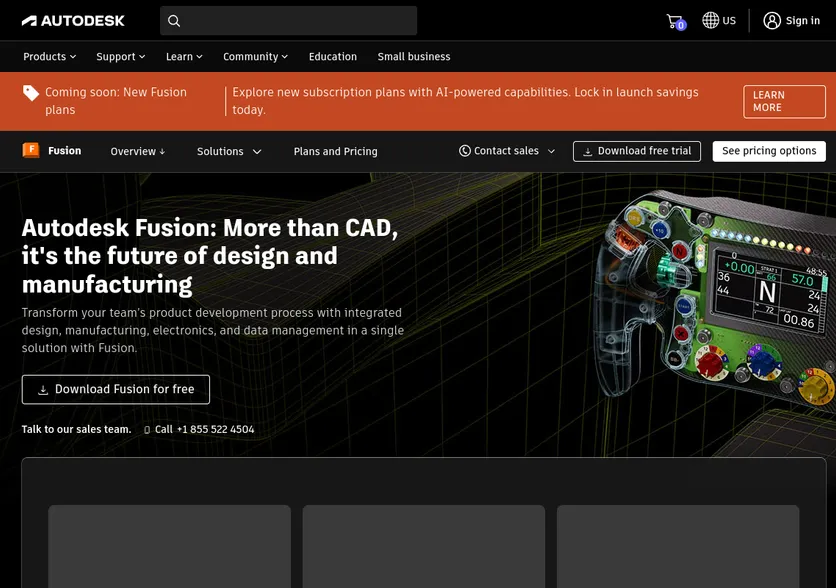
For Bambu Lab owners, Autodesk Fusion is the strongest all-round CAD choice, pairing parametric modeling with slicing-ready mesh export and built-in CAM for machined parts. This Autodesk Fusion subscription lists at six hundred eighty dollars a year, or eighty-five dollars a month, with a free personal-use plan for hobbyists earning under one thousand dollars a year. A maker who designs functional parts gets precise dimensions, assemblies and drawings, then exports clean STL files straight to Bambu Studio.
What we like
- Parametric CAD, CAM, simulation and PCB in one subscription
- Free personal-use plan for hobbyists
- Cloud collaboration with version history built in
Watch out for
- Subscription only, with no one-time purchase
- Cloud workflow needs a steady internet connection
How to try it
- Open the Fusion page and start the free personal-use plan
- Model a small functional part with precise dimensions
- Export the mesh as STL and slice it in Bambu Studio
2. Shapr3D
Best for: Makers who sketch ideas with a pencil on iPad
Paid tool Starting price: $299/year · Pro lists at two hundred ninety-nine dollars a year; the free Basic tier covers two projects
Free plan: Free Basic plan for 2 projects; free trial of Pro
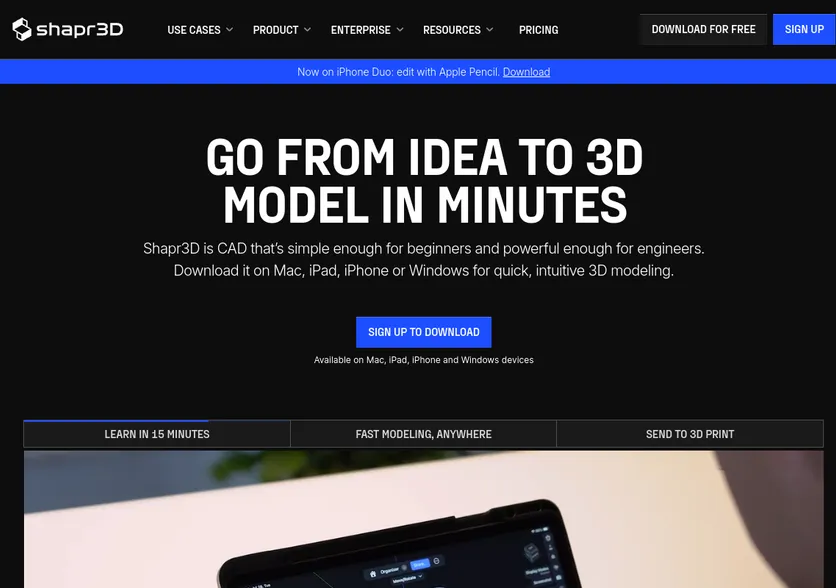
For Bambu Lab owners who sketch, Shapr3D brings real parametric CAD to iPad, Mac and Windows, with pencil-first sketching that turns quick ideas into precise models in minutes. This Shapr3D Pro plan lists at two hundred ninety-nine dollars a year, with a free Basic tier for two projects, and every model exports as STL for Bambu printers. A designer who sketches on the sofa gets professional geometry without a desktop workstation, then sends the file to Bambu Studio for slicing.
What we like
- Real parametric CAD on iPad with pencil input
- Fastest path from sketch to printable model here
- Runs on iPad, Mac and Windows
Watch out for
- Basic tier allows only two projects
- Fewer advanced features than desktop CAD for complex assemblies
How to try it
- Open the Shapr3D site and start the free Basic tier
- Sketch a part with the pencil and extrude it to a solid
- Export the model as STL and print it on your Bambu printer
3. Rhino 3D
Best for: Makers who model curved, organic or sculpted parts
Paid tool Starting price: $995 one-time · A perpetual commercial license lists at nine hundred ninety-five dollars once, with a ninety-day evaluation and no subscription
Free plan: No free plan; 90-day free evaluation
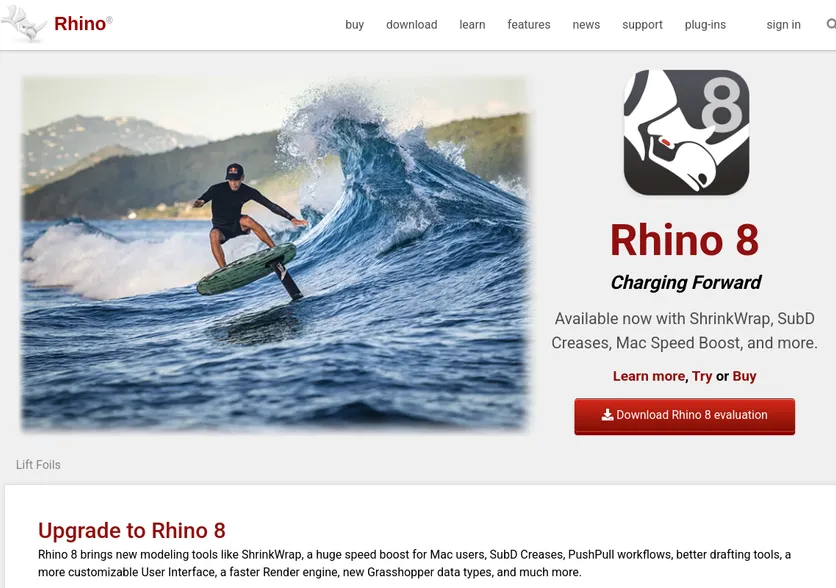
For Bambu Lab owners who print organic shapes, Rhino 3D is the freeform modeling specialist, using NURBS curves to shape curved forms, enclosures and sculpted parts that parametric tools struggle with. This Rhino 3D license costs nine hundred ninety-five dollars once, with no subscription and no renewal, and a ninety-day evaluation covers the full feature set. A maker who prints curved, ergonomic or artistic models gets exact surfaces and clean mesh export, plus Grasshopper for parametric variations.
What we like
- One-time license with no subscription to renew
- Best freeform surfacing of any tool here
- Grasshopper adds parametric design without extra cost
Watch out for
- History-based parametric edits are weaker than Fusion
- Rendering is plain without a plug-in
How to try it
- Open the Rhino site and start the ninety-day evaluation
- Model a curved enclosure with NURBS surfaces
- Export the mesh as STL and slice it in Bambu Studio
4. Onshape
Best for: Makers who design together from any computer
Paid tool Starting price: $1,500/year · Standard lists at one thousand five hundred dollars per user a year, with no monthly billing; a free plan covers non-commercial work with public documents
Free plan: Free plan for non-commercial use with public documents
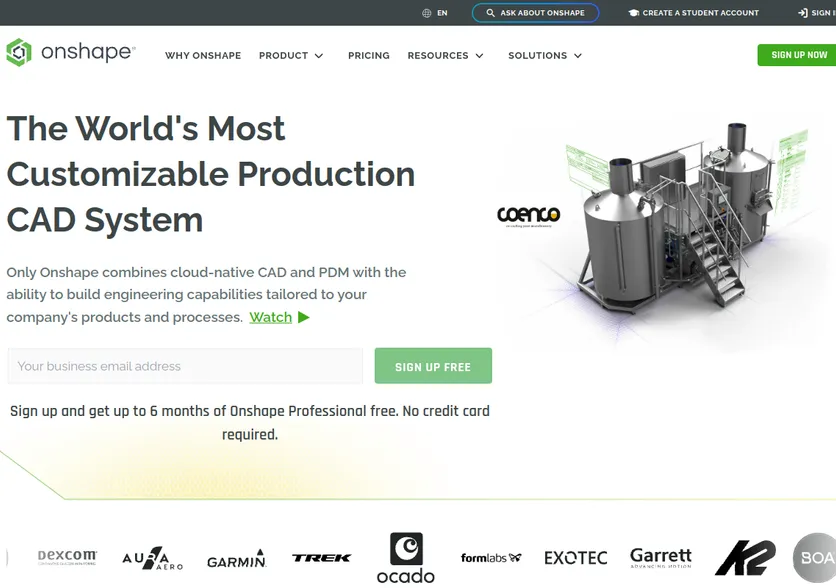
For Bambu Lab owners who collaborate, Onshape runs full parametric CAD in a browser, so a maker can model on any computer, share a live document with a friend and print from anywhere. This Onshape Standard plan lists at one thousand five hundred dollars per user a year, with a free plan for non-commercial work where documents stay public. A household or club that designs together gets version control and real-time collaboration with nothing to install.
What we like
- Full CAD in a browser with nothing to install
- Real-time collaboration and version control built in
- Works on any computer, including Chromebooks
Watch out for
- Dearest first paid plan in this list
- Free plan makes your documents public
How to try it
- Open the Onshape site and create a free account
- Model a part in the browser and share the document link
- Export the part as STL and slice it in Bambu Studio
5. SketchUp Pro
Best for: Beginners who want the fastest path to a printable model
Paid tool Starting price: $399/year · Pro lists at three hundred ninety-nine dollars a year; a free web version covers simple models
Free plan: Free web version; 7-day free trial of Pro
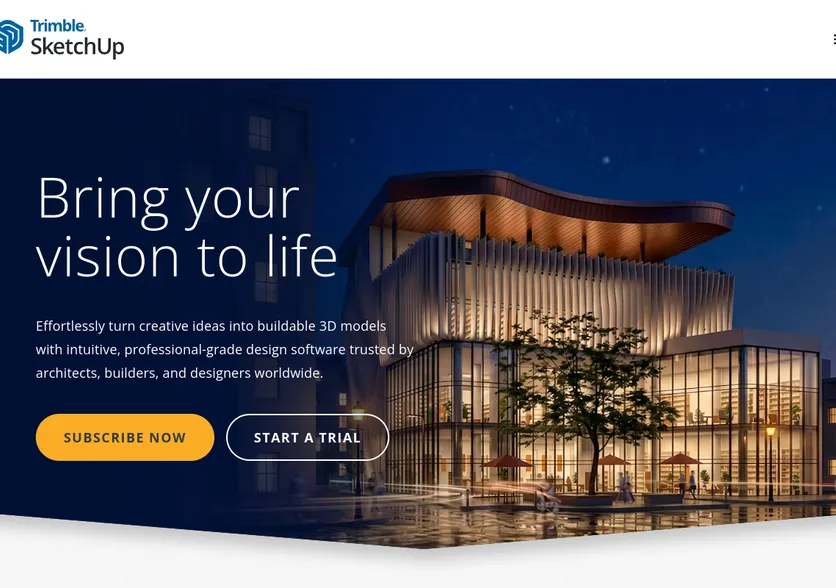
For Bambu Lab beginners, SketchUp Pro is the fastest way to block out a model, with push-pull modeling that turns flat sketches into printable solids in minutes. This SketchUp Pro Pro plan lists at three hundred ninety-nine dollars a year, with a free web version for simple models and STL export through the extension warehouse. A beginner who wants quick results gets an easy learning curve, though precise mechanical dimensions take more effort than in Fusion or Onshape.
What we like
- Easiest learning curve of any paid CAD here
- Fast concept modeling for simple parts
- Large extension warehouse for extra tools
Watch out for
- Precise mechanical dimensions take more effort
- STL export needs an extension on the free version
How to try it
- Open the SketchUp site and try the free web version
- Push and pull a sketch into a solid part
- Export the model as STL and print it on your Bambu printer
6. BricsCAD Pro
Best for: Makers who work from DWG drawings and want AutoCAD compatibility
Paid tool Starting price: $780/year · Pro lists at seven hundred eighty dollars a year on the vendor US store, with a thirty-day free trial
Free plan: No free plan; 30-day free trial
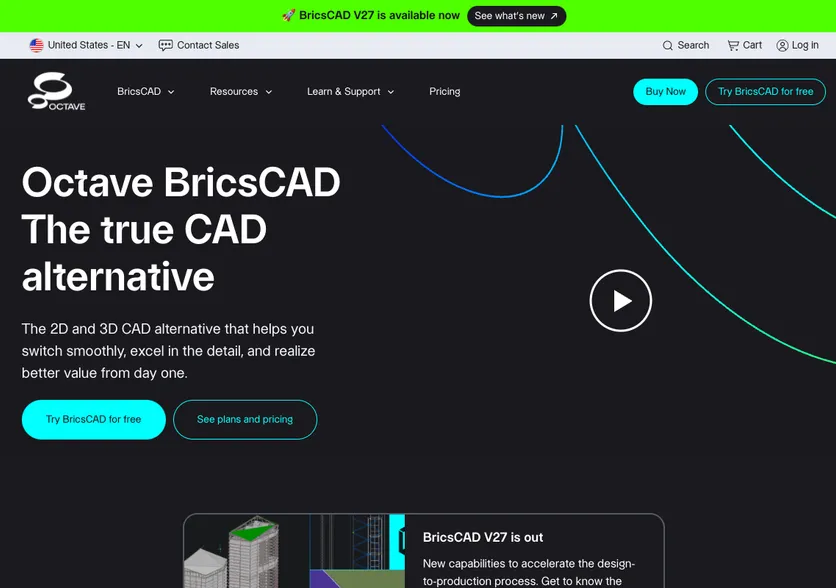
For Bambu Lab owners who start from drawings, BricsCAD Pro is the DWG-compatible CAD that reads and writes AutoCAD files natively, with 2D drafting and 3D modeling in one subscription. This BricsCAD Pro Pro plan lists at seven hundred eighty dollars a year on the vendor US store, with a thirty-day free trial and no monthly billing. A maker who works from DWG drawings gets full compatibility at less than half the price of AutoCAD, plus clean STL export for Bambu printers.
What we like
- Native DWG compatibility at less than half the AutoCAD price
- 2D drafting and 3D modeling in one subscription
- Familiar AutoCAD-style commands and interface
Watch out for
- Smaller community than Autodesk tools
- No monthly billing, so one seat costs seven hundred eighty dollars up front
How to try it
- Open the Bricsys pricing page and start the thirty-day trial
- Open a DWG drawing and model a part from it
- Export the part as STL and slice it in Bambu Studio
7. Alibre Atom3D
Best for: Makers who want to buy CAD once and own it
Paid tool Starting price: $199 one-time · A lifetime license lists at one hundred ninety-nine dollars once at the regular price, with first-year updates at sixty dollars or a subscription at ten dollars a month
Free plan: No free plan; 30-day free trial
For Bambu Lab owners who hate subscriptions, Alibre Atom3D is the buy-once parametric CAD for makers, with sketch-and-feature modeling, assemblies and 2D drawings on a local Windows computer. This Alibre Atom3D license lists at one hundred ninety-nine dollars once at the regular price, with optional first-year updates at sixty dollars or a subscription at ten dollars a month. A maker who hates subscriptions gets owned software and local files, with STL export that drops straight into Bambu Studio.
What we like
- One-time license with local files on your own disk
- Real parametric modeling at a maker price
- Optional subscription at ten dollars a month with updates included
Watch out for
- Windows only, with no Mac version
- Updates cost extra after the first year on a perpetual license
How to try it
- Open the Alibre site and start the thirty-day trial
- Model a dimension-driven part with sketches and features
- Export the part as STL and print it on your Bambu printer
8. SOLIDWORKS for Makers
Best for: Hobbyists who want industry-standard CAD at a hobbyist price
Paid tool Starting price: $48/year · Lists at forty-eight dollars a year, or fifteen dollars a month, for personal projects earning under two thousand dollars a year
Free plan: No free plan; 15-day money-back policy
For Bambu Lab hobbyists, SOLIDWORKS for Makers is the full professional SOLIDWORKS package at a hobbyist price, with the same parametric modeling engineers use at work. This SOLIDWORKS for Makers plan lists at forty-eight dollars a year, or fifteen dollars a month, for personal projects earning under two thousand dollars a year. A maker who wants industry-standard skills gets the real tool for less than a spool of filament a month, with STL export for any Bambu printer.
What we like
- Full professional SOLIDWORKS for forty-eight dollars a year
- Industry-standard skills that employers recognize
- Cheapest professional CAD in this list
Watch out for
- Personal use only, with a two thousand dollar revenue cap
- Windows only, with no Mac version
How to try it
- Open the SOLIDWORKS for Makers page and check the revenue cap
- Buy the yearly plan and install the desktop app
- Model a part and export it as STL for Bambu Studio
Prices above were checked on each vendor’s own website on Nov 27, 2026 and can change — the vendor’s page is the final word. Vendor links are editorial: nobody paid to be listed or ranked here. Vendors who want a featured listing can see how it works on our Get listed page.
What CAD for Bambu Labs costs in 2026
A Bambu Lab owner pays for CAD, not for slicing, because Bambu Studio itself costs nothing and every tool here exports the STL file it needs. The real choice is between a subscription that renews every year and a one-time license that you own, and the gap grows fast. Rhino at nine hundred ninety-five dollars once beats Fusion at six hundred eighty dollars a year from the second year, while SOLIDWORKS for Makers at forty-eight dollars a year stays the cheapest professional option for as long as your projects stay personal.
Start with the free tiers before you pay. Fusion and Onshape both offer free plans for hobbyists, Shapr3D covers two projects free and Rhino gives a ninety-day evaluation, so you can model and print real parts on your own Bambu printer before spending anything. Check the license terms too, because the free and maker plans cap your project revenue, and a part you sell can push you onto a commercial plan. Pick the tool whose modeling style fits your brain, because the cheapest CAD costs the most when you fight it on every part.
Before you buy
- Confirm STL export is included, because a CAD tool without clean mesh export cannot feed Bambu Studio.
- Check the free plan revenue cap, because selling printed parts can push you onto a commercial license.
- Test the tool on a real part, because a trial print shows more than any feature list.
- Compare three-year costs, because a one-time license beats a subscription from year two.
- Match the tool to your device, because Alibre and SOLIDWORKS for Makers run on Windows only.
Official websites
Official websites of the products reviewed above. Features and prices were checked against these sites when this guide was written, and they can change, so confirm on the vendor site before you buy.
Frequently asked questions
Which CAD software is best for Bambu Labs in 2026?
Autodesk Fusion is the best overall pick at six hundred eighty dollars a year, with parametric CAD, CAM and mesh tools in one subscription and a free personal-use plan. Shapr3D is the best pick for iPad sketching at two hundred ninety-nine dollars a year. SOLIDWORKS for Makers is the best budget pick at forty-eight dollars a year for personal projects.
How much does CAD software for Bambu Labs cost?
Paid CAD for Bambu owners runs from forty-eight dollars a year for SOLIDWORKS for Makers to one thousand five hundred dollars a year for Onshape Standard, with Fusion at six hundred eighty dollars and Shapr3D at two hundred ninety-nine dollars. One-time licenses cost one hundred ninety-nine dollars for Alibre Atom3D and nine hundred ninety-five dollars for Rhino 3D, with nothing to renew.
Do I need paid CAD, or is free software enough for Bambu printing?
Free tools like Tinkercad and FreeCAD cover simple parts, and Fusion and Onshape both offer free plans for hobbyists, so many makers never pay. Paid CAD earns its price with precise dimensions, assemblies, drawings and faster workflows, which matter once you design functional parts, enclosures or parts that must fit together. Start free, then pay when the free tool slows you down.
What file format does a Bambu printer need from CAD?
Bambu Studio slices STL files, and every tool in this list exports STL, which is the standard mesh format for 3D printing. Some tools also export 3MF, which carries extra data like colors and print settings, and STEP for sharing precise geometry with other CAD programs. Export a test part first and check the mesh in Bambu Studio before you print a large model.
Can I design on an iPad for my Bambu printer?
Yes, Shapr3D is built for iPad with pencil-first sketching and real parametric CAD, and it exports STL files your Bambu printer can use. Onshape also runs in a browser on iPad, so you can model from any tablet with a steady connection. Both let you design on the sofa and slice the file in Bambu Studio on your computer.
Need everyday design help too? Try Toolsvine's free image tools right in your browser.
Browse Image Tools tools


