
On this page
A hobby project deserves a real CAD tool, and the eight tools below run from forty-eight dollars once to one thousand five hundred dollars a year. Every price was checked on the vendor site on November 26, 2026, and six of the eight tools offer a free plan or trial, so a maker can model a real part before paying. Some run in a browser, some on an iPad, and two sell a one-time license with no subscription. Fusion 360 is our first pick — the deepest hobbyist tool that still exports clean files for a 3D printer.
How we researched this
We compared published list prices from each vendor site, checked on November 26, 2026, and kept only tools that print a starting price for hobbyist CAD. Promotional rates were ignored, so every figure below is the regular rate you pay once the offer ends. We weighed 3D printing exports, how the tool bills, whether it runs on your device, and whether a free plan or trial lets a maker test it on a real part.
Compare the tools
| Name | Best for | Starting price | Free plan | |
|---|---|---|---|---|
 Fusion 360 | Hobbyists who want professional 3D modeling and CAM | $680/year | Free personal use license for hobbyists | Visit |
 SketchUp Go | Hobbyists who model fast on the web or iPad | $129/year | Free web version for personal use | Visit |
 Shapr3D | Hobbyists who model on an iPad with a pencil | $299/year | Free Basic plan; 2 projects | Visit |
 Onshape | Hobbyists who want professional CAD in a browser | $1,500/year | Free plan; non-commercial, public documents | Visit |
 SelfCAD | Beginners who want modeling and slicing in one place | $139.99/year | Free plan; limited features | Visit |
 Alibre Atom3D | Makers who want one-time 3D parametric modeling | $199 one-time | No free plan; free trial | Visit |
 QCAD Professional | Hobbyists who draft 2D plans and laser-cut parts | $48 one-time | Free Community Edition; open source | Visit |
 nanoCAD Platform | Hobbyists who want AutoCAD-style DWG work on a budget | $289/year | Free legacy version; non-commercial only | Visit |
The 8 best CAD software tools for hobbyists in 2026
1. Fusion 360
Best for: Hobbyists who want professional 3D modeling and CAM
Paid tool Starting price: $680/year · One user at six hundred eighty dollars a year, or eighty-five dollars a month on monthly billing.
Free plan: Free personal use license for hobbyists
Fusion 360 is the deepest tool a hobbyist can buy, with parametric modeling, assemblies, simulation and CAM in one app. It is the same software small machine shops use, which means a maker can grow from a first 3D print to a machined part without switching tools. The plans are listed on the Fusion 360 site, and the free personal use license covers hobby work with no card required.
What we like
- Parametric modeling, assemblies and CAM in one app
- Free personal use license for hobbyists
- Huge tutorial library from the maker community
Watch out for
- Six hundred eighty dollars a year is the priciest hobbyist seat here
- Cloud saves and collaboration need an Autodesk account
How to try it
- Start with the free personal use license and model a simple part
- Export the part as an STL file for your 3D printer
- Move to the paid plan when you need full CAM and team tools
2. SketchUp Go
Best for: Hobbyists who model fast on the web or iPad
Paid tool Starting price: $129/year · Go plan at one hundred twenty-nine dollars a year for web and iPad; Pro at three hundred ninety-nine dollars a year adds desktop apps and LayOut.
Free plan: Free web version for personal use
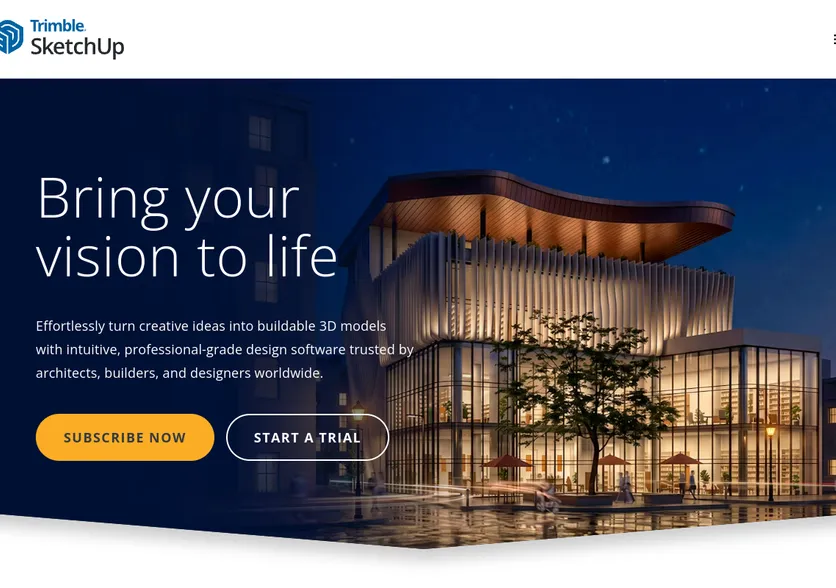
SketchUp Go is the cheapest way into real 3D modeling for a hobbyist, and it runs in a browser or on an iPad with the same push-and-pull tools that made SketchUp famous. It is the fastest tool here for blocking out a shape, from a birdhouse to a bookshelf, and the free web version covers casual use. The plans are listed on the SketchUp site, and Go adds the iPad app and extra storage for one hundred twenty-nine dollars a year.
What we like
- Fastest blocking-out tool here for a hobby project
- Runs on the web and iPad with no install
- Free web version for casual personal use
Watch out for
- Go has no desktop apps and no LayOut for presentations
- Not a parametric modeler, so edits need manual work
How to try it
- Start with the free web version and model a simple object
- Move to Go when you want the iPad app and more storage
- Export the model for your 3D printer or workshop
3. Shapr3D
Best for: Hobbyists who model on an iPad with a pencil
Paid tool Starting price: $299/year · Pro plan at two hundred ninety-nine dollars a year per editor seat; Basic is free with two projects.
Free plan: Free Basic plan; 2 projects
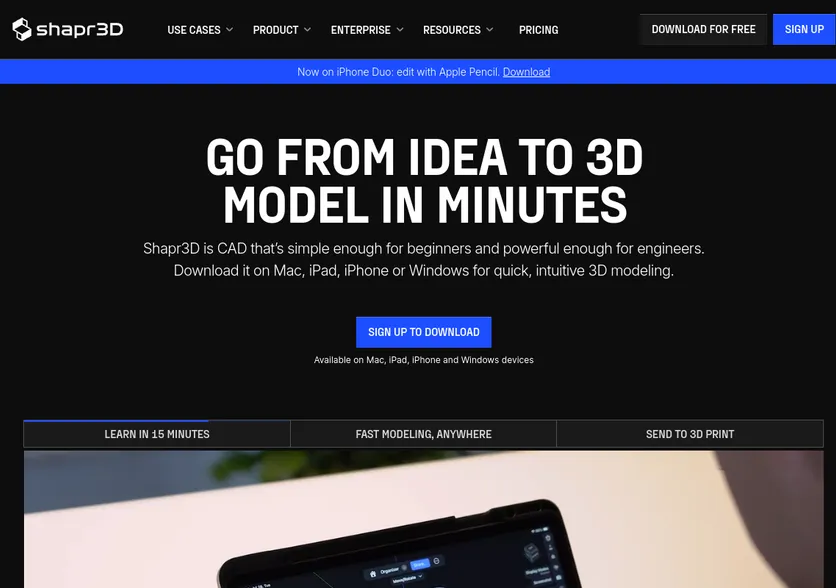
Shapr3D turns an iPad and a pencil into a serious 3D modeler, with direct modeling that feels like sketching on paper. It is the best tool here for a hobbyist who models on the couch rather than at a desk, and it exports clean files for a 3D printer. The plans are listed on the Shapr3D site, and the free Basic plan covers two projects.
What we like
- Best iPad modeling experience in this list
- Direct modeling feels like sketching, not engineering
- Clean exports for 3D printing
Watch out for
- Pro plan is two hundred ninety-nine dollars a year per editor seat
- Basic plan allows only two projects
How to try it
- Download the app and model a part with the pencil
- Export the part as an STL file for your printer
- Move to Pro when you need unlimited projects and team tools
4. Onshape
Best for: Hobbyists who want professional CAD in a browser
Paid tool Starting price: $1,500/year · Standard plan at one thousand five hundred dollars per user a year; Professional at two thousand five hundred dollars a user a year adds more tools.
Free plan: Free plan; non-commercial, public documents
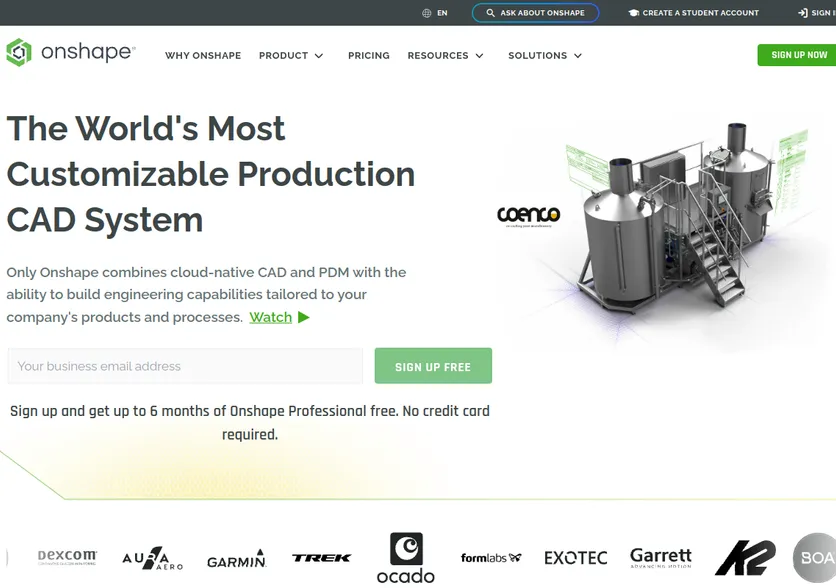
Onshape is professional CAD that runs entirely in a browser, with parametric modeling, assemblies and version control that never needs an install. It is the only tool here with built-in versioning like software code, so a hobbyist can branch a design and merge it back without losing work. The plans are listed on the Onshape site, and the free plan covers non-commercial work with public documents.
What we like
- Full professional CAD in a browser, with no install
- Built-in version control for branching designs
- Free plan for non-commercial hobby work
Watch out for
- Standard plan is the priciest in this list at one thousand five hundred dollars a year
- Free plan makes every document public
How to try it
- Create a free account and model a part in the browser
- Branch the design to try a variant without losing the original
- Move to Standard when you need private documents
5. SelfCAD
Best for: Beginners who want modeling and slicing in one place
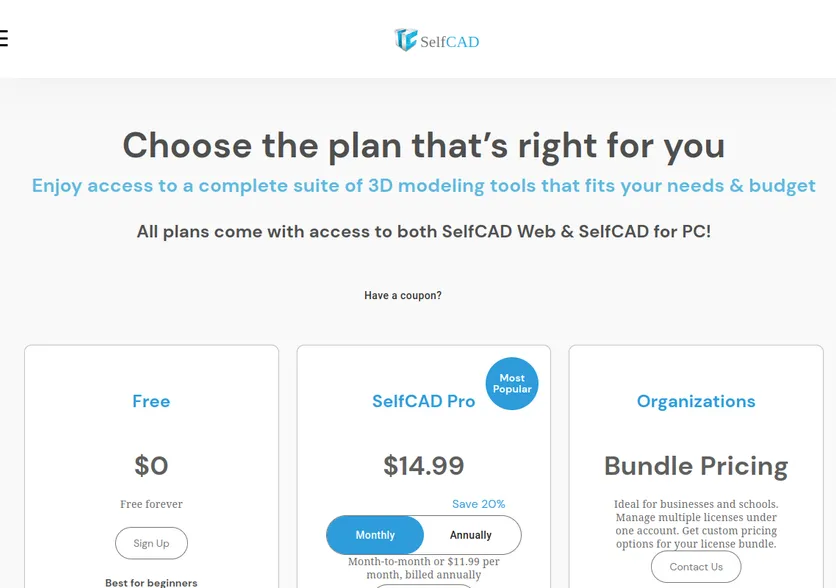
Paid tool Starting price: $139.99/year · Pro plan at one hundred thirty-nine dollars and ninety-nine cents a year, or fourteen dollars and ninety-nine cents a month; a perpetual license costs five hundred ninety-nine dollars.
Free plan: Free plan; limited features
SelfCAD is the friendliest step up from free tools for a hobbyist, with modeling, sculpting and slicing in one place. It teaches as you work, with tutorials built into the app, which suits a maker who is learning 3D modeling for the first time. The plans are listed on the SelfCAD site, and the Pro plan costs less than a single spool of filament a month.
What we like
- Modeling, sculpting and slicing in one app
- Tutorials built in for first-time modelers
- Cheapest full-featured hobbyist plan here
Watch out for
- Less powerful than Fusion 360 for complex assemblies
- Perpetual license costs five hundred ninety-nine dollars
How to try it
- Start on the free plan and follow a built-in tutorial
- Model a part and slice it in the same app
- Move to Pro when you need the full toolset
6. Alibre Atom3D
Best for: Makers who want one-time 3D parametric modeling
Paid tool Starting price: $199 one-time · One-time license at one hundred ninety-nine dollars at the regular price, with first-year updates at sixty dollars extra; a monthly option costs ten dollars a month.
Free plan: No free plan; free trial
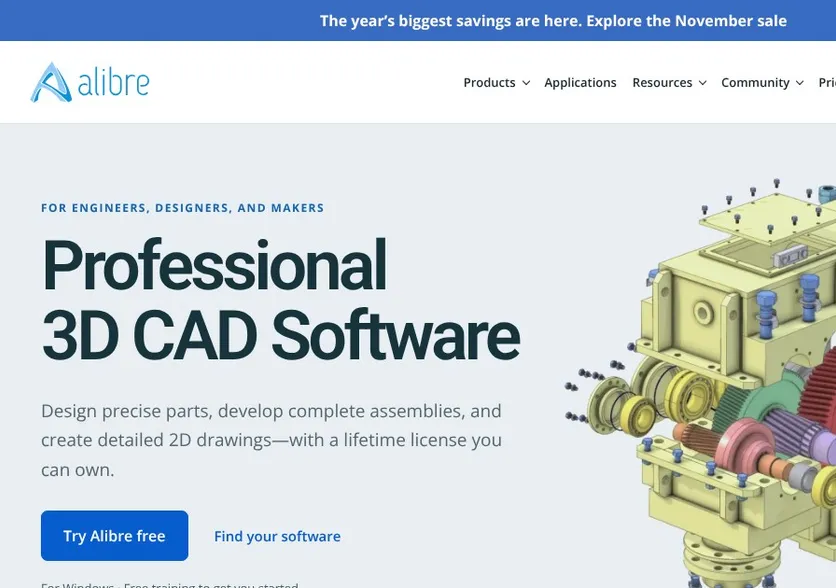
Alibre Atom3D is one-time 3D parametric modeling for makers, with no subscription and no yearly fee after the purchase. It runs locally on Windows, which suits a hobbyist who wants to own the license outright and work offline. The plans are listed on the Alibre site, and the regular price is one hundred ninety-nine dollars, with a sale price far lower once a year.
What we like
- One-time license with no subscription to renew
- Real parametric 3D modeling for makers
- Runs locally on Windows with no cloud needed
Watch out for
- Windows only, with no Mac or browser version
- First-year updates cost sixty dollars extra
How to try it
- Start the free trial and model a parametric part
- Buy the one-time license when the trial proves the workflow
- Export the part for your 3D printer or workshop
7. QCAD Professional
Best for: Hobbyists who draft 2D plans and laser-cut parts
Paid tool Starting price: $48 one-time · Professional license at forty-eight dollars once, with one year of updates included; extra years of updates cost about thirty-three dollars and sixty cents.
Free plan: Free Community Edition; open source
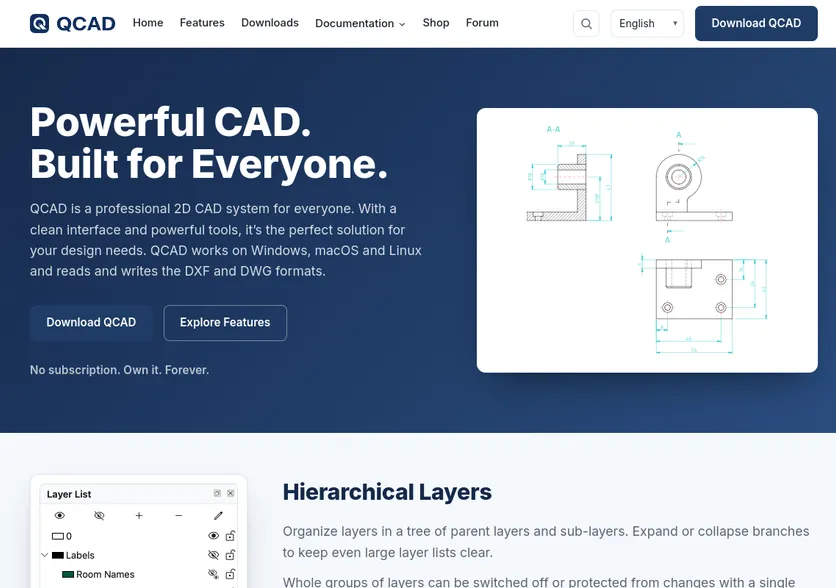
QCAD Professional is the cheapest paid CAD in this list, and it costs forty-eight dollars once for 2D drafting with full DWG and DXF support. It runs on Windows, macOS and Linux, which suits a hobbyist who cuts parts on a laser or plots plans for the workshop. The license is listed on the QCAD site, and the free Community Edition covers lighter 2D work.
What we like
- Cheapest paid CAD in this list at forty-eight dollars once
- Reads and writes DWG and DXF files
- Runs on Windows, macOS and Linux
Watch out for
- 2D drafting only, with no 3D modeling
- One year of updates included, then updates cost extra
How to try it
- Download the free Community Edition and draft a simple plan
- Buy the Professional license when you need DWG support
- Export the drawing for your laser cutter or workshop
8. nanoCAD Platform
Best for: Hobbyists who want AutoCAD-style DWG work on a budget
Paid tool Starting price: $289/year · Platform plan at two hundred eighty-nine dollars a year per workstation, or eight hundred sixty-seven dollars for three years; the Pro tier with 3D costs four hundred fifty-nine dollars a year.
Free plan: Free legacy version; non-commercial only
nanoCAD is a DWG platform for hobbyists who want AutoCAD-style commands without the AutoCAD price, with a familiar interface and full DWG compatibility. The Platform plan costs two hundred eighty-nine dollars a year per workstation, and add-on modules cover 3D and more. The plans are listed on the nanoCAD site, and the free legacy version covers non-commercial work.
What we like
- AutoCAD-style commands at a fraction of the price
- Full DWG compatibility for sharing files
- Modular add-ons let you pay only for what you need
Watch out for
- Windows only, with no Mac version
- 3D modeling waits for the Pro tier at four hundred fifty-nine dollars a year
How to try it
- Start with the free legacy version and draft a simple plan
- Move to the Platform plan for the current version
- Add the 3D module when your projects need it
Prices above were checked on each vendor’s own website on Nov 26, 2026 and can change — the vendor’s page is the final word. Vendor links are editorial: nobody paid to be listed or ranked here. Vendors who want a featured listing can see how it works on our Get listed page.
How to pick CAD software as a hobbyist
Start with what you make. If you print parts, pick a tool that exports clean STL files, like Fusion 360, Shapr3D or SelfCAD. If you cut parts on a laser, 2D drafting from QCAD or nanoCAD is enough. If you model on the couch, Shapr3D on an iPad beats any desktop tool.
Count the real cost over three years, not one. A one-time license like Alibre Atom3D at one hundred ninety-nine dollars or QCAD at forty-eight dollars costs less over three years than any subscription. A free plan from Fusion 360, Onshape or SketchUp costs nothing at all for hobby work, as long as you accept the limits.
Test on a real part. Every tool here offers a free plan or a trial, so model one project you actually want to make before you pay. Check that the file exports cleanly, that your printer or laser reads it, and that you can learn the tool without a course.
Before you buy
- Count the real cost over three years, since one-time licenses beat subscriptions for hobbyists.
- Check the export format first, because your printer or laser needs STL or DXF files.
- Confirm a free plan or trial exists before you pay, since six of these eight tools offer one.
- Match the tool to the device you own, since Shapr3D needs an iPad and Alibre needs Windows.
- Make sure the free plan covers hobby work, since Onshape free makes every document public.
Official websites
Official websites of the products reviewed above. Features and prices were checked against these sites when this guide was written, and they can change, so confirm on the vendor site before you buy.
Frequently asked questions
What is the cheapest CAD software for a hobbyist?
QCAD Professional is the cheapest paid CAD here at forty-eight dollars once, with full DWG and DXF support for 2D work. Alibre Atom3D follows at one hundred ninety-nine dollars once for real 3D parametric modeling. Fusion 360, Onshape and SketchUp all offer free plans for hobby work, so a maker can start without paying at all.
Do any hobbyist CAD tools offer a free plan?
Yes. Fusion 360 has a free personal use license for hobbyists, Onshape has a free plan for non-commercial work, and SketchUp has a free web version. Shapr3D and SelfCAD offer free plans too, with limits on projects or features. Alibre Atom3D, QCAD and nanoCAD offer trials or free editions instead of a full free plan.
Which CAD software is best for 3D printing?
Fusion 360 is the best all-around choice for 3D printing, with parametric modeling and clean STL exports in one app. Shapr3D is the best choice for iPad modelers, and SelfCAD is the best choice for beginners because it slices in the same app. All three export files a 3D printer can read, so pick the one whose workflow fits how you work.
Should a hobbyist buy a one-time license or a subscription?
A one-time license wins over three years if you keep the same version, with QCAD at forty-eight dollars once and Alibre Atom3D at one hundred ninety-nine dollars once. A subscription wins if you want every update and cloud feature, like Fusion 360 or Onshape. A free plan wins if your work is non-commercial and you accept the limits on projects or privacy.
Can I use hobbyist CAD on an iPad?
Yes. Shapr3D is built for the iPad with pencil support, and SketchUp Go runs on the iPad with the same push-and-pull tools as the desktop. Onshape runs in a browser, so it works on an iPad too, with no install. Fusion 360, Alibre Atom3D and nanoCAD need a desktop, so check your device before you pick.
Need everyday engineering help too? Try Toolsvine's free science and engineering tools right in your browser.
Browse Science & Engineering tools


