
On this page
Jewelry CAD splits into two camps, precision modeling for rings and settings, and organic sculpting for flowing art pieces, and most studios need one tool from each. The seven tools below run from thirty-three dollars and twenty-five cents a month to five thousand nine hundred ninety-five dollars once, and every price was checked on the vendor site on November 27, 2026. Parametric history, stone libraries and clean STL export for casting decide the pick. Rhino 3D is our first pick, the precision engine most jewelry plug-ins are built on, at nine hundred ninety-five dollars once.
How we researched this
We started with the CAD tools jewelry designers actually buy for rings, custom pieces and sculptural work, then read each price on the vendor pricing page on November 27, 2026 and checked casting-ready export. We judged them for a jeweler who must model precise settings, render pieces for clients and export clean files for casting or 3D printing. We dropped 3Design and CounterSketch because neither publishes a price, RhinoGold because it is discontinued, and Jewelry CAD Dream because its subscription price is not published.
Compare the tools
| Name | Best for | Starting price | Free plan | |
|---|---|---|---|---|
 Rhino 3D | Independent jewelry designers who want the precision platform | $995 one-time | No free plan; 90-day free evaluation | Visit |
 MatrixGold | High-volume custom studios that want a jewelry-only tool | $5,995 one-time | No free plan; no free trial listed | Visit |
 ZBrush | Art jewelers who sculpt organic and flowing pieces | $33.25/month | No free plan; free trial available | Visit |
 Autodesk Fusion | Jewelers who also need CAM for milling and prototyping | $680/year | Free personal-use plan for hobbyists; 30-day free trial | Visit |
 SketchUp Pro | Jewelers who sketch concepts live with a customer | $399/year | Free web version; 7-day free trial of Pro | Visit |
 V-Ray | Jewelers who need photoreal renders of gold and gemstones | $45/month | No free plan; free trial available | Visit |
 KeyShot Studio | Studios that need fast client-ready product shots | $1,299/year | No free plan; 14-day free trial | Visit |
The cad software for jewelry design, compared
1. Rhino 3D
Best for: Independent jewelry designers who want the precision platform
Paid tool Starting price: $995 one-time · A perpetual commercial license lists at nine hundred ninety-five dollars once, with a ninety-day evaluation and no subscription
Free plan: No free plan; 90-day free evaluation
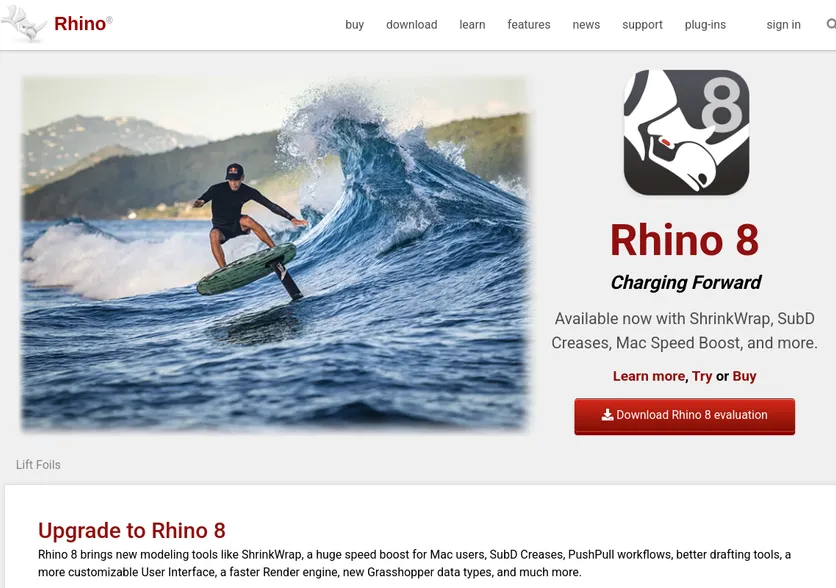
For independent jewelry designers, Rhino 3D is the precision engine most jewelry plug-ins are built on, modeling ring shanks and stone seats with exact NURBS dimensions. This Rhino 3D license costs nine hundred ninety-five dollars once, with no subscription, and includes Grasshopper for parametric variations from one master file. A jewelry studio that builds custom pieces gets the platform MatrixGold and RhinoArtisan run on, though ring builders and stone libraries cost extra as plug-ins.
What we like
- One-time license with no subscription to renew
- Precision NURBS modeling for exact stone seats
- Grasshopper adds parametric variations without extra cost
Watch out for
- Ring builders and stone libraries cost extra as plug-ins
- Native rendering is too plain for client presentations
How to try it
- Open the Rhino site and start the ninety-day evaluation
- Model a ring shank with exact NURBS dimensions
- Export the piece as STL for casting or printing
2. MatrixGold
Best for: High-volume custom studios that want a jewelry-only tool
Paid tool Starting price: $5,995 one-time · Lists at five thousand nine hundred ninety-five dollars once with a Rhino 8 license via Stuller, including six months of membership and support; the MatrixGold-only price lists at five thousand four hundred ninety-five dollars
Free plan: No free plan; no free trial listed
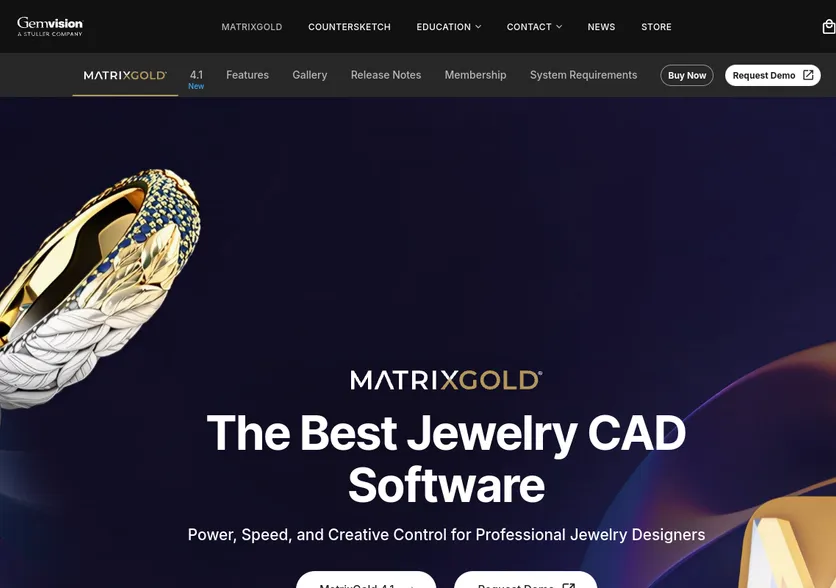
For high-volume custom studios, MatrixGold is the jewelry-only CAD built on Rhino, and the standard in custom jewelry, with parametric history, ring builders and stone libraries in one tool. This MatrixGold bundle lists at five thousand nine hundred ninety-five dollars once including a Rhino 8 license, with six months of membership and support, and five thousand four hundred ninety-five dollars without Rhino. A custom jeweler who builds rings all day gets automated shank generation, pavé layouts and built-in rendering, though the price is the highest in this list.
What we like
- Jewelry-only parametric tools with ring builders built in
- Standard in high-volume custom studios
- Built-in rendering and stone libraries
Watch out for
- Highest price in this list by a wide margin
- Windows only and dependent on Rhino
How to try it
- Open the MatrixGold page and check the bundle contents
- Ask Stuller for the MatrixGold-only price if you own Rhino
- Test the ring builder on a bridal design before you buy
3. ZBrush
Best for: Art jewelers who sculpt organic and flowing pieces
Paid tool Starting price: $33.25/month · Lists at thirty-three dollars and twenty-five cents a month on annual billing, or three hundred ninety-nine dollars a year; monthly billing costs more
Free plan: No free plan; free trial available
For sculptural jewelry, ZBrush is the digital sculpting standard, shaping flowing vines, portrait cameos and textured surfaces that parametric CAD cannot touch. This ZBrush subscription lists at thirty-three dollars and twenty-five cents a month on annual billing, or three hundred ninety-nine dollars a year, with a free trial. An art jeweler who sculpts organic forms gets the most powerful sculpting brushes available, though meshes need cleanup before casting.
What we like
- Strongest organic sculpting of any tool here
- Ideal for flowing, artistic and portrait pieces
- Large community and tutorial library
Watch out for
- Meshes need cleanup before casting or printing
- Subscription only, with no one-time purchase
How to try it
- Open the ZBrush page and start the free trial
- Sculpt an organic pendant with the standard brushes
- Clean the mesh and export it for casting
4. Autodesk Fusion
Best for: Jewelers who also need CAM for milling and prototyping
Paid tool Starting price: $680/year · Lists at six hundred eighty dollars a year on annual billing, or eighty-five dollars a month; a free personal-use plan covers hobbyists
Free plan: Free personal-use plan for hobbyists; 30-day free trial
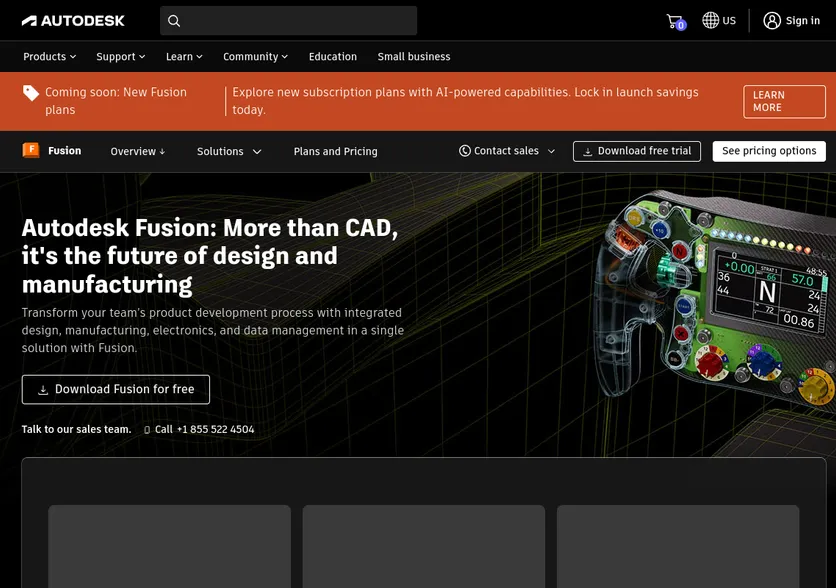
For jewelers who also need CAM, Autodesk Fusion pairs parametric CAD with machining and simulation, so a design can go from model to milled wax or cast metal in one subscription. This Autodesk Fusion subscription lists at six hundred eighty dollars a year, or eighty-five dollars a month, with a free personal-use plan for hobbyists. A jewelry designer who prototypes in-house gets precise dimensions and toolpaths together, though jewelry-specific tools like ring builders need a plug-in.
What we like
- CAD, CAM and simulation in one subscription
- Free personal-use plan for hobbyists
- Cloud collaboration with version history built in
Watch out for
- No jewelry-specific tools like ring builders built in
- Cloud workflow needs a steady internet connection
How to try it
- Open the Fusion page and start the free personal-use plan
- Model a pendant with precise dimensions
- Generate a toolpath for a milled wax prototype
5. SketchUp Pro
Best for: Jewelers who sketch concepts live with a customer
Paid tool Starting price: $399/year · Pro lists at three hundred ninety-nine dollars a year; a free web version covers simple models
Free plan: Free web version; 7-day free trial of Pro
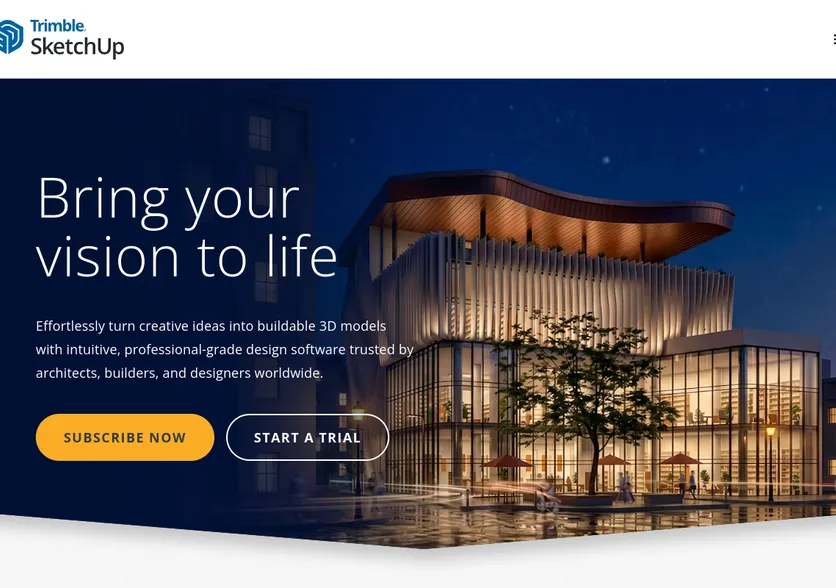
For quick jewelry concepts, SketchUp Pro is the fastest sketching tool here, turning a flat idea into a three-dimensional model a client can see in minutes. This SketchUp Pro Pro plan lists at three hundred ninety-nine dollars a year, with a free web version for simple models. A jeweler who sketches with a customer present gets instant visual feedback, though precise stone settings and pavé work belong in Rhino or MatrixGold.
What we like
- Fastest concept modeling in this list
- Easy learning curve for new designers
- Large extension warehouse for extra tools
Watch out for
- Too imprecise for stone settings and pavé work
- Jewelry rendering needs a plug-in
How to try it
- Open the SketchUp site and try the free web version
- Sketch a ring concept while the customer watches
- Export the concept and refine it in Rhino
6. V-Ray
Best for: Jewelers who need photoreal renders of gold and gemstones
Paid tool Starting price: $45/month · Solo lists at forty-five dollars a month on annual billing, or five hundred forty dollars a year; Premium and Collection are floating team licenses
Free plan: No free plan; free trial available
For jewelry renders, V-Ray is the photorealism standard, producing accurate gold alloy colors, gemstone dispersion and studio lighting inside Rhino, SketchUp and 3ds Max. This V-Ray Solo plan lists at forty-five dollars a month on annual billing, or five hundred forty dollars a year, with a free trial. A jeweler who presents designs to clients gets renders that look like photographs, though V-Ray renders inside a host app and never works alone.

What we like
- Photorealism standard for gold and gemstone renders
- Runs inside Rhino, SketchUp and 3ds Max
- Accurate materials and studio lighting
Watch out for
- Needs a host CAD app and never works alone
- Learning curve is steep for first-time renderers
How to try it
- Open the Chaos pricing page and check the Solo plan
- Start the free trial inside Rhino or SketchUp
- Render a ring with gold and gemstone materials
7. KeyShot Studio
Best for: Studios that need fast client-ready product shots
Paid tool Starting price: $1,299/year · Professional lists at one thousand two hundred ninety-nine dollars a year per seat; Business lists at one thousand five hundred ninety-nine dollars, with no monthly billing
Free plan: No free plan; 14-day free trial
For product shots, KeyShot Studio is the fastest route from a CAD model to a client-ready render, with drag-and-drop materials, HDRI lighting and real-time preview. This KeyShot Studio Professional plan lists at one thousand two hundred ninety-nine dollars a year per seat, with Business at one thousand five hundred ninety-nine dollars and no monthly billing. A jewelry studio that photographs every piece digitally gets studio shots in minutes, though KeyShot costs more than V-Ray for the same stills.
What we like
- Fastest route from CAD model to finished render
- Drag-and-drop materials with real-time preview
- No host app needed, it runs standalone
Watch out for
- Costs more than V-Ray for the same still image
- No monthly billing, so one seat costs one thousand two hundred ninety-nine dollars up front
How to try it
- Open the KeyShot pricing page and check the Professional plan
- Start the fourteen-day free trial
- Import a ring model and drag on a gold material
Prices above were checked on each vendor’s own website on Nov 27, 2026 and can change — the vendor’s page is the final word. Vendor links are editorial: nobody paid to be listed or ranked here. Vendors who want a featured listing can see how it works on our Get listed page.
What jewelry CAD costs in 2026
Jewelry CAD pricing makes no sense until you see the whole board, because one seat costs nothing on a free plan and another costs five thousand nine hundred ninety-five dollars once, and both vendors will tell you theirs is the professional choice. The honest split is between the platform and the jewelry tools on top of it. Rhino at nine hundred ninety-five dollars once is the platform, MatrixGold at five thousand nine hundred ninety-five dollars is the platform plus the jewelry tools, and ZBrush at three hundred ninety-nine dollars a year covers the organic work neither of them does well.
Budget for rendering as well as modeling, because a model nobody can see will not sell a ring. V-Ray at forty-five dollars a month renders inside Rhino or SketchUp, while KeyShot at one thousand two hundred ninety-nine dollars a year renders standalone with drag-and-drop materials. Start with Rhino plus a trial of ZBrush, print a test piece and check the casting, then add MatrixGold only when ring volume justifies it. Pick the tool whose files your caster accepts, because a beautiful model that cannot be cast is a wasted license.
Before you buy
- Confirm STL export is clean, because a mesh with holes cannot be cast or printed.
- Check whether ring builders are included, because Rhino alone has no jewelry-specific tools.
- Budget for rendering separately, because modeling and presentation are two different bills.
- Test a casting from your own file, because a trial print proves more than a demo video.
- Ask for the MatrixGold-only price if you already own Rhino, because the bundle includes a second license.
Official websites
Official websites of the products reviewed above. Features and prices were checked against these sites when this guide was written, and they can change, so confirm on the vendor site before you buy.
Frequently asked questions
Which CAD software is best for jewelry design in 2026?
Rhino 3D is the best overall pick at nine hundred ninety-five dollars once, as the precision engine most jewelry plug-ins are built on. MatrixGold is the best pick for high-volume custom studios at five thousand nine hundred ninety-five dollars once, with jewelry-only parametric tools. ZBrush is the best pick for sculptural work at thirty-three dollars and twenty-five cents a month, with the strongest organic modeling here.
How much does jewelry CAD software cost?
Prices in this list run from thirty-three dollars and twenty-five cents a month for ZBrush to five thousand nine hundred ninety-five dollars once for MatrixGold with a Rhino 8 license. Rhino 3D costs nine hundred ninety-five dollars once, Fusion costs six hundred eighty dollars a year, SketchUp Pro costs three hundred ninety-nine dollars a year, and rendering adds forty-five dollars a month for V-Ray or one thousand two hundred ninety-nine dollars a year for KeyShot.
Is RhinoGold still available for jewelry design?
No, RhinoGold has been discontinued, and jewelers should check what they are actually buying before paying for an old license. Its successor is MatrixGold, built by Gemvision and now part of Stuller, which carries the same jewelry-focused parametric tools forward. RhinoArtisan is the other current alternative, sold as a perpetual license for jewelers who refuse subscriptions.
Can I design jewelry with free software?
Yes, Blender is free and covers sculpting and modeling for jewelry at zero cost, and Fusion and Onshape both offer free plans for hobbyists. Free tools lack the jewelry-specific features of MatrixGold, such as ring builders, pavé layouts and stone libraries, so they suit beginners and hobbyists rather than high-volume custom studios. Start free, then pay when ring volume justifies the professional tool.
What file format do casters need from jewelry CAD?
Casters usually ask for STL files, the standard mesh format for 3D printing and casting, and every tool in this list exports STL. Some casters also accept 3DM files from Rhino, which keep the precise NURBS geometry instead of a mesh. Export a test piece first and ask your caster to check it, because a mesh with holes or bad normals will fail at the casting stage.
Need everyday design help too? Try Toolsvine's free image tools right in your browser.
Browse Image Tools tools


