
On this page
A product render sells the design before a prototype exists, so the visualization tool matters as much as the CAD behind it. The seven tools below run from thirty dollars a month to one thousand two hundred ninety-nine dollars a year, and every price was checked on the vendor site on November 27, 2026. Real-time previews suit fast client feedback, while offline rendering suits final hero shots, and the right pick depends on which you do more. KeyShot Studio is our first pick, the fastest route from CAD to product shots, with drag-and-drop materials and real-time preview.
How we researched this
We started with the rendering tools product designers actually use to turn CAD models into studio shots and client presentations, then read each price on the vendor pricing page on November 27, 2026 and noted the free trials. We judged them for a designer who must show a product convincingly before it is made, with accurate materials, believable lighting and fast turnaround. We dropped Blender because it is free and carries no paid plan to compare, and OctaneRender because its pricing is bundled into a wider subscription rather than listed alone.
Compare the tools
| Name | Best for | Starting price | Free plan | |
|---|---|---|---|---|
 KeyShot Studio | Product designers who need fast studio shots from CAD | $1,299/year | No free plan; 14-day free trial | Visit |
 V-Ray | Designers who need the photorealism ceiling for hero stills | $45/month | No free plan; free trial available | Visit |
 Enscape | Designers who want live renders inside Revit, SketchUp or Rhino | $47.90/month | No free plan; 14-day free trial | Visit |
 Lumion | Designers who build cinematic scenes with large asset libraries | $1,149/year | No free plan; 14-day free trial | Visit |
 Twinmotion | Small studios that want free visualization with a paid upgrade path | $445/year | Free plan for individuals and small studios; free trial of paid features | Visit |
 D5 Render | Designers who want real-time rendering at the lowest price | $360/year | Free Community plan for non-commercial use; 14-day free trial of Pro | Visit |
 Corona Renderer | Designers who want simple photoreal stills without complexity | $414/year | No free plan; free trial available | Visit |
The cad software for product visualization, compared
1. KeyShot Studio
Best for: Product designers who need fast studio shots from CAD
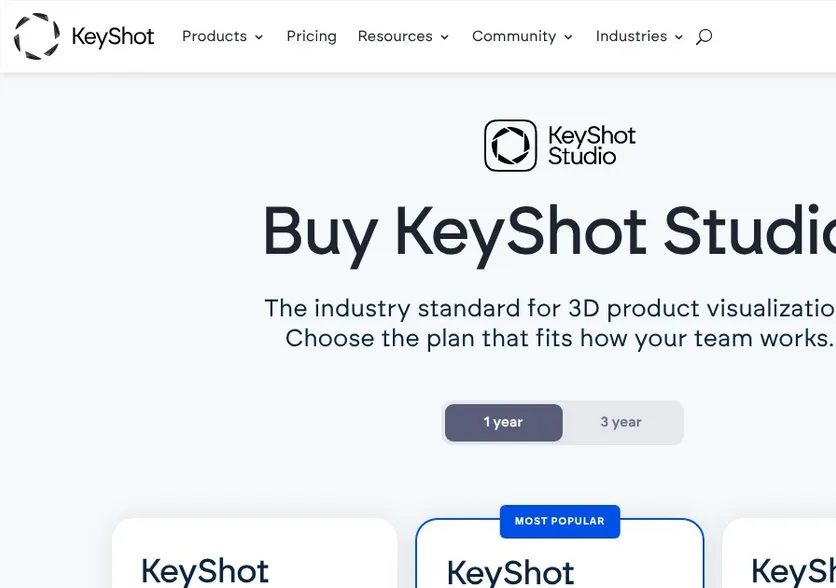
Paid tool Starting price: $1,299/year · Professional lists at one thousand two hundred ninety-nine dollars a year per seat; Business lists at one thousand five hundred ninety-nine dollars, with no monthly billing
Free plan: No free plan; 14-day free trial
For product visualization, KeyShot Studio is the fastest route from a CAD model to a studio shot, with drag-and-drop materials, HDRI lighting and a real-time preview that updates as you work. This KeyShot Studio Professional plan lists at one thousand two hundred ninety-nine dollars a year per seat, with Business at one thousand five hundred ninety-nine dollars and no monthly billing. A product designer who must show a design before it is made gets scientifically accurate materials and finished images in minutes, though add-ons like VR and network rendering cost extra.
What we like
- Fastest route from CAD model to finished render
- Scientifically accurate materials with real-time preview
- Runs standalone with no host app needed
Watch out for
- Add-ons for VR and network rendering cost extra
- No monthly billing, so one seat costs one thousand two hundred ninety-nine dollars up front
How to try it
- Open the KeyShot pricing page and check the Professional plan
- Start the fourteen-day free trial
- Import a CAD model and drag on a material
2. V-Ray
Best for: Designers who need the photorealism ceiling for hero stills
Paid tool Starting price: $45/month · Solo lists at forty-five dollars a month on annual billing, or five hundred forty dollars a year; Premium and Collection are floating team licenses
Free plan: No free plan; free trial available
For final-frame photorealism, V-Ray is the production renderer other tools are measured against, with deep material control, accurate lighting and support for nearly every host app. This V-Ray Solo plan lists at forty-five dollars a month on annual billing, or five hundred forty dollars a year, with a free trial. A designer who needs hero stills for a launch gets the quality ceiling for photoreal images, though V-Ray renders inside a host app and never works alone.

What we like
- Quality ceiling for photorealistic stills
- Runs inside nearly every 3D host app
- Deep material and lighting control
Watch out for
- Needs a host app and never works alone
- Learning curve is steep for first-time renderers
How to try it
- Open the Chaos pricing page and check the Solo plan
- Start the free trial inside your host app
- Render a hero still with your own materials
3. Enscape
Best for: Designers who want live renders inside Revit, SketchUp or Rhino
Paid tool Starting price: $47.90/month · Solo lists at forty-seven dollars and ninety cents a month on annual billing, or five hundred seventy-four dollars and eighty cents a year; Premium lists at six hundred seventy dollars and eighty cents a year
Free plan: No free plan; 14-day free trial
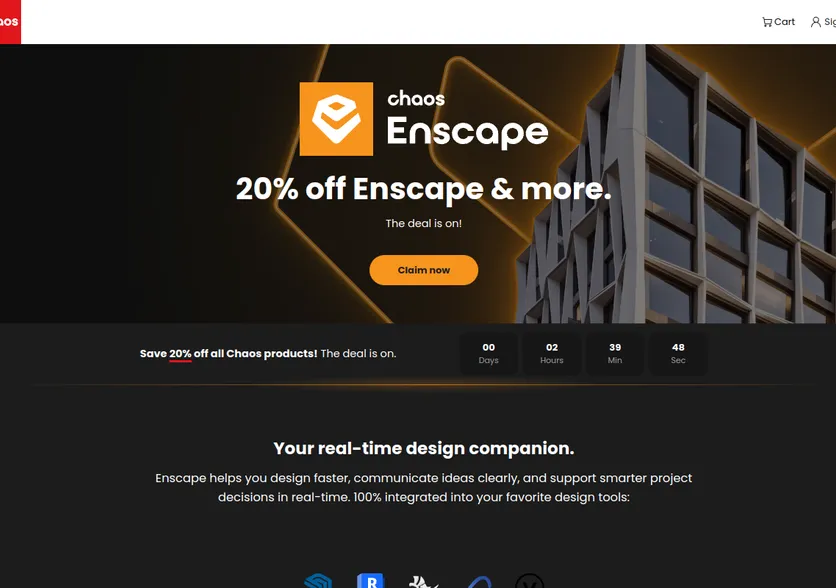
For live visualization, Enscape is the real-time renderer that plugs into Revit, SketchUp, Rhino, Archicad and Vectorworks and shows the rendered view the moment you move a wall. This Enscape Solo plan lists at forty-seven dollars and ninety cents a month on annual billing, or five hundred seventy-four dollars and eighty cents a year, with a fourteen-day free trial. A designer who walks clients through a model gets instant feedback without exporting, though final stills are softer than V-Ray output.
What we like
- Renders live inside your design app
- Instant feedback with no exporting between tools
- Large asset library with thousands of render-ready items
Watch out for
- Final stills are softer than offline renderers
- Subscription only, with no one-time purchase
How to try it
- Open the Enscape pricing page and check the Solo plan
- Start the fourteen-day free trial inside your design app
- Walk a client through the model live
4. Lumion
Best for: Designers who build cinematic scenes with large asset libraries
Paid tool Starting price: $1,149/year · Pro lists at one thousand one hundred forty-nine dollars a year for a named user; Pro Floating lists at one thousand four hundred ninety-nine dollars, and View lists at two hundred twenty-nine dollars
Free plan: No free plan; 14-day free trial
For cinematic presentations, Lumion is the fast real-time renderer best known for large scenes, with libraries of materials, plants, people and effects that dress a scene in minutes. This Lumion Pro plan lists at one thousand one hundred forty-nine dollars a year for a named user, with Pro Floating at one thousand four hundred ninety-nine dollars. A designer who presents exteriors and landscapes gets fast stills, videos and panoramas, though Lumion runs on Windows only.
What we like
- Fastest scene building of any tool here
- Large libraries of materials, plants and people
- Stills, videos and panoramas in one tool
Watch out for
- Windows only, with no Mac version
- Less precise material control than V-Ray
How to try it
- Open the Lumion pricing page and check the Pro plan
- Start the fourteen-day free trial
- Build a scene with the asset library and render a still
5. Twinmotion
Best for: Small studios that want free visualization with a paid upgrade path
Paid tool Starting price: $445/year · The paid plan lists at four hundred forty-five dollars a year; a free tier covers individuals and studios under the revenue threshold
Free plan: Free plan for individuals and small studios; free trial of paid features
For small studios, Twinmotion is the real-time visualization tool from Epic Games, built on Unreal Engine with an easy interface and a genuinely free tier for individuals and small firms. This Twinmotion paid plan lists at four hundred forty-five dollars a year, with the free tier covering individuals and studios under the revenue threshold. A small firm that needs client walkthroughs gets cinematic quality without a big bill, though the paid plan is needed once revenue passes the threshold.
What we like
- Free tier for individuals and small studios
- Built on Unreal Engine with cinematic quality
- Easy interface with a short learning curve
Watch out for
- Paid plan is needed once revenue passes the threshold
- Smaller asset library than Lumion
How to try it
- Open the Twinmotion license page and check the free tier terms
- Download the free version and open a sample scene
- Render a walkthrough and share it with a client
6. D5 Render
Best for: Designers who want real-time rendering at the lowest price
Paid tool Starting price: $360/year · Pro lists at three hundred sixty dollars a year on annual billing, or thirty dollars a month; the Community edition is free for non-commercial use
Free plan: Free Community plan for non-commercial use; 14-day free trial of Pro
For value real-time rendering, D5 Render is the budget pick, with GPU-accelerated scenes, a large asset library and a genuinely free Community edition for learning. This D5 Render Pro plan lists at three hundred sixty dollars a year on annual billing, or thirty dollars a month, with a fourteen-day free trial. A designer who wants real-time quality without the Enscape price gets fast scenes and smooth walkthroughs, though D5 runs on Windows only.
What we like
- Lowest real-time renderer price in this list
- Free Community edition for learning
- GPU-accelerated scenes with a large asset library
Watch out for
- Windows only, with no Mac version
- Community edition is non-commercial only
How to try it
- Open the D5 pricing page and check the Pro plan
- Download the free Community edition and build a scene
- Upgrade to Pro once you need commercial use
7. Corona Renderer
Best for: Designers who want simple photoreal stills without complexity
Paid tool Starting price: $414/year · Solo lists at four hundred fourteen dollars a year on annual billing, or thirty-four dollars and fifty cents a month; Premium lists at four hundred ninety dollars and eighty cents a year
Free plan: No free plan; free trial available
For simple photoreal stills, Corona Renderer is the easier alternative to V-Ray, with a straightforward lighting workflow and beautiful results inside 3ds Max and Cinema 4D. This Corona Renderer Solo plan lists at four hundred fourteen dollars a year on annual billing, or thirty-four dollars and fifty cents a month, with a free trial. A designer who wants photoreal images without a steep learning curve gets clean stills fast, though Corona runs only inside 3ds Max and Cinema 4D.

What we like
- Simplest photoreal workflow of any offline renderer here
- Cheaper than V-Ray for the same still image
- Beautiful results with minimal setup
Watch out for
- Runs only inside 3ds Max and Cinema 4D
- No standalone version and no real-time mode
How to try it
- Open the Corona pricing page and check the Solo plan
- Start the free trial inside 3ds Max or Cinema 4D
- Render a still with the simple lighting workflow
Prices above were checked on each vendor’s own website on Nov 27, 2026 and can change — the vendor’s page is the final word. Vendor links are editorial: nobody paid to be listed or ranked here. Vendors who want a featured listing can see how it works on our Get listed page.
What product visualization costs in 2026
Every paid renderer here is rental-only, so you pay every year to keep using it, and the annual price is the real cost, not the monthly headline. The range runs from three hundred sixty dollars a year for D5 Render to one thousand two hundred ninety-nine dollars for KeyShot Professional, with V-Ray at five hundred forty dollars, Enscape at five hundred seventy-four dollars and eighty cents, and Lumion at one thousand one hundred forty-nine dollars in between. A monthly headline like forty-five dollars looks small until you multiply it by twelve, so always compare annual totals.
Match the renderer to the job, because real-time and offline tools solve different problems. Real-time tools like Enscape, Lumion, Twinmotion and D5 show the scene live while you design, which suits client walkthroughs and fast feedback. Offline tools like V-Ray and Corona take longer per frame but produce the hero stills that sell a product launch. Start with the free trials and render your own model, because a renderer that flatters your materials matters more than one that flatters a demo scene.
Before you buy
- Compare annual totals, because every renderer here bills yearly and monthly headlines hide the real cost.
- Match real-time or offline rendering to the job, because walkthroughs and hero stills need different tools.
- Check the host app, because V-Ray and Corona render inside CAD and never work alone.
- Test the renderer on your own model, because a demo scene flatters every tool.
- Confirm the operating system, because Lumion and D5 run on Windows only.
Official websites
Official websites of the products reviewed above. Features and prices were checked against these sites when this guide was written, and they can change, so confirm on the vendor site before you buy.
Frequently asked questions
Which CAD visualization software is best for product renders in 2026?
KeyShot Studio is the best overall pick at one thousand two hundred ninety-nine dollars a year, as the fastest route from a CAD model to a finished product shot. V-Ray is the best pick for photoreal hero stills at forty-five dollars a month, with the quality ceiling for final frames. Enscape is the best pick for live rendering at forty-seven dollars and ninety cents a month, showing the view inside your design app.
How much does product visualization software cost?
Paid renderers in this list run from three hundred sixty dollars a year for D5 Render Pro to one thousand two hundred ninety-nine dollars a year for KeyShot Professional, with V-Ray at five hundred forty dollars, Corona at four hundred fourteen dollars, Enscape at five hundred seventy-four dollars and eighty cents, Lumion at one thousand one hundred forty-nine dollars and Twinmotion at four hundred forty-five dollars. Twinmotion also offers a free tier for individuals and small studios.
Is KeyShot or V-Ray better for product visualization?
KeyShot wins for speed and simplicity, with drag-and-drop materials and real-time preview in a standalone app that needs no host CAD. V-Ray wins for absolute image quality, with deeper material and lighting control inside Rhino, SketchUp or 3ds Max. Choose KeyShot when you render many products fast, and V-Ray when one hero still must look perfect.
Do I need a separate renderer if my CAD already renders?
CAD tools include basic rendering, but a dedicated renderer adds accurate materials, realistic lighting, asset libraries and faster output that CAD alone cannot match. KeyShot and V-Ray both import CAD models directly, so the workflow stays simple. A designer who presents to clients will see the difference in the first render, while a hobbyist printing parts at home may never need one.
Is there a free product visualization tool?
Yes, Blender is free and its Cycles renderer produces professional product shots at zero cost, and Twinmotion and D5 Render both offer free tiers for individuals and small studios. Free tools need more setup time and learning than KeyShot, so they suit designers with time to invest rather than studios that bill by the hour. Start free, then pay when rendering speed becomes billable.
Need everyday design help too? Try Toolsvine's free image tools right in your browser.
Browse Image Tools tools


