
On this page
Remote teams waste hours when a drawing review needs a full CAD license, so a viewer that opens, measures and marks up files in a browser saves both money and time. The seven tools below run from forty-five dollars a year to forty-nine dollars a month, and every price was checked on the vendor site on November 27, 2026. Format support, measurement tools and sharing decide the pick, because a viewer that cannot open your files is useless. Glovius is our first pick, the most capable viewer for remote review, with measurement, comparison and export built in.
How we researched this
We started with the CAD viewers remote teams actually use to open, measure and review drawings without a full CAD license, then read each price on the vendor pricing page on November 27, 2026 and checked browser and mobile access. We judged them for a distributed team that must review supplier drawings, mark up changes and share files with clients who own no CAD. We dropped Autodesk Viewer and eDrawings Viewer because both are free with no paid plan to compare, CAD Exchanger because the vendor publishes no price, and 3DViewStation because its pricing is quote-only.
Compare the tools
| Name | Best for | Starting price | Free plan | |
|---|---|---|---|---|
| Glovius | Remote teams that review 3D models with measurement and comparison | $299/year | Free trial available; free mobile viewer | Visit |
 ShareCAD | Remote teams that share drawings by link with clients | $49/month | Free browser viewer for files up to 50 MB | Visit |
 DWG FastView | Remote teams that work with DWG drawings on any device | $47.99/year | Free plan for basic viewing | Visit |
 DWGSee | Remote teams that need a cheap DWG viewer with editing | $69 one-time | Free plan for basic viewing | Visit |
 AIGraph CAD Viewer | Windows teams that review drawings without CAD | $139 one-time | No free plan; 7-day free trial | Visit |
 CAD Reader | Remote teams that need the lowest-cost DWG reader | $45/year | Free tier for basic viewing | Visit |
| ABViewer | Windows teams that review drawings, 3D models and images together | $48 one-time | No free plan; free trial available | Visit |
The cad viewers software for remote teams, compared
1. Glovius
Best for: Remote teams that review 3D models with measurement and comparison
Paid tool Starting price: $299/year · Lite lists at two hundred ninety-nine dollars a year; the full Glovius plan lists at three hundred ninety-nine dollars a year and Plus at five hundred forty-nine dollars
Free plan: Free trial available; free mobile viewer
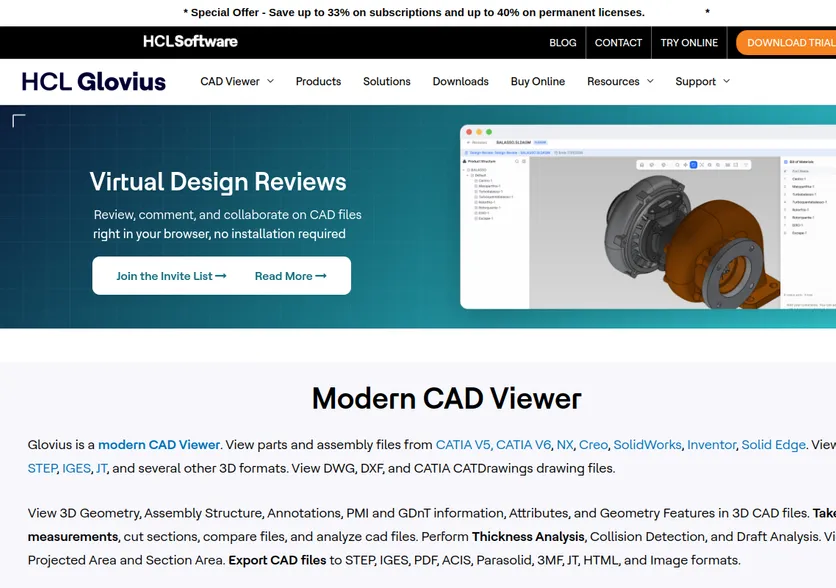
For remote teams that review 3D models, Glovius is the CAD viewer that opens, measures, compares and exports parts, assemblies and drawings without a full CAD license. This Glovius Lite plan lists at two hundred ninety-nine dollars a year, with the full Glovius plan at three hundred ninety-nine dollars and Plus at five hundred forty-nine dollars. A remote reviewer who checks supplier models gets measurement, sectioning and comparison tools, though the viewer runs on Windows and the web rather than as a native Mac app.
What we like
- Opens CATIA, NX, Creo and JT files without CAD
- Measurement, sectioning and comparison built in
- Exports to 3D PDF and HTML for sharing
Watch out for
- No native Mac app, Windows and web only
- Advanced export needs the Plus plan
How to try it
- Open the Glovius pricing page and compare the Lite and Plus tiers
- Download the free trial and open a supplier model
- Test measurement, sectioning and comparison on a real file
2. ShareCAD
Best for: Remote teams that share drawings by link with clients
Paid tool Starting price: $49/month · Standard lists at forty-nine dollars a month for two users; Team lists at one hundred forty-nine dollars a month for ten users, and the free viewer opens files up to fifty megabytes
Free plan: Free browser viewer for files up to 50 MB
For remote teams that share drawings by link, ShareCAD is the cloud viewer that stores, views and delivers CAD and BIM files through a browser, with no CAD app or account needed to open them. This ShareCAD Standard plan lists at forty-nine dollars a month for two users, with Team at one hundred forty-nine dollars a month for ten users and a free viewer for files up to fifty megabytes. A distributed team that sends drawings to clients gets browser viewing and cloud storage in one place, though recipients can view files, not edit them.
What we like
- Recipients need no CAD app or account to view files
- Browser viewing with cloud storage in one place
- Free viewer opens files up to fifty megabytes
Watch out for
- Recipients can view files, not edit them
- No point-cloud viewing in the browser
How to try it
- Open the ShareCAD pricing page and check the Standard plan
- Upload a drawing and share the browser link
- Open the link on a phone with no CAD app installed
3. DWG FastView
Best for: Remote teams that work with DWG drawings on any device
Paid tool Starting price: $47.99/year · Paid plans list from forty-seven dollars and ninety-nine cents a year, or seven dollars and ninety-nine cents per user a month, with a free plan for basic viewing
Free plan: Free plan for basic viewing
For remote teams that work with DWG drawings on any device, DWG FastView views, edits, measures and shares 2D drawings and 3D models across Windows, mobile, web and Linux. This DWG FastView paid plan lists from forty-seven dollars and ninety-nine cents a year, or seven dollars and ninety-nine cents per user a month, with a free plan for basic viewing. A field engineer who checks drawings on a phone gets editing and markup without a CAD license, though the interface is simpler than a desktop CAD.
What we like
- Runs on Windows, mobile, web and Linux
- Viewing, editing, measuring and sharing in one app
- Lowest cross-platform price in this list
Watch out for
- Interface is simpler than desktop CAD
- Enterprise deployment needs the separate CAD SDK
How to try it
- Open the DWG FastView pricing page and check the paid plans
- Install the app on your phone and open a DWG file
- Test editing and markup on a real drawing
4. DWGSee
Best for: Remote teams that need a cheap DWG viewer with editing
Paid tool Starting price: $69 one-time · A license lists at sixty-nine dollars once, with a free plan for basic viewing
Free plan: Free plan for basic viewing
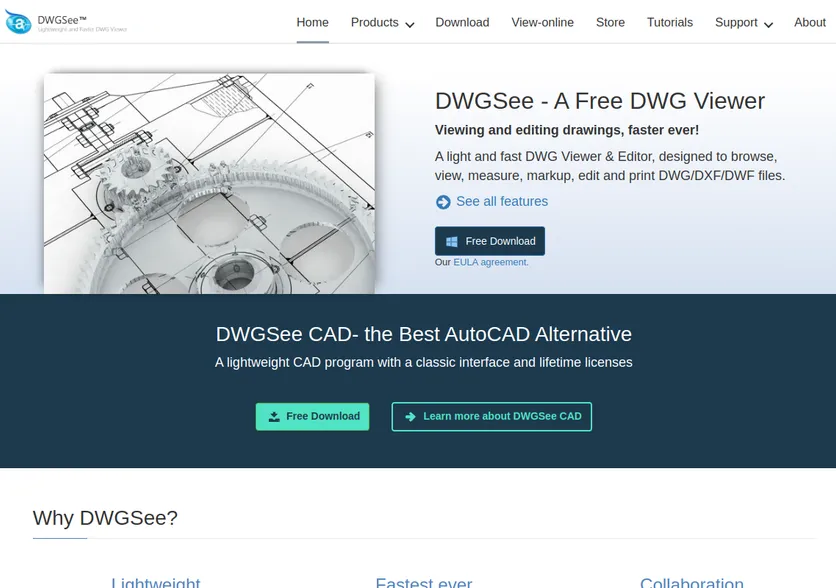
For remote teams that need a cheap DWG viewer with editing, DWGSee views, measures, marks up, edits, compares and prints DWG, DXF and DWF drawings on Windows, Mac and the web. This DWGSee license lists at sixty-nine dollars once, with a free plan for basic viewing. A reviewer who changes drawing text, lines and layers gets a one-time purchase with no renewal, though collaboration features are lighter than ShareCAD or Glovius.
What we like
- One-time license with no renewal
- Edits drawing text, lines, layers and blocks
- Runs on Windows, Mac and the web
Watch out for
- Collaboration features are lighter than ShareCAD
- Smaller support community than the big viewers
How to try it
- Open the DWGSee site and check the license terms
- Download the free plan and open a DWG drawing
- Test editing, comparison and printing on a real file
5. AIGraph CAD Viewer
Best for: Windows teams that review drawings without CAD
Paid tool Starting price: $139 one-time · A license lists at one hundred thirty-nine dollars once, with a seven-day free trial
Free plan: No free plan; 7-day free trial
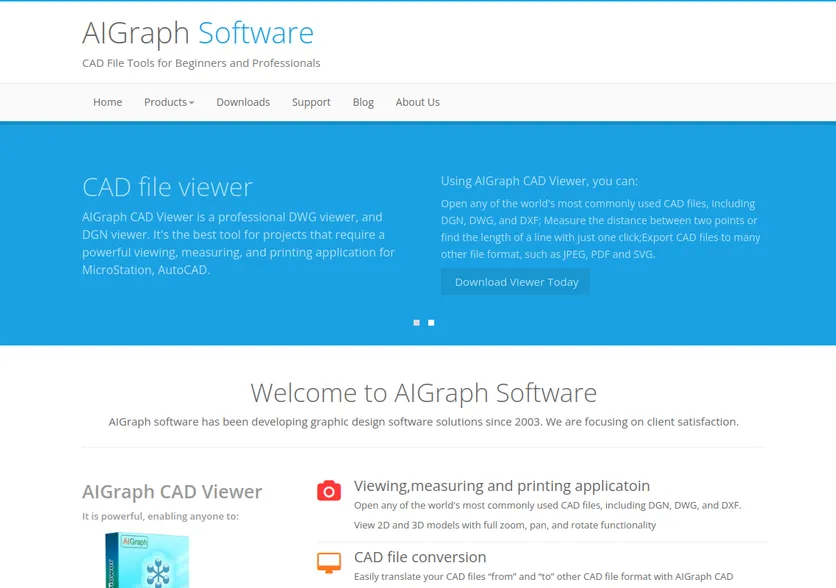
For Windows teams that review drawings without CAD, AIGraph CAD Viewer opens DWG, DXF and DGN files for viewing, measuring, printing and conversion in one desktop app. This AIGraph CAD Viewer license lists at one hundred thirty-nine dollars once, with a seven-day free trial. A reviewer who needs practical measurement and annotation tools gets a simple one-time purchase, though the viewer runs on Windows only and has no web version.
What we like
- One-time license with no renewal
- Opens DWG, DXF and DGN files in one app
- Practical measurement and annotation tools
Watch out for
- Windows only, with no web or Mac version
- Seven-day trial is short for a full evaluation
How to try it
- Open the AIGraph site and start the seven-day trial
- Open a DWG drawing and measure a distance
- Test annotation and printing on a real file
6. CAD Reader
Best for: Remote teams that need the lowest-cost DWG reader
Paid tool Starting price: $45/year · Paid plans list from forty-five dollars a year, with a free tier for basic viewing
Free plan: Free tier for basic viewing
For remote teams that need a low-cost DWG reader, CAD Reader marks up, measures, compares and edits DWG and DXF drawings on Windows, Mac, iPhone and Android. This CAD Reader paid plan lists from forty-five dollars a year, with a free tier for basic viewing. A distributed team that reviews drawings on phones and tablets gets markup and comparison tools at the lowest annual price here, though the viewer is a smaller product with a thinner support network.
What we like
- Lowest annual price in this list
- Runs on Windows, Mac, iPhone and Android
- Markup, measurement and comparison built in
Watch out for
- Smaller product with a thinner support network
- Fewer advanced features than Glovius or ShareCAD
How to try it
- Open the CAD Reader site and check the paid plans
- Install the app on your phone and open a DWG file
- Test markup and comparison on a real drawing
7. ABViewer
Best for: Windows teams that review drawings, 3D models and images together
Paid tool Starting price: $48 one-time · A license lists from forty-eight dollars once, with a free trial
Free plan: No free plan; free trial available
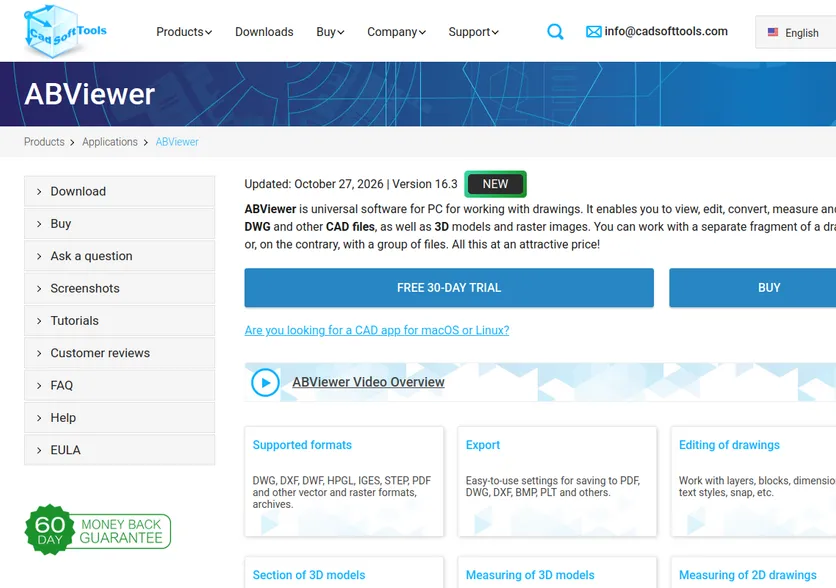
For Windows teams that review drawings and 3D models together, ABViewer views, edits, converts, measures and prints DWG files plus 3D models and raster images in one app. This ABViewer license lists from forty-eight dollars once, with a free trial. A reviewer who handles drawings, 3D models and scanned images in one place gets a one-time purchase, though ABViewer runs on Windows only and has no browser version.
What we like
- One-time license with no renewal
- Handles drawings, 3D models and images in one app
- Conversion and printing built in
Watch out for
- Windows only, with no browser or Mac version
- No cloud sharing or link-based review
How to try it
- Open the ABViewer page and check the license terms
- Download the trial and open a DWG drawing
- Test 3D model viewing and image conversion on real files
Prices above were checked on each vendor’s own website on Nov 27, 2026 and can change — the vendor’s page is the final word. Vendor links are editorial: nobody paid to be listed or ranked here. Vendors who want a featured listing can see how it works on our Get listed page.
What CAD viewers for remote teams cost in 2026
CAD viewers are cheap compared with CAD itself, because the most expensive tool here costs forty-nine dollars a month while a single CAD seat costs hundreds a year. The range runs from forty-five dollars a year for CAD Reader to five hundred forty-nine dollars a year for Glovius Plus, with ShareCAD at forty-nine dollars a month for two users in between. One-time licenses from DWGSee, AIGraph and ABViewer cost between forty-eight and one hundred thirty-nine dollars once, which suits a reviewer who opens drawings every day and never needs a subscription.
Start with the free viewers before you pay, because Autodesk Viewer and eDrawings Viewer open many formats free, and ShareCAD opens files up to fifty megabytes without an account. Check the format list first, because a viewer that cannot open CATIA or NX files is useless for a team that receives them, and Glovius is the only tool here that covers them all. Test the sharing flow with a real client, because a link that opens on a phone without an account beats a viewer that needs an install. Pick the viewer your least technical reviewer can use, because the best measurement tools help nobody if the file never opens.
Before you buy
- Check the format list first, because a viewer that cannot open your files is useless.
- Test the sharing link on a phone, because clients should open drawings without an install.
- Compare one-time and annual costs, because a cheap license beats a subscription for daily reviewers.
- Confirm measurement tools are included, because viewing alone does not review a drawing.
- Start with the free viewers, because many formats open free without any license.
Official websites
Official websites of the products reviewed above. Features and prices were checked against these sites when this guide was written, and they can change, so confirm on the vendor site before you buy.
Frequently asked questions
Which CAD viewer is best for remote teams in 2026?
Glovius is the best overall pick at two hundred ninety-nine dollars a year, as the most capable viewer for remote review with measurement, comparison and export. ShareCAD is the best pick for sharing drawings by link at forty-nine dollars a month, with browser viewing and no CAD app needed. DWG FastView is the best budget pick from forty-seven dollars and ninety-nine cents a year, with viewing and editing on any device.
How much does CAD viewer software cost?
Prices in this list run from forty-five dollars a year for CAD Reader to forty-nine dollars a month for ShareCAD Standard, with Glovius Lite at two hundred ninety-nine dollars a year and DWG FastView from forty-seven dollars and ninety-nine cents a year. One-time licenses cost forty-eight dollars for ABViewer, sixty-nine dollars for DWGSee and one hundred thirty-nine dollars for AIGraph CAD Viewer, with nothing to renew.
Is there a free CAD viewer for remote teams?
Yes, Autodesk Viewer and eDrawings Viewer are both free and open many CAD formats in a browser or on mobile, and ShareCAD offers a free browser viewer for files up to fifty megabytes. Free viewers cover basic viewing and markup, while paid tools add measurement, comparison, export and collaboration. Start free, then pay when your team needs measurement or sharing features.
Can clients open CAD files without buying CAD software?
Yes, ShareCAD lets clients open drawings from a browser link with no CAD app or account, and Glovius exports to 3D PDF and HTML for the same purpose. Autodesk Viewer also opens shared files free in a browser. Send the link first and test it on a phone, because a client who cannot open the file will call you instead of reviewing it.
What is the difference between a CAD viewer and CAD software?
A CAD viewer opens, measures and marks up drawings and models without letting you design new geometry, while CAD software creates and edits the geometry itself. Viewers cost far less than CAD seats, which is why remote teams give viewers to reviewers, clients and suppliers while designers keep full CAD. A team that only reviews files should never buy full CAD licenses.
Need everyday engineering help too? Try Toolsvine's free science and engineering tools right in your browser.
Browse Science & Engineering tools


