On this page
Enterprise civil design lives or dies on corridors, surfaces and plan sets that survive review, and the software bill is measured in thousands per seat. The seven tools below run from two hundred sixty dollars a year to three thousand six hundred seventy-five dollars a year, and every price was checked on the vendor site on November 27, 2026. Grading, pipe networks and coordination matter more than 3D modelling flourishes, so we judged each tool on how it handles a real infrastructure project. Civil 3D is our first pick — the civil standard for grading, roads and drainage.
How we researched this
We started with the civil design tools enterprise teams actually run, then read each price on the vendor pricing page on November 27, 2026 and noted the trial each plan carries. We judged them for an enterprise civil team that needs grading, corridors, pipe networks and coordinated plan production across offices. We dropped Bentley OpenRoads and Carlson because their published prices come from resellers or vary by region, and we dropped MicroStation because Bentley prices it by quote.
Compare the tools
| Name | Best for | Starting price | Free plan | |
|---|---|---|---|---|
 Civil 3D | Enterprise civil teams that design roads, grading and drainage every day | $2,870/year | No free plan; free trial available | Visit |
 AutoCAD | Enterprise teams that need precise two-dimensional drafting and DWG files | $2,095/year | No free plan; free trial available | Visit |
 Revit | Enterprise teams that coordinate buildings and infrastructure in one BIM model | $3,005/year | No free plan; free trial available | Visit |
 AEC Collection | Enterprise firms that need Civil 3D, Revit and AutoCAD on one seat | $3,675/year | No free plan; free trial available | Visit |
 BricsCAD Pro | Enterprise teams that want DWG-compatible CAD at a fraction of Autodesk prices | $780/year | No free plan; 30-day free trial | Visit |
 SketchUp Pro | Enterprise teams that need fast three-dimensional concept models | $399/year | Free web version for personal use; 30-day free trial | Visit |
 Bluebeam Revu | Enterprise teams that review plan sets, mark up drawings and run takeoffs | $260/year | No free plan; 30-day free trial | Visit |
The civil engineering design software for enterprise, compared
1. Civil 3D
Best for: Enterprise civil teams that design roads, grading and drainage every day
Paid tool Starting price: $2,870/year · Two thousand eight hundred seventy dollars a year, or three hundred sixty dollars a month billed month to month, with a free trial and free access for eligible students and educators
Free plan: No free plan; free trial available
Civil 3D is the civil engineering standard for grading, corridors, pipe networks and plan production, and it is the tool other civil software is measured against. This Civil 3D subscription costs two thousand eight hundred seventy dollars a year and covers dynamic surfaces, alignments, corridors, site design, storm and sanitary networks and plan production in one model. An enterprise team that coordinates with agencies and consultants gets a file format everyone already reads.
What we like
- The civil standard for corridors, grading and pipe networks
- Dynamic surfaces update the whole model when the design changes
- Every agency and consultant already reads its files
Watch out for
- The dearest single civil tool here outside the bundle
- Windows only, so Mac teams need a virtual machine or a second computer
How to try it
- Open the Autodesk Civil 3D page and start the free trial
- Build one corridor with a surface and a pipe network
- Produce a plan set and check it against your agency standards
2. AutoCAD
Best for: Enterprise teams that need precise two-dimensional drafting and DWG files
Paid tool Starting price: $2,095/year · Two thousand ninety-five dollars a year, or two hundred sixty dollars a month billed month to month, with AutoCAD LT at five hundred forty dollars a year for two-dimensional work only
Free plan: No free plan; free trial available
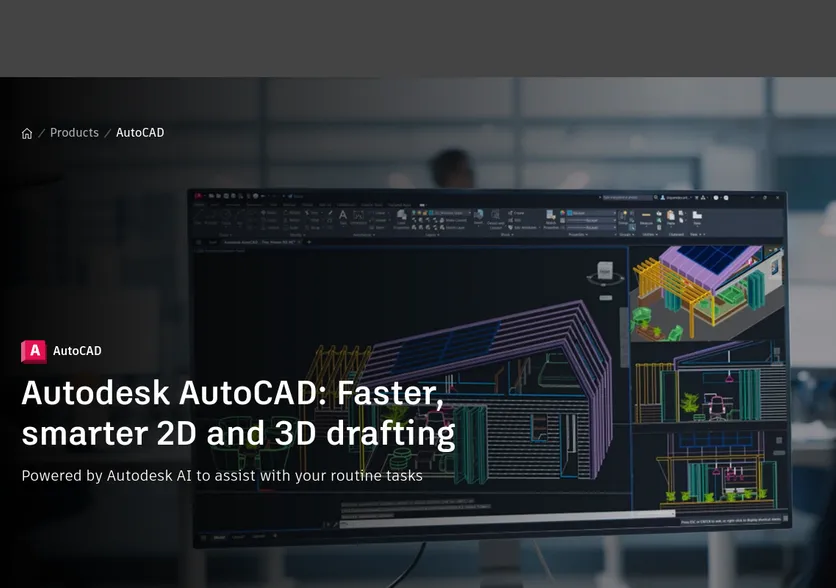
AutoCAD remains the standard for precise two-dimensional drafting and DWG exchange, and every civil team still needs it for details, redlines and consultant drawings. This AutoCAD subscription costs two thousand ninety-five dollars a year and includes seven specialized toolsets, automation and access to over one thousand apps. An enterprise team that trades DWG files with consultants all day gets a drafting tool that never surprises anyone.
What we like
- The standard for precise two-dimensional drafting and DWG files
- Seven specialized toolsets boost drafting speed on routine work
- Runs on desktop, web and mobile for field markups
Watch out for
- It is not a civil design tool, so grading and corridors need Civil 3D
- The subscription never stops, with no perpetual license offered
How to try it
- Open the Autodesk AutoCAD page and start the free trial
- Test the specialized toolsets against your current drafting work
- Check DWG exchange with one consultant file before you buy
3. Revit
Best for: Enterprise teams that coordinate buildings and infrastructure in one BIM model
Paid tool Starting price: $3,005/year · Three thousand five dollars a year, or three hundred eighty dollars a month billed month to month, with Flex tokens as an alternative for occasional users
Free plan: No free plan; free trial available
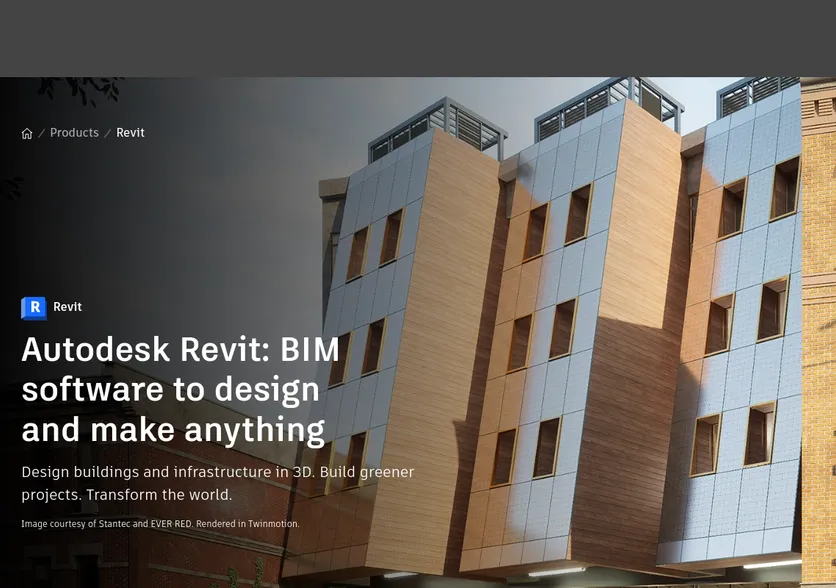
Revit is the BIM platform that brings architecture, structure and civil work into one coordinated model, so clashes surface before construction starts. This Revit subscription costs three thousand five dollars a year and covers parametric modelling, coordinated documentation and cloud collaboration through BIM Collaborate Pro. An enterprise team that delivers buildings beside infrastructure gets one model that every discipline can work in.
What we like
- The BIM standard for coordinated multi-discipline models
- Documentation updates automatically when the model changes
- Cloud collaboration keeps every office on the same model
Watch out for
- Windows only, with no native Mac version
- The dearest single tool in this list outside the bundle
How to try it
- Open the Autodesk Revit page and start the free trial
- Model one building with its site and check the coordination
- Test cloud collaboration with one consultant before you buy
4. AEC Collection
Best for: Enterprise firms that need Civil 3D, Revit and AutoCAD on one seat
Paid tool Starting price: $3,675/year · Three thousand six hundred seventy-five dollars a year for eighteen products, including Revit, AutoCAD, Civil 3D and Navisworks
Free plan: No free plan; free trial available
The AEC Collection bundles the Autodesk tools an enterprise civil firm actually uses into one subscription, so a single seat covers drafting, civil design, BIM and coordination. This AEC Collection subscription costs three thousand six hundred seventy-five dollars a year and includes Revit, AutoCAD, Civil 3D, Navisworks and fourteen more products. A firm that would otherwise buy two or three separate subscriptions saves money and stops juggling licenses.

What we like
- Civil 3D, Revit and AutoCAD on one seat for one price
- Cheaper than buying the three main tools separately
- Eighteen products cover drafting, BIM and coordination
Watch out for
- Wasteful if the team only ever opens one of the products
- Still Windows only for the core design tools
How to try it
- Open the Autodesk AEC Collection page and list the products you use
- Add up the separate subscriptions the bundle would replace
- Check that every product in the bundle is one your team needs
5. BricsCAD Pro
Best for: Enterprise teams that want DWG-compatible CAD at a fraction of Autodesk prices
Paid tool Starting price: $780/year · Seven hundred eighty dollars a year for Pro, with Lite at three hundred forty-five dollars a year for pure two-dimensional work and BIM at one thousand one hundred sixty-six dollars a year
Free plan: No free plan; 30-day free trial
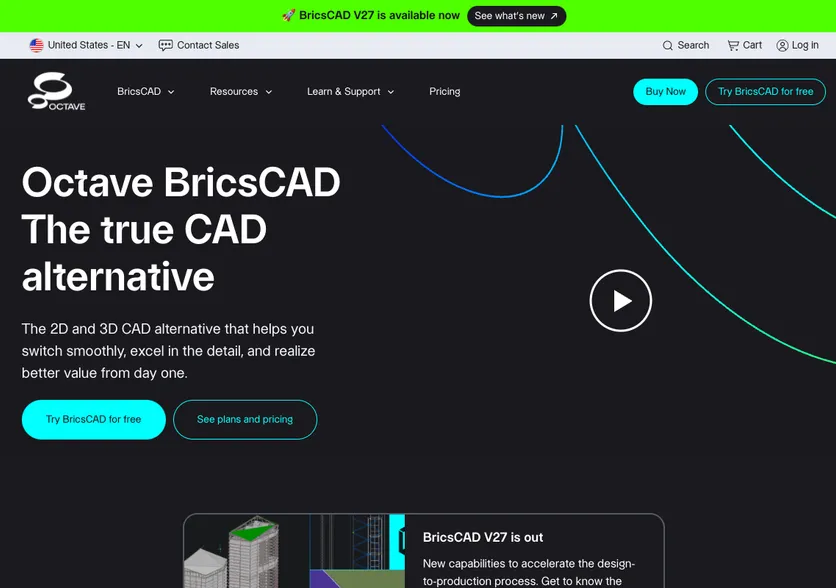
BricsCAD Pro is the credible low-cost alternative to AutoCAD, reading and writing DWG natively and running familiar LISP routines so drafters stay productive within days. This BricsCAD Pro subscription costs seven hundred eighty dollars a year and covers two-dimensional and three-dimensional DWG drafting on Windows, Mac and Linux. An enterprise team that wants to cut license costs without retraining staff gets the biggest saving in this list.
What we like
- Reads and writes DWG natively with no conversion step
- Runs on Windows, Mac and Linux, unlike the Autodesk tools
- Less than half the price of AutoCAD for comparable drafting
Watch out for
- Grading, corridors and pipe networks need third-party applications
- A smaller support community than Autodesk
How to try it
- Open the Bricsys BricsCAD page and start the thirty-day trial
- Open one of your DWG files and check that it reads cleanly
- Test your LISP routines before you commit to a switch
6. SketchUp Pro
Best for: Enterprise teams that need fast three-dimensional concept models
Paid tool Starting price: $399/year · Three hundred ninety-nine dollars a year for Pro, with Go at one hundred twenty-nine dollars a year for web and tablet work and Studio at eight hundred fifty-nine dollars a year
Free plan: Free web version for personal use; 30-day free trial
SketchUp Pro is the quickest way to turn a site idea into a three-dimensional model that clients and planning boards can understand at a glance. This SketchUp Pro subscription costs three hundred ninety-nine dollars a year and covers desktop modelling, LayOut for documents and a large library of ready-made components. An enterprise civil team that presents options to clients gets a concept model in hours, not days, beside the heavy design tools.

What we like
- The fastest route from an idea to a presentable model
- A huge component library speeds up everyday modelling
- LayOut turns models into documents without a second tool
Watch out for
- Not a civil design tool, so grading and corridors need Civil 3D
- Large models slow down faster than in the Autodesk tools
How to try it
- Open the SketchUp pricing page and start the free trial
- Model one site option and present it to a colleague
- Export through LayOut and check the document quality
7. Bluebeam Revu
Best for: Enterprise teams that review plan sets, mark up drawings and run takeoffs
Paid tool Starting price: $260/year · Two hundred sixty dollars a year per user for Basics, with Core at three hundred thirty dollars, Complete at four hundred forty dollars and Max at five hundred ninety dollars
Free plan: No free plan; 30-day free trial
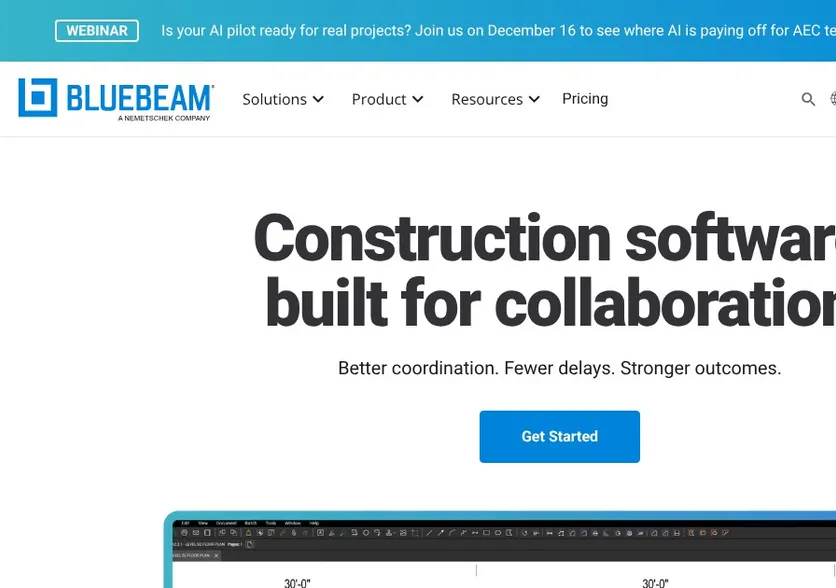
Bluebeam Revu is where plan sets go to be reviewed, redlined and approved, and it is the cheapest seat in this list by a wide margin. This Bluebeam Revu Basics plan costs two hundred sixty dollars a year per user and covers PDF markup, measurement for length, area and volume, and Studio Sessions where reviewers mark up the same set together. An enterprise team that coordinates with agencies gets a review tool every reviewer already knows.
What we like
- The standard for plan review, markups and takeoffs
- Studio Sessions let reviewers work on the same set together
- The cheapest seat in this list at two hundred sixty dollars a year
Watch out for
- It reviews drawings but designs nothing, so a CAD tool is still needed
- Higher tiers are needed for the full markup and takeoff toolkit
How to try it
- Open the Bluebeam site and start the thirty-day trial
- Mark up one plan set and measure a takeoff
- Run a Studio Session with one reviewer before you buy
Prices above were checked on each vendor’s own website on Nov 27, 2026 and can change — the vendor’s page is the final word. Vendor links are editorial: nobody paid to be listed or ranked here. Vendors who want a featured listing can see how it works on our Get listed page.
What enterprise civil design software costs in 2026
Enterprise civil seats run from two hundred sixty dollars a year for Bluebeam Revu to three thousand six hundred seventy-five dollars a year for the AEC Collection, and the bundle question decides most of the bill. A firm that needs Civil 3D, Revit and AutoCAD saves money on the collection, while a firm that only drafts pays less on BricsCAD Pro at seven hundred eighty dollars a year. Count the seats that actually open each product before you buy, because a bundle seat that only ever opens AutoCAD wastes the Civil 3D and Revit money.
Run a trial on a real project, not a demo file, and put one corridor, one surface and one plan set through each finalist. Check DWG and IFC exchange with your most demanding consultant, and confirm the license works on the machines your team actually uses, since the Autodesk tools are Windows only. Pick the tool whose plan set passes agency review with the fewest corrections, because a cheap seat that fails review costs more than a dear one that passes first time.
Before you buy
- Count the seats that actually open each product, because a bundle seat used for one tool wastes the rest of the money.
- Run the trial on a real project with a corridor, a surface and a plan set, because demo files hide the hard parts.
- Check DWG and IFC exchange with your most demanding consultant, because a file nobody else can open is useless.
- Confirm the license runs on the machines your team uses, because the Autodesk tools are Windows only.
- Compare the collection against separate subscriptions, because two tools bought alone can cost more than the bundle.
Official websites
Official websites of the products reviewed above. Features and prices were checked against these sites when this guide was written, and they can change, so confirm on the vendor site before you buy.
Frequently asked questions
Which civil engineering design software is best for enterprise teams in 2026?
Civil 3D is the best overall pick at two thousand eight hundred seventy dollars a year, with grading, corridors, pipe networks and plan production in one model. The AEC Collection is the best bundle pick at three thousand six hundred seventy-five dollars a year, adding Revit and AutoCAD to the same seat. Bluebeam Revu is the best budget pick at two hundred sixty dollars a year per user for plan review and markups.
How much does civil engineering design software cost per year?
Prices in this list run from two hundred sixty dollars a year per user for Bluebeam Revu Basics to three thousand six hundred seventy-five dollars a year for the AEC Collection. SketchUp Pro costs three hundred ninety-nine dollars a year, BricsCAD Pro seven hundred eighty dollars a year, AutoCAD two thousand ninety-five dollars a year, Civil 3D two thousand eight hundred seventy dollars a year and Revit three thousand five dollars a year.
Is the AEC Collection cheaper than buying Civil 3D and Revit separately?
Yes, for a team that uses both. Civil 3D costs two thousand eight hundred seventy dollars a year and Revit three thousand five dollars a year, so the two together cost five thousand eight hundred seventy-five dollars a year against three thousand six hundred seventy-five dollars for the collection. The collection also adds AutoCAD, Navisworks and fourteen more products, so the saving grows with every extra tool the team opens.
Can BricsCAD Pro replace AutoCAD for a civil team?
Yes, for drafting work. BricsCAD Pro reads and writes DWG natively, runs LISP routines and costs seven hundred eighty dollars a year against two thousand ninety-five dollars for AutoCAD, and it runs on Mac and Linux too. It cannot replace Civil 3D, because grading, corridors and pipe networks need third-party applications on top of BricsCAD, so a civil team still needs Civil 3D beside it.
Does Civil 3D run on a Mac?
No, Civil 3D is Windows only, and the same is true of AutoCAD, Revit and the AEC Collection. A Mac-based team needs a virtual machine or a second Windows computer to run them, which adds cost and friction. BricsCAD Pro and SketchUp Pro both run natively on Mac, so a Mac team that drafts and models can work without Windows, though civil design still needs a Windows machine for Civil 3D.
Need engineering calculations too? Try Toolsvine's free science and engineering tools right in your browser.
Browse Science & Engineering tools