On this page
Moving a team to the cloud means moving mailboxes, files and servers without losing a day of work. The seven tools below cover per-user, per-gigabyte and per-workload pricing, so a remote team can match the bill to the size of its move. Every figure was checked on the vendor site on November 27, 2026, and the list runs from one point two five cents per gigabyte to five thousand nine hundred ninety-five dollars a year. ShareGate Migrate is our first pick — the flat-fee suite that moves a whole Microsoft 365 tenant for one annual price.
How we researched this
We started with the migration tools remote teams actually buy, then read each price on the vendor pricing page on November 27, 2026 and noted whether the headline is per user, per gigabyte or per workload. We judged them for a team spread across locations that needs a move with minimal downtime and a price it can predict. We dropped Cloudsfer because its current pricing page shows no plan prices, and we left out CloudM Migrate and AvePoint Fly because both are quote-only.
Compare the tools
| Name | Best for | Starting price | Free plan | |
|---|---|---|---|---|
| AWS DataSync | Teams moving data to the cloud with no subscription at all | $0.0125/GB | No free plan listed | Visit |
| Movebot | Teams that want pay-as-you-go file migration with no subscription | $0.75/GB | Free trial with test credits on request | Visit |
| MigrationWiz | Teams migrating mailboxes to Microsoft 365 or Google Workspace | $14/user | No free plan listed | Visit |
| Acronis Cyber Protect | Small teams that want backup plus migration in one agent | $85/workload/year | No free plan; 30-day free trial | Visit |
 Veeam Data Platform | Teams migrating virtual machines with backup and disaster recovery | $95/workload/year | Free Community Edition up to 10 workloads | Visit |
| EdbMails | Teams migrating a fixed number of mailboxes on a one-time licence | $200/100 mailboxes | Free trial for 30 items per folder | Visit |
| ShareGate Migrate | Teams moving Microsoft 365 tenants with unlimited users and data | $5,995/year | No free plan listed | Visit |
The cloud migration software for remote teams, compared
1. AWS DataSync
Best for: Teams moving data to the cloud with no subscription at all
Paid tool Starting price: $0.0125/GB · One point two five cents per gigabyte for the Basic mode; there is no subscription and no minimum, so a one terabyte transfer costs twelve dollars and fifty cents
Free plan: No free plan listed
AWS DataSync is Amazon's own transfer service that moves files, objects and file systems between on-premises storage and AWS. This AWS DataSync Basic mode costs one point two five cents per gigabyte, with no subscription and no minimum. A remote team moving a terabyte pays twelve dollars and fifty cents and nothing else.
What we like
- No subscription and no minimum charge
- Pay only for the gigabytes you move
- Built into AWS with no extra agent to run
Watch out for
- Works only with AWS as the destination
- No mailbox or SaaS migration, only files and storage
How to try it
- Open the AWS DataSync console and create a task
- Pick your source location and the AWS destination
- Run the transfer and verify the copied data
2. Movebot
Best for: Teams that want pay-as-you-go file migration with no subscription
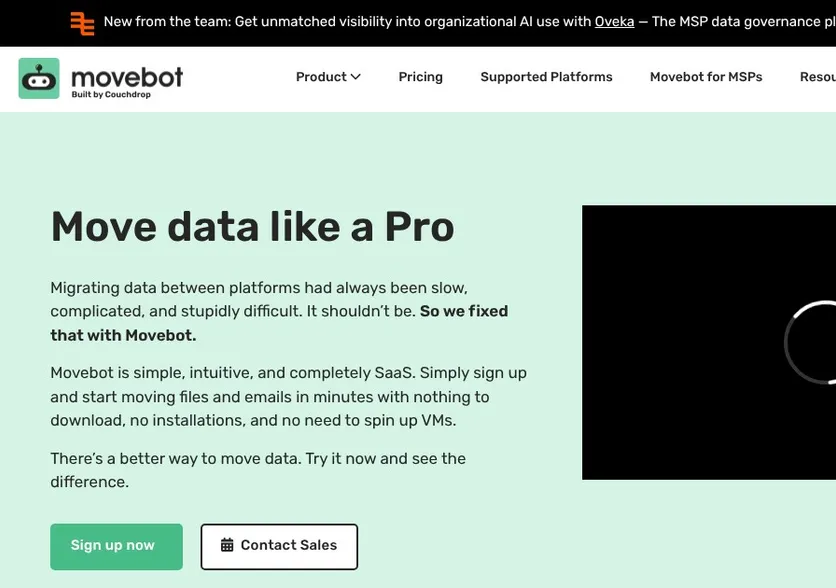
Paid tool Starting price: $0.75/GB · Seventy-five cents per gigabyte or less for file migrations, pay as you go with no subscription; mailbox transfers cost fifteen dollars per transfer with unlimited data. Third-party sources quote a subscription rate near three hundred ninety dollars a terabyte, which does not appear on the vendor page
Free plan: Free trial with test credits on request
Movebot is the migration tool that charges only for the data you move, with no subscription, no platform fee and no minimum. This Movebot file migration costs seventy-five cents per gigabyte or less, so a hundred gigabytes cost seventy-five dollars at most. A remote team doing a one-off move gets full access without signing a contract.
What we like
- Pay only for the data you move
- Scanning is free before you commit
- No subscription, no platform fee, no minimum
Watch out for
- Mailbox moves are fifteen dollars per transfer, not per gigabyte
- No annual plan, so heavy users get no volume discount
How to try it
- Open the Movebot site and create a free account
- Scan your source and destination for free
- Run the transfer and pay only for what moves
3. MigrationWiz
Best for: Teams migrating mailboxes to Microsoft 365 or Google Workspace
Paid tool Starting price: $14/user · Fourteen dollars per user for a mailbox migration up to fifty gigabytes; the User Migration Bundle costs seventeen dollars and fifty cents per user and the Tenant Migration Bundle costs fifty-seven dollars per user
Free plan: No free plan listed
MigrationWiz is BitTitan's per-user migration tool for mailboxes, documents and tenants moving to Microsoft 365 or Google Workspace. This MigrationWiz mailbox migration costs fourteen dollars per user for up to fifty gigabytes. A remote team moving a hundred mailboxes pays a flat, predictable fee with no subscription.
What we like
- Flat per-user price with no subscription
- Covers mailboxes, documents and tenants
- Trusted for large Microsoft 365 moves
Watch out for
- Licences are single-use per migration
- Documents and tenants need the pricier bundles
How to try it
- Open the MigrationWiz site and create an account
- Buy the mailbox licences for your user count
- Run the migration in batches and verify each one
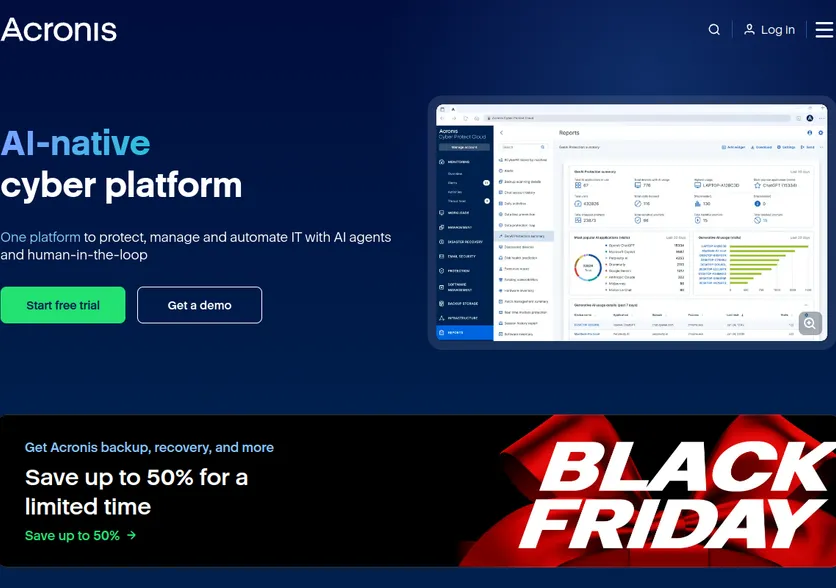
4. Acronis Cyber Protect
Best for: Small teams that want backup plus migration in one agent
Paid tool Starting price: $85/workload/year · Eighty-five dollars per workload a year for the Cyber Protect Standard edition; Advanced costs one hundred twenty-nine dollars per workload a year and servers are priced separately at five hundred ninety-five dollars a year
Free plan: No free plan; 30-day free trial
Acronis Cyber Protect is the backup and security suite that also moves machines and workloads to the cloud in one agent. This Acronis Cyber Protect Standard edition costs eighty-five dollars per workload a year and bundles backup, anti-malware and patch management. A small team gets migration beside the backup it already pays for.
What we like
- Backup and migration in one agent
- Published per-workload price with no quote
- Covers Windows, Mac, Linux and virtual machines
Watch out for
- Servers cost five hundred ninety-five dollars a year, not eighty-five
- Cloud storage is billed separately from the licence
How to try it
- Open the Acronis site and start the 30-day trial
- Install the agent on the machines to migrate
- Back up, then restore the workloads to the cloud target
5. Veeam Data Platform
Best for: Teams migrating virtual machines with backup and disaster recovery
Paid tool Starting price: $95/workload/year · Ninety-five dollars per workload a year for the Data Platform Essentials edition, sold in five-licence packs for up to fifty workloads; Foundation costs one thousand five hundred fifty dollars per ten-pack a year
Free plan: Free Community Edition up to 10 workloads
Veeam Data Platform is the backup and recovery suite that also migrates virtual machines between hosts and clouds. This Veeam Data Platform Essentials edition costs ninety-five dollars per workload a year, sold in five-licence packs. A team that already backs up with Veeam gets migration in the same console.

What we like
- Migration beside backup in one console
- Free Community Edition for ten workloads
- Instant recovery if a migration goes wrong
Watch out for
- Primarily a backup tool, with migration as a secondary job
- Essentials caps at fifty workloads and small teams
How to try it
- Open the Veeam site and download the Community Edition
- Add your virtual machines to the inventory
- Replicate the workloads to the new host or cloud
6. EdbMails
Best for: Teams migrating a fixed number of mailboxes on a one-time licence
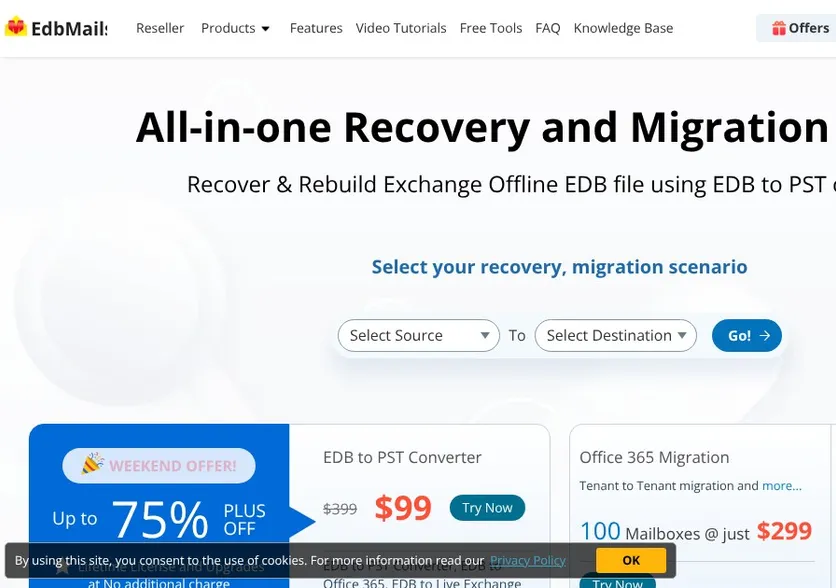
Paid tool Starting price: $200/100 mailboxes · Two hundred dollars one time for one hundred mailboxes on the Office 365 Migration licence; one thousand mailboxes cost two hundred ninety-nine dollars and unlimited mailboxes cost four hundred ninety-nine dollars, all one-time lifetime licences
Free plan: Free trial for 30 items per folder
EdbMails is the one-time licence migration tool for Office 365 and IMAP mailboxes, with no recurring fees at all. This EdbMails Office 365 Migration licence costs two hundred dollars one time for one hundred mailboxes. A remote team doing a single mailbox move pays once and keeps the licence for life.
What we like
- One-time licence with no recurring fees
- Two hundred dollars covers a hundred mailboxes
- Free trial covers thirty items per folder
Watch out for
- Mailbox-only tool, with no file or drive migration
- One-time licence means no ongoing support contract
How to try it
- Open the EdbMails site and download the free trial
- Connect the source and target mailboxes
- Run the migration and verify the copied folders
7. ShareGate Migrate
Best for: Teams moving Microsoft 365 tenants with unlimited users and data
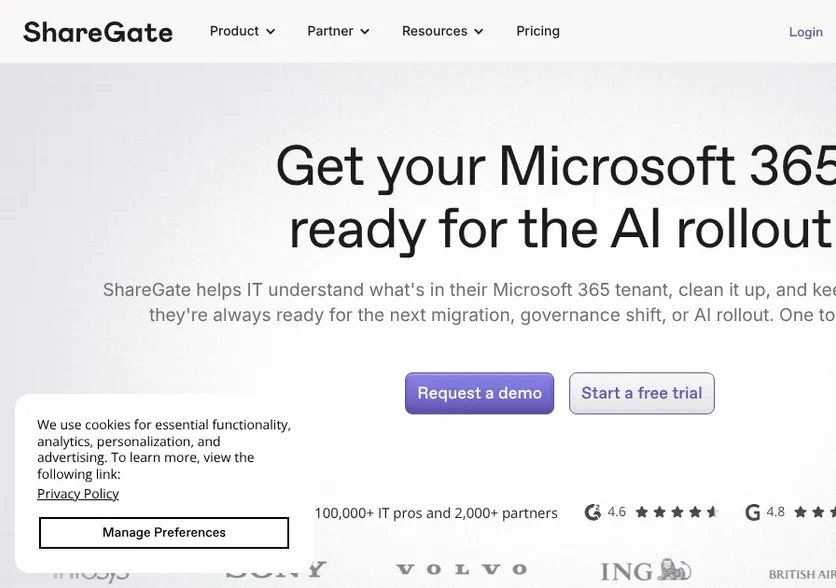
Paid tool Starting price: $5,995/year · Five thousand nine hundred ninety-five dollars a year for the Migrate Essentials plan; Pro costs nine thousand nine hundred ninety-five dollars a year and Enterprise costs seventeen thousand nine hundred ninety-five dollars a year. The licence is flat annual with unlimited users and data
Free plan: No free plan listed
ShareGate Migrate is the flat-fee migration suite for Microsoft 365, moving mail, SharePoint, Teams and OneDrive without per-user charges. This ShareGate Migrate Essentials plan costs five thousand nine hundred ninety-five dollars a year for one machine activation with unlimited users and data. A remote team moving a whole tenant pays one flat fee instead of a per-user meter.
What we like
- Flat annual fee with unlimited users and data
- Covers mail, SharePoint, Teams and OneDrive
- Reporting that proves every item moved
Watch out for
- Dearest flat price in this comparison
- Essentials covers one machine activation only
How to try it
- Open the ShareGate site and start a trial
- Connect your source and target Microsoft 365 tenants
- Run the migration and use the reports to verify every item
Prices above were checked on each vendor’s own website on Nov 27, 2026 and can change — the vendor’s page is the final word. Vendor links are editorial: nobody paid to be listed or ranked here. Vendors who want a featured listing can see how it works on our Get listed page.
What cloud migration costs in 2026
Migration pricing comes in three units, and the cheapest headline is rarely the cheapest move. Per-user tools suit mailbox moves, per-gigabyte tools suit file moves, and per-workload tools suit servers, so a team moving all three needs three different sums. Work out your user count, your data volume and your server count first, then price each tool on the same basis.
Start with a small test batch and verify every item before you move the rest. Check that delta passes work, that the audit log proves what moved, and that the rollback plan is tested, not just documented. Pick the tool whose trial lets you prove the move on real data, because a migration that fails on ten mailboxes will fail on ten thousand.
Before you buy
- Check what the price covers, because per-user, per-gigabyte and per-workload billing produce very different totals.
- Confirm the trial limits, because a trial that caps at thirty items cannot prove a thousand-mailbox move.
- Test a small migration first, because a tool that fails on ten mailboxes will fail on ten thousand.
- Ask about delta passes, because a migration without them means downtime while the last files copy over.
- Check the rollback plan, because a failed cutover needs a way back to the old system in minutes.
Official websites
Official websites of the products reviewed above. Features and prices were checked against these sites when this guide was written, and they can change, so confirm on the vendor site before you buy.
Frequently asked questions
Which cloud migration software is best for remote teams in 2026?
ShareGate Migrate is the best overall pick for Microsoft 365 moves, with a flat five thousand nine hundred ninety-five dollar annual fee and unlimited users and data. Movebot is the best pay-as-you-go pick at seventy-five cents per gigabyte with no subscription. MigrationWiz is the best per-user pick at fourteen dollars per user for mailbox moves up to fifty gigabytes.
How much does cloud migration software cost?
Prices in this list run from one point two five cents per gigabyte for AWS DataSync to five thousand nine hundred ninety-five dollars a year for ShareGate, because the tools charge in different units. A one-off file move costs tens of dollars, while a full tenant migration costs thousands. Work out your data volume and user count first, then price each tool on the same basis.
What is a delta pass and why does it matter?
A delta pass copies only the changes since the last pass, so the final cutover moves minutes of data instead of the whole estate. Tools without delta passes force a long downtime window while everything copies at once. For a live mailbox or file store, delta passes are the difference between a weekend move and a week of disruption.
Is there a free cloud migration tool for remote teams?
No, none of the tools here offer a free migration plan, though AWS DataSync charges only for the gigabytes moved and Movebot lets you scan for free. EdbMails and Veeam both offer free trials, and Veeam's Community Edition covers ten workloads at no cost. A small move can often be done for under a hundred dollars.
Can these tools migrate both files and mailboxes?
Yes, every tool here handles the common sources, but the fit depends on what you are moving. ShareGate and MigrationWiz lead for Microsoft 365, Movebot and AWS DataSync lead for files and storage, and Veeam and Acronis lead for virtual machines. Match the tool to the workload first, then to the price.
Need more developer help? Try Toolsvine's free developer tools right in your browser.
Browse Developer Tools tools