On this page
A training session lives or dies on whether people actually take part, and a shared whiteboard turns watchers into contributors. The eight tools below cover live boards, templates and timers for trainers, with prices from three dollars a user a month to twenty-four dollars ninety a host a month. Every price was checked on the vendor site on November 27, 2026, and every tool offers a free plan or trial. Miro is our first pick — the whiteboard with the deepest template library and the smoothest live collaboration for training groups.
How we researched this
We started with the whiteboards trainers actually run sessions on, then read each price on the vendor pricing page on November 27, 2026 and noted where the price is per host rather than per user. We judged them for a trainer who runs live sessions and needs templates, timers and sticky notes that a whole room can use at once. We left out quote-only enterprise boards that a small training team cannot price without a sales call.
Compare the tools
| Name | Best for | Starting price | Free plan | |
|---|---|---|---|---|
 Miro | Trainers who want the biggest template library and the smoothest live boards | $8/member/month | Free plan with 3 editable boards | Visit |
 Mural | Facilitators who run structured workshops with guided methods | $9.99/member/month | Free plan with unlimited murals, 3 editable at a time | Visit |
 Lucidspark | Teams that already use Lucidchart and want a matching whiteboard | $9/month | Free plan | Visit |
 FigJam | Design-led teams that already pay for Figma | $3/month | Free Starter plan with 3 FigJam files | Visit |
| Explain Everything | Trainers who record whiteboard lessons as video | $7.49/user/month | Free plan with 3 projects | Visit |
| Klaxoon | Trainers who run structured activities with polls and quizzes | $24.90/host/month | Free plan with 1 open activity | Visit |
 Stormboard | Teams that plan with sticky notes, reports and data exports | $8.33/user/month | Free Personal plan with 5 open Storms | Visit |
 Whimsical | Small teams that want boards, docs and flowcharts in one tool | $10/editor/month | Free plan | Visit |
The cloud whiteboard software for training sessions, compared
1. Miro
Best for: Trainers who want the biggest template library and the smoothest live boards
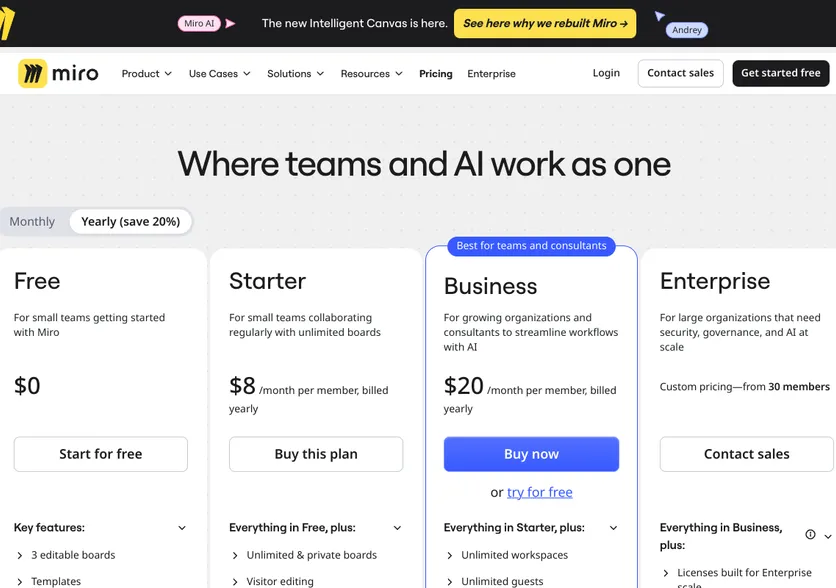
Paid tool Starting price: $8/member/month · Eight dollars per member a month billed annually for the Starter plan, or ten dollars billed monthly; Business costs twenty dollars a member a month billed annually. The Free plan covers three editable boards
Free plan: Free plan with 3 editable boards
Miro is the online whiteboard most trainers reach for, with thousands of templates for workshops, retrospectives and lesson plans. This Miro Starter plan costs eight dollars per member a month billed annually and adds unlimited boards with voting and timers. A trainer gets a board a whole room can edit at once, with breakout frames and a timer that keeps the session moving.
What we like
- Largest template library of any board here
- Voting, timers and breakout frames for sessions
- Free plan covers small training groups
Watch out for
- Starter limits boards to three on the free plan
- Business plan needed for advanced admin controls
How to try it
- Open the Miro site and create a free account
- Pick a training template and set up your board
- Invite learners and run the session with the timer on
2. Mural
Best for: Facilitators who run structured workshops with guided methods
Paid tool Starting price: $9.99/member/month · Nine dollars ninety-nine per member a month billed annually for the Team Plus plan, or twelve dollars billed monthly; Business costs seventeen dollars ninety-nine a member a month. The Free plan allows unlimited murals with three editable at a time
Free plan: Free plan with unlimited murals, 3 editable at a time
Mural is the whiteboard built for facilitated workshops, with guided methods that walk a group through each step of the session. This Mural Team Plus plan costs nine dollars ninety-nine per member a month billed annually and adds unlimited murals with private rooms. A facilitator gets timers, voting and facilitation superpowers that keep a workshop on track.
What we like
- Guided methods built for facilitators
- Private rooms for breakout work
- Strong voting and timer tools
Watch out for
- Priced per member, so large classes add up
- Fewer casual templates than Miro
How to try it
- Open the Mural site and create a free account
- Choose a workshop template and build your mural
- Invite participants and run the session with facilitation tools
3. Lucidspark
Best for: Teams that already use Lucidchart and want a matching whiteboard
Paid tool Starting price: $9/month · Nine dollars a month billed annually for the Individual plan; Team costs ten dollars per user a month billed annually, and the Free plan costs nothing
Free plan: Free plan
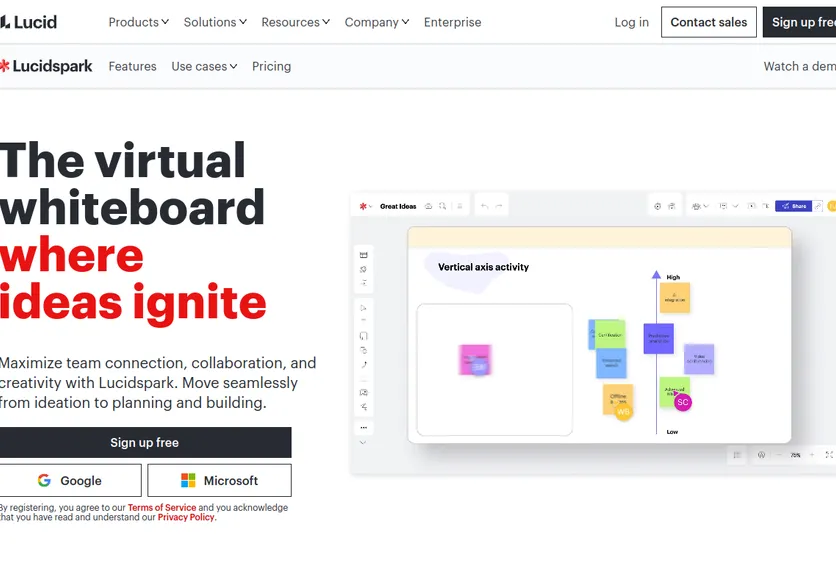
Lucidspark is Lucid's virtual whiteboard, pairing sticky notes and freehand drawing with the diagramming the company is known for. This Lucidspark Individual plan costs nine dollars a month billed annually and adds unlimited boards with breakout boards and voting. A team that already draws in Lucidchart gets a whiteboard that shares the same canvas and accounts.
What we like
- Breakout boards for small-group work
- Pairs cleanly with Lucidchart diagrams
- Simple, uncluttered canvas for beginners
Watch out for
- Smaller template library than Miro or Mural
- Team plan needed for shared workspaces
How to try it
- Open the Lucidspark site and create a free account
- Start a board from a brainstorming template
- Invite your team and use breakout boards for group work
4. FigJam
Best for: Design-led teams that already pay for Figma
Paid tool Starting price: $3/month · Three dollars a month for a Collab seat on the Figma Professional plan billed annually, or five dollars on Organization and Enterprise plans; the free Starter plan includes three FigJam files. FigJam has no standalone plan and is sold as a Figma Collab seat
Free plan: Free Starter plan with 3 FigJam files
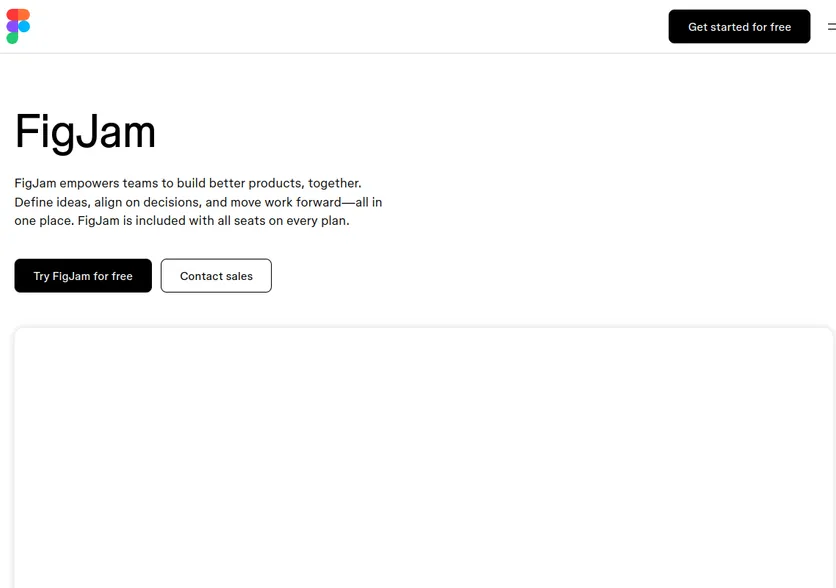
FigJam is Figma's playful whiteboard, built for quick sketches, stickers and sticky notes beside the design files. This FigJam Collab seat costs three dollars a month on the Figma Professional plan billed annually and adds unlimited FigJam files with voting and timers. A design-led team gets a whiteboard that sits next to its Figma files with no extra login.
What we like
- Cheapest paid seat in this comparison
- Sits beside Figma design files
- Fun stamps and widgets keep sessions light
Watch out for
- No standalone plan, it is a Figma add-on seat
- Fewer enterprise controls than Miro
How to try it
- Open the FigJam site and create a free Figma account
- Start a board and add sticky notes, stamps and widgets
- Invite your team and run the session from the same file
5. Explain Everything
Best for: Trainers who record whiteboard lessons as video
Paid tool Starting price: $7.49/user/month · Seven dollars forty-nine per user a month billed annually for the Pro and Team plans, or nine dollars ninety-nine billed monthly. The Free plan covers three projects with one slide each
Free plan: Free plan with 3 projects
Explain Everything is the whiteboard built for teaching, pairing an infinite canvas with screen recording so a lesson becomes a video. This Explain Everything Team plan costs seven dollars forty-nine per user a month billed annually and adds unlimited projects with unrestricted video length. A trainer gets a board that records every stroke, so a live session doubles as a lesson video.
What we like
- Records lessons as video automatically
- Infinite canvas with rich media support
- Built for teachers, not just designers
Watch out for
- Free plan limits projects to three
- Collaboration caps at eight people on Team
How to try it
- Open the Explain Everything site and create a free account
- Build your lesson on the infinite canvas
- Record the session and share the video link with learners
6. Klaxoon
Best for: Trainers who run structured activities with polls and quizzes
Paid tool Starting price: $24.90/host/month · Twenty-four dollars ninety per host a month billed annually for the Starter plan, covering up to four Pro users; Enterprise starts at five Pros and is priced by quote. The Free plan covers one open activity with five contributors
Free plan: Free plan with 1 open activity
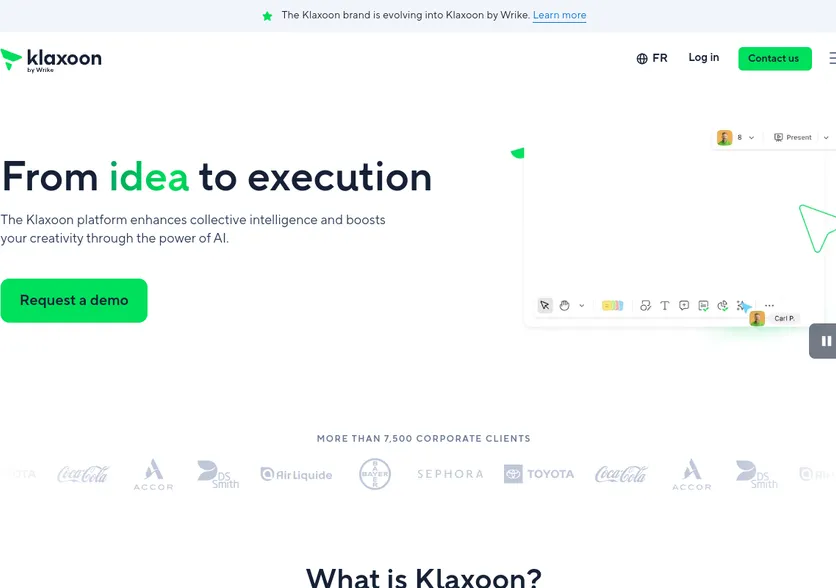
Klaxoon, now part of Wrike, is the visual collaboration platform built around activities, polls and quizzes rather than free-form boards. This Klaxoon Starter plan costs twenty-four dollars ninety per host a month billed annually and covers up to four Pro users with unlimited open activities. A trainer gets ready-made activities for brainstorming, voting and training, with a free plan to try one.
What we like
- Ready-made activities for training sessions
- Polls, quizzes and timers built in
- Works from any device with no install
Watch out for
- Priced per host, not per user
- Enterprise starts at five Pros with a quote
How to try it
- Open the Klaxoon site and create a free account
- Pick an activity template for your session
- Launch the activity and let participants join from any device
7. Stormboard
Best for: Teams that plan with sticky notes, reports and data exports
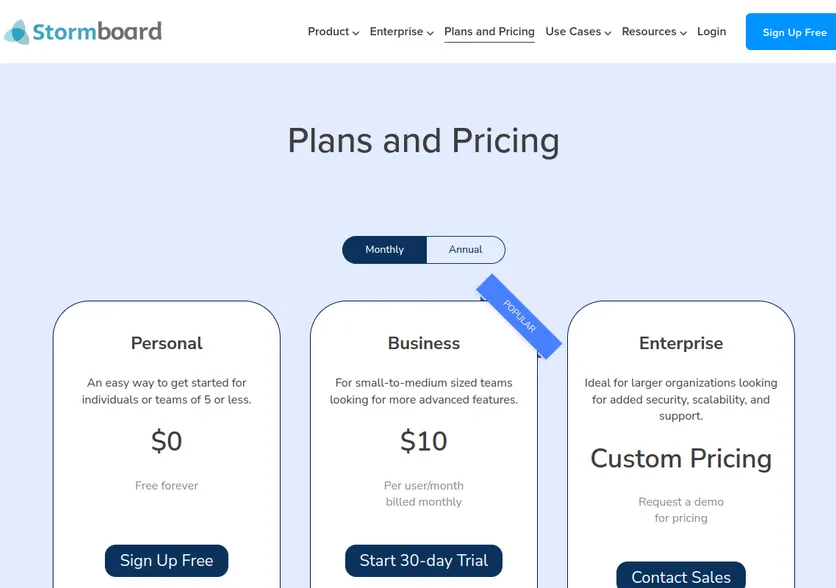
Paid tool Starting price: $8.33/user/month · Eight dollars thirty-three per user a month billed annually for the Business plan, or ten dollars billed monthly. The Personal plan is free with five open Storms and five users each
Free plan: Free Personal plan with 5 open Storms
Stormboard is the sticky-note whiteboard built for planning sessions, with reports and exports that turn a brainstorm into a document. This Stormboard Business plan costs eight dollars thirty-three per user a month billed annually and adds unlimited members with Word and Excel reports. A team that plans on sticky notes gets a board that exports the result instead of leaving it behind.
What we like
- Strong reports and data exports
- Sticky-note planning that feels familiar
- Free Personal plan for small teams
Watch out for
- Smaller template library than the leaders
- Interface feels dated beside Miro
How to try it
- Open the Stormboard site and create a free account
- Start a Storm from a planning template
- Invite your team and export the report when the session ends
8. Whimsical
Best for: Small teams that want boards, docs and flowcharts in one tool
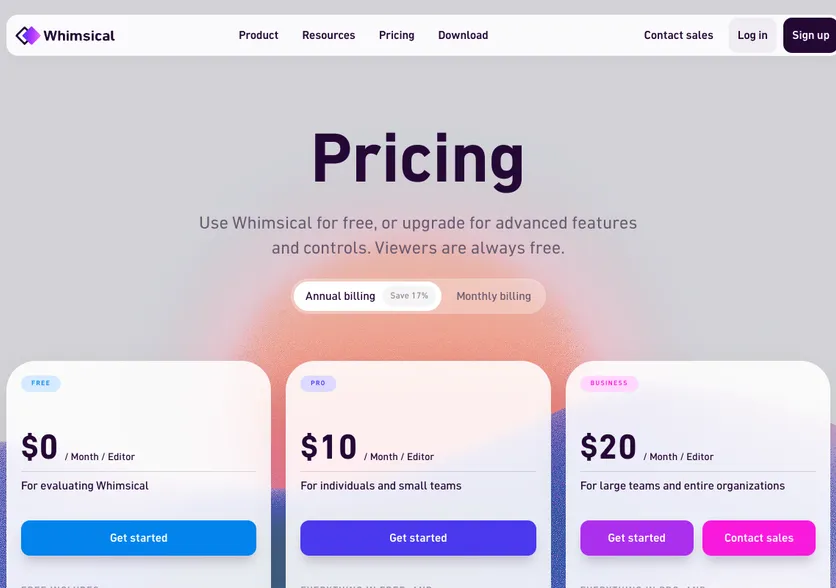
Paid tool Starting price: $10/editor/month · Ten dollars per editor a month billed annually for the Pro plan, or twelve dollars billed monthly; Business costs twenty dollars an editor a month billed annually. The Free plan costs nothing
Free plan: Free plan
Whimsical pairs whiteboards with docs, flowcharts and wireframes, so a training session and its handouts live in one place. This Whimsical Pro plan costs ten dollars per editor a month billed annually and adds unlimited boards with version history. A small team gets a clean, fast canvas that covers brainstorming, diagrams and documents together.
What we like
- Boards, docs and flowcharts in one tool
- Clean, fast canvas with no clutter
- Viewers join for free, only editors pay
Watch out for
- Priced per editor, so large classes cost more
- Fewer facilitation tools than Mural
How to try it
- Open the Whimsical site and create a free account
- Start a board and add sticky notes or a flowchart
- Invite editors and share the board with viewers for free
Prices above were checked on each vendor’s own website on Nov 27, 2026 and can change — the vendor’s page is the final word. Vendor links are editorial: nobody paid to be listed or ranked here. Vendors who want a featured listing can see how it works on our Get listed page.
What a training whiteboard costs in 2026
Whiteboard pricing splits two ways, per editor or per host, and the difference decides the bill. A ten-dollar editor plan stays cheap while only a few people edit, but a class of thirty editors costs three hundred dollars a month. A per-host plan like Klaxoon looks expensive until one host covers a whole room. Count who edits before you compare prices.
Run a real session on the free plan first. Check that sticky notes, voting and the timer all work on phones, that the board exports cleanly, and that late joiners land on the right frame. Pick the board whose template matches your session, because a template you reuse ten times pays for the subscription.
Before you buy
- Count editors, not viewers, because most boards charge only the people who can edit the canvas.
- Check the template library for your session type, because a board without training templates means building every lesson from scratch.
- Test the board on a phone, because learners join from mobiles and a board that needs a desktop loses them.
- Ask how the session is saved, because a board that exports to PDF keeps the lesson after the call ends.
- Confirm the free plan covers your class size, because a three-board limit breaks when the fourth group starts.
Official websites
Official websites of the products reviewed above. Features and prices were checked against these sites when this guide was written, and they can change, so confirm on the vendor site before you buy.
Frequently asked questions
Which cloud whiteboard is best for training sessions in 2026?
Miro is the best overall pick at eight dollars per member a month, with the largest template library and the smoothest live collaboration for training groups. Mural is the best choice for facilitated workshops at nine dollars ninety-nine per member a month, with guided methods and private rooms. FigJam is the cheapest paid seat at three dollars a month for teams that already use Figma.
How much does whiteboard software cost for training?
Prices in this list run from three dollars a month for a FigJam Collab seat to twenty-four dollars ninety per host a month for Klaxoon, with most boards landing between seven and ten dollars per user a month. Per-host pricing can be cheaper for large classes, while per-editor pricing suits small teams. Free plans cover three boards or fewer on most tools.
Can a free whiteboard run a whole training session?
Yes, for small groups. Miro's free plan covers three editable boards, Mural allows unlimited murals with three editable at a time, and Whimsical and Lucidspark both offer free plans. Free tiers limit boards, users or exports, so a regular class with many learners will need a paid plan. Test the free plan with a real session before you commit.
What features matter most in a training whiteboard?
Templates for your session type matter most, because they save the setup time before every class. Timers and voting keep a group on track, while breakout boards let small groups work apart and report back. Export to PDF or image matters too, so the lesson survives after the session ends and learners can review it later.
Do whiteboards work on phones for learners?
Yes, all eight tools in this list run on phones and tablets, though the editing experience is tighter on a small screen. Learners can add sticky notes, vote and follow the board from a mobile browser or app. Trainers should test the phone view before a session, because a board that needs a desktop will lose learners who join from mobiles.
Need everyday productivity help too? Try Toolsvine's free productivity tools right in your browser.
Browse Productivity Tools tools