

On this page
An architecture review fails when the diagram is already out of date before the meeting starts, and it succeeds when everyone in the room can point at the same drawing. Mural is the pick that runs the review best: facilitation controls and free visitors from $9.99 a member a month. This guide compares seven whiteboard tools for software architecture reviews, from a $3-a-seat board to a $10-an-editor canvas, with live 2026 prices and free plans, so a review can start from the live diagram instead of a stale screenshot.
How we researched this
We checked the pricing page of every vendor on this list on November 26, 2026, and kept only tools that publish a real dollar price. Each tool had to support a shared canvas, comments and voting for review sessions, and a way to keep the reviewed diagram after the meeting, and we compared entry prices, seat rules and free limits, because per-member, per-user and per-editor pricing behave very differently across a review team.
Compare the tools
| Name | Best for | Starting price | Free plan | |
|---|---|---|---|---|
 Mural | Facilitated architecture reviews with outside participants | $9.99/member/month | Free plan | Visit |
 Miro | Large review sessions that need unlimited private boards | $8/member/month | Free plan | Visit |
 FigJam | Figma teams reviewing architecture beside their design files | $3/collab seat/month | Free Starter plan | Visit |
 Lucidspark | Lucidchart teams reviewing architecture before formal diagrams | $9/user/month | Free plan | Visit |
 Whimsical | Product teams that review diagrams beside written decisions | $10/editor/month | Free plan | Visit |
 Boardmix | Budget teams that want a Miro-style canvas for less | $5/member/month | Free plan | Visit |
 Whiteboard Fox | Quick no-signup sketch sessions for fast reviews | $7.90/month | Free plan | Visit |
The whiteboard tools, compared
1. Mural
Best for: Facilitated architecture reviews with outside participants
Paid tool Starting price: $9.99/member/month · Team+ $9.99 per member a month billed annually ($12 billed monthly); Business $17.99 a month
Free plan: Free plan
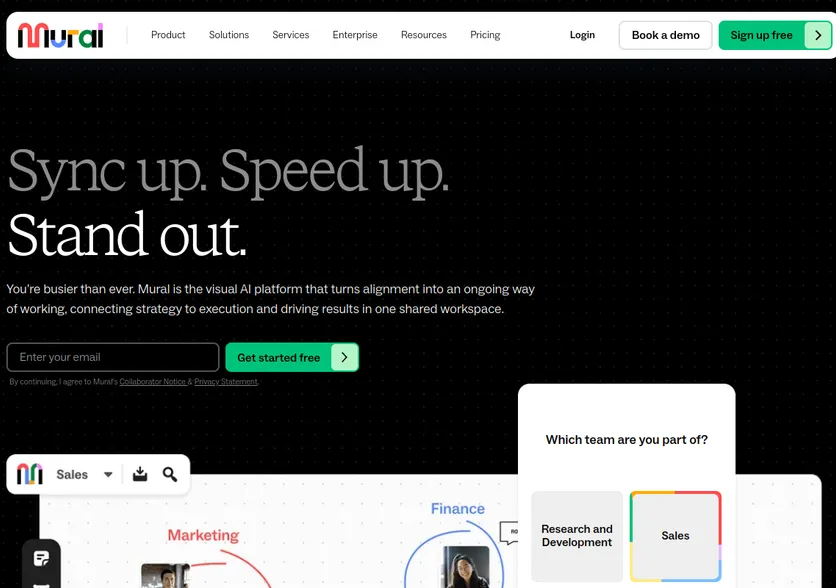
Mural is built for facilitated sessions, with private rooms, facilitator locks and voting controls that keep an architecture review on track. This Mural Team+ plan costs $9.99 per member a month billed annually and adds unlimited murals, open and private rooms, unlimited guests and Mural AI. It is the pick when the review has a facilitator, a fixed agenda and stakeholders who only join to comment.
What we like
- Facilitation controls on every plan
- Private rooms for focused reviews
- Visitors are free on every plan
Watch out for
- Smaller template library than Miro
- Business tier needed for SSO
How to try it
- Open the Mural pricing page and start the free plan
- Create a mural from a review template
- Open a private room and invite the reviewers
2. Miro
Best for: Large review sessions that need unlimited private boards
Paid tool Starting price: $8/member/month · Starter $8 per member a month billed annually ($10 billed monthly); Business $20 a month; Enterprise by quote
Free plan: Free plan
Miro is the broadest canvas on this list, with an infinite board, more than 250 apps and templates, and voting and timers for running a review at scale. This Miro Starter plan costs $8 per member a month billed annually and adds unlimited private boards, visitor editing and high-resolution exports. It fits a review where the architecture diagram is large, the audience is bigger, and the board has to hold everything.

What we like
- Infinite canvas with 250 plus apps
- Voting and timer for review sessions
- Unlimited private boards on Starter
Watch out for
- Free plan caps at 3 editable boards
- Guests need Business and above
How to try it
- Open the Miro pricing page and start the free plan
- Import the architecture diagram to the board
- Run the review with voting and a timer
3. FigJam
Best for: Figma teams reviewing architecture beside their design files
Paid tool Starting price: $3/collab seat/month · Collab seat $3 a month billed annually on the Professional plan ($5 billed monthly); free Starter plan with 3 files
Free plan: Free Starter plan
FigJam is the whiteboard inside Figma, and it is the cheapest seat on this list for a team that already pays for Figma seats. This FigJam Collab seat costs $3 a month billed annually on the Professional plan and adds unlimited files, voting, open sessions and audio. It fits a review where the architecture sketch sits beside the interface designs it has to match.
What we like
- Cheapest seat on this list
- Unlimited files on a Collab seat
- Voting and open sessions included
Watch out for
- No standalone plan, needs a Figma seat
- Lighter diagramming than Miro
How to try it
- Open the Figma pricing page and start the free plan
- Create a FigJam board for the review
- Add sticky notes for questions and decisions
4. Lucidspark
Best for: Lucidchart teams reviewing architecture before formal diagrams
Paid tool Starting price: $9/user/month · Individual $9 per user a month billed annually; Team $10 a month with a 3-user minimum; Enterprise by quote
Free plan: Free plan
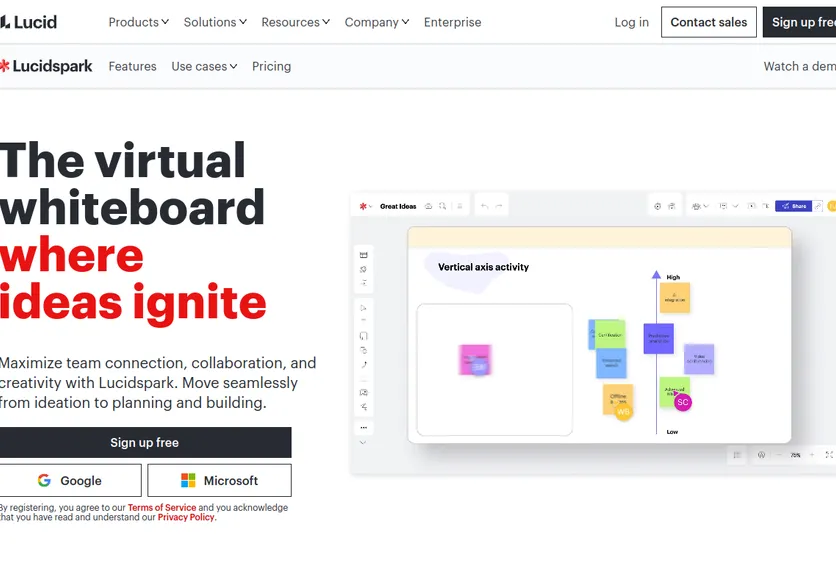
Lucidspark is the whiteboard that feeds into Lucidchart, so a reviewed sketch can become a formal diagram without redrawing it from scratch. This Lucidspark Individual plan costs $9 per user a month billed annually, while Team costs $10 and adds guest contributors and facilitator controls. It fits a review where the outcome is a diagram that goes into documentation.
What we like
- Feeds straight into Lucidchart diagrams
- Facilitator tools on Team
- Guest contributors on Team
Watch out for
- Team plan needs a 3-user minimum
- Free plan caps at 3 editable documents
How to try it
- Open the Lucidspark pricing page and start the free plan
- Start a board from a review template
- Turn the agreed sketch into a Lucidchart diagram
5. Whimsical
Best for: Product teams that review diagrams beside written decisions
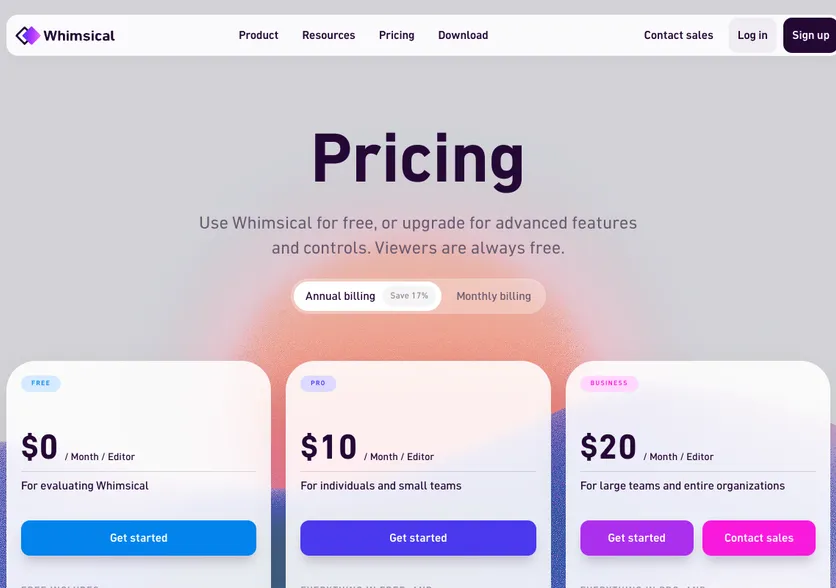
Paid tool Starting price: $10/editor/month · Pro $10 per editor a month; viewers are free; free plan available
Free plan: Free plan
Whimsical keeps boards, docs and wireframes together, so the reviewed diagram and the written decision that explains it live in the same place. This Whimsical Pro plan costs $10 per editor a month, and only editors pay while viewers are free. It fits a review where the decision record matters as much as the drawing itself.
What we like
- Boards, docs and wireframes together
- Only editors pay, viewers free
- Fastest diagramming feel here
Watch out for
- Smaller template library than Miro
- Fewer facilitation controls
How to try it
- Open the Whimsical pricing page and start the free plan
- Draw the review diagram with shapes and connectors
- Add a doc beside the board for the decision record
6. Boardmix
Best for: Budget teams that want a Miro-style canvas for less
Paid tool Starting price: $5/member/month · From $5 per member a month billed annually; free plan available
Free plan: Free plan
Boardmix is the budget pick in this list: a Miro-style canvas with boards, templates and collaboration for about half the price of the category leaders. This Boardmix plan starts at $5 per member a month billed annually, with a free plan for trying the canvas. It fits a team that wants the familiar whiteboard workflow without paying the premium for the biggest brand.

What we like
- Lowest paid per-member price here
- Miro-style canvas and templates
- Free plan for trying the tool
Watch out for
- Smaller app ecosystem than Miro
- Less mature admin controls
How to try it
- Open the Boardmix pricing page and start the free plan
- Pick a template for the architecture review
- Invite reviewers and run the session
7. Whiteboard Fox
Best for: Quick no-signup sketch sessions for fast reviews
Paid tool Starting price: $7.90/month · From $7.90 a month; free plan available for quick sessions
Free plan: Free plan
Whiteboard Fox is the quickest way to start a review: open a board, share the link, and everyone is drawing in seconds with no signup. This Whiteboard Fox plan starts at $7.90 a month and adds saved boards and more features on top of the free sessions. It fits a fast architecture review where the drawing matters more than the platform around it.

What we like
- No signup needed to start
- Fastest start on this list
- Simple flat monthly price
Watch out for
- Fewer features than full platforms
- No deep facilitation tooling
How to try it
- Open the Whiteboard Fox pricing page and start a free board
- Share the board link with reviewers
- Sketch the architecture and capture the decisions
Prices above were checked on each vendor’s own website on Nov 26, 2026 and can change — the vendor’s page is the final word. Vendor links are editorial: nobody paid to be listed or ranked here. Vendors who want a featured listing can see how it works on our Get listed page.
How to read the price before you commit
The spread on this list is narrow, $3 to $10 a seat a month, but the seat rule still decides the real cost: per-member tools charge for everyone on the board, while per-editor tools charge only for the people who draw. A $3 FigJam seat looks cheap until the team has no Figma plan, and a $5 Boardmix member looks cheap until the team needs the app ecosystem of a bigger platform. Before paying, count the drawers separately from the reviewers, then run the free plan on a real architecture review for two weeks, because the first review shows whether the team actually returns to the board. Check whether private rooms, voting and exports are included or gated behind a higher tier.
Before you buy
- Count drawers separately from reviewers, because most tools charge only for people who edit the board.
- Confirm whether private rooms, voting and high-resolution exports are included or gated behind a higher tier.
- Run the free plan on a real architecture review for two weeks to see whether the team returns to the board.
- Check the free plan caps: editable board counts decide how long free actually lasts.
- Ask how the price changes when a fifth member or a second workspace is added to the account.
Official websites
Official websites of the products reviewed above. Features and prices were checked against these sites when this guide was written, and they can change, so confirm on the vendor site before you buy.
Frequently asked questions
What is the cheapest whiteboard for architecture reviews?
FigJam is the cheapest seat here at $3 a month on a Figma Professional Collab seat, but only for teams that already pay for Figma. Boardmix is the cheapest standalone paid plan at $5 per member a month billed annually. The right cheap pick depends on the stack: Figma teams should use FigJam, while everyone else should start with Boardmix or Miro.
How do architecture reviews work on a whiteboard?
The team posts the current diagram on a shared canvas, reviewers add sticky notes with questions and risks, and the facilitator walks through each point with voting to settle disagreements. The reviewed diagram stays on the board after the meeting, so the decisions are attached to the drawing instead of lost in chat. Mural and Miro both have facilitation tools built for exactly this flow.
Can reviewers join without a paid seat?
Usually, yes. Mural keeps visitors free on every plan, Whimsical charges only editors while viewers are free, and Miro allows visitor editing on Starter. Guests and reviewers do not use a paid seat on most tools here, which matters for architecture reviews with stakeholders who only need to look and comment.
Do whiteboard tools keep a record of review decisions?
Yes, when the team uses them properly. Sticky notes, comments and votes stay on the board, and Whimsical goes further by keeping a written decision doc beside the diagram. Export the board or the report after the review, because the free plan caps on editable boards mean old reviews can turn view-only if the team never pays.
Which tool is best for a formal architecture review with stakeholders?
Mural is the best formal review pick: facilitation controls, private rooms and free visitors from $9.99 a member a month, built for a facilitator running a fixed agenda. Miro is the other strong pick at $8 a member a month, with the broadest canvas and templates for large review sessions. Both handle outside stakeholders well, while Mural suits sessions that need a firmer hand.
Still reviewing architecture from stale screenshots? Try free design tools on Toolsvine right in your browser.
Browse CSS & Web Design Generators tools


