On this page
Sketching software should feel like a pencil, not a spreadsheet. The best apps get out of the way: the brush responds to pressure, the canvas never lags, and the finished sketch exports cleanly to wherever it needs to go. We compared eight paid sketching tools on price, brushes and device support, checking every price on the vendor site on November 27, 2026. Our top pick for most artists is Procreate.
How we researched this
We started with the sketching apps artists actually buy, then read each price on the vendor site or app store on November 27, 2026 and noted the trial each plan carries. We judged them for drawing and painting, not photo editing or interface design, so brush quality and pen feel mattered most. We dropped Affinity Designer because Canva relaunched it as a free app in October 2025, and we left out free-only sketching apps that carry no paid licence to compare.
Compare the tools
| Name | Best for | Starting price | Free plan | |
|---|---|---|---|---|
 Procreate | iPad artists who want a powerful one-time-purchase sketching app | $12.99 one-time | No free plan; no free trial | Visit |
 Clip Studio Paint | Illustrators and comic artists who want professional brush tools | $63 one-time | No free plan; free trial available | Visit |
 Sketch | Mac-based product teams that design interfaces collaboratively | $12/month | No free plan; 30-day free trial | Visit |
 Corel Painter | Digital painters who want realistic natural-media brushes | $429 one-time | No free plan; 15-day free trial | Visit |
 Concepts | Designers and architects who sketch ideas on a tablet | $4.99/month | Free Basic plan available | Visit |
 ArtRage Vitae | Painters who want realistic oils, watercolours and palette knives | $80 one-time | No free plan; free trial available | Visit |
 Rebelle | Artists who want watercolour and acrylic paint that behaves like the real thing | $89.99 one-time | No free plan; 30-day free trial | Visit |
| ArtStudio Pro | iPad and iPhone artists who want Photoshop-style layers at a low price | $14.99 one-time | Free Lite version available | Visit |
The computer software for sketching, compared
1. Procreate
Best for: iPad artists who want a powerful one-time-purchase sketching app
Paid tool Starting price: $12.99 one-time · Twelve dollars ninety-nine cents as a one-time payment on the App Store; no subscription.
Free plan: No free plan; no free trial
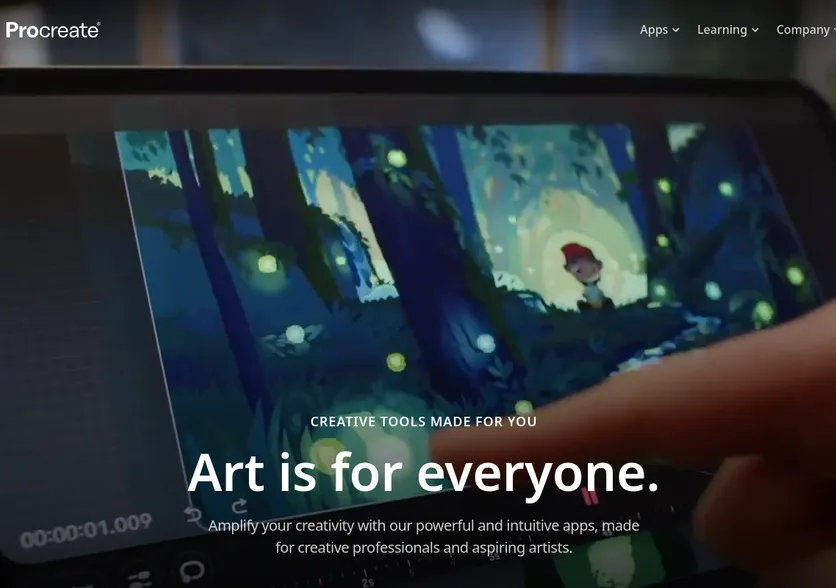
Procreate is the sketching app most iPad artists reach for first, and its one-time price of twelve dollars ninety-nine cents makes it the easiest recommendation on this list. Procreate packs hundreds of brushes, layers, masks and animation tools into an interface that stays out of the way while you draw. It has no subscription, no ads and no cloud lock-in, so the sketches you make are yours to keep.
What we like
- One-time price of twelve dollars ninety-nine cents with no subscription.
- Huge brush library with deep customisation for every style.
- Time-lapse recording turns every sketch into a shareable video.
Watch out for
- iPad only, so Android and Windows artists cannot use it.
- No desktop version for large-format print work.
How to try it
- Buy Procreate once on the App Store and open a new canvas at the size you need.
- Pick a brush, set the size and opacity, then sketch on one layer and colour on another.
- Export the finished artwork as a layered file, a PNG or a time-lapse video of the drawing.
2. Clip Studio Paint
Best for: Illustrators and comic artists who want professional brush tools
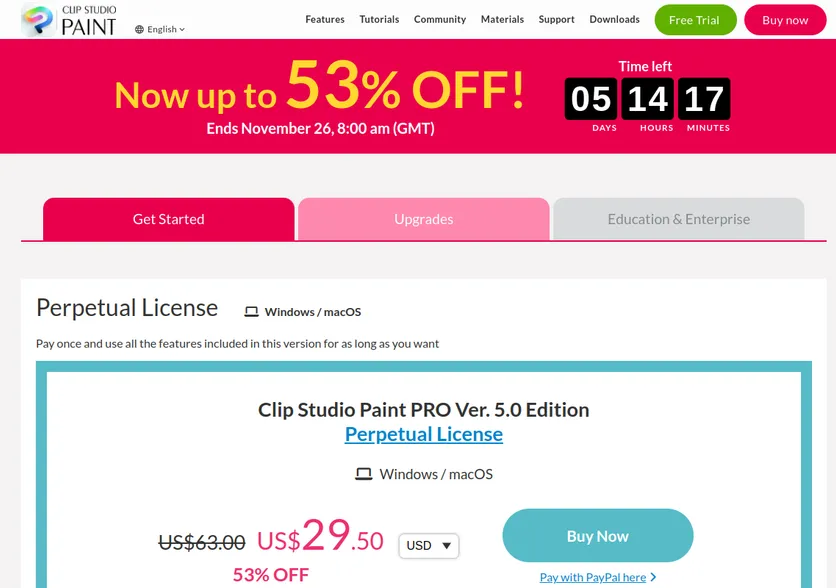
Paid tool Starting price: $63 one-time · Sixty-three dollars as a one-time payment for the Clip Studio Paint PRO 5.0 perpetual licence for Windows or macOS; a single-device yearly plan costs twenty-six dollars ninety-nine cents.
Free plan: No free plan; free trial available
Clip Studio Paint is the workhorse of manga and comic illustration, with brushes, panel tools and 3D models that speed up professional work. Clip Studio Paint offers a perpetual licence for sixty-three dollars, which buys the PRO 5.0 edition outright for Windows or macOS. Its stabilisation, vector layers and screentone tools suit artists who draw clean lines and finished pages every day.
What we like
- Perpetual licence means you own the software outright.
- Comic tools such as panels, screentones and 3D models are built in.
- Excellent line stabilisation for clean, confident inking.
Watch out for
- The interface is dense and takes time to learn.
- The iPad version uses a subscription, not the one-time licence.
How to try it
- Buy the PRO 5.0 perpetual licence or start the free trial from the Clip Studio site.
- Open a new canvas, choose a brush and set up panels if you are drawing a comic page.
- Ink, colour and letter the page, then export it as a layered file or a print-ready image.
3. Sketch
Best for: Mac-based product teams that design interfaces collaboratively
Paid tool Starting price: $12/month · Twelve dollars per editor a month for the Standard plan, billed annually; the monthly rate is fourteen dollars per editor.
Free plan: No free plan; 30-day free trial
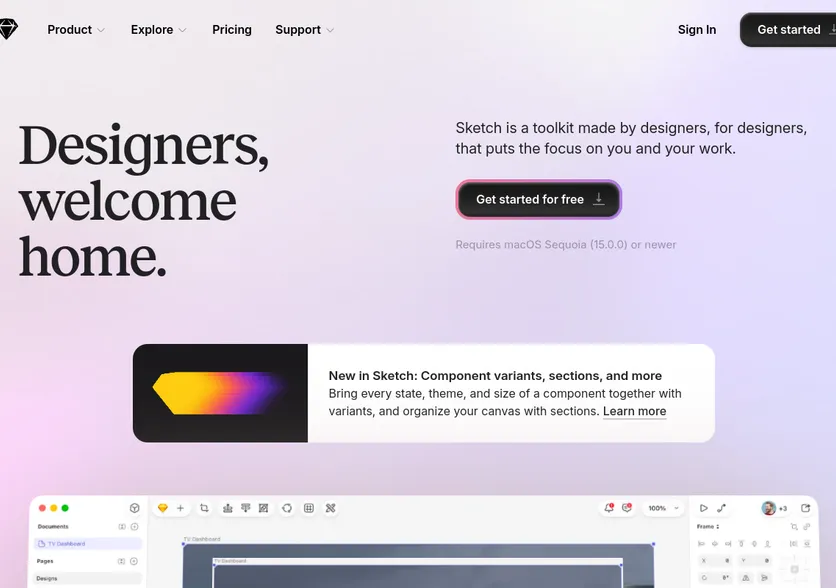
Sketch is the design tool Mac teams use to sketch, wireframe and hand off interface work, with shared libraries that keep a whole product consistent. Sketch charges twelve dollars per editor a month on the Standard plan, and viewers and developers join free. Its symbols, styles and prototyping tools suit teams that iterate on screens together rather than sketching alone.
What we like
- Shared libraries keep every screen in a product consistent.
- Developers and viewers join free, so only editors are billed.
- Strong prototyping and handoff tools for interface work.
Watch out for
- Mac only, so Windows teams need a different tool.
- It is built for interface design, not freehand illustration.
How to try it
- Start the free trial and create a workspace for your team.
- Sketch screens with shapes, symbols and shared styles, then link them into a prototype.
- Share the file with developers, who inspect measurements and download assets for free.
4. Corel Painter
Best for: Digital painters who want realistic natural-media brushes
Paid tool Starting price: $429 one-time · Four hundred twenty-nine dollars as a one-time payment for Corel Painter; a subscription costs one hundred ninety-nine dollars a year.
Free plan: No free plan; 15-day free trial
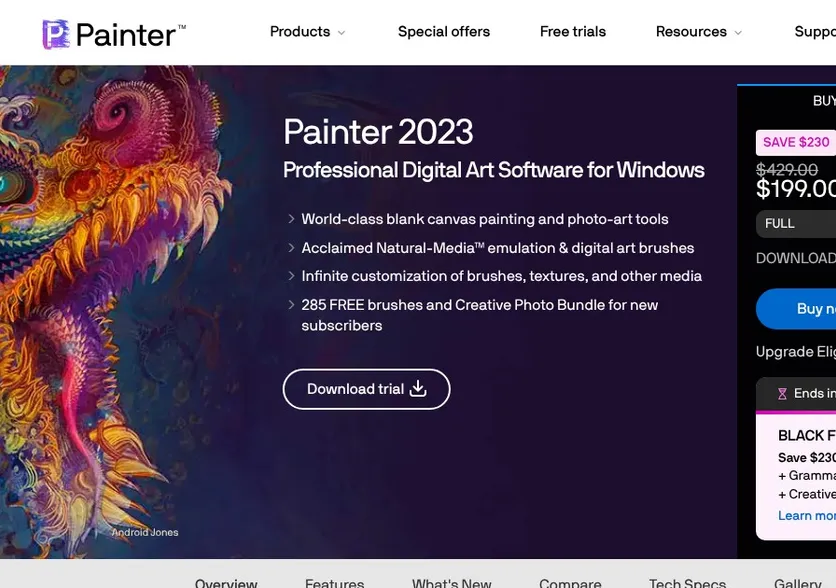
Corel Painter has spent decades recreating real paint on screen, and its oils, watercolours and palette knives still feel closer to a studio than any rival. Corel Painter costs four hundred twenty-nine dollars as a one-time purchase, and its brush engine responds to pressure, tilt and paper grain. For artists who want a digital canvas that behaves like a physical one, that realism is the whole point.
What we like
- The most realistic natural-media brushes of any tool here.
- Deep paper, grain and blending controls for traditional painters.
- One-time purchase with no monthly bill.
Watch out for
- The interface is complex and the learning curve is steep.
- The subscription price is high compared with the one-time licence.
How to try it
- Download the trial or buy Corel Painter from the Corel site.
- Choose a brush category such as oils or watercolour and pick a paper texture.
- Paint with pressure and tilt, blend with the palette knife and export the finished work.
5. Concepts
Best for: Designers and architects who sketch ideas on a tablet
Paid tool Starting price: $4.99/month · Four dollars ninety-nine cents a month for Concepts Pro; the yearly plan costs twenty-nine dollars ninety-nine cents.
Free plan: Free Basic plan available
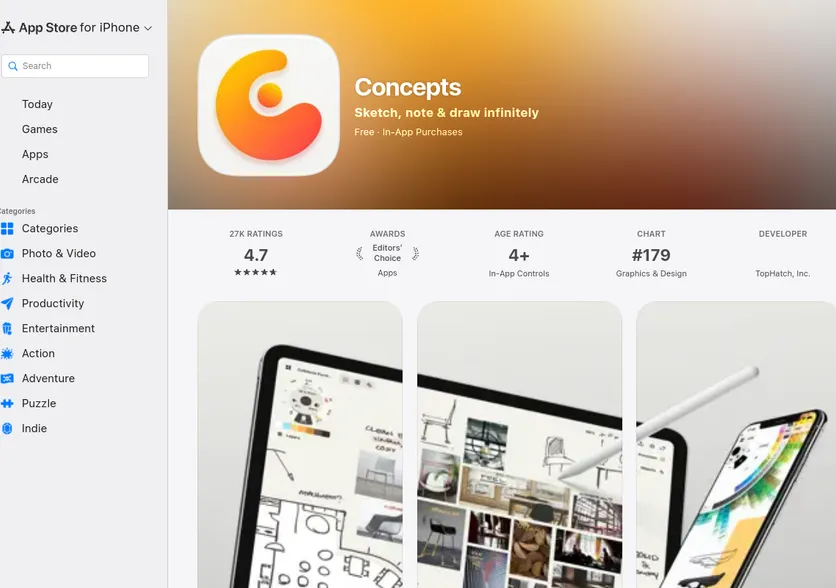
Concepts is an infinite-canvas sketching app built for people who think in diagrams: architects, product designers and visual note-takers. Concepts charges four dollars ninety-nine cents a month for Pro, which unlocks unlimited layers, object libraries and export options. Its vector-based strokes stay crisp at any zoom, so a quick idea sketch can grow into a finished presentation without redrawing.
What we like
- Infinite canvas grows with the idea instead of boxing it in.
- Vector strokes stay crisp at any zoom level.
- The free Basic plan is genuinely useful for trying it out.
Watch out for
- It is a sketching and diagram tool, not a full painting app.
- Some features are locked behind the Pro subscription.
How to try it
- Download Concepts and sketch on the free Basic plan to learn the gestures.
- Upgrade to Pro for unlimited layers, libraries and export formats.
- Sketch the idea, refine the strokes and export it as a vector or image file.
6. ArtRage Vitae
Best for: Painters who want realistic oils, watercolours and palette knives
Paid tool Starting price: $80 one-time · Eighty dollars as a one-time payment for ArtRage Vitae on desktop; the mobile edition costs four dollars ninety-nine cents.
Free plan: No free plan; free trial available
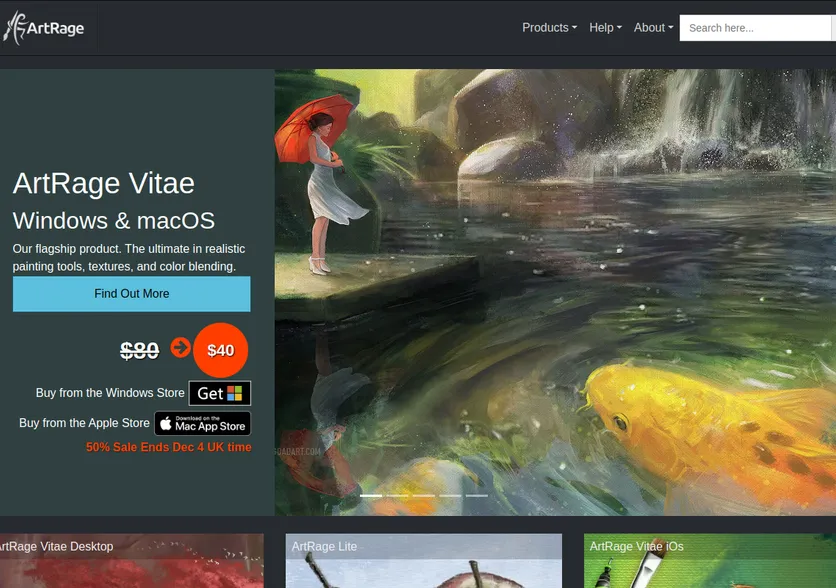
ArtRage Vitae recreates the mess and joy of real paint: oils that smear, watercolours that pool and a palette knife that blends like the real thing. ArtRage Vitae costs eighty dollars once for the desktop edition, with no subscription afterwards. Its simple interface suits painters who want to pick up a brush and paint, rather than learn a maze of menus first.
What we like
- Realistic paint behaviour with oils, watercolours and palette knives.
- Simple interface that painters learn in minutes.
- One-time price with no subscription.
Watch out for
- Fewer illustration and comic tools than Clip Studio Paint.
- The mobile edition is a separate purchase.
How to try it
- Download the trial or buy ArtRage Vitae for desktop from the ArtRage site.
- Pick a tool such as the oil brush or palette knife and choose a canvas texture.
- Paint, blend and smudge, then export the finished work as an image file.
7. Rebelle
Best for: Artists who want watercolour and acrylic paint that behaves like the real thing
Paid tool Starting price: $89.99 one-time · Eighty-nine dollars ninety-nine cents as a one-time payment for Rebelle; the Pro edition costs one hundred forty-nine dollars ninety-nine cents.
Free plan: No free plan; 30-day free trial
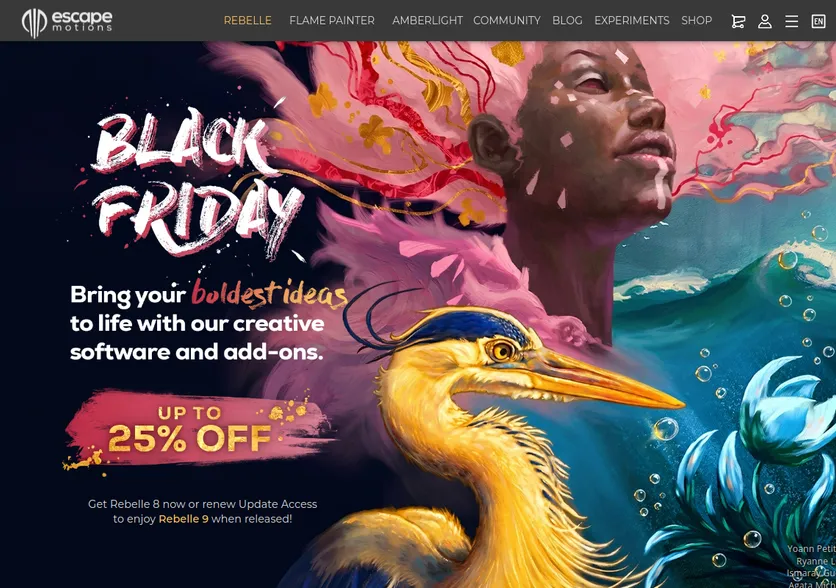
Rebelle simulates wet paint so well that watercolours bloom, drip and dry on the canvas the way they do on paper. Rebelle costs eighty-nine dollars ninety-nine cents once, and its watercolour, acrylic and dry-media tools suit artists who paint traditionally and want that feel digitally. Pigment mixing, wet edges and paper granulation make it the most convincing watercolour simulator on this list.
What we like
- The most convincing wet watercolour simulation of any tool here.
- Pigment mixing and paper granulation feel genuinely physical.
- One-time price with a generous thirty-day trial.
Watch out for
- It is a painting tool, not a vector or interface design app.
- The Pro edition costs significantly more than the standard one.
How to try it
- Download the trial or buy Rebelle from the Escape Motions site.
- Choose a watercolour or acrylic brush and wet the paper to control the flow.
- Paint, let the colours blend and dry, then export the finished artwork.
8. ArtStudio Pro
Best for: iPad and iPhone artists who want Photoshop-style layers at a low price
Paid tool Starting price: $14.99 one-time · Fourteen dollars ninety-nine cents as a one-time payment for the Lifetime Licence on the App Store; a yearly subscription costs three dollars forty-nine cents.
Free plan: Free Lite version available
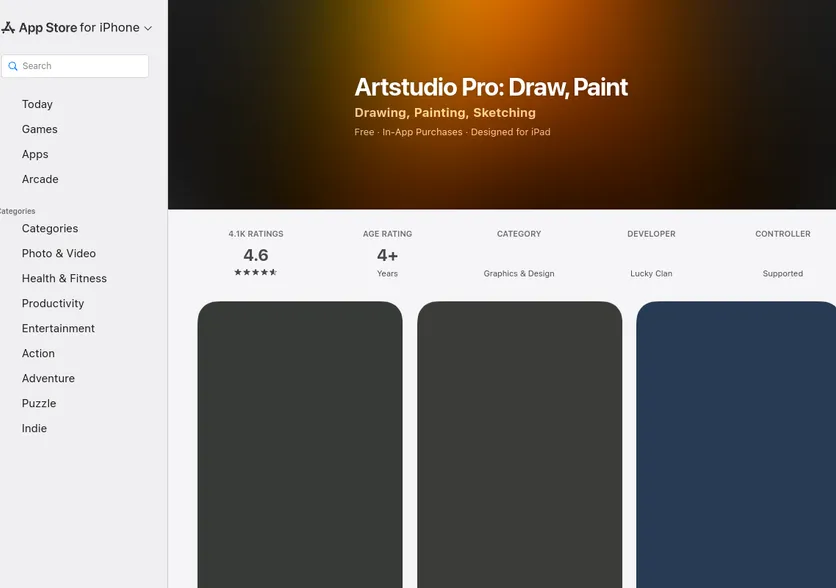
ArtStudio Pro is the budget surprise on this list: a full-featured drawing and painting app with layers, masks and filters for fourteen dollars ninety-nine cents once. ArtStudio Pro runs on iPad and iPhone, and its Photoshop-style workflow suits artists who want pro tools without a pro subscription. A free Lite version lets you test the brushes before paying.
What we like
- Fourteen dollars ninety-nine cents once buys the full app for life.
- Photoshop-style layers, masks and filters at a budget price.
- Free Lite version lets you test it before paying.
Watch out for
- iOS only, so Android and desktop artists cannot use it.
- The interface is powerful but crowded on a phone screen.
How to try it
- Download the free Lite version and test the brushes on your iPad or iPhone.
- Buy the Lifetime Licence for fourteen dollars ninety-nine cents to unlock everything.
- Sketch and paint with layers and masks, then export as a layered file or image.
Prices above were checked on each vendor’s own website on Nov 27, 2026 and can change — the vendor’s page is the final word. Vendor links are editorial: nobody paid to be listed or ranked here. Vendors who want a featured listing can see how it works on our Get listed page.
What sketching software costs in 2026
Sketching software is one of the cheapest categories to buy into: five of the eight tools here cost under ninety dollars once, and the most expensive is four hundred twenty-nine dollars for a professional painting suite. Subscriptions are the exception, not the rule, and even those stay under thirteen dollars a month. The real cost is the device: an iPad and stylus cost far more than any app on this list.
Start with the free trials and the free plans before paying anything. Sketch on your own device with your own stylus, test the brushes you actually use, and export a finished piece to check the workflow. Pick the app whose brushes feel right in your hand, because a cheap app you never open is the most expensive one of all.
Before you buy
- Match the app to your device, because several sketching tools here are iPad-only or Mac-only.
- Check the brush engine before the price, because a cheap app with poor brushes costs more in wasted time.
- Confirm the file formats export cleanly, because sketches often end up in Photoshop, Illustrator or a client deck.
- Ask whether the price is one-time or a subscription, because a twelve-dollar monthly fee passes a one-time licence within a year.
- Test the pen pressure and palm rejection on your own stylus, because specs on a product page never tell the whole story.
Official websites
Official websites of the products reviewed above. Features and prices were checked against these sites when this guide was written, and they can change, so confirm on the vendor site before you buy.
Frequently asked questions
Which sketching software is best for beginners?
It depends on your device and your art. Procreate is the best one-time buy for iPad artists at twelve dollars ninety-nine cents, while Clip Studio Paint suits comic artists and Sketch suits Mac interface teams. Try the free trials first, because the brush feel matters more than any feature list.
Can I buy sketching software once instead of subscribing?
Five of the eight tools here are one-time purchases: Procreate, Clip Studio Paint, Corel Painter, ArtRage Vitae and Rebelle. Only Sketch, Concepts and ArtStudio Pro use subscriptions, and Concepts has a free Basic plan. A one-time licence usually pays for itself within a year of use.
Do these apps work with a stylus?
Yes, most of these apps support pressure-sensitive styluses such as the Apple Pencil. Procreate, Clip Studio Paint and Concepts all respond to pressure and tilt. Check that your stylus model is supported before buying, because older pens sometimes lack tilt support.
Can I export my sketches to other apps?
Most of the apps here export layered PSD files, PNG and JPEG, so sketches move into Photoshop or a client deck without trouble. Concepts exports vector files as well, which stay crisp at any size. Check the export list before buying if you need a specific format such as SVG or TIFF.
What is the difference between sketching software and design software?
A sketching app focuses on drawing, painting and illustration with brushes and layers. A design tool such as Sketch adds interface features: symbols, shared libraries, prototyping and developer handoff. If you draw pictures, pick a sketching app; if you design screens, pick a design tool.
Need everyday image help too? Try Toolsvine's free image tools right in your browser.
Browse Image Tools tools