
On this page
Drawing starts with a blank canvas, and the right app turns a stylus into paint, ink or pencil that feels real. The seven tools below run from four dollars and forty-nine cents a month to four hundred twenty-nine dollars once, and every price was checked on the vendor site on November 26, 2026. Some charge once and stay yours, while others bill monthly for a mobile app. Compare the brushes, the layers and the devices each app runs on. Procreate is our first pick — the best one-time buy for drawing on the iPad.
How we researched this
We started with the drawing apps artists actually buy, then read each price on the vendor pricing page on November 26, 2026 and noted the free trial or free plan each one carries. We judged them for an artist who draws with a stylus on a tablet or computer, and we kept only tools with a published price in US dollars. We left out PaintTool SAI, because it lists prices in yen only, and Adobe Fresco, because it is now free and sits outside this paid comparison.
Compare the tools
| Name | Best for | Starting price | Free plan | |
|---|---|---|---|---|
 Procreate | iPad artists who want the best drawing app for one payment | $12.99 one-time | No free plan; no free trial | Visit |
 ibisPaint | Mobile artists who want a full drawing app with a free tier | $4.49/month | Free with ads | Visit |
 Concepts | Designers who sketch ideas with infinite layers and vector tools | $39.99 one-time | Free Basics tier | Visit |
 Clip Studio Paint | Artists who want drawing, comics and animation in one app | $63 one-time | No free plan; 30-day free trial | Visit |
 ArtRage Vitae | Painters who want oils, watercolors and pencils that feel real | $80 one-time | No free plan; free trial available | Visit |
 Rebelle 8 | Painters who want watercolor and acrylic simulation | $89.99 one-time | No free plan; 30-day free trial | Visit |
 Corel Painter | Professional painters who want the deepest brush library | $429 one-time | No free plan; 15-day free trial | Visit |
The drawing software, compared
1. Procreate
Best for: iPad artists who want the best drawing app for one payment
Paid tool Starting price: $12.99 one-time · $12.99 one-time on the App Store for iPad; Procreate Pocket for iPhone $5.99 separately; Procreate Dreams $12.99 separately
Free plan: No free plan; no free trial
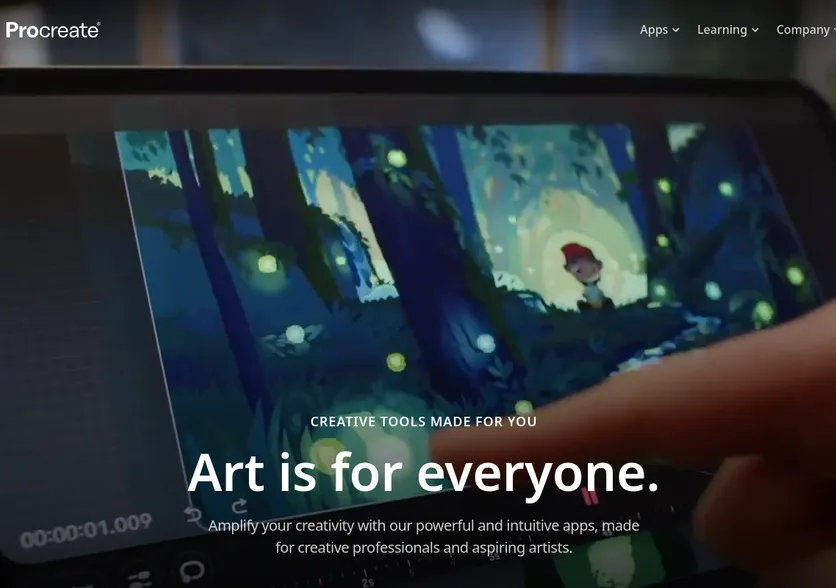
Procreate is the iPad drawing app that turned the tablet into a serious studio, with brushes, layers and animation tools in a clean interface. This Procreate app costs twelve dollars and ninety-nine cents once on the App Store, with no subscription and no free trial. An artist can sketch, paint and animate on the couch, then export the finished work for print or the web.
What we like
- Best-in-class brushes and painting engine
- One-time price with no subscription
- Clean interface that stays out of the way
Watch out for
- Twelve dollars and ninety-nine cents once with no free trial
- iPad only, so desktop artists need another app
How to try it
- Buy Procreate from the App Store on your iPad
- Pick a brush and sketch a first drawing
- Export the finished work as a PNG or PSD file
2. ibisPaint
Best for: Mobile artists who want a full drawing app with a free tier
Paid tool Starting price: $4.49/month · Premium Membership, $4.49 a month on the App Store; $27.99 a year; Windows Prime $2.99 a month; Mac $4.99 a month
Free plan: Free with ads
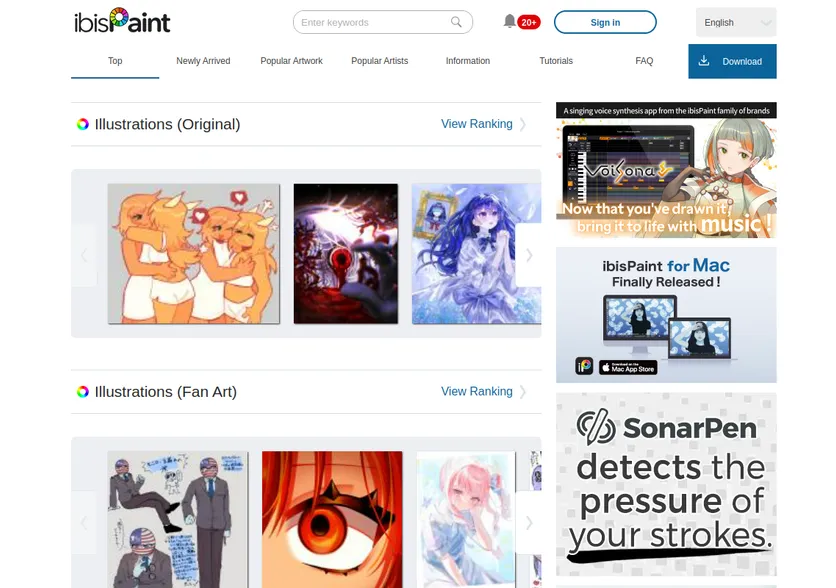
ibisPaint is the mobile drawing app with thousands of brushes, layers and a community that shares process videos for every drawing. This ibisPaint Premium Membership costs four dollars and forty-nine cents a month on the App Store, with a free version that shows ads. An artist can draw anywhere on a phone or tablet and learn from the process videos of others.
What we like
- Thousands of brushes for every style
- Free version with ads for casual drawing
- Process videos that teach real techniques
Watch out for
- Four dollars and forty-nine cents a month with ads on the free version
- Small phone screen limits detailed work
How to try it
- Download the free version from the App Store
- Pick a brush and draw a first sketch
- Upgrade to Premium to remove ads and unlock brushes
3. Concepts
Best for: Designers who sketch ideas with infinite layers and vector tools
Paid tool Starting price: $39.99 one-time · Essentials, $39.99 one-time; Everything subscription $4.99 a month or $29.99 a year; free Basics tier
Free plan: Free Basics tier
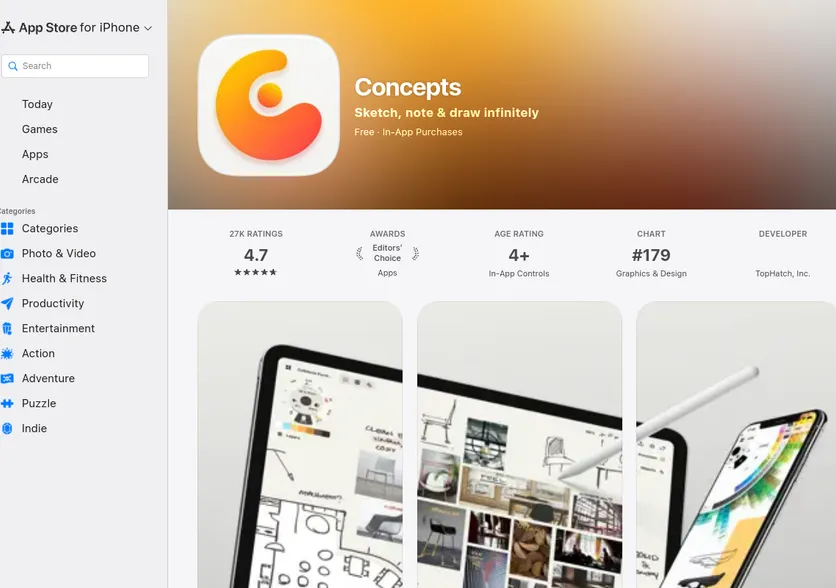
Concepts is the sketching app for designers and architects, with an infinite canvas, vector tools and layers that never run out. This Concepts Essentials plan costs thirty-nine dollars and ninety-nine cents once, with a free Basics tier for simple sketches. A designer can sketch an idea, measure it and export it as a vector file for the next stage.
What we like
- Infinite canvas with infinite layers
- Vector tools that scale without losing quality
- Buy-for-life Essentials plan
Watch out for
- Thirty-nine dollars and ninety-nine cents once for Essentials only
- App Store prices vary by region
How to try it
- Download the free Basics tier from the App Store
- Sketch an idea on the infinite canvas
- Upgrade to Essentials for infinite layers and exports
4. Clip Studio Paint
Best for: Artists who want drawing, comics and animation in one app
Paid tool Starting price: $63 one-time · PRO plan, $63 one-time for Windows and macOS; EX costs $277; an Update Pass costs $10.99 a year
Free plan: No free plan; 30-day free trial
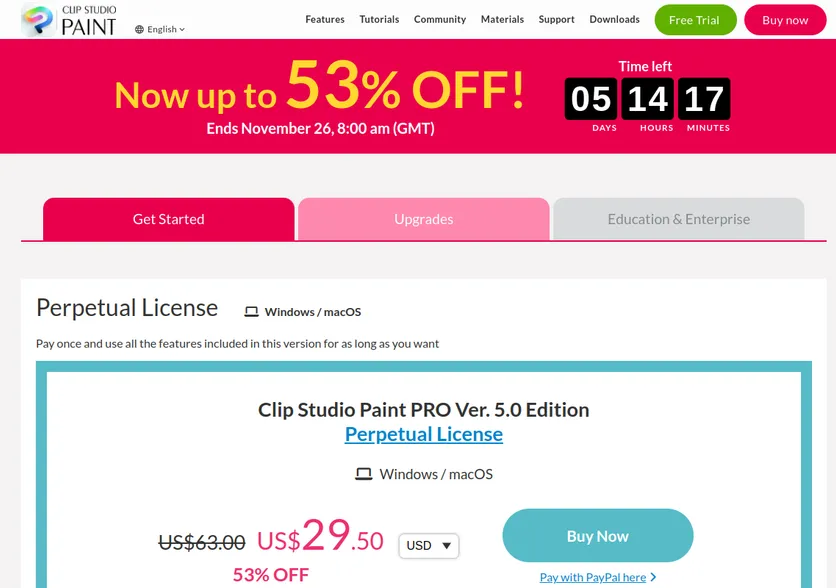
Clip Studio Paint PRO is the drawing app for comics, manga and illustration, with brushes, panels and 3D models built for sequential art. This Clip Studio Paint PRO license costs sixty-three dollars once for Windows and macOS, with a thirty-day trial. An artist can draw a comic page, ink it and add tones without leaving the app.
What we like
- Built for comics, manga and illustration
- One-time purchase with no subscription
- 3D models that pose as drawing references
Watch out for
- Sixty-three dollars once with no free plan
- Tablet plans are subscription-only, unlike the desktop license
How to try it
- Start the thirty-day trial from the Clip Studio Paint page
- Set up a comic page with panels
- Draw a character and add tones to the finished page
5. ArtRage Vitae
Best for: Painters who want oils, watercolors and pencils that feel real
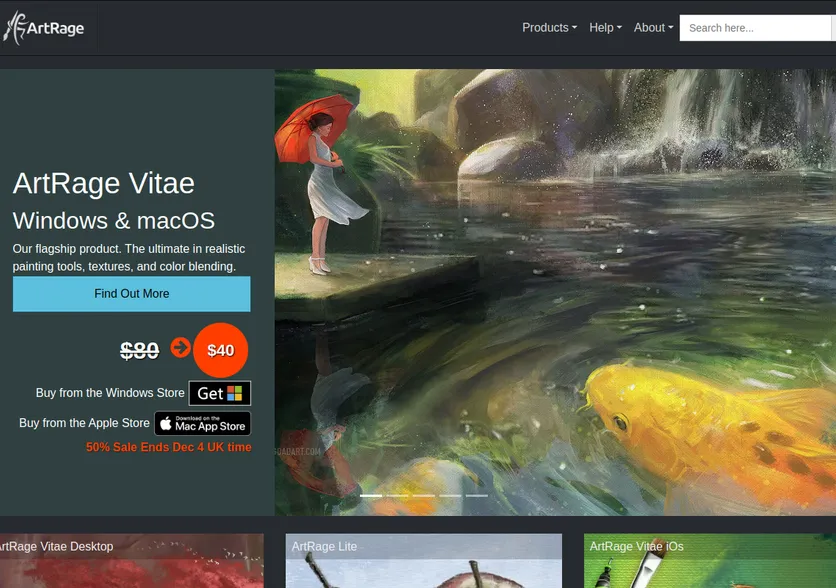
Paid tool Starting price: $80 one-time · Vitae Desktop, $80 one-time for Windows and macOS; Mobile $4.99 one-time; Lite $29.90 one-time; currently $40 in a 50% sale ending Dec 4
Free plan: No free plan; free trial available
ArtRage Vitae is the painting app that simulates real oils, watercolors and pencils, with paint that mixes and smears like the real thing. This ArtRage Vitae Desktop license costs eighty dollars once for Windows and macOS, with a free trial to test the brushes. A painter can work with digital oils that behave like paint on canvas, without the mess.
What we like
- Realistic oils, watercolors and pencils
- One-time price with no subscription
- Paint that mixes and smears naturally
Watch out for
- Eighty dollars once with no free plan
- Fewer illustration tools than Clip Studio Paint
How to try it
- Download the free trial from the ArtRage site
- Pick an oil brush and paint a first stroke
- Try the watercolor tools on a second canvas
6. Rebelle 8
Best for: Painters who want watercolor and acrylic simulation
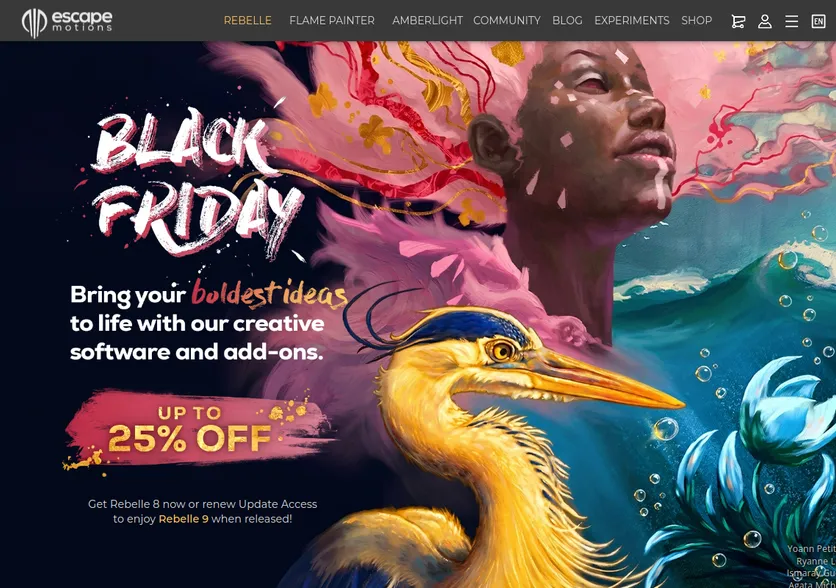
Paid tool Starting price: $89.99 one-time · $89.99 one-time; Pro $149.99; lifetime license with 1 year of free updates; renewal $44.99
Free plan: No free plan; 30-day free trial
Rebelle 8 is the painting app famous for watercolors that flow, dry and granulate like real paint on paper. This Rebelle 8 license costs eighty-nine dollars and ninety-nine cents once, with a thirty-day trial to test the watercolors. A painter can create a watercolor that looks like it dried on real paper, then export it for print.
What we like
- Watercolors that flow and dry like real paint
- One-time price with no subscription
- Generous thirty-day trial
Watch out for
- Eighty-nine dollars and ninety-nine cents once with no free plan
- Updates after one year need a paid renewal
How to try it
- Download the thirty-day trial from the Escape Motions site
- Paint a watercolor wash and watch it dry
- Add ink details and export the finished painting
7. Corel Painter
Best for: Professional painters who want the deepest brush library
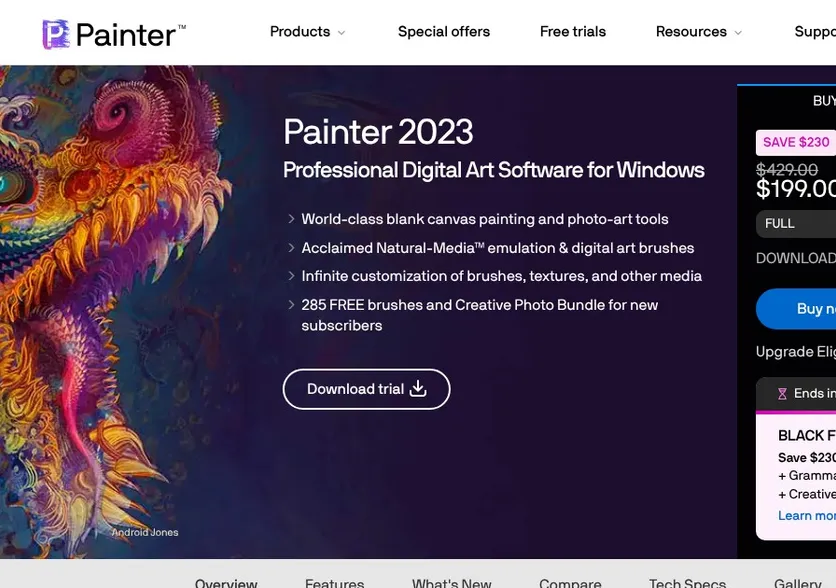
Paid tool Starting price: $429 one-time · Perpetual license, $429 one-time, current version only; upgrades $229; yearly subscription $199 a year
Free plan: No free plan; 15-day free trial
Corel Painter is the professional painting app with hundreds of brushes that mimic real media, from oils to pastels to charcoal. This Corel Painter perpetual license costs four hundred twenty-nine dollars once, with a fifteen-day trial. A professional painter can work in a digital studio that matches a traditional one brush for brush.
What we like
- Deepest brush library in this comparison
- Realistic media from oils to pastels
- Professional tools for print and publishing
Watch out for
- Four hundred twenty-nine dollars once is the highest price here
- A subscription is also sold, so check which license you buy
How to try it
- Start the fifteen-day trial from the Corel Painter page
- Pick a brush and paint a test canvas
- Compare the oils and watercolors with your current app
Prices above were checked on each vendor’s own website on Nov 26, 2026 and can change — the vendor’s page is the final word. Vendor links are editorial: nobody paid to be listed or ranked here. Vendors who want a featured listing can see how it works on our Get listed page.
What drawing software costs in 2026
Most drawing apps charge once and stay yours, and the range here runs from twelve dollars and ninety-nine cents to four hundred twenty-nine dollars once. Subscriptions are rare in drawing, because only ibisPaint bills monthly at four dollars and forty-nine cents, with a free version that shows ads. A one-time buy looks dear until you count the years, because Procreate at twelve dollars and ninety-nine cents costs less than three months of a monthly app.
Start with the free version or trial on two apps and draw the same sketch in each, with the same stylus. Compare how the brushes feel, how fast layers respond, and whether the export files open cleanly in your other apps. Pick the app that fits the device you draw on, because an iPad-only app cannot help a desktop artist.
Before you buy
- Check the device first, because Procreate runs on the iPad only.
- Compare one-time and monthly costs, because Procreate costs twelve dollars and ninety-nine cents once.
- Count the trial days, because Rebelle gives thirty days while Corel Painter gives fifteen.
- Confirm the plan includes vector export, because Concepts needs Essentials for full exports.
- Test the brushes with your own stylus, because a brush engine that fights your hand slows every drawing.
Official websites
Official websites of the products reviewed above. Features and prices were checked against these sites when this guide was written, and they can change, so confirm on the vendor site before you buy.
Frequently asked questions
Which drawing software is best in 2026?
Procreate, at twelve dollars and ninety-nine cents once, is the safest default for iPad artists, with the best brushes for the price. Clip Studio Paint wins for comics and illustration at sixty-three dollars once, with panels and 3D models built in. Corel Painter is the strongest professional option at four hundred twenty-nine dollars once, with the deepest brush library here.
How much does drawing software cost?
Prices here run from twelve dollars and ninety-nine cents once for Procreate to four hundred twenty-nine dollars once for Corel Painter, with most tools between forty and ninety dollars once. Only ibisPaint bills monthly, at four dollars and forty-nine cents a month. One-time buys suit artists who keep the same app for years.
Is there a free drawing software?
ibisPaint offers a free version with ads, and Concepts offers a free Basics tier for simple sketches. The paid tools here offer free trials from fifteen to thirty days, which is long enough to draw a real piece and test the brushes before you pay. Free apps exist for drawing, but they sit outside this paid comparison.
What should I look for in drawing software?
Look for brushes, layers and pressure sensitivity first, because those three decide how the app feels in your hand. Check which devices the app runs on, whether the price is one-time or monthly, and whether the trial covers the features you need. Test the app with your own stylus, because a brush engine that fights your hand will slow every drawing.
Can I draw on an iPad with these apps?
Yes, Procreate, ibisPaint and Concepts are built for the iPad and the Apple Pencil, with touch and pressure support that feels natural. Clip Studio Paint runs on the iPad too, but its tablet plans are subscription-only. Desktop painters should look at Clip Studio Paint, ArtRage, Rebelle or Corel Painter instead.
Need everyday image help too? Try Toolsvine's free image tools right in your browser.
Browse Image Tools tools


