
On this page
Drawing on a PC rewards a different kind of tool than sketching on a tablet, and the best apps here pair a great brush engine with a license you only pay for once. The seven tools below run from about twenty-five dollars paid once to a full traditional media suite, and every price was checked on the vendor site on November 26, 2026. Most offer a free trial, so you can test the brushes on your own tablet before buying. Clip Studio Paint is our first pick — the drawing app professionals actually draw with.
How we researched this
We started with the drawing apps PC artists actually buy, then read each price on the vendor pricing page on November 26, 2026 and noted the license type each one carries. We judged them for a Windows or Mac artist who draws with a pen tablet and wants a tool that lasts. We kept only tools with a published price, and we dropped PaintTool SAI because its price is published in yen only, with no dollar price on the vendor site.
Compare the tools
| Name | Best for | Starting price | Free plan | |
|---|---|---|---|---|
 Clip Studio Paint | Comic, manga and illustration artists on Windows or Mac | $63 one-time | Free trial available; no free plan | Visit |
 Photoshop | Artists who also retouch photos and design graphics | $22.99/month | 7-day free trial; no free plan | Visit |
 Corel Painter | Digital painters who want traditional media on a PC | $429 one-time | 15-day free trial; no free plan | Visit |
 Rebelle | Watercolor and wet-media painters who love realistic blending | $89.99 one-time | Free trial available; no free plan | Visit |
 ArtRage Vitae | Beginners who want a friendly painting app for Windows or Mac | $80 one-time | Free trial available; no free plan | Visit |
 Sketchbook Pro | Sketching and concept work on a desktop with a pen | $24.99 one-time | Mobile app free; desktop free trial available | Visit |
 Paintstorm Studio | Brush obsessives who want deep customization for little money | $25 one-time | Free trial for 30 launches; no free plan | Visit |
The drawing software for PC, compared
1. Clip Studio Paint
Best for: Comic, manga and illustration artists on Windows or Mac
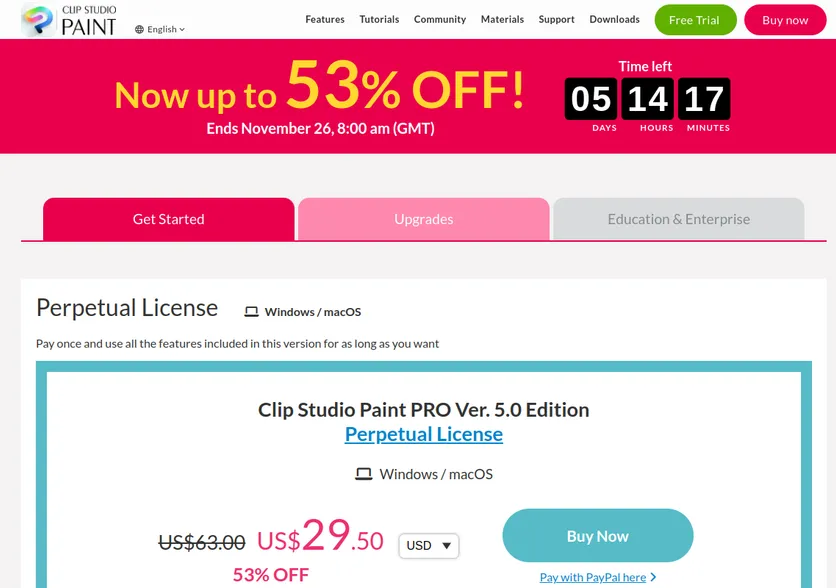
Paid tool Starting price: $63 one-time · PRO version 5.0 perpetual license, $63 one-time for Windows or Mac; EX version $277; Update Pass $10.99 a year
Free plan: Free trial available; no free plan
Clip Studio Paint is the drawing app most professionals reach for when a project has panels, inking and screentones. This Clip Studio Paint PRO perpetual license covers one computer and includes the vector layers, 3D pose models and perspective rulers that make comic work fast. An illustrator who draws every day will feel the brush engine pay for itself within the first project.
What we like
- Best-in-class comic and manga tools
- Vector layers keep line art editable
- 3D models help with tricky poses
Watch out for
- PRO costs sixty-three dollars paid once
- EX features cost far more for animation work
How to try it
- Open the Clip Studio Paint purchase page and start a trial
- Import a sketch and ink it with the vector pen tools
- Add screentones and export the finished page
2. Photoshop
Best for: Artists who also retouch photos and design graphics
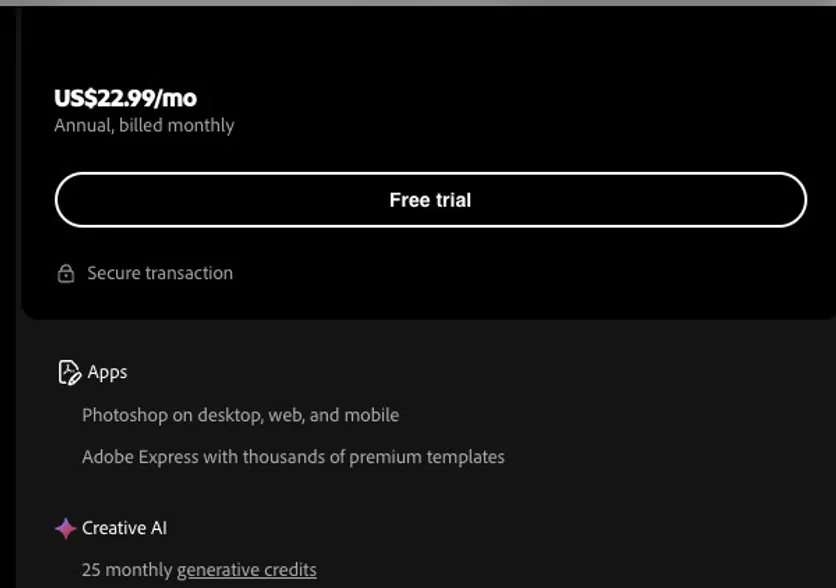
Paid tool Starting price: $22.99/month · Single-app plan, $22.99 a month billed annually; $34.49 month-to-month
Free plan: 7-day free trial; no free plan
Photoshop is the all-rounder on this list, a drawing app that also happens to be the standard photo editor for the whole creative industry. This Photoshop single-app plan gives you the full brush engine, layers, masks and the AI fill tools on a monthly subscription. A PC artist who wants one tool for drawing, painting and photo work will get more use from Photoshop than from any specialist app here.
What we like
- Industry-standard brushes, layers and masks
- AI fill and selection tools save hours
- Huge library of tutorials and brushes online
Watch out for
- Single-app plan costs about twenty-three dollars a month
- Subscription only, with no one-time purchase
How to try it
- Open the Adobe plans page and start the Photoshop trial
- Create a canvas and set up your brush and tablet pressure
- Paint a test piece and save it as a layered file
3. Corel Painter
Best for: Digital painters who want traditional media on a PC
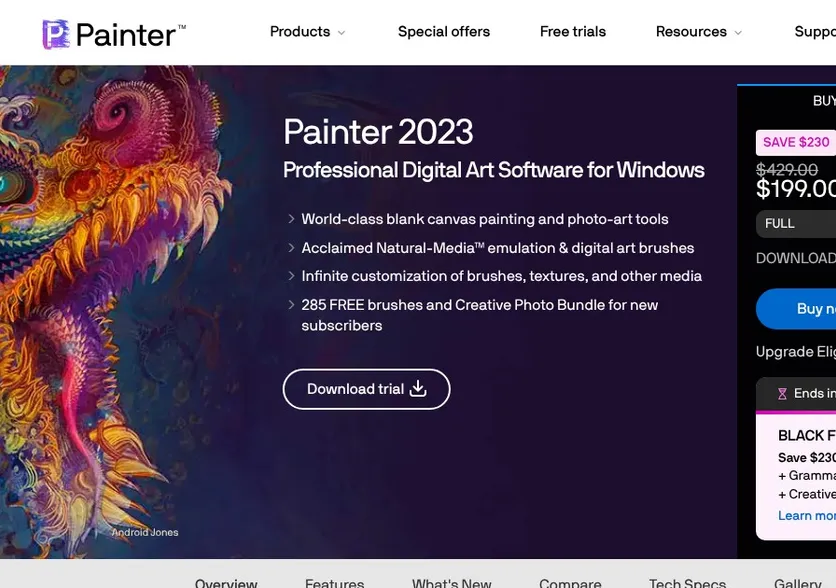
Paid tool Starting price: $429 one-time · Painter 2023 perpetual license, $429 list price; subscription $199 a year; frequent sale prices around two hundred thirty dollars are ignored
Free plan: 15-day free trial; no free plan
Corel Painter is the natural media specialist, built to make digital paint behave like oils, watercolors and pastels on a real canvas. This Corel Painter perpetual license gives you hundreds of realistic brushes, paper textures and blending modes that no general editor matches. A painter who misses the feel of real paint will find Painter the closest a screen gets to a studio.
What we like
- Most realistic traditional media brushes anywhere
- Huge brush and paper texture library
- One-time purchase with no subscription
Watch out for
- List price is four hundred twenty-nine dollars paid once
- Heavier system demands than lighter drawing apps
How to try it
- Open the Corel Painter page and start a trial
- Pick a paper texture and an oil brush
- Paint a study and blend the edges with the mixer
4. Rebelle
Best for: Watercolor and wet-media painters who love realistic blending
Paid tool Starting price: $89.99 one-time · Rebelle 8 Standard perpetual license, $89.99 one-time; Pro version $149.99; includes one year of updates
Free plan: Free trial available; no free plan
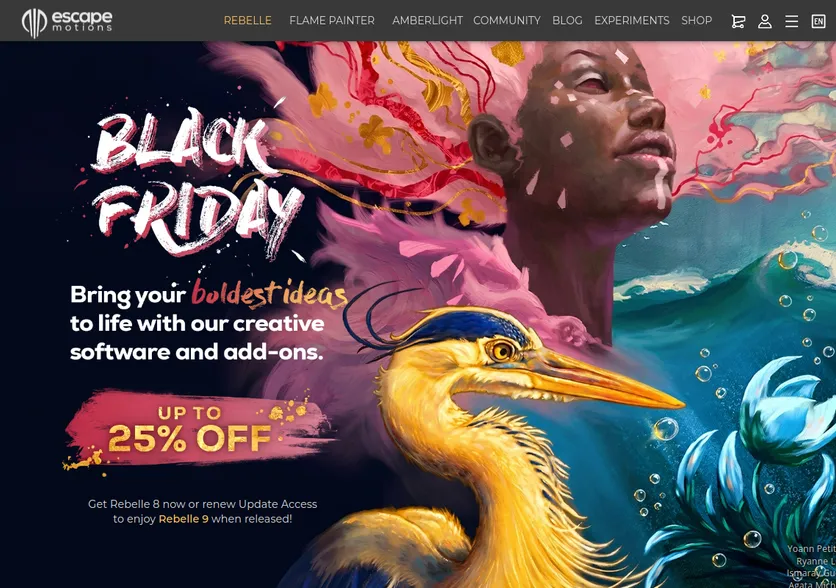
Rebelle is the watercolor specialist, simulating wet paint, dripping and drying on paper with a realism that surprises even traditional painters. This Rebelle Standard perpetual license covers the full brush engine and one year of updates for a single one-time payment. A painter who loves watercolor and ink will find Rebelle the most joyful tool on this list.
What we like
- Beautifully realistic watercolor simulation
- Simple interface that stays out of the way
- One-time payment with a year of updates
Watch out for
- Standard costs about ninety dollars paid once
- Fewer illustration and comic tools than rivals
How to try it
- Open the Rebelle product page and download the trial
- Choose a watercolor brush and a rough paper texture
- Paint a wash and watch the pigment bleed and dry
5. ArtRage Vitae
Best for: Beginners who want a friendly painting app for Windows or Mac
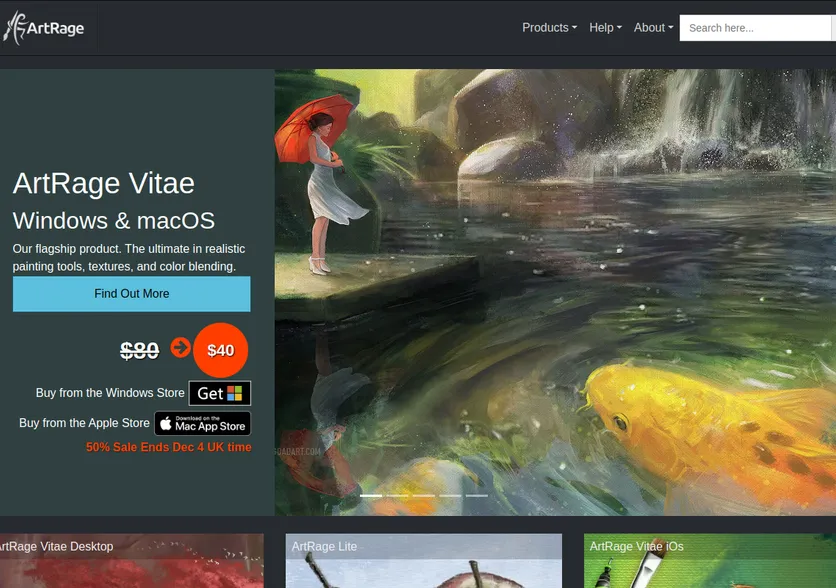
Paid tool Starting price: $80 one-time · ArtRage Vitae Desktop perpetual license, $80 one-time for Windows or Mac; Lite version $29.90; Mobile $4.99
Free plan: Free trial available; no free plan
ArtRage Vitae is the gentle painting app, with a calm interface and realistic oils, pencils and pastels that feel welcoming to a first-time digital painter. This ArtRage Vitae Desktop license covers Windows and Mac with a one-time payment and no subscription. A hobbyist who wants to paint for pleasure will find ArtRage the least intimidating way to start.
What we like
- Calm, welcoming interface for beginners
- Realistic oils, pencils and pastels
- One-time payment with no subscription
Watch out for
- Desktop license costs eighty dollars paid once
- Fewer advanced tools than professional apps
How to try it
- Open the ArtRage site and download the trial
- Pick an oil brush and a canvas texture
- Paint a simple landscape and save it
6. Sketchbook Pro
Best for: Sketching and concept work on a desktop with a pen
Paid tool Starting price: $24.99 one-time · Sketchbook Pro 9.4 desktop perpetual license, $24.99 one-time; mobile app free with a $2.99 Premium Bundle; older sources cite about twenty dollars
Free plan: Mobile app free; desktop free trial available
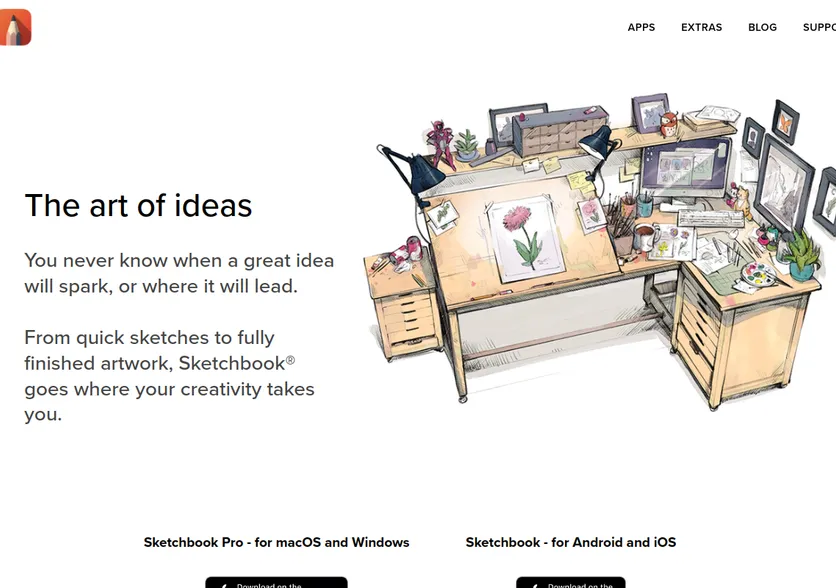
Sketchbook Pro is the digital sketchpad, a fast and light app for quick ideas, thumbnails and concept art on a PC or Mac. This Sketchbook Pro desktop license is a one-time purchase from the Sketchbook store, covering Windows and Mac with no subscription. An artist who thinks in quick sketches will appreciate how fast Sketchbook opens and how little it gets in the way.
What we like
- Opens fast and stays out of the way
- Clean interface built for quick sketching
- One-time purchase with no subscription
Watch out for
- Desktop license costs about twenty-five dollars paid once
- Fewer painting and comic tools than rivals
How to try it
- Open the Sketchbook site and download the desktop trial
- Grab a pencil brush and sketch a thumbnail
- Save the sketch and export it as an image
7. Paintstorm Studio
Best for: Brush obsessives who want deep customization for little money
Paid tool Starting price: $25 one-time · Desktop perpetual license, $25 one-time against a $49.99 list price; iPad version sold separately; price confirmed by multiple November 2026 reads of the vendor site
Free plan: Free trial for 30 launches; no free plan
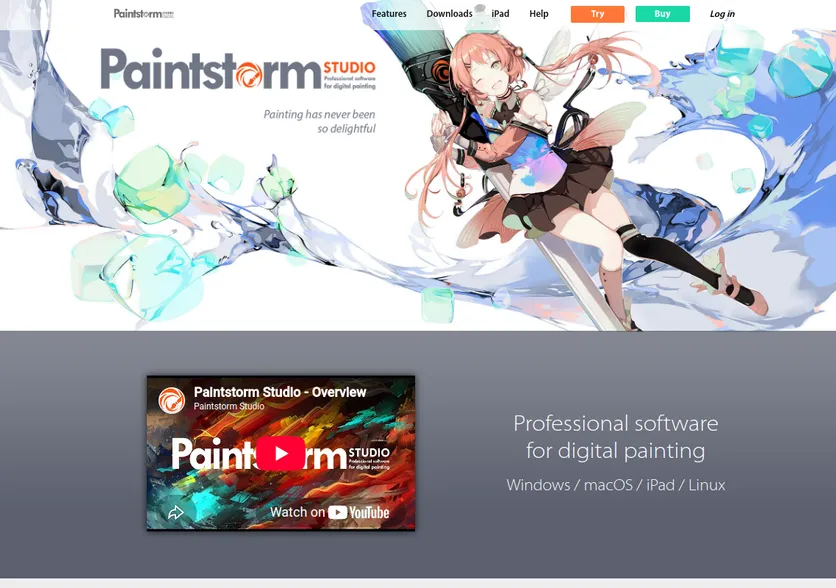
Paintstorm Studio is the brush tinkerer's app, with a deep brush editor and one of the best blending engines of any drawing tool at this price. This Paintstorm Studio perpetual license covers Windows, Mac and Linux for one payment with free lifetime updates. An artist who enjoys building custom brushes will get more control here than in tools costing five times as much.
What we like
- Deep brush editor with huge customization
- Excellent blending engine for oil-style work
- Perpetual license with free lifetime updates
Watch out for
- Desktop license costs twenty-five dollars paid once
- Interface looks dated next to modern apps
How to try it
- Open the Paintstorm Studio site and download the trial
- Open the brush editor and tune a bristle brush
- Paint a test piece and check the blending
Prices above were checked on each vendor’s own website on Nov 26, 2026 and can change — the vendor’s page is the final word. Vendor links are editorial: nobody paid to be listed or ranked here. Vendors who want a featured listing can see how it works on our Get listed page.
What drawing software for PC costs in 2026
Most PC drawing apps are one-time purchases, so the price you see is the price you pay, with no monthly bill to follow. This list runs from about twenty-five dollars paid once for a specialist brush app to four hundred twenty-nine dollars for a full traditional media suite, and only Photoshop asks for a monthly subscription. The headline plan each vendor shows on its own pricing page is the number in the table above, checked on November 26, 2026.
Start with the free trial on two tools and draw the same piece in both. Compare how the brushes feel under your pen and how fast you finish, then buy the one your hand prefers. A sixty-three-dollar tool you draw in every day beats a four-hundred-dollar suite that stays closed.
Before you buy
- Match the tool to your art style, because a comic artist and an oil painter need very different brushes.
- Check the license type first, because a one-time purchase and a monthly subscription cost very different amounts over three years.
- Test your pen tablet before paying, because a great brush engine means nothing if the pressure curve feels wrong.
- Look at the update policy, because a perpetual license with one year of updates is not the same as lifetime updates.
- Try the free trial on a real project, because a demo video never shows how the tool handles your own drawing habits.
Official websites
Official websites of the products reviewed above. Features and prices were checked against these sites when this guide was written, and they can change, so confirm on the vendor site before you buy.
Frequently asked questions
What is the best drawing software for PC in 2026?
Clip Studio Paint PRO, at sixty-three dollars paid once, is the safest default because its comic tools, vector layers and brush engine cover illustration and manga in one purchase. Photoshop is better when you also retouch photos, at about twenty-three dollars a month. Corel Painter wins for traditional media, since its oil and watercolor brushes feel the most like real paint.
What is the cheapest drawing software for PC?
Paintstorm Studio, at twenty-five dollars paid once, is the cheapest paid drawing app here and includes lifetime updates. Sketchbook Pro, at about twenty-five dollars paid once, is the cheapest sketching tool. Both are one-time purchases, so there is no monthly bill at all. Clip Studio Paint PRO, at sixty-three dollars once, is the best value for serious illustration work.
Can I buy drawing software once and own it forever?
Yes, if you pick a one-time purchase. Clip Studio Paint, Corel Painter, Rebelle, ArtRage Vitae, Sketchbook Pro and Paintstorm Studio are all perpetual licenses with no subscription. Photoshop is the only subscription-only tool here, at about twenty-three dollars a month. Buy once, own it, and pay nothing more unless you want an upgrade.
Does drawing software for PC work on Windows?
No, every tool here runs on Windows, and most run on Mac too. Clip Studio Paint, Photoshop, Corel Painter, Rebelle, ArtRage Vitae, Sketchbook Pro and Paintstorm Studio all support Windows desktops. Sketchbook Pro and Paintstorm Studio also run on Mac, so you can move between machines. Check the system requirements on the vendor site before buying.
Is Clip Studio Paint or Photoshop better for drawing?
Clip Studio Paint is better for comics, manga and illustration because of its panel tools, vector inking and screentones. Photoshop is better when your work mixes drawing with photo retouching and graphic design. Both are excellent, so pick Clip Studio Paint for drawing-first work and Photoshop when you need one tool for everything creative.
Want free drawing and image tools too? Try Toolsvine's free image tools right in your browser.
Browse Image Tools tools


