On this page
Staffing a contact center is a forecasting problem before it is a rota problem: too few agents and queues blow out, too many and the wage bill eats the margin. The seven tools below run from full suites with forecasting built in to a focused workforce platform at twenty-five dollars an agent. Prices were checked on November 27, 2026, and the list runs from six dollars fifty a user a month to one hundred sixty-nine dollars an agent. Genesys Cloud CX is our first pick — the platform that puts forecasting, scheduling and adherence inside the contact center itself.
How we researched this
We started with the workforce tools enterprise contact centers actually buy, then read each price on the vendor pricing page on November 27, 2026 and noted whether forecasting is included or sold as an add-on. We judged them for a large team that staffs hundreds of agents across shifts and needs forecasts built on real queue data. We dropped Playvox because it publishes no price and sells its workforce module by custom quote, and we left out quote-only enterprise suites that no buyer can price without a sales call.
Compare the tools
| Name | Best for | Starting price | Free plan | |
|---|---|---|---|---|
 Genesys Cloud CX | Enterprises that want forecasting, scheduling and adherence inside the contact center itself | $155/user/month | No free plan; demo only | Visit |
 NICE CXone | Enterprises that want workforce management in a full CX suite with monthly billing | $169/agent/month | No free plan; free trial available | Visit |
 Talkdesk | Enterprises that want omnichannel and workforce management with AI coaching on every seat | $165/user/month | Free Talkdesk Express tier for small businesses, up to 25 licences | Visit |
 Dialpad | Enterprises that want workforce management built in at the lowest price in this list | $149/user/month | No free plan; 14-day free trial | Visit |
 RingCentral RingCX | Teams already on RingCentral phones that want AI workforce management in the same app | $145/agent/month | No free plan; free trial available | Visit |
| Assembled | Enterprises that want a purpose-built workforce platform beside their contact center | $25/agent/month | No free plan; demo available | Visit |
 Deputy | Enterprises that want scheduling and time tracking for hourly agents at a low per-user price | $6.50/user/month | No free plan; 30-day free trial | Visit |
The contact center workforce software for enterprise, compared
1. Genesys Cloud CX
Best for: Enterprises that want forecasting, scheduling and adherence inside the contact center itself
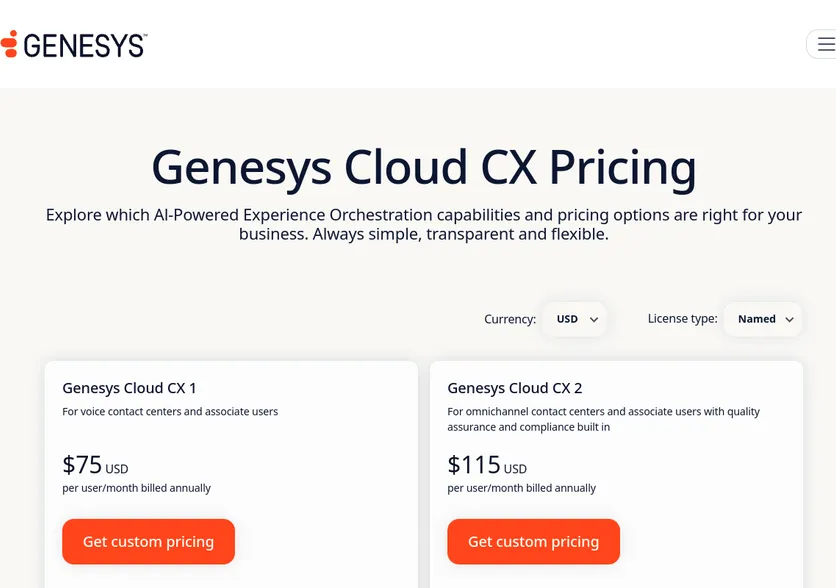
Paid tool Starting price: $155/user/month · One hundred fifty-five dollars per user a month billed annually for CX 3, the tier where workforce management is included; CX 1 costs seventy-five dollars and CX 4 two hundred forty dollars, with a two-thousand-dollar monthly minimum commitment
Free plan: No free plan; demo only
For workforce planning, Genesys Cloud CX 3 bundles the contact center with forecasting, scheduling and real-time adherence, so planners work from the same queue data agents use. This Genesys Cloud CX CX 3 plan costs one hundred fifty-five dollars per user a month billed annually and is the tier where workforce management is included. A company that staffs hundreds of agents across shifts gets forecasts built on live interaction data, not on a spreadsheet export.
What we like
- Forecasting and scheduling inside the same platform
- Real-time adherence shows who is off-plan now
- Scales to thousands of agents across sites
Watch out for
- Workforce tools need the CX 3 tier, not the entry plan
- Two-thousand-dollar monthly minimum locks out small teams
How to try it
- Open the Genesys site and book a workforce demo
- Share a month of call history to test the forecast
- Build your first rota and check adherence live
2. NICE CXone
Best for: Enterprises that want workforce management in a full CX suite with monthly billing
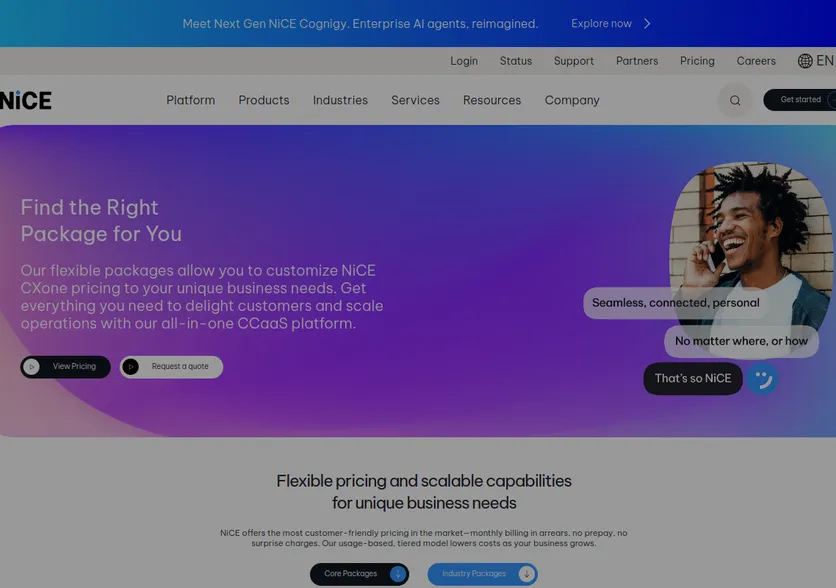
Paid tool Starting price: $169/agent/month · One hundred sixty-nine dollars per agent a month for Core, the tier with workforce management included; Omnichannel Suite costs one hundred ten dollars and Ultimate two hundred forty-nine dollars, billed monthly in arrears
Free plan: No free plan; free trial available
NICE CXone Core is the tier where workforce management joins the suite, adding forecasting, scheduling and adherence to voice, digital channels and AI agents. This NICE CXone Core plan costs one hundred sixty-nine dollars per agent a month and covers the workforce tools beside the omnichannel queue. A company that wants one contract for the whole operation, from routing to rotas, gets it here with monthly billing and no annual prepay.
What we like
- Workforce management in the same suite as routing
- Monthly billing with no annual prepay required
- AI agents and quality tools beside the rota
Watch out for
- Core is the mid-tier, so the entry price is higher
- Full analytics need the Complete or Ultimate tiers
How to try it
- Open the NICE site and request a workforce demo
- Compare Core against Complete for the analytics you need
- Pilot forecasting on one team before a full rollout
3. Talkdesk
Best for: Enterprises that want omnichannel and workforce management with AI coaching on every seat
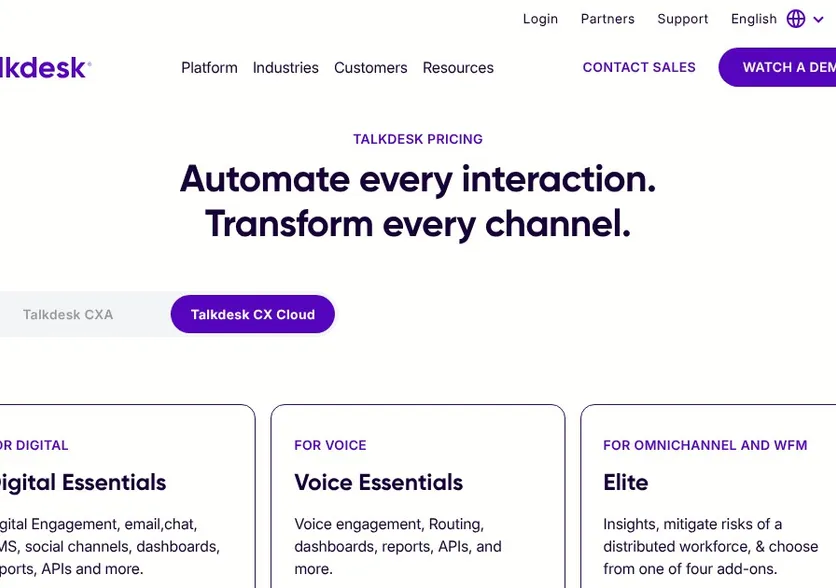
Paid tool Starting price: $165/user/month · One hundred sixty-five dollars per user a month for Elite, the tier that adds omnichannel and workforce management; Digital Essentials costs eighty-five dollars and Industry Experience Clouds two hundred twenty-five dollars, with prices assuming a minimum three-year commitment
Free plan: Free Talkdesk Express tier for small businesses, up to 25 licences
Talkdesk Elite is the tier that turns Talkdesk into a full workforce platform, adding omnichannel routing and workforce management to its AI coaching and automation. This Talkdesk Elite plan costs one hundred sixty-five dollars per user a month and covers voice, digital channels and the rota in one login. A company that wants AI to coach agents and forecast demand together gets both without a second vendor.
What we like
- AI coaching and workforce tools in one platform
- Fast launch compared with the legacy suites
- Free Express tier for small teams to start on
Watch out for
- Workforce management needs the Elite tier
- Prices assume a minimum three-year commitment
How to try it
- Open the Talkdesk site and book an Elite demo
- Test the workforce forecast against last quarter
- Turn on AI coaching for your busiest team first
4. Dialpad
Best for: Enterprises that want workforce management built in at the lowest price in this list
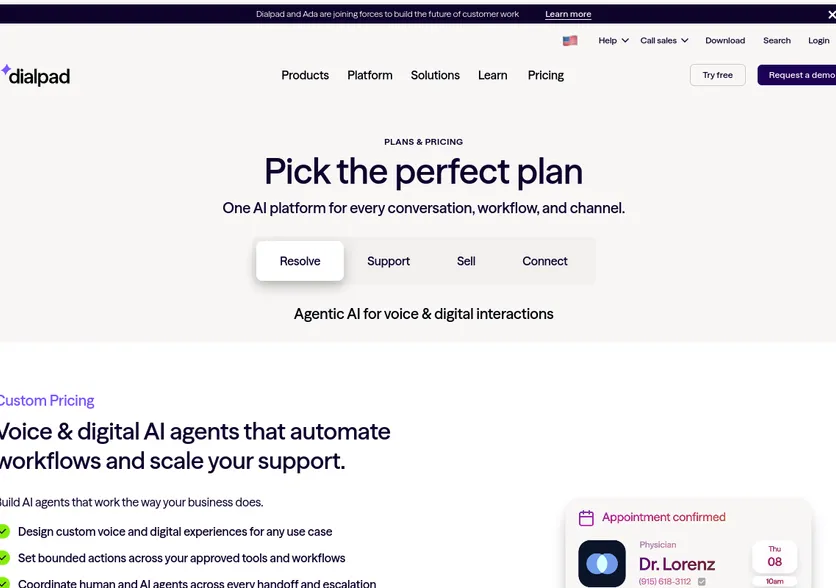
Paid tool Starting price: $149/user/month · One hundred forty-nine dollars per user a month billed annually for Premium, the tier with built-in workforce management, or one hundred seventy-nine dollars billed monthly; Essentials costs eighty-nine dollars and Advanced one hundred nineteen dollars
Free plan: No free plan; 14-day free trial
Dialpad Premium is the tier where workforce management comes built in, so forecasting and scheduling sit beside AI call summaries and coaching with no add-on fee. This Dialpad Premium plan costs one hundred forty-nine dollars per user a month billed annually and covers the full AI contact center. A company that wants workforce tools without paying suite prices gets them here for less than the big suites charge.
What we like
- Workforce management included, not an add-on
- AI summaries on every call from the first plan
- Cheapest workforce tier in this comparison
Watch out for
- Workforce tools need the Premium tier
- Do not confuse it with Dialpad Talk, the cheaper phone product
How to try it
- Open the Dialpad site and start the 14-day trial
- Set up your queues and let AI summaries run for a week
- Build your first forecast from the call history
5. RingCentral RingCX
Best for: Teams already on RingCentral phones that want AI workforce management in the same app
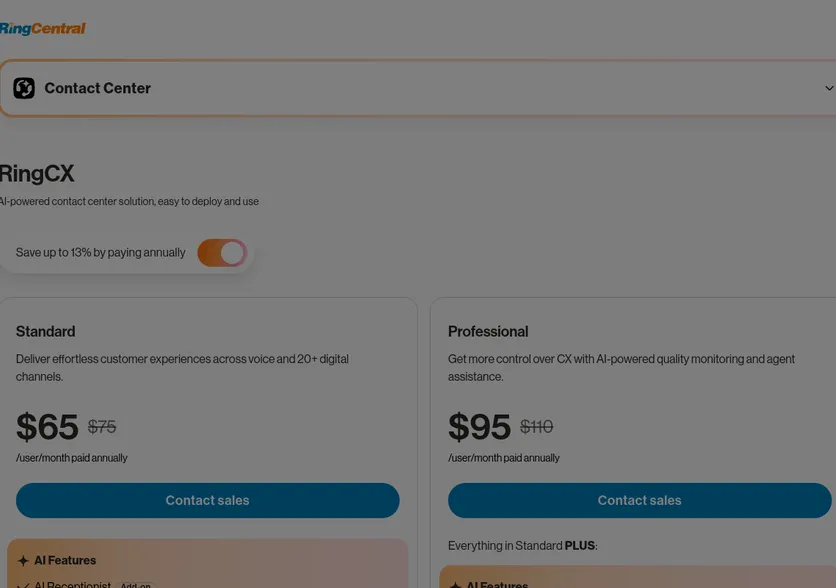
Paid tool Starting price: $145/agent/month · One hundred forty-five dollars per agent a month billed annually for Elite, or one hundred sixty-five dollars billed monthly; Elite includes AI Workforce Management, which costs twenty dollars per user a month as an add-on on lower tiers
Free plan: No free plan; free trial available
RingCentral RingCX Elite is the tier that adds AI Workforce Management to the contact center, bringing forecasting, scheduling and adherence into the same app as the phones. This RingCentral RingCX Elite plan costs one hundred forty-five dollars per agent a month billed annually and includes the workforce tools. A company already on RingEX gets forecasting without a second platform or a separate login.
What we like
- AI Workforce Management included on Elite
- One app for phones, contact center and rotas
- Second-cheapest workforce tier in this list
Watch out for
- Workforce tools need the Elite tier
- Best value only if you already use RingCentral phones
How to try it
- Open the RingCX page and book an Elite demo
- Check your RingEX licences cover the agents you need
- Run the forecast against your last busy season
6. Assembled
Best for: Enterprises that want a purpose-built workforce platform beside their contact center
Paid tool Starting price: $25/agent/month · Twenty-five dollars per agent a month for Core; Pro costs forty-five dollars and Enterprise seventy-five dollars, plus an unpublished platform fee; AI Copilot starts at thirty-five dollars a month
Free plan: No free plan; demo available
Assembled is the workforce platform built only for support teams, with forecasting, scheduling and real-time adherence designed around contact center queues rather than generic shifts. This Assembled Core plan costs twenty-five dollars per agent a month and covers forecasting and scheduling for the team. A company that already has a contact center and only needs the workforce layer gets a focused tool at a fraction of suite prices.
What we like
- Built only for support-team workforce planning
- Forecasting that understands contact center queues
- Far cheaper than buying a whole suite for WFM
Watch out for
- Needs a contact center beside it, it is not a queueing tool
- Platform fee is unpublished, so get it in writing
How to try it
- Open the Assembled site and book a demo
- Connect your contact center to import queue history
- Build your first forecast and publish a rota
7. Deputy
Best for: Enterprises that want scheduling and time tracking for hourly agents at a low per-user price
Paid tool Starting price: $6.50/user/month · Six dollars fifty per user a month billed annually for Core, or seven dollars twenty-five billed monthly; Lite costs five dollars and Pro nine dollars, with a thirty-dollar monthly minimum spend per invoice
Free plan: No free plan; 30-day free trial
Deputy is the scheduling tool for hourly teams, covering rotas, time tracking, leave and payroll exports at a price that suits large agent pools. This Deputy Core plan costs six dollars fifty per user a month billed annually and covers scheduling with time and attendance. A company with hundreds of hourly agents gets a rota that staff can swap themselves, without paying contact center prices for the privilege.

What we like
- Cheapest scheduling in this comparison by far
- Staff swap shifts without a supervisor in the loop
- Time tracking and payroll exports included
Watch out for
- No forecasting, so it schedules rather than predicts demand
- Thirty-dollar monthly minimum applies per invoice
How to try it
- Open the Deputy site and start the 30-day trial
- Import your agents and set their availability
- Publish the first rota and let staff swap shifts
Prices above were checked on each vendor’s own website on Nov 27, 2026 and can change — the vendor’s page is the final word. Vendor links are editorial: nobody paid to be listed or ranked here. Vendors who want a featured listing can see how it works on our Get listed page.
What enterprise workforce software costs in 2026
The workforce bill hides inside the suite price, because most vendors only include forecasting from their mid tier upward. A suite that looks cheap at sixty-five dollars an agent can cost one hundred forty-five once workforce tools are added, so compare the tier that actually includes forecasting, not the entry tier. A focused tool like Assembled costs twenty-five dollars an agent but needs a contact center beside it, so the honest comparison is suite-plus-workforce against contact-center-plus-Assembled.
Test the forecast before you buy, using your own call history rather than the vendor demo data. Check that the rota publishes cleanly, that adherence alerts reach supervisors in real time, and that agents can swap shifts without a ticket to the rota owner. Pick the tool whose forecast your planners trust, because a rota nobody believes in gets ignored on the floor.
Before you buy
- Check whether forecasting is included or an add-on, because workforce tools cost twenty dollars per user a month extra on several suites here.
- Count the agents you actually schedule, because per-agent pricing multiplies fast when part-time and seasonal staff join the rota.
- Confirm the forecast uses your own history, because a generic model misses seasonal peaks that your call data already shows.
- Ask how adherence is tracked, because real-time schedule adherence is what turns a forecast into shorter queues.
- Test the self-service options, because shift swaps and time-off requests should not need a supervisor for every change.
Official websites
Official websites of the products reviewed above. Features and prices were checked against these sites when this guide was written, and they can change, so confirm on the vendor site before you buy.
Frequently asked questions
Which workforce software is best for enterprise contact centers in 2026?
Genesys Cloud CX 3 is the best overall pick at one hundred fifty-five dollars per user a month, with forecasting, scheduling and adherence inside the contact center. Dialpad Premium is the best value pick at one hundred forty-nine dollars, with workforce management built in at a lower price. Assembled is the best purpose-built pick at twenty-five dollars per agent for teams that already have a contact center.
How much does contact center workforce software cost?
Prices in this list run from six dollars fifty per user a month for Deputy to one hundred sixty-nine dollars per agent for NICE CXone Core. The big suites bundle workforce tools into their mid and top tiers, so the workforce price is really the suite price. Assembled is the outlier: a focused workforce platform at twenty-five dollars per agent, but it needs a contact center beside it.
Do enterprises need forecasting, or is a rota enough?
Yes, if your team is large enough that a spreadsheet rota breaks, because forecasting turns last quarter into next month's staffing plan and adherence shows who is off-plan in real time. Small teams can manage with Deputy or a shared calendar, but once you pass fifty agents, guessing shifts costs more in overtime and queue times than the tool. Start with a forecast, not with more agents.
Is workforce management included, or is it an add-on?
RingCentral RingCX Elite includes AI Workforce Management, Dialpad Premium builds it in, and Genesys, NICE and Talkdesk include it from their mid tiers upward. On the entry tiers of the same suites, workforce management is usually a paid add-on at about twenty dollars per user a month. Assembled and Deputy are workforce-only tools, so there is no add-on question at all.
Can a small team use Deputy instead of a full suite?
Yes, Deputy covers scheduling, time tracking and leave for hourly agents at six dollars fifty per user a month, and staff can swap shifts themselves. It does not forecast demand, so pair it with a forecast from your contact center reports if you need one. For a team that just needs a fair rota and accurate hours, it is the cheapest honest option here.
Need everyday business help too? Try Toolsvine's free business tools right in your browser.
Browse Business Tools tools