On this page
Enterprise teams publish hundreds of pages a year, and guessing which ones work wastes budget fast. The right analytics platform ties every article, video, and landing page to pipeline, not just pageviews, so content leaders can cut what stalls and fund what converts. This comparison covers eight paid tools with prices checked on the vendor site on November 27, 2026, from session-replay depth to search grading. For teams that need behavior and revenue in one place, Contentsquare leads the pack.
How we researched this
We compared paid analytics platforms that publish their prices in US dollars and serve enterprise teams with multi-user seats, integrations, and reporting depth. Each tool was scored on its ability to connect content to business outcomes, its measurement depth, and how transparently its entry plan is priced. Tools with quote-only pricing or no US dollar price were left out.
Compare the tools
| Name | Best for | Starting price | Free plan | |
|---|---|---|---|---|
 Contentsquare | Large teams that need to see exactly how visitors behave on every page | $39/month | Free plan (200,000 sessions) | Visit |
 Semrush | Enterprise teams that want search, traffic, and content audits in one subscription | $139.95/month | Free plan; 7-day free trial | Visit |
 HubSpot Marketing Hub | Enterprises already on HubSpot that want content analytics inside the CRM | $20/seat/month | Free plan | Visit |
 Ahrefs | Content teams that judge pages by the links and traffic they actually earn | $129/month | Free plan | Visit |
 Clearscope | Editorial teams that grade every page against the top-ranking competition before publishing | $129/month | No free plan; free trial available | Visit |
 Surfer | Teams that optimize pages live against the search results as they write | $49/month | No free plan; free trial available | Visit |
 Frase | Small enterprise teams that need research, outlines, and briefs in one affordable tool | $39/month | 7-day free trial | Visit |
 Content Harmony | Enterprises that standardize content briefs across many writers and agencies | $99/month | $10 trial for 10 workflows | Visit |
The content analytics software for enterprise, compared
1. Contentsquare
Best for: Large teams that need to see exactly how visitors behave on every page
Paid tool Starting price: $39/month · Thirty-nine dollars a month for the Growth plan, down from forty-nine dollars; the Free plan covers two hundred thousand monthly sessions, and paying annually takes a further twenty percent off.
Free plan: Free plan (200,000 sessions)
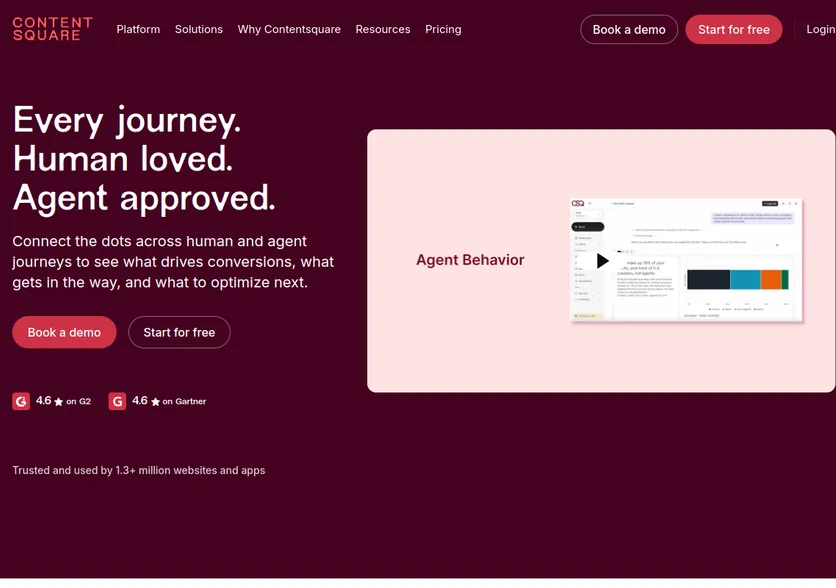
Contentsquare pairs session replay with zone-based analytics, so you can watch how enterprise audiences move through a page and see which blocks earn attention and which get ignored. Its heatmaps and journey analysis turn raw sessions into content decisions, and the pricing page now lists Growth at thirty-nine dollars a month after a cut from forty-nine. For content teams, the value is proof: a page can be tied to engagement, not just traffic.
What we like
- Session replay and zone analytics in one place
- Growth plan now starts at $39 a month
- Generous free plan with 200,000 monthly sessions
Watch out for
- Full enterprise features still require a custom quote
- Deep analysis takes time to learn
How to try it
- Install the Contentsquare tag on your site and let it collect a week of sessions.
- Open zone analytics on your top landing pages to see which sections readers engage with.
- Compare high and low performers, then brief writers on the patterns that convert.
2. Semrush
Best for: Enterprise teams that want search, traffic, and content audits in one subscription
Paid tool Starting price: $139.95/month · One hundred thirty-nine dollars and ninety-five cents a month for the Pro plan billed monthly, or one hundred seventeen dollars and thirty-three cents a month billed annually; Guru costs two hundred forty-nine dollars and ninety-five cents a month.
Free plan: Free plan; 7-day free trial
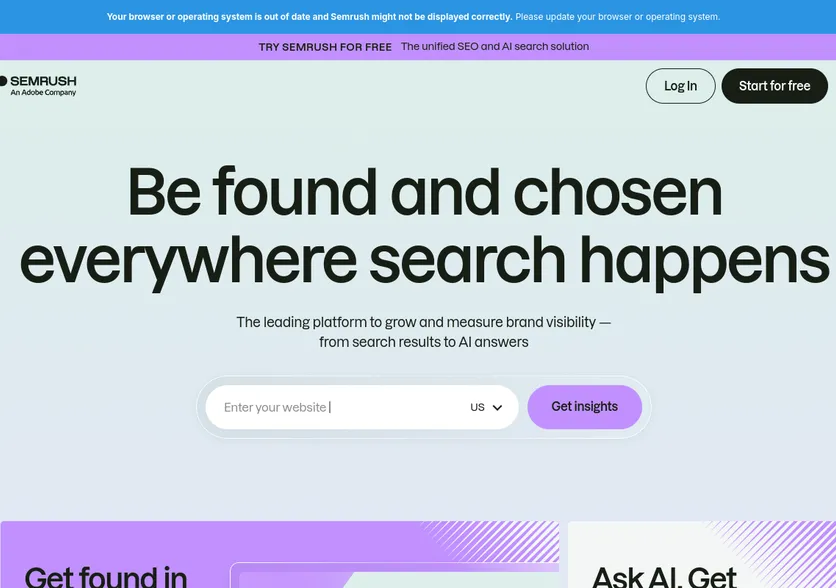
Semrush is the workhorse of content analytics, pairing keyword and traffic data with content audits that flag thin, outdated, or cannibalized pages. Its Content Audit tool scores your library against the competition, and the Pro plan starts at one hundred thirty-nine dollars and ninety-five cents a month. Large teams use it to decide what to update, what to merge, and what to retire.
What we like
- Huge keyword and traffic database
- Content Audit catches cannibalization
- Pro plan is usable for a small team too
Watch out for
- Pro limits projects and reports
- Interface can feel dense for new users
How to try it
- Connect your site and run a Content Audit to score every page.
- Use the Topic Research tool to find gaps your competitors cover and you do not.
- Re-audit quarterly and track which refreshes move rankings.
3. HubSpot Marketing Hub
Best for: Enterprises already on HubSpot that want content analytics inside the CRM
Paid tool Starting price: $20/seat/month · Twenty dollars per seat a month is the Starter list price; HubSpot currently shows a new-customer discount to seven dollars per seat a month billed annually; Professional costs eight hundred dollars a month.
Free plan: Free plan
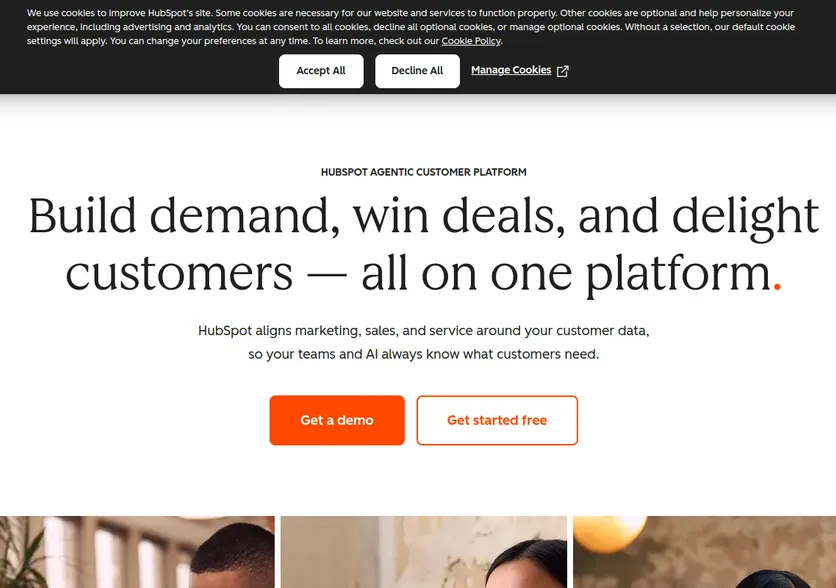
HubSpot Marketing Hub reports on content inside the same system that holds your contacts and deals, so a blog post can be traced to a lead, an opportunity, and closed revenue. Its campaign analytics show which assets influence the pipeline, and Starter lists at twenty dollars per seat a month. For teams already living in HubSpot, that closed loop is hard to beat.
What we like
- Content tied directly to CRM revenue
- Starter list price is low for the category
- Strong free plan to start with
Watch out for
- Full reporting needs Professional at $800 a month
- Discount shown today is for new customers only
How to try it
- Connect your blog and landing pages to HubSpot and set up campaigns.
- Tag each asset to a campaign and review the contact and deal reports.
- Compare asset performance by lifecycle stage, not just pageviews.
4. Ahrefs
Best for: Content teams that judge pages by the links and traffic they actually earn
Paid tool Starting price: $129/month · One hundred twenty-nine dollars a month for the Lite plan; the smaller Starter plan costs twenty-nine dollars a month.
Free plan: Free plan
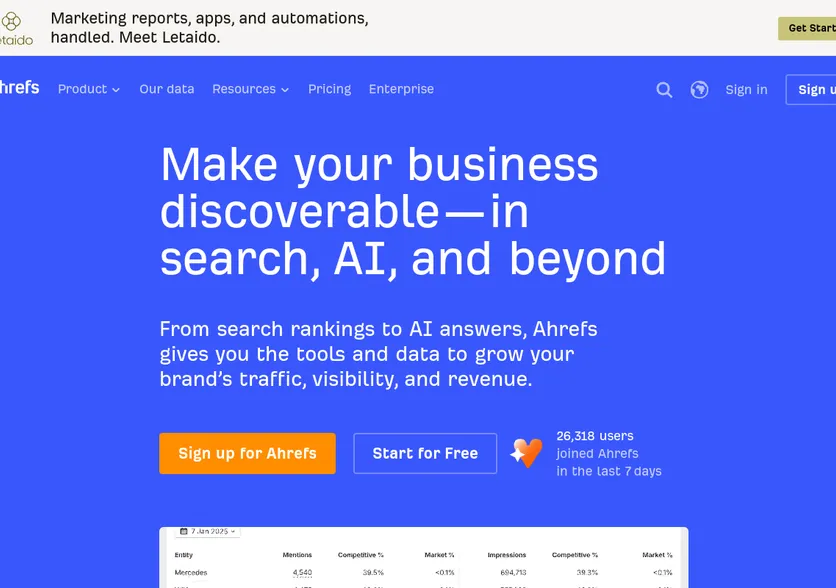
Ahrefs measures content by its search results: which pages rank, which earn backlinks, and which quietly lose traffic over time. Its Content Explorer finds proven topics and its Site Audit flags decaying pages, and the Lite plan costs one hundred twenty-nine dollars a month. Enterprise editors use it to defend budgets with ranking and traffic evidence.
What we like
- Best-in-class backlink and keyword data
- Content Explorer surfaces proven ideas
- Lite plan covers a full content team
Watch out for
- No free plan beyond limited tools
- Credits can cap heavy research
How to try it
- Run Site Audit to find pages losing traffic or carrying errors.
- Use Content Explorer to find high-performing topics in your niche.
- Track your key pages monthly and refresh anything slipping.
5. Clearscope
Best for: Editorial teams that grade every page against the top-ranking competition before publishing
Paid tool Starting price: $129/month · One hundred twenty-nine dollars a month for the Essentials plan; Business costs three hundred ninety-nine dollars a month.
Free plan: No free plan; free trial available
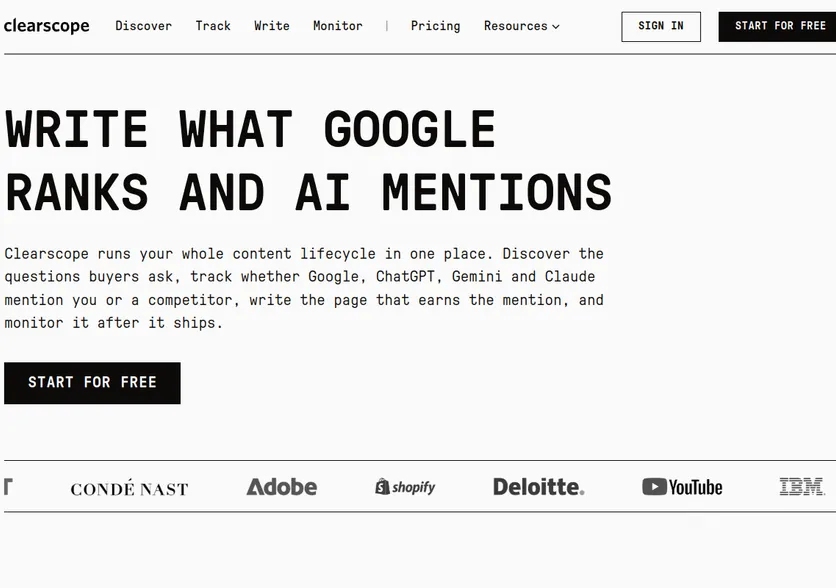
Clearscope grades each page against the current top-ranking results, scoring keyword coverage, readability, and structure so writers know exactly what a draft is missing. Its reports turn optimization into a checklist rather than a guess, and Essentials starts at one hundred twenty-nine dollars a month. For enterprise teams publishing at scale, it keeps quality consistent across writers.
What we like
- Clear A to F grading writers understand
- Reports based on live top-ranking pages
- Google Docs integration
Watch out for
- Essentials limits monthly reports
- No traffic or backlink analytics built in
How to try it
- Create a report for your target keyword before drafting.
- Write to the report's grade, covering the terms competitors rank for.
- Re-run the report after edits and track grades against rankings.
6. Surfer
Best for: Teams that optimize pages live against the search results as they write
Paid tool Starting price: $49/month · Forty-nine dollars a month for the Discovery plan billed yearly; Standard costs ninety-nine dollars a month and Pro costs one hundred eighty-two dollars a month.
Free plan: No free plan; free trial available
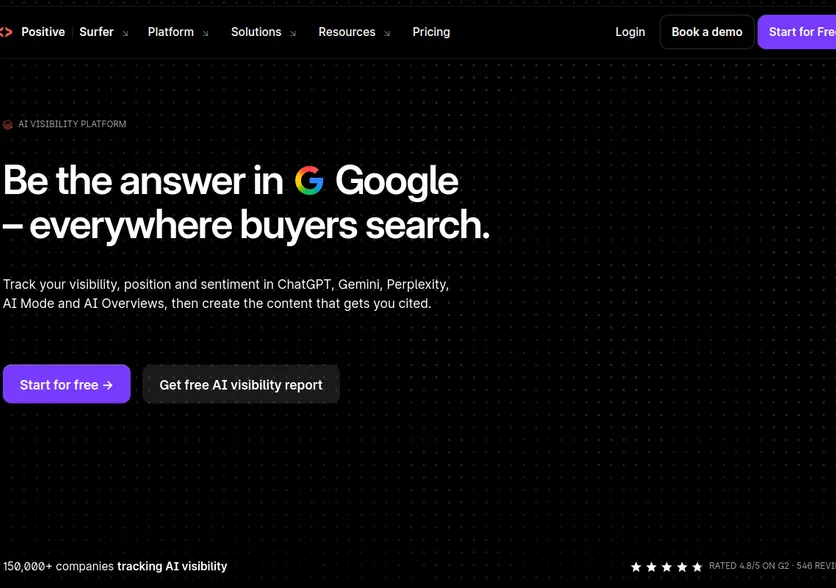
Surfer's Content Editor scores a draft in real time against the top twenty results, guiding headings, terms, and length while you write. Its audit tool then tracks which published pages are slipping, and Discovery starts at forty-nine dollars a month billed yearly. Enterprise teams pair it with a research tool to cover both creation and measurement.
What we like
- Live scoring while you write
- Audit tool catches decaying content
- Low entry price for the category
Watch out for
- Discovery limits articles per month
- Needs a separate tool for backlink data
How to try it
- Open the Content Editor and enter your target keyword.
- Draft to the content score, following the suggested terms and structure.
- Run audits monthly and refresh pages whose scores have fallen.
7. Frase
Best for: Small enterprise teams that need research, outlines, and briefs in one affordable tool
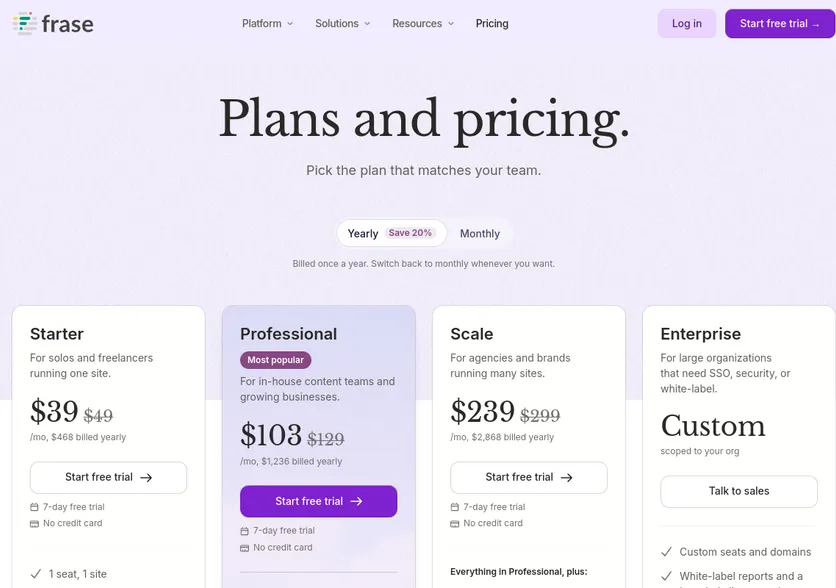
Paid tool Starting price: $39/month · Thirty-nine dollars a month for the Starter plan billed yearly, or forty-nine dollars billed monthly; Professional costs one hundred three dollars a month billed annually.
Free plan: 7-day free trial
Frase builds research-backed briefs from the top search results, then scores drafts against them, so writers start with a clear outline instead of a blank page. Its question research also surfaces what readers actually ask, and Starter costs thirty-nine dollars a month billed yearly. For enterprise teams that brief many writers, it standardizes quality at the cheapest price here.
What we like
- Briefs built from live search results
- Cheapest entry price in this comparison
- Question research finds reader intent
Watch out for
- Starter limits documents per month
- No traffic analytics of its own
How to try it
- Enter a keyword to generate a research brief from the top results.
- Hand the outline and questions to your writer.
- Score the draft and fix gaps before publishing.
8. Content Harmony
Best for: Enterprises that standardize content briefs across many writers and agencies
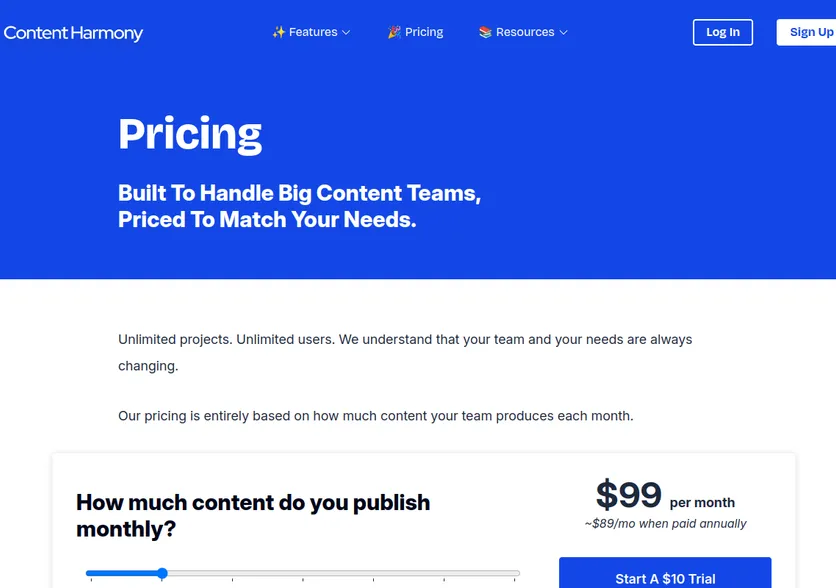
Paid tool Starting price: $99/month · Ninety-nine dollars a month for the Standard plan with twelve content workflows, or about eighty-nine dollars a month paid annually; a ten-dollar trial buys ten workflows.
Free plan: $10 trial for 10 workflows
Content Harmony turns a keyword into a full workflow: research, outline, brief, and grading, all built from the pages already ranking. Its workflow system keeps every writer working from the same evidence, and Standard costs ninety-nine dollars a month for twelve workflows. For enterprise teams coordinating freelancers and agencies, that consistency is the point.
What we like
- End-to-end brief and grading workflow
- Ten-dollar trial lets you test real work
- Built for multi-writer teams
Watch out for
- Workflows cap monthly output
- No traffic or revenue reporting
How to try it
- Create a workflow for your target keyword and review the research.
- Send the generated brief to your writer or agency.
- Grade the finished draft and publish only when it clears the bar.
Prices above were checked on each vendor’s own website on Nov 27, 2026 and can change — the vendor’s page is the final word. Vendor links are editorial: nobody paid to be listed or ranked here. Vendors who want a featured listing can see how it works on our Get listed page.
How enterprise teams should use content analytics
Start with the questions your leadership actually asks, then pick the tool that answers them. If the question is which pages bring in deals, you need a CRM-linked tool like HubSpot; if it is why readers leave, you need behavior data like Contentsquare. Most enterprise teams end up with two tools: one for search and content quality, one for behavior or revenue. Set a monthly cadence to review the same report every time, and retire or refresh the bottom ten percent of pages each quarter. That habit alone usually pays for the subscription.
Before you buy
- Confirm the tool reports on pipeline or revenue, not only pageviews and sessions, before you commit.
- Check how many seats, projects, and reports the entry plan actually includes for your team size.
- Make sure the analytics connect to your CMS, CRM, and search console without extra paid connectors.
- Ask whether historical data is kept long enough to compare this quarter with the same quarter last year.
- Verify the contract terms, including whether the entry price rises after the first year.
Official websites
Official websites of the products reviewed above. Features and prices were checked against these sites when this guide was written, and they can change, so confirm on the vendor site before you buy.
Frequently asked questions
What is the best content analytics software for enterprise?
Contentsquare leads for behavior depth, Semrush for search and content audits, and HubSpot Marketing Hub for tying content to CRM revenue. The best pick depends on your question: behavior, search, or pipeline. Most large teams use two of these together rather than one tool for everything.
How much does enterprise content analytics software cost?
Entry plans in this comparison run from thirty-nine dollars a month for Contentsquare and Frase to one hundred thirty-nine dollars and ninety-five cents a month for Semrush Pro. Real enterprise contracts with more seats and features usually cost far more, and several tools here require a custom quote for their full enterprise tier.
Can content analytics prove ROI?
Yes, when the tool connects to your CRM or analytics with goals and conversions. Pageviews alone prove nothing, but a report that shows which articles produced leads and deals does. Set up campaign tracking before you judge any tool, or you will only see traffic, not value.
Do I need a separate tool for SEO and content analytics?
Not always. Semrush and Ahrefs cover both search data and content audits, while Clearscope and Surfer focus on page quality. If you only buy one, choose a tool that grades content and tracks rankings, then add behavior analytics like Contentsquare when budget allows.
Is there a free plan for enterprise content analytics?
Several tools here have free plans, including Contentsquare, HubSpot, and Ahrefs, but they are limited in seats, reports, or data history. They work for a trial or a small team, but an enterprise content program will outgrow them quickly and need a paid plan.
Want more ways to measure and grow your content? Try Toolsvine's free SEO tools right in your browser.
Browse SEO Tools tools