On this page
Every industry now runs on content: product pages, guides, docs, and landing pages that must stay accurate everywhere they appear. The right content management system keeps that work organized, lets non-technical staff publish safely, and delivers the same content to your website, app, and beyond. This comparison covers eight paid platforms with prices checked on the vendor site on November 27, 2026. For most teams, WordPress.com is the best place to start.
How we researched this
We compared paid CMS platforms that publish US dollar prices and serve real business use, from traditional hosted platforms to API-first headless systems. Each tool was scored on ease of use, multi-channel delivery, pricing transparency, and how well it fits a team rather than a hobbyist. Quote-only platforms and tools with no public price were left out.
Compare the tools
| Name | Best for | Starting price | Free plan | |
|---|---|---|---|---|
 WordPress.com | Businesses that want a proven CMS with a huge ecosystem of themes and plugins | $4/month | Free plan with a WordPress subdomain and ads | Visit |
| Ghost | Publishers and creators who sell memberships and newsletters from their site | $18/month | No free plan; 14-day free trial | Visit |
 Webflow | Teams that want design freedom and a full CMS without code | $25/month | Free plan | Visit |
 Contentful | Enterprises that publish the same content to websites, apps, and devices | $300/month | Free Community plan for small projects | Visit |
 Sanity | Teams that want a flexible, real-time content studio developers love | $15/seat/month | Free plan with generous limits | Visit |
 Storyblok | Marketing teams that want to edit pages visually on a headless platform | $99/month | Free Community plan | Visit |
| HubSpot Content Hub | Businesses already on HubSpot that want the website inside the CRM | $20/seat/month | Free plan | Visit |
 Hygraph | Multi-brand organizations that need structured content delivered by GraphQL API | $199/month | Free Community plan | Visit |
The content management software for industry, compared
1. WordPress.com
Best for: Businesses that want a proven CMS with a huge ecosystem of themes and plugins
Paid tool Starting price: $4/month · Four dollars a month for the Personal plan billed yearly in the first year, renewing at five dollars a month; Premium costs eight dollars a month and Business costs twenty-five dollars a month.
Free plan: Free plan with a WordPress subdomain and ads
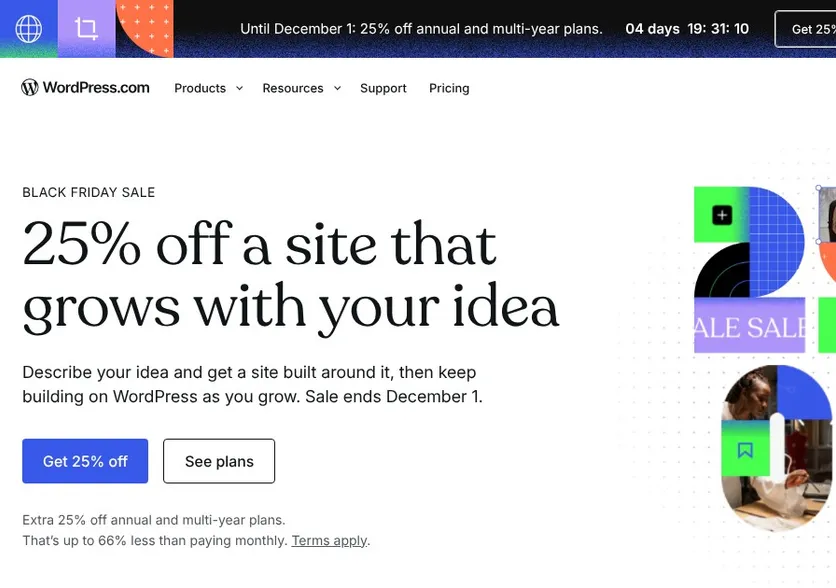
WordPress.com powers a huge share of the web, and its hosted plans pair the familiar editor with managed hosting, so you never touch a server. The Personal plan costs four dollars a month billed yearly in the first year, and higher plans add plugins, themes, and ecommerce. For most industries, it is the safest default: if you can imagine it, a WordPress plugin already exists.
What we like
- Largest theme and plugin ecosystem
- Managed hosting with no server work
- Four-dollar entry plan
Watch out for
- Plugins and themes need the Business plan
- Site carries ads until you pay
How to try it
- Pick a theme and set up your pages and posts.
- Install the plugins you need for forms, SEO, and backups.
- Publish regularly and use the built-in stats to see what readers want.
2. Ghost
Best for: Publishers and creators who sell memberships and newsletters from their site
Paid tool Starting price: $18/month · Eighteen dollars a month for the Ghost(Pro) Starter plan billed yearly, for up to one thousand members; Publisher costs twenty-nine dollars a month and Business costs one hundred ninety-nine dollars a month. The self-hosted Ghost software itself is free and open source.
Free plan: No free plan; 14-day free trial
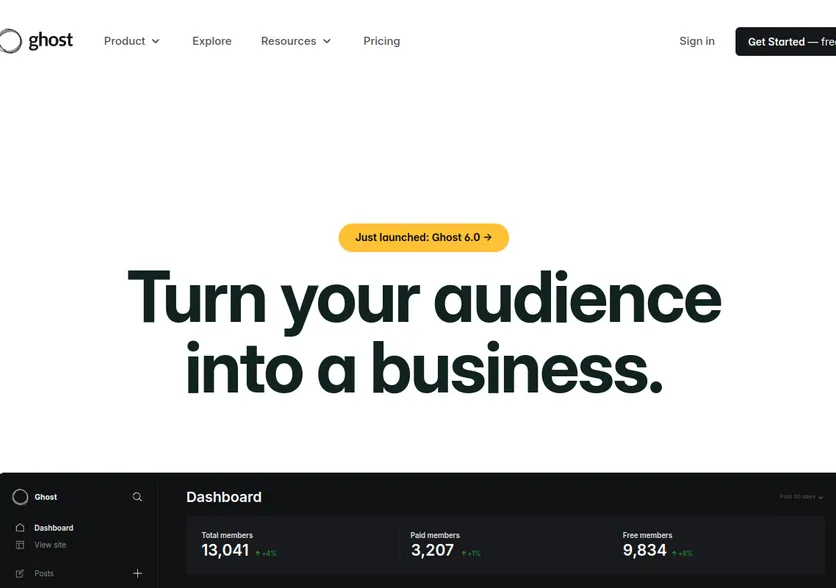
Ghost is a focused publishing platform built around memberships: readers subscribe, pay, and get newsletters without extra plugins. Ghost(Pro) Starter costs eighteen dollars a month billed yearly for up to one thousand members, and the self-hosted software is free and open source. It suits publishers who want a clean editor and a direct revenue line from their audience.
What we like
- Memberships and newsletters built in
- Clean, fast editor
- Self-hosted version is free
Watch out for
- No plugin ecosystem like WordPress
- No free hosted plan
How to try it
- Set up your publication and import existing content.
- Turn on memberships and set your paid tiers.
- Send newsletters from the same editor and track member growth.
3. Webflow
Best for: Teams that want design freedom and a full CMS without code
Paid tool Starting price: $25/month · Twenty-five dollars a month for the Premium site plan billed yearly, which adds the full CMS with twenty thousand items; the cheaper Basic plan at fifteen dollars a month has no CMS.
Free plan: Free plan
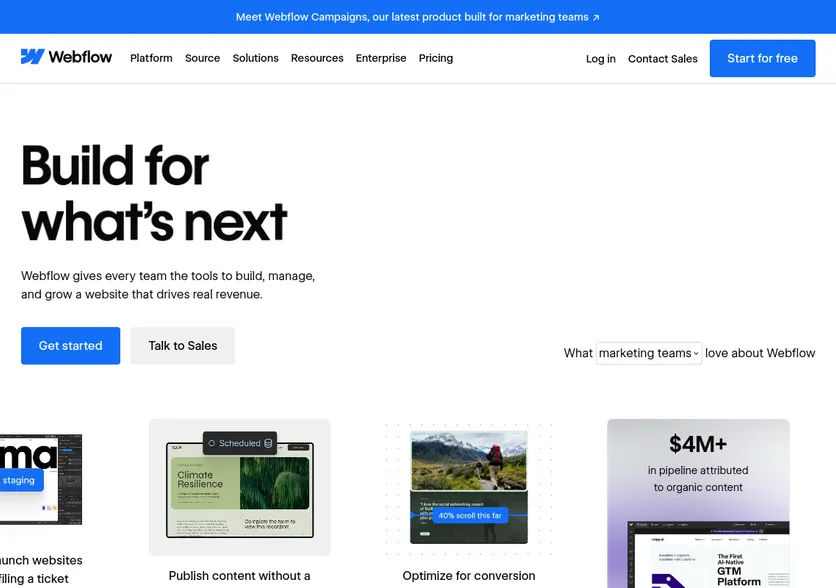
Webflow pairs a visual designer with a built-in CMS, so marketers can build and publish pages that look custom without waiting on developers. The Premium site plan costs twenty-five dollars a month billed yearly and includes the full CMS, with twenty thousand items. Note the cheaper Basic plan has no CMS at all, so Premium is the right starting point for content teams.
What we like
- Visual design plus a real CMS
- No developer needed for most pages
- Fast, managed hosting included
Watch out for
- Basic plan has no CMS
- Learning curve for complex sites
How to try it
- Design your pages in the visual canvas and define your CMS collections.
- Add content items and link them to your templates.
- Publish and use the editor to update pages without touching code.
4. Contentful
Best for: Enterprises that publish the same content to websites, apps, and devices
Paid tool Starting price: $300/month · Three hundred dollars a month for the Lite plan; the Free plan covers ten users and one hundred thousand API calls a month, and Enterprise is custom priced.
Free plan: Free Community plan for small projects
Contentful is the headless CMS enterprises reach for when one website is not enough: content is written once and delivered everywhere through an API. The Lite plan costs three hundred dollars a month, and the platform scales to global teams with multiple spaces and roles. It is built for organizations where developers and editors work side by side.
What we like
- API-first delivery to any channel
- Scales to global enterprise teams
- Strong permissions and roles
Watch out for
- Needs developers to build front ends
- No screenshot available for this entry
How to try it
- Model your content types, such as articles, products, and authors.
- Connect your front ends to the Contentful API.
- Let editors publish while developers ship new experiences.
5. Sanity
Best for: Teams that want a flexible, real-time content studio developers love
Paid tool Starting price: $15/seat/month · Fifteen dollars per seat a month for the Growth plan; the Free plan covers up to twenty seats and Enterprise is custom priced.
Free plan: Free plan with generous limits
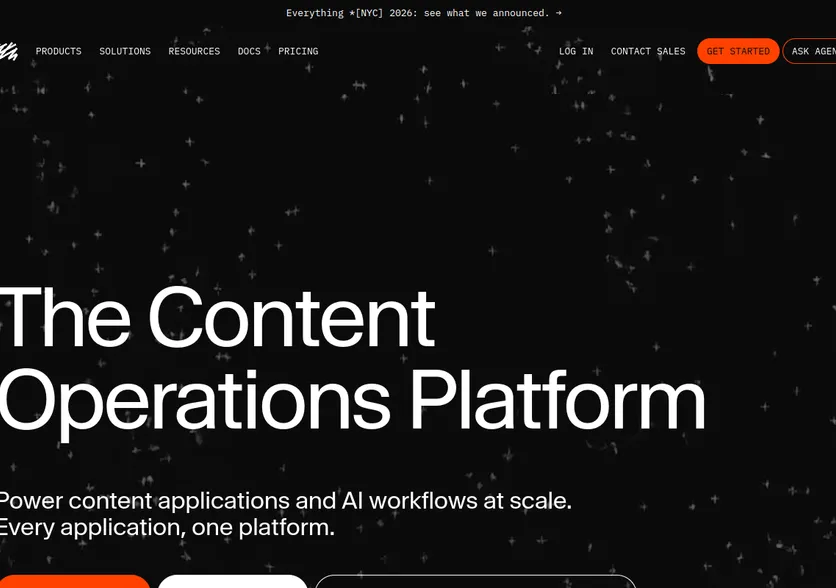
Sanity gives editors a live, collaborative studio while developers define the content model in code, so the CMS grows with the product. Growth costs fifteen dollars per seat a month, and the free plan is generous enough for small teams. It is a strong pick for industries where content changes often and must stay structured.
What we like
- Real-time collaborative editing
- Flexible content modeling in code
- Low per-seat price
Watch out for
- Needs developer setup to start
- Smaller plugin ecosystem than WordPress
How to try it
- Define your content schemas in the Sanity studio.
- Invite editors to create and update content in real time.
- Deliver the structured content to your site or app through the API.
6. Storyblok
Best for: Marketing teams that want to edit pages visually on a headless platform
Paid tool Starting price: $99/month · Ninety-nine dollars a month for the Growth plan, or ninety dollars and seventy-five cents a month paid annually; Growth Plus costs three hundred forty-nine dollars a month.
Free plan: Free Community plan
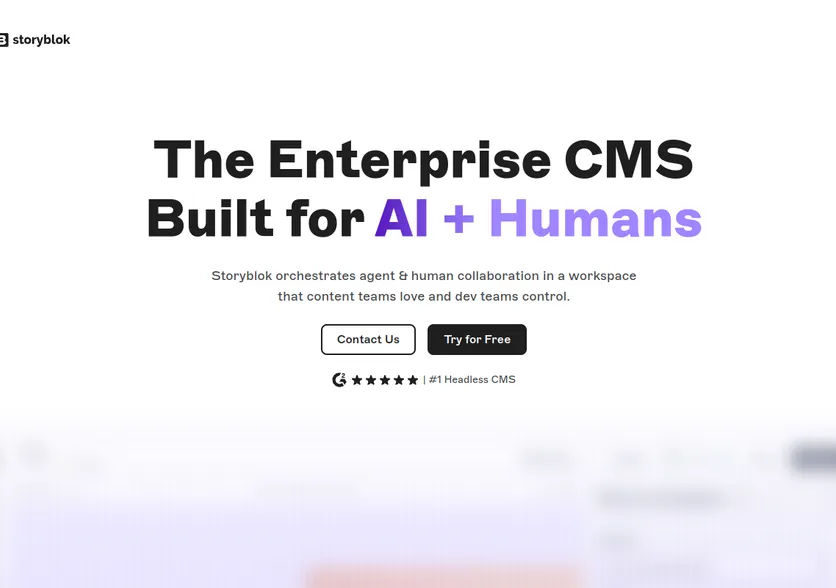
Storyblok keeps the headless benefits of API delivery while giving marketers a visual editor, so pages can be previewed and edited without code. Growth costs ninety-nine dollars a month, and the Starter plan is free for small projects. It fits industries where marketing wants control but engineering wants a modern stack.
What we like
- Visual editor on a headless CMS
- Reusable blocks speed up publishing
- Free Starter plan
Watch out for
- Growth caps monthly traffic
- Blocks take time to set up well
How to try it
- Build your content blocks in the visual editor.
- Let marketers compose pages from reusable blocks.
- Publish through the API to your website or app.
7. HubSpot Content Hub
Best for: Businesses already on HubSpot that want the website inside the CRM
Paid tool Starting price: $20/seat/month · Twenty dollars per seat a month is the Content Hub Starter list price; HubSpot currently shows a new-customer discount to seven dollars per seat a month billed annually; Professional costs four hundred fifty dollars a month.
Free plan: Free plan
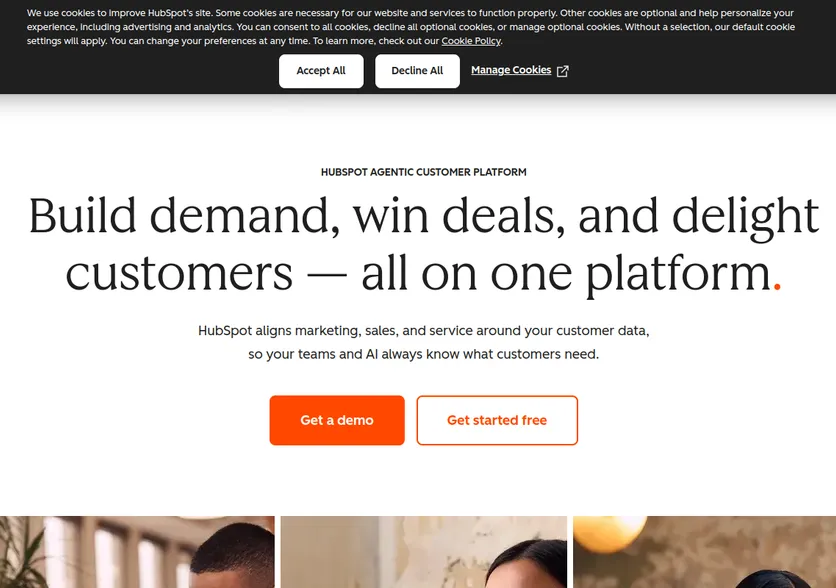
HubSpot Content Hub puts your website inside the same system as your contacts and deals, so pages, forms, and campaigns share one source of truth. Starter lists at twenty dollars per seat a month, and the built-in AI helps draft and optimize pages. For companies already running HubSpot, it removes the gap between the website and the sales pipeline.
What we like
- Website and CRM in one system
- Built-in AI for drafting pages
- Low Starter list price
Watch out for
- Full features need Professional at $450 a month
- Discount shown today is for new customers only
How to try it
- Connect your domain and build pages with the drag-and-drop editor.
- Link forms and calls to action to your HubSpot CRM.
- Review which pages create contacts and deals each month.
8. Hygraph
Best for: Multi-brand organizations that need structured content delivered by GraphQL API
Paid tool Starting price: $199/month · One hundred ninety-nine dollars a month for the Growth plan; the Hobby plan is free forever and Enterprise is custom priced.
Free plan: Free Community plan
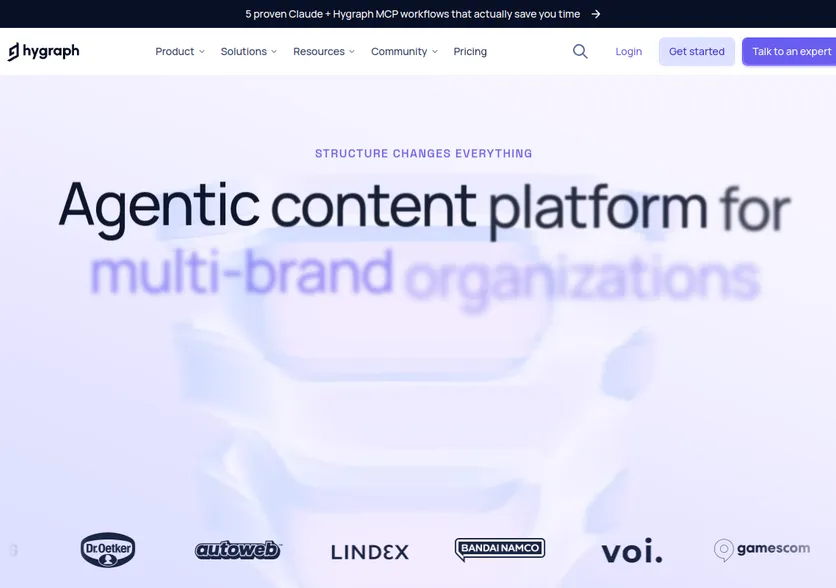
Hygraph is a federated headless CMS that lets large organizations pull content from many sources through one GraphQL API. Growth starts from one hundred ninety-nine dollars a month, and the Hobby plan is free forever for small projects. It suits industries with several brands or locales that must stay consistent without duplicating work.
What we like
- Federated content from many sources
- GraphQL API is fast and flexible
- Free Hobby plan for small projects
Watch out for
- Growth is the priciest mid-tier here
- Needs API skills to get value
How to try it
- Model your content and connect your existing sources.
- Build queries in the GraphQL playground.
- Deliver unified content to every site and app.
Prices above were checked on each vendor’s own website on Nov 27, 2026 and can change — the vendor’s page is the final word. Vendor links are editorial: nobody paid to be listed or ranked here. Vendors who want a featured listing can see how it works on our Get listed page.
How to pick a CMS for your industry
Start by listing every channel your content must reach: website, app, email, and anything else. If the list has one item, a traditional CMS like WordPress.com or Ghost is faster and cheaper. If it has three or more, a headless platform like Contentful, Sanity, or Hygraph pays off by letting you write once and publish everywhere. Then test the editor with the people who will actually use it: a CMS your team avoids is worse than a simpler one they love.
Before you buy
- Confirm the CMS supports every channel you publish to, from your website to your app.
- Check whether the entry plan includes enough content items, seats, and API calls for your team.
- Make sure the editor is simple enough for non-technical staff to publish without a developer.
- Ask whether hosting, security, and backups are included or cost extra.
- Verify you can export your content and leave without losing your site.
Official websites
Official websites of the products reviewed above. Features and prices were checked against these sites when this guide was written, and they can change, so confirm on the vendor site before you buy.
Frequently asked questions
What is the best content management software for industry?
WordPress.com is the best all-rounder for most industries, because of its price, ecosystem, and ease of use. If you publish to apps as well as the web, Contentful or Sanity is the better pick. If your team already runs HubSpot, Content Hub keeps everything in one system.
How much does content management software cost?
Entry prices here run from four dollars a month for WordPress.com Personal to three hundred dollars a month for Contentful Lite. Headless platforms cost more because they are built for developers and multi-channel delivery, while traditional CMS platforms stay cheap for a single website.
What is the difference between a traditional and headless CMS?
A traditional CMS like WordPress or Ghost manages your whole website, while a headless CMS like Contentful or Sanity stores content and delivers it through an API to any front end. Headless is more flexible for apps and devices, but it needs developers to build the front end.
Is there a free content management system?
Yes, WordPress.com, Ghost through self-hosting, and several headless tools offer free plans. Free plans usually limit seats, traffic, or features, so they work for starting out but not for a busy industry site with a full team. Start on a free plan to test the editor, then upgrade when your team or traffic grows.
How do I choose between WordPress and a headless CMS?
Look at your channels first. If you only run a website, a traditional CMS is faster and cheaper. If you also publish to an app, kiosk, or multiple brands, a headless CMS saves you from maintaining the same content in several places.
Building something online? Try Toolsvine's free developer tools right in your browser.
Browse Developer Tools tools