On this page
An enterprise does not lose files, it loses track of which copy is current, and that confusion costs more than any storage bill. The eight tools below give every team one place to edit, comment and approve documents, with the admin controls a large company needs. Every price was checked on the vendor site on November 27, 2026, and the list runs from five dollars a user a month to sixty-five dollars a seat a month. Google Workspace is our first pick — seven dollars a user a month for mail, docs and drive in one account.
How we researched this
We started with the collaboration tools enterprises actually buy, then read each price on the vendor pricing page on November 27, 2026 and noted the trial each plan carries. We judged them for a company where hundreds of people edit the same files and IT needs to control who sees what. We dropped OpenText Content Cloud because it publishes no list price, so a buyer cannot compare it without a sales call.
Compare the tools
| Name | Best for | Starting price | Free plan | |
|---|---|---|---|---|
 Google Workspace | Enterprises that want mail, docs and drive in one account per person | $7/user/month | Free trial | Visit |
 SharePoint | Microsoft shops that want an intranet and document library beside Teams | $5/user/month | No free plan; trial through Microsoft 365 | Visit |
 Box | Enterprises that need strong admin controls and unlimited storage on business plans | $15/user/month | Free plan (Box Individual, 10 GB) | Visit |
 Dropbox | Teams that want the simplest file sync with strong sharing controls | $15/user/month | Free plan (Dropbox Basic, 2 GB) | Visit |
 Egnyte | Regulated enterprises that need governed file sharing with audit trails | $22/user/month | Free trial | Visit |
 M-Files | Enterprises that want documents found by what they are, not where they sit | $65/seat/month | Free trial; no permanent free plan | Visit |
 Sync | Teams that want private, encrypted sharing with a Canadian privacy promise | $6/user/month | 30-day free trial | Visit |
 pCloud Business | Teams that want backup and file sharing in one place with a generous storage pool | $9.99/user/month | Free plan (10 GB) | Visit |
The cloud content collaboration software for enterprise, compared
1. Google Workspace
Best for: Enterprises that want mail, docs and drive in one account per person
Paid tool Starting price: $7/user/month · Seven dollars per user a month for the Business Starter plan on a one-year commitment, or eight dollars and forty cents on flexible monthly billing; Standard costs fourteen dollars and Plus costs twenty-two dollars per user a month
Free plan: Free trial
Google Workspace is the collaboration suite most enterprises already know, putting mail, documents, spreadsheets and drive storage in one account per person. This Google Workspace Business Starter plan costs seven dollars per user a month on a one-year commitment. An enterprise gets real-time editing, shared drives and video meetings without a separate tool for each job.

What we like
- Mail, docs, sheets and drive in one account
- Real-time editing that just works across the team
- Lowest entry price in this comparison
Watch out for
- Business plans cap at three hundred users before Enterprise
- The fifty percent off first-three-months offer is for new customers only
How to try it
- Open the Google Workspace pricing page and start a free trial
- Set up your domain and create accounts for the team
- Move one shared drive into Workspace and test real-time editing
2. SharePoint
Best for: Microsoft shops that want an intranet and document library beside Teams
Paid tool Starting price: $5/user/month · Five dollars per user a month for SharePoint Plan 1 on annual billing, with one terabyte of storage per user; Plan 2 costs ten dollars per user a month and Microsoft is retiring standalone SharePoint plans, with sales ending during 2026
Free plan: No free plan; trial through Microsoft 365
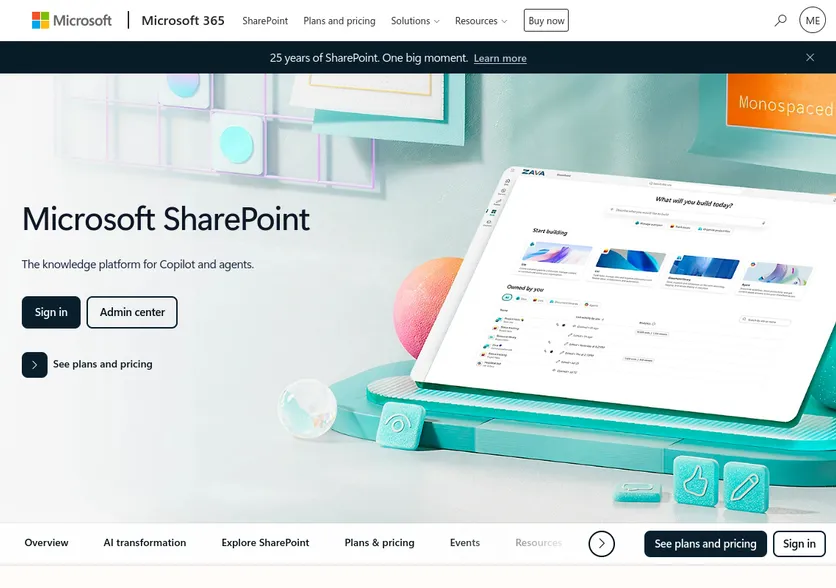
SharePoint is Microsoft's document and intranet platform, giving every team a shared library, a news page and version history inside Microsoft 365. This SharePoint Plan 1 costs five dollars per user a month on annual billing, with one terabyte of storage per user. A Microsoft shop gets its intranet and document library without buying another vendor.
What we like
- Deep integration with Teams, Outlook and OneDrive
- Version history and retention rules built in
- Intranet pages without a separate CMS
Watch out for
- Standalone SharePoint plans are being retired, with sales ending during 2026
- Admin setup takes more work than a simple shared drive
How to try it
- Open the SharePoint page and start a Microsoft 365 trial
- Create a team site for one department
- Upload a document library and test version history
3. Box
Best for: Enterprises that need strong admin controls and unlimited storage on business plans
Paid tool Starting price: $15/user/month · Fifteen dollars per user a month billed annually for the Business plan, or twenty dollars billed monthly; Business Starter costs five dollars, Business Plus costs twenty-five dollars and Enterprise costs thirty-five dollars per user a month, with a three-user minimum
Free plan: Free plan (Box Individual, 10 GB)
Box is the content platform enterprises pick when control matters as much as storage, with granular permissions and unlimited storage on business plans. This Box Business plan costs fifteen dollars per user a month billed annually. An enterprise gets secure sharing, retention rules and integrations with the tools it already runs.

What we like
- Unlimited storage on Business plans and above
- Strong admin controls and retention rules
- Integrates with Microsoft 365 and Google Workspace
Watch out for
- Business plans carry a three-user minimum
- The cheapest plan lacks the admin controls most enterprises need
How to try it
- Open the Box site and start the 14-day trial
- Create folders for one department with admin controls
- Share a file outside the company and test the permission settings
4. Dropbox
Best for: Teams that want the simplest file sync with strong sharing controls
Paid tool Starting price: $15/user/month · Fifteen dollars per user a month for the Standard plan; Advanced costs twenty-four dollars per user a month and Enterprise is custom-priced
Free plan: Free plan (Dropbox Basic, 2 GB)
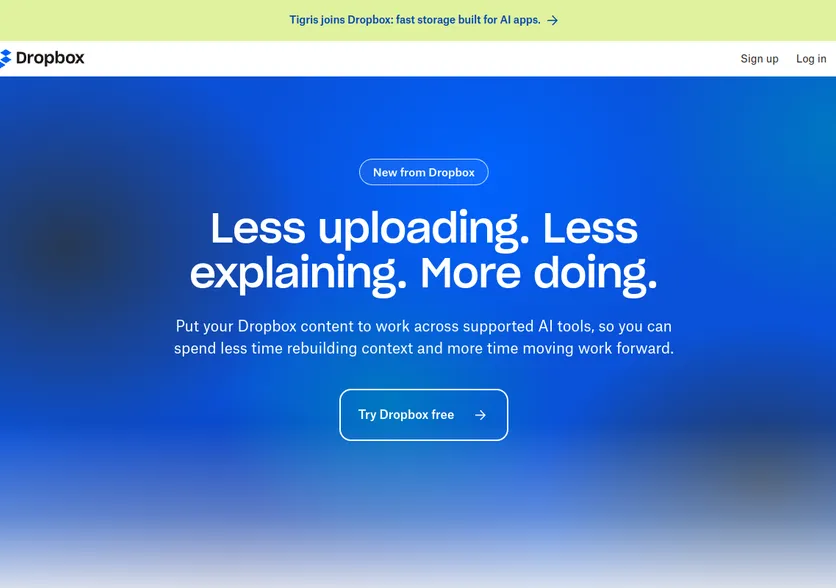
Dropbox is the file sync service every team already knows, keeping files the same on every device and sharing them with a link. This Dropbox Standard plan costs fifteen dollars per user a month. An enterprise gets five terabytes of shared storage, advanced sharing controls and document signing in one familiar tool.
What we like
- Sync that works on every device without thinking
- Strong sharing controls with expiry and passwords
- Document signing included on business plans
Watch out for
- Standard storage is shared across the team, not per user
- Enterprise pricing needs a sales call to compare
How to try it
- Open the Dropbox site and start a free trial
- Create a team folder for one project
- Share a file with an external partner and test the link controls
5. Egnyte
Best for: Regulated enterprises that need governed file sharing with audit trails
Paid tool Starting price: $22/user/month · From twenty-two dollars per user a month for the restructured Gen 4 plans; the ten-dollar figure still shown in some listings is stale, so confirm the current plan on the pricing page before you buy
Free plan: Free trial
Egnyte is the governed file platform for regulated enterprises, pairing sharing and collaboration with audit trails and compliance controls. This Egnyte plan starts from twenty-two dollars per user a month on the restructured Gen 4 plans. An enterprise in a regulated industry gets collaboration that auditors can trace.

What we like
- Governance and audit trails built for regulated work
- Works across cloud and on-premises storage together
- Strong permissions that follow the file, not the folder
Watch out for
- The ten-dollar figure in older listings is stale and no longer applies
- Setup takes more time than a simple shared drive
How to try it
- Open the Egnyte pricing page and start a free trial
- Set up a governed folder with retention rules
- Share a file and check the audit trail for the access
6. M-Files
Best for: Enterprises that want documents found by what they are, not where they sit
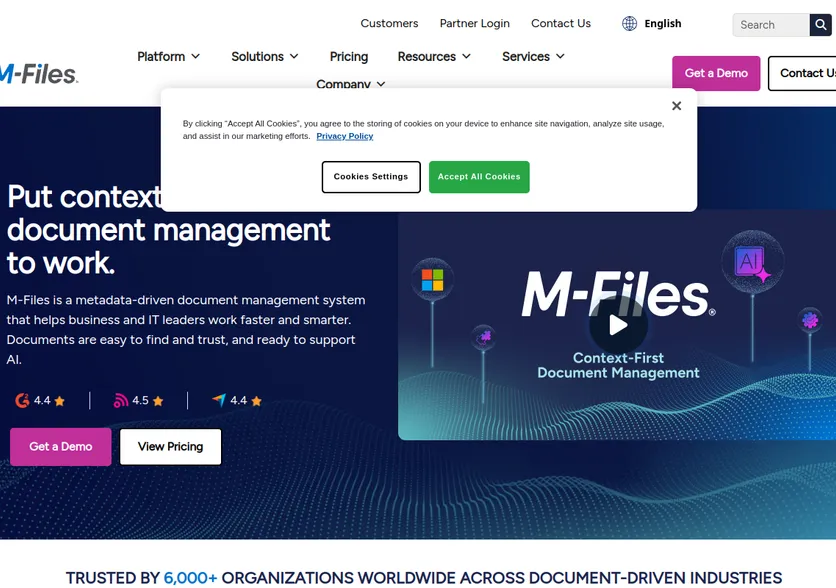
Paid tool Starting price: $65/seat/month · Sixty-five dollars per seat a month for the Essentials plan, billed annually; Enterprise is custom-priced, and the vendor's homepage shows the same figure in euros, so confirm the currency on your quote
Free plan: Free trial; no permanent free plan
M-Files is the document platform that files by content, not by folder, so staff find a contract by what it is instead of where someone put it. This M-Files Essentials plan costs sixty-five dollars per seat a month, billed annually. An enterprise with deep document archives gets search and automation that a folder tree cannot match.
What we like
- Finds documents by content, not folder location
- AI classification that files documents for you
- Workflow automation for approvals and reviews
Watch out for
- The most expensive tool in this comparison by a wide margin
- The homepage shows the price in euros, so confirm the currency
How to try it
- Open the M-Files site and start a free trial
- Import a folder of documents and let the AI classify them
- Search for a document by its content, not its folder
7. Sync
Best for: Teams that want private, encrypted sharing with a Canadian privacy promise
Paid tool Starting price: $6/user/month · Six dollars per user a month for the Pro Teams Standard plan with one terabyte; Pro Teams Unlimited costs fifteen dollars per user a month and Pro Solo Basic costs eight dollars a month
Free plan: 30-day free trial
Sync is the privacy-first sharing service, encrypting files on the device before they ever reach the cloud. This Sync Pro Teams Standard plan costs six dollars per user a month with one terabyte of storage. An enterprise team that shares sensitive files gets collaboration that even the vendor cannot read.
What we like
- Zero-knowledge encryption on every file
- Canadian privacy law behind the service
- Simple sharing with password-protected links
Watch out for
- One terabyte per user fills fast with video and design files
- Fewer enterprise admin tools than Box or SharePoint
How to try it
- Open the Sync site and start the 30-day free trial
- Create your team and set up the shared vaults
- Share a file with a password-protected link and test it
8. pCloud Business
Best for: Teams that want backup and file sharing in one place with a generous storage pool
Paid tool Starting price: $9.99/user/month · Nine dollars and ninety-nine cents per user a month on monthly billing, with three users and three terabytes for twenty-nine dollars and ninety-seven cents a month; annual billing saves twenty percent, or seven dollars and ninety-nine cents per user a month
Free plan: Free plan (10 GB)
pCloud Business is the cloud storage service that doubles as a collaboration tool, syncing files across the team and keeping every version. This pCloud Business plan costs nine dollars and ninety-nine cents per user a month on monthly billing, with three users and three terabytes. A team gets sharing, backup and version history in one subscription.
What we like
- Sharing and backup in one subscription
- Three terabytes shared across the team
- Version history keeps every change recoverable
Watch out for
- Storage is shared, so one heavy user can fill the pool
- Fewer enterprise admin controls than Box or SharePoint
How to try it
- Open the pCloud Business page and start the 30-day free trial
- Invite your team and set up the shared folders
- Restore an earlier version of a file to test the history
Prices above were checked on each vendor’s own website on Nov 27, 2026 and can change — the vendor’s page is the final word. Vendor links are editorial: nobody paid to be listed or ranked here. Vendors who want a featured listing can see how it works on our Get listed page.
What enterprise collaboration costs in 2026
Enterprise collaboration charges per user per month, and the headline price is only the start of the bill. Most vendors sell a cheap starter plan and a business plan that adds the admin controls, retention rules and support a large company actually needs. The cheapest tool here costs five dollars a user a month, while the most expensive costs sixty-five dollars a seat a month.
Start with a trial on two tools and move one real project into each one. Edit the same document with three colleagues, share it outside the company, and check the version history after a week. Pick the tool whose sharing controls your IT team trusts, because a collaboration tool that leaks files is worse than no tool at all.
Before you buy
- Check the storage allowance per user, because a one-terabyte cap fills fast when teams share video and design files.
- Confirm the minimum seat count, because a three-user minimum on a business plan still charges for seats you do not use.
- Test the editor on your own documents, because a tool that mangles your formatting costs more in rework than it saves.
- Ask who controls sharing links, because a tool without admin controls leaks files the moment a link is forwarded.
- Check the price at your headcount, because per-user pricing multiplies fast across a thousand-seat company.
Official websites
Official websites of the products reviewed above. Features and prices were checked against these sites when this guide was written, and they can change, so confirm on the vendor site before you buy.
Frequently asked questions
Which cloud content collaboration software is best for enterprise in 2026?
Google Workspace is the best overall pick at seven dollars per user a month, with mail, docs and drive in one account. Box is the best pick for admin controls at fifteen dollars per user a month, with unlimited storage and retention rules. SharePoint is the best pick for Microsoft shops at five dollars per user a month, with an intranet and document library beside Teams.
How much does cloud content collaboration software for enterprise cost?
Prices in this list run from five dollars per user a month for SharePoint to sixty-five dollars per seat a month for M-Files, with most tools landing between six and twenty-two dollars per user a month. Per-user pricing suits a company that knows its headcount, while the storage allowance decides the real cost once teams share video and design files. Add admin controls and retention rules to the subscription before you compare totals.
Is the cheapest collaboration tool enough for an enterprise?
Yes, because the cheapest plan usually lacks the admin controls, retention rules and support a large company actually needs. SharePoint at five dollars and Google Workspace at seven dollars cover the basics, while Box at fifteen dollars adds the controls IT trusts. A thousand-seat company should price the business plan, not the starter plan, before it compares totals.
Does enterprise collaboration need admin controls on sharing?
No, because a collaboration tool that leaks files is worse than no tool at all. Check who controls sharing links, whether links expire, and whether the admin can see every external share. Box and Egnyte lead here with granular permissions and audit trails, while the simpler tools rely on the team to share carefully.
Does version history matter in a collaboration tool?
Yes, because version history is the difference between losing a day's work and losing a minute. Every tool in this list keeps earlier versions, but the retention period varies by plan, so check how far back the history goes. A team that edits the same document for months needs a history that reaches back just as far.
Need everyday productivity help too? Try Toolsvine's free productivity tools right in your browser.
Browse Productivity Tools tools