
On this page
A freelancer's file sharing tool has one job: get the finished work to the client without a failed upload or a confused download page. Dropbox is the pick that makes that job boring, with a Plus plan under ten dollars a month, 2 TB of storage and links any client can open. This guide compares seven file sharing tools for freelancers, from about two dollars a month to a $25 plan, with live 2026 prices, free plans and trials, so the choice comes down to file size and privacy instead of guesswork.
How we researched this
We checked the pricing page of every vendor on this list on November 26, 2026, and kept only tools that publish a real dollar price for sharing files. Each tool had to let a freelancer send large files to a client without forcing the client to install software, and we compared entry prices, free plans, storage limits and how sharing links are protected.
Compare the tools
| Name | Best for | Starting price | Free plan | |
|---|---|---|---|---|
 Dropbox | Freelancers who want the most familiar download page in the business | $9.99/month | Free Basic plan, 2 GB | Visit |
| WeTransfer | Freelancers who deliver large video or design files once and move on | $25/month | Free plan, 3 GB a month | Visit |
| Sync | Freelancers who handle sensitive client files and want real privacy | $8/month | 30-day free trial | Visit |
 Egnyte | Freelancers who need an audit trail on every shared file | $22/user/month | Free trial available | Visit |
| Icedrive | Freelancers who want encrypted storage at a low monthly price | $8.99/month | Free plan, 10 GB | Visit |
| OneDrive | Freelancers already working in Word, Excel and Outlook | $1.99/month | 1-month free trial | Visit |
| Hightail | Designers and video freelancers who need tracked client approvals | $12/month | Free Lite plan, 2 GB | Visit |
The file sharing tools, compared
1. Dropbox
Best for: Freelancers who want the most familiar download page in the business
Paid tool Starting price: $9.99/month · Plus plan, list price $9.99 a month billed annually; the vendor page currently displays a promo-adjusted $7.99 a month for the first 15 months
Free plan: Free Basic plan, 2 GB
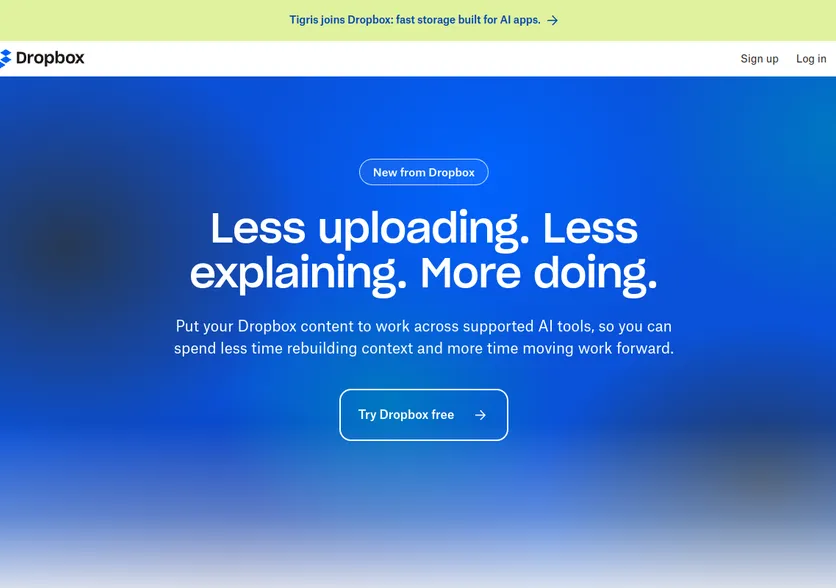
Freelancers send work to clients who may never open a second app, and Dropbox stays the default because the link just works. This Dropbox Plus plan costs under ten dollars a month and gives one person 2 TB of storage with transfers up to 50 GB. It is the safe pick when clients expect a familiar download page and the freelancer wants version history and PDF signing without a learning curve.
What we like
- Clients recognise the download page instantly
- Version history rescues overwritten files
- PDF editing and signatures are built in
Watch out for
- The displayed price is a promo, not the renewal price
- Only 2 GB on the free plan
How to try it
- Open the Dropbox plans page and pick the Plus plan
- Upload the finished file and create a share link
- Send the link to the client and check the download from their side
2. WeTransfer
Best for: Freelancers who deliver large video or design files once and move on
Paid tool Starting price: $25/month · Ultimate plan, $25 a month billed monthly; Starter is $10 a month and Teams is $25 per user a month
Free plan: Free plan, 3 GB a month
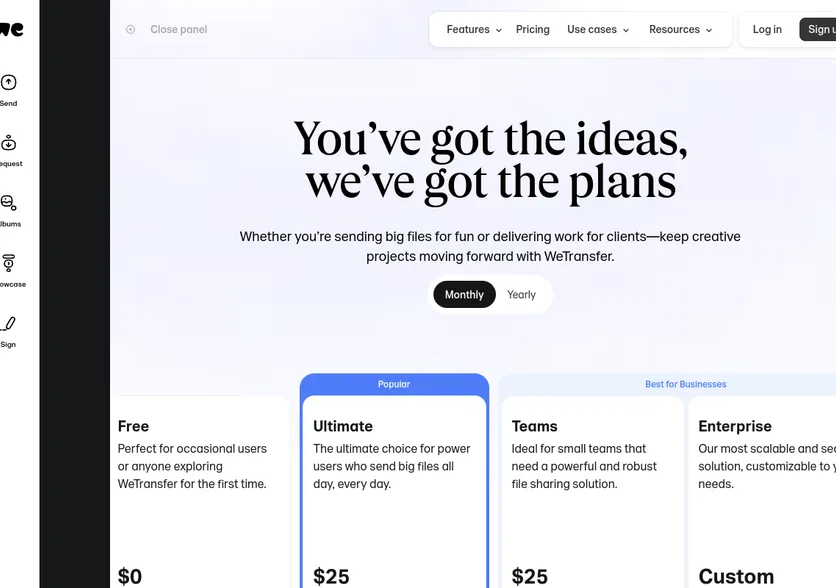
WeTransfer is the tool for sending a finished file once and moving on, with no folders or accounts for the client to manage. This WeTransfer Ultimate plan costs $25 a month and removes transfer size limits while adding unlimited transfers and custom branding. It fits a freelancer who delivers large video or design files and wants the download page to carry their own name.
What we like
- No size limit on Ultimate transfers
- Clients download with no account
- Custom branding on every transfer
Watch out for
- No real file storage or folders
- The free plan caps transfers at 3 GB a month
How to try it
- Open the WeTransfer pricing page and pick the Ultimate plan
- Add the finished file and set the transfer expiry
- Send the branded download link to the client
3. Sync
Best for: Freelancers who handle sensitive client files and want real privacy
Paid tool Starting price: $8/month · Teams 1TB plan, $8 a month per user billed monthly ($6 a month on annual billing); the Black Friday 3-for-1 offer is a promo, not the list price
Free plan: 30-day free trial
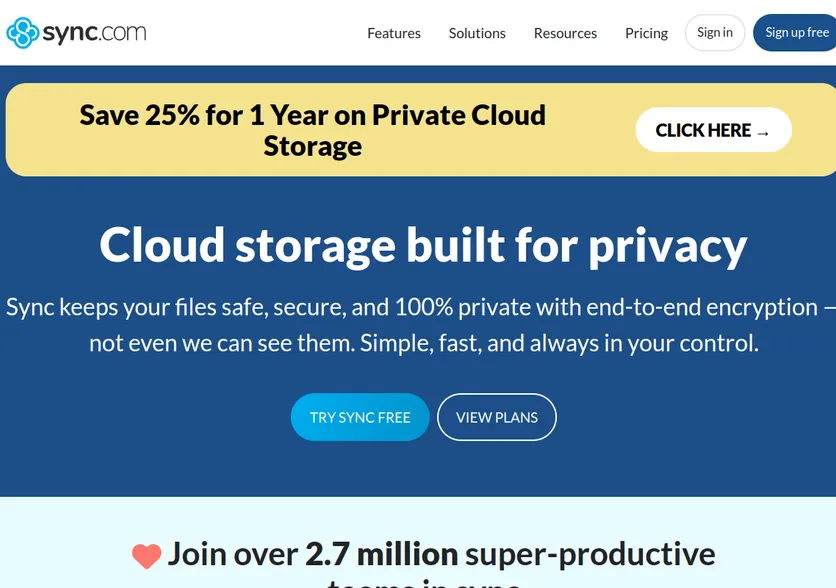
Sync is the privacy-first pick on this list, with end-to-end encryption on every plan and no third-party tracking in the product. This Sync Teams 1TB plan costs $8 a month per user and adds an admin account, advanced sharing and a 180-day file history. It suits a freelancer who handles sensitive client files and wants the sharing links to stay private by default.
What we like
- End-to-end encryption on every plan
- No third-party tracking at all
- 180-day file history on Teams plans
Watch out for
- Teams plans need at least 3 users
- The headline price on the page is a Black Friday promo
How to try it
- Open the Sync pricing page and pick the Teams 1TB plan
- Upload client files into a shared folder
- Set a password and expiry on the share link
4. Egnyte
Best for: Freelancers who need an audit trail on every shared file
Paid tool Starting price: $22/user/month · Entry plan from $22 a month per user, per the vendor's own pricing page headline; higher tiers add governance and AI features
Free plan: Free trial available
Egnyte is built for teams that share governed content, but a solo freelancer still gets its audit trail and permission controls. This Egnyte plan starts at $22 a month per user and covers secure sharing, versioning and file locking across desktop, web and mobile. It is the pick when client work needs a paper trail and the freelancer wants enterprise-grade controls without an enterprise contract.

What we like
- Full audit trail on shared files
- Granular permissions per folder
- Works across desktop, web and mobile
Watch out for
- Priced for teams, not solo budgets
- Governance features need the higher tiers
How to try it
- Open the Egnyte pricing page and start the free trial
- Upload the client project and set folder permissions
- Share the folder link and review the activity log
5. Icedrive
Best for: Freelancers who want encrypted storage at a low monthly price
Paid tool Starting price: $8.99/month · Pro plan, 2 TB, list price $8.99 a month; the vendor page shows $6.29 a month as a 30% first-year offer
Free plan: Free plan, 10 GB
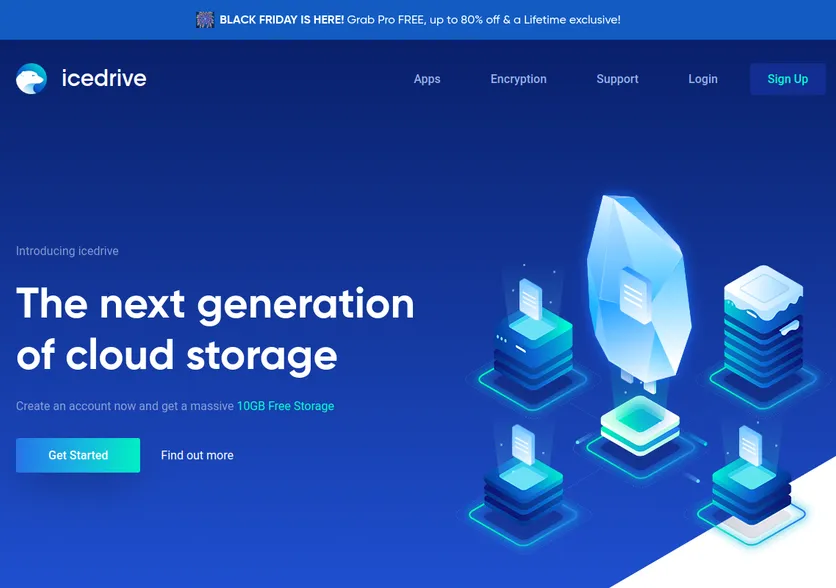
Icedrive pairs cloud storage with client-side encryption, so files are locked on the device before they ever reach the server. This Icedrive Pro plan costs under nine dollars a month for 2 TB and adds 90-day versioning plus a 1 TB monthly public share quota. It is the cheapest encrypted option here for a freelancer who stores client work in the cloud and wants zero-knowledge privacy.
What we like
- Client-side encryption before upload
- 90-day version history included
- Lifetime plans are available
Watch out for
- The page headline is a first-year discount
- Public share quota is capped monthly
How to try it
- Open the Icedrive plans page and pick the Pro plan
- Upload files into the encrypted space
- Create a protected public link with a password and expiry
6. OneDrive
Best for: Freelancers already working in Word, Excel and Outlook
Paid tool Starting price: $1.99/month · Basic plan, 100 GB, $1.99 a month; Microsoft 365 Personal with 1 TB lists at $9.99 a month
Free plan: 1-month free trial
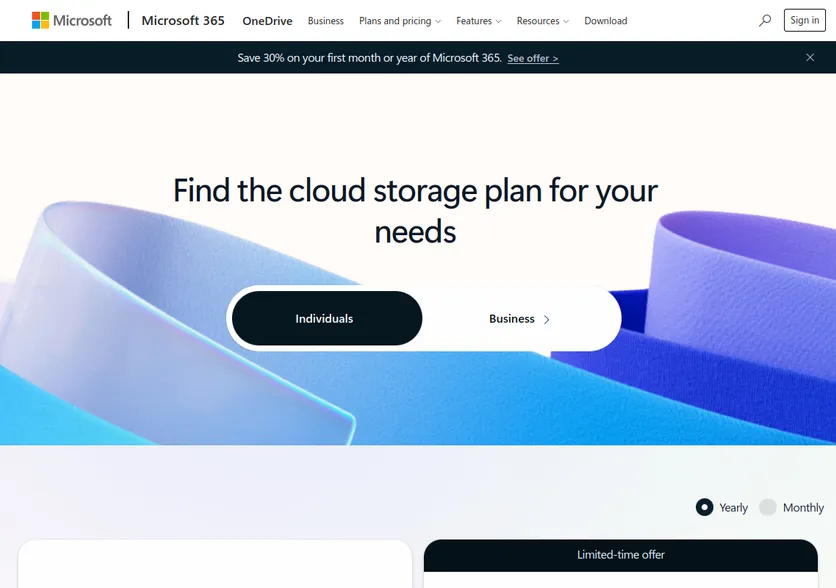
OneDrive is the natural pick for a freelancer already living in Word, Excel and Outlook, since files open in the browser with no conversion step. This OneDrive Basic plan costs about two dollars a month for 100 GB and adds Personal Vault plus ransomware detection and file restore. It fits a solo freelancer who wants cheap storage tied to the Microsoft apps clients already use.
What we like
- Cheapest entry price on this list
- Opens Office files in the browser
- Ransomware detection and file restore included
Watch out for
- Only 100 GB at the entry price
- Best value needs the Microsoft 365 bundle
How to try it
- Open the OneDrive plans page and pick the Basic plan
- Save the finished file into OneDrive from Word or Excel
- Share the link with view-only access for the client
7. Hightail
Best for: Designers and video freelancers who need tracked client approvals
Paid tool Starting price: $12/month · Pro plan, $12 a month billed annually; Teams is $24 per user a month and Business is $36 per user a month
Free plan: Free Lite plan, 2 GB
Hightail is built around creative review, so clients can comment on the exact frame or pixel instead of replying to a long email thread. This Hightail Pro plan costs $12 a month billed annually and allows 25 GB uploads with unlimited storage and precise comments. It is the pick for a designer or video freelancer who wants approvals tracked in one place.
What we like
- Precise comments on the work itself
- 25 GB uploads with unlimited storage
- Free Lite plan for small files
Watch out for
- Monthly billing costs more than the annual price shown
- Creative tools are the focus, not general storage
How to try it
- Open the Hightail pricing page and pick the Pro plan
- Upload the draft and invite the client to review it
- Collect precise comments and send the final version
Prices above were checked on each vendor’s own website on Nov 26, 2026 and can change — the vendor’s page is the final word. Vendor links are editorial: nobody paid to be listed or ranked here. Vendors who want a featured listing can see how it works on our Get listed page.
How to read the price before you commit
Prices here run from about two dollars a month to $25, and the gap is really about storage and control, not about sending a file. A two-dollar plan with 100 GB is plenty for documents and photos, but a video freelancer will fill it in a week, so match the storage to the largest file you send in a normal month. Annual billing cuts most of these prices, yet the monthly figure is the honest comparison because a freelancer can cancel in a slow month. Free plans look tempting, but check the transfer size limit and the expiry window first: a free link that expires in three days creates a support email, not a saving. Finally, look at what the client sees, because a download page that asks for an account will cost more goodwill than the subscription saves.
Before you buy
- Check the largest single file you send each month against the plan's transfer limit before paying.
- Confirm how long shared links stay live and whether the client needs an account to download.
- Compare the annual price with the monthly price, because most vendors discount a full year.
- Test the free plan with a real client file to see the download page from their side.
- Ask whether password protection and expiry controls are included or sold as an add-on.
Official websites
Official websites of the products reviewed above. Features and prices were checked against these sites when this guide was written, and they can change, so confirm on the vendor site before you buy.
Frequently asked questions
What is the cheapest file sharing software for freelancers?
OneDrive Basic is the cheapest entry point here at about two dollars a month for 100 GB of storage, with Personal Vault and ransomware detection included. Sync and Icedrive follow at eight and nine dollars a month with far more storage and stronger encryption. The right cheap pick depends on file size: a document freelancer is fine at 100 GB, while a video freelancer needs at least 1 TB.
Can I share files without the client creating an account?
Yes, every tool on this list lets a client download from a link without signing up. WeTransfer and Hightail are built around that flow, and Dropbox, Sync, Egnyte, Icedrive and OneDrive all offer link sharing with optional password protection. The only friction to watch is a download page that pushes the client toward creating an account, so test the link from a logged-out browser first.
How much storage does a freelancer need?
A freelancer working with documents, photos and small design files is usually fine with 100 GB to 500 GB, which covers months of client work. Video, audio and large print files change the math fast, and 1 TB to 2 TB becomes the sensible floor. Pick the plan that fits the largest single project you deliver in a normal month, not the average week, and keep a local backup either way.
Is free file sharing safe for client work?
Free plans are safe for low-stakes files, but they usually cap transfer sizes, shorten link expiry and drop encryption extras. For client work with personal data or unreleased designs, a paid plan with password-protected links and expiry controls is worth the few dollars a month. Sync and Icedrive add end-to-end or client-side encryption, which is the strongest protection on this list.
What is the best file sharing tool for large video files?
WeTransfer Ultimate is the best fit for large video files because it removes transfer size limits entirely and lets the client download with no account. Hightail Pro is the better pick when the client must review and approve the video, since comments land on the exact frame. For ongoing storage of video projects, Dropbox Plus or Sync Teams 1TB give the space and version history to match.
Still juggling files in email threads? Try free productivity tools on Toolsvine right in your browser.
Browse Productivity Tools tools


