On this page
Small teams still need good schemas, but they cannot pay enterprise prices for a modelling tool. The tools below design database diagrams, generate SQL and share the result with the team, all for under twenty dollars a month or a single one-time payment. We checked list prices on November 27, 2026 and compared seven tools that a small business can actually afford. Lucidchart is our first pick for small teams that diagram databases and systems together in one shared workspace.
How we researched this
We compared data modelling tools that small businesses use to design database schemas without enterprise budgets. Every tool below lists a public United States dollar price on its own site, so nothing here is priced by guess or by quote. We checked those prices on November 27, 2026 and ranked the tools on ease of use, diagram quality and value for a small team.
Compare the tools
| Name | Best for | Starting price | Free plan | |
|---|---|---|---|---|
 Lucidchart | Small teams that diagram databases and systems together | $9/month | Free plan covering three editable documents | Visit |
| DbSchema | Developers who want a desktop modeller for one flat price | $294 one-time | No free plan; free trial available | Visit |
| DrawSQL | Teams that design schemas in the browser with live sharing | $19/month | Free plan covering public diagrams of up to fifteen tables | Visit |
| QuickDBD | Developers who want fast diagrams from a text-based editor | $95/year | Free Basic tier covering one diagram of up to ten tables | Visit |
| dbdiagram.io | Developers who design schemas in code and want a free start | $8/month | Free plan covering ten diagrams | Visit |
| Moon Modeler | Developers who want a desktop modeller with a one-time price | $99 one-time | No free plan; fourteen-day free trial | Visit |
| Luna Modeler | Developers who model NoSQL and relational schemas together | $99 one-time | No free plan; fourteen-day free trial | Visit |
The 7 best data modeling tools for small business
1. Lucidchart
Best for: Small teams that diagram databases and systems together
Paid tool Starting price: $9/month · Individual costs nine dollars a month billed annually. Team costs ten dollars per user a month billed annually, and the free plan covers three editable documents.
Free plan: Free plan covering three editable documents
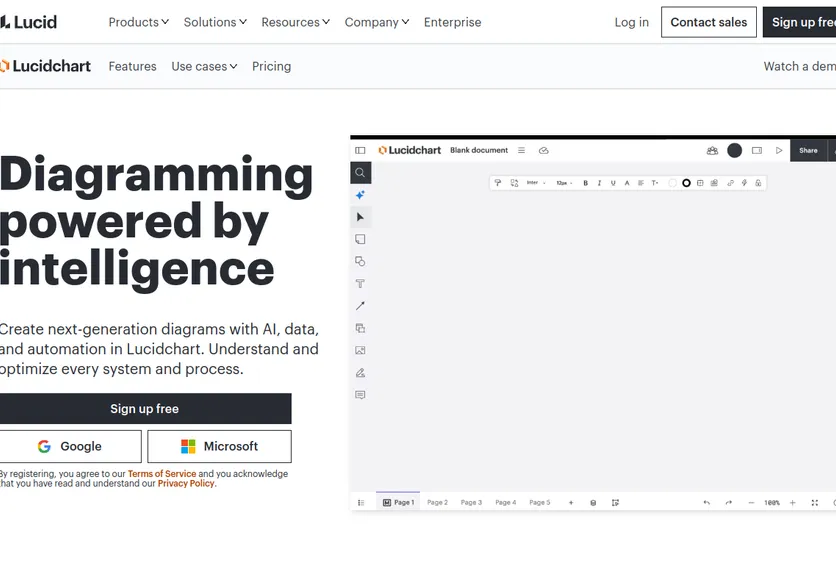
Lucidchart is a cloud diagramming tool that small teams use for database schemas, system maps and flowcharts. It offers ER diagram shapes, real-time collaboration and easy sharing, so a whole team can work on one diagram at once. The Individual plan costs nine dollars a month billed annually, with a free plan for three editable documents.
What we like
- Real-time collaboration on shared diagrams
- ER shapes plus flowcharts and system maps
- Easy sharing with links and exports
Watch out for
- Free plan caps at three editable documents
- Not a dedicated database modeller with SQL generation
How to try it
- Start a new ER diagram from the shape library
- Add tables and link them with relationships
- Share the diagram and invite teammates to comment
2. DbSchema
Best for: Developers who want a desktop modeller for one flat price
Paid tool Starting price: $294 one-time · Pro costs two hundred and ninety-four dollars once, with updates at seventy-five dollars a year from year two. The licence is per user and covers major databases.
Free plan: No free plan; free trial available
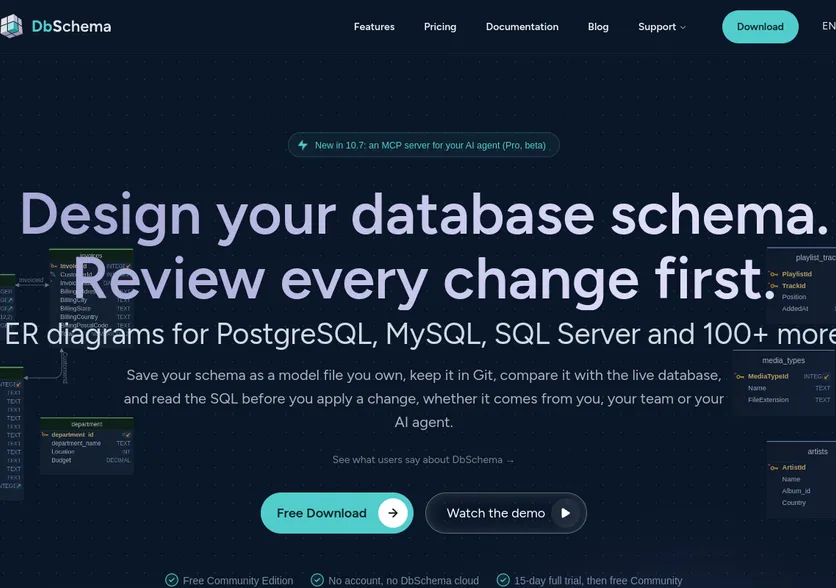
DbSchema is a desktop database design tool that draws ER diagrams, generates SQL and compares schemas across major databases. It works offline on your own machine, so small teams get a full modeller without a subscription. The Pro licence costs two hundred and ninety-four dollars once, with updates at seventy-five dollars a year from year two.
What we like
- One-time price with no subscription
- Works offline on your own machine
- Schema comparison and SQL generation included
Watch out for
- Updates cost extra from year two
- Desktop only, no browser collaboration
How to try it
- Connect your database and reverse engineer the schema
- Edit the ER diagram and add new tables
- Generate SQL and apply it to the database
3. DrawSQL
Best for: Teams that design schemas in the browser with live sharing
Paid tool Starting price: $19/month · Starter costs nineteen dollars a month or one hundred and seventy-one dollars a year with ten private diagrams of fifty tables. Growth costs fifty-nine dollars a month, and the free plan covers public diagrams of up to fifteen tables.
Free plan: Free plan covering public diagrams of up to fifteen tables
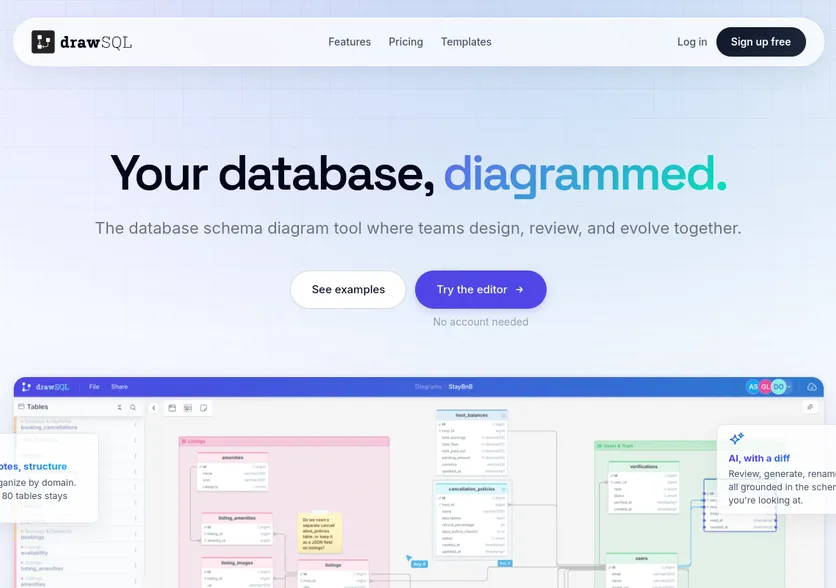
DrawSQL is a browser-based database design tool that draws ER diagrams and exports SQL for popular databases. It focuses on clean, shareable diagrams that the whole team can read, so schema design becomes a conversation rather than a file. The Starter plan costs nineteen dollars a month or one hundred and seventy-one dollars a year.
What we like
- Clean shareable diagrams in the browser
- SQL export for popular databases
- Free plan for public diagrams
Watch out for
- Starter caps at ten private diagrams
- Free plan diagrams are public
How to try it
- Create a diagram and add your first tables
- Link tables with relationships and set types
- Export SQL for your database and share the link
4. QuickDBD
Best for: Developers who want fast diagrams from a text-based editor
Paid tool Starting price: $95/year · Pro costs ninety-five dollars a year or fourteen dollars a month, with a seven-dollar one-week pass available. Free Basic covers one diagram of up to ten tables.
Free plan: Free Basic tier covering one diagram of up to ten tables
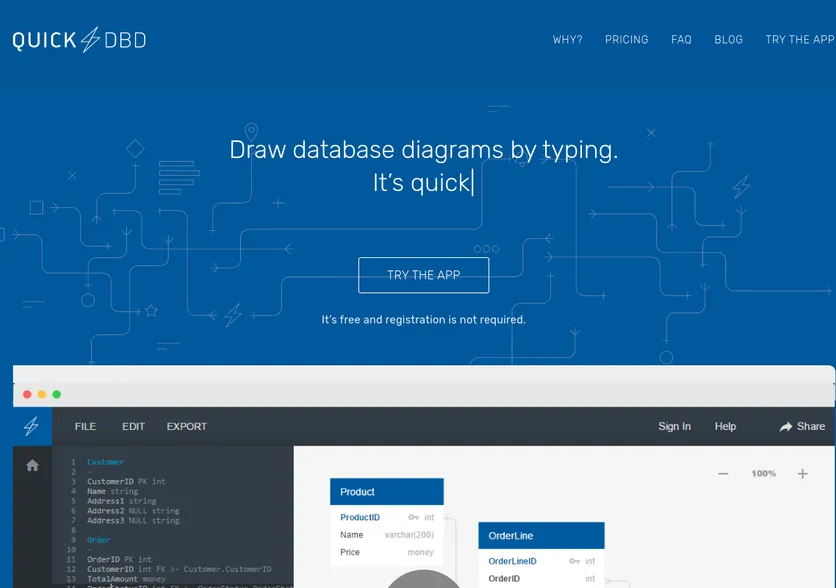
QuickDBD is a text-based database diagram tool that turns a few lines of text into an ER diagram in seconds. It suits developers who think in code and want a diagram without dragging shapes around. The Pro plan costs ninety-five dollars a year or fourteen dollars a month, with a free Basic tier for one diagram.
What we like
- Text input builds diagrams in seconds
- Cheapest paid plan on this list per year
- Simple enough for quick one-off diagrams
Watch out for
- Text-based input is not for everyone
- Free tier caps at one small diagram
How to try it
- Type your tables and relationships as text
- Watch the diagram build itself in real time
- Export the diagram or the SQL for your database
5. dbdiagram.io
Best for: Developers who design schemas in code and want a free start
Paid tool Starting price: $8/month · Personal Pro costs eight dollars a month billed annually. Team costs seventy-five dollars a month for three editors, and the free plan covers ten diagrams.
Free plan: Free plan covering ten diagrams
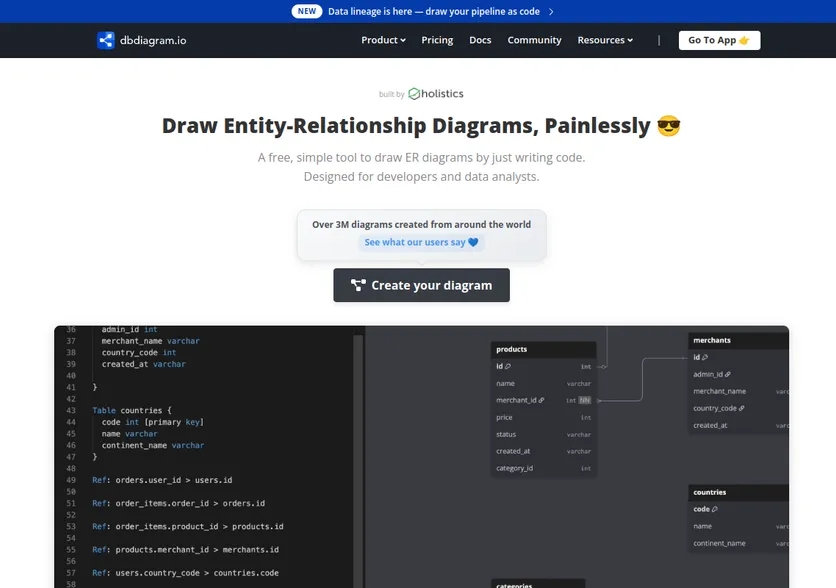
dbdiagram.io is a free-to-start database design tool that builds ER diagrams from a simple text language. It exports SQL and diagrams for popular databases, so developers move from idea to schema in minutes. The Personal Pro plan costs eight dollars a month billed annually, and the free plan covers ten diagrams.
What we like
- Free plan covers ten diagrams
- Text language builds schemas fast
- SQL export for popular databases
Watch out for
- Text language needs a short learning curve
- Team plan jumps to seventy-five dollars a month
How to try it
- Write your schema in the text editor
- Check the diagram and fix any relationships
- Export SQL for your database of choice
6. Moon Modeler
Best for: Developers who want a desktop modeller with a one-time price
Paid tool Starting price: $99 one-time · Basic costs ninety-nine dollars once. Professional costs one hundred and sixty-nine dollars once, and a fourteen-day free trial is available.
Free plan: No free plan; fourteen-day free trial
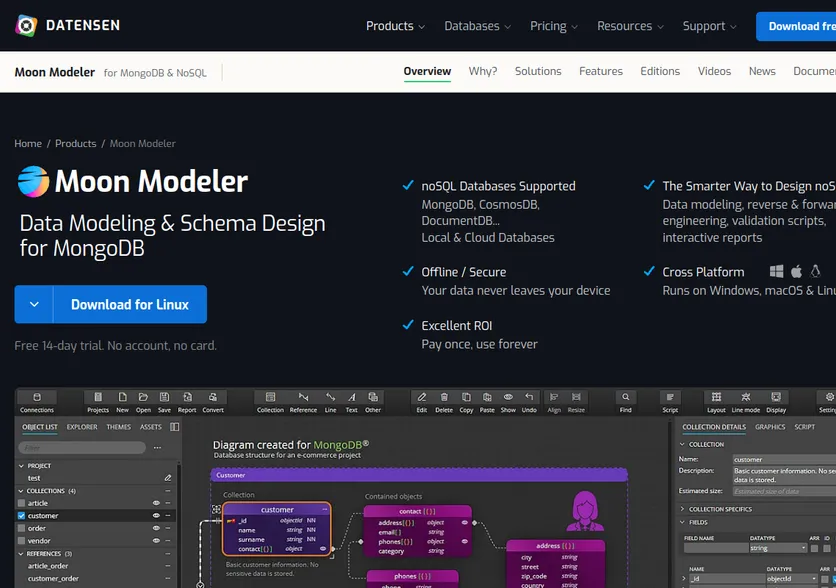
Moon Modeler is a desktop data modelling tool from Datensen that draws ER diagrams and generates SQL for relational and NoSQL databases. It runs on your own machine with a perpetual licence, so small teams pay once and keep the tool. The Basic edition costs ninety-nine dollars once.
What we like
- Perpetual licence for ninety-nine dollars
- Covers relational and NoSQL databases
- Runs offline on your own machine
Watch out for
- Desktop only, no browser version
- Same vendor also sells Luna Modeler, so check you buy the right one
How to try it
- Install the trial and connect your database
- Reverse engineer the schema into a diagram
- Generate SQL and apply it to your database
7. Luna Modeler
Best for: Developers who model NoSQL and relational schemas together
Paid tool Starting price: $99 one-time · Basic costs ninety-nine dollars once. Professional costs one hundred and eighty-nine dollars once and Ultimate three hundred and forty-nine dollars once, with a fourteen-day free trial.
Free plan: No free plan; fourteen-day free trial
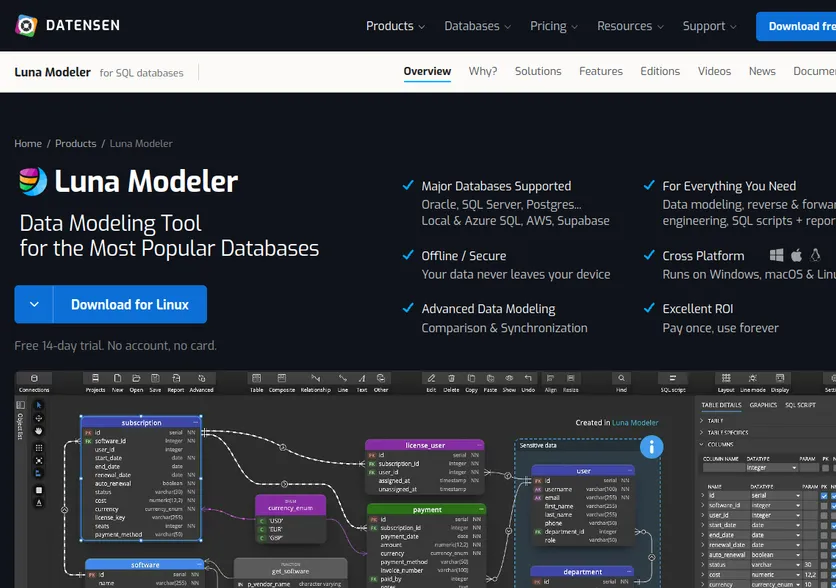
Luna Modeler is a desktop data modelling tool from Datensen that covers both relational and NoSQL databases in one app. It draws ER diagrams, generates SQL and exports documentation, so teams with mixed databases model everything in one place. The Basic edition costs ninety-nine dollars once as a perpetual licence.
What we like
- Relational and NoSQL modelling in one app
- Perpetual licence for ninety-nine dollars
- Documentation export built in
Watch out for
- Desktop only, no browser version
- Same vendor also sells Moon Modeler, so check you buy the right one
How to try it
- Install the trial and pick your database type
- Draw or reverse engineer your first schema
- Export the diagram and generated SQL
Prices above were checked on each vendor’s own website on Nov 27, 2026 and can change — the vendor’s page is the final word. Vendor links are editorial: nobody paid to be listed or ranked here. Vendors who want a featured listing can see how it works on our Get listed page.
How to pick a small business modelling tool
Start with the limits. Cheap modelling tools cap diagrams, tables or collaborators, and those caps decide whether the tool survives your first real project. Count the tables in your largest schema and compare it against the entry plan before you sign up, because upgrading mid-project wastes time and money.
Then check the export. A diagram is only useful if it turns into SQL your database accepts, so run a real schema through the trial and apply the generated code carefully. Compare one-time prices against yearly subscriptions over a full three years, since a ninety-nine dollar licence can beat a nine dollar monthly plan by year two.
Before you buy
- Check how many diagrams and tables the entry plan allows
- Confirm export to SQL works for your database
- Test collaboration if teammates need to edit the same diagram
- Compare one-time prices against yearly subscriptions over three years
- Trial the tool on a real schema before you pay
Official websites
Official websites of the products reviewed above. Features and prices were checked against these sites when this guide was written, and they can change, so confirm on the vendor site before you buy.
Frequently asked questions
What is the best data modeling software for small business?
Lucidchart is our first pick for its collaboration and sharing, while dbdiagram.io is the best budget choice at eight dollars a month with a free plan. DbSchema is the best desktop value at two hundred and ninety-four dollars once, and QuickDBD is the fastest option for developers who prefer text input.
How much does data modeling software cost for a small business?
List prices run from eight dollars a month for dbdiagram.io Personal Pro to two hundred and ninety-four dollars once for DbSchema Pro. Lucidchart costs nine dollars a month, DrawSQL nineteen dollars a month, QuickDBD ninety-five dollars a year, and Moon Modeler and Luna Modeler each cost ninety-nine dollars once.
Is there a free data modeling tool for small teams?
dbdiagram.io has a free plan covering ten diagrams, DrawSQL has a free plan for public diagrams of up to fifteen tables, and QuickDBD has a free Basic tier for one diagram. Lucidchart has a free plan for three editable documents. These free plans suit small projects and learning.
What is the difference between Moon Modeler and Luna Modeler?
Moon Modeler and Luna Modeler come from the same vendor, Datensen, and both cost ninety-nine dollars for the Basic edition. Moon Modeler focuses on relational and NoSQL modelling with a simpler feature set, while Luna Modeler adds deeper NoSQL support and documentation export. Check the feature list before you buy.
How do I choose a data modeling tool for a small business?
Count how many diagrams and tables the entry plan allows, because caps are the main limit on cheap tools. Confirm SQL export works for your database, and test collaboration if teammates need to edit the same diagram. Compare one-time prices against yearly subscriptions over three years.
Pick the modeller that fits your budget and database, then trial it on one real schema before you pay.
Browse Developer Tools tools