On this page
Startups move fast, and their schemas move faster: tables get added, columns get renamed, and the diagram from last month no longer matches the database. The tools below help small teams design, document and generate schemas without enterprise budgets or enterprise complexity. We checked list prices on November 27, 2026 and compared seven tools that a startup can actually afford. DataGrip is our first pick for startups that need a full database IDE with modelling built in.
How we researched this
We compared data modelling tools that startups use to design database schemas on tight budgets. Every tool below lists a public United States dollar price on its own site, so nothing here is priced by guess or by quote. We checked those prices on November 27, 2026 and ranked the tools on ease of use, database coverage and value for a startup team.
Compare the tools
| Name | Best for | Starting price | Free plan | |
|---|---|---|---|---|
| DataGrip | Startups that need a full database IDE with modelling built in | $109/year | Free for non-commercial use | Visit |
| ChartDB | Startups that design schemas in the browser with a free start | $25/month | Free plan covering one database of up to ten tables | Visit |
| drawDB | Startups that want a free editor with cheap Pro upgrades | $14/month | Editor free and open source | Visit |
| Schemity | Startups that want a one-time licence with no subscription | $129 one-time | No free plan; free trial available | Visit |
| Sparx Systems Enterprise Architect | Startups that need a serious modeller at a one-time price | $245 one-time | No free plan; thirty-day trial available | Visit |
| DbVisualizer | Startups that want a visual SQL client with modelling views | $199/year | Free edition available | Visit |
| dbForge Studio for PostgreSQL | Startups building on PostgreSQL that want a dedicated studio | $89.95/year | Free Express edition available | Visit |
The 7 best data modeling tools for startups
1. DataGrip
Best for: Startups that need a full database IDE with modelling built in
Paid tool Starting price: $109/year · Individual costs one hundred and nine dollars a year in year one, eighty-seven dollars in year two and sixty-five dollars from year three. Organisations pay two hundred and fifty-nine dollars per user a year, and the tool is free for non-commercial use.
Free plan: Free for non-commercial use
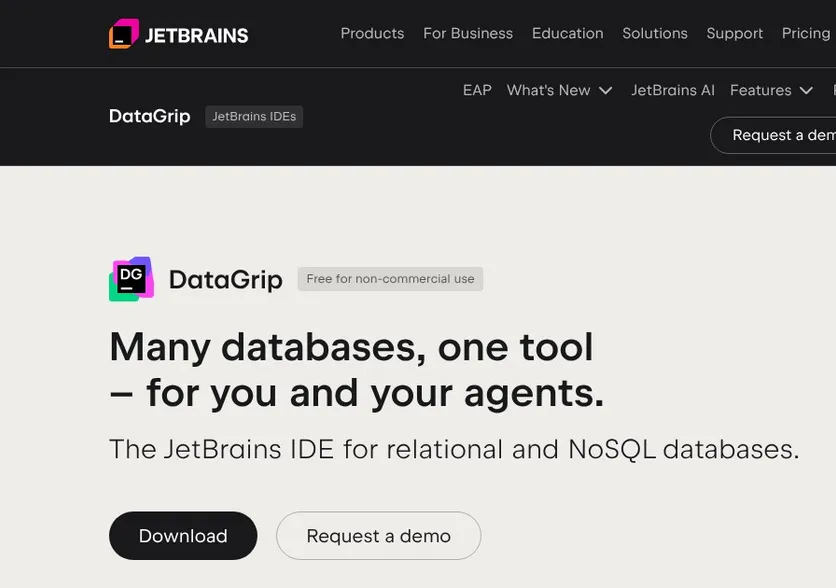
DataGrip is JetBrains database IDE, used by developers to query, manage and model databases across many platforms. It includes ER diagrams, schema comparison and code generation alongside a powerful SQL editor. The Individual licence costs one hundred and nine dollars a year in year one, falling to eighty-seven dollars in year two and sixty-five dollars from year three.
What we like
- Full database IDE with modelling included
- Price falls each year you renew
- Works across dozens of databases
Watch out for
- Renewal price differs from the first-year price
- Full IDE can feel heavy for diagram-only work
How to try it
- Install DataGrip and connect your databases
- Open an ER diagram for your main schema
- Run a query and check the generated SQL
2. ChartDB
Best for: Startups that design schemas in the browser with a free start
Paid tool Starting price: $25/month · Pro costs twenty-five dollars a month for one user and one database of up to one hundred tables. Teams costs fifty-nine dollars a month, and the free plan covers one database of up to ten tables.
Free plan: Free plan covering one database of up to ten tables
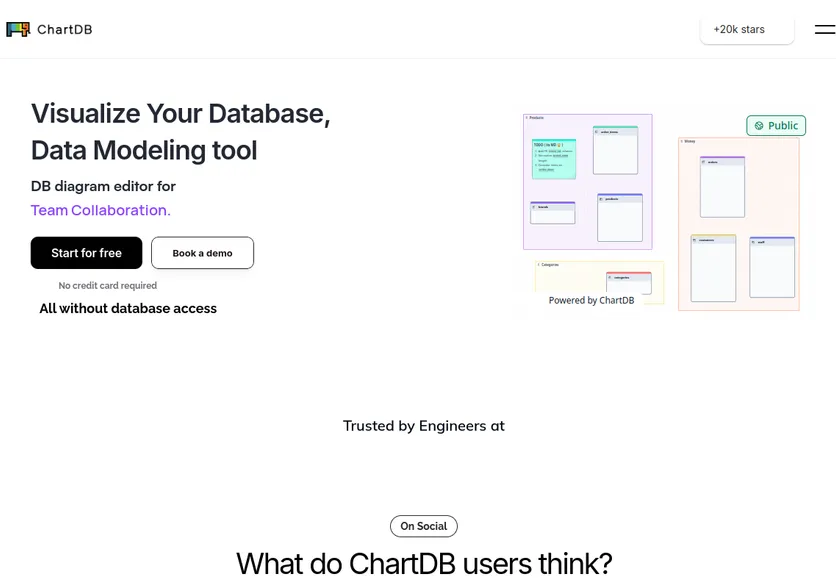
ChartDB is an open source database diagram tool that draws ER diagrams in the browser and exports SQL for popular databases. It offers a clean editor with live sharing, so a small team can design a schema together without installing anything. The Pro plan costs twenty-five dollars a month for one user and one database of up to one hundred tables.
What we like
- Open source core with a browser editor
- Live sharing without installing anything
- Free plan for small schemas
Watch out for
- Pro caps at one database and one hundred tables
- Teams plan jumps to fifty-nine dollars a month
How to try it
- Open the editor and connect your database
- Draw tables and link them with relationships
- Export the SQL and share the diagram link
3. drawDB
Best for: Startups that want a free editor with cheap Pro upgrades
Paid tool Starting price: $14/month · Solo Pro costs fourteen dollars a month. Team Pro costs seventeen dollars per user a month, and the editor itself is free and open source.
Free plan: Editor free and open source
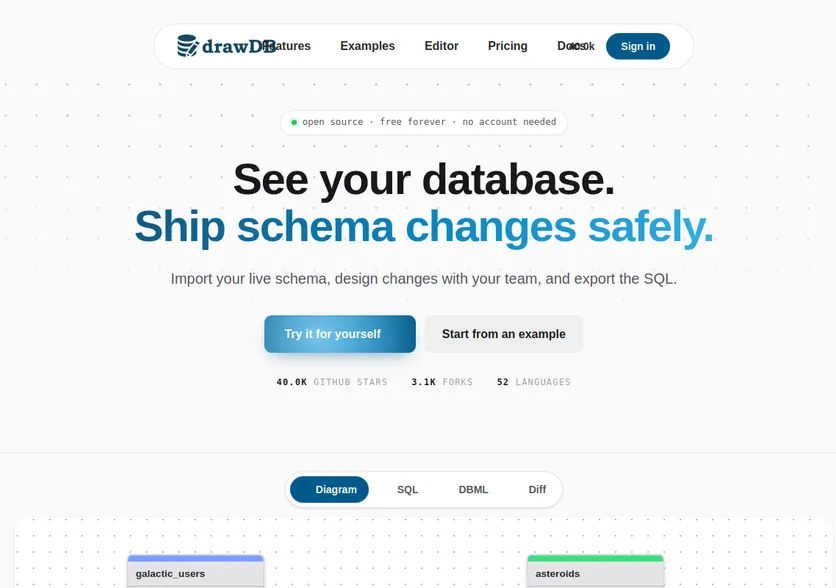
drawDB is a free and open source database diagram editor that runs in the browser with no account needed. It draws ER diagrams, exports SQL and saves work locally, so a startup can design a schema for free. The Pro Solo plan costs fourteen dollars a month for teams that want cloud saving and collaboration.
What we like
- Editor free and open source, no account needed
- Works in the browser with no install
- Pro Solo adds cloud saving for fourteen dollars a month
Watch out for
- Free editor saves locally, not in the cloud
- Collaboration needs the paid plans
How to try it
- Open the editor in your browser
- Draw your tables and relationships
- Export SQL or save the diagram locally
4. Schemity
Best for: Startups that want a one-time licence with no subscription
Paid tool Starting price: $129 one-time · One hundred and twenty-nine dollars once, with an optional sixty-nine-dollar yearly renewal for updates. The licence covers one user.
Free plan: No free plan; free trial available
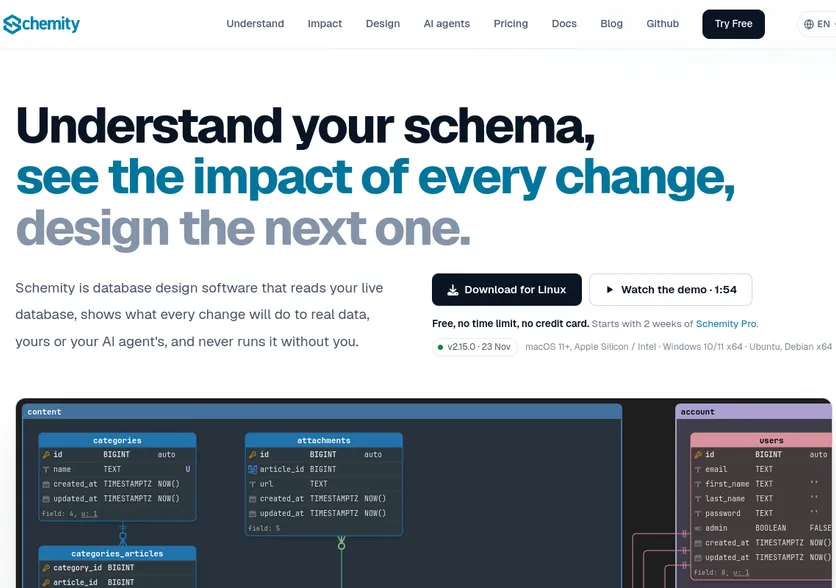
Schemity is a database schema design tool that draws ER diagrams and generates SQL for popular databases. It suits startups that want a simple modeller without a monthly bill, since the licence costs once. The price is one hundred and twenty-nine dollars once, with an optional sixty-nine dollar yearly renewal for updates.
What we like
- One-time price with no monthly bill
- Simple editor focused on schema design
- Optional renewal, not a forced subscription
Watch out for
- Updates cost extra after the first year
- Smaller community than the bigger tools
How to try it
- Install the trial and open a new diagram
- Draw your tables and set the relationships
- Generate SQL for your database and test it
5. Sparx Systems Enterprise Architect
Best for: Startups that need a serious modeller at a one-time price
Paid tool Starting price: $245 one-time · Professional costs two hundred and forty-five dollars per licence once. Corporate costs three hundred and twenty dollars, Unified five hundred and thirty-five dollars and Ultimate seven hundred and fifty dollars, with a thirty-day trial.
Free plan: No free plan; thirty-day trial available
Sparx Systems Enterprise Architect is a long-standing modelling platform that covers data modelling, UML and enterprise architecture in one tool. It draws ER diagrams, generates database schemas and documents the whole system. The Professional edition costs two hundred and forty-five dollars per licence once.
What we like
- One-time licence for a serious platform
- Data modelling plus UML in one tool
- Strong documentation and report output
Watch out for
- Full platform can feel heavy for simple diagrams
- Learning curve on the advanced editions
How to try it
- Install the trial and create a data modelling project
- Reverse engineer your existing database
- Generate the schema and export documentation
6. DbVisualizer
Best for: Startups that want a visual SQL client with modelling views
Paid tool Starting price: $199/year · Pro costs one hundred and ninety-nine dollars per user in the first year and eighty-nine dollars a year to renew. Premium support costs two hundred and twenty-nine dollars in year one and one hundred and nineteen dollars on renewal, and a free edition is available.
Free plan: Free edition available
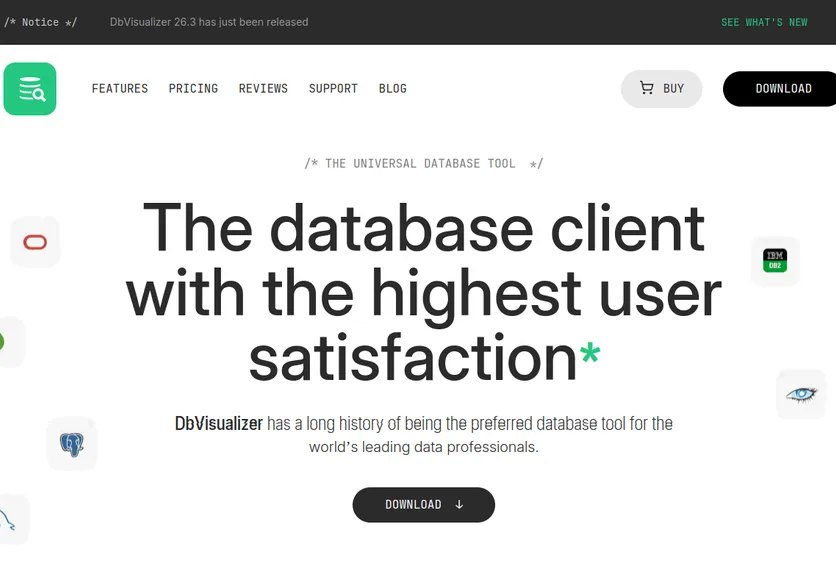
DbVisualizer is a universal database tool that adds ER diagrams, schema browsing and SQL editing in one visual client. It connects to dozens of databases, so a startup standardises on one tool for every platform it runs. The Pro licence costs one hundred and ninety-nine dollars per user in the first year and eighty-nine dollars a year to renew.
What we like
- Visual client for dozens of databases
- First-year price drops sharply on renewal
- Free edition for basic database work
Watch out for
- Renewal price differs from the first-year price
- Pro needed for the full modelling features
How to try it
- Install the free edition and connect a database
- Open an ER diagram for your schema
- Upgrade to Pro for full modelling features
7. dbForge Studio for PostgreSQL
Best for: Startups building on PostgreSQL that want a dedicated studio
Paid tool Starting price: $89.95/year · Standard costs eighty-nine dollars and ninety-five cents a year. Professional costs one hundred and thirty-nine dollars and ninety-five cents a year, and a free Express edition is available.
Free plan: Free Express edition available
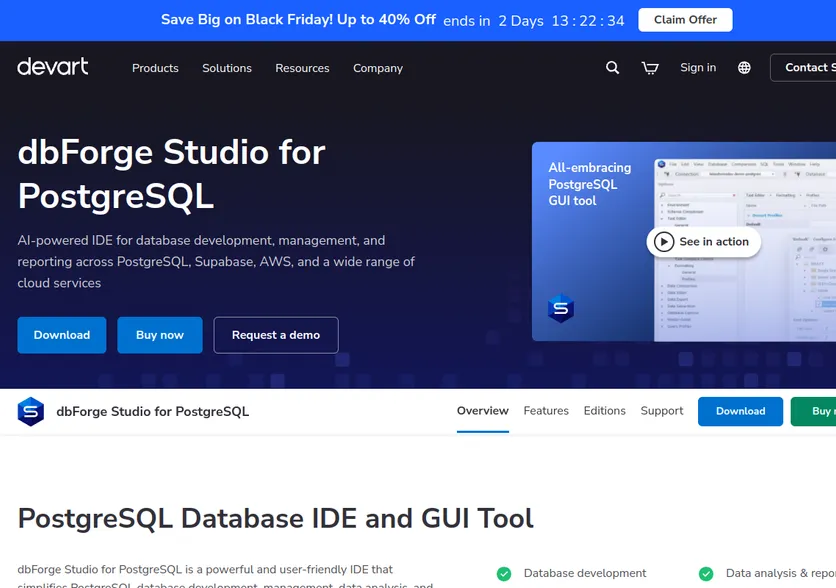
dbForge Studio for PostgreSQL is a database IDE from Devart built for PostgreSQL, with visual schema design, query building and administration in one tool. It draws database diagrams and generates SQL, so PostgreSQL teams design and manage schemas without leaving the studio. The Standard edition costs eighty-nine dollars and ninety-five cents a year.
What we like
- Built for PostgreSQL with a visual designer
- Query, design and admin in one studio
- Free Express edition for basic work
Watch out for
- PostgreSQL only, no other databases
- Standard tier limits some advanced features
How to try it
- Install the Express edition and connect PostgreSQL
- Open the database designer on your schema
- Upgrade to Standard for full design features
Prices above were checked on each vendor’s own website on Nov 27, 2026 and can change — the vendor’s page is the final word. Vendor links are editorial: nobody paid to be listed or ranked here. Vendors who want a featured listing can see how it works on our Get listed page.
How to pick a startup modelling tool
Start with your stack. List the databases your product actually runs on, and check each one against the tool, because a modeller that cannot read PostgreSQL or MySQL will slow you down from day one. Then check the licence: some tools are free for non-commercial use but need a paid licence once you ship a product, and that switch can surprise a small team.
Compare first-year prices against renewal prices, since several tools here charge more in year one and less later, or the reverse. Run a real schema through the trial and apply the generated SQL, because that is where a modelling tool proves it understands your database.
Before you buy
- Check which databases the tool supports, not just the headline list
- Confirm the licence covers commercial use at your team size
- Test SQL generation on a real schema before you pay
- Compare first-year prices against renewal prices, which often differ
- Trial the free edition or trial period with a live project
Official websites
Official websites of the products reviewed above. Features and prices were checked against these sites when this guide was written, and they can change, so confirm on the vendor site before you buy.
Frequently asked questions
What is the best data modeling software for startups?
DataGrip is our first pick for its full IDE and falling renewal prices. ChartDB is the best open source start with a free plan, and drawDB is the cheapest Pro upgrade at fourteen dollars a month. Schemity suits startups that want a one-time licence with no monthly bill.
How much does data modeling software cost for startups?
List prices run from fourteen dollars a month for drawDB Solo Pro to two hundred and forty-five dollars once for Sparx Systems Enterprise Architect Professional. DataGrip costs one hundred and nine dollars a year, ChartDB twenty-five dollars a month, Schemity one hundred and twenty-nine dollars once, and dbForge Studio eighty-nine dollars and ninety-five cents a year.
Is there a free data modeling tool for startups?
drawDB is free and open source with no account needed, ChartDB has a free plan for one database of up to ten tables, and DataGrip is free for non-commercial use. DbVisualizer and dbForge Studio both offer free editions for basic database work. These free options cover early design well.
How do I choose a data modeling tool for a startup?
Check which databases the tool supports, because a modeller that cannot read your platform is useless. Confirm the licence covers commercial use at your team size, and test SQL generation on a real schema before you pay. Compare first-year prices against renewal prices, which often differ.
Is DataGrip worth it for a small startup?
Yes, if your team already uses JetBrains tools or needs a full database IDE rather than a diagram-only app. DataGrip costs one hundred and nine dollars a year in year one and falls to sixty-five dollars from year three. For diagram-only work, ChartDB or drawDB may be cheaper.
Pick the modeller that fits your stack and budget, then trial it on one real schema before you pay.
Browse Developer Tools tools