On this page
Remote data teams cannot gather around one whiteboard, so the warehouse itself has to carry the process — tested models, scheduled jobs and pipelines that run while everyone sleeps. The eight tools below automate loading and transformation for distributed teams, with prices checked on each vendor site on November 27, 2026. The list runs from twenty dollars a month to two hundred and thirty-nine dollars a month, and several tools offer a free plan to start. dbt Cloud is our first pick — the managed transformation layer remote analytics teams build on.
How we researched this
We started with the warehouse automation tools remote teams actually buy, then read each price on the vendor site on November 27, 2026 and noted the free plan or trial each one carries. We judged them for a distributed team with no shared office, weighing setup speed, warehouse support and whether the bill stays predictable as the team grows. We dropped Matillion because it publishes no dollar price per credit, Fivetran because its usage-based pricing has no single flat list price, and WhereScape, TimeXtender and Astera because none publishes a list price.
Compare the tools
| Name | Best for | Starting price | Free plan | |
|---|---|---|---|---|
| dbt Cloud | Remote analytics teams that want a managed transformation layer | $100/user/month | Free Developer plan: 1 seat, 3,000 models/month | Visit |
| Coalesce | Remote data teams that want visual transformation with lineage built in | $150/user/month | Free Developer plan: 1 user, 2,000 actions/month | Visit |
| Prophecy | Remote teams that want AI agents to draft pipelines they can inspect | $150/user/month | Free Starter plan: 20 credits/month | Visit |
 Hevo Data | Remote data teams that want no-code pipelines running the same day | $239/month | Free plan: 1M events/month | Visit |
 Airbyte | Remote teams that want open-source pipelines with a cheap managed option | from $20/month | Free self-hosted Core edition | Visit |
 Estuary | Remote teams whose dashboards cannot wait for a nightly batch | $0.50/GB + $100/month | Free Developer tier: 10 GB/month, 2 connectors | Visit |
 Skyvia | Remote teams that want browser-based integration with no servers | $79/month | Free plan: 10,000 records/month, 2 integrations | Visit |
 Stitch | Remote teams with a handful of standard sources and no appetite for maintenance | from $100/month | No free plan; 14-day free trial | Visit |
The data warehouse automation software for remote teams, compared
1. dbt Cloud
Best for: Remote analytics teams that want a managed transformation layer
Paid tool Starting price: $100/user/month · One hundred dollars per user a month for the Starter plan with up to five developer seats, fifteen thousand models built a month and one project, with overage at one cent per model; the Developer plan is free for one person and Enterprise is custom-priced
Free plan: Free Developer plan: 1 seat, 3,000 models/month
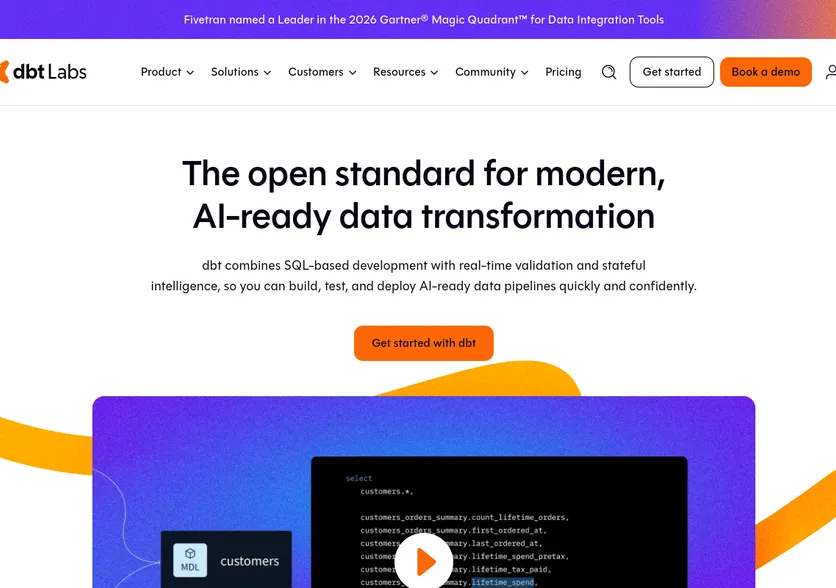
dbt Cloud is the managed home for the transformation layer, turning SQL models into tested, documented warehouse tables that a remote team can trust. This dbt Cloud Starter plan costs one hundred dollars per user a month and covers up to five developer seats with fifteen thousand models built a month. A distributed analytics team gets a web IDE, scheduled jobs and a semantic layer without running its own scheduler.
What we like
- Managed IDE, scheduler and docs in one place
- Semantic layer for consistent metrics
- Free Developer plan for one person
Watch out for
- Starter covers only one project and five seats
- dbt Labs merged with Fivetran in June 2026, so packaging may change
How to try it
- Open the dbt site and start the free Developer plan
- Connect the warehouse and write a first SQL model
- Schedule the model and check the built table
2. Coalesce
Best for: Remote data teams that want visual transformation with lineage built in
Paid tool Starting price: $150/user/month · One hundred and fifty dollars per user a month billed annually for the Starter plan with up to four Transform users and fifteen thousand actions a month; the Developer plan is free for one user and Enterprise is custom-priced
Free plan: Free Developer plan: 1 user, 2,000 actions/month
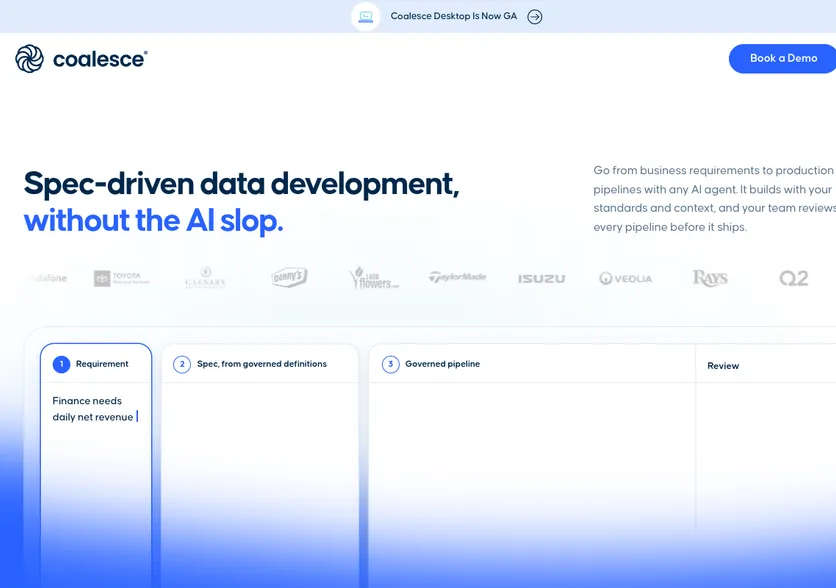
Coalesce is the visual transformation tool for remote data teams that want column-level lineage and Git on every pipeline without writing boilerplate. This Coalesce Starter plan costs one hundred and fifty dollars per user a month billed annually and covers up to four Transform users with fifteen thousand actions a month. A team spread across time zones gets a node-based builder, a catalog and quality checks in one contract.
What we like
- Column-level lineage on every pipeline
- Git on every plan, even the free one
- Catalog and quality checks in one contract
Watch out for
- Starter stops at four Transform users and one project
- The per-action overage rate is not published
How to try it
- Open the Coalesce site and start the free Developer plan
- Build a pipeline in the node-based builder
- Check the column lineage, then upgrade to Starter
3. Prophecy
Best for: Remote teams that want AI agents to draft pipelines they can inspect
Paid tool Starting price: $150/user/month · One hundred and fifty dollars per user a month billed monthly for the Professional plan with fifty credits per user a month and processing on Databricks, Snowflake or BigQuery; the Starter plan is free with twenty credits a month and Enterprise Express costs four thousand dollars a month billed annually
Free plan: Free Starter plan: 20 credits/month
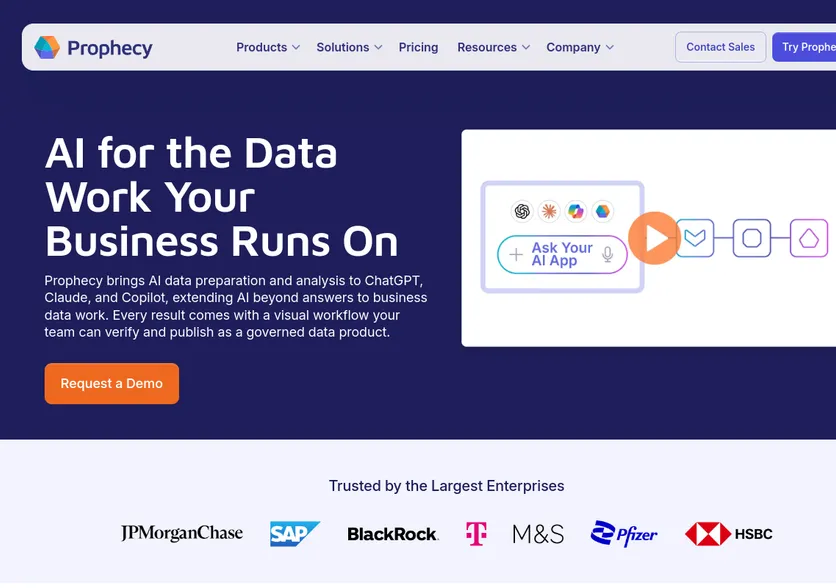
Prophecy is the low-code transformation platform for remote teams that want AI agents to draft pipelines and readable SQL to inspect them. This Prophecy Professional plan costs one hundred and fifty dollars per user a month billed monthly and covers fifty credits per user a month with warehouse processing. A distributed team gets a visual canvas that compiles to a standard dbt project in Git, plus agents that build and fix pipelines from prompts.
What we like
- AI agents draft pipelines from plain language
- Compiles to readable dbt projects in Git
- Visual canvas analysts can inspect step by step
Watch out for
- Credits run out fast on heavy scheduled runs
- Spark pipelines need the custom Enterprise plan
How to try it
- Open the Prophecy site and start the free Starter plan
- Describe a dataset and let the Transform agent draft it
- Inspect the compiled SQL, then upgrade to Professional
4. Hevo Data
Best for: Remote data teams that want no-code pipelines running the same day
Paid tool Starting price: $239/month · Two hundred and thirty-nine dollars a month billed annually for the Starter plan, or two hundred and ninety-nine dollars a month billed monthly, with up to five million events; the free plan covers one million events a month
Free plan: Free plan: 1M events/month
Hevo Data is the pipeline tool remote data teams use to keep the warehouse current without a data engineer on call. This Hevo Data Starter plan costs two hundred and thirty-nine dollars a month billed annually and covers up to five million events. A team across time zones gets real-time sync, transformations and monitoring in one login, with no code to maintain.
What we like
- No-code setup that runs the same day
- More than one hundred and fifty connectors
- Automatic schema handling on source changes
Watch out for
- Event caps mean heavy volumes need a higher plan
- Monthly billing costs sixty dollars more than the annual rate
How to try it
- Open the Hevo Data site and start the free plan
- Connect a source app and pick the warehouse destination
- Turn on the pipeline and watch the first sync complete
5. Airbyte
Best for: Remote teams that want open-source pipelines with a cheap managed option
Paid tool Starting price: from $20/month · From twenty dollars a month for the Cloud Standard plan with five credits included and extra credits at five dollars each, while the Plus plan starts at one hundred and eighty-nine dollars a month; the self-hosted Core edition is free
Free plan: Free self-hosted Core edition
Airbyte is the replication platform remote teams pick when they want to own the pipeline, with a free self-hosted edition and a managed cloud that starts cheap. This Airbyte Cloud Standard plan starts at twenty dollars a month with five credits included and extra credits at five dollars each. A distributed team gets hundreds of connectors, automatic schema handling and the choice to self-host when budgets tighten.
What we like
- Self-hosted edition is free and open source
- Hundreds of connectors, many community built
- Managed cloud starts at twenty dollars a month
Watch out for
- Credit metering makes the bill move with data volume
- Self-hosting needs someone to run the infrastructure
How to try it
- Open the Airbyte site and try the free self-hosted Core edition
- Add a source connector and a warehouse destination
- Schedule the sync and check the first load in the warehouse
6. Estuary
Best for: Remote teams whose dashboards cannot wait for a nightly batch
Paid tool Starting price: $0.50/GB + $100/month · Fifty cents per gigabyte plus one hundred dollars a month per connector instance, with the first six connector instances at that rate and the seventh onward at fifty dollars; the free Developer tier covers ten gigabytes a month with two connectors
Free plan: Free Developer tier: 10 GB/month, 2 connectors
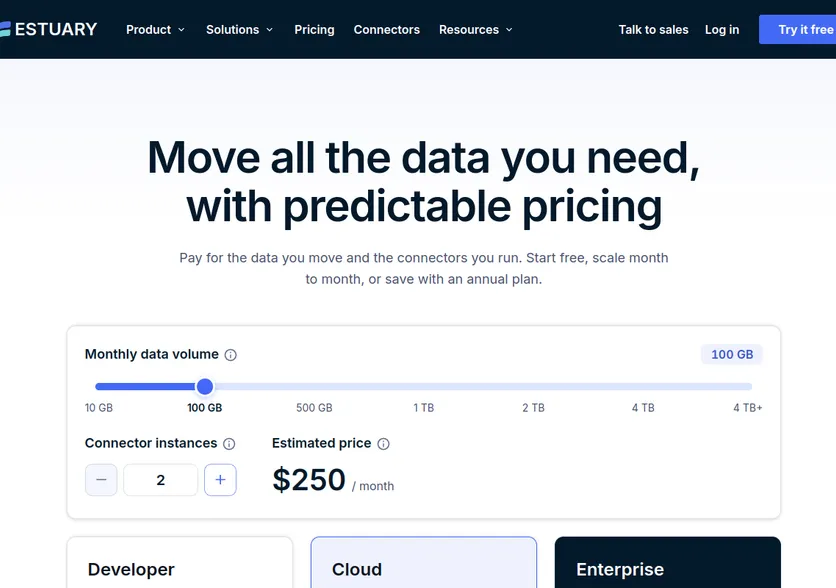
Estuary is the real-time pipeline for remote teams whose dashboards cannot wait for a nightly batch, capturing changes the moment they happen. This Estuary Cloud plan costs fifty cents per gigabyte plus one hundred dollars a month per connector instance, with usage counted at capture and again at each materialization. A team in different time zones gets exactly-once delivery, millisecond-fresh data and a free Developer tier to start.
What we like
- Real-time capture instead of nightly batches
- Exactly-once delivery without duplicates
- Free Developer tier covers ten gigabytes a month
Watch out for
- Gigabytes are counted at capture and again at each materialization
- Each connector instance adds a monthly charge
How to try it
- Open the Estuary site and start the free Developer tier
- Create a capture from a database and a materialization to the warehouse
- Watch changes flow in real time and check the usage meter
7. Skyvia
Best for: Remote teams that want browser-based integration with no servers
Paid tool Starting price: $79/month · Seventy-nine dollars a month billed annually for the Basic plan, or ninety-nine dollars a month billed monthly; Standard costs one hundred and fifty-nine dollars a month billed annually and Professional costs three hundred and ninety-nine dollars; the free plan covers ten thousand records a month with two integrations
Free plan: Free plan: 10,000 records/month, 2 integrations
Skyvia is the browser-based integration tool remote teams use when nobody wants to run servers, connecting apps and databases to the warehouse from anywhere. This Skyvia Basic plan costs seventy-nine dollars a month billed annually and covers data integration with scheduled sync. A small distributed team gets a visual builder, backup and query tools in one login without installing anything.
What we like
- Runs fully in the browser with no install
- Visual builder with backup and query tools included
- Free plan covers ten thousand records a month
Watch out for
- Higher plans are needed for frequent sync schedules
- Monthly billing costs twenty dollars more than the annual rate
How to try it
- Open the Skyvia site and start the free plan
- Connect a source and a warehouse destination in the browser
- Schedule the sync and check the loaded rows
8. Stitch
Best for: Remote teams with a handful of standard sources and no appetite for maintenance
Paid tool Starting price: from $100/month · From one hundred dollars a month for the Standard plan with five million rows, one destination and five users, while Advanced costs one thousand five hundred dollars a month billed annually and Premium costs three thousand dollars; a fourteen-day free trial is included
Free plan: No free plan; 14-day free trial
Stitch is the set-and-forget replication tool for remote teams with a handful of standard sources and no appetite for pipeline maintenance. This Stitch Standard plan starts at one hundred dollars a month for five million rows, one destination and five users. A team working across time zones gets reliable batch sync, automatic schema updates and a fourteen-day trial to test it.
What we like
- Simplest setup in this comparison
- Automatic schema updates on source changes
- Predictable row-based pricing for small volumes
Watch out for
- New buyers are now steered toward Qlik Talend Cloud
- Only one destination on the Standard plan
How to try it
- Open the Stitch site and start the fourteen-day trial
- Connect a standard source and pick the warehouse
- Schedule the replication and verify the rows arrive
Prices above were checked on each vendor’s own website on Nov 27, 2026 and can change — the vendor’s page is the final word. Vendor links are editorial: nobody paid to be listed or ranked here. Vendors who want a featured listing can see how it works on our Get listed page.
What warehouse automation costs a remote team in 2026
Warehouse automation charges by seat, by row or by credit, and the meter decides the bill more than the headline price. dbt Cloud starts at one hundred dollars per user a month, Coalesce and Prophecy at one hundred and fifty dollars per user a month, and Airbyte at twenty dollars a month on credits. A team of five pays about five hundred dollars a month on a per-seat tool, while a team with heavy volumes pays more on a usage meter no matter how small it is.
Start with a trial on two tools and connect your busiest source first. Rename a column and watch whether the pipeline recovers on its own, then check the bill at the end of the trial week. Pick the tool whose jobs run while the team sleeps, because a pipeline that needs a human in the loop is not automation.
Before you buy
- Check whether the price follows seats, rows or credits, because the same pipeline can cost ten times more on a different meter.
- Confirm the tool runs on your warehouse, because a transformation tool that only supports one cloud limits your stack.
- Test a schema change during the trial, because a pipeline that breaks when a column is renamed costs hours every week.
- Ask who owns the scheduler, because a managed scheduler that sleeps is worse than one you run yourself.
- Check the free tier against your real volume, because a free plan capped at a few thousand models ends fast in production.
Official websites
Official websites of the products reviewed above. Features and prices were checked against these sites when this guide was written, and they can change, so confirm on the vendor site before you buy.
Frequently asked questions
Which data warehouse automation software is best for remote teams in 2026?
dbt Cloud is the best overall pick at one hundred dollars per user a month, pairing a managed IDE and scheduler with a semantic layer. Airbyte is the best budget pick from twenty dollars a month, with a free self-hosted edition for teams that run their own infrastructure. Estuary is the best pick for real-time data at fifty cents per gigabyte plus one hundred dollars a month per connector.
How much does data warehouse automation software cost?
Prices in this list run from twenty dollars a month for Airbyte Cloud Standard to two hundred and thirty-nine dollars a month for Hevo Data Starter, with most tools landing between seventy-nine and one hundred and fifty dollars a month. Per-seat tools cost more as the team grows, while usage-based tools cost more as data volumes grow. Price the plan against your team size and your monthly rows.
What does data warehouse automation actually cover?
Data warehouse automation covers the whole path from source to trusted table: replication moves the data in, and transformation shapes it into models the business can query. A replication-only tool loads raw data, while a transformation tool like dbt Cloud or Coalesce turns it into tested, documented tables. Most remote teams need both, which is why this list mixes the two kinds.
Do remote teams need warehouse automation more than office teams?
Yes, because a remote team cannot fix a broken pipeline by walking over to a colleague. Automation gives every teammate the same scheduled jobs, the same tests and the same lineage, no matter the time zone. A manual process that works when everyone is in one office falls apart across time zones, while an automated pipeline runs while the team sleeps.
What should a remote team check before buying warehouse automation software?
Check warehouse support first, because a tool that only runs on one cloud limits your stack. Look at the meter, since seats, rows and credits produce very different bills at scale. Test a schema change during the trial, because a pipeline that breaks when a column is renamed will cost hours every week across time zones.
Need everyday developer help too? Try Toolsvine's free developer tools right in your browser.
Browse Developer Tools tools