
On this page
A design is only finished when a developer can build it, and the seven tools below close the gap between Figma files and shipped code. They cover specs, assets, tokens, documentation and code-synced components, and every one of them has a free plan or a free trial. Prices run from $10 a month to $399 a month, and each tool below was checked on its vendor site on November 26, 2026. Figma Professional is our first pick — the interface design tool that product teams live in, with Dev Mode built in.
How we researched this
We started with the handoff tools design teams actually hand to developers, then read each price on the vendor pricing page on November 26, 2026 and noted the free plan or trial each one carries. We judged them for daily handoff: specs, assets, tokens, documentation and code sync, with ease of setup and billing clarity as the tie-breakers. We kept the list to tools with a published price and a real free plan or trial, and we dropped any tool whose price we could not verify.
Compare the tools
| Name | Best for | Starting price | Free plan | |
|---|---|---|---|---|
 Figma Professional | Product teams that already design in Figma | $16/month | Free plan | Visit |
 Framer Basic | Teams that hand off a live site, not a picture of one | $10/month | Free plan | Visit |
 Sketch Standard | Mac-based teams that want native speed and offline files | $12/month | Free trial | Visit |
 Webflow Basic | Teams that publish the designed site themselves | $15/month | Free plan | Visit |
| Zeplin | Teams that want handoff as a dedicated step, not an afterthought | $12/month | Free plan | Visit |
| UXPin | Teams that prototype with real code components | $19/month | Free trial | Visit |
| Supernova | Teams that need tokens, docs and code in one place | $399/month | Free plan | Visit |
The design handoff tools, compared
1. Figma Professional
Best for: Product teams that already design in Figma
Paid tool Starting price: $16/month · Professional plan, $16 per Full seat a month billed annually ($20 month-to-month); Dev seat $12; Collab seat $3; Organization $55; Enterprise $90
Free plan: Free plan
Figma Professional costs $16 per Full seat a month on annual billing, and it is the design tool most teams already work in, so handoff starts where the design already lives. This Figma plan adds unlimited files and projects, team libraries, Dev Mode, advanced prototyping and 3,000 AI credits a month per Full seat. It is the pick when the team designs, prototypes and hands off in one place, and the free Starter plan covers three shared design files.

What we like
- Most teams already design here
- Dev Mode built into every paid seat
- Free Starter plan for small teams
Watch out for
- Full seats cost five times a Collab seat
- AI credits are capped per seat
How to try it
- Open the Figma pricing page and start Professional
- Share a file with a developer
- Open Dev Mode and copy the specs
2. Framer Basic
Best for: Teams that hand off a live site, not a picture of one
Paid tool Starting price: $10/month · Basic plan, $10 a month billed yearly ($15 month-to-month) per site; Pro $30 a month billed yearly; Scale retired June 2026
Free plan: Free plan
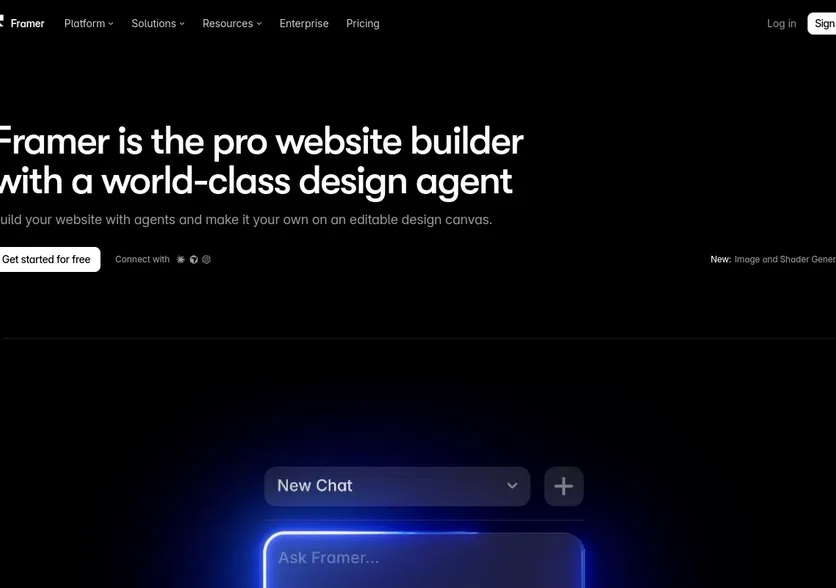
Framer Basic costs $10 a month billed yearly, and it hands off a live site rather than a picture of one, because the design is the published page. This Framer plan adds a custom domain, 30 pages, 2 CMS collections, 1,000 CMS items, 50 GB of bandwidth and 1,000 AI credits a month. It is the pick when the handoff is a landing page or portfolio that a developer never needs to rebuild, and the free plan covers one site on a Framer domain.
What we like
- Cheapest paid plan here at $10 a month
- The design is the live site
- CMS included on Basic
Watch out for
- Only 30 pages on Basic
- Extra editors cost $20 a month each
How to try it
- Open the Framer pricing page and start Basic
- Design a page and publish it
- Share the live link with your developer
3. Sketch Standard
Best for: Mac-based teams that want native speed and offline files
Paid tool Starting price: $12/month · Standard plan, $12 per editor a month billed yearly ($14 month-to-month); Professional $24; Enterprise $44; Mac-only licence $120 one-time
Free plan: Free trial
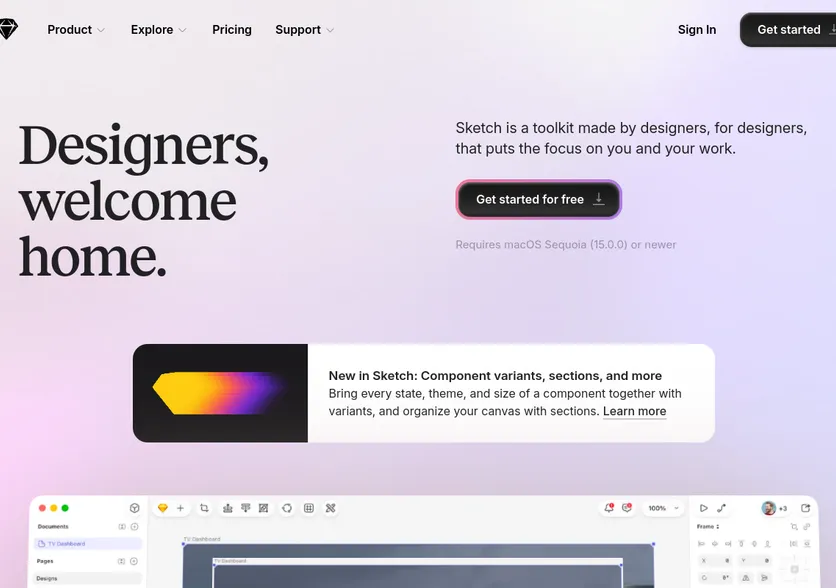
Sketch Standard costs $12 per editor a month billed yearly, and it is the native Mac app where interface files still start for many teams. This Sketch plan adds real-time collaboration, unlimited documents, unlimited free viewers, version history and developer handoff, with 50 GB of storage per editor. It is the pick when the team works on Mac and wants files that open fast and work offline, and the 30-day trial needs no card.
What we like
- Fast native Mac app, works offline
- Unlimited free viewers on every plan
- Mac-only licence at $120 one-time
Watch out for
- Editing needs a Mac, Windows cannot edit
- No permanent free editor plan
How to try it
- Open the Sketch pricing page and start the 30-day trial
- Open a design and share it
- Hand the developer the inspect link
4. Webflow Basic
Best for: Teams that publish the designed site themselves
Paid tool Starting price: $15/month · Basic site plan, $15 a month billed yearly ($25 month-to-month) per site; Premium $25 a month billed yearly with CMS; no CMS on Basic
Free plan: Free plan
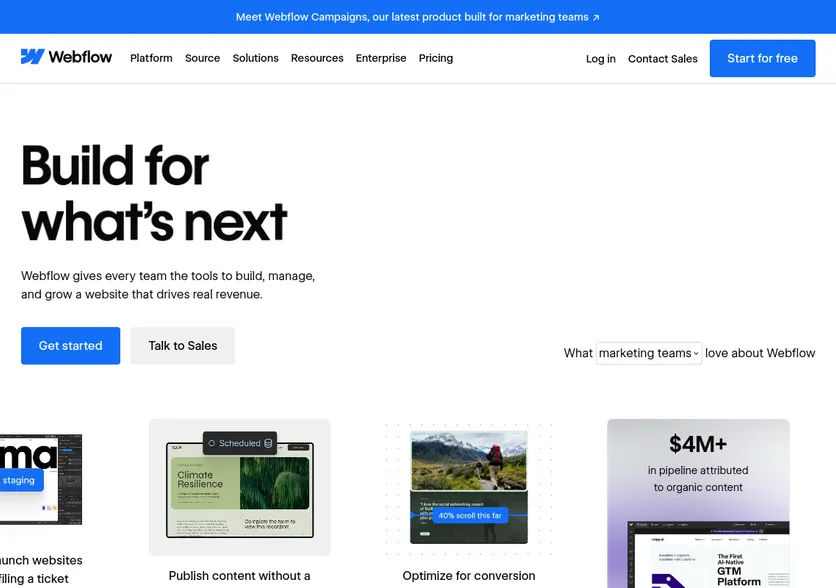
Webflow Basic costs $15 a month billed yearly, and it turns a design into a published site on a custom domain, so the handoff is the site itself. This Webflow plan adds 300 static pages, 10 GB of bandwidth, unlimited form submissions and password protection, with Premium at $25 a month adding the CMS. It is the pick when the design team ships the site and the developer only touches custom code, and the free Starter plan covers two pages on a webflow.io domain.
What we like
- 300 static pages on Basic
- The design is the published site
- Free Starter plan for two pages
Watch out for
- No CMS on Basic, Premium is $25
- Site and workspace plans bill separately
How to try it
- Open the Webflow pricing page and start Basic
- Design a site and connect your domain
- Publish it and hand over the editor link
5. Zeplin
Best for: Teams that want handoff as a dedicated step, not an afterthought
Paid tool Starting price: $12/month · Advanced plan, $12 per seat a month billed annually ($15 month-to-month); Basic $13.75 a month per project; Enterprise custom
Free plan: Free plan
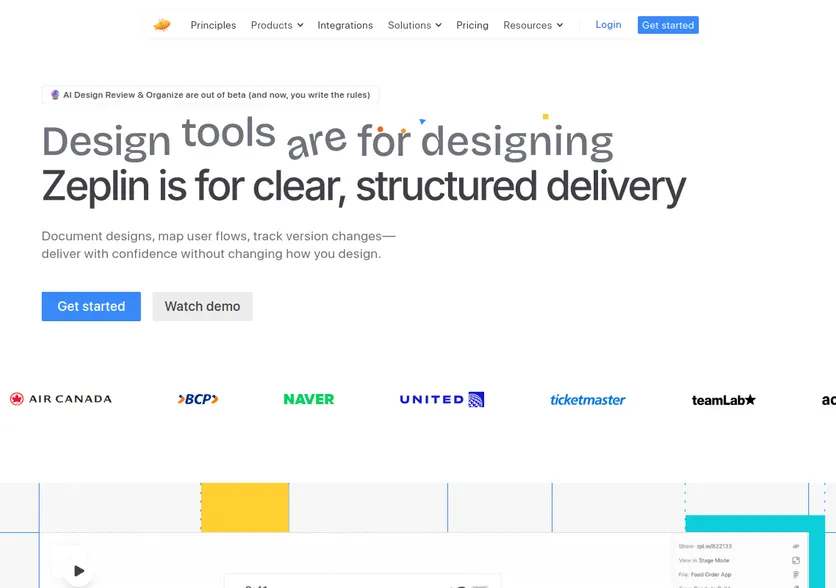
Zeplin Advanced costs $12 per seat a month billed annually, and it is the dedicated handoff tool: designers publish approved screens, developers get specs, assets and flows. This Zeplin plan adds 50 projects, unlimited screens, Flow Boards, advanced user permissions and unlimited free reviewers. It is the pick when the design lives in one tool and the handoff needs to be a clean, organised step, and the free plan covers one project with 100 screens.
What we like
- Purpose-built for handoff, nothing else
- Unlimited free reviewers
- Flow Boards show the whole journey
Watch out for
- Not a design tool, only handoff
- Enterprise price is custom
How to try it
- Open the Zeplin pricing page and start Advanced
- Publish an approved screen from Figma
- Share the spec link with your developer
6. UXPin
Best for: Teams that prototype with real code components
Paid tool Starting price: $19/month · Basic plan, $19 per editor a month billed yearly; Advanced $29; Professional $69 with design systems and Merge; 14-day free trial
Free plan: Free trial
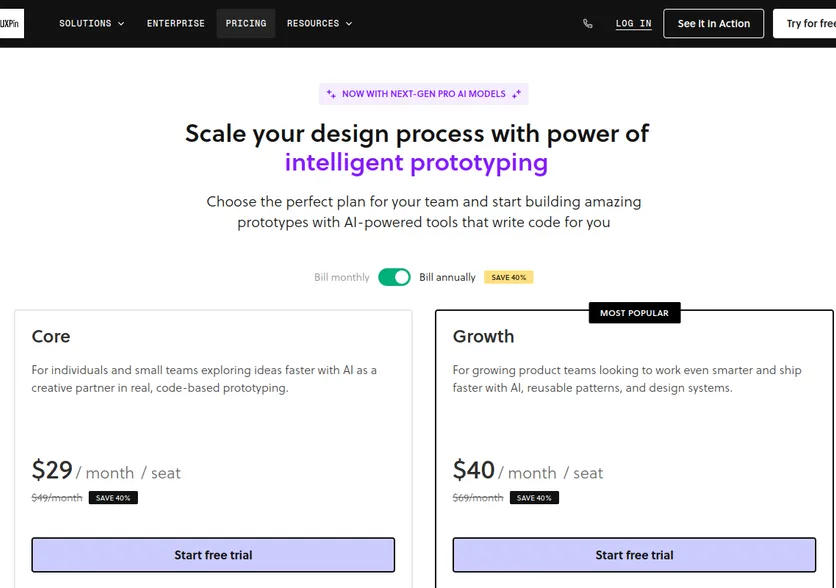
UXPin Basic costs $19 per editor a month billed yearly, and it prototypes with real code components, so the handoff is the actual component, not a picture of it. This UXPin plan adds unlimited prototypes and reviewers, interactions, animations, states and version history, with Advanced at $29 a month adding conditional logic. It is the pick when the prototype must behave like the finished product, and the 14-day trial covers the full Basic plan.
What we like
- Prototypes use real code components
- Unlimited prototypes and reviewers
- Interactions and states built in
Watch out for
- Merge needs the $69 Professional plan
- Steeper learning curve than Figma
How to try it
- Open the UXPin pricing page and start the 14-day trial
- Build a prototype from your components
- Share the interactive link with your developer
7. Supernova
Best for: Teams that need tokens, docs and code in one place
Paid tool Starting price: $399/month · Pro plan, $399 a month flat for up to 10 editors; Starter free for 3 editors; Enterprise custom; per-workspace pricing since October 2026
Free plan: Free plan
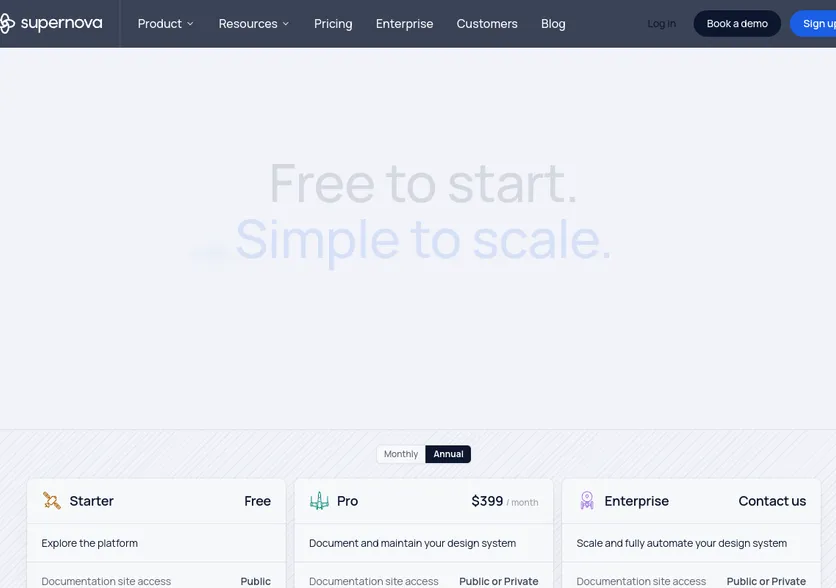
Supernova Pro costs $399 a month flat for up to 10 editors, and it connects tokens, components, documentation and code patterns into one source of truth. This Supernova plan adds private documentation, unlimited pages, 10,000 workspace credits a month and 200 private consumers, with a second design system included. It is the pick when handoff means a governed system rather than a single file, and the free Starter plan covers three editors and one public system.
What we like
- Tokens, docs and code in one place
- Flat price for up to 10 editors
- Free Starter covers three editors
Watch out for
- Steep jump from the free Starter plan
- No annual rate published
How to try it
- Open the Supernova pricing page and start Pro
- Connect your Figma data source
- Publish the documentation site for your team
Prices above were checked on each vendor’s own website on Nov 26, 2026 and can change — the vendor’s page is the final word. Vendor links are editorial: nobody paid to be listed or ranked here. Vendors who want a featured listing can see how it works on our Get listed page.
What design handoff costs in 2026
Per-seat pricing is the fairest way to compare these tools, so count your editors before you count the price. Figma Professional at $16 a Full seat a month and Sketch Standard at $12 an editor a month both bill per seat, while Framer Basic at $10 a month and Webflow Basic at $15 a month bill per site. Zeplin Advanced at $12 a seat a month and UXPin Basic at $19 an editor a month are per-seat too, and Supernova Pro at $399 a month is a flat workspace price for up to 10 editors. Start on a free plan or trial, hand off one real screen, and keep the tool your developers actually open.
Before you buy
- Count your editors first: Figma, Sketch, Zeplin and UXPin bill per seat, while Framer and Webflow bill per site.
- Pick the tool that fits your handoff: Zeplin for specs, UXPin for code components, Supernova for tokens and docs.
- Test handoff on one real screen: the tool your developers actually open is the one to keep.
- Check what the entry price leaves out: Figma Dev Mode needs a Full seat, and UXPin Merge needs Professional.
- Try the free plan or trial with a real project first: every tool here offers one, and one handoff beats any feature list.
Official websites
Official websites of the products reviewed above. Features and prices were checked against these sites when this guide was written, and they can change, so confirm on the vendor site before you buy.
Frequently asked questions
Which design handoff software is best for design systems in 2026?
Figma, at $16 per Full seat a month on annual billing, is the best overall pick because most teams already design there and Dev Mode is built in. Zeplin is better for dedicated handoff, UXPin wins for code-based prototypes, and Supernova is the strongest for tokens and documentation. Pick by the handoff your developers actually use: specs, code or docs.
What is the cheapest design handoff tool?
Framer Basic, at $10 a month billed yearly, is the cheapest paid plan here, and it hands off a live site rather than a picture of one. Zeplin Advanced and Sketch Standard are next at $12 a seat or editor a month. Every tool on this list also has a free plan or a free trial, so you can start without paying and upgrade only when the free limits slow you down.
Can I use these design handoff tools for free?
Yes, Figma, Framer, Webflow, Zeplin and Supernova all offer a free plan, and Sketch and UXPin offer free trials of 14 to 30 days. The free plans cover small teams and limited projects, but unlimited files, private docs and code sync usually need a paid tier. The free options are good for testing, but a growing team will hit the caps.
Which tool is best for design tokens?
Supernova Pro, at $399 a month for up to 10 editors, is the best pick for design tokens because it connects tokens, components, documentation and code patterns into one source of truth. Figma Professional also carries tokens through variables, and Zeplin shows token values beside each spec. If tokens are the core of your system, Supernova is the tool built for that job.
Does Figma Dev Mode cost extra?
No, Dev Mode is included in every Figma paid seat, but it needs a Full seat at $16 a month on Professional to edit, while Dev seats at $12 a month cover inspection and handoff. Viewers are free. If only developers need to inspect, Dev seats keep the bill lower than buying Full seats for everyone.
Want more design help in the browser? Try Toolsvine's free design tools — color pickers, CSS generators and layout helpers without installing anything.
Browse CSS & Web Design Generators tools


