
On this page
A design system for a remote team has one job an office team never worries about: it has to answer questions when the author is asleep. Figma is where most remote teams start, because the shared canvas, the team libraries and the free viewer seats mean nobody needs to be in one room to see the same design. This guide compares seven design system tools for remote teams, from a $13.75-a-month handoff tool to a $179-a-month visual testing service, with live 2026 prices, free plans and trials, so a distributed team can pick the loop that fits.
How we researched this
We checked the pricing page of every vendor on this list on November 26, 2026, and kept only tools that publish a real dollar price. Each tool had to support a design system for a team that does not share an office, and we compared entry prices, free plans, trial length and the features that make async collaboration work.
Compare the tools
| Name | Best for | Starting price | Free plan | |
|---|---|---|---|---|
 Figma | Remote teams that need one shared canvas for design and handoff | $16/month | Free Starter plan | Visit |
| zeroheight | Distributed teams that need readable design system documentation | $49/month | Free plan | Visit |
| Zeplin | Remote teams that hand designs to developers across time zones | $13.75/month | Free plan | Visit |
| UXPin | Remote product teams that prototype with real coded components | $29/month | Free plan | Visit |
| Specify | Remote teams that need design tokens to reach code without manual exports | $69/month | Free trial | Visit |
 Sketch | Mac-based remote teams that want a one-time license instead of a subscription | $120 one-time | 30-day free trial | Visit |
| Chromatic | Remote teams that need visual tests to catch design system regressions | $179/month | Free plan | Visit |
The design system tools, compared
1. Figma
Best for: Remote teams that need one shared canvas for design and handoff
Paid tool Starting price: $16/month · Professional plan, Full seat $16 a month; Dev seat $12 and Collab seat $3; Organization is $55 and Enterprise $90 a month per Full seat, billed annually; Starter is free
Free plan: Free Starter plan
For a remote team, Figma is where the design system lives, because everyone opens the same file no matter where they sit. This Figma Professional plan costs $16 a month per Full seat and adds unlimited files and projects, team-wide design libraries and advanced Dev Mode to the free Starter plan. It is the default choice when designers and developers in different time zones need one source of truth.

What we like
- Real-time collaboration across time zones
- Team libraries keep components consistent
- Free viewers can inspect and comment
Watch out for
- Per-seat costs grow with the team
- Organization and Enterprise need annual billing
How to try it
- Open the Figma pricing page and start the free Starter plan
- Create a team library with the shared components and tokens
- Invite designers and developers as Full, Dev or Collab seats
2. zeroheight
Best for: Distributed teams that need readable design system documentation
Paid tool Starting price: $49/month · Starter plan, $49 per editor a month with a 14-day trial; Free plan covers 1 editor, 1 styleguide and 1 token set; Enterprise is quoted
Free plan: Free plan
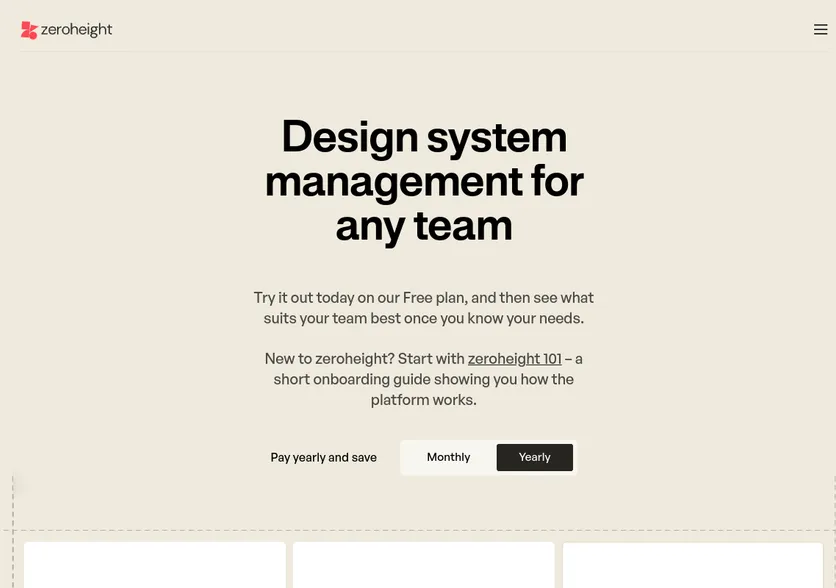
A design system only works remotely if people can read it without asking the author, and zeroheight exists for exactly that job. This zeroheight Starter plan costs $49 per editor a month and turns Figma styles and tokens into a documented styleguide with a custom domain, commenting and governance features. It is the pick when the team keeps asking the same questions about components and the answers need one home.
What we like
- Styleguides stay in sync with Figma
- Custom domain and branding included
- Free plan for a single contributor
Watch out for
- Starter caps at 5 editors
- Enterprise pricing is by quote only
How to try it
- Open the zeroheight pricing page and start the 14-day trial
- Connect the Figma library and publish the first styleguide
- Share the guide link with designers and developers
3. Zeplin
Best for: Remote teams that hand designs to developers across time zones
Paid tool Starting price: $13.75/month · Basic plan, $13.75 a month per project on annual billing with unlimited users; Advanced is $12 per seat a month; Free plan covers 1 project with 100 screens
Free plan: Free plan
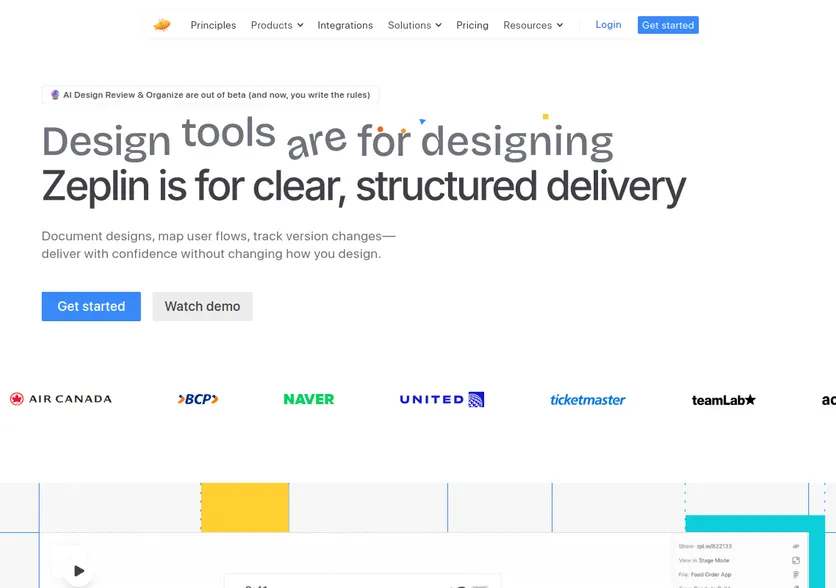
Handoff is where remote teams lose the most time, and Zeplin is built to make it async. This Zeplin Basic plan costs $13.75 a month per project on annual billing, with unlimited designers and developers, specs, styleguides and version history on every plan. It is the cheapest paid option here, and the pick when developers in another time zone need exact specs without a meeting.
What we like
- Unlimited users on every plan
- Styleguides and version history included
- Free plan covers one project
Watch out for
- Basic is priced per project
- Advanced needs a per-seat count
How to try it
- Open the Zeplin pricing page and start the free plan
- Publish the Figma screens to a Zeplin project
- Let developers pull specs, assets and code from the project
4. UXPin
Best for: Remote product teams that prototype with real coded components
Paid tool Starting price: $29/month · Core plan, $29 per seat a month on annual billing ($49 billed monthly); Growth is $40 a seat a month; Enterprise is custom; 14-day free trial, no card
Free plan: Free plan
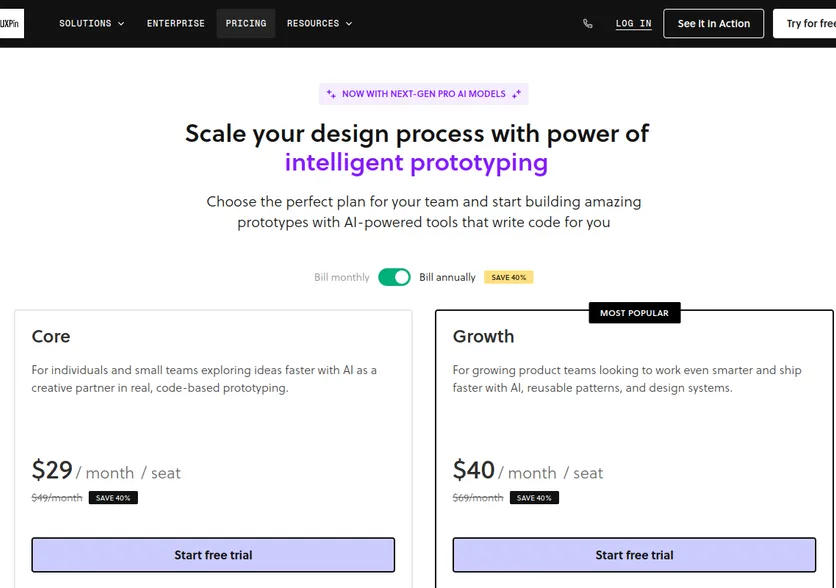
UXPin lets a remote team prototype with the actual coded components, so what the designer shows is what the developer ships. This UXPin Core plan costs $29 per seat a month on annual billing and adds unlimited prototypes, built-in coded libraries and conditional logic to the limited free plan. It fits a team that wants the design system to behave like production, not like a picture of it.
What we like
- Prototypes use real coded components
- Storybook integration included on Growth
- Free plan for trying the editor
Watch out for
- Monthly billing costs $49 a seat
- Design Systems features sit on Growth
How to try it
- Open the UXPin pricing page and start the 14-day free trial
- Build a prototype from the coded component libraries
- Share the prototype link for async review and comments
5. Specify
Best for: Remote teams that need design tokens to reach code without manual exports
Paid tool Starting price: $69/month · Essentials plan, $69 a month for 1 user and 1 repository; Teams is $134 a month for 4 users and 2 repositories; Enterprise is quoted
Free plan: Free trial
Specify is the pipe between the design tool and the codebase, and it matters most when nobody shares an office. This Specify Essentials plan costs $69 a month for one user and one repository, syncing tokens and assets from Figma and Tokens Studio into GitHub automatically. It is the pick when the team is tired of tokens drifting between the design file and production.
What we like
- Tokens sync to code automatically
- Unlimited sources and destinations
- Works with Figma and Tokens Studio
Watch out for
- Essentials covers only one user
- No free plan, trial only
How to try it
- Open the Specify pricing page and start the free trial
- Connect Figma as a source and GitHub as a destination
- Set the sync rules and let tokens update automatically
6. Sketch
Best for: Mac-based remote teams that want a one-time license instead of a subscription
Paid tool Starting price: $120 one-time · Mac-only license, $120 per seat one-time with one year of updates; subscriptions also available with a 30-day free trial, no card
Free plan: 30-day free trial
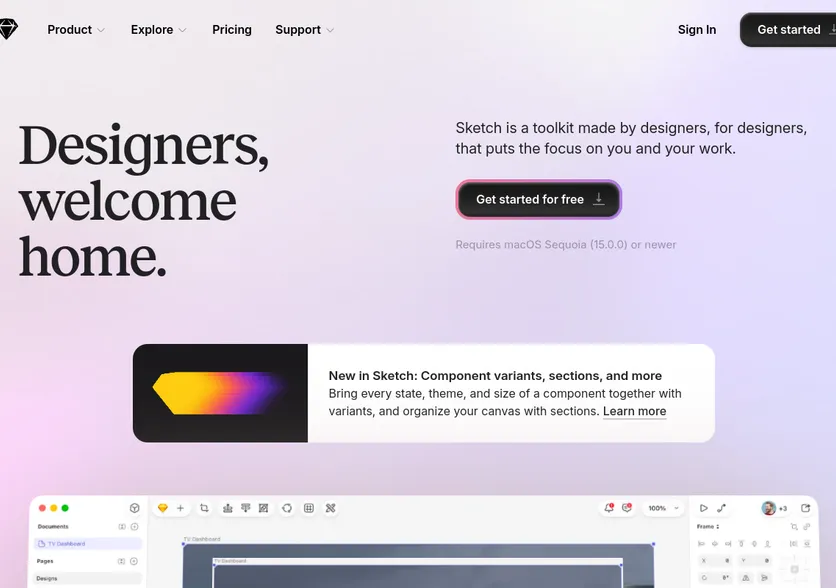
Sketch is the only tool here a remote team can buy once and keep, which changes the budget math for a small distributed crew. This Sketch Mac-only license costs $120 per seat one-time and includes one year of updates, with the native Mac app, the web app and an iPhone and iPad app for viewing designs. It suits a team where every designer works on a Mac and the system lives in shared workspaces.
What we like
- One-time license, yours to keep
- Native Mac app works offline
- Free viewers and developer handoff
Watch out for
- Mac only, no Windows app
- No free plan beyond the trial
How to try it
- Open the Sketch pricing page and start the 30-day free trial
- Design the shared components in the Mac app
- Invite the team to the workspace for real-time collaboration
7. Chromatic
Best for: Remote teams that need visual tests to catch design system regressions
Paid tool Starting price: $179/month · Starter plan, $179 a month for 35,000 billed snapshots; Pro is $399 a month; Free plan covers 5,000 snapshots; Enterprise is custom
Free plan: Free plan
Chromatic watches the design system for visual regressions, which is the safety net a remote team needs when many people edit shared components. This Chromatic Starter plan costs $179 a month for 35,000 billed snapshots and adds Safari, Firefox and Edge testing to the free plan. It is the pick when a small component change keeps breaking screens nobody owns.
What we like
- Free plan covers 5,000 snapshots
- Tests on Chrome, Safari, Firefox and Edge
- Unlimited projects and collaborators
Watch out for
- Starter is $179 a month
- Snapshots beyond the limit cost extra
How to try it
- Open the Chromatic pricing page and start the free plan
- Connect the Storybook project and run the first build
- Review the visual changes and approve the snapshots
Prices above were checked on each vendor’s own website on Nov 26, 2026 and can change — the vendor’s page is the final word. Vendor links are editorial: nobody paid to be listed or ranked here. Vendors who want a featured listing can see how it works on our Get listed page.
How to keep a design system alive across time zones
Prices on this list run from $13.75 a month to a $120 one-time license, and the spread matters less than the workflow. A remote design system fails when the documentation is stale, the handoff needs a meeting, or the tokens in code no longer match the design file. Fix those three in order: publish the library in Figma, document it in zeroheight, hand it off in Zeplin, and only then automate tokens with Specify or add visual tests with Chromatic. Before paying for anything, run one real feature through the whole loop with a designer and a developer in different time zones, and watch where the work stalls.
Before you buy
- Check that the whole team can view the system without a paid seat, so contractors and stakeholders are not locked out.
- Confirm the tool supports the time zones the team works in, with async comments and version history, not just live calls.
- Ask whether design tokens sync to code automatically or need a manual export step every release.
- Test the handoff flow with a real developer in another time zone before committing to a plan.
- Make sure the plan covers single sign-on and permissions if the team spans more than one company or contractor group.
Official websites
Official websites of the products reviewed above. Features and prices were checked against these sites when this guide was written, and they can change, so confirm on the vendor site before you buy.
Frequently asked questions
What is the best design system tool for a remote team?
Figma is the strongest start: the free Starter plan covers unlimited drafts, and the Professional plan at $16 a month per Full seat adds team libraries and advanced Dev Mode. Add zeroheight at $49 an editor a month for documentation and Zeplin at $13.75 a project a month for handoff, and a remote team has the full loop covered.
Can a design system work fully remotely?
Yes, if the tool is built for async work. Look for comments on designs, version history, free viewer seats and a published styleguide, so nobody has to be online at the same time to get an answer. Figma, zeroheight and Zeplin all work this way; a tool that only works in live meetings will slow a distributed team down.
What is the hardest part of running a design system remotely?
The handoff step is usually the weak link: designers publish, developers guess, and the built product drifts from the design. Zeplin gives developers exact specs and assets without a meeting, Specify syncs tokens into the codebase automatically, and Chromatic catches visual regressions before release.
How much does a remote design system cost per month?
It depends on the team size. A two-person remote team can run on Figma free plus Zeplin free, paying nothing. A team of five to ten usually pays for Figma Professional at $16 a seat, zeroheight Starter at $49 an editor, and Zeplin Basic at $13.75 a project, which stays under $200 a month for the core loop.
How should a remote team start a design system?
Start with the design tool the team already uses, usually Figma, and publish one shared library. Then add a documentation home in zeroheight and a handoff tool such as Zeplin, and only add token automation with Specify or visual testing with Chromatic once the basics are actually in use.
Designing something of your own? Try free color, image and font tools on Toolsvine right in your browser.
Browse Color Tools tools


