
On this page
A startup's design system has to survive speed: new hires, new features, and a product that changes every week. Figma is where most startups build it, because the shared canvas and team libraries mean the system grows with the product instead of behind it. This guide compares seven design system tools for startups, from free plans to a $179-a-month testing service, with live 2026 prices, so a young team can ship fast without the interface falling apart.
How we researched this
We checked the pricing page of every vendor on this list on November 26, 2026, and kept only tools that publish a real dollar price. Each tool had to work for a startup that ships fast and hires fast, and we compared entry prices, free plans, trial length and whether the tool scales from two people to twenty without a migration.
Compare the tools
| Name | Best for | Starting price | Free plan | |
|---|---|---|---|---|
 Figma | Startups that need a design system that grows with the product | $16/month | Free Starter plan | Visit |
| UXPin | Startups that test product ideas with realistic prototypes before building | $29/month | Free plan | Visit |
| zeroheight | Startups that hire fast and need new designers productive on day one | $49/month | Free plan | Visit |
| Zeplin | Startups that ship weekly and cannot wait for a handoff meeting | $13.75/month | Free plan | Visit |
| Specify | Startups whose tokens drift because the product changes weekly | $69/month | Free trial | Visit |
 Sketch | Startups with Mac designers that want to own the tool outright | $120 one-time | 30-day free trial | Visit |
| Chromatic | Startups that ship daily and need visual tests to catch breaks first | $179/month | Free plan | Visit |
The design system tools, compared
1. Figma
Best for: Startups that need a design system that grows with the product
Paid tool Starting price: $16/month · Professional plan, Full seat $16 a month; Dev seat $12 and Collab seat $3; Organization is $55 and Enterprise $90 a month per Full seat, billed annually; Starter is free
Free plan: Free Starter plan
Startups move fast and Figma keeps up, because the design system lives in the same canvas as the product work. This Figma Professional plan costs $16 a month per Full seat and adds unlimited files and projects and team-wide design libraries to the free Starter plan. It is the pick when the team is hiring, shipping weekly, and needs the system to grow without being rebuilt.

What we like
- Real-time collaboration for fast teams
- Team libraries scale with the product
- Free Starter covers unlimited drafts
Watch out for
- Per-seat costs grow with the team
- Organization and Enterprise need annual billing
How to try it
- Open the Figma pricing page and start the free Starter plan
- Build the shared component library as the product grows
- Add Full, Dev or Collab seats as new people join
2. UXPin
Best for: Startups that test product ideas with realistic prototypes before building
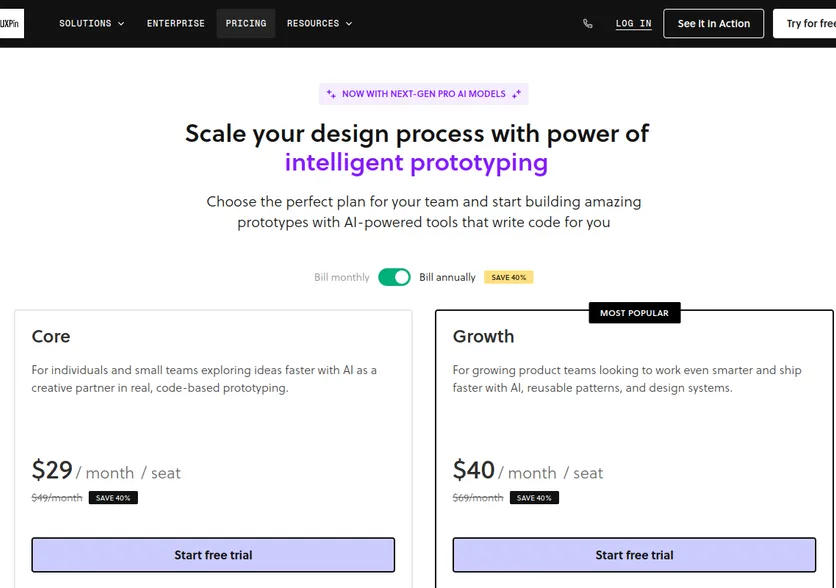
Paid tool Starting price: $29/month · Core plan, $29 per seat a month on annual billing ($49 billed monthly); Growth is $40 a seat a month; Enterprise is custom; 14-day free trial, no card
Free plan: Free plan
Startups test ideas before building them, and UXPin prototypes with real coded components so the test is honest. This UXPin Core plan costs $29 per seat a month on annual billing and adds unlimited prototypes, built-in coded libraries and conditional logic to the limited free plan. It fits a startup that validates a flow with users on Monday and builds it on Tuesday.
What we like
- Prototypes use real coded components
- Conditional logic makes flows realistic
- Free plan for trying the editor
Watch out for
- Monthly billing costs $49 a seat
- Design Systems features sit on Growth
How to try it
- Open the UXPin pricing page and start the 14-day free trial
- Build the flow from the coded component libraries
- Test it with users and hand the working prototype to developers
3. zeroheight
Best for: Startups that hire fast and need new designers productive on day one
Paid tool Starting price: $49/month · Starter plan, $49 per editor a month with a 14-day trial; Free plan covers 1 editor, 1 styleguide and 1 token set; Enterprise is quoted
Free plan: Free plan
A startup hires fast, and every new designer needs the rules on day one. This zeroheight Starter plan costs $49 per editor a month and turns the Figma library into a documented styleguide with a custom domain, commenting and governance features, so a new hire reads the system instead of interrupting the team. It is the pick when onboarding speed matters as much as the design itself.
What we like
- Styleguides stay in sync with Figma
- New hires learn the system alone
- Free plan for a single contributor
Watch out for
- Starter caps at 5 editors
- Enterprise pricing is by quote only
How to try it
- Open the zeroheight pricing page and start the 14-day trial
- Connect the Figma library and publish the styleguide
- Point every new hire at the guide on their first day
4. Zeplin
Best for: Startups that ship weekly and cannot wait for a handoff meeting
Paid tool Starting price: $13.75/month · Basic plan, $13.75 a month per project on annual billing with unlimited users; Advanced is $12 per seat a month; Free plan covers 1 project with 100 screens
Free plan: Free plan
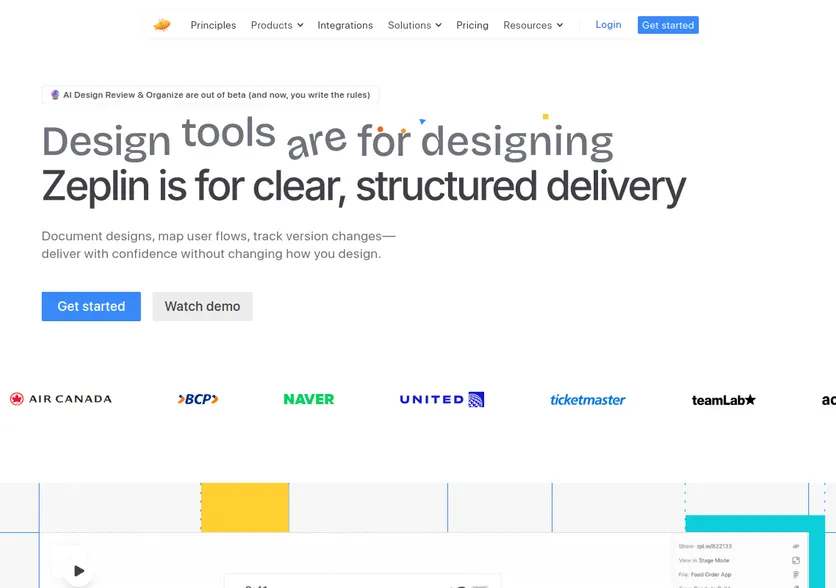
When a startup ships every week, handoff cannot wait for a meeting. This Zeplin Basic plan costs $13.75 a month per project on annual billing, with unlimited designers and developers, specs, styleguides and version history on every plan. It is the cheapest paid tool here and the pick when the developer needs exact specs the moment the design is ready.
What we like
- Cheapest paid plan on this list
- Unlimited users on every plan
- Specs update with every publish
Watch out for
- Basic is priced per project
- Advanced needs a per-seat count
How to try it
- Open the Zeplin pricing page and start the free plan
- Publish the Figma screens to a Zeplin project
- Let developers pull specs and assets whenever they are ready
5. Specify
Best for: Startups whose tokens drift because the product changes weekly
Paid tool Starting price: $69/month · Essentials plan, $69 a month for 1 user and 1 repository; Teams is $134 a month for 4 users and 2 repositories; Enterprise is quoted
Free plan: Free trial
A startup's tokens drift fast because the product changes weekly, and Specify keeps them in sync automatically. This Specify Essentials plan costs $69 a month for one user and one repository, syncing tokens and assets from Figma and Tokens Studio into GitHub without manual exports. It is the pick when the colors in production no longer match the design file and nobody knows when it happened.
What we like
- Tokens sync to code automatically
- Unlimited sources and destinations
- Works with Figma and Tokens Studio
Watch out for
- Essentials covers only one user
- No free plan, trial only
How to try it
- Open the Specify pricing page and start the free trial
- Connect Figma as a source and GitHub as a destination
- Set the sync rules and let tokens update on every change
6. Sketch
Best for: Startups with Mac designers that want to own the tool outright
Paid tool Starting price: $120 one-time · Mac-only license, $120 per seat one-time with one year of updates; subscriptions also available with a 30-day free trial, no card
Free plan: 30-day free trial
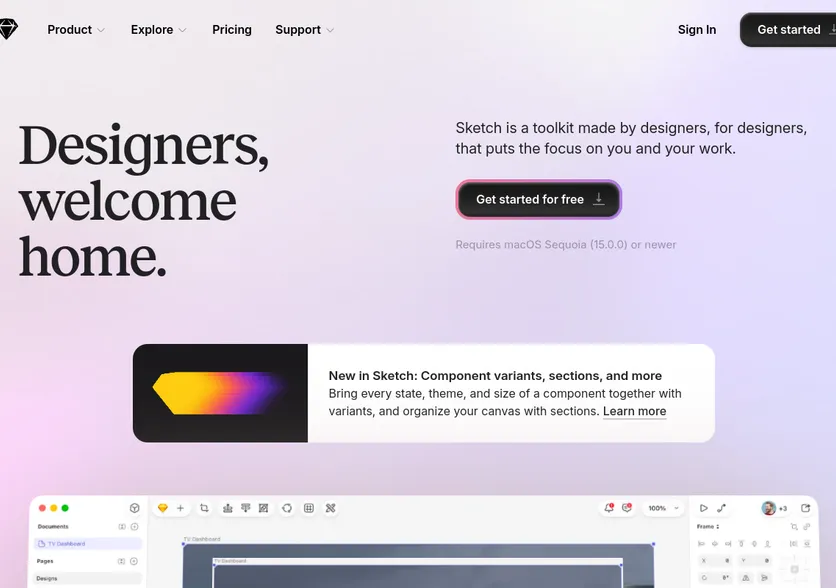
Sketch is the odd one out for a startup: a one-time license in a world of subscriptions. This Sketch Mac-only license costs $120 per seat one-time and includes one year of updates, with the native Mac app, the web app and an iPhone and iPad app for viewing designs. It suits a startup where the designers all work on Macs and the founders would rather own the tool than rent it.
What we like
- One-time license, yours to keep
- Native Mac app works offline
- Free viewers and developer handoff
Watch out for
- Mac only, no Windows app
- No free plan beyond the trial
How to try it
- Open the Sketch pricing page and start the 30-day free trial
- Design the shared components in the Mac app
- Buy the Mac-only license when the trial ends
7. Chromatic
Best for: Startups that ship daily and need visual tests to catch breaks first
Paid tool Starting price: $179/month · Starter plan, $179 a month for 35,000 billed snapshots; Pro is $399 a month; Free plan covers 5,000 snapshots; Enterprise is custom
Free plan: Free plan
A startup that ships daily breaks things daily, and Chromatic catches the visual breaks before users do. This Chromatic Starter plan costs $179 a month for 35,000 billed snapshots and adds Safari, Firefox and Edge testing to the free plan, which already covers 5,000 snapshots. It is the pick when a small component change has already broken a screen in production and the team wants that to be the last time.
What we like
- Free plan covers 5,000 snapshots
- Tests on Chrome, Safari, Firefox and Edge
- Unlimited projects and collaborators
Watch out for
- Starter is $179 a month
- Snapshots beyond the limit cost extra
How to try it
- Open the Chromatic pricing page and start the free plan
- Connect the Storybook project and run the first build
- Review the visual changes and approve the snapshots
Prices above were checked on each vendor’s own website on Nov 26, 2026 and can change — the vendor’s page is the final word. Vendor links are editorial: nobody paid to be listed or ranked here. Vendors who want a featured listing can see how it works on our Get listed page.
Build the system at the speed of the product
Prices on this list run from $13.75 a month to a $120 one-time license, but a startup should choose by speed, not by price. Start with the free loop: Figma Starter for the library, Zeplin free for the first project, and zeroheight free for the first styleguide. Pay first for the limit that blocks a hire or a release, usually a Figma Professional seat at $16 a month or a Zeplin Basic project at $13.75 a month. Add Specify at $69 a month when tokens start drifting and Chromatic at $179 a month when a visual break has already reached users, because both tools only earn their price after the failure they prevent has happened once.
Before you buy
- Pick tools that scale from two people to twenty without a migration, because startups grow fast.
- Check the free plan limits against the hiring plan, not just the team today.
- Make sure design tokens reach code automatically before the product has fifty screens.
- Test the handoff with a developer who was not in the design meeting.
- Budget for the testing tool only after the system has broken something visible once.
Official websites
Official websites of the products reviewed above. Features and prices were checked against these sites when this guide was written, and they can change, so confirm on the vendor site before you buy.
Frequently asked questions
What is the best design system tool for a startup?
Figma is the best start: the free Starter plan covers unlimited drafts, and Professional at $16 a month per Full seat adds team libraries and advanced Dev Mode. Add Zeplin at $13.75 a project a month for handoff and zeroheight at $49 an editor a month for documentation, and a startup has the full loop for under $100 a month.
Should a startup build a design system early?
Yes, but keep it light. A startup should start with a shared Figma library and a Zeplin project, not a full governance program. The system earns more process only when the team grows past five or six people, or when a broken component has already cost a release.
How much should a startup spend on design system tools?
A team of three can run on free plans: Figma Starter, Zeplin free and zeroheight free cover the whole loop. The first paid step is usually Figma Professional at $16 a seat and Zeplin Basic at $13.75 a project, which together stay under $50 a month. Add Specify at $69 and Chromatic at $179 only when tokens and visual regressions become real problems.
What breaks first when a startup scales its design system?
Tokens drift first: the colors and spacing in production stop matching the design file, and nobody notices until a user complains. Specify syncs tokens from Figma to GitHub automatically, and Chromatic catches the visual differences in testing. Both exist because this failure is so common at startup speed.
Can a startup run a design system on free plans?
Yes, for a small team. Figma Starter is free with unlimited drafts, Zeplin free covers one project with 100 screens, zeroheight free covers one styleguide, and Chromatic free covers 5,000 snapshots a month. The free tiers only break when the team hires past two or three people, which is exactly when the startup can afford to pay.
Shipping a startup product? Try free color, image and font tools on Toolsvine right in your browser.
Browse Color Tools tools


