On this page
Creative teams produce images, video and documents all day, and a shared drive buries the good work faster than any team can file it. The seven tools below give the team one searchable library, with AI tagging, visual search and review links that clients actually open. Prices were checked on the vendor site on November 27, 2026, and run from ten dollars a member a month to one hundred dollars a month. Cloudinary is our first pick, pairing AI-native image and video handling with a free plan that lets a team start today.
How we researched this
We started with the asset tools creative teams actually buy, then read each price on the vendor pricing page on November 27, 2026 and noted the trial each plan carries. We judged them for a team that produces images, video and documents daily and needs AI tagging and review links that clients open. We dropped Bynder, Brandfolder, MediaValet, Aprimo, Acquia, Frontify and Canto because none of them publishes a list price, so a buyer cannot compare them without a sales call.
Compare the tools
| Name | Best for | Starting price | Free plan | |
|---|---|---|---|---|
 Cloudinary | Creative teams that live in images and video and need the whole media lifecycle | $89/month | Free plan with 25 credits | Visit |
 Pics.io | Teams that need AI search across thousands of campaign assets | $100/month | No free plan; 7-day free trial | Visit |
 Air | Teams that judge a library by how it looks and need reviews to flow fast | $100/month | Free plan with 10 GB for 3 users | Visit |
| MediaSilo | Teams that film everything and need video review without downloads | $15/user/month | No free plan; book a demo to try it | Visit |
| Playbook | Teams that want a library that feels like the work, with a free plan to start | $10/member/month | Free plan with 100 GB and 300 assets | Visit |
| Razuna | Teams with terabytes of footage that need storage without a per-seat bill | $99/month | Free plan with 500 GB forever | Visit |
 Brandkit | Teams that guard the brand as hard as the work | $99/month | No free plan; 30-day free trial | Visit |
The digital asset management software for creative teams, compared
1. Cloudinary
Best for: Creative teams that live in images and video and need the whole media lifecycle
Paid tool Starting price: $89/month · Eighty-nine dollars a month billed annually for the Plus plan, or ninety-nine dollars billed monthly, with two hundred and twenty-five credits and three users; a free plan covers twenty-five credits
Free plan: Free plan with 25 credits
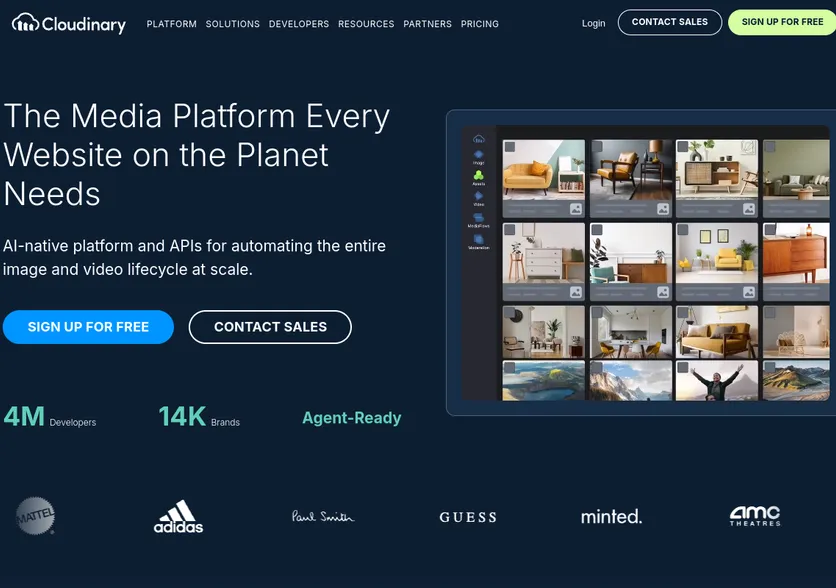
Creative teams live in images and video, and Cloudinary runs the whole media lifecycle from upload to delivery on one platform. This Cloudinary Plus plan costs eighty-nine dollars a month billed annually and covers two hundred and twenty-five credits with three users, plus a free plan for small teams. AI-native handling keeps campaign pages fast without a designer touching a single file.
What we like
- AI-native image and video handling
- One platform for storage, transformation and delivery
- Free plan that lets a small team start today
Watch out for
- Plus covers three users, so larger teams pay more
- Credit limits can surprise teams that upload heavily
How to try it
- Open the Cloudinary pricing page and start the free plan
- Upload a campaign folder and check the automatic optimisation
- Share a review link and test how fast it loads
2. Pics.io
Best for: Teams that need AI search across thousands of campaign assets
Paid tool Starting price: $100/month · One hundred dollars a month for the Solo plan, billed monthly for one user; Micro costs two hundred and twenty-five dollars a month billed annually for ten users and Small costs six hundred and eighty dollars a month billed annually, with a seven-day free trial
Free plan: No free plan; 7-day free trial
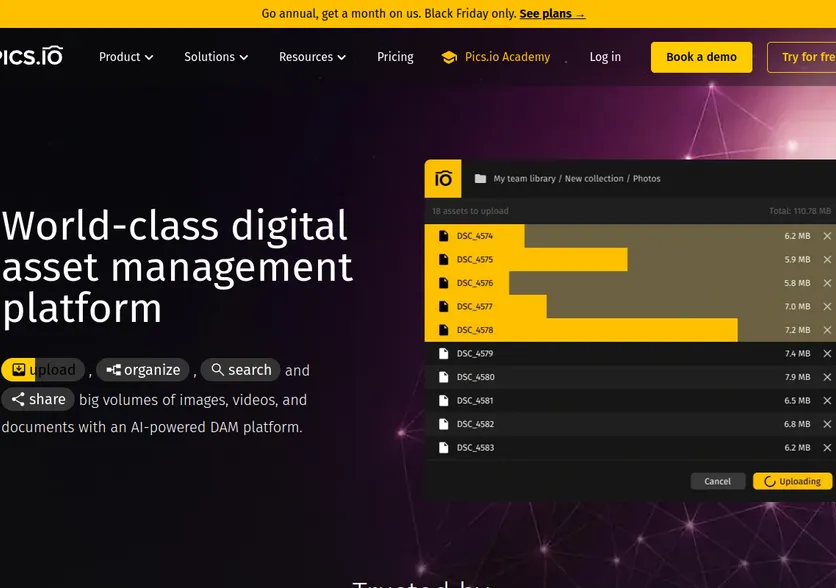
A creative team produces images, video and documents all day, and this platform keeps every asset searchable with AI-powered tagging. This Pics.io Solo plan costs one hundred dollars a month for one user, while Micro costs two hundred and twenty-five dollars a month billed annually for ten users, with a seven-day free trial. The library runs on the storage the team already uses, so the switch costs a day of setup, not a migration.
What we like
- AI-powered tagging across images, video and documents
- Works on top of storage the team already uses
- Version search across thousands of assets
Watch out for
- Solo covers one user, so a team needs Micro at least
- No free plan, so the trial is the only way to test it
How to try it
- Open the Pics.io pricing page and start the 7-day trial
- Connect your storage and let AI tag a real campaign folder
- Search for one asset by content and check the results
3. Air
Best for: Teams that judge a library by how it looks and need reviews to flow fast
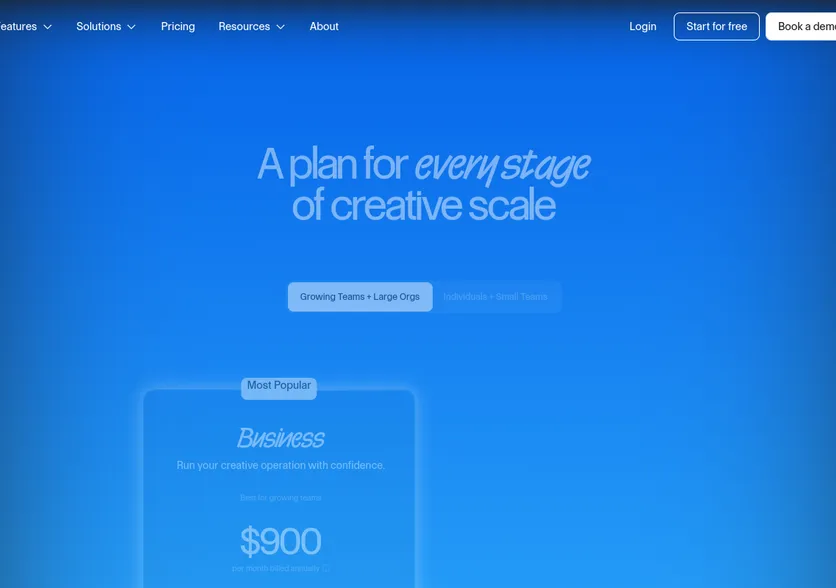
Paid tool Starting price: $100/month · One hundred dollars a month billed annually for the Starter plan, or one hundred and twenty-five dollars billed monthly, with two hundred gigabytes and five users; Business costs nine hundred dollars a month billed annually and a free plan covers ten gigabytes for three users
Free plan: Free plan with 10 GB for 3 users
Creative teams judge a library by how it looks, and Air presents every asset in a clean visual workspace built for reviews. This Air Starter plan costs one hundred dollars a month billed annually and covers two hundred gigabytes with five users, plus a free plan for small teams. Visual search and version history keep the team from sending a client last month's cut by mistake.
What we like
- Clean visual workspace built for reviews
- Visual search across the whole library
- Free plan that covers small teams
Watch out for
- Starter covers five users, so larger teams need Business
- Business costs nine hundred dollars a month
How to try it
- Open the Air pricing page and start the free plan
- Upload a campaign folder and browse the visual workspace
- Share a review link with a client and check the feedback flow
4. MediaSilo
Best for: Teams that film everything and need video review without downloads
Paid tool Starting price: $15/user/month · Fifteen dollars per user a month for the Team plan, with a five-seat minimum and two terabytes of storage; Pro costs twenty-five dollars per user a month, and the vendor page does not state whether the rate is monthly or annual billing
Free plan: No free plan; book a demo to try it
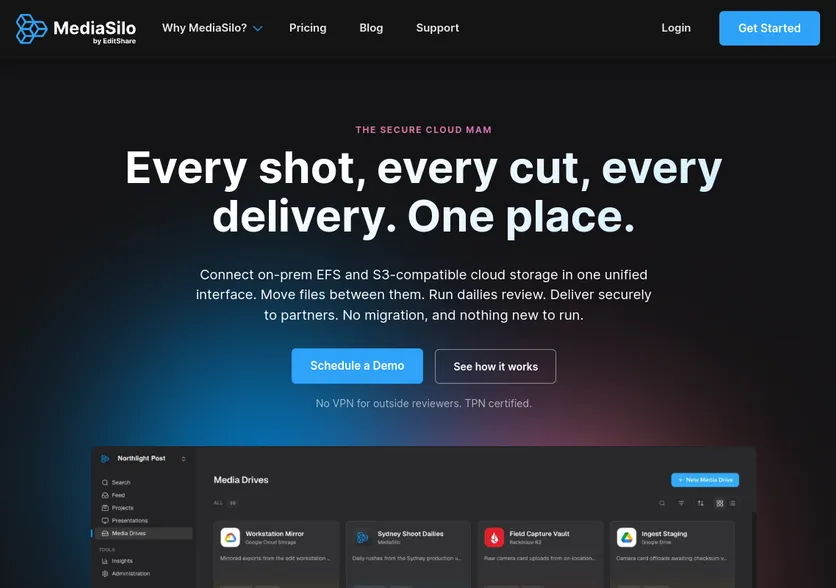
A creative team that films everything needs video that streams without stutter, and MediaSilo is built for video review and delivery. This MediaSilo Team plan costs fifteen dollars per user a month with a five-seat minimum and two terabytes of storage. Video review tools let the client approve a cut without downloading a single file.
What we like
- Video review and delivery built for footage
- Two terabytes of storage on the Team plan
- Client approval without a single download
Watch out for
- Five-seat minimum, so a one-person studio pays for five
- The vendor page does not state monthly or annual billing
How to try it
- Open the MediaSilo pricing page and book a demo
- Upload a campaign video and test the review flow
- Share the cut with a client and check how it plays
5. Playbook
Best for: Teams that want a library that feels like the work, with a free plan to start
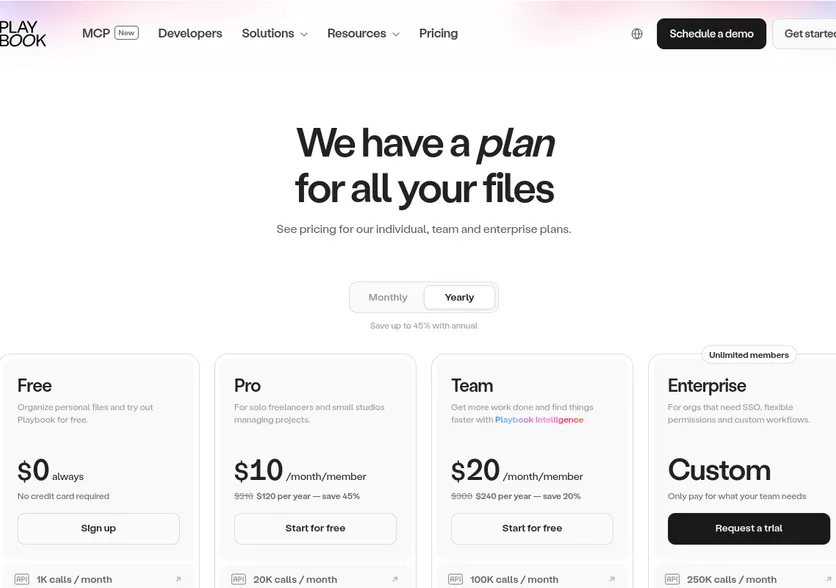
Paid tool Starting price: $10/member/month · Ten dollars per member a month billed annually for the Pro plan, or eighteen dollars billed monthly; Team costs twenty dollars per member a month billed annually and a free plan covers one hundred gigabytes and three hundred assets
Free plan: Free plan with 100 GB and 300 assets
A creative team needs a library that feels like the work, and Playbook keeps images and files organised with a free plan to start. This Playbook Pro plan costs ten dollars per member a month billed annually and covers solo freelancers and small studios, with a free plan for one hundred gigabytes. The free plan covers one hundred gigabytes, which is enough for a team to test the library on real work before paying.
What we like
- Free plan that covers real campaign work
- Simple library the team opens without thinking
- Ten dollars a member a month on the Pro plan
Watch out for
- The free plan covers three hundred assets, so busy teams pay fast
- Team costs twenty dollars per member a month
How to try it
- Open the Playbook pricing page and start the free plan
- Upload a real campaign folder and organise it by client
- Invite the team and check who actually opens it
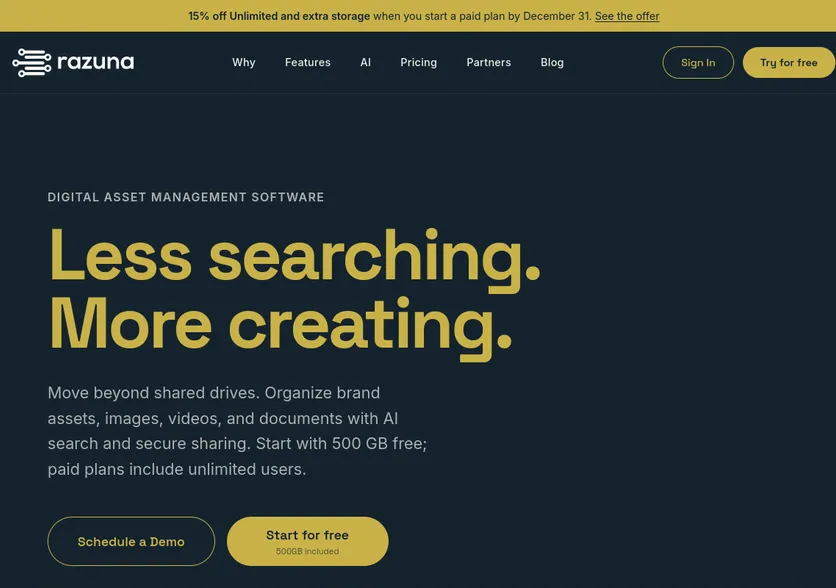
6. Razuna
Best for: Teams with terabytes of footage that need storage without a per-seat bill
Paid tool Starting price: $99/month · Ninety-nine dollars a month for the Unlimited plan with one terabyte of storage and unlimited users; Unlimited Plus costs four hundred and ninety-nine dollars a month and a free plan covers five hundred gigabytes forever
Free plan: Free plan with 500 GB forever
A creative team with terabytes of footage needs storage that does not charge per seat, and Razuna gives unlimited users a full terabyte. This Razuna Unlimited plan costs ninety-nine dollars a month and covers one terabyte of storage with unlimited users, plus a free plan with five hundred gigabytes forever. The whole team gets access for one flat price, which is rare in a market that usually bills per seat.
What we like
- One terabyte with unlimited users for one flat price
- Free plan with five hundred gigabytes forever
- No per-seat billing as the team grows
Watch out for
- Unlimited Plus costs four hundred and ninety-nine dollars a month
- The interface suits file storage more than brand presentation
How to try it
- Open the Razuna pricing page and start the free plan
- Upload a campaign folder and invite the whole team
- Check the storage meter after a week of real uploads
7. Brandkit
Best for: Teams that guard the brand as hard as the work
Paid tool Starting price: $99/month · Ninety-nine dollars a month for the Team plan, or one thousand and ninety-nine dollars a year on annual billing, with unlimited users; Pro costs four hundred and ninety-nine dollars a month billed annually and Enterprise costs nine hundred and ninety-nine dollars a month
Free plan: No free plan; 30-day free trial
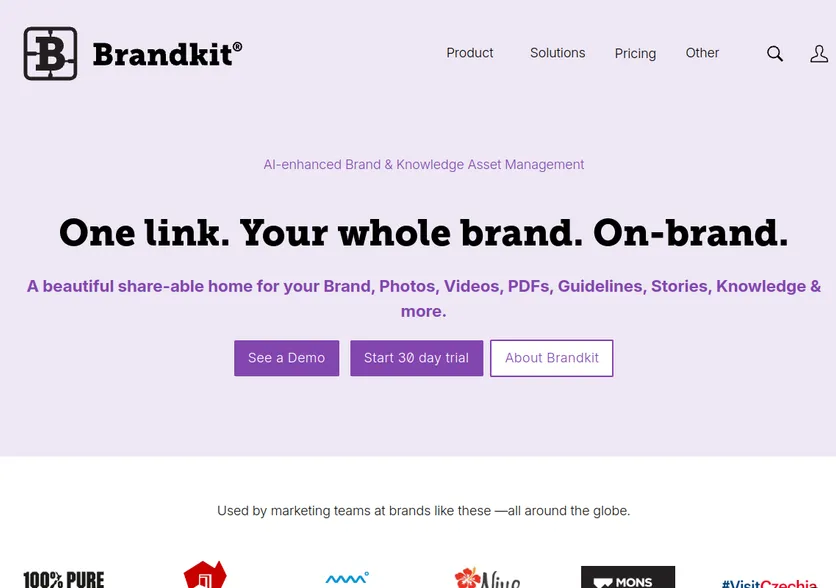
A creative team guards the brand as hard as the work, and Brandkit gives clients one link to the whole visual identity. This Brandkit Team plan costs ninety-nine dollars a month with unlimited users, or one thousand and ninety-nine dollars a year on annual billing, with a thirty-day free trial. One shareable link replaces the folder of logos and guidelines every client asks for.
What we like
- One link to the whole brand
- Unlimited users on the Team plan
- Thirty-day free trial to test the library
Watch out for
- Pro costs four hundred and ninety-nine dollars a month
- The audience is brand teams, not just file storage
How to try it
- Open the Brandkit pricing page and start the 30-day trial
- Upload logos, guidelines and brand photos
- Share one link with a client and check what they see
Prices above were checked on each vendor’s own website on Nov 27, 2026 and can change — the vendor’s page is the final word. Vendor links are editorial: nobody paid to be listed or ranked here. Vendors who want a featured listing can see how it works on our Get listed page.
What asset management costs for creative teams in 2026
Asset tools bill by the user or by the month, and the unit decides whether a growing team pays more every time it hires. Flat monthly pricing suits a team where everyone uploads, while per-member pricing suits a small studio with a few editors. The cheapest plan here costs ten dollars a member a month, while the most expensive costs one hundred dollars a month for the whole team.
Start with a trial on two tools and load a real campaign folder into each one, with the images, video and documents your team uses today. Search for one asset by content, send a review link to a client and check how fast they open it. Pick the tool whose review link clients actually click, because a library nobody opens is just a tidier shared drive.
Before you buy
- Check whether the price is per user or per member, because a team where everyone uploads pays far more on per-user plans.
- Confirm the storage limit on the entry plan, because one hundred gigabytes fill up fast when video runs large.
- Test the AI tagging on a real campaign, because keyword search misses assets that AI finds by content.
- Ask whether review links are included, because a client approval that needs a login never happens.
- Check the video support before you buy, because a library that treats video as an afterthought slows the whole team.
Official websites
Official websites of the products reviewed above. Features and prices were checked against these sites when this guide was written, and they can change, so confirm on the vendor site before you buy.
Frequently asked questions
Which digital asset management software is best for creative teams in 2026?
Cloudinary is the best overall pick at eighty-nine dollars a month, pairing AI-native image and video handling with a free plan that lets a team start today. Pics.io is the best pick for AI search at one hundred dollars a month, finding assets by content without manual tagging. Playbook is the best budget pick at ten dollars a member a month with a free plan for one hundred gigabytes.
How much does digital asset management software cost for creative teams?
Prices in this list run from ten dollars a member a month for Playbook to one hundred dollars a month for Pics.io and Air, with most tools landing between fifteen and ninety-nine dollars a month. Flat monthly pricing suits teams where everyone uploads, while per-member pricing suits small studios with a few editors. Add storage limits and user seats to the subscription before you compare totals.
Do creative teams need AI tagging in a DAM tool?
Yes, because a creative team produces images, video and documents all day, and nobody has time to tag thousands of assets by hand. Pics.io and Cloudinary tag files by content, so the team finds an asset by what it shows, not what someone named it. A library that only searches filenames stays empty, because the assets never get named properly in the first place.
Can a small creative team use DAM software?
Yes, and Playbook at ten dollars a member a month is built for exactly that buyer, with a free plan covering one hundred gigabytes. Cloudinary starts at eighty-nine dollars a month with a free plan for small teams, while Razuna covers a full terabyte for ninety-nine dollars a month. A team that ships one campaign a month already has enough assets to justify a library.
What should creative teams check before buying a DAM tool?
Check the video support first, because a library that treats video as an afterthought slows the whole team. Check the review links next, because a client approval that needs a login never happens. Check the storage limit last, because one hundred gigabytes fill up fast when video runs large.
Need everyday business help too? Try Toolsvine's free business tools right in your browser.
Browse Business Tools tools