On this page
Therapists collect more brand material than most expect: headshots, worksheets, intake forms, video clips and consent documents. When those files live in email threads and phone galleries, finding the right version before a session wastes time. The eight tools below bring that material into one searchable library with sharing links. Every price was checked on the vendor site on November 27, 2026, and the list runs from ten dollars a month to two hundred and fifty dollars a month. Air is our first pick — a free plan with unlimited seats and a Starter plan at twenty-five dollars a month.
How we researched this
We started with the digital asset management tools a therapy practice can actually buy without an enterprise sales call, then read each price on the vendor pricing page on November 27, 2026 and noted the free plan or trial each one carries. We judged them for a small practice that needs to find the approved file in seconds, with sharing controls that keep private documents private. We dropped Canto, Bynder and Brandfolder because none publishes a list price, so a buyer cannot compare them without a sales call.
Compare the tools
| Name | Best for | Starting price | Free plan | |
|---|---|---|---|---|
 Air | Therapy practices that want a free starting point with unlimited seats for the whole team | $25/month | Free plan with 100 credits a month, up to 3 users and 10 GB of storage | Visit |
 Filecamp | Small practices that want unlimited users at one flat monthly price | $29/month | No free plan; 30-day free trial of the Professional plan, no credit card required | Visit |
 Cloudinary | Practices that publish lots of images and video and need automatic resizing | $89/month | Free plan with limited credits for a small library | Visit |
 Pics.io | Practices that want Google Drive-style folders with real asset management on top | $100/month | No free plan; free trial available | Visit |
| Playbook | Practices that want the cheapest paid plan here for a small creative team | $10/member/month | Free plan with 100 GB of storage and 300 assets | Visit |
 Dash | Practices that want every feature unlocked from day one with no per-seat billing | $109/month | No free plan; 14-day free trial with full access, no credit card required | Visit |
| Tagbox | Practices with large photo and video libraries that need AI search by face and object | $250/month | No free plan listed on the pricing page | Visit |
 Lingo | Practices that share brand kits and portals with clients and partners | $80/month | No free plan; 30-day free trial of the Business plan | Visit |
The digital asset management software for therapists, compared
1. Air
Best for: Therapy practices that want a free starting point with unlimited seats for the whole team
Paid tool Starting price: $25/month · Twenty-five dollars a month billed annually, or two hundred and fifty dollars a year, for the Starter plan with six hundred credits a month and unlimited users; Business costs nine hundred dollars a month billed annually; Enterprise is custom-priced
Free plan: Free plan with 100 credits a month, up to 3 users and 10 GB of storage
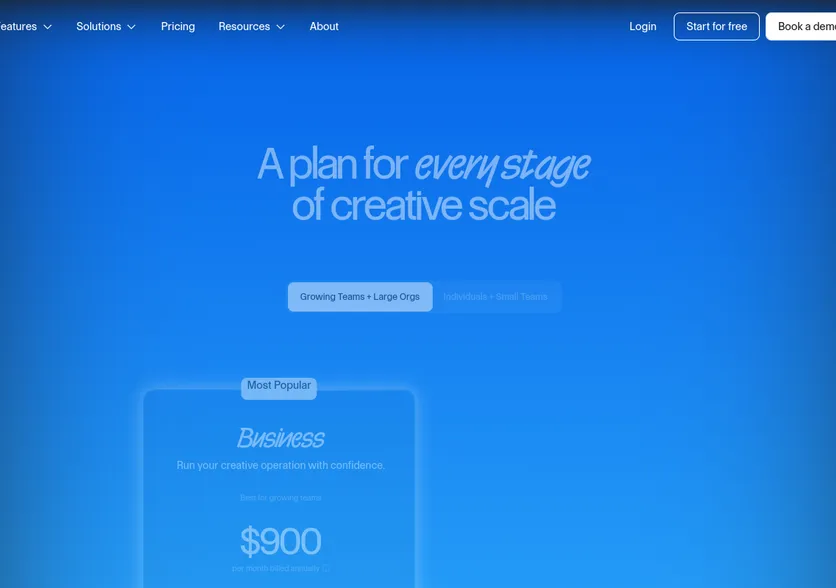
Air is the creative workspace that pairs a visual asset library with AI search and review tools, so a practice finds files by description, not filename. This Air Starter plan costs twenty-five dollars a month billed annually and covers six hundred credits a month with unlimited users. A small practice gets a shared library, approvals and passcode links with no per-seat bill.
What we like
- Free plan with unlimited seats for the whole team
- AI search finds files by description, not filename
- Passcode links keep client material private
Watch out for
- Storage and AI use draw from one shared credit pool
- The jump from Starter to Business is steep at nine hundred dollars a month
How to try it
- Open the Air site and start with the free plan
- Upload your headshots, worksheets and consent forms into one library
- Share a passcode link and collect approval comments
2. Filecamp
Best for: Small practices that want unlimited users at one flat monthly price
Paid tool Starting price: $29/month · Twenty-nine dollars a month for the Basic plan, the same rate whether billed monthly or annually at three hundred and forty-eight dollars a year, with unlimited users and twenty gigabytes of storage; Advanced costs fifty-nine dollars and Professional costs eighty-nine dollars a month
Free plan: No free plan; 30-day free trial of the Professional plan, no credit card required
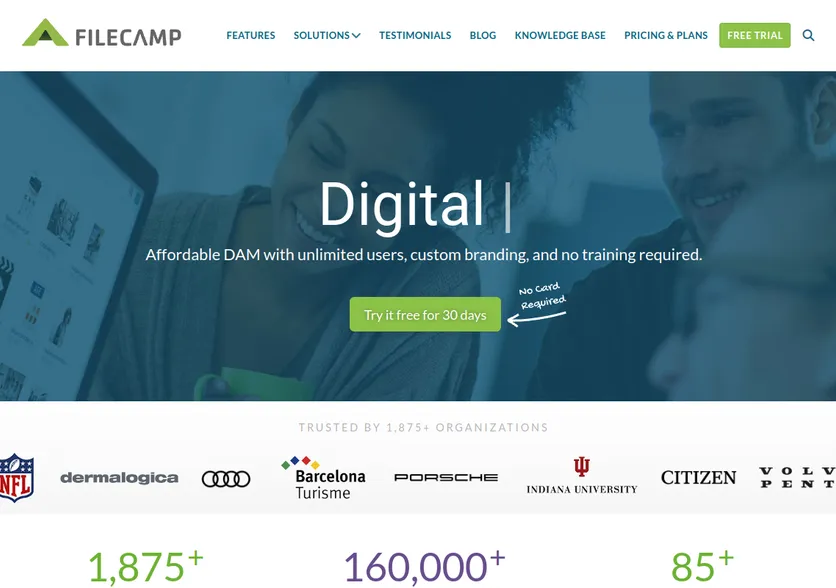
Filecamp is the straightforward digital asset manager that charges one flat monthly price for unlimited users, so the whole practice browses and downloads with no per-seat bill. This Filecamp Basic plan costs twenty-nine dollars a month and covers twenty gigabytes for unlimited users. A practice sharing files with contractors and clients gets branded download pages and approval workflows without enterprise pricing.
What we like
- Unlimited users on every plan at a flat price
- Branded download pages that look like your practice
- Same price monthly or annually, with no surprise renewal jump
Watch out for
- Basic covers only twenty gigabytes before you pay for more storage
- No free plan, so the trial is the only way to test it
How to try it
- Open the Filecamp site and start the 30-day trial
- Upload your practice files and organise them into branded folders
- Send a branded download link and track the download
3. Cloudinary
Best for: Practices that publish lots of images and video and need automatic resizing
Paid tool Starting price: $89/month · Eighty-nine dollars a month billed annually for the Plus plan, or ninety-nine dollars billed monthly, with two hundred and twenty-five credits and three users; Advanced costs two hundred and twenty-four dollars a month
Free plan: Free plan with limited credits for a small library
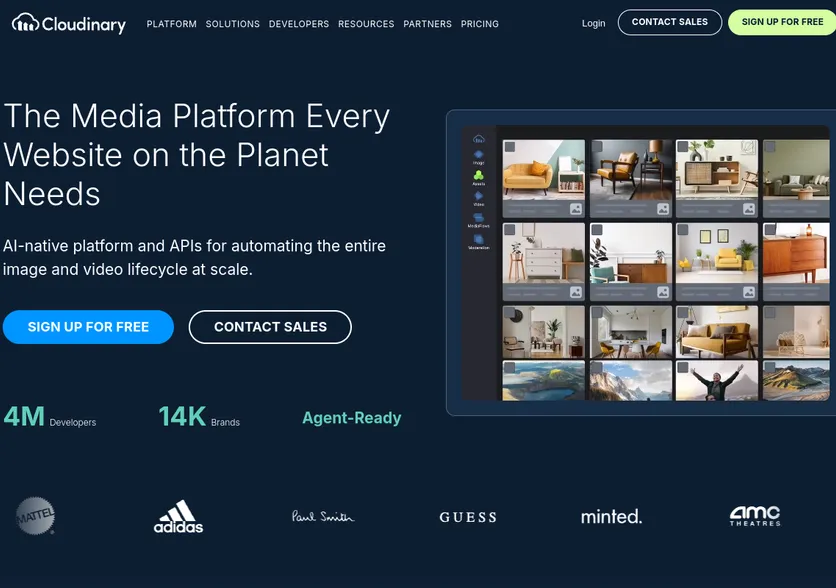
Cloudinary is the media platform that stores, transforms and delivers images and video, so one upload serves a banner, a post and a worksheet at the right size. This Cloudinary Plus plan costs eighty-nine dollars a month billed annually and covers two hundred and twenty-five credits for three users. A practice reusing photos across its site gets automatic cropping and format conversion with no designer.
What we like
- Automatic resizing and format conversion for every channel
- Generous free plan for a small media library
- Fast delivery links that keep your website quick
Watch out for
- Credit use grows fast when you transform lots of video
- Only three users on the Plus plan before the bill rises
How to try it
- Open the Cloudinary site and start with the free plan
- Upload your images and set the sizes each channel needs
- Copy the delivery link for your website or social post
4. Pics.io
Best for: Practices that want Google Drive-style folders with real asset management on top
Paid tool Starting price: $100/month · One hundred dollars a month for the Solo plan, billed monthly only, for one user; Micro costs two hundred and twenty-five dollars a month billed annually, or two hundred and fifty dollars billed monthly; Small costs six hundred and eighty dollars a month billed annually
Free plan: No free plan; free trial available
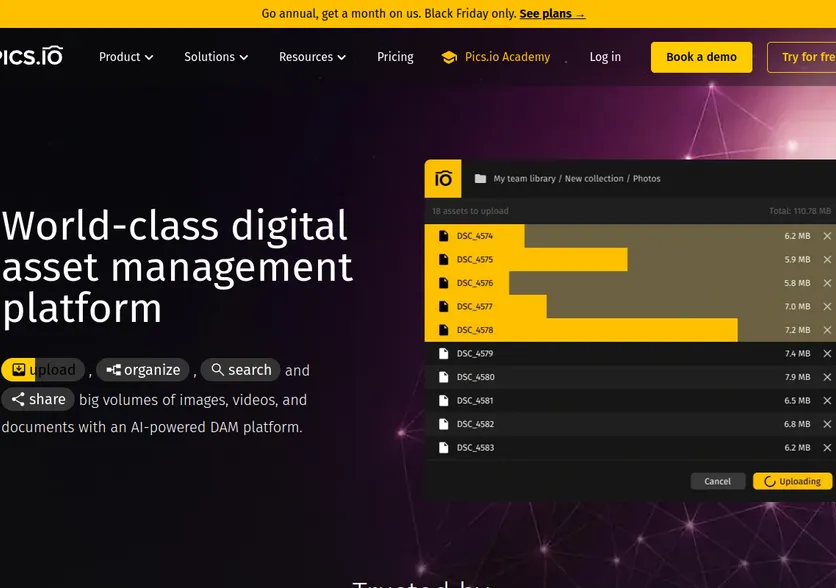
Pics is the digital asset manager that layers search, versioning and approval on top of familiar cloud storage, so a practice keeps familiar folders and gains real library controls. This Pics.io Solo plan costs one hundred dollars a month and covers one user and unlimited storage connectors. A small team storing files in Google Drive or Amazon storage gets keywords, version history and share links without moving anything.
What we like
- Works on top of the cloud storage you already use
- Version history keeps every draft of a worksheet
- Keywords and visual search find files fast
Watch out for
- Solo covers only one user, so a team pays more
- The entry plan is billed monthly only, with no annual discount
How to try it
- Open the Pics.io site and connect your existing cloud storage
- Add keywords and version your worksheets and consent forms
- Share a link and set an expiry date on it
5. Playbook
Best for: Practices that want the cheapest paid plan here for a small creative team
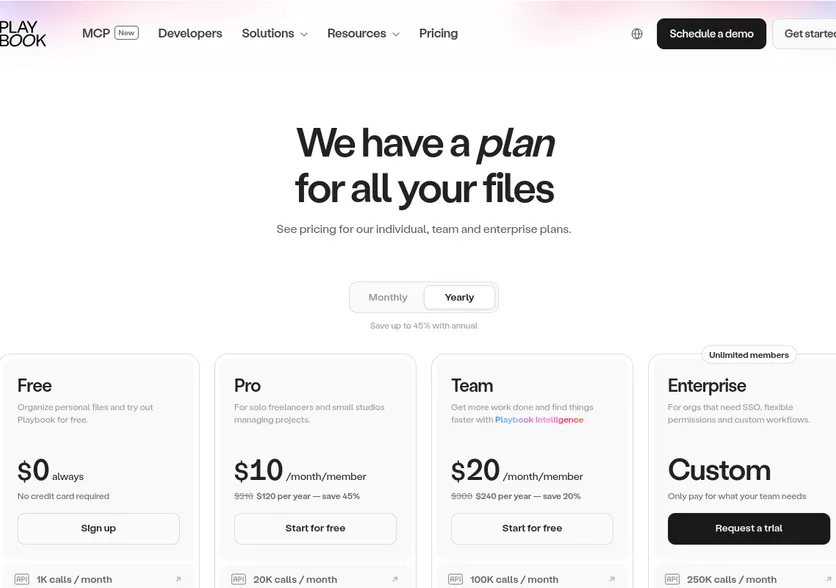
Paid tool Starting price: $10/member/month · Ten dollars a month per member billed annually for the Pro plan, or eighteen dollars billed monthly; Team costs twenty dollars a month per member; a free plan covers one hundred gigabytes and three hundred assets
Free plan: Free plan with 100 GB of storage and 300 assets
Playbook is the visual storage platform built for creative teams, pairing a clean library with review boards that keep feedback beside the file. This Playbook Pro plan costs ten dollars a month per member billed annually and covers unlimited storage. A practice collecting photos and video from photographers gets a simple library and shareable boards at the lowest paid price here.
What we like
- Cheapest paid plan in this comparison at ten dollars a member
- Client review boards keep feedback with the file
- Free plan covers a small library with no card required
Watch out for
- Free plan caps at three hundred assets before you pay
- Per-member billing grows with every teammate you add
How to try it
- Open the Playbook site and start with the free plan
- Create a board for each client or campaign and invite reviewers
- Upload new files to the board and collect comments in one place
6. Dash
Best for: Practices that want every feature unlocked from day one with no per-seat billing
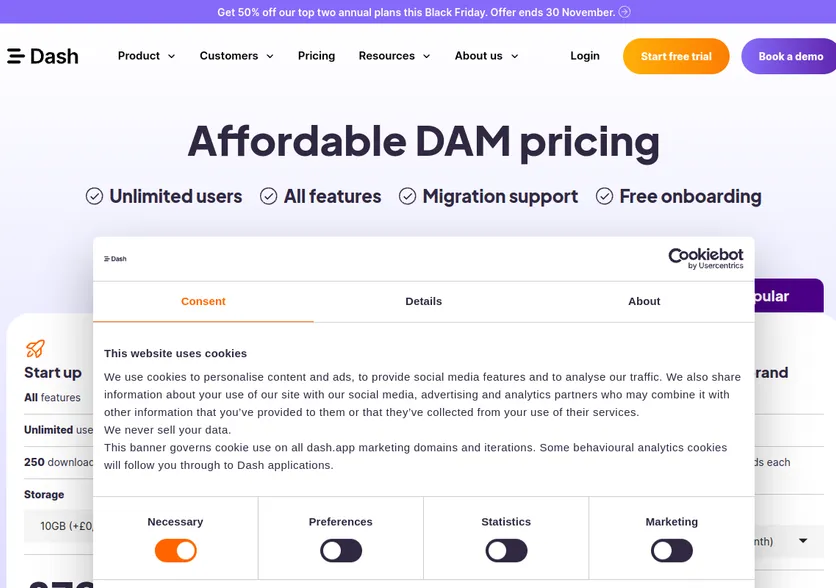
Paid tool Starting price: $109/month · One hundred and nine dollars a month for the Start Up plan, with ten gigabytes of storage, two hundred and fifty downloads a month and unlimited users; paying annually saves ten percent; Small Team costs two hundred and thirty-nine dollars and Growing Brand costs three hundred and eighty-nine dollars a month
Free plan: No free plan; 14-day free trial with full access, no credit card required
Dash is the digital asset manager that unlocks every feature on every plan, so a practice picks a tier by storage and downloads, not by features. This Dash Start Up plan costs one hundred and nine dollars a month and covers ten gigabytes for unlimited users. A growing practice gets AI search, auto-tagging, branded portals and Shopify integration with no per-seat meter.
What we like
- Every feature unlocked on every plan, including AI search
- Unlimited users, so freelancers and agencies cost nothing extra
- Branded portals let clients download without asking you
Watch out for
- Storage overages raise the subscription automatically
- No free plan, so the fourteen-day trial is the only test
How to try it
- Open the Dash site and start the 14-day trial
- Upload your files and let AI tagging organise them
- Build a branded portal so clients help themselves
7. Tagbox
Best for: Practices with large photo and video libraries that need AI search by face and object
Paid tool Starting price: $250/month · Two hundred and fifty dollars a month billed annually for the Starter plan, or three hundred dollars billed monthly, with one workspace, five users and five thousand media files; Basic costs four hundred dollars a month and Pro starts at six hundred dollars a month
Free plan: No free plan listed on the pricing page
Tagbox is the AI digital asset manager that tags faces, objects and text automatically, so a search for a person or product finds files with no manual tagging. This Tagbox Starter plan costs two hundred and fifty dollars a month billed annually and covers five thousand media files for five users. A practice with years of photos and video gets semantic search and face recognition, plus a desktop search app.
What we like
- AI tagging finds faces, objects and text without manual work
- Desktop app searches your library from Finder or File Explorer
- Nonprofits get twenty percent off and small businesses up to fifty percent off
Watch out for
- Most expensive entry price in this list at two hundred and fifty dollars a month
- No free plan, so you cannot test it without talking to sales
How to try it
- Open the Tagbox site and request a demo of the Starter plan
- Upload your photo and video library and let AI tagging run
- Search by face, object or text to find the file you need
8. Lingo
Best for: Practices that share brand kits and portals with clients and partners
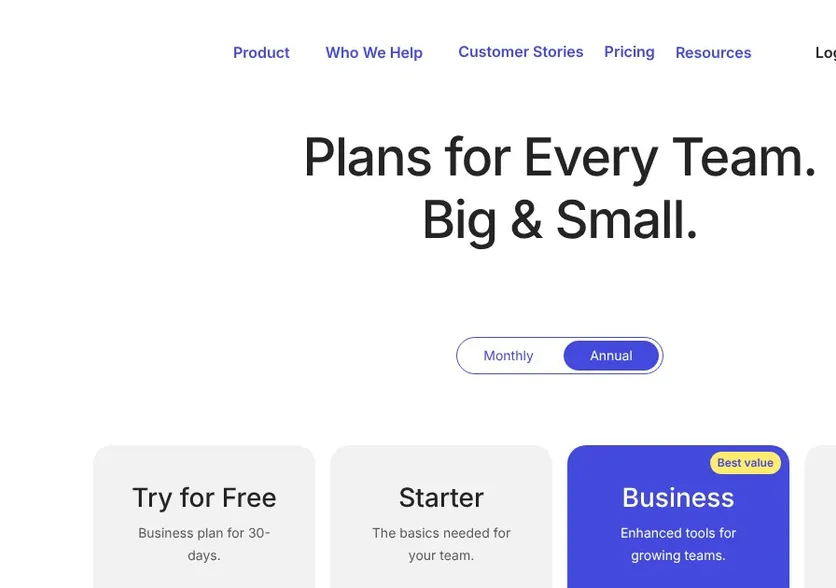
Paid tool Starting price: $80/month · Eighty dollars a month billed annually for the Starter plan, plus sixteen dollars a month per editor billed annually, with fifty consumers a month and one hundred gigabytes included; Business costs one hundred and sixty dollars a month plus twenty-four dollars per editor
Free plan: No free plan; 30-day free trial of the Business plan
Lingo is the digital asset manager built around kits and portals, so a practice hands clients a branded collection of approved files, not a folder of loose downloads. This Lingo Starter plan costs eighty dollars a month billed annually plus sixteen dollars per editor a month, with fifty consumers included. A practice sending brand assets to partners gets portals, custom exports and download requests in one tidy package.
What we like
- Kits and portals present approved files beautifully
- Consumers are counted only when they view content
- Custom exports resize assets for each channel
Watch out for
- Editors cost sixteen dollars a month each on top of the platform fee
- Consumer usage beyond the included fifty a month needs an upgrade
How to try it
- Open the Lingo site and start the 30-day free trial
- Build a kit with your approved logos, photos and forms
- Share the kit as a branded portal and watch download requests
Prices above were checked on each vendor’s own website on Nov 27, 2026 and can change — the vendor’s page is the final word. Vendor links are editorial: nobody paid to be listed or ranked here. Vendors who want a featured listing can see how it works on our Get listed page.
What a therapy practice pays for a digital asset library in 2026
A digital asset manager charges per member, per editor or a flat monthly fee, and the difference decides the bill for a small practice. Per-member pricing suits a team of two or three, while a flat monthly fee suits a practice where many people only need to view files. The cheapest paid plan here costs ten dollars a month per member, while the most expensive costs two hundred and fifty dollars a month for the whole team.
Start with a trial on two tools and load fifty real files into each. Search for a headshot, a consent form and a worksheet, then share one file with a client and check who can see it. Pick the tool whose search finds the file on the first try, because a library you cannot search is just a tidier drive.
Before you buy
- Check how many files the entry plan stores, because a low cap forces an upgrade in the first year.
- Confirm sharing links can be passcode-protected, because client material must never travel on an open link.
- Test the search on your own file names, because keyword search misses faces that AI tagging finds.
- Ask who counts as a billable user, because editors, viewers and consumers are priced differently.
- Check the export terms before you sign, because a library that locks your files behind a fee costs more later.
Official websites
Official websites of the products reviewed above. Features and prices were checked against these sites when this guide was written, and they can change, so confirm on the vendor site before you buy.
Frequently asked questions
Which digital asset management software is best for therapists in 2026?
Air is the best overall pick at twenty-five dollars a month billed annually, with a free plan that covers unlimited seats and a hundred credits a month. Playbook is the best budget pick at ten dollars a month per member, and Filecamp is the best flat-price pick at twenty-nine dollars a month with unlimited users. All three prices were checked on the vendor site on November 27, 2026.
How much does digital asset management software cost for a therapy practice?
Prices in this list run from ten dollars a month per member for Playbook to two hundred and fifty dollars a month for Tagbox, with most tools landing between twenty-five and one hundred and nine dollars a month. Per-member pricing suits a practice with two or three people, while flat monthly pricing suits a practice where many people only read files. Add storage caps and per-editor fees before you compare totals.
Do therapists need a digital asset manager, or is cloud storage enough?
Cloud storage keeps files, but it does not manage them: it cannot tag a photo by face, expire a consent form or show which version a client approved. A digital asset manager adds search, versioning, permissions and branded sharing to storage, so clients always receive the right file. A solo practice with a few files can stay on cloud storage, but one that shares files often will save hours with a library.
What should a therapy practice check before buying a digital asset manager?
Check who can see what: client files need permissions that keep private documents away from contractors and the public. Check the storage cap and the per-user or per-editor fees, because both quietly raise the bill as the team grows. Check the export terms too, because a library that locks your files behind a fee costs more later than the subscription suggests.
Can a small therapy practice use a free digital asset management plan?
Yes, and Air and Playbook both offer one: Air gives a hundred credits a month with unlimited seats, while Playbook gives a hundred gigabytes and three hundred assets. A free plan suits a practice that stores a small library and shares files occasionally. When the library grows past the free limits, the paid plans here start at ten dollars a month per member, so the step up is small.
Need everyday business help too? Try Toolsvine's free business tools right in your browser.
Browse Business Tools tools