On this page
Concept artists paint fast, iterate faster and need brushes that feel like real media under the stylus. The seven tools below cover that whole workflow, from rough thumbnails to finished key art, with brush engines, layer systems and colour tools built for production work. Some charge once, others charge by the month, and the cheapest way in costs twelve dollars and ninety-nine cents once. Every price was checked on the vendor site on November 27, 2026. Clip Studio Paint is our first pick — a one-time purchase at sixty-three dollars with the brush engine concept artists trust most.
How we researched this
We started with the digital painting tools a concept artist can buy without an enterprise sales call, then read each price on the vendor pricing page on November 27, 2026 and noted the trial each one carries. We judged them for an artist who paints production art daily and needs a brush engine, layers and colour tools that keep up with a deadline. We dropped Affinity because it is now free for individuals, and Krita, Sketchbook and MediBang Paint because they are free tools, not paid comparisons.
Compare the tools
| Name | Best for | Starting price | Free plan | |
|---|---|---|---|---|
 Adobe Photoshop | Concept artists who need the industry-standard brush and compositing tool | $22.99/month | No free plan; 7-day free trial | Visit |
 Clip Studio Paint | Concept artists who want the best brush engine for the lowest one-time price | $63 one-time | No free plan; free trial up to 3 months | Visit |
 Corel Painter | Concept artists who want brushes that feel like real oil, watercolour and pastel | $199/year | No free plan; free trial available | Visit |
 Procreate | Concept artists who paint on iPad and want the cheapest paid tool here | $12.99 one-time | No free plan; no trial | Visit |
 Rebelle | Concept artists who want watercolour and wet-media simulation | $89.99 one-time | No free plan; 30-day free trial | Visit |
 ArtRage Vitae | Concept artists who want a simple natural-media painter at a low one-time price | $80 one-time | Free demo of the older version with no saving | Visit |
| Artstudio Pro | Concept artists who want a cheap pro painter on iPad and Mac | $14.99 one-time | Free download with a limited free tier (3 layers, saving locked, JPG export only) | Visit |
The digital painting software for concept artists, compared
1. Adobe Photoshop
Best for: Concept artists who need the industry-standard brush and compositing tool
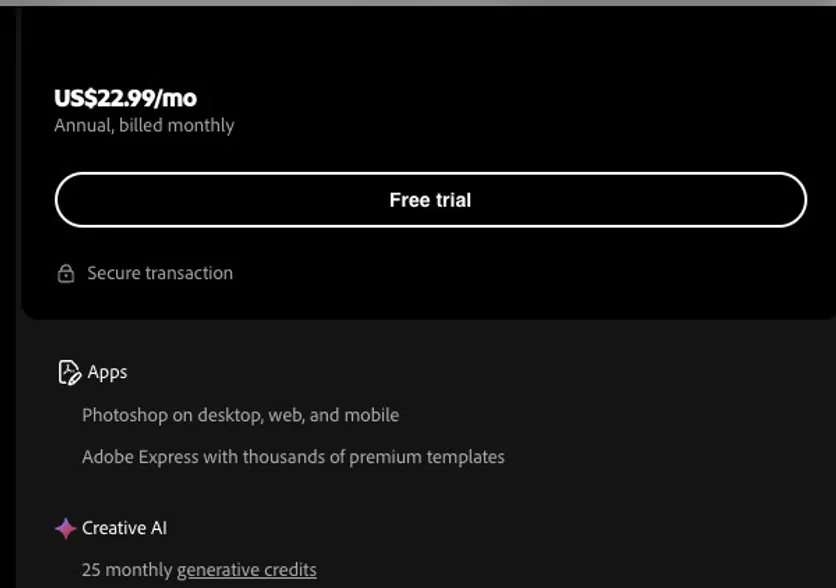
Paid tool Starting price: $22.99/month · Twenty-two dollars and ninety-nine cents a month for the single-app plan, billed annually and charged monthly; month-to-month billing costs thirty-four dollars and forty-nine cents; the Photography plan costs nineteen dollars and ninety-nine cents a month and bundles Lightroom
Free plan: No free plan; 7-day free trial
Adobe Photoshop is the industry standard for concept art, pairing the deepest brush engine with photo compositing, 3D layers and colour tools that production pipelines already expect. This Adobe Photoshop single-app plan costs twenty-two dollars and ninety-nine cents a month billed annually. A concept artist gets the tool every studio already uses, with brushes, masks and adjustment layers that handle thumbnails and finished key art alike.
What we like
- Deepest brush engine and compositing tools in this list
- Every studio already uses it, so files move freely
- Huge brush and plugin library from the community
Watch out for
- No free plan, so the seven-day trial is the only test
- Subscription never ends, so the lifetime cost keeps growing
How to try it
- Open the Adobe site and start the 7-day trial
- Set up your brush presets and canvas sizes for concept work
- Paint a thumbnail and test the layer and masking workflow
2. Clip Studio Paint
Best for: Concept artists who want the best brush engine for the lowest one-time price
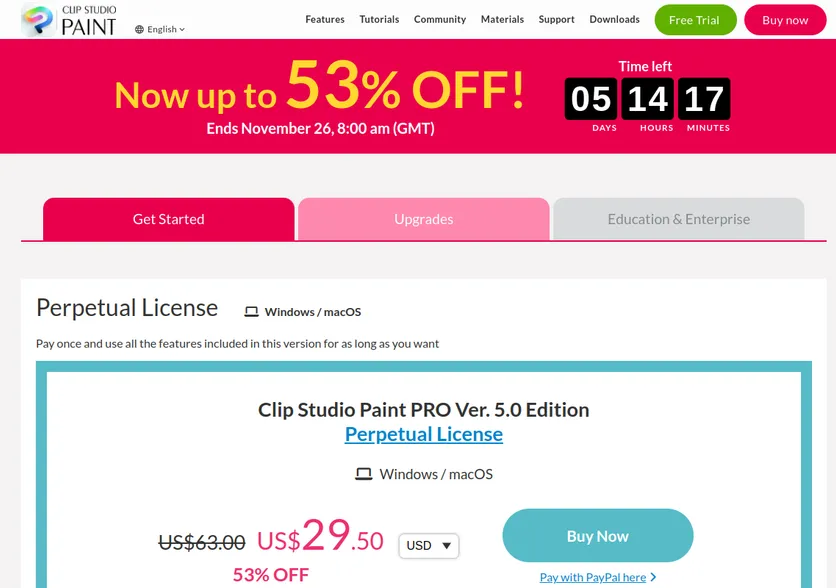
Paid tool Starting price: $63 one-time · Sixty-three dollars as a one-time purchase for the PRO version five on Windows and macOS; EX costs two hundred and seventy-seven dollars one-time; a PRO subscription costs twenty-six dollars and ninety-nine cents a year or four dollars and forty-nine cents a month
Free plan: No free plan; free trial up to 3 months
Clip Studio Paint is the concept artist favourite, pairing a natural brush engine with vector layers, 3D models and comic tools that speed up production art. This Clip Studio Paint PRO version costs sixty-three dollars as a one-time purchase for Windows and macOS. A concept artist gets the brush engine most professionals trust, with a subscription option for artists who prefer to pay yearly.
What we like
- Best brush engine for the price in this list
- One-time purchase with no subscription required
- Vector layers and 3D models speed up production art
Watch out for
- EX costs two hundred and seventy-seven dollars for the full feature set
- The one-time licence covers the current version only
How to try it
- Open the Clip Studio site and start the free trial
- Import your favourite brushes and set up a concept canvas
- Paint a character sheet and test the vector layer workflow
3. Corel Painter
Best for: Concept artists who want brushes that feel like real oil, watercolour and pastel
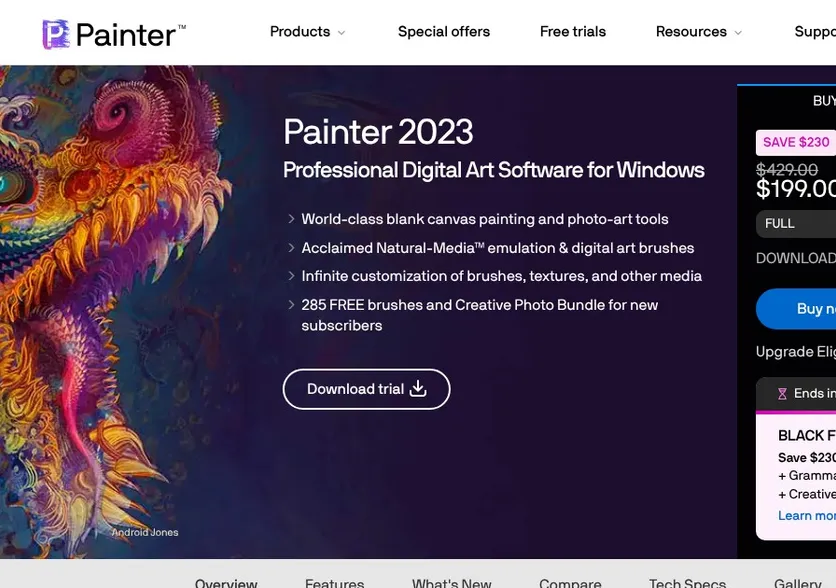
Paid tool Starting price: $199/year · One hundred and ninety-nine dollars a year for the subscription, or sixteen dollars and fifty-eight cents a month billed annually; a one-time purchase costs four hundred and twenty-nine dollars; monthly billing costs nineteen dollars and ninety-nine cents; sale prices often run lower
Free plan: No free plan; free trial available
Corel Painter is the natural-media specialist, pairing hundreds of realistic brushes with paper textures that make digital paint behave like oil, watercolour and pastel. This Corel Painter subscription costs one hundred and ninety-nine dollars a year, with a one-time purchase at four hundred and twenty-nine dollars. A concept artist gets the most realistic traditional media in this list, with brush controls that reward a patient hand.
What we like
- Most realistic traditional media brushes in this list
- Paper textures that change how paint behaves
- One-time purchase option with no subscription
Watch out for
- Subscription costs one hundred and ninety-nine dollars a year
- Sale prices vary, so the list price is rarely what you pay
How to try it
- Open the Corel Painter site and start the free trial
- Pick a paper texture and a brush that matches your medium
- Paint a landscape study and test the blending workflow
4. Procreate
Best for: Concept artists who paint on iPad and want the cheapest paid tool here
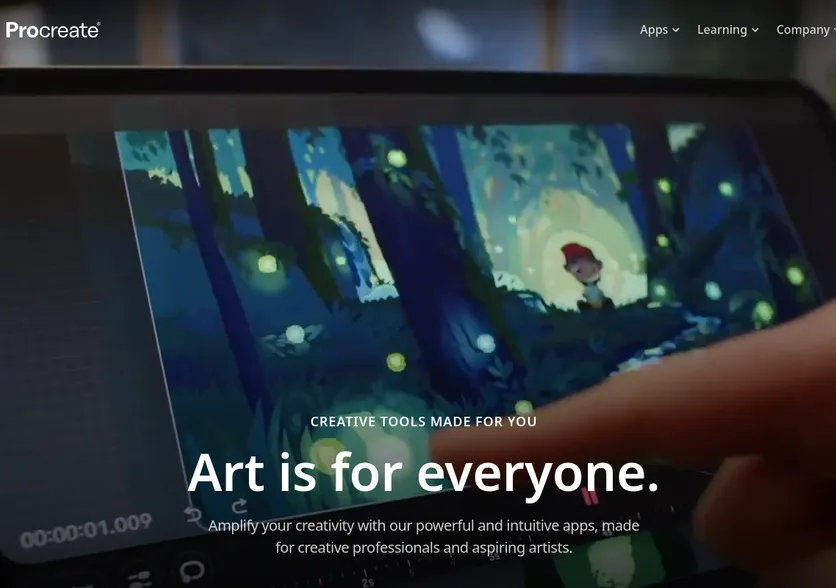
Paid tool Starting price: $12.99 one-time · Twelve dollars and ninety-nine cents as a one-time purchase on the App Store, for iPad only; Procreate Pocket costs five dollars and ninety-nine cents and Procreate Dreams costs nineteen dollars and ninety-nine cents as separate apps
Free plan: No free plan; no trial
Procreate is the iPad painting app that turned a tablet into a serious concept art station, pairing a fast brush engine with a simple interface that stays out of the way. This Procreate app costs twelve dollars and ninety-nine cents as a one-time purchase on the App Store. A concept artist gets a pocket-sized studio with no subscription, though the canvas stays on iPad and never reaches a desktop.
What we like
- Cheapest paid tool in this list at twelve dollars and ninety-nine cents
- Fast brush engine with a simple, focused interface
- No subscription, so the price never rises
Watch out for
- iPad only, with no desktop version at all
- No free plan or trial, so you buy before you test
How to try it
- Open the App Store and buy Procreate for iPad
- Import your brush set and set up a concept canvas
- Paint a thumbnail on the go and export it to your desktop
5. Rebelle
Best for: Concept artists who want watercolour and wet-media simulation
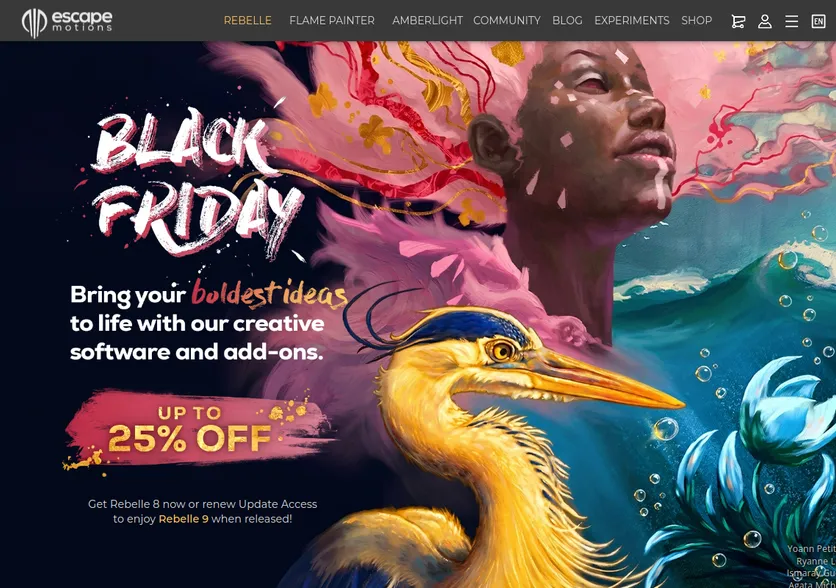
Paid tool Starting price: $89.99 one-time · Eighty-nine dollars and ninety-nine cents as a one-time purchase for the Standard edition of Rebelle 8; Pro costs one hundred and forty-nine dollars and ninety-nine cents one-time
Free plan: No free plan; 30-day free trial
Rebelle is the wet-media specialist, simulating watercolour, ink and acrylic with paint that bleeds, pools and dries like the real thing. This Rebelle Standard edition costs eighty-nine dollars and ninety-nine cents as a one-time purchase. A concept artist gets the most convincing watercolour in this list, with a thirty-day trial to test the simulation before buying.
What we like
- Most convincing watercolour simulation in this list
- One-time purchase with no subscription
- Thirty-day trial to test the paint engine
Watch out for
- Fewer production features than Photoshop or Clip Studio Paint
- Pro costs one hundred and forty-nine dollars and ninety-nine cents
How to try it
- Open the Escape Motions site and start the 30-day trial
- Wet the canvas and test a watercolour wash
- Paint a concept piece and watch the paint dry realistically
6. ArtRage Vitae
Best for: Concept artists who want a simple natural-media painter at a low one-time price
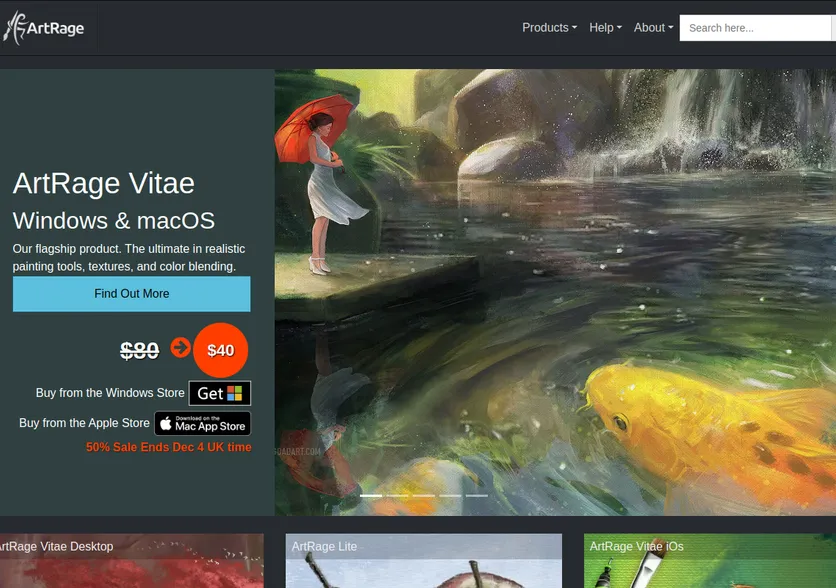
Paid tool Starting price: $80 one-time · Eighty dollars as a one-time purchase for the desktop edition on Windows and macOS; Lite costs twenty-nine dollars and ninety cents and the mobile app costs four dollars and ninety-nine cents; the free demo is the older ArtRage 6 and cannot save
Free plan: Free demo of the older version with no saving
ArtRage Vitae is the friendly natural-media painter, pairing oil, watercolour and palette knife tools with an interface a beginner can learn in an afternoon. This ArtRage Vitae desktop edition costs eighty dollars as a one-time purchase for Windows and macOS. A concept artist gets realistic paint behaviour and a gentle learning curve, though the toolset is smaller than the production apps in this list.
What we like
- Gentle learning curve for a beginner
- Realistic oil and watercolour at a low one-time price
- Simple interface that stays out of the way
Watch out for
- Smaller toolset than Photoshop or Clip Studio Paint
- Free demo cannot save, so you must buy to keep work
How to try it
- Open the ArtRage site and try the free demo
- Pick an oil brush and test the palette knife
- Paint a study and export it to your main tool
7. Artstudio Pro
Best for: Concept artists who want a cheap pro painter on iPad and Mac
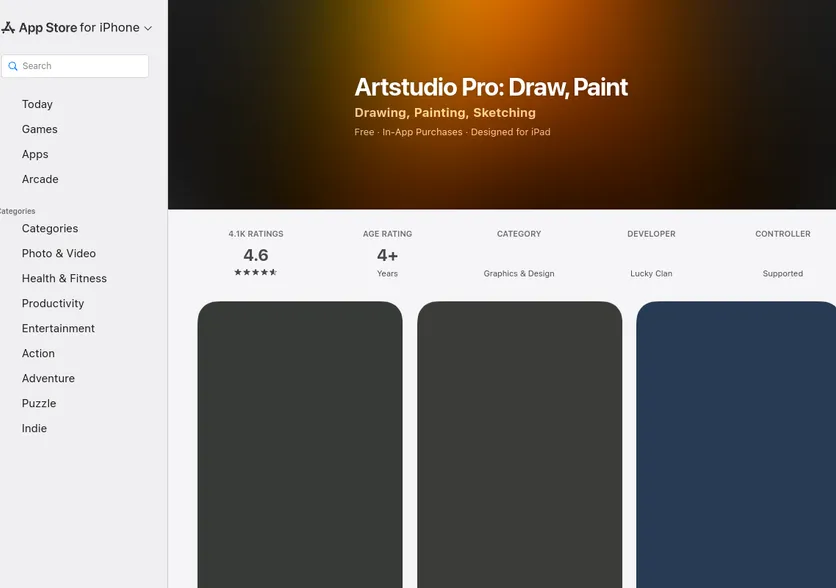
Paid tool Starting price: $14.99 one-time · Fourteen dollars and ninety-nine cents as a one-time Lifetime License on the App Store; the yearly subscription costs three dollars and forty-nine cents with a three-day trial; the Mac version is a separate twelve-dollar and ninety-nine-cent purchase
Free plan: Free download with a limited free tier (3 layers, saving locked, JPG export only)
Artstudio Pro is the low-cost pro painter for iPad and Mac, pairing a powerful brush engine with layer groups, adjustment layers and photo editing in one app. This Artstudio Pro Lifetime License costs fourteen dollars and ninety-nine cents as a one-time purchase on the App Store. A concept artist gets a serious tool for the price of a lunch, though the Mac version is a separate purchase.
What we like
- Serious pro features for fourteen dollars and ninety-nine cents
- Layer groups and adjustment layers included
- Free download lets you test before you pay
Watch out for
- Mac version is a separate twelve-dollar and ninety-nine-cent purchase
- Smaller community than Photoshop or Clip Studio Paint
How to try it
- Open the App Store and download Artstudio Pro free
- Unlock the Lifetime License for fourteen dollars and ninety-nine cents
- Set up layer groups and paint a concept piece
Prices above were checked on each vendor’s own website on Nov 27, 2026 and can change — the vendor’s page is the final word. Vendor links are editorial: nobody paid to be listed or ranked here. Vendors who want a featured listing can see how it works on our Get listed page.
What a concept artist pays for painting software in 2026
Painting software charges once or by the month, and the difference decides the lifetime cost for a concept artist. A one-time purchase suits an artist who keeps a tool for years, while a subscription suits an artist who always wants the newest version. The cheapest paid tool here costs twelve dollars and ninety-nine cents once, while the most expensive subscription costs twenty-two dollars and ninety-nine cents a month.
Start with a trial on two tools and paint the same thumbnail in each one. Compare the brush feel, the layer workflow and the export options, then check which tool your studio already uses. Pick the tool whose brushes feel right under your stylus, because a brush you fight is a deadline you miss.
Before you buy
- Check whether the price is one-time or monthly, because a subscription never stops charging.
- Confirm the trial length, because a three-day trial is not enough to test a brush engine.
- Test the brushes on your own hardware, because a brush that lags on your tablet wastes every session.
- Ask what the licence covers, because some one-time purchases cover only the current version.
- Check the export terms before you buy, because a tool that locks your files behind a fee costs more later.
Official websites
Official websites of the products reviewed above. Features and prices were checked against these sites when this guide was written, and they can change, so confirm on the vendor site before you buy.
Frequently asked questions
Which digital painting software is best for concept artists in 2026?
Clip Studio Paint is the best overall pick at sixty-three dollars one-time, with the brush engine concept artists trust most. Procreate is the best budget pick at twelve dollars and ninety-nine cents one-time for iPad, and Rebelle is the best pick for natural media at eighty-nine dollars and ninety-nine cents one-time. All seven prices were checked on the vendor site on November 27, 2026.
How much does digital painting software cost for a concept artist?
Prices in this list run from twelve dollars and ninety-nine cents once for Procreate to twenty-two dollars and ninety-nine cents a month for Adobe Photoshop, with most one-time purchases landing between twelve dollars and ninety-nine cents and eighty-nine dollars and ninety-nine cents. A subscription suits an artist who always wants the newest version, while a one-time purchase suits an artist who keeps a tool for years.
Is a one-time purchase or a subscription better for concept art?
A one-time purchase wins for most artists: Clip Studio Paint at sixty-three dollars, Procreate at twelve dollars and ninety-nine cents and Rebelle at eighty-nine dollars and ninety-nine cents never charge again. A subscription wins only when the tool updates constantly and your studio standardises on it, as with Photoshop. Add up three years of subscription payments before you compare them with a one-time price.
Can a concept artist work on iPad alone?
Yes, and Procreate at twelve dollars and ninety-nine cents plus Artstudio Pro at fourteen dollars and ninety-nine cents make a capable iPad studio for under thirty dollars. Clip Studio Paint also runs on iPad with a subscription, so the same brushes work on tablet and desktop. A concept artist who works in a studio pipeline should still keep a desktop tool for file exchange and large canvases.
What should a concept artist test during a free trial?
Paint the same thumbnail in each trial tool and compare the brush feel, the layer workflow and the export options. Test the brushes at full canvas size, because lag only shows up on a big file. Check the file formats too, since a tool that cannot export the layered file your studio needs will slow every handoff.
Need free image help too? Try Toolsvine's free image tools right in your browser.
Browse Image Tools tools